

Whismer
Whismer是一款支持文件上传、网页采集和自定义笔记的定制化AI问答和知识管理工具,适合个人与团队高效办公与协作。
Slatebox is an AI-powered online collaborative whiteboard tool that supports real-time team collaboration, intelligent flowchart creation, and multi-platform integration, facilitating efficient brainstorming and project planning.
 Slatebox
SlateboxIt is an AI-basedVisual collaborative whiteboard platformIt features intelligent drawing, real-time team collaboration, and a rich template library, making it suitable for various scenarios such as project planning, remote teaching, and brainstorming. Its advantages lie in...AI generates charts with one click.With unlimited canvas, high customizability, flexible subscription plans, and integration with various mainstream office software, it is ideal for remote teams, education, product development, and other needs. Supporting both free and paid versions and protecting user data security, it has become the preferred choice for modern enterprises to improve collaboration efficiency.AI Collaboration Tools。
With remote work and teamwork becoming increasingly mainstream,Highly efficient visual collaboration toolsIt has become a core requirement for businesses, educational institutions, and creative teams. Slatebox, an AI-based collaborative whiteboard platform, is rapidly gaining traction.Innovation and ease of useIt has won the favor of users worldwide. This article, from a news reporting perspective, will give you a comprehensive understanding of this modern collaboration tool.
Official website:https://slatebox.com
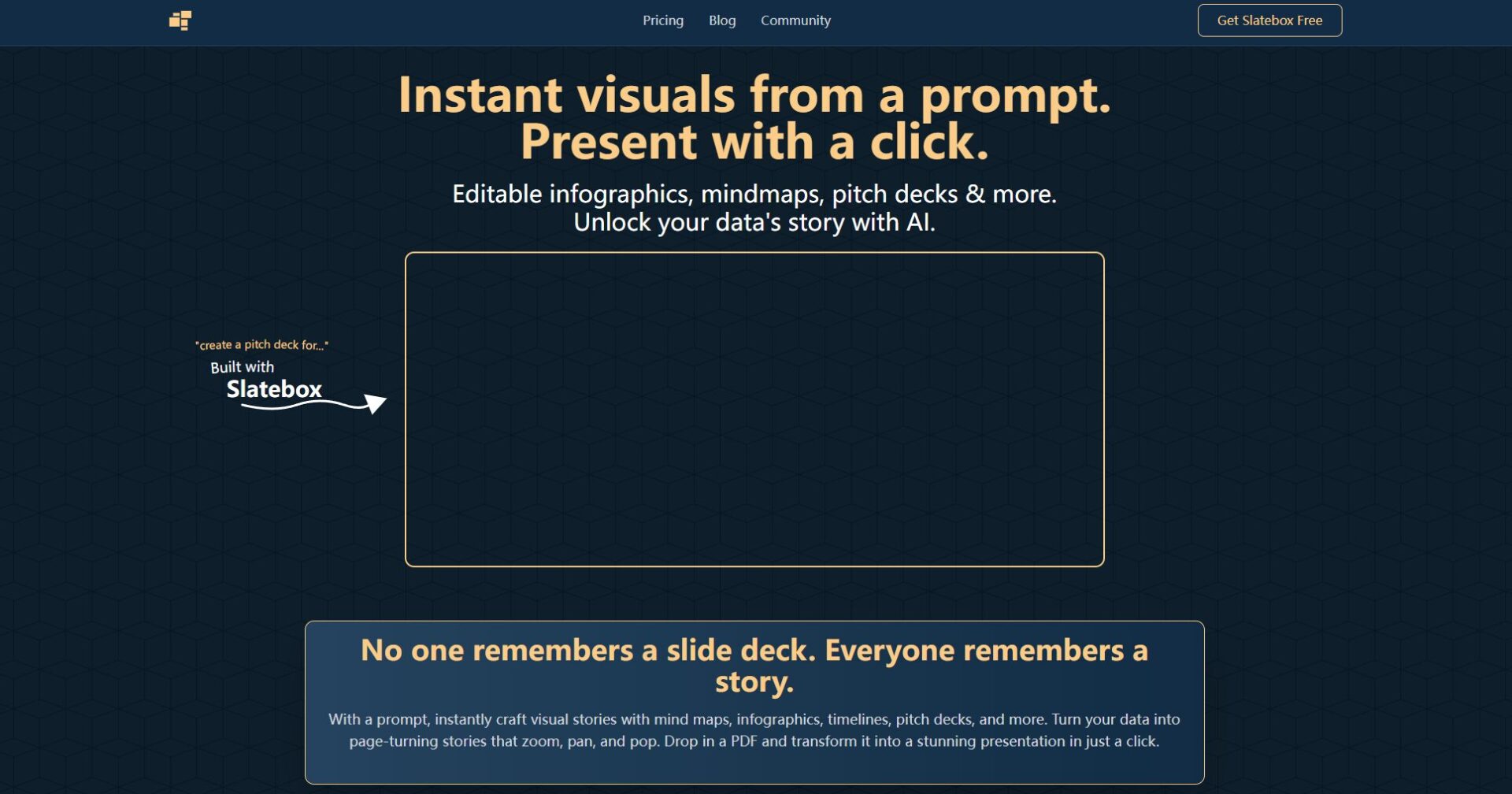
Slatebox is dedicated to providing services for distributed teams, educators, and creative professionals.Intelligent Collaboration SolutionThis allows every intellectual exchange to be visualized and actionable, enabling efficient implementation of results. The following is a list of Slatebox's core features:
| Main functions | illustrate |
|---|---|
| Real-time collaboration | Multiple users can edit the same canvas simultaneously online, with information synchronized in real time and seamless communication. |
| Infinite canvas space | Borderless whiteboard, supporting unlimited expansion from mind maps to complex flowcharts. |
| AI-assisted drawing | It supports the automatic generation of structured diagrams and flowcharts based on natural language descriptions, improving drawing efficiency. |
| Template Library | We offer a variety of professional templates, including mind maps, flowcharts, and project management templates, to help you get started efficiently. |
| Version control & cloud storage | Automatically saves history for easy review and team data sharing. |
| Chart/File Export | 支持一键导出SVG/PNG等格式,方便成果汇报与交付 |
| Custom nodes and styles | Customize node graphics, colors, and styles to meet different visual needs. |
| Team management function | Member permission allocation supports public/private canvases and collaboration invitations. |
Detailed features and demonstrations can be viewed on the Slatebox features page.
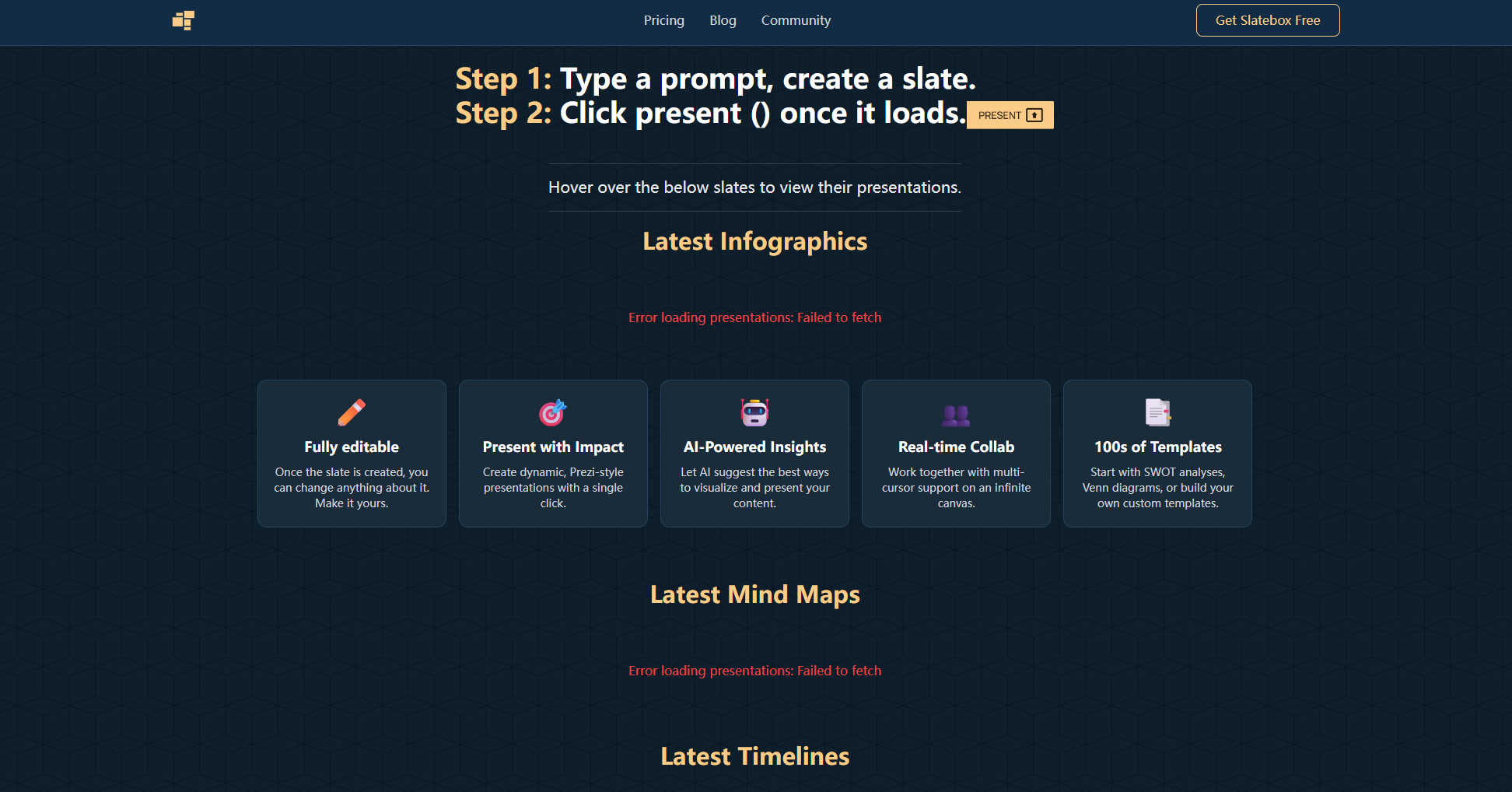

Slatebox's platform advantagesIts strength lies in its high degree of customization and wide applicability:
Slatebox employs flexibilitySubscription pricing modelIt supports diverse needs from individuals, teams, and large enterprises. The functional benefits under different plans are as follows:
| Scheme type | Applicable to | Main interests | Price Reference |
|---|---|---|---|
| Free version | Individual/Small Team | Basic collaborative whiteboard, limited canvas size, some templates, basic export. | free |
| Professional version | team | Unlimited canvas, complete template library, advanced export, team management, and priority technical support. | Monthly/Yearly Subscription |
| Enterprise Edition | large organizations | All professional version features + SAML SSO secure access, API integration, custom deployment, and advanced access control. | Customized pricing |
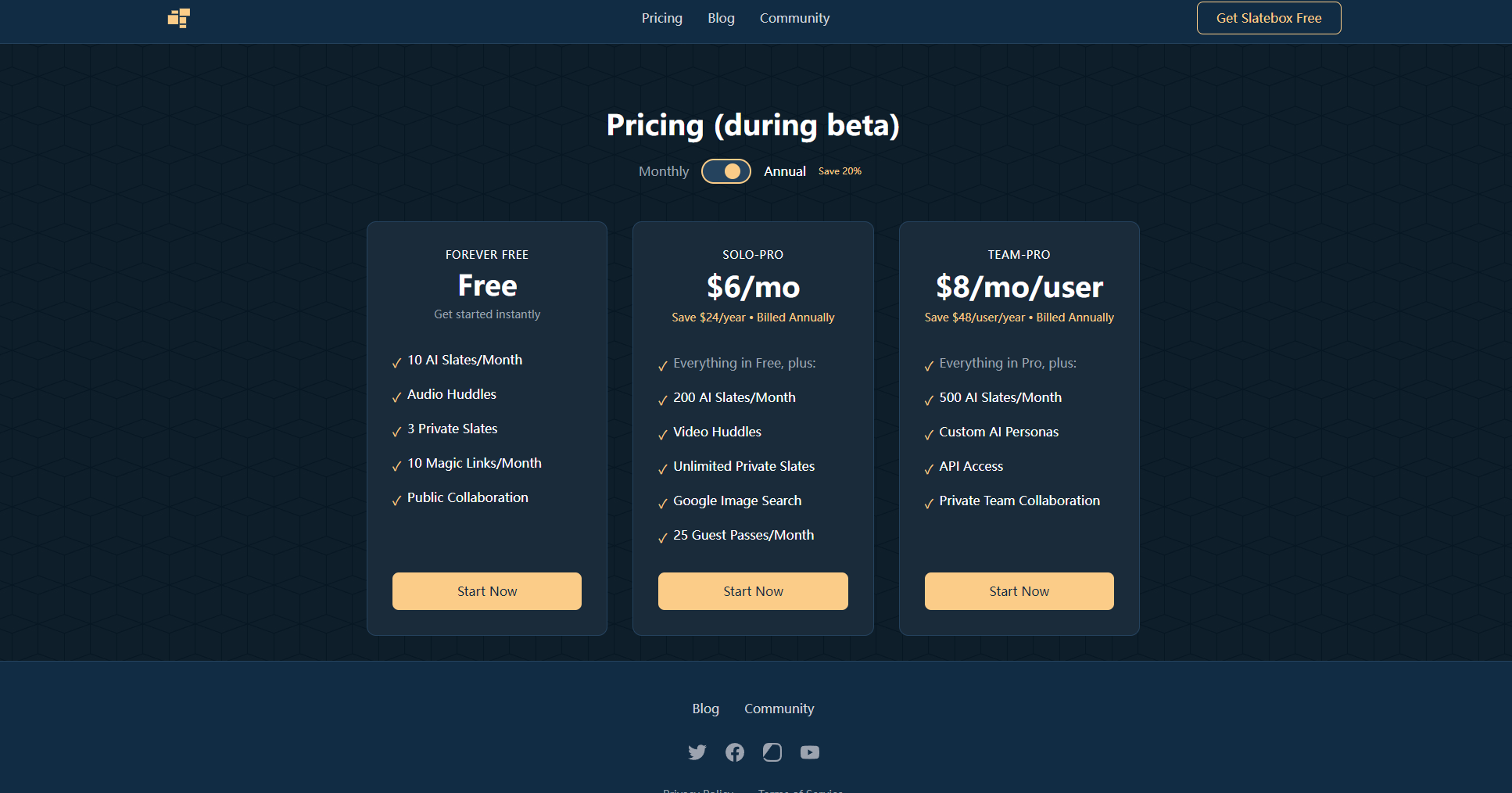
For a detailed comparison of the plans and subscription access, please see [link/reference].Slatebox pricing page。
Advantages of SlateboxOne advantage is that users can flexibly upgrade or downgrade services based on their actual team size and business complexity, maximizing collaboration efficiency and cost-effectiveness.
Slatebox emphasizesEase of use and accessibilitySuitable for users with different technical backgrounds:
Slatebox not only supports traditional manual drawing, but also combines...AI technology,Users can describe their needs in simple text, and AI will automatically generate the diagram structure.For example, if you enter "create a project workflow that includes four phases: requirements gathering, development, testing, and deployment," the system will generate a complete flowchart.Greatly improve efficiency。
Slatebox is geared towards a diverse range of users, and is especially suitable for the following groups:
Slatebox supportsDesktop, mobile and web versionsIt can also integrate with mainstream enterprise tools such as Slack, Microsoft Teams, and Google Drive to enable collaborative content and communication workflows.AI Mind Map(A leader in the field)
| Supported Platforms | describe |
|---|---|
| Web | Use directly on PC, Mac and other browsers |
| iOS/Android | Mobile-optimized for use anytime, anywhere. |
| Slack integration | Collaborative whiteboards are integrated into daily communication. |
| Tool Name | AI-powered drawing | Real-time collaboration | Template Library | Price levels | Data security | Mobile support |
|---|---|---|---|---|---|---|
| Slatebox | ✔️ | ✔️ | Rich | Free & Paid | 高 | ✔️ |
| Miro | part | ✔️ | Rich | Paid main | 高 | ✔️ |
| Lucidchart | – | ✔️ | Rich | Paid main | 高 | ✔️ |
| Excalidraw | – | ✔️ | small amount | free | generally | part |
Yes.Slatebox offers a basic free model to meet the core collaboration needs of individuals and small teams. For more advanced features (such as unlimited canvas, advanced templates, team management, etc.), you can upgrade to the paid version.
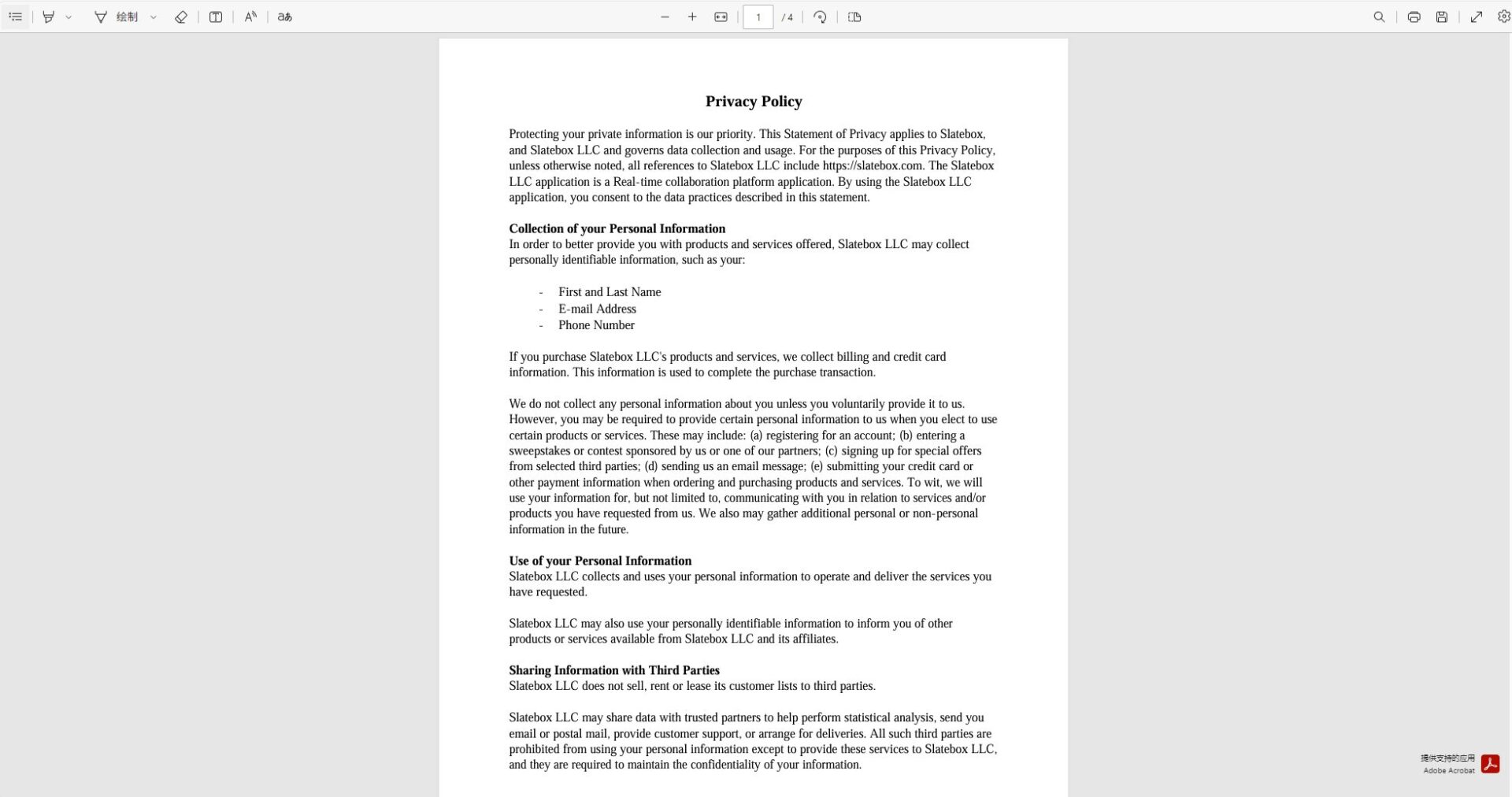
Slatebox places great importance on user data security.Enterprise-grade encryption, hierarchical access control, and GDPR compliance measures are adopted to ensure that collaborative data is accessible only to invited members, thus protecting information privacy.
Supports formats such as SVG, PNG, and PDF for convenience.Import, Editing and ReuseIt can also import some structured business data to improve cross-system collaboration efficiency.
Conclusion
As a representative of the next generation of AI collaborative whiteboardsSlateboxSlatebox not only significantly improves the efficiency of brainstorming, project planning, and team communication, but also brings a secure, flexible, and innovative collaborative experience to modern distributed teams. Whether in education, creative industries, or management, Slatebox is helping users worldwide usher in a new era of efficient collaboration and intelligent innovation. Welcome to visit.Official HomepageExperience its powerful charm firsthand.
This site's AI-powered navigation is provided by Miao.SlateboxAll external links originate from the internet, and their accuracy and completeness are not guaranteed. Furthermore, AI Miao Navigation does not have actual control over the content of these external links. As of 7:24 PM on December 20, 2025, the content on this webpage was compliant and legal. If any content on the webpage becomes illegal in the future, you can directly contact the website administrator for deletion. AI Miao Navigation assumes no responsibility.
