

Photo AI
Photo AI is an advanced AI photo generation tool that supports intelligent synthesis of multiple styles of avatars and portraits, suitable for personal and commercial users to quickly generate high-quality images.
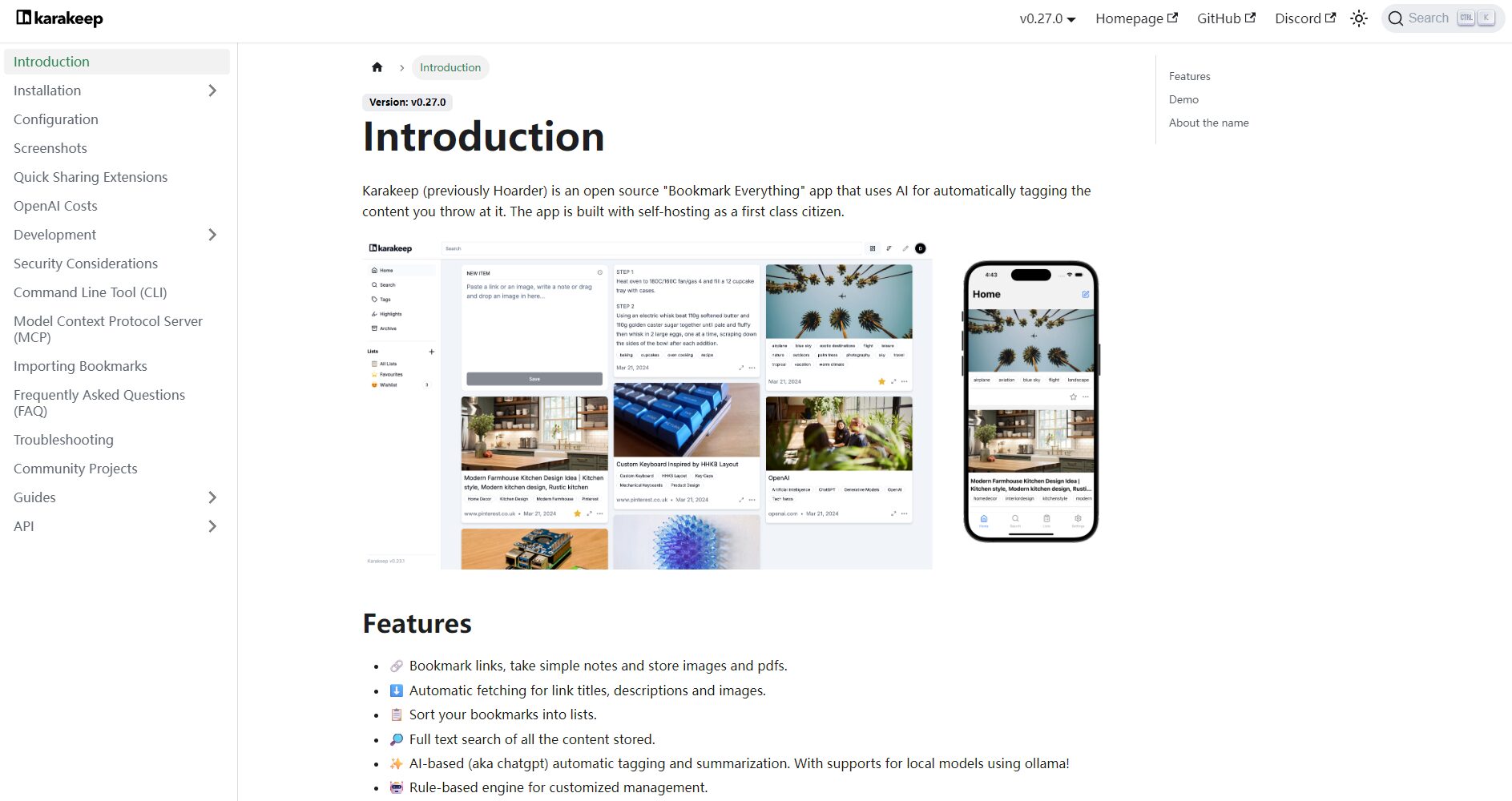
Hoarder is a self-hosted, open-source AI-driven content management and personal knowledge base tool that integrates automatic tagging, full-text search, data privacy protection, flexible deployment, and supports web notes and multi-device synchronization.
 Hoarder
HoarderAs a self-managedAI Content Management PlatformWithAI-powered auto-tags, full-text search, self-hosted, and fully open source.These advantages provide an efficient solution for knowledge management for individuals and teams.Open source and free, data autonomyIts robust browser and mobile support have earned it high praise among content enthusiasts and productivity enthusiasts. The platform integrates a highly automated and personalized experience, helping users efficiently collect, organize, and retrieve content while ensuring data privacy, representing a trend in AI-powered office tool innovation.
News Report: Hoarder – A New Force in AI-Powered Self-Managed Content Management
In the information-exploding digital age, the demand for personal knowledge management, content collection, and retrieval is rapidly increasing.HoarderA self-hosted bookmarking and knowledge organization platform integrating AI capabilities is quietly gaining attention in the open-source and office productivity communities. This article will discuss... Hoarder's official website The platform provides a detailed analysis, revealing the innovative logic and practical application value behind it for businesses and individual users.
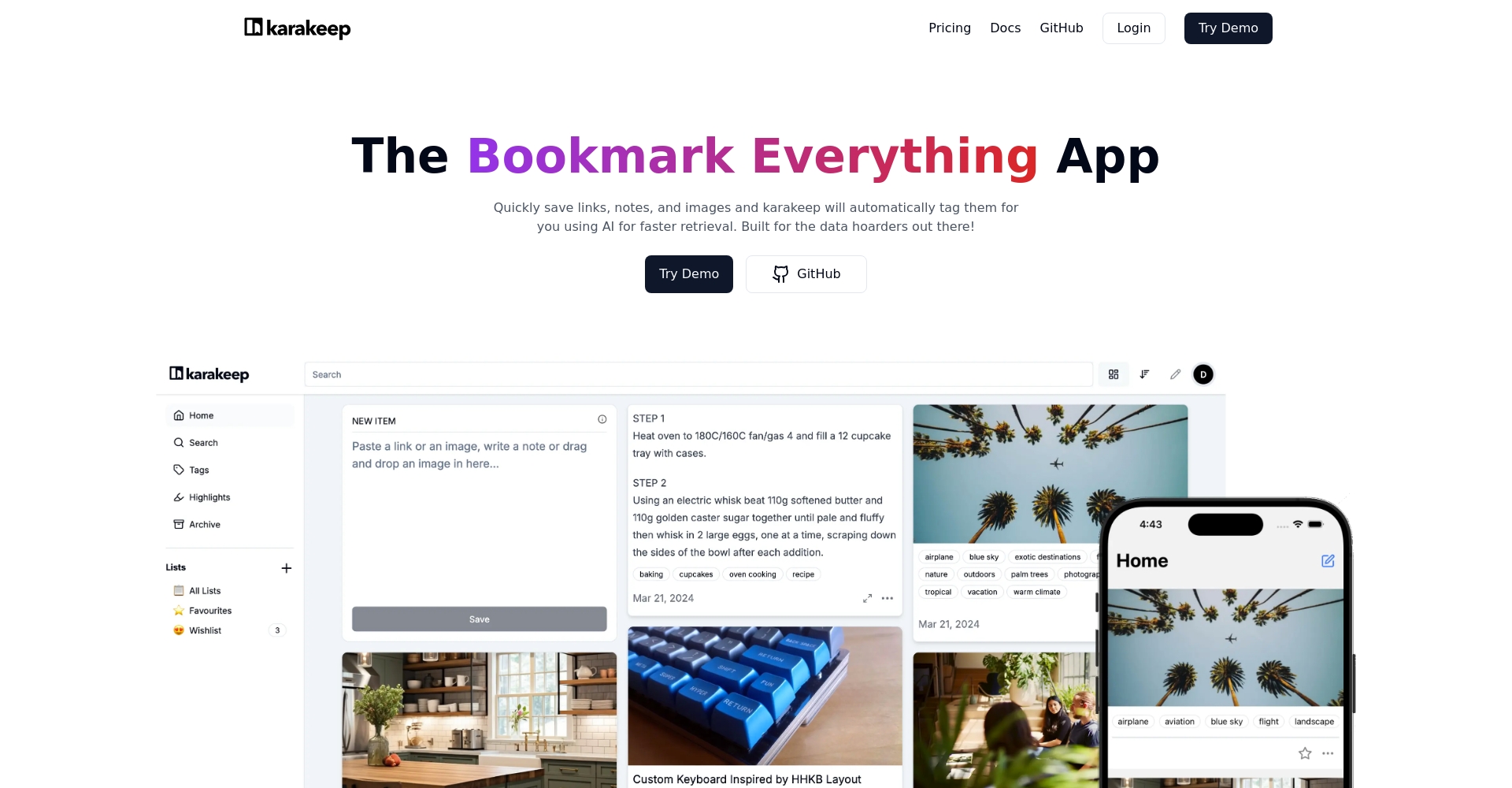
Since its launch in 2024, Hoarder has become a dark horse in the AI office tool field with its "self-hosting, high automation, and AI-driven" features. It's more than just a bookmarking tool; it's a personal knowledge base that supports the persistent and structured storage of notes, images, and web content. The following are its features...Key Features:
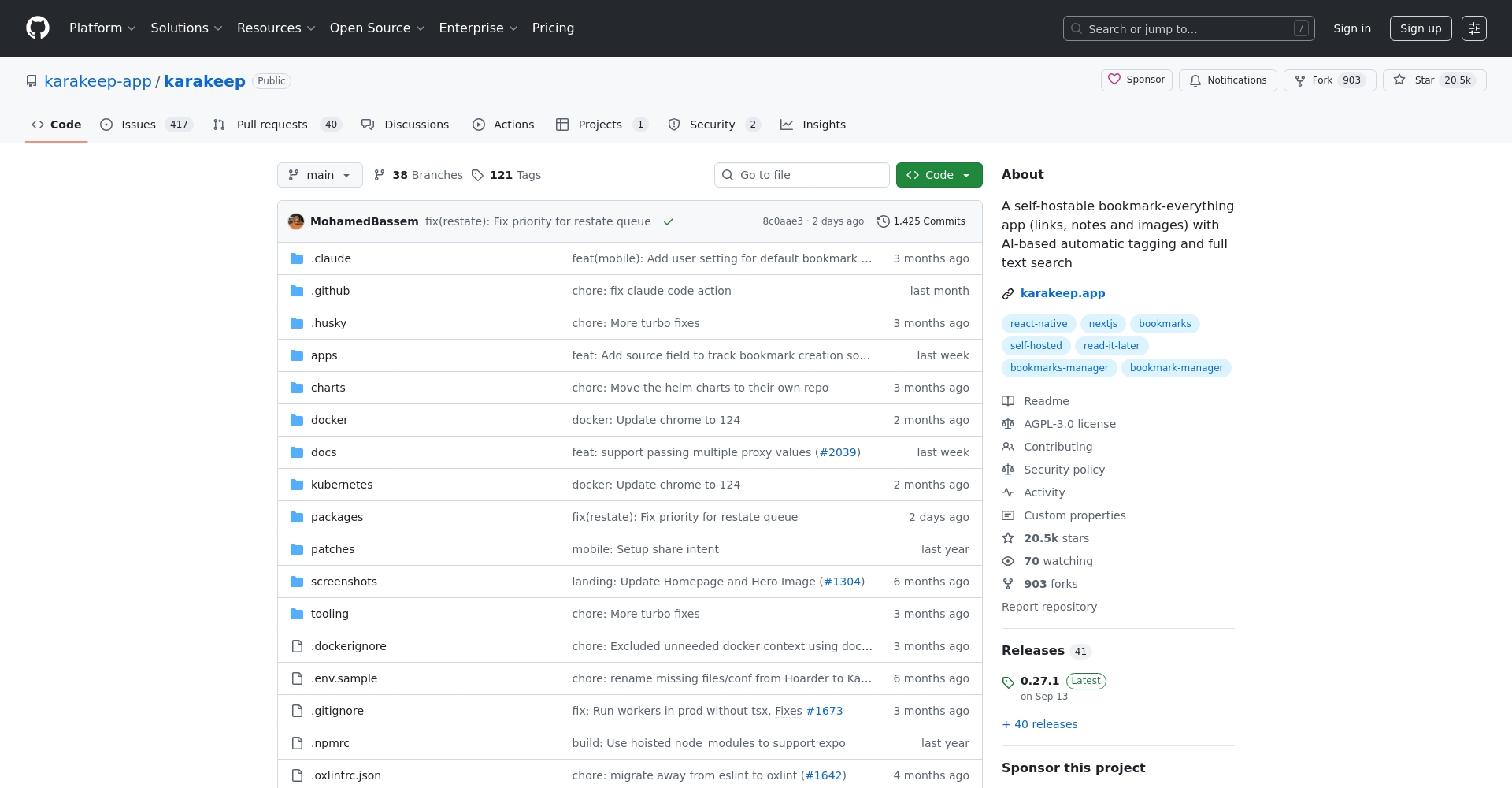
| Function | Hoarder | Pocket/Instapaper | Notion/Evernote |
|---|---|---|---|
| Bookmarks/Webpage Saves | 是 | 是 | 有 |
| AI Tags/Classification | Yes (AI automation) | 否 | Yes (manual operation required) |
| Full text search | 是 | Some have | 是 |
| Self-managed | 是 | 否 | 否 |
| Data privacy | Complete user control | Dependent on platform | Dependent on platform |
| Mobile devices/browsers | 是 | 是 | 是 |
| Open source/customizable | Fully open source and customizable | 否 | Some APIs are open |

More feature details can be found at [link to relevant page]. Hoarder/app Function Page Check.
As aOpen source and free AI office toolsHoarder differs significantly from other similar SaaS products on the market:
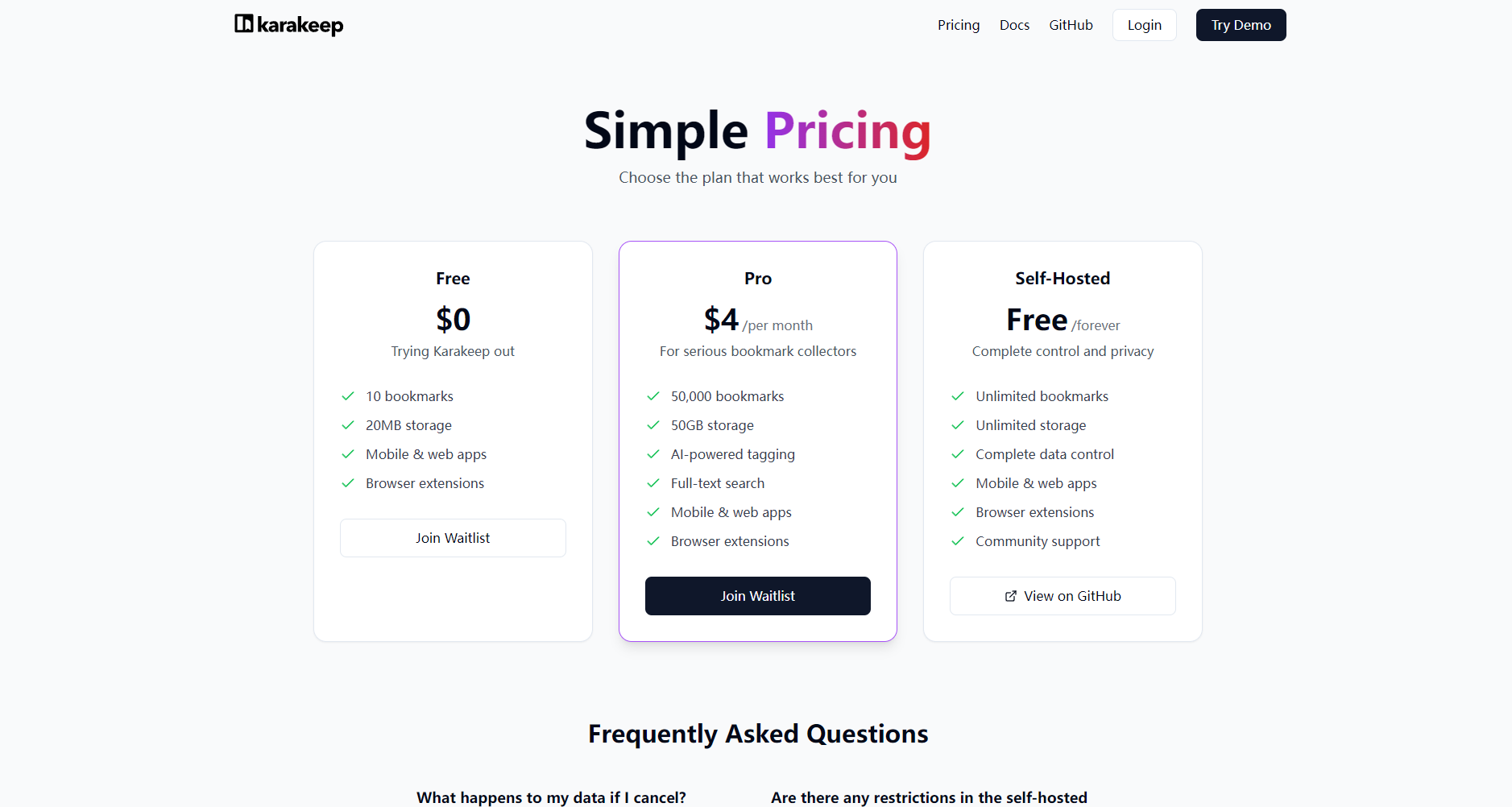
Please refer toOfficial Github RepositoryWithOfficial documentationGet the installation and deployment guide.
The table below provides a simple comparison of Hoarder's pricing and deployment methods with other mainstream content management SaaS platforms:
| platform | Deployment method | price | Is it open source? |
|---|---|---|---|
| Hoarder | Self-managed | free | 是 |
| cloud | Free/Premium subscription available | 否 | |
| Notion | cloud | Free/Premium subscription available | 否 |
| Raindrop.io | cloud | Free/Premium subscription available | 否 |
HoarderIt offers various usage plans from beginner to advanced, making it easy for both tech novices and hardcore developers to get started. The official documentation provides detailed information. Installation document 与 Configuration instructions。
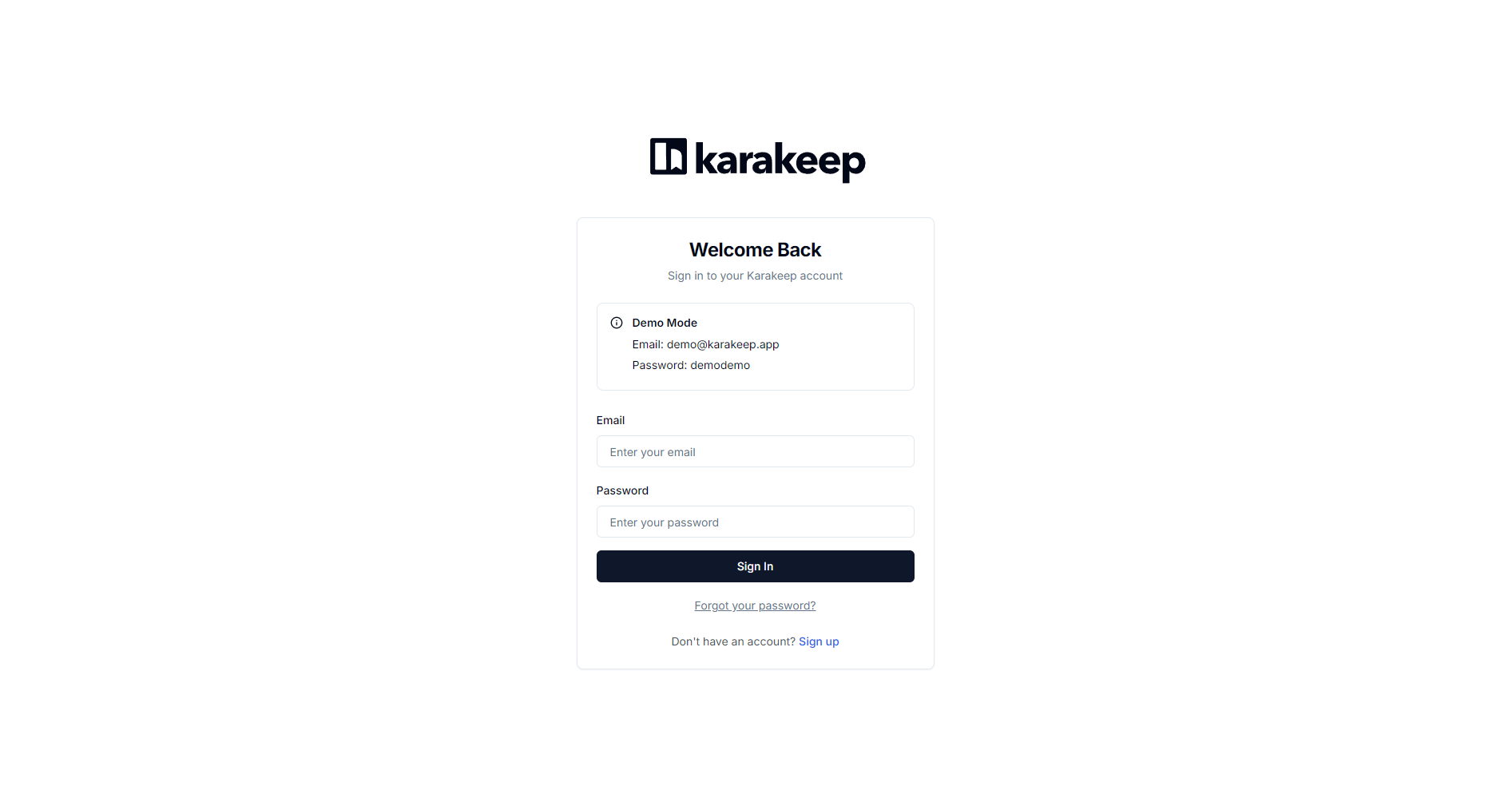
More usage examples can be found at [link to relevant page] Official documentation See details.
Hoarder is not only suitable for personal content creators, but also...AI office toolsA powerful tool for IT teams and information-intensive industries in the wave of evolution. Typical users include:
Hoarder usesFront-end and back-end separation + container deploymentThe official recommendation is to use Docker and Ollam extensions to support local AI models. All data is under our control, can be backed up locally, and is not uploaded to third-party servers.
Yes,Hoarder It is fully open-source software under the AGPL-3.0 license, with no usage or feature fees charged. The only cost is the resources required to deploy it on your own server or local computer.
Hoarder supports built-in automatic tagging, utilizing local AI models (such as Ollam) by default, eliminating the need to upload any content to cloud services. Users can also manually disable AI analysis to ensure privacy and security.
Hoarder has released iOS/Android clients and also supports Chrome/Firefox browser plugins. Due to local deployment, database synchronization across multiple devices requires methods such as using a dedicated cloud drive. Team users can refer to [the relevant documentation/reference].Official documentationDeploy a multi-user collaboration mode.
HoarderWith itsSelf-hosted AI office toolsWith its unique positioning, Hoarder offers a new option for users seeking data sovereignty and personalized experiences. As AI automation and the knowledge economy deepen, Hoarder undoubtedly represents a new trend in content management. Balancing openness, freedom, and efficiency, Hoarder is helping thousands of information workers build their own digital content fortresses. To experience the revolutionary applications offered by Hoarder,Click to enter the official websiteStart your intelligent knowledge management journey.
This site's AI-powered navigation is provided by Miao.HoarderAll external links originate from the internet, and their accuracy and completeness are not guaranteed. Furthermore, AI Miao Navigation does not have actual control over the content of these external links. As of 6:04 PM on October 30, 2025, the content on this webpage was compliant and legal. If any content on the webpage becomes illegal in the future, you can directly contact the website administrator for deletion. AI Miao Navigation assumes no responsibility.
