

PhotoShed
PhotoShed is an AI virtual photography studio that supports personalized virtual twins and AI model generation, helping users quickly generate high-quality personal or commercial photos from home.
Beautiful.ai is an AI-powered online presentation creation platform that helps users easily generate beautiful and professional PPTs, supporting intelligent layout, collaboration, and multi-platform integration.
 Beautiful.ai
Beautiful.aiA product that integratesAI-powered and aesthetically pleasing presentation creation toolsIt provides one-stop solutions for business, education, and team collaboration.AI can automatically generate high-quality slides.It features hundreds of built-in smart templates, various visualization tools, and powerful brand management functions.Supports exporting to PPT, PDF and other formats and real-time team collaboration.Whether you're a beginner or a professional, you can create highly engaging presentations with minimal effort. Suitable for various scenarios including corporate reports, roadshows, and training sessions.14-day free trial, with exclusive discounts available for the education version.
In today's information-saturated society where communication efficiency is paramount,AI office toolsThe emergence of AI is constantly improving our work efficiency. And among the many AI-powered platforms,Beautiful.ai(Click to visit the official websiteWith its exquisite aesthetic design and intelligent functions, Beautiful.ai has become the preferred choice for teams and individuals to create presentations. This article will provide a comprehensive analysis of Beautiful.ai's technical highlights, usage process, pricing strategy, and applicable scenarios from a news reporting perspective, and will answer frequently asked questions, providing authoritative reference for professionals and students.
Click here to go directly to the Beautiful.ai official website's feature page.
Beautiful.aiWith the mission of "enabling everyone to tell their stories quickly and effectively," we perfectly combine AI and presentation design.
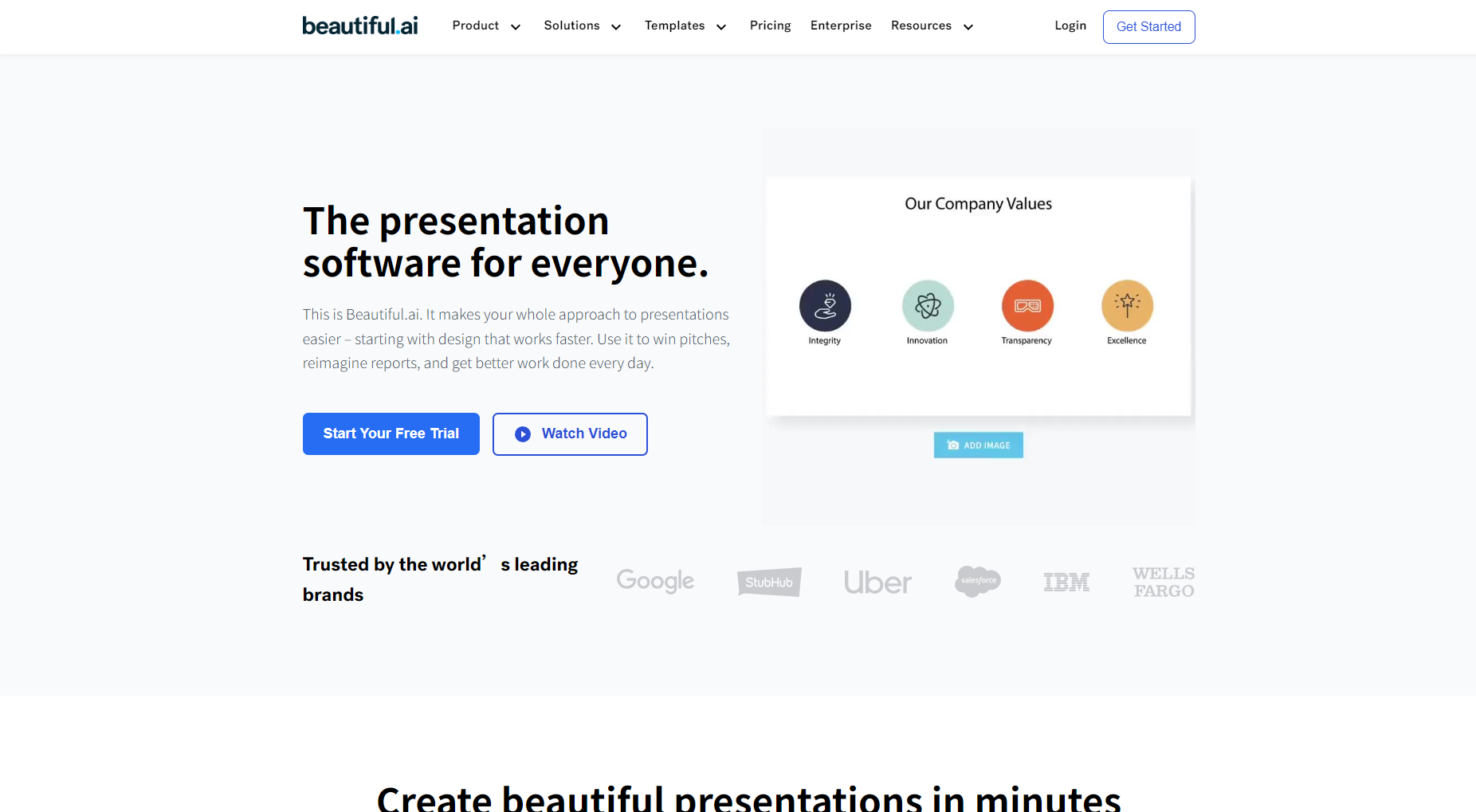
| Functional categories | Main content | Corresponding link |
|---|---|---|
| Intelligent generation | AI-generated presentations with one click | Creating a presentation |
| Templates and Material Library | 200+ smart templates + tens of millions of images | Template Library |
| Collaboration and Interaction | Multi-user real-time editing/commenting/access control | Team Function Introduction |
| Data Insights | Slide animation/analysis effect | Smart Slides Information |
| Cross-platform integration | PowerPoint, Slack and other mainstream tools | Integration Platform Description |
Beautiful.ai offers flexible and transparent pricing strategies for different user groups. All plans support [this feature/service].14-day free trialCan be cancelled at any time.
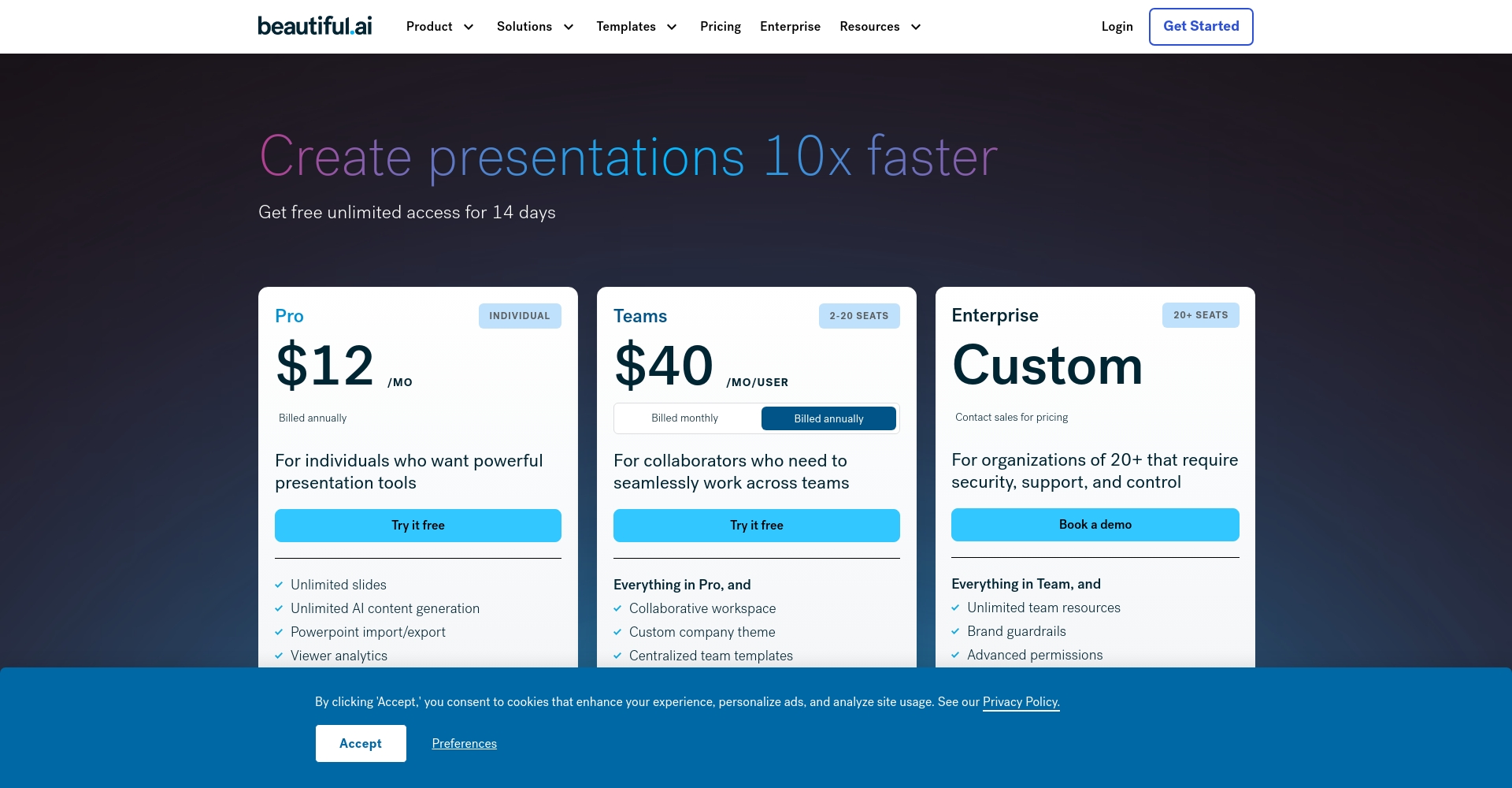

| Scheme type | Main population | Price (Annual Payment) | Core rights |
|---|---|---|---|
| Pro | Advanced user | $12/month (annual payment) | All AI features / Unlimited export / PPT download / Brand management / Priority customer service |
| Team | Small & Medium Teams | $40/person/month (annual payment) | Collaboration and synchronization / shared content library / corporate branding / team permissions |
| Enterprise | Large enterprises/organizations | Customized pricing for customer service | Dedicated service / Enhanced security / Customized integration / Professional support |
| Education | Students and higher education educators | Free or Special Offer | Basic AI Functions/Teaching Templates |
For a detailed price and equity distribution table, please refer toOfficial pricing page。
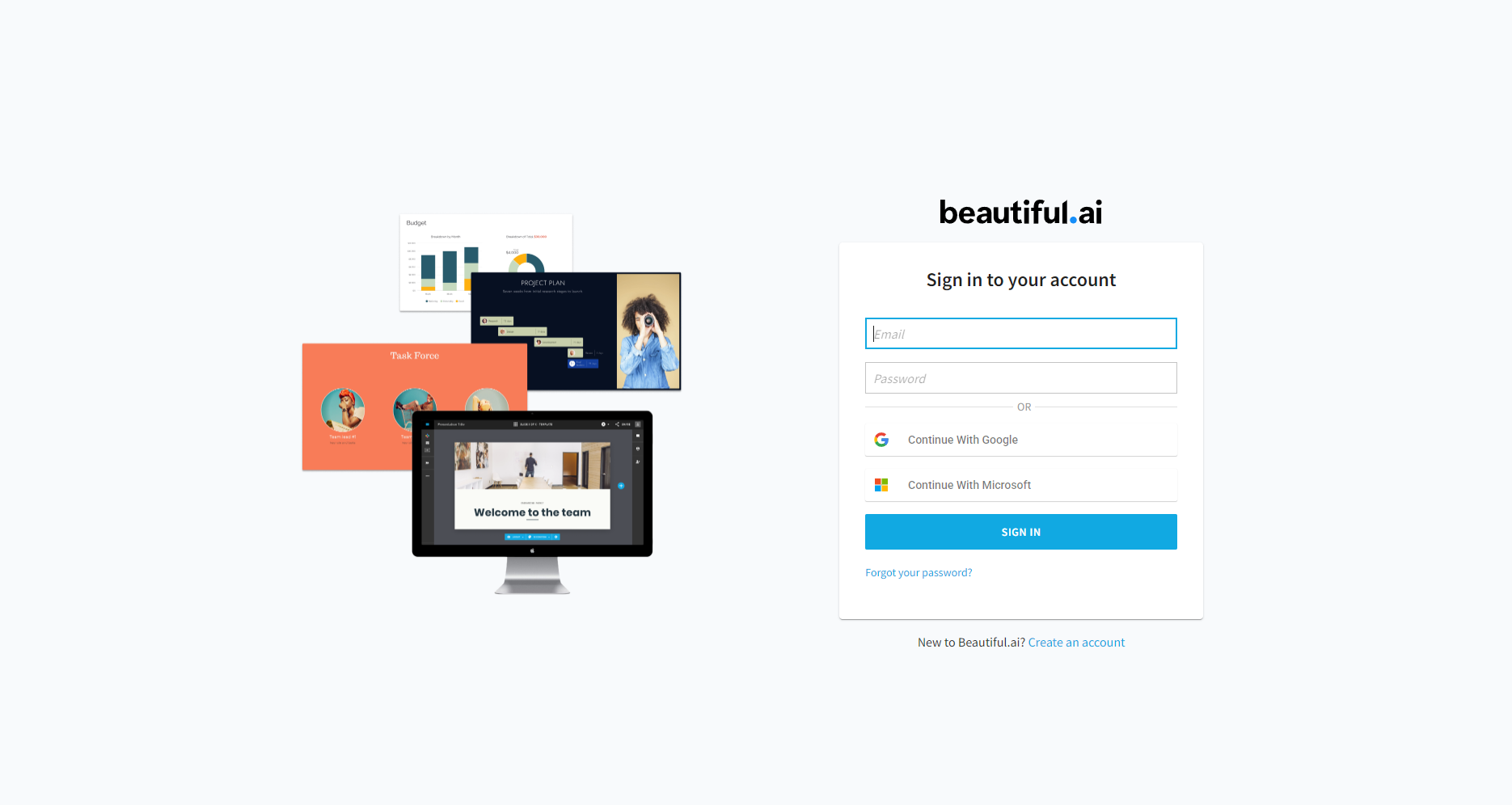
| step | Operation content | Highlighting the highlights |
|---|---|---|
| 1 | Register and select a package plan | 14-day free trial / No credit card required |
| 2 | Create a new presentation and enter a theme. | AI automatically generates content structure |
| 3 | Choose a template/Beautify your slides | Smart Slide Automatic Layout |
| 4 | Content creation & editing | AI-powered text suggestions/automatic image adaptation |
| 5 | Export and Collaboration | Multi-person real-time collaboration/custom branding |
Detailed operation demonstration can be found at [website address].Official Help Center。
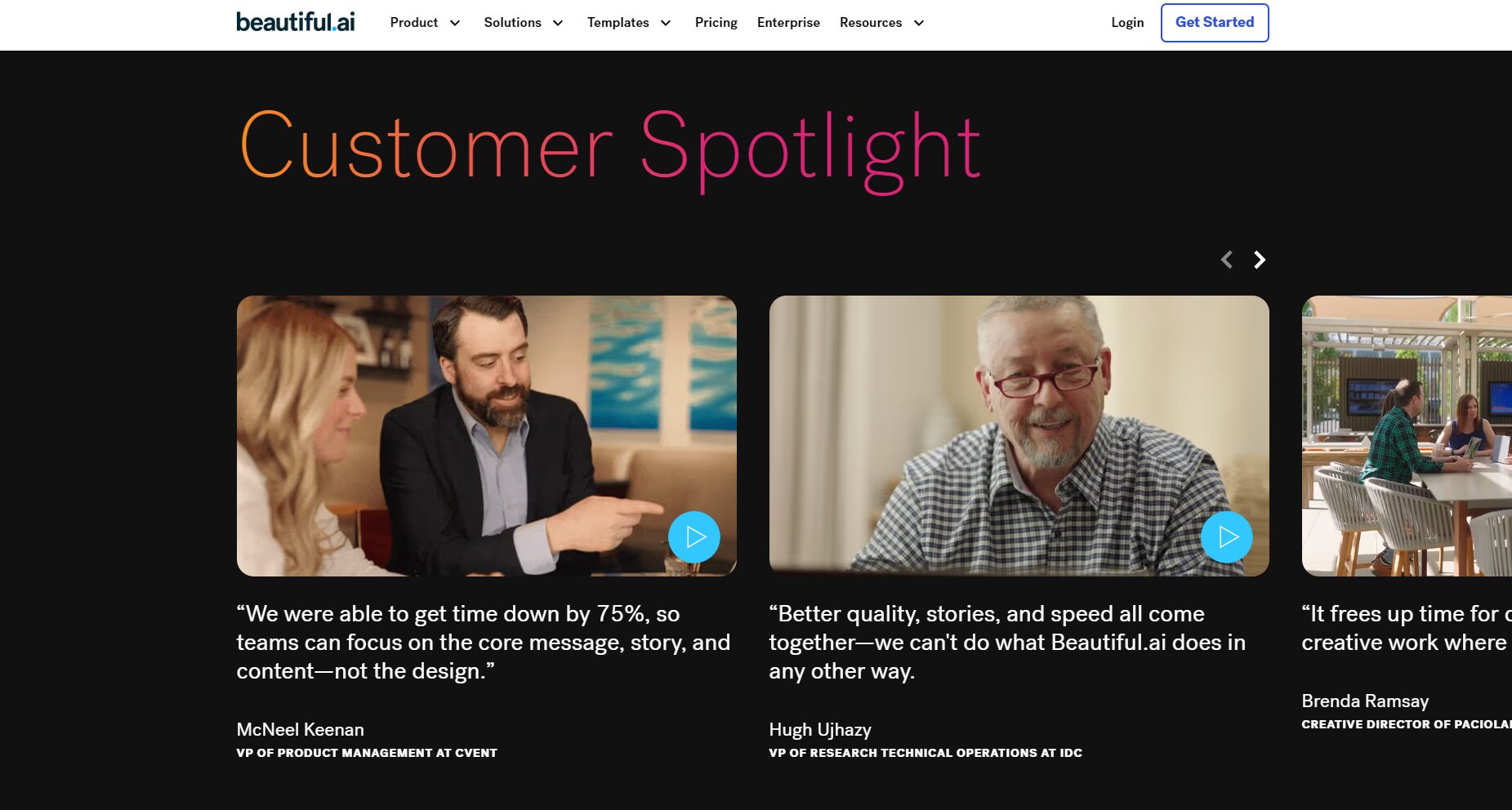
| Target audience | Scenario Example |
|---|---|
| Enterprise/team | Brand promotion/Annual summary/Market sharing |
| Entrepreneurship/Individual | Investment and financing roadshow/product launch/business introduction |
| Education/Public Welfare | Open lectures/subject reports/policy briefings |
答14-day free trial with no functional limitations; payment is required after the trial. Free for some educational users.
答It supports one-click export of mainstream formats such as PPT (PPTX), PDF, and Google Slides, and also supports static images.
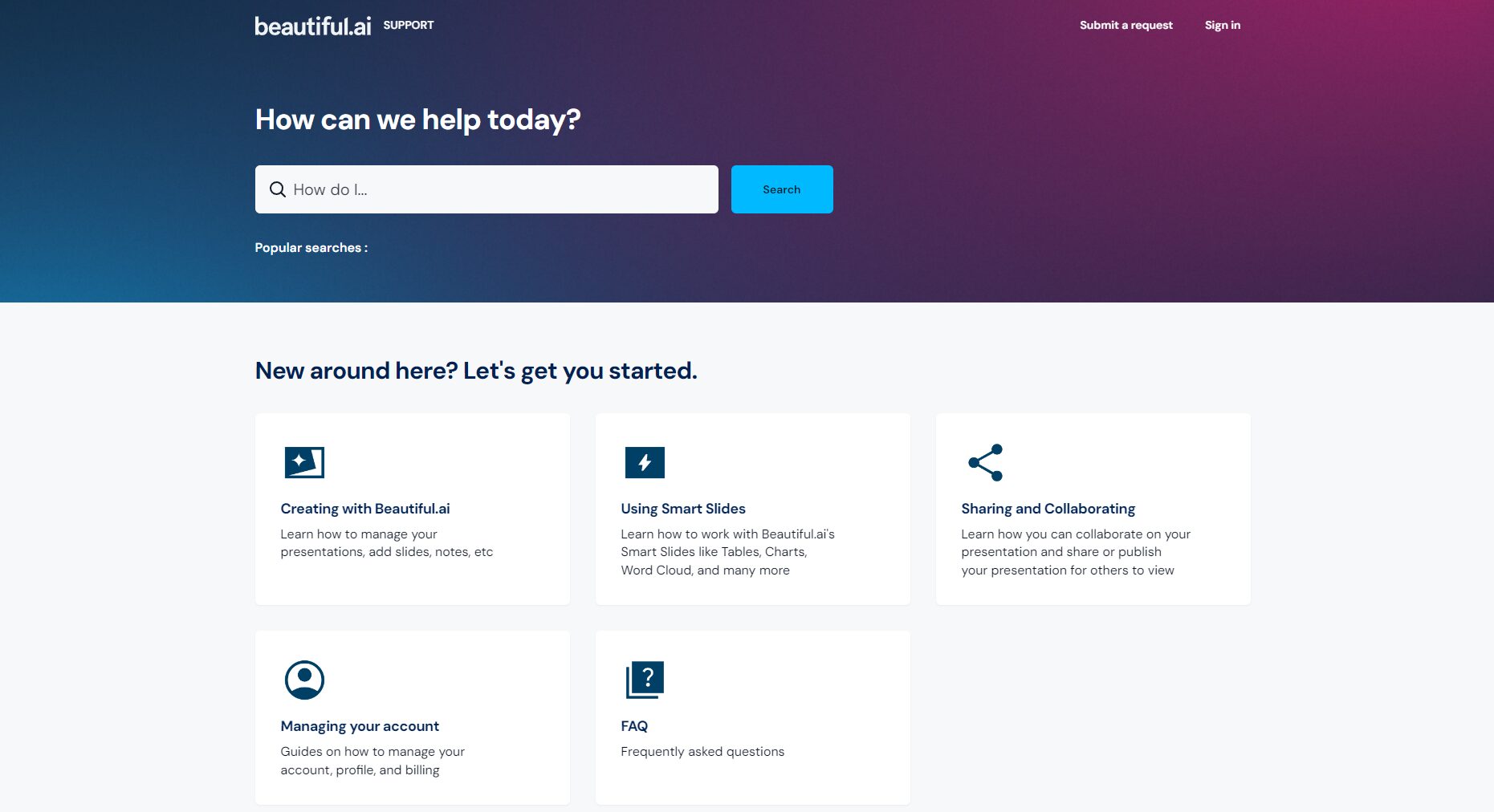
答It can play downloaded slideshows offline and also output them as images/PPT documents for offline display.
答Supports real-time editing, commenting, content sharing, and updates by multiple members.
答:accessOfficial Help Center或邮件[email protected]查询。
With the iterative upgrades of AI office tools,Beautiful.aiIntegrating intelligent creation, aesthetic output, and team collaboration, it is leading a new generation of presentation revolution. Whether it's a business report, marketing plan, educational presentation, or venture capital pitch, it can help you...Extremely low threshold和High-efficiency designShowcase your creativity and win applause.
Try it now, visitBeautiful.ai Official Website!
This site's AI-powered navigation is provided by Miao.Beautiful.aiAll external links originate from the internet, and their accuracy and completeness are not guaranteed. Furthermore, AI Miao Navigation does not have actual control over the content of these external links. As of 9:03 PM on September 24, 2025, the content on this webpage was compliant and legal. If any content on the webpage becomes illegal in the future, please contact the website administrator directly for deletion. AI Miao Navigation assumes no responsibility.
