
A comprehensive analysis and usage tips for Krisp, the most powerful AI noise reduction tool of 2025.
Krisp is the leading [company/organization] in 2025.AI noise reduction toolWith features such as real-time two-way noise reduction, voice enhancement, and intelligent meeting assistant, it has become the first choice for remote work, online education, and content creation.Supports multiple platforms including Windows, Mac, iOS, and Android.It is compatible with mainstream communication software and emphasizes local privacy and superior sound quality. This article details its features, applicable scenarios, free and paid plans, as well as advanced usage tips to help you easily achieve the best audio experience.
Krisp Product Basic Information and Advantages Overview
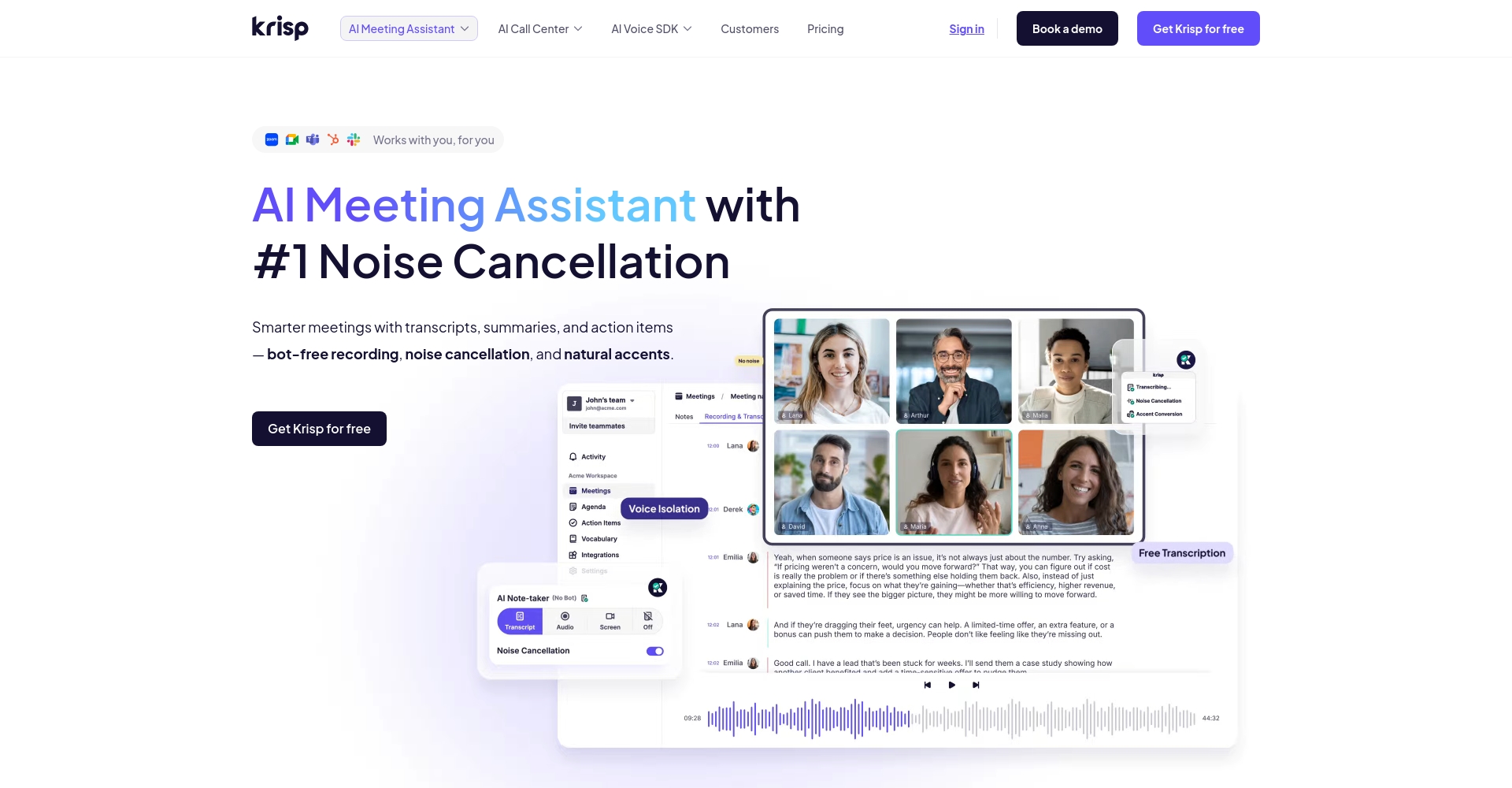
Krisp AIIt is a professional audio noise reduction tool based on artificial intelligence technology, which supports multiple platforms and has a series of powerful functions such as real-time two-way noise reduction, echo cancellation and meeting assistance.
| Product Name | Official website | Platform support | Main functions | Noise Cancellation Mode | Version/Price |
| Krisp | krisp.ai | Windows, Mac, iOS, Android, Chrome extensions | AI noise reduction, echo cancellation, and automatic meeting summarization. | Local processing, voice recognition | Free/Pro version (approximately $12 per month) |
Highlights at a glance:
Industry-leading AI model, professional real-time bidirectional noise reduction
– Fully compatible with mainstream conferencing and calling applications
– Innovative local privacy protection architecture
Feature Insight: Krisp's AI Noise Cancellation and Voice Enhancement Magic
AI noise cancellation: Focus on clarity!
Krisp can achieve this through deep learning models.Real-time identification and removal of various background noisesSuch as traffic noise, keyboard clicks, dog barks, machines, etc.Supports two-way noise reductionThis allows remote meetings and VoIP calls to return to their essential function of chatting.

Intelligent voice enhancement: making your voice natural and pleasant.
Krisp's Voice Clarity engine canAutomatically enhance speech clarityIt makes the speaker's voice more natural and three-dimensional, greatly improving the listening experience, making it very suitable for podcasts and customer service work.
AI Conference Summary and Speech Analysis
Pro/Business users can also useAutomatic meeting summaries, speaking time analysis, and participant detectionAI assistant functions significantly improve online collaboration efficiency.
Compatibility and Applicable Scenarios
Cross-platform compatibility with mainstream applications
Krisp supports Windows, Mac, iOS, Android, and Chrome browser plugins.It is compatible with meeting software such as Zoom, Teams, Google Meet, and Skype.
| System/Plugin | Support status | Typical use cases | Integration Methods |
| Windows/Mac | support | Meeting/Recording/Editing | standalone client |
| iOS/Android | support | Mobile conferencing | App |
| Chrome plugin | Beta support | Web conferencing | Plugin installation |
Recommended application scenarios
- Remote work/meeting:Ensure smooth and unobstructed communication within the team
- Online education/course recording:Improve the impact of noise in the teaching environment
- Call Center/Customer Service:Ensure high-quality audio communication for customers
- Content creation/recording:Easily output professional audio
- Podcasts and Video Editing:One-click cleanup of post-production materials
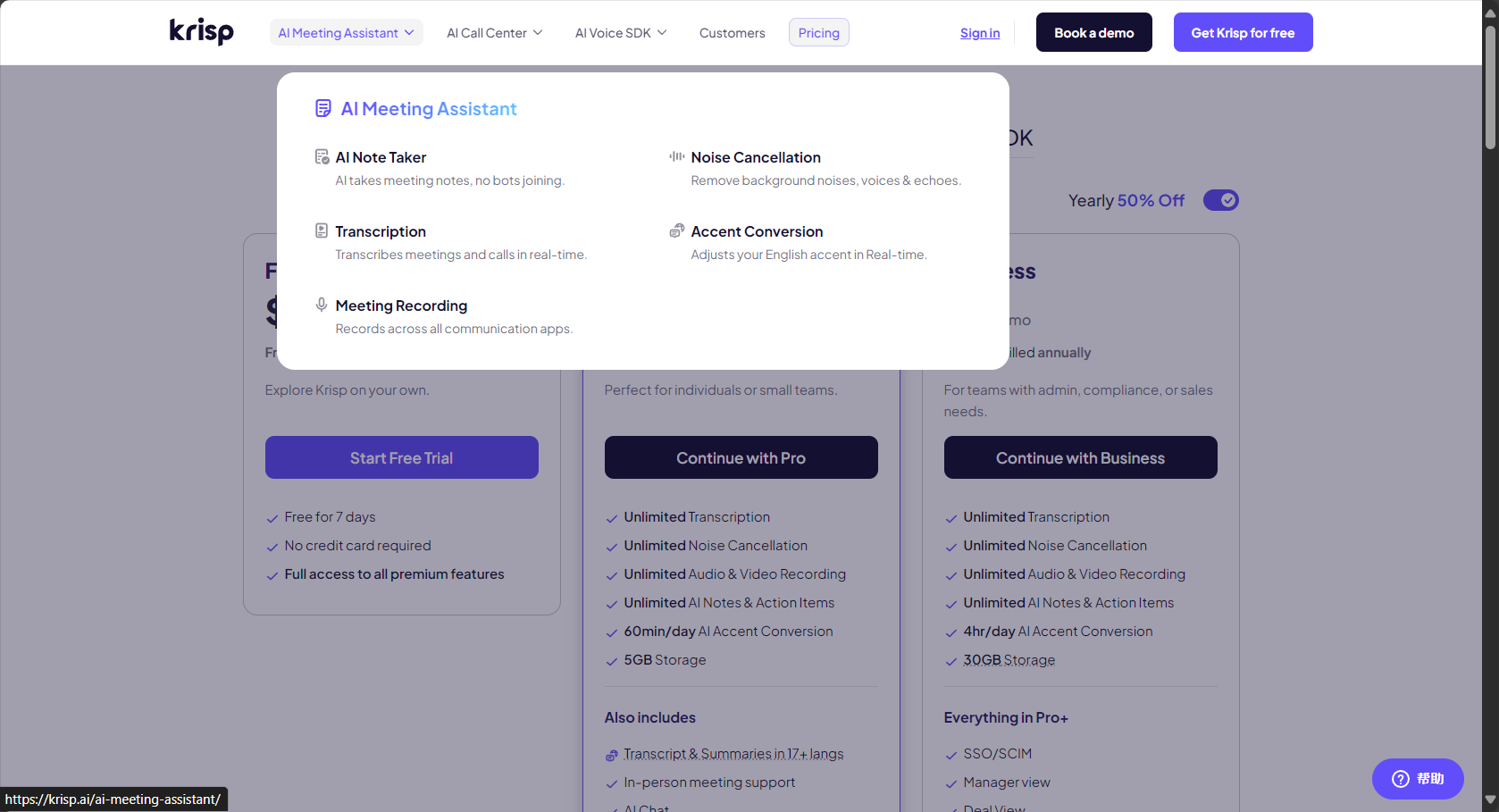
Version and Price Comparison
Krisp offers free and Pro/Enterprise plans, with clear information on features and time limits.
| Version | Main functions | Usage time limit | price |
| Free version | AI noise reduction and echo cancellation | 60 minutes a day | free |
| Pro version | Unlimited duration, AI-powered meeting summaries, team management | Unrestricted | $12/month and up |
| Enterprise version | Advanced features, priority support, custom APIs | Unrestricted | Corporate customization |
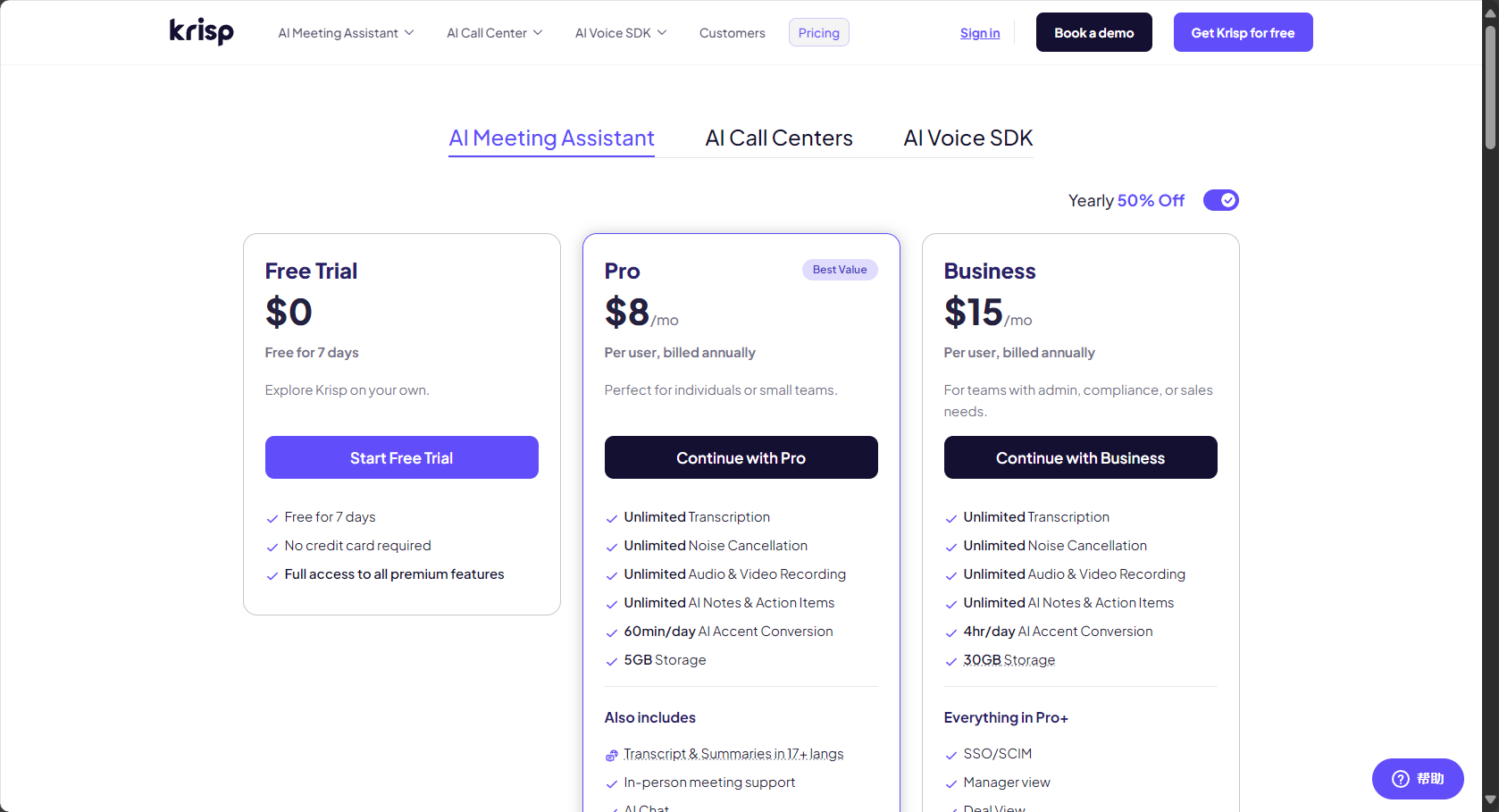
Pro and enterprise users can unlockAdvanced features include AI-powered meeting summaries, team management, and multi-device synchronization.
Practical Usage Tips – An Essential Guide for Both General Users and Professionals
Quick setup instructions
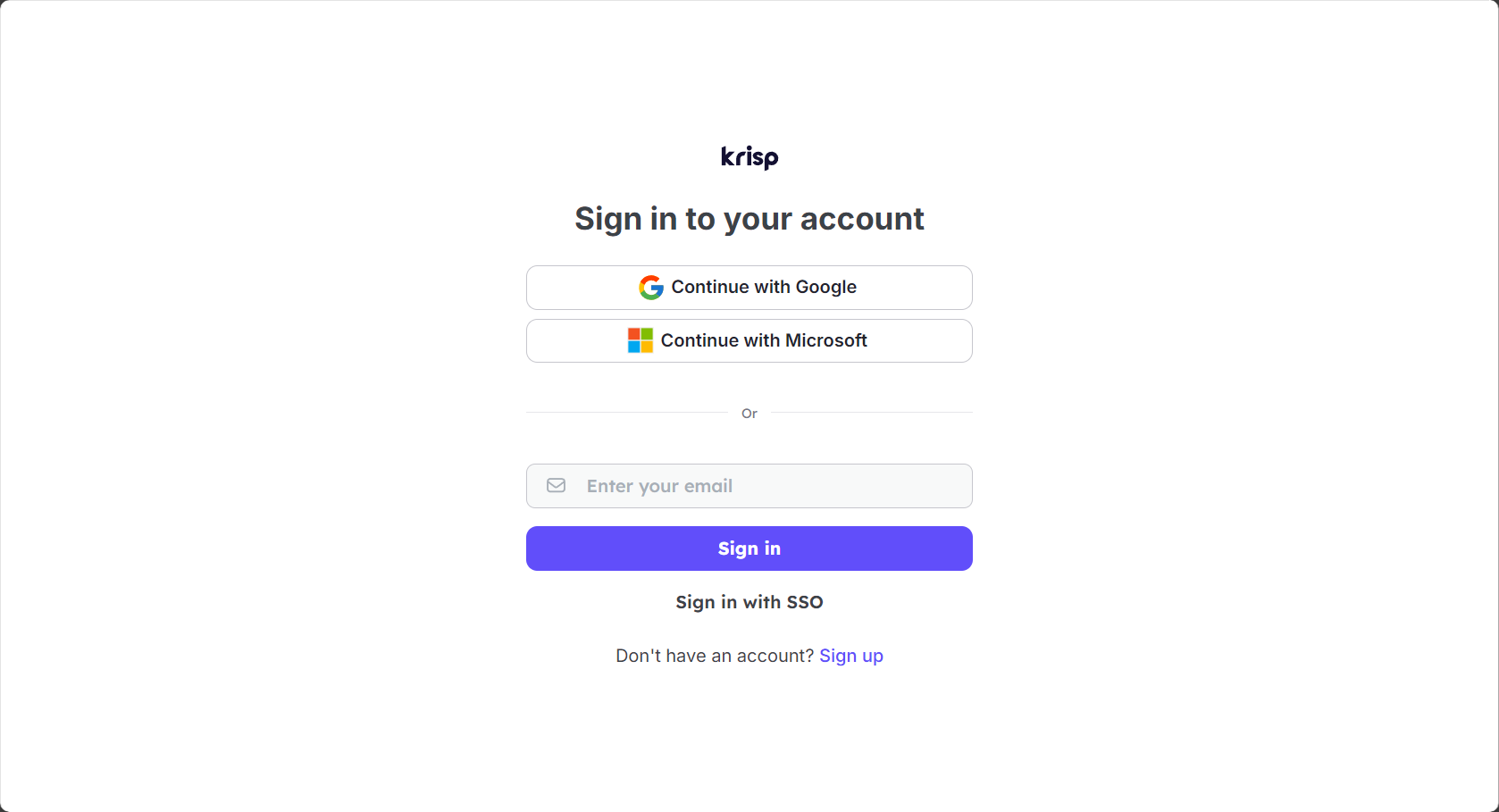
- accessKrisp official websiteDownload and install the client.
- Choose a microphone/speaker as your audio device.
- One-click noise cancellation (microphone/speaker controls available separately)
- Select "Krisp Virtual Sound Card" in the call software's audio settings.“
Noise Reduction Techniques and Ultimate Optimization Suggestions
- We recommend turning on both the microphone and speaker for noise cancellation to fully purify the ambient sound.
- Adjust the noise reduction intensity according to the actual environment; choose medium for moderate noise and high for extremely noisy environments.
- Before recording, conduct a sound check to detect any abnormal echoes and adjust parameters promptly.
- A high-quality microphone/headphone works even better with Krisp.
Advanced Feature Experience
- AI-powered meeting assistant enables automatic generation of meeting minutes.
- Supports centralized team management and multi-terminal synchronization
- All audio processing is completed locally, ensuring a high level of user privacy.
Industry application cases and user reviews
Krisp users include a wide range of professionals such as remote collaboration teams, educators, and podcasters.
| Industry/User | Scene | evaluate |
| Remote Team | Global remote meetings/interviews | “"Meetings are more efficient, and communication is clearer."” |
| Online education platform | Teacher lectures/live broadcasts | “"Improved student concentration"” |
| Podcast/Creator | Recording/Post-processing | “"The finished product looks more professional, and editing is easier."” |
Typical Case:A 2024 survey by a Fortune Global 500 company showed that after implementing Krisp, the rate of meeting noise complaints decreased by 871 TP3T, and efficiency increased by more than 201 TP3T.
Comparison with other AI noise reduction tools
| Tool Name | AI noise reduction capability | Two-way noise reduction | Platform support | Conference Summary | price |
| Krisp | Extremely strong | support | Win/Mac/iOS/Android/Chrome | support | Free / $12/month and up |
| NVIDIA RTX Voice | 强 | support | Windows (requires an Nvidia graphics card) | Not supported | free |
| Noise Blocker | medium | Not supported | Win | Not supported | $20/Permanent |
| ZOOM built-in noise cancellation | generally | Partial support | Win/Mac/Web | Not supported | Contains |
New features and future trends in 2025
- Local AI models continue to evolveLower latency and better sound quality
- The meeting AI assistant API supports third-party integration.
- The mobile experience is now fully aligned with the desktop version.
- An official AES 256 encryption privacy protection report has been released, further enhancing data compliance.
Conclusion: Effective and clear communication starts with Krisp.
With its superior AI noise reduction, multi-platform compatibility, and innovative meeting assistant, Krisp has become the most trusted noise reduction tool in the digital audio field in 2025.Suitable for businesses, creators, educators, and customer service professionals, this guide, combined with the techniques presented, enables clear, near-face-to-face interactions in any environment.
Welcome to visitKrisp official websiteDownload and experience it.Let noise become history!
© Copyright notes
The copyright of the article belongs to the author, please do not reprint without permission.
Related posts



No comments...
