
How to use ChatGPT? A quick start guide for beginners (latest version, 2025)
ChatGPT has become the most popular productivity tool in the AI era.Whether for work, study, or daily life, we cannot do without it. This article will...From account registration, interface explanation, function practice, scenario application to advanced usageWith comprehensive and straightforward steps, tables, and techniques, this course will guide you step-by-step to master ChatGPT.Easily unlock 20 core scenarios including content creation, code development, and information retrieval.Detailed comparisons and registration/question suggestions are also provided for the latest features in 2025 (such as GPT-4o and multimodal), helping beginners get started quickly and easily.

As AI technology sweeps the globeChatGPTIt has become an efficiency tool that everyone talks about. So,How to use ChatGPTWhat are some tips for beginners to quickly get started? This latest 2025 user guide will use the most straightforward approach, from registration to hands-on practice, module explanation to advanced usage, to help you unlock the powerful capabilities of ChatGPT page by page.
What is ChatGPT?
ChatGPTIt is an artificial intelligence dialogue tool developed by OpenAI.Official websiteBased on a large-scale language model architecture (such as GPT-4o), it can naturally understand, generate, and engage in dialogue with various types of text. It is widely used in various scenarios such as information retrieval, content creation, code assistance, and language translation, making it the preferred AI tool covering work, study, and life.
ChatGPT Beginner's Guide
1. ChatGPT Account Registration and Login
| step | Operating Instructions | Links/Notes |
|---|---|---|
| 1. Visit the official website | Open ChatGPT Official Website | Chrome browser is recommended. |
| 2. Select Register | Supports one-click login with Google, Apple, and Microsoft accounts. | You can also register with your email address. |
| 3. Fill in the information | Please fill in your name, date of birth, and mobile phone number as prompted (verification may be required). | The information is guaranteed to be accurate and can be used later to recover your account. |
| 4. Start the experience | After registration, you will be taken directly to the main page. Enter your question and start chatting. | The free version requires no credit card and carries no risk of automatic deductions. |

Note: Starting in 2025, some ChatGPT models, such as GPT-4o Mini, have been made available to unregistered users for free. However, users who are not logged in will not be able to save their history or access all advanced features.

2. Using ChatGPT Web Version and App Version
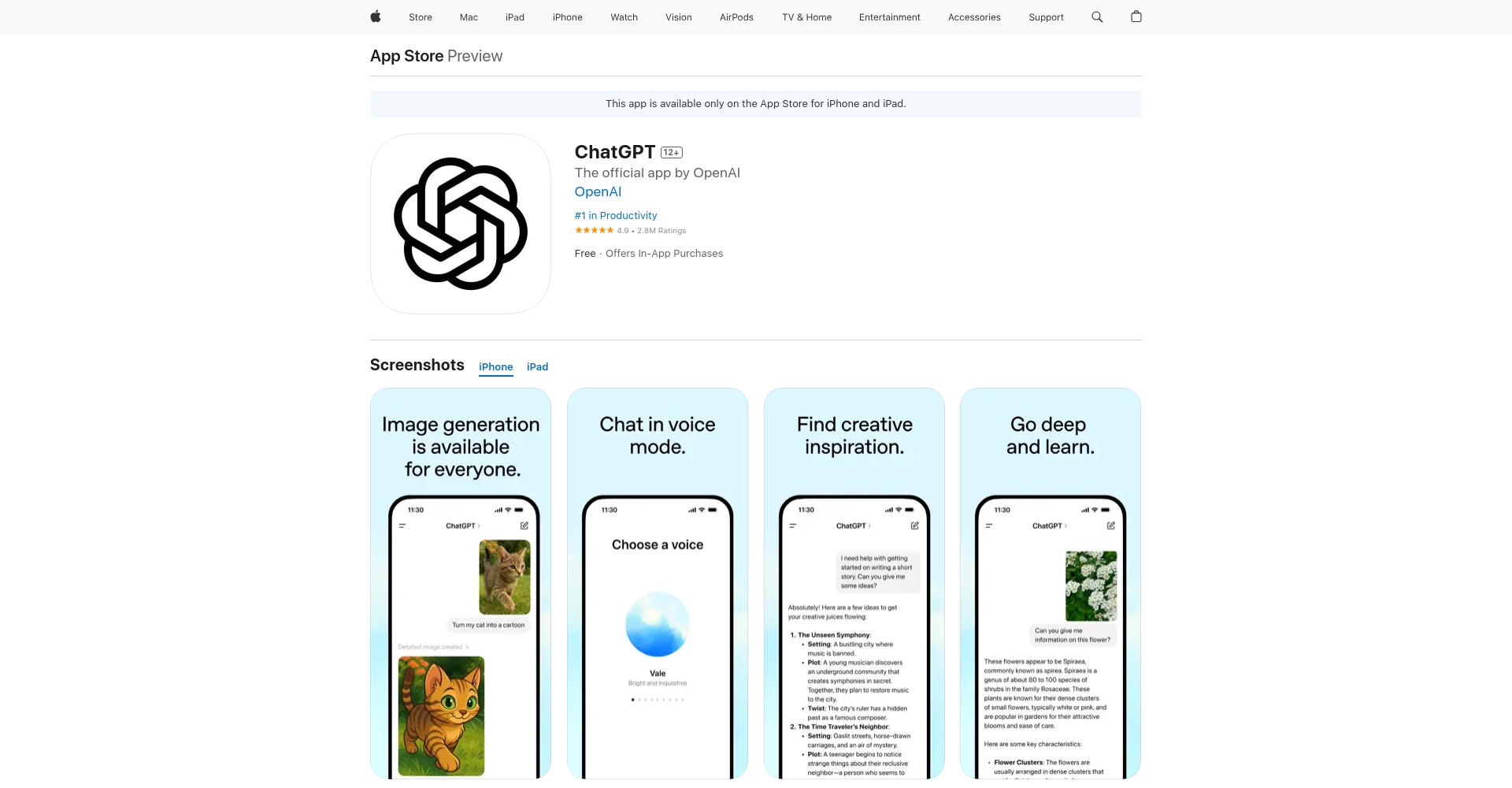
- Web version entry:https://chat.openai.com/
- APP Download:
Security Reminder: Please ensure the developer's identity is "OpenAI" to avoid downloading counterfeit third-party apps.
3. ChatGPT Core Interface Explanation and Common Settings
- Input barEnter any question, task, or dialogue content.
- Historical recordsIt can save and retrieve past conversations (login required).
- Model selectionFree users, Plus and Pro users can switch between different AI models (such as GPT-4o/GPT-4.5, etc.).
- Chat sharingSupports one-click copying and sharing of conversations.
- Voice input/output (APP version)Voice chat is available, and multiple languages are supported for text-to-speech.
How to use ChatGPT? Quick reference for 20 practical scenarios.
The table below provides a quick overview of common application scenarios for ChatGPT for beginners. Detailed breakdowns are provided below.
| Function | Target audience | Typical Instruction Examples |
|---|---|---|
| Casual chat and Q&A | Everyone | “"Shall we chat?" "I'm not in a good mood today..."” |
| Multilingual translation | Students/Foreign Trade Workers | “Please translate the following text into English/Japanese.” |
| Email writing/proofreading | working professionals | “"Help me write a formal apology letter."” |
| Automatically find typos and grammatical errors | Copywriting/Student | “Please check the following text for grammatical errors.” |
| Article writing/expansion | Self-media/Creators | “"Help me write an article about time management."” |
| Abstract/Summary of Long Article | academics | “Please help me summarize the following text.” |
| Quickly find information | Everyone | “Briefly describe the differences between GPT-4 and GPT-3.” |
| Course/Problem Solving | Students/Parents | “Explaining the Matthew effect in simple and easy-to-understand language” |
| Program debugging/code generation | Programmer/Student | “"Generate a web crawler script using Python"” |
| AI drawing (Plus and above plans) | Designer/Marketing | “Please generate a nighttime city illustration.” |
| Literature search | researcher | “Find papers on AI ethics from the past five years.” |
| voice chat | People who need to speak | “"Start a voice conversation"” |
| Role-playing/Interview Simulation | job seeker | “"You are the interviewer, and I am the applicant. You ask me questions."” |
| Business Marketing Planning | Enterprise/Brand | “"Give me a plan for a new product launch event."” |
| In-depth research (Pro exclusive) | Researcher/Media | “"Comprehensive Survey of the Current Status of Electric Vehicles in China"” |
| Emergency companionship and psychological support | Urban single-person groups | “What should I do if I'm anxious?” |
| AI Automation Operator (Pro) | Efficiency Control | “Export data from a specific column of a webpage to Excel.” |
| Creative naming/batch generation | Operations/Product | “Generate interesting names for 100 files” |
| Meeting Notes/Summary | working professionals | “The following dialogue has been compiled into meeting minutes.” |
| Multimodal (audio, images, etc.) | Designer/Content Creator | “"Identify the items in the image and then interpret them."” |

ChatGPT Key Functions Explained in Practice
Basic Dialogue and Information Inquiry
Casual chat/Q&A/Life advice
Enter any topic you care about, such as: "Plan a three-day trip to Beijing for me" or "How to overcome procrastination in studying".ChatGPT will present the answers in a clear, conversational Chinese format.
Multilingual translation and polishing
Supports intelligent translation between major languages such as Chinese, English, and Japanese.Suitable for foreign language learning and writing business emails overseas. You can add qualifiers such as "Please use formal written language" or "Be more polite" to improve the writing style.
Email Templates/Document Writing
Simply list the key points you want to convey, and ChatGPT will quickly generate a well-formatted email or resume with appropriate tone. For example: "Please help me put the following points into an apology letter."“

Information Condensation and Expansion
Long text summary/meeting minutes
Long passages of text, meeting recording notes, or academic materials can all be summarized with a single command: "Summarize/list 3 key points for me."Improve reading and meeting efficiency。
Content expansion/outline generation
Provide a topic or core idea, and ChatGPT will assist you in completing tasks such as "article outline" and "expanding a short article into a 1,000-word article".
Learning and programming functions
Problem-solving explanations/tutoring
Input math, language, or science questions you don't understand, and ask the AI to explain them "in a way that even elementary school students can understand".It is exceptionally user-friendly for beginners.
Program code generation and error debugging
Whether you're learning Python, Java, SQL, or need to debug scripts, simply send your requirements or error messages to ChatGPT. It can also generate, interpret, and optimize code, lowering the technical barrier to entry. For integration with AI-specific programming tools like Copilot on GitHub, please refer to the following examples.

AI drawing and multimodal input
Text to image (AI-generated image)
Plus and higher-level users have access to DALL·E or GPT-4o image generation capabilities. Simply describe the style and elements (such as "baseball boys training in the morning mist"), and generate creative images in seconds. For detailed usage instructions, please visit [link to documentation].ChatGPT Official Advanced Tools。
Illustrated Comprehension/Image Q&A
Upload images and let AI recognize the content, analyze the scene, and make suggestions. It is widely applicable to design, data organization, teaching demonstrations, and many other fields.

Advanced features and efficiency enhancements
Voice chat / Multiple voice options
The mobile app supports voice input and voice broadcast. Users can also choose from male/female voices, various regional accents, or a unique "Monday Mode" AI voice to meet all needs.
Role-playing/Interview and Communication Simulation
By setting roles such as "you are the interviewer for a certain position" or "you are a strict foreign teacher,"Helping you practice in diverse scenarios such as interviews, customer service, and cross-cultural communication.。
Meeting minutes/automatic summary
Upload audio recordings and long text files, and ChatGPT will automatically generate structured meeting minutes. Some enterprise users can also integrate with cloud services such as Google Drive to synchronize data.

ChatGPT Features and Paid Functions Comparison
| Functional categories | Free version | Plus version (US$20/month) | Pro version (US$200/month) |
|---|---|---|---|
| Model support | GPT-3.5, some 4o | GPT-4o All | High-level models (such as Operator, etc.) |
| Save conversation | 有 | 有 | 有 |
| Voice/Multimodal | 有 | Enhance (custom tone) | Highest multimodal (audio/video) |
| Plugin Integration | 无 | 有 | Advanced automation/batch data processing |
| Image generation function | part | all | Supports Sora video generation |
| Document/Conference Integration | part | 有 | Multiple enterprise-level functions |
| Advanced Data Analysis | 无 | 有 | Advanced Data Analysis & In-depth Research |
Activation suggestions:
- Regular users:The free version basically meets your daily needs for conversation, learning, and writing.
- Efficiency experts and content creators:The Plus version supports concurrent tasks, AI drawing, and external plugins, making it a cost-effective option.
- Professional R&D, enterprises and heavy users:The Pro version supports advanced needs such as massive data and AI Agents.
- Notice:The official pricing is flexible, with monthly/yearly rates. You can try it for one month and then upgrade or cancel as needed.
Useful tips for beginners
- Ask questions in English more oftenThe English database is more comprehensive, and in some professional scenarios, it is recommended to communicate in English to obtain more detailed output.
- Stop/change issues at any timeYou can "stop generating" at any time during the conversation to simplify the interactive experience.
- Try more modelsIf you encounter an irrelevant answer, you can switch models to improve accuracy.
- Make good use of conversation history and organization featuresDevelop the habit of saving and exporting useful Prompts to build a personal AI knowledge base.
- Prioritize downloading from the official website and official app, and be wary of phishing or counterfeit applications.
End
As AI becomes fully integrated into daily work and life, learningHow to use ChatGPTIt has become a "required course" in the information age. Whether you are a beginner or an AI veteran,Make good use of the guidelines and forms in this article.You will definitely be able to quickly master ChatGPT operation and multi-scenario applications.Ushering in a new era of efficiency and intelligenceFor more advanced methods, AI-related selection tips, and Prompt techniques, please stay tuned.OpenAI official websiteOr join major mainstream AI resource communities to stay up-to-date with the latest developments in AI tools.
© Copyright notes
The copyright of the article belongs to the author, please do not reprint without permission.
Related posts


No comments...
