What is Canva AI? A 5-minute guide to the core functions and application scenarios of this design tool.
Canva AIAs a leading global online design platform, it comprehensively improves design efficiency and lowers the design threshold through AI-driven innovative modules such as Magic Write and Magic Design. It supports one-click text generation, intelligent image editing, multilingual translation, and cross-platform content migration.Enables even users with no prior experience to easily produce professional-grade visual works.Whether for office work, marketing, education, or global collaboration, Canva AI can quickly meet the content creation needs of various scenarios.Becoming a highly efficient tool for modern digital office work and creative expression.。
What is Canva AI? A New Evolution of AI-Powered Design
Canva, a globally renowned online design and collaboration platform, announced in 2023 that it had fully integrated AI capabilities, creating "Canva AI" and a new module called "Magic Studio".Canva AI is essentially a design assistant based on artificial intelligence, dedicated to making design simple, efficient, and intelligent.Its core concept is to enable users with no prior experience to easily create professional-grade visual content.
Core Product Matrix
| Module Name | Functional positioning | User-oriented | Main features |
|---|---|---|---|
| Canva AI | Basic AI creation tools | Individuals and small teams | Text and visual generation, editing, and management |
| Magic Studio | Advanced Integrated AI Design | Design and Content Team | Multimodal editing in batches and automatically |

Canva AIIt particularly emphasizes "barrier-free design," andMagic StudioIt then expands into areas such as image processing, adaptive content, animation, and translation.
Detailed Explanation of Canva AI's Main Functions
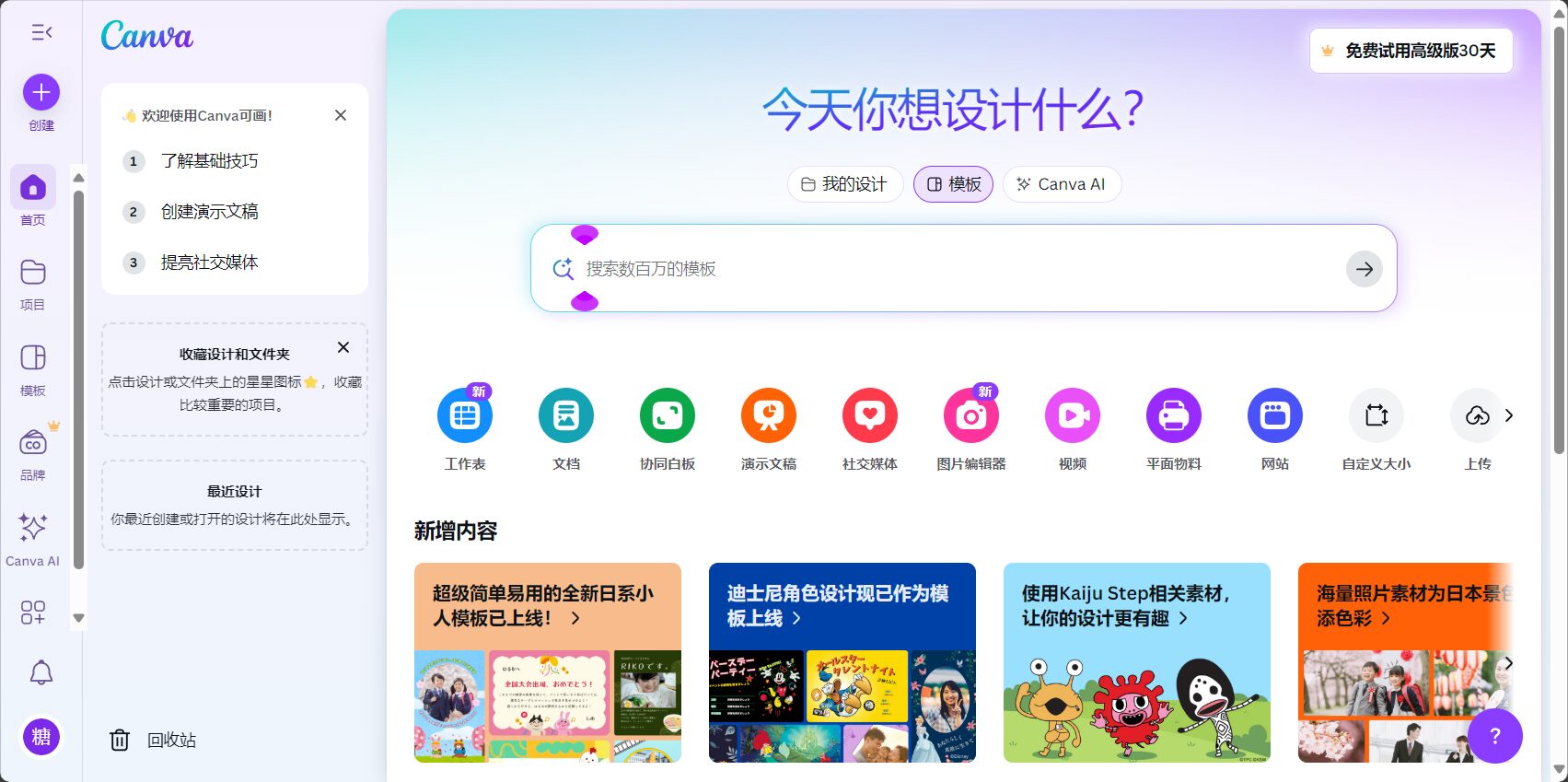
Magic Write: AI Text Creation & Intelligent Expansion
Magic WriteBased on concise commands, it outputs articles, copy, news outlines, etc., with multi-language support.Expandable paragraphs, rewriting style, automatic summarizationIt is suitable for creation in various scenarios such as marketing, education, and project management.
- Free users get 25 free attempts per month, which can be increased to 250 upon upgrade.
- Supports 20+ languages, with no barriers between Chinese and English.
Magic Design: Generate personalized templates with one click
MagicDesignThe design template process has been redesigned, allowing users to upload images or enter a theme.AI automatically matches colors, elements, and layout, generating multiple templates in seconds.Suitable for presentations, social posters, business cards, etc.
Magic Edit & Eraser: AI Image Editing and Intelligent Background Removal
Magic Edit & Magic EraserOne-click background removal, object removal, and object replacement; users select the area and describe their needs.AI intelligently processes images, simplifying tedious editing.We can process up to 100 images per day, and are particularly efficient at e-commerce, profile pictures, and cover design.
Beat Sync & Magic Animate: Audio and Video Synchronization and Automatic Animation Generation
- Beat SyncIt intelligently matches video clips with music beats, making it suitable for short videos on social media and promotional events.
- Magic AnimateAdd multiple animation styles to elements with one click to enhance the expressiveness of PPT presentations and opening animations.
Magic Switch: Cross-Platform Content and Automatic Translation
| Magic Switch app | Ability Description |
|---|---|
| Transform | Briefings ↔ Blogs ↔ Social Media: One-click transfer between the two. |
| Translate | Supports automatic translation of 100+ languages |
| Resize | Social media and ad sizes can be switched instantly. |
Automatic format conversion and instant multilingual translation greatly facilitate content distribution across multiple global platforms.。
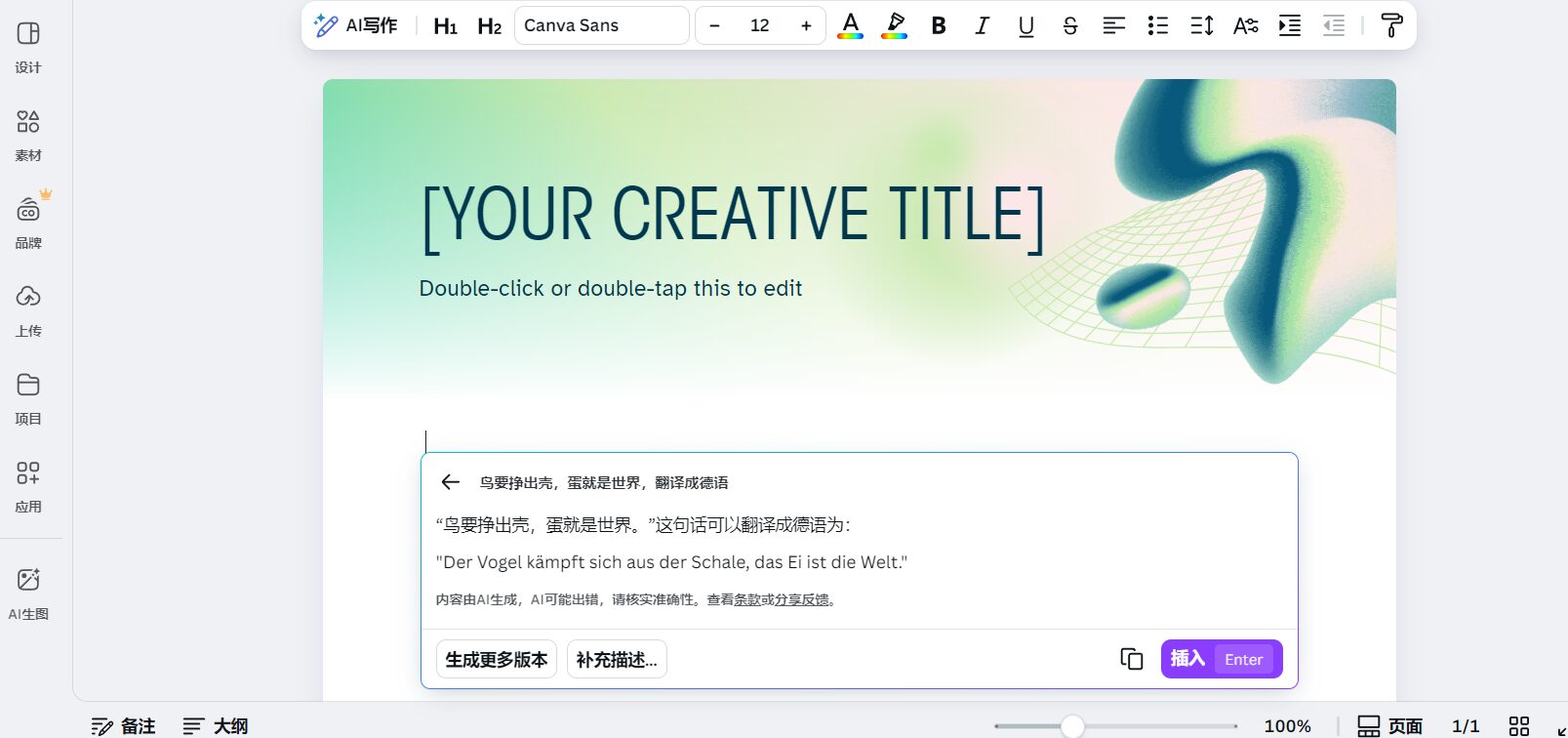
Magic Media & Magic Expand: AI Image and Video Generation Extensions
- Magic MediaKeyword-generated images/short videos, suitable for content marketing and visual creativity.
- Magic ExpandIntelligently completes image edges, extending its adaptability to Moments, cover images, etc.
Brand Hub & Alt Text: Brand Asset Management and Accessibility Design
- Brand HubManage logo, color scheme, and font assets; multi-member collaboration ensures brand consistency.
- Alt TextBatch add images and accessible text to improve SEO and information accessibility.
A review of Canva AI application scenarios
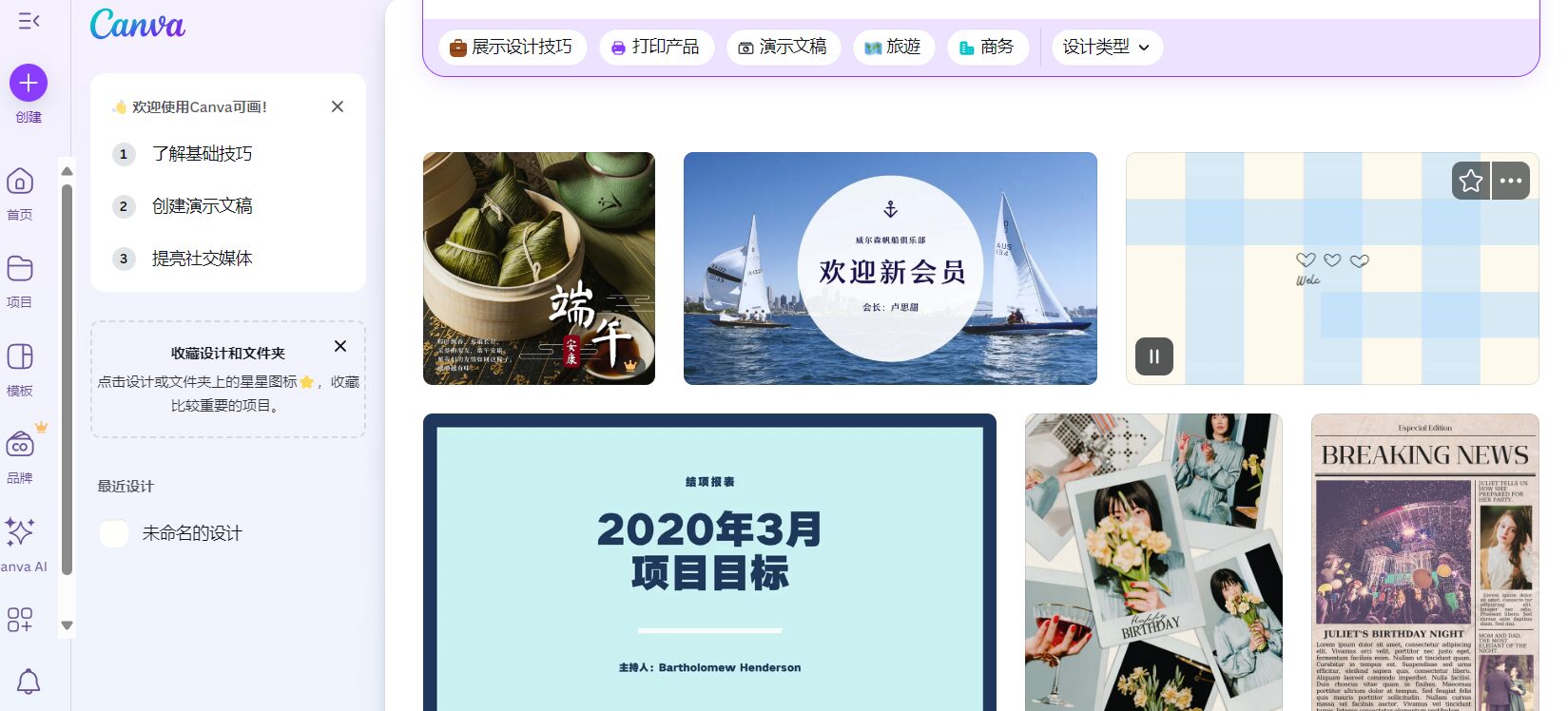
Office and Marketing
Canva AI is widely used in scenarios such as office briefings, product promotion, event marketing, and presentations.。
| Use object | Applicable functions | Typical requirements |
|---|---|---|
| Company employees | Magic Write, Design, Switch | Create reports and promotional posters |
| Marketing and Sales | Brand Hub, Media, Magic Edit | Event posters and e-commerce best-selling product designs |
| Self-media | Beat Sync, Animate | Short videos and animated PPT presentations |
Related tool links:Canva AI Official Website
Education and training industry
Teachers use Magic Write to generate course outlines, assignments, and PowerPoint presentations; institutions use it to produce handouts and textbooks in batches, significantly improving content diversity and efficiency.
Freelance designers and creative teams
Magic StudioIntegrating all AI capabilities, designers can quickly create high-quality documents and portfolios with the help of an AI assistant.Secondary creation templates are highly efficient and save time.。
Multinational corporations and overseas expansion teams
Magic Switch integrates with Translate to automatically translate content into multiple languages and adapt it to different platforms.Helping global brands and cross-border teams improve collaboration and cost-effectiveness。
Unique advantages and comparison with competitors
| Product Name | AI Function Coverage | Ease of use | Suitable for teams | Does it support collaboration? | price |
|---|---|---|---|---|---|
| Canva AI | comprehensive | Excellent | Individuals/Small and Medium Teams/Enterprises | 是 | Free/Subscription Pro |
| Adobe Express | Key images and text | Superior | Individual | part | Free/Membership |
| Microsoft Designer | comprehensive | generally | Mainly business users | 是 | Authorization required |
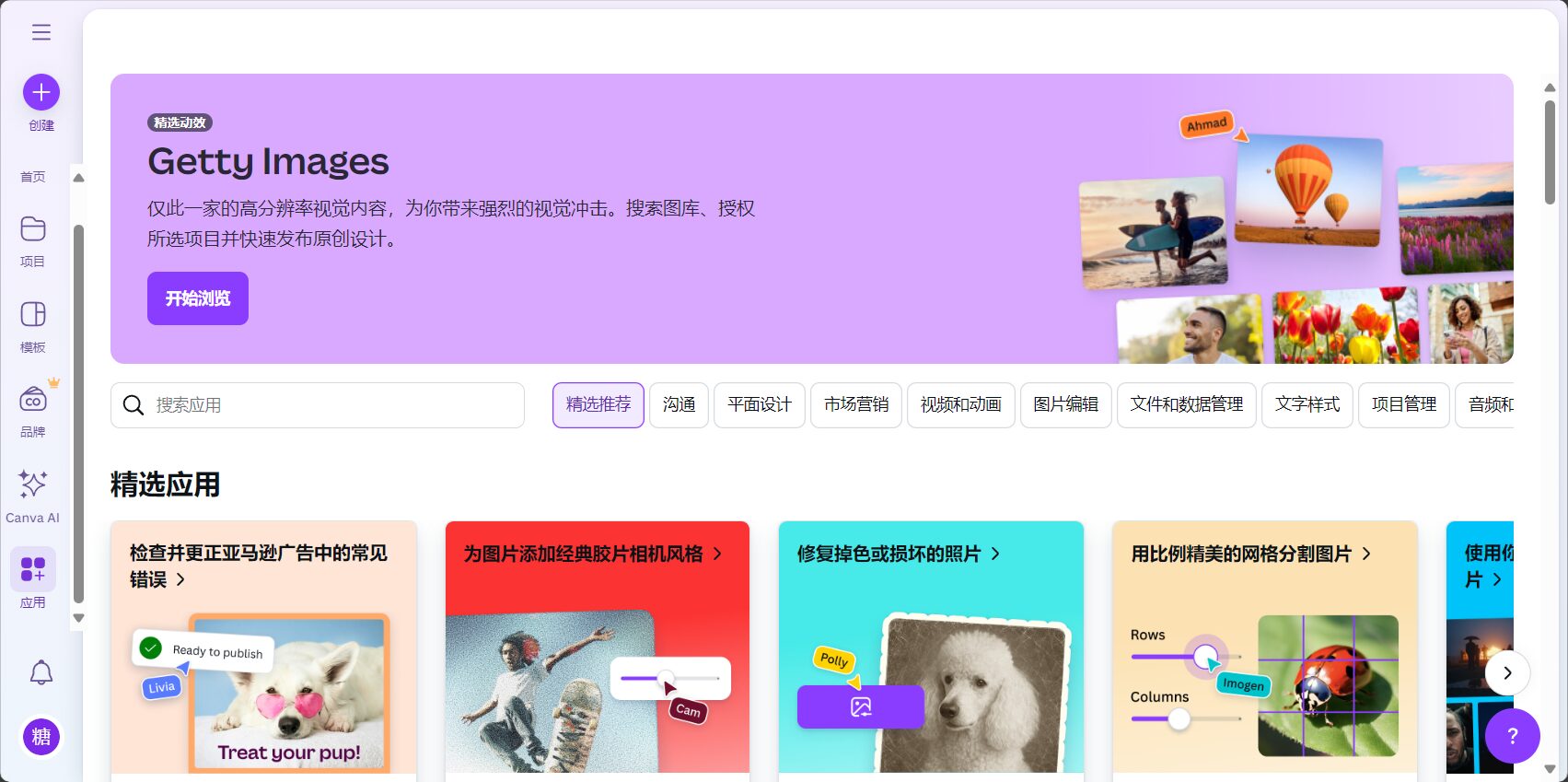
Canva AI's biggest advantage lies in its ease of use and feature integration; most core functions are available for free personal trial.。
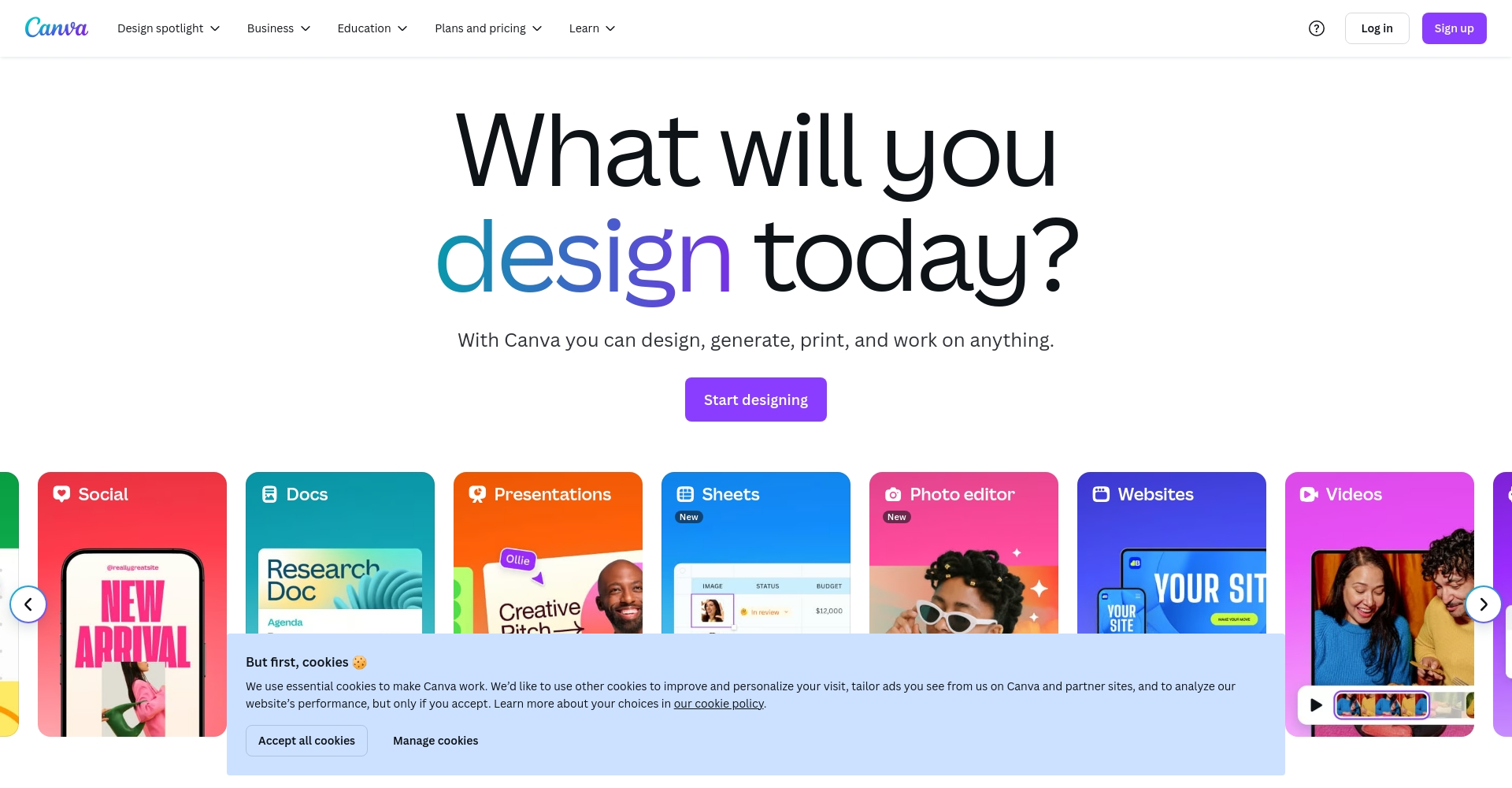
How can I quickly experience Canva AI?
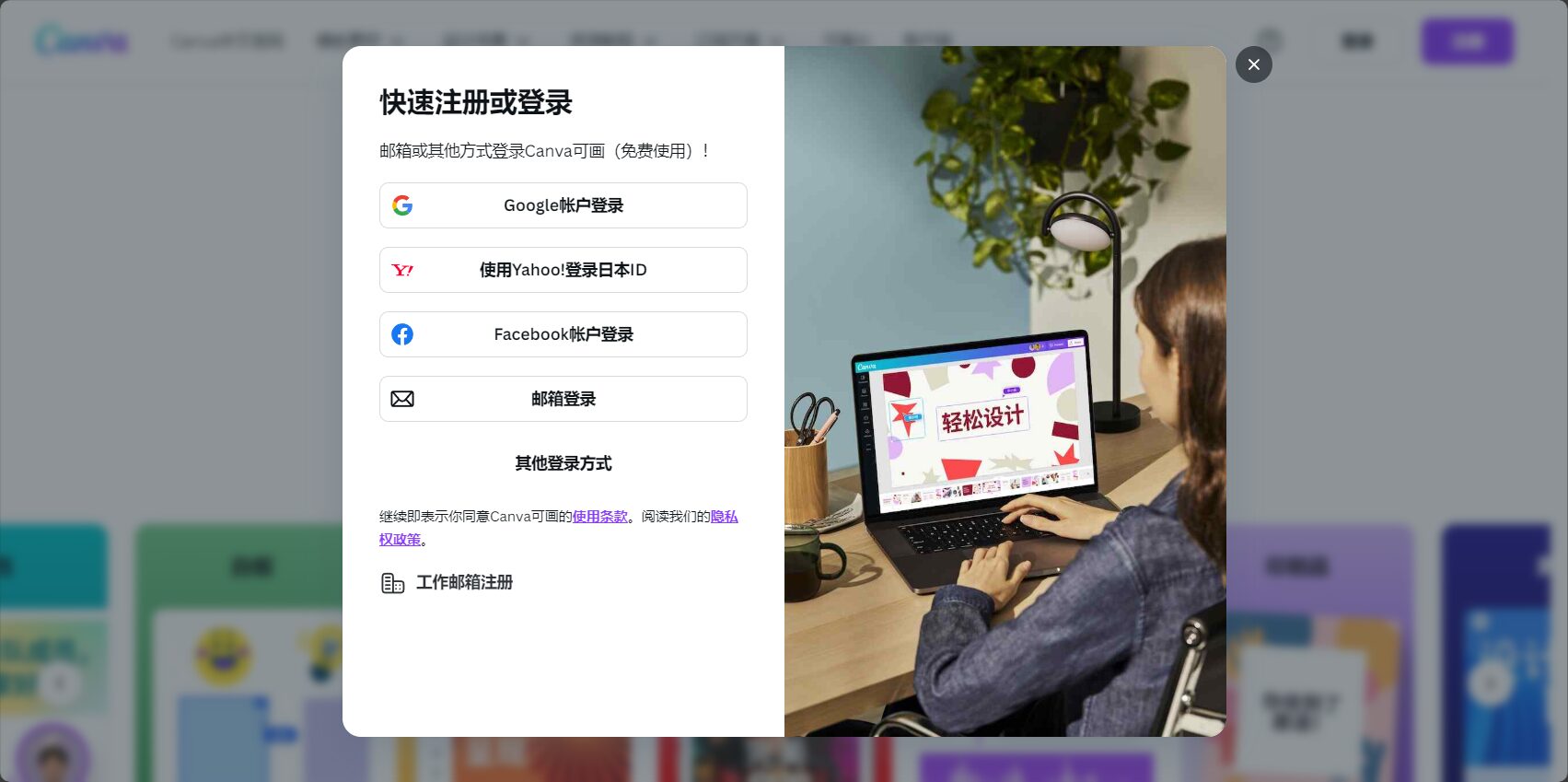
- EnterCanva official websiteRegister (via WeChat or email).
- Click "Explore Magic Studio" in the bottom right corner of the homepage to enter Magic Studio.
- Try the AI tools you need, such as Magic Writer, Magic Design, and Magic Edit.
- For those with higher needs, upgrade to a Pro account to unlock more features and higher usage limits.
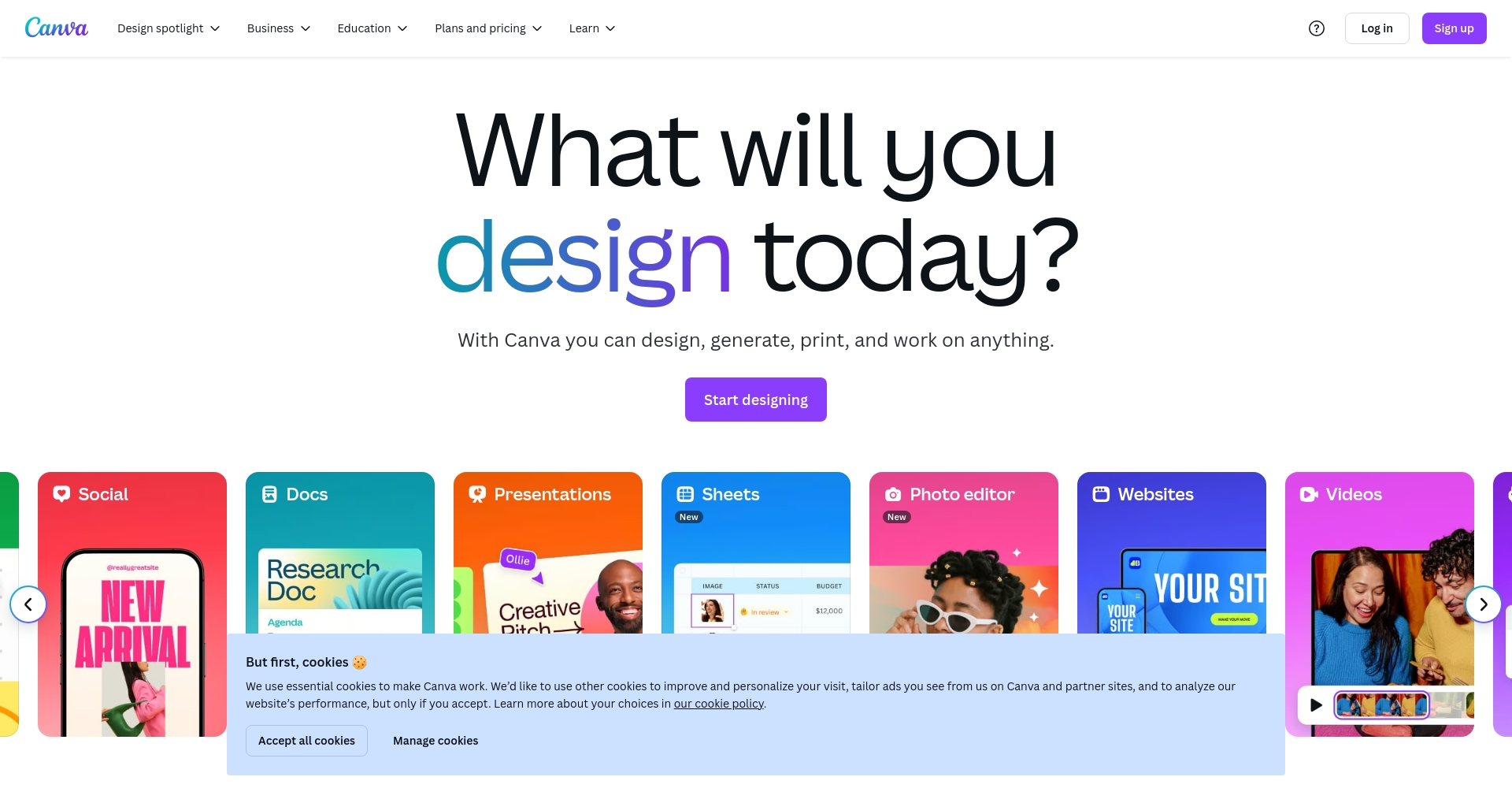
As AI capabilities gradually advance...Canva AI has become a new infrastructure for modern office work and creative expression.In the future, design will no longer be a skill exclusive to professionals.Everyone can easily improve their digital productivityWhether you're a designer, a recent graduate, a freelancer, or a business manager, Canva AI can help you unleash your creativity, boost efficiency, and easily usher in a new era of AI + design!
© Copyright notes
The copyright of the article belongs to the author, please do not reprint without permission.
Related posts

No comments...
