What is MindShow? A 3-minute guide to MindShow's core functions and application scenarios.
mindshowIt is an AI-based automatic PPT generation tool, boasting...Intelligent generation, extremely simple operation, and abundant template resourcesIt quickly became a new favorite among professionals and educators. Supporting multiple platforms and languages, and boasting millions of downloads, it...Generate high-quality presentations efficiently in 3 minutesIt is widely applicable to diverse scenarios such as office, teaching, and market display. Easy one-click operation and collaborative sharing.Significantly improve content production efficiency and professionalism。
MindShow Introduction: Making PPT generation readily accessible with AI.
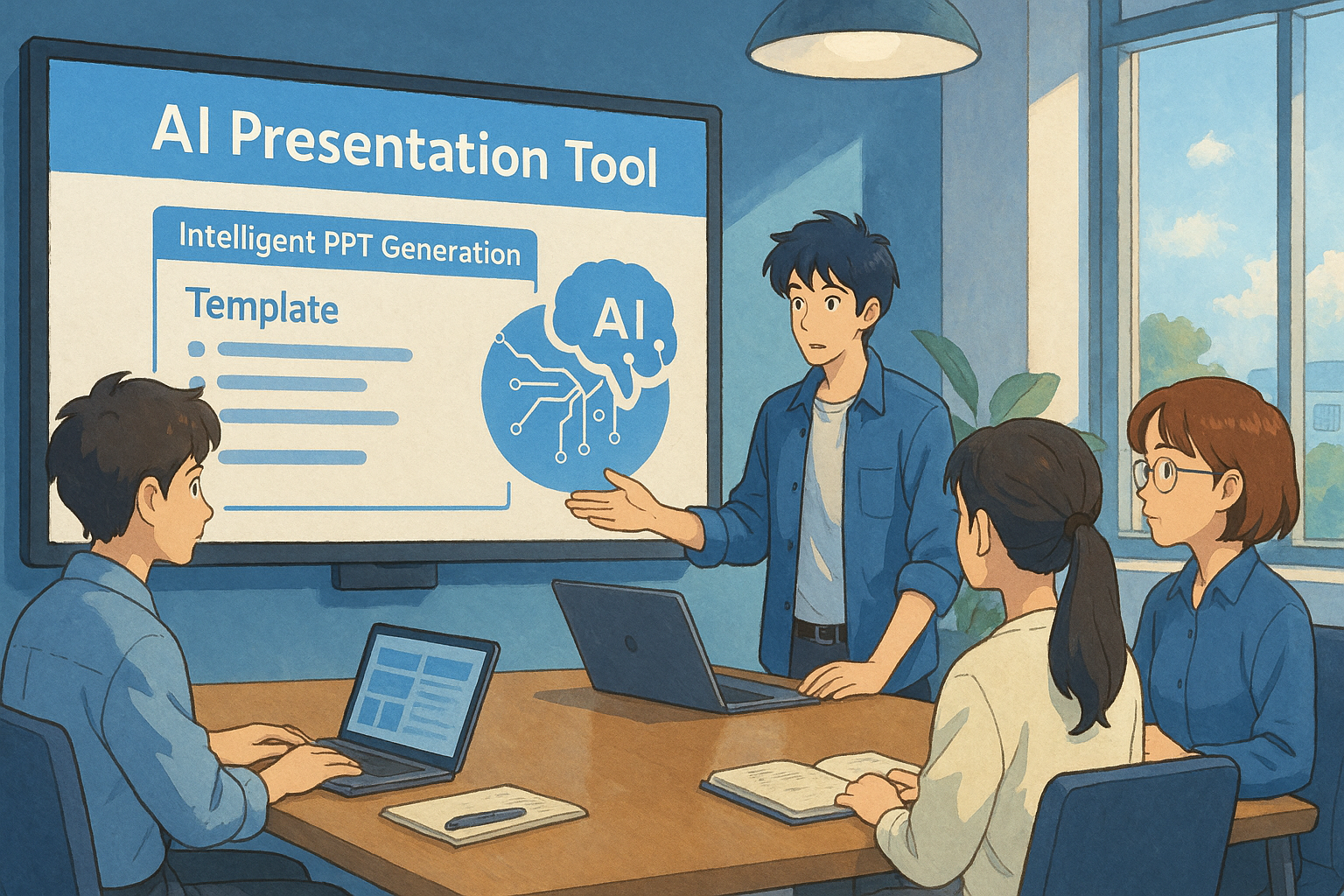
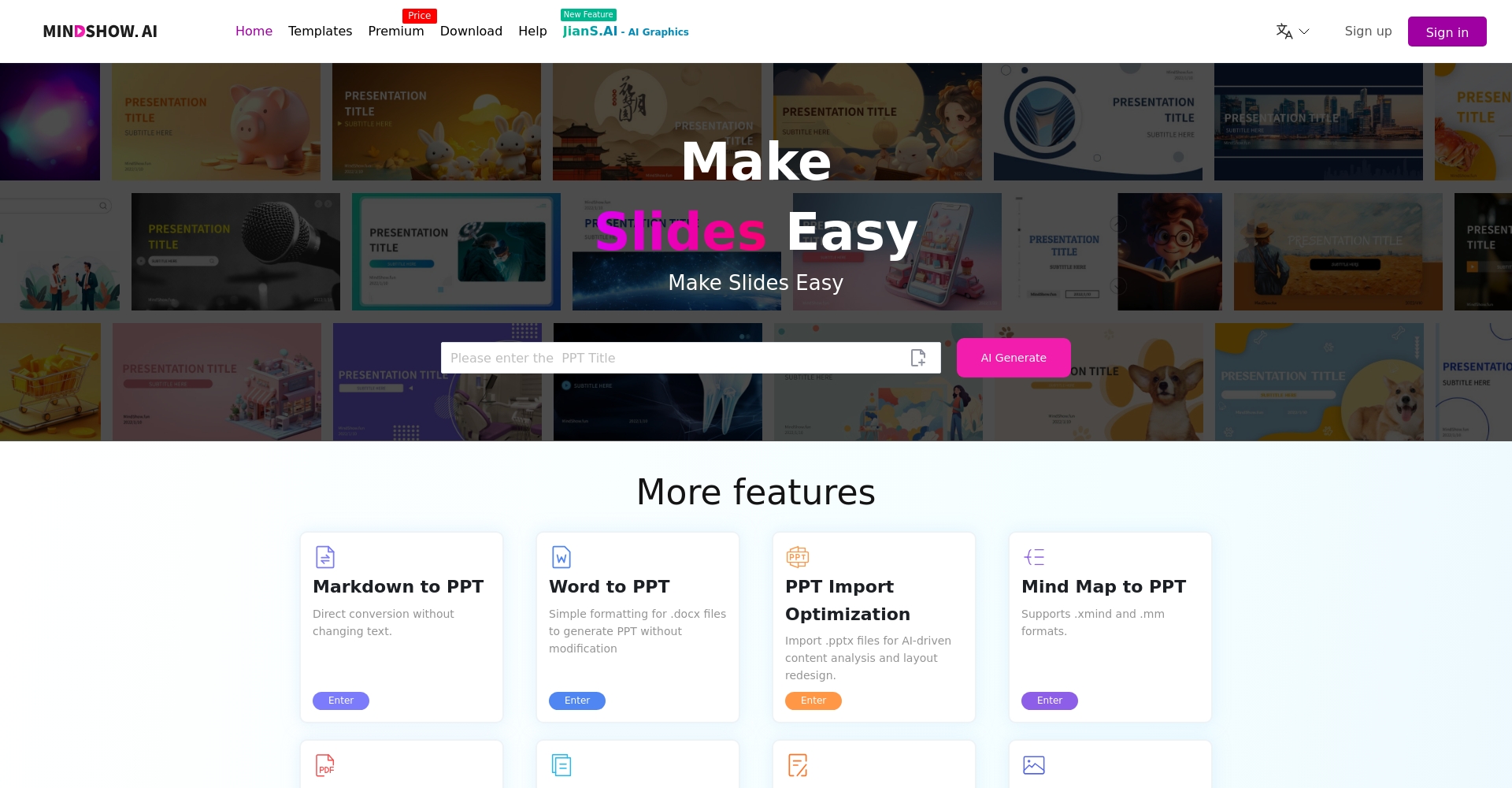
mindshowMindShow is an intelligent PPT auto-generation tool developed based on advanced artificial intelligence technology. Users only need to enter a simple title or upload text materials, and MindShow can automatically organize the content logic and accurately divide the chapters, greatly improving PPT production efficiency.Official Download Center
mindshow's market performance and user base
- Supports multiple platformsMainstream devices such as iOS (iOS 17.1 and above required) and macOS (Apple M1 and above) are supported.
- Multilingual adaptationSupports more than ten languages including Simplified Chinese, Traditional Chinese, English, French, Japanese, and Korean.
- Million-user marketWith an App Store rating of 5.0 and millions of downloads, it is highly favored by professionals in the education and finance industries.
MindShow Core Advantages Overview
| Advantages | Specific manifestations | Beneficiary users |
|---|---|---|
| AI automatically generates PPT | Enter the title or upload text, and it will be automatically formatted and generated within 3 minutes. | Students, workplace presenters, etc. |
| Massive professional template support | Over 1000 PPT templates, 500+ layouts to switch between anytime. | Various industries and scenarios |
| Multi-terminal multi-format output | Supports online presentations, PDF/PPTX downloads, and editable animations and customizable content. | Lecturer, business presentation, remote conferencing, etc. |
| Extremely simple operation, suitable for all users | No professional design background required, user-friendly interface, and simple human-computer interaction. | Beginners and users without a design background |

—
MindShow's Core Functions Explained
1. AI-generated PPT
Simply enter a topic and upload a Word or text file, and MindShow can automatically parse the logical structure, summarize the key points, and generate a first draft of the PPT with one click.
- Intelligently analyzes key content and automatically generates a PPT outline.
- Supports fully automated layout, significantly reducing time spent on content organization and card creation.
- Multiple themes are automatically matched to suit different occasions and styles.
2. Massive template library and layout switching
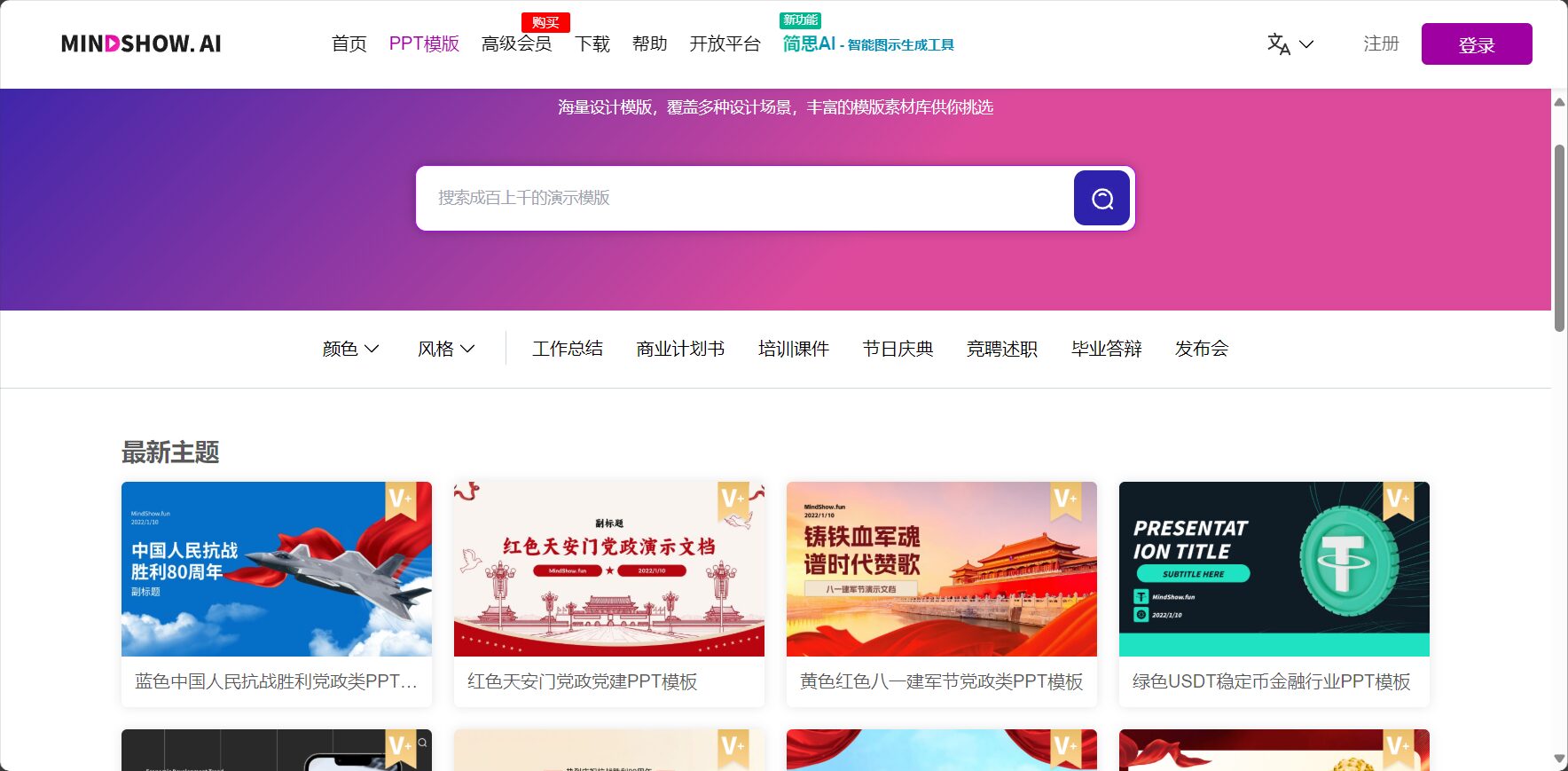
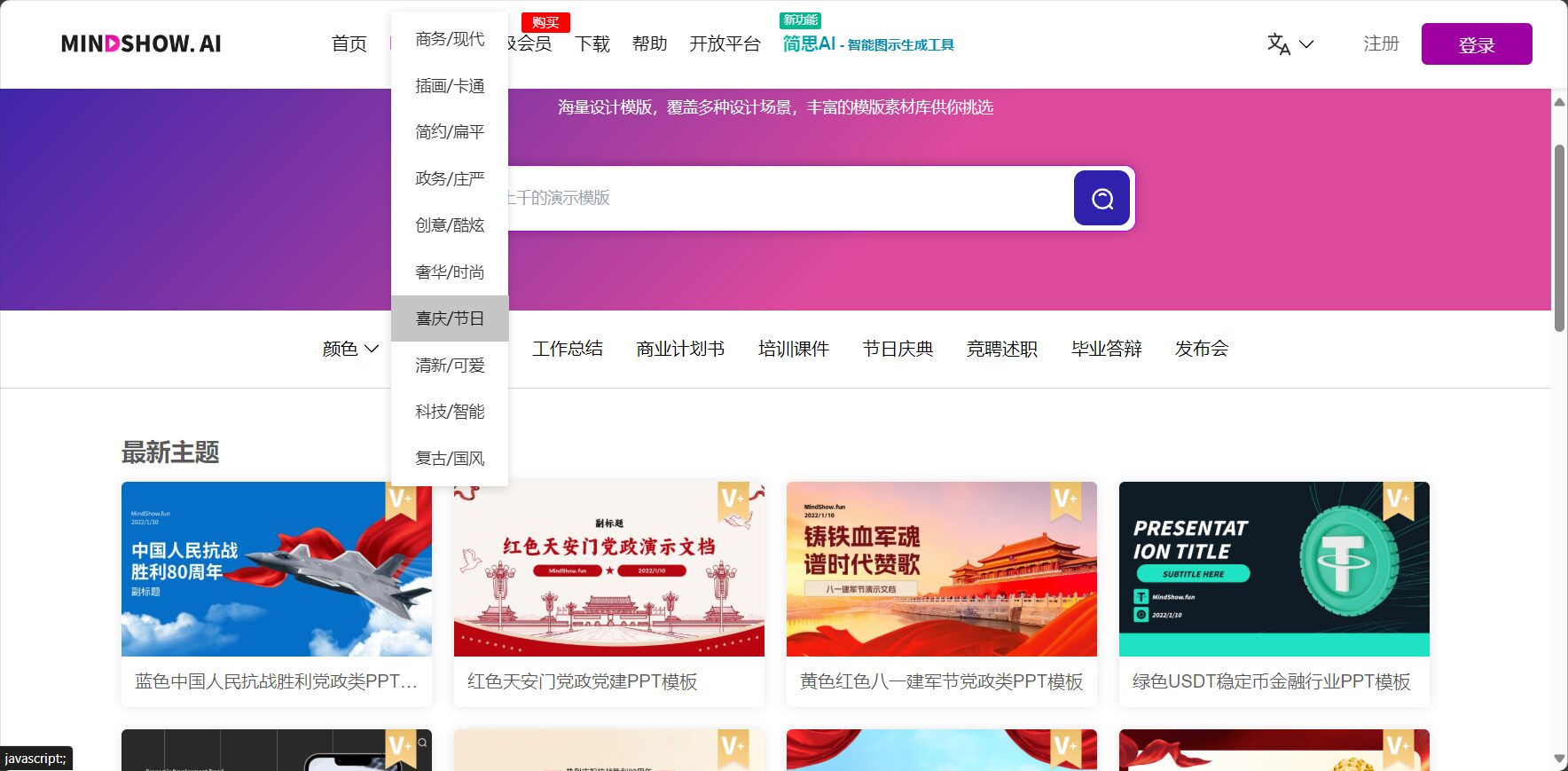
MindShow has 1,000+ professional templates and 500+ smart layouts built-in, covering diverse scenarios such as workplace, education, product promotion, and startup roadshows.
- Switch theme colors and styles with one click to quickly adapt to corporate image or personal needs.
- Flexible layout supports side-by-side arrangement and combination of various content types (such as text, data, lists, and charts).
- The template content is regularly updated and expanded, ensuring it never falls behind.
3. Multi-format export and convenient presentation
It can generate PPTX (with animation, editable) and PDF formats, and also supports direct online presentations.
- Download PPTX files with one click for convenient local editing and animation settings.
- Supports PDFs, displaying only the content for easy email sending or archiving.
- Built-in remote presentation function, allowing direct playback via browser or app.
4. Smart import and content modification
It supports uploading various file types such as Word, plain text, and Markdown, and automatically converts them into PPT with one click.
- Intelligently recognizes chapters and structure, automatically extracting titles and lists.
- It supports manual fine-tuning or reorganization of content, offering high flexibility.
- Combine AI-assisted text editing to ensure professional and clear content expression.
5. Supports multiple platforms and ensures security and privacy.
mindshow is compatible with multiple devices such as iPhone and Mac, and data is never stored on the ground, ensuring strict privacy protection.
- Supports iOS, macOS, Vision Pro and other new hardware.
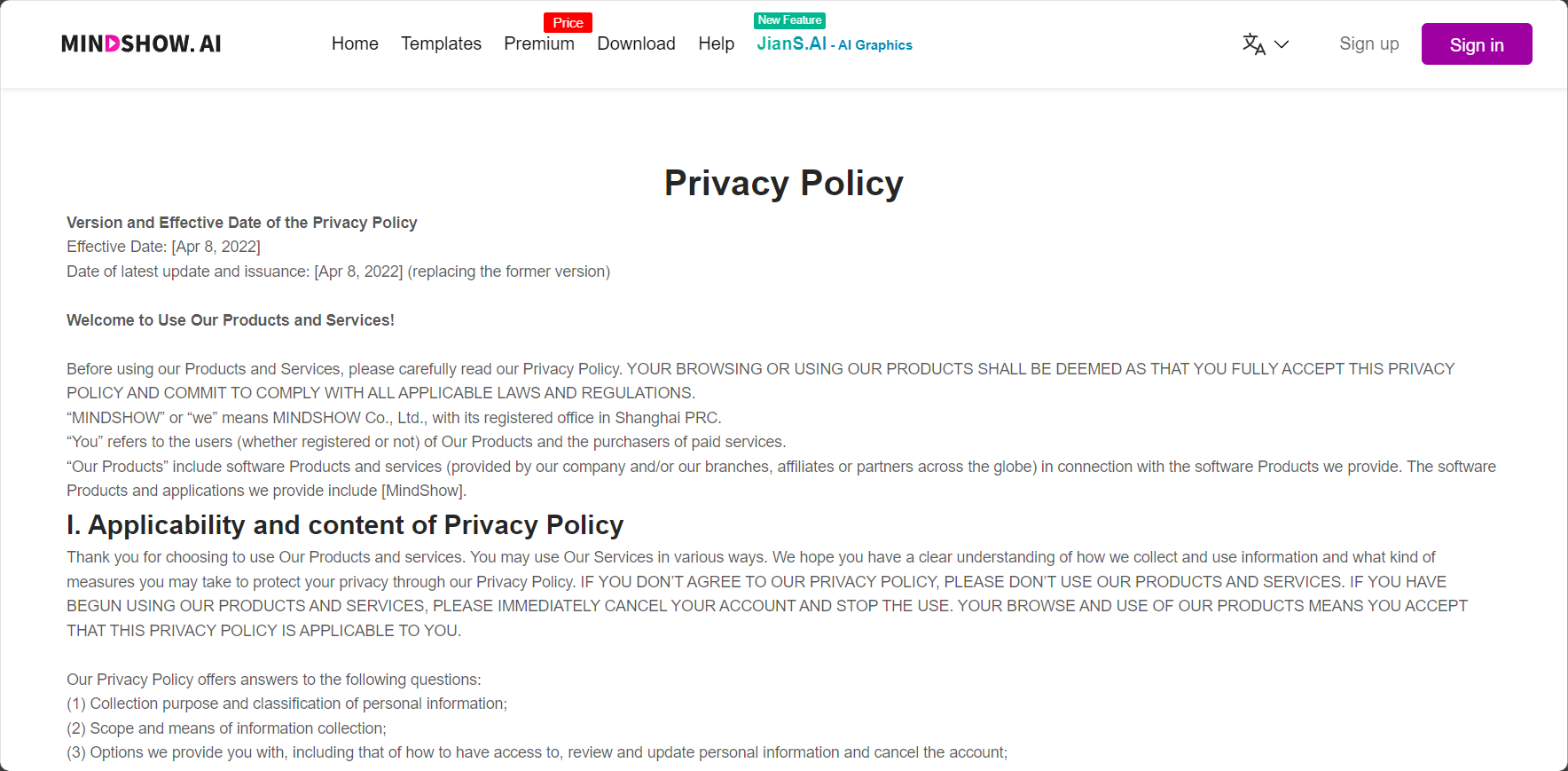
- The official commitment is not to collect sensitive user data; see details.Privacy Policy
—
In-depth analysis of application scenarios
Workplace Skills: Effective Meetings and High-Quality Presentation PPTs
MindShow greatly reduces the manpower required for PPT production and improves workplace efficiency.
- Daily work reports, project reviews, and presentation slides can be completed quickly within minutes.
- Various meeting presentations and project roadshows can automatically use enterprise templates to maintain a unified and standardized style.
- Supports collaborative editing and quick sharing, facilitating efficient team communication.
Education and Academia: Courseware Creation and Special Presentations
Teachers/scholars only need to upload the teaching syllabus and organize the documents, and the PPT will be automatically generated.
- Supports batch uploading of course content and one-click generation of weekly/unit/final courseware.
- It meets the needs of various scenarios such as academic presentations, results presentations, and MCM/defense PPTs.
- Enriching theme colors and chart modules makes data presentation more visually appealing.
Product/Market/Entrepreneurship: Easier Promotion and Display
- Marketing and product managers can quickly create PPT presentations for new product launches, business development, and roadshows.
- By incorporating dynamic modules, product selling points and process demonstrations become more vivid.
- Entrepreneurs and trainers can use MindShow to present their business plans and solutions, quickly attracting the attention of investors and partners.
| Application industries/scenarios | Main needs/pain points | mindshow empowerment points |
|---|---|---|
| Office | Time-consuming, laborious, and limited in style | One-click generation, efficient and compliant |
| Teaching lectures | Large production volume, difficult to change style | Massive template library, batch output |
| Market demonstration | The presentation was stiff and lacked vividness. | Animation support and rich data charts |
| Startup pitch | Rushing for time, feeling pressured to express myself | Clear structure, automatically supplemented content |
Minimalist Content Creation Tools for Individuals and Freelancers
Self-media creators, course bloggers, lecture experts, and others can use MindShow to continuously and efficiently produce content.
- All kinds of lectures, themed salons, and online training sessions can generate a custom PPT in 1 minute.
- A wide variety of templates are available, including charts, flowcharts, and lists, to meet diverse content needs.
- Supports online sharing and link sharing, making remote sharing efficient and convenient.

—
mindshow operation process and pricing system
mindshow usage flowchart
| step | Operating Instructions |
|---|---|
| 1. Create a new project | Enter a PPT theme or upload a document. |
| 2. Content Import | Intelligent identification/adjustment of chapter outline |
| 3. Template Selection | Switch styles and layouts with one click |
| 4. Minor adjustments to the content | AI-powered retouching, adjusting paragraphs and images. |
| 5. Export and share | Online demo/PPTX/PDF export |

mindshow pricing system and user benefits
| Version Category | Service Content | Applicable to |
|---|---|---|
| Free version | Basic templates, smart import, PDF export | Personal trial, for beginners |
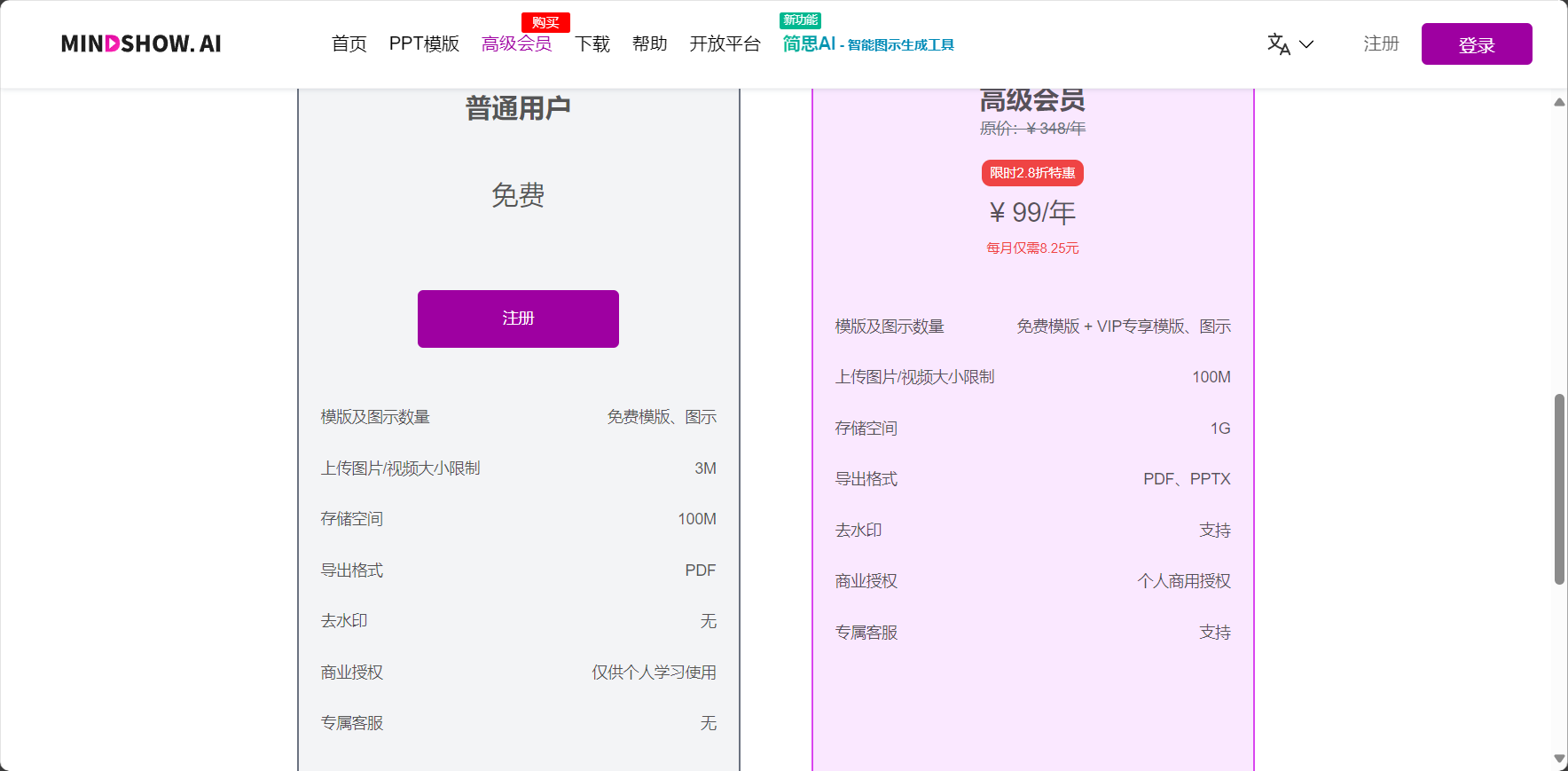
| Premium Account - Monthly Billing | Unlock all templates, dynamic animation output, and PPTX export. | Professionals and educators |
| Premium Account - Annual Payment/Multiple Packages | Long-term batch output, enterprise templates, and dedicated cloud space support | Enterprises and institutions |
*Price (for reference): Monthly: ¥190, Annual: ¥1,490, Two-year: ¥2,990, Three-year: ¥3,990. See details.Official support*
—
MindShow compared to other AI PPT tools
There are already many AI PPT generation tools on the market, such as AIPPT, PPT Master, and AiPPT Maker. Mindshow's core competitiveness lies in...Extremely simple to use, rich templates, user-friendly animations, multi-platform support, and a good privacy policy.Below is a comparison for your reference:
| Tool Name | Automatic layout | Animation support | Template richness | Export format | Price attitude | Data privacy |
|---|---|---|---|---|---|---|
| mindshow | 是 | 是 | Extremely rich | PPTX/PDF/Online | friendly | Excellent |
| AIPPT | part | 无 | Relatively abundant | PPTX | medium | generally |
| PPT Master | 是 | 有 | Relatively abundant | PPTX/PDF | Slightly higher | generally |
—
Conclusion
Whether you are an efficiency-driven white-collar worker, an education professional skilled in content creation, or a business or creator who needs to produce content in large quantities,mindshowBoth can significantly reduce your PPT creation time and produce higher-quality presentations. With AI-powered automatic layout, rich templates, and cross-platform collaboration, it has become a star tool for enhancing modern office and content productivity. To experience this efficient and intelligent new paradigm of PPT, please visit [website address].mindshow official websiteLearn more and try it out.
© Copyright notes
The copyright of the article belongs to the author, please do not reprint without permission.
Related posts



No comments...
