
What is Edge AI (Microsoft Browser AI)? A comprehensive introduction to the application scenarios and basic functions of edge AI.
When we surf the internet, we encounter all sorts of "moments": reading a long, in-depth article full of jargon and wanting to quickly grasp the core concepts; hesitating between multiple shopping websites and hoping someone can help us compare and contrast them; or struggling to find the right words when writing an important email. In the past, these tasks required opening new tabs and engaging in tedious searching, copying, and pasting. Now, your browser might be able to solve these problems for you—this is thanks to the built-in AI in Microsoft Edge (now officially named...).Microsoft CopilotThe role to be played.

I. Getting to the Root of the Problem: "Edge AI" vs. "AI in the Edge Browser"“
First, we need to clarify a commonly confused concept. When people talk about "Edge AI," they might be pointing in two completely different directions:
- Edge AI on Edge ComputingThis is a technical term leaning towards hardware and algorithms, referring to running AI models directly at the "edge" where data is generated (such as your phone, smart camera, or computer itself), rather than uploading the data to a remote cloud server for computation. Its advantages include faster response times, privacy protection (data doesn't leave the local device), and reduced network bandwidth. For example, facial recognition on mobile phones often utilizes this technology.
- Our main focus today is "AI in Edge Browser".This refers to Copilot (formerly known as Bing Chat), the AI assistant feature integrated into Microsoft's Edge browser. Essentially, it's a cloud-based AI. When you use it, your request is sent over the network to Microsoft's servers, where it's processed by powerful, large-scale language models (like GPT-4) before the results are returned to you. Its power stems from its connection to real-time information from across the internet and cutting-edge AI models.
So, although both names contain "Edge," the former refers to the technical architecture of "where computing happens," while the latter is a tangible application function embedded in specific software (the Edge browser). This article focuses on the latter—this intelligent browser companion that can see, talk, and write.
II. Core Functionality Breakdown: When a Browser Has a "Brain"“
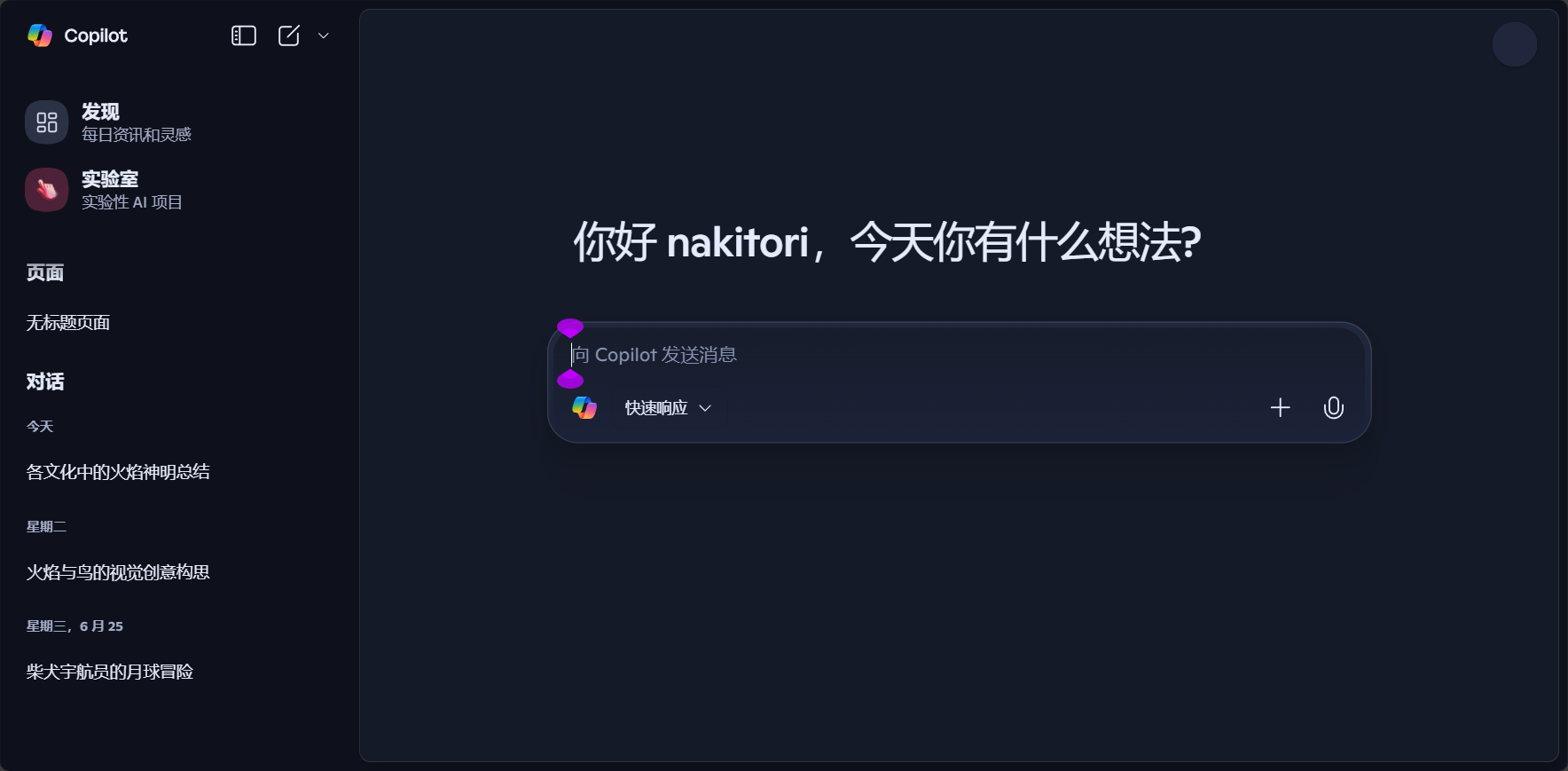
Copilot in Edge is not just a simple chatbot; its core advantage lies in "contextual awareness"—it knows which webpage you are currently browsing and can offer assistance accordingly. Typically, you can find its icon in the upper right corner of your browser; clicking it will expand a sidebar. Let's see what this "brain" can do.
1. Intelligent Chat: Your All-in-One Q&A and Creative Partner
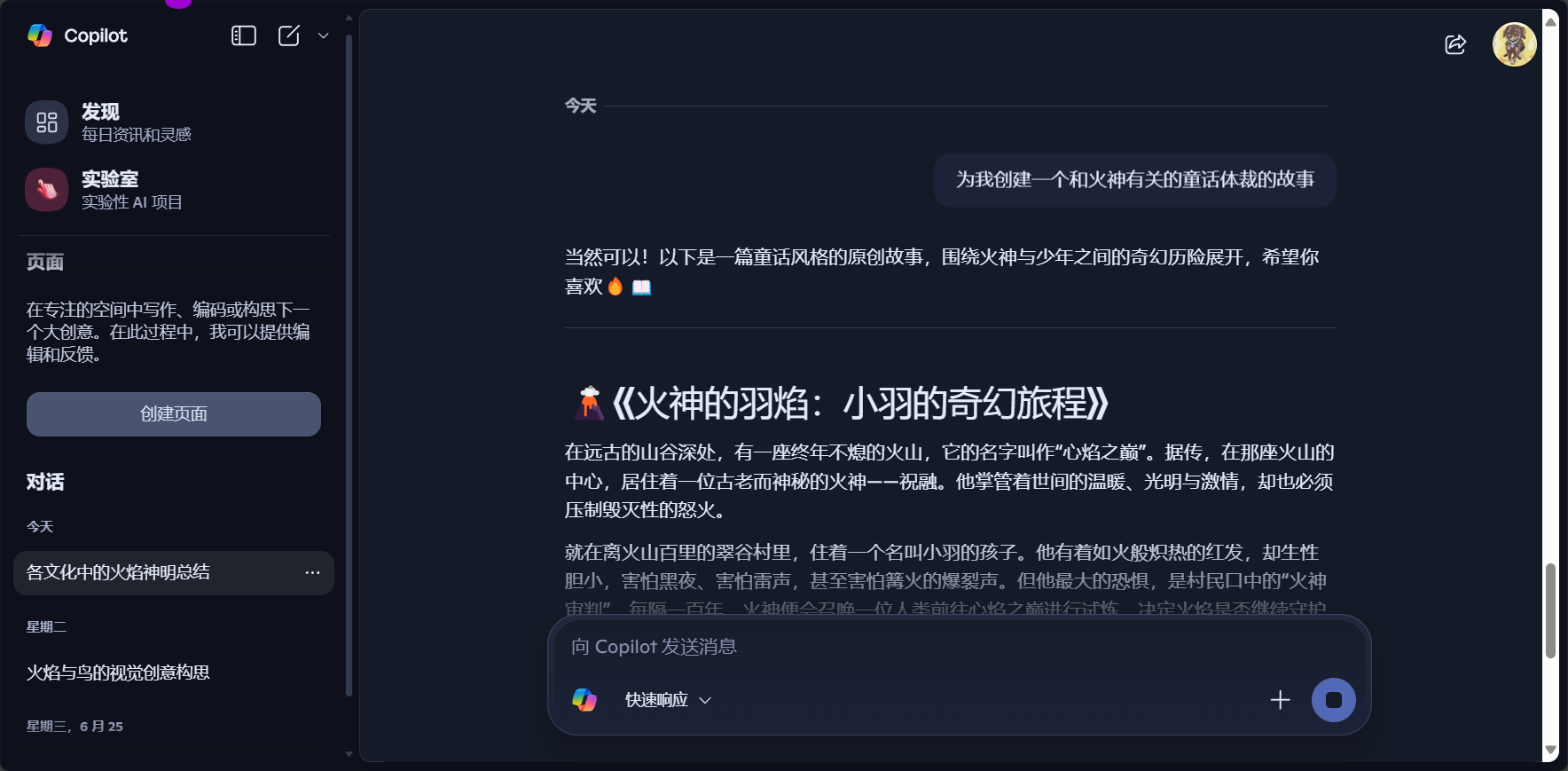
This is the most basic and frequently used function. It's like a knowledgeable friend; you can ask it any question. But unlike traditional search engines, it provides more conversational and integrated answers.
- Application scenarios:
- Knowledge Q&A"Explain what a 'light-year' is, using an analogy that even an elementary school student can understand."“
- Travel planning"Please help me plan a five-day trip to Tokyo, focusing on anime culture and food, and provide a rough budget for each day."“
- Brainstorming"I need to come up with five creative names for my coffee shop's spring special drinks."“
- Programming help"Write a function in Python that can calculate the size of all files in a folder."“

2. Webpage Summary and Interpretation: Easily extract the essential information from the sea of data.“
This is one of Copilot's most revolutionary features in the browser. No more forcing yourself to read through reports, news articles, or academic papers that are thousands of words long.
- Application scenarios:
- You've opened a research news article about "quantum computing," but it's full of technical jargon. You can ask a question directly in the Copilot sidebar:“To summarize the main content of this page in layman's terms...”"or"“What is the central argument of this article?”"Copilot will read the entire page and generate a concise summary for you."
- You can even ask follow-up questions:“What exactly does the 'quantum entanglement' mentioned in the article refer to?”It will provide an explanation in conjunction with the context of the article.
- Usage TipsThis feature is very helpful for quickly filtering information and determining whether an article is worth reading carefully. However, please note that the AI's understanding of extremely complex or highly technical charts and formulas may be flawed.
3. Content Creation (Writing Function): Your Personal Writing Assistant
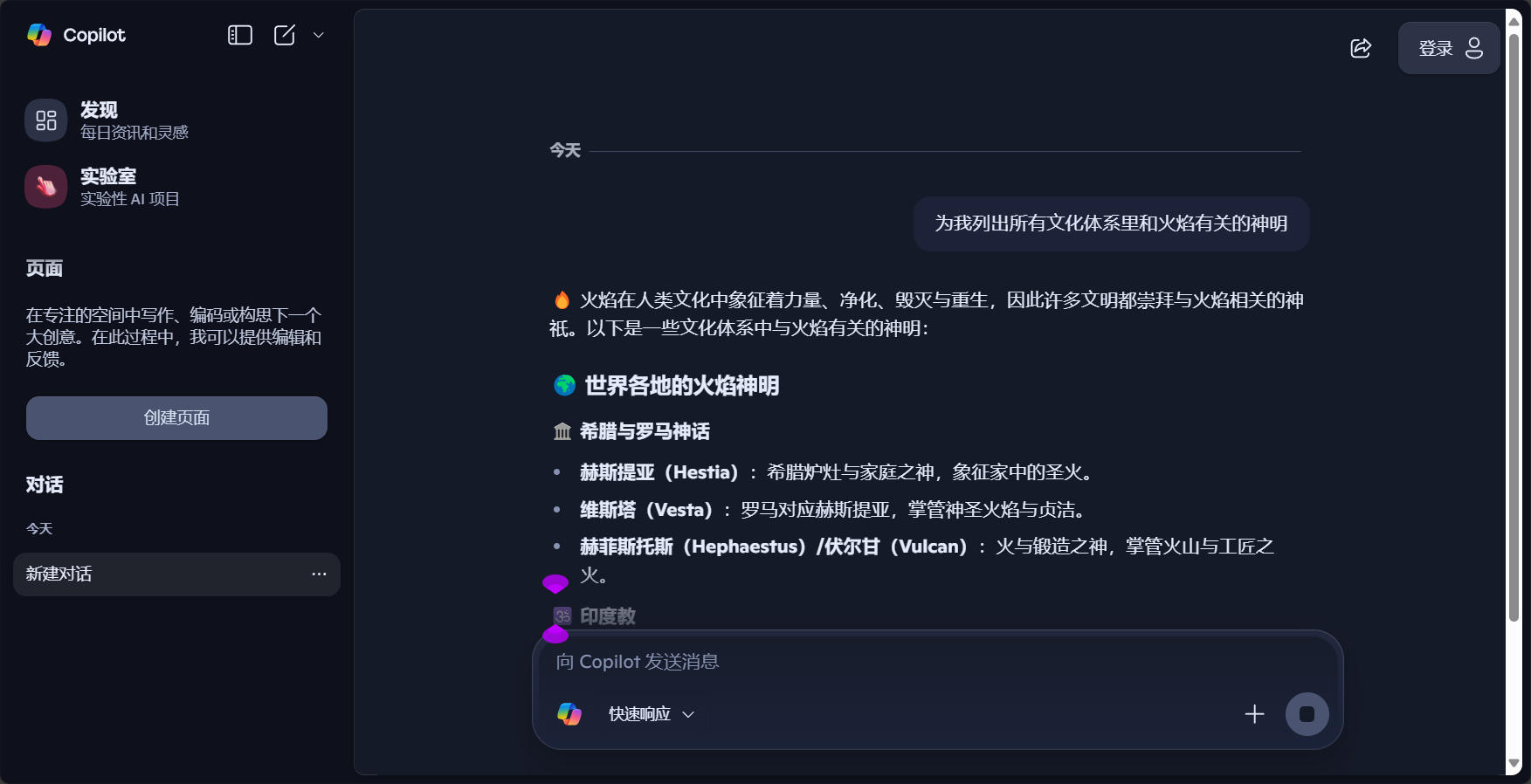
In the Copilot sidebar, there is a dedicated "Compose" tab. This is a powerful draft generator.
- How to use:
- Input promptsWrite your request in the input box, such as "Help me write an email to my professor to request an extension for submitting my paper, citing illness as the reason."
- Setting toneYou can choose from various tones such as "professional", "leisurely", "enthusiastic", "informative", and "humorous".
- Select formatIt can be a "paragraph", "email", "blog post" or "idea", etc.
- Set lengthShort, medium, or long – the choice is yours.
- Application scenarios:
- Quickly draft a proper business email.
- Generate several engaging captions for your social media posts.
- When you get stuck while writing, let it provide you with some ideas or a starting point.
- Important ReminderAI-generated content should be considered...First draft或InspirationThis is not the final product. It is essential to personally review and revise it, incorporating your own thoughts and style, especially in academic and professional settings, to ensure the accuracy and originality of the information.
4. Image Generation: Turning imagined words into reality
With the integration of the DALL-E 3 image generation model, Copilot can also "draw pictures".

- Application scenarios:
- “"Draw me an image of an orange cat wearing an astronaut helmet floating in a starry sky background, in a cyberpunk style."‘
- Quickly generate unique images for your PowerPoint presentations or blog posts.
This feature greatly lowers the barrier to creative expression; simply describe it in words, and AI will present you with a visual result.
III. Practical Tips and "Avoiding Pitfalls" for Beginners
While AI tools are useful, to use them effectively, you need to master some methodologies and understand their limitations.
- Tip 1: Learn to Ask Questions (Prompt Engineering)
The quality of AI's output largely depends on the quality of your input. A good prompt should be clear, specific, and contain sufficient context.- Bad questions"Write a story."“
- Excellent Questions"Write a short science fiction story of about 500 words. The protagonist is a botanist who is stationed alone on Mars. He discovers a fungus that can communicate with human consciousness. The tone of the story is one of surprise and a little sadness."“
- Tip 2: Cross-validation is the golden rule
AI can make mistakes, and may even seriously "talk nonsense" (a phenomenon known as "hallucination"). For any important facts, data, or citations,Cross-validation is absolutely, absolutely, absolutely essential.Checking the source links of the information it provides, or verifying it with a traditional search engine, is the most important habit when using AI. - Tip 3: Protect personal privacy
While Microsoft has its privacy policy, a prudent principle is:Do not disclose any highly sensitive personal information.(Such as ID number, bank password, detailed health status, company core secrets) can be entered into any public AI chat interface. - Tip 4. Treat it as a "passenger seat," not a "designated driver."“
AI is a tool to improve efficiency, not a shortcut to replace thinking. Especially for students and knowledge workers, using AI to organize information, inspire ideas, and polish language is excellent, but relying entirely on it to complete assignments or reports not only raises issues of academic integrity but also deprives you of the ability to think independently and solve problems.
IV. Beyond the Edge: Exploring a Broader Ocean of AI Tools
Copilot in Edge is an excellent and convenient entry point into the world of AI. However, once you're familiar with its logic, you might want to explore the broader ocean of AI tools, which are often more specialized and powerful in their respective fields. Here are some outstanding contenders in different areas:
- General Chat and Writing:
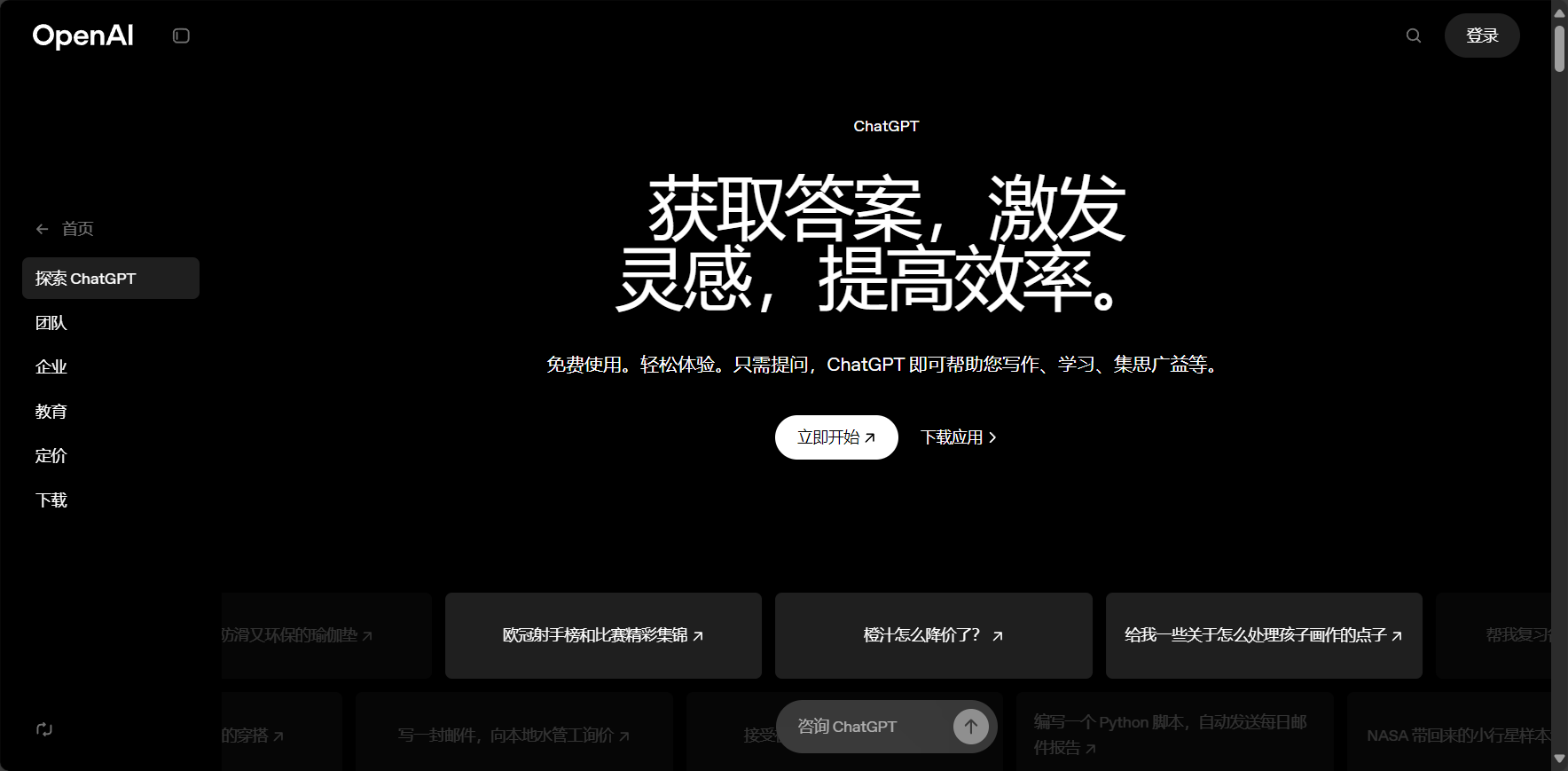
- ChatGPT (OpenAI)A pioneer and benchmark in the industry, with extremely strong comprehensive capabilities.
- Claude (Anthropic)Known for its longer context window and excellent writing and summarizing skills.
- Google GeminiIt is a Google product, deeply integrated with the Google ecosystem, and its multimodal capabilities are its highlights.
- Academic research and paper reading:
4. Perplexity AIKnown as a "conversational search engine," it directly includes citations when answering questions, making it ideal for research.
5. Scite.aiIt can help you check whether the citations in your paper are supported or refuted, making it a valuable tool for researchers.
6. ElicitAutomated literature review tools can help you quickly find relevant papers and extract key information. - Image and Creative Design:
7. MidjourneyIt is currently recognized as one of the best AI painting tools for artistic effects and is often used for high-quality concept design.
8. Stable Diffusion (WebUI/ComfyUI)It is an open-source model with extremely high customization capabilities, a large community, and countless plugins, making it the first choice for professional players.
9. Adobe FireflyIntegrated into the Adobe suite, designed for commercial security, and will not infringe on copyright. - Presentations and Charts:
10. Gamma.appSimply enter a theme, and you can automatically generate a complete and beautifully designed PPT or document.
11. Canva Magic DesignEnter a single sentence in Canva to generate multiple design templates. - Audio and video processing:
12. RunwayMLIt offers a variety of cutting-edge features such as AI video editing and video generation (Gen-2).
13. Suno AIEnter the lyrics and style to generate a complete song (with vocals). - Programming aids:
14. GitHub CopilotDesigned specifically for programmers, it provides code suggestions and auto-completion directly within the code editor, making it a great helper for developers.
Concluding remarks
We are at a technological inflection point. AI is no longer a distant science fiction concept; it has begun to permeate every aspect of our digital lives, just like water and electricity. Tools like Copilot in the Edge browser are among the most accessible manifestations of this transformation.
© Copyright notes
The copyright of the article belongs to the author, please do not reprint without permission.
Related posts


No comments...
