
ChatGPT Registration Full Process Tutorial (with Images): A Beginner's Guide to Avoiding Pitfalls (Latest 2025 Version)
Amid the global AI boom,ChatGPTIt remains the most popular intelligent dialogue tool. This article combines the new registration policy, functions, and common error troubleshooting for 2025.With detailed illustrated instructions and tips to avoid pitfalls, we help beginners register for ChatGPT smoothly and without worry, and skillfully avoid risks. This tutorial covers multimodal upgrades, new verification methods, handling geographical restrictions, and security settings, and is suitable for users in China, Hong Kong, Taiwan, and globally. Bookmark this tutorial to enjoy ultimate productivity in the AI era!
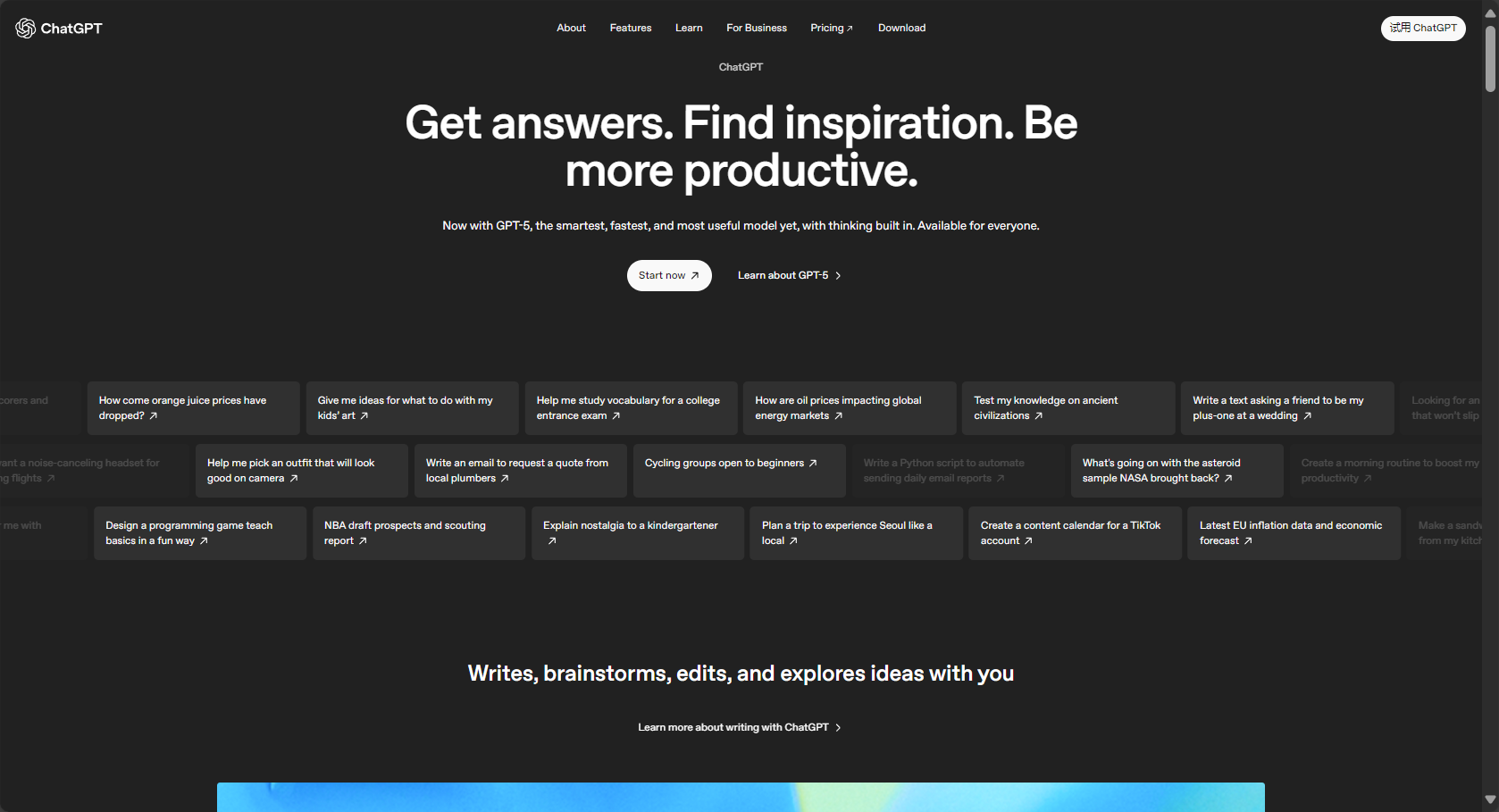
What is ChatGPT? A quick overview of its latest features in 2025.
2025ChatGPT is continuously innovated by OpenAI.It introduces multimodal (text, image, voice), stronger personalization, and automatic task agent (AI Agent).The registration process now supports more countries and various authentication methods.Furthermore, it strengthened its anti-fraud mechanisms.
| plan | Monthly fee (USD) | Main differences |
|---|---|---|
| free | 0 | Basic ChatGPT 5, with limitations |
| Plus | 20 | Advanced models are available, offering more comprehensive multimodal and web search capabilities. |
| Pro | 200 | Maximum full-modal, professional data analysis and depth search |
Go to the ChatGPT official website registration portal now
ChatGPT Registration Full Process Tutorial (Including Key Points to Avoid)
Registration Preparation and Precautions
- Must be at least 13 years old (18 years old in some areas)Please fill in your birthday accurately.
- Prepare frequently used email addresses (Gmail/Outlook/Yahoo preferred).Avoid using temporary email addresses.
- You need a mobile phone to receive SMS messages. If there are regional restrictions, it is recommended to use an international mobile number.
- Must passOfficial registration pageregisterDo not use third-party sources.
Frequently Asked Questions Before/During Registration
| Potential problems | reason | Solution suggestions |
|---|---|---|
| I can't receive the verification email. | Filtered into spam or misspelled emails | Check your spam/junk folder, try re-entering your email address. |
| Unable to verify phone number | Carrier or area code not supported | Switch to mainstream international number |
| Registration shows service error | Peak or area restrictions | Use a VPN to switch back to US, Japan, Newport, etc. |
| Multiple authentication | High-risk IP/device | Clear cache, try again with a different device or network. |

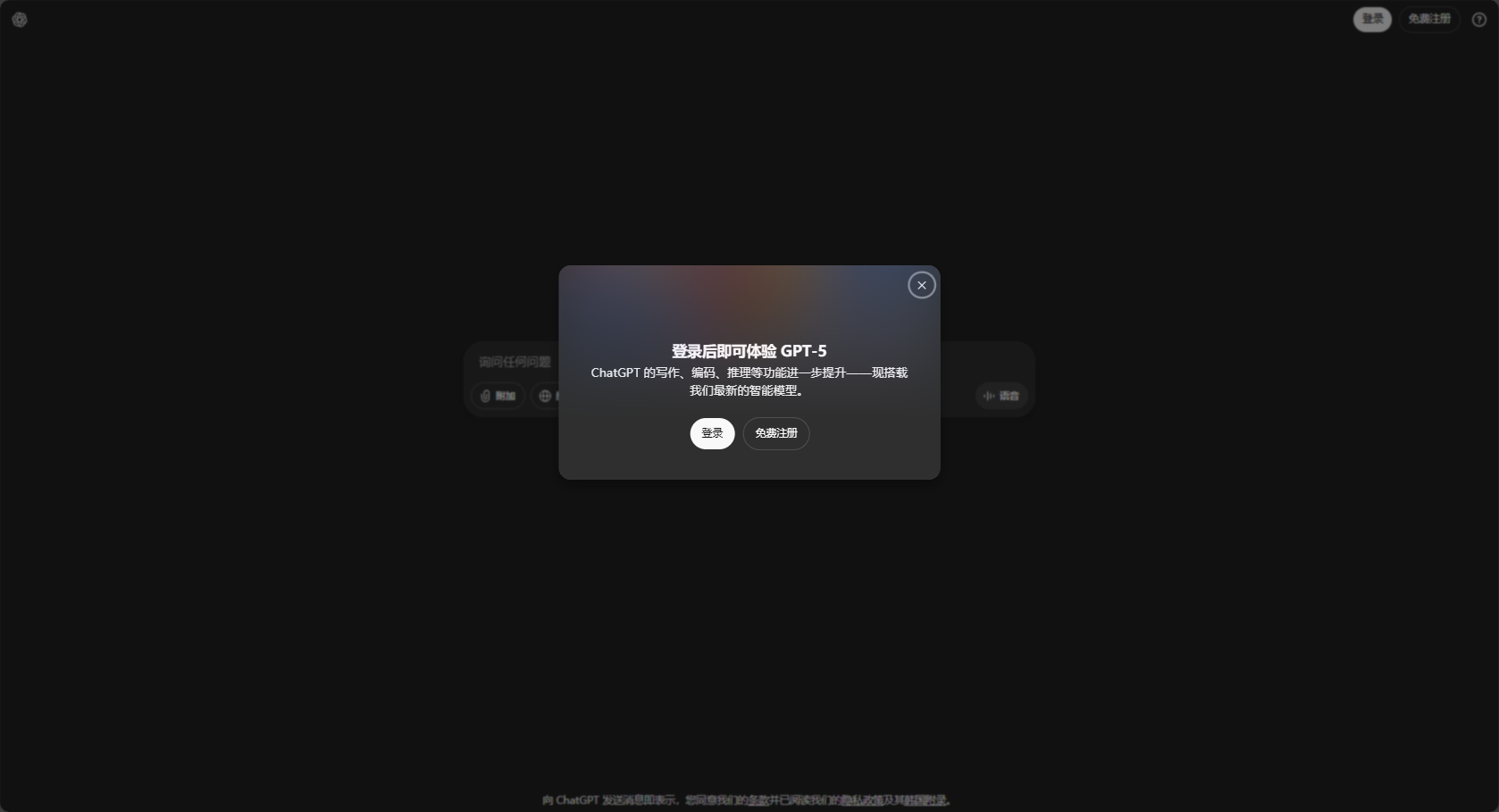
Download and register from the official website (full steps)
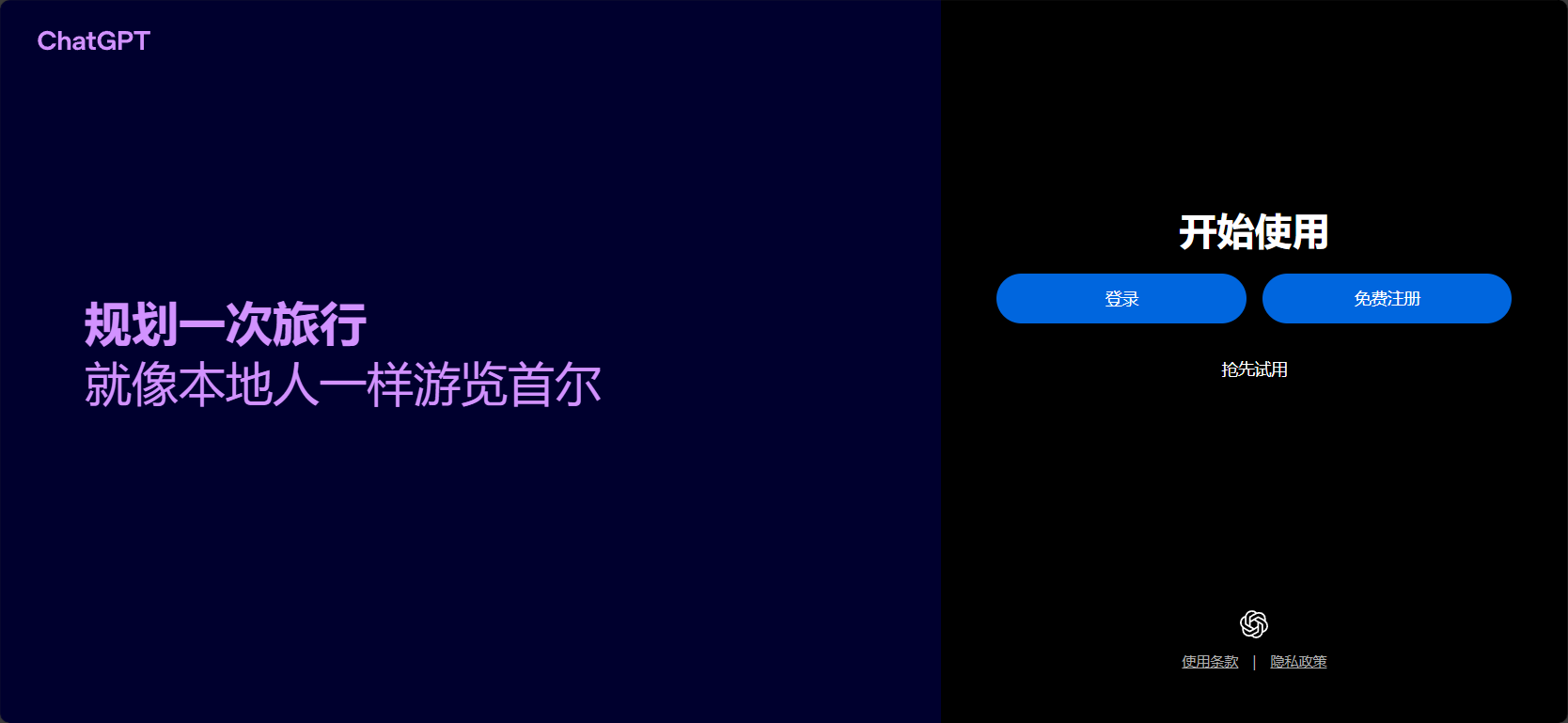
- Open ChatGPT Registration Portal。
- Enter your email address (or select Google/Apple/Microsoft for one-click registration).
We recommend using Gmail/Outlook to avoid using temporary email addresses. - Set a password (8-128 characters, including uppercase and lowercase letters and numbers).
Enabling 2-step verification (2FA) is recommended to improve security. - Please receive the verification code in your email and click the confirmation link. If you haven't received it, please check your spam/junk mail folder or try a different email address.
- Please fill in your real name and date of birth.
The 2025 version strictly verifies age.Minors are restricted in some areas! - Enter your mobile phone number, select the correct area code (such as +86 Mainland China, +886 Taiwan, +852 Hong Kong, +81 Japan, +1 USA, etc.), and enter the verification code.If you haven't received the verification code, try changing your phone number or region.
- Complete registration and you will be automatically logged into the chat homepage.
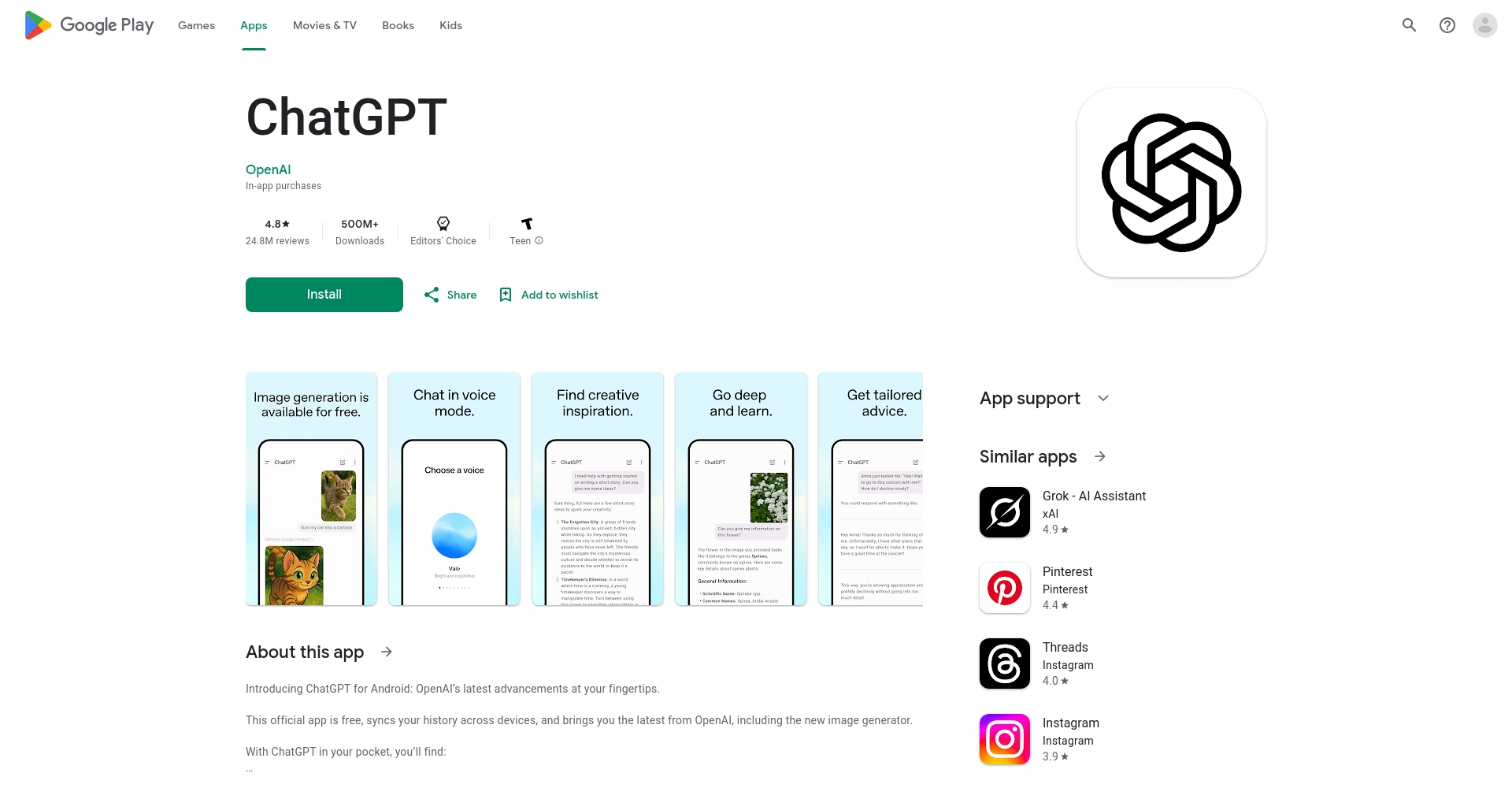
For the app version, please verify the developer's identity on the App Store/Google Play.OpenAI。
If you encounter "Service temporarily unavailable", we recommend clearing your cache, switching networks, or using a VPN to try again.
Quick Reference Guide to Common Error Causes
| Problem Type | Detailed description | Solution |
|---|---|---|
| Unable to register with email address | It displays "Email address already exists".“ | Change your email address or click "Forgot password".“ |
| Unable to receive mobile verification code | Non-supported carriers/VoIP/virtual numbers | Use a mainstream telecom operator or a new mobile number/region |
| Verification code not received for a long time | SMS delay/blocking | Wait patiently for 2-3 minutes, then try sending it again, or try a different WiFi or SIM card. |
| Account blocked | IP/device anomaly detected | Try again with different devices/networks/browsers |
Frequently Asked Questions about Region & Mobile Phone Verification
- Chinese mainlandRequires a VPN. Support for mainland Chinese mobile numbers has decreased in recent years. Hong Kong or foreign mobile numbers are recommended.
- Taiwan/Hong Kong+886/+852 is usually OK; if there is a delay, you can use Google login.
- Virtual Number/VoIPIt is highly likely to fail and is not recommended.
- Cannot receive code: Ensure that international SMS/roaming is not blocked, or change your device or phone number.
- No physical card/overseas usersYou can try Google Voice (it works occasionally), and it is recommended to ask a friend or family member to lend you their international number for temporary verification.
Advanced security settings and solutions to common problems
Recommended to enable settings
| Settings | benefit | How to activate |
|---|---|---|
| Two-step verification (2FA) | Greatly improve account security | Personal Profile > Security > 2FA Enabled |
| Memorizing personal preferences | Intelligent responses are more considerate | "Preferences" at the bottom of the chat“ |
| Multilingual | The entire interface can be switched to Chinese. | The website footer has been changed to Simplified Chinese/Traditional Chinese/Japanese/English, etc. |
Important reminders about privacy and fraud prevention
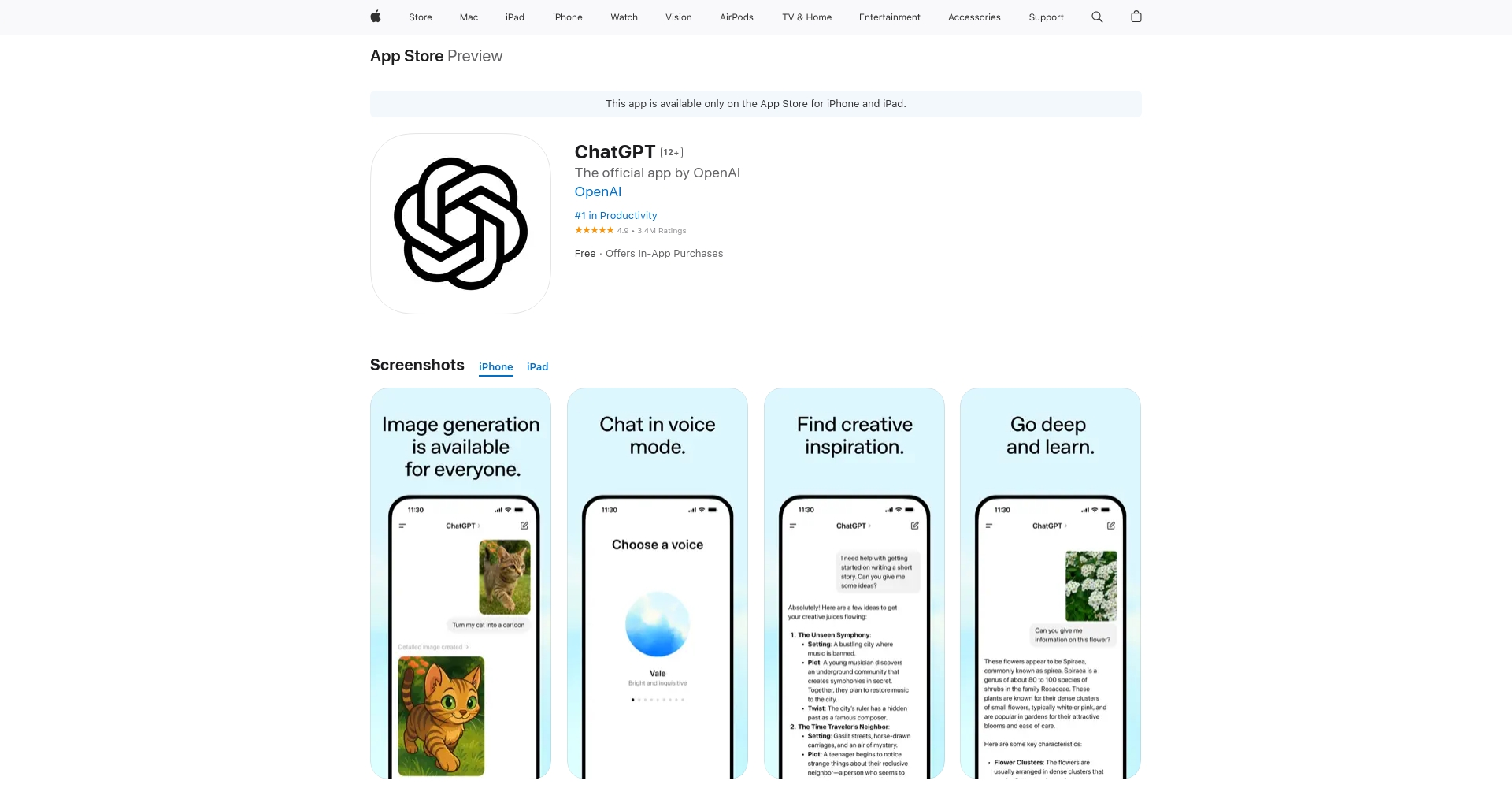
- Do not use unofficial apps/malicious websitesBefore downloading, make sure the developer is "OpenAI".
- Avoid temporary email addresses/virtual phone numbersOtherwise, it will be difficult to recover a lost account.
2025 Mainstream ChatGPT Official/Tool Download Portal
| platform | Official download/entry point | Remark |
|---|---|---|
| Web version | ChatGPT Official Website | Supports Simplified and Traditional Chinese |
| iOS | App Store | Beware of counterfeits; verify the developer. |
| Android | Google Play | Choose OpenAI |
| Browser extension | Chrome plugin | Official priority |
Practical external services/Security third-party tools
| name | Function Summary | Official website |
|---|---|---|
| Felo AI | AI-powered intelligent search and academic assistance | View offers |
| Perplexity | AI search engine | Official website |
| Bing Copilot | Microsoft's official AI assistant | Direct access |

End of article
ChatGPT continues to reshape digital life and learning capabilities. Registration in 2025 is simpler than in previous years. Users only need to follow the above process, prepare their email and mobile phone number, and avoid traps such as "non-official website", "temporary email", and "virtual number" to successfully register and use the service.
If you encounter account bans or security issues, it is recommended to go to [website/organization name] immediately.OpenAI Help CenterFind the official solution.
Hopefully, this tutorial will help beginners start ChatGPT without any problems.Unlock the ultimate productivity of AI!
If you find this useful, please save it and share it with friends who might need it.
© Copyright notes
The copyright of the article belongs to the author, please do not reprint without permission.
Related posts




No comments...
