High-resolution image enhancement tools: A comprehensive review of 10 AI tools to improve image clarity by 2025 (including free options).
2025High-resolution AI image toolsA comprehensive overview: Enhance image quality and refresh your visuals! This article compiles 10 mainstream...AIThis image enhancement tool covers free, paid, online, offline, and open-source solutions, and has been comprehensively tested for common needs such as deblurring, lossless enlargement, old photo restoration, and anime image retouching. The article details its functions, features, and recommended scenarios to help you choose the most suitable AI tool in one place!

High-resolution image enhancement tools: A comprehensive review of 10 AI tools to improve image clarity by 2025 (including free options).
With the rapid development of AI technology,High-resolution imagesWith image enhancement becoming increasingly intelligent and user-friendly, the demand for high-quality image enhancement tools is rapidly rising, whether you're a designer, photography enthusiast, or everyday user. What are the top choices for AI-powered lossless image enlargement, deblurring, and anime HD upscaling in 2025? This article tests 10 mainstream AI HD tools on the market, providing a comprehensive review of online/offline/free/paid options, allowing you to easily choose the most suitable tool!
Overview of 10 AI tools for high-resolution image processing
| Tool Name | platform | Free plan | Magnification | Special features | Official link |
|---|---|---|---|---|---|
| Winxvideo AI | Windows, macOS | Partially free | 4X/8X/10X | One-click deblurring, batch/realistic/anime mode | link |
| Gigapixel AI | Windows, macOS | trial period | 6X | Preserving detail restoration, professional photography. | link |
| Zyro AI Upscaler | Online | Free | 2X~8X | Extremely fast online magnification | link |
| Icons8 Smart Upscaler | Online | Free/Paid | 2X | Supports multiple formats and is easy to use. | link |
| Upscale.media | Online | Free | 2X/4X | Automatic noise reduction and repair | link |
| Clipdrop Image Upscaler | Windows, macOS, Online | Free | 2X/4X | Free, watermark-free, supports multiple formats | link |
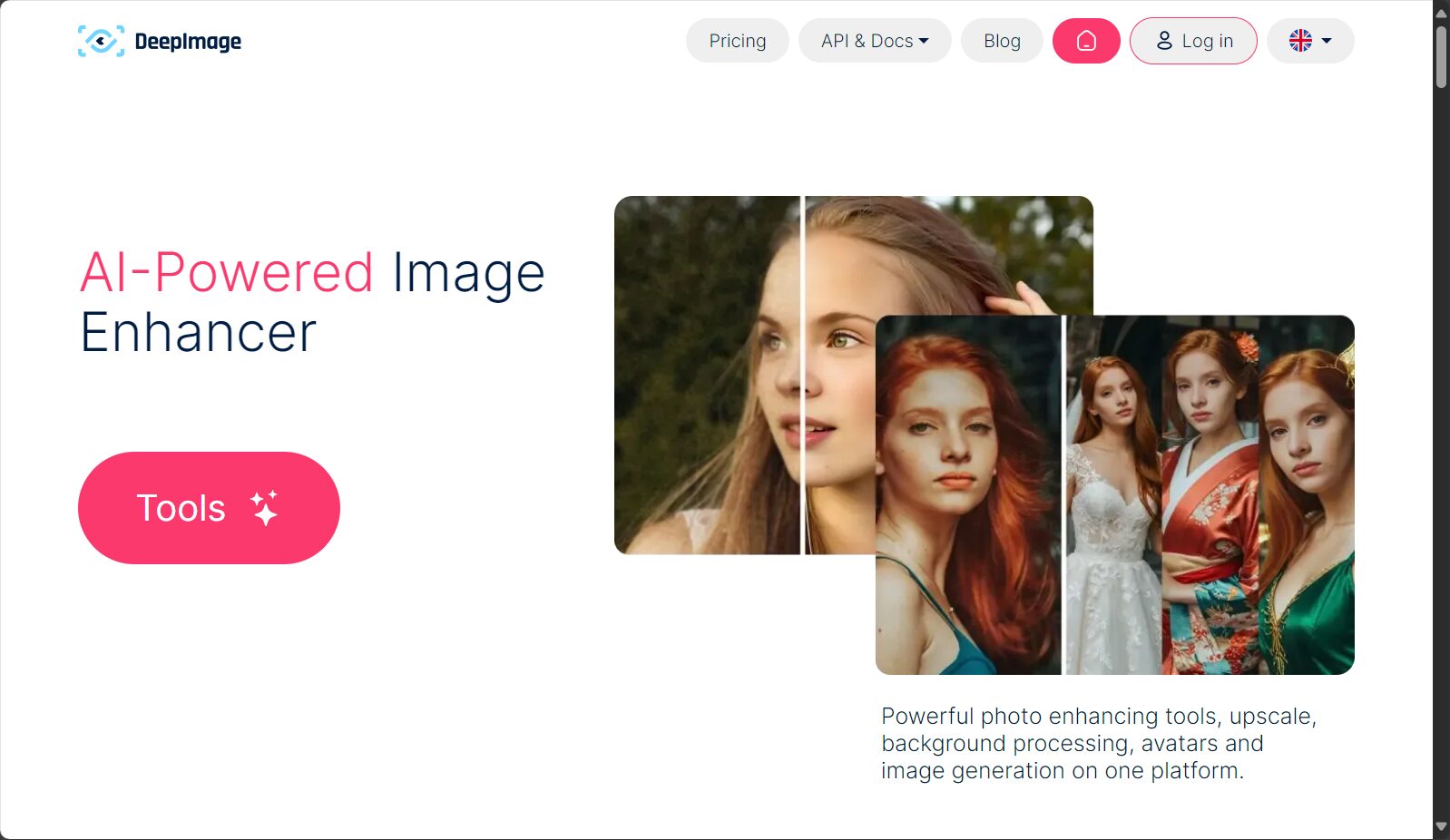
| Deep Image AI | Online, API | Partially free | 2X/4X | API support, enterprise-level batch processing | link |
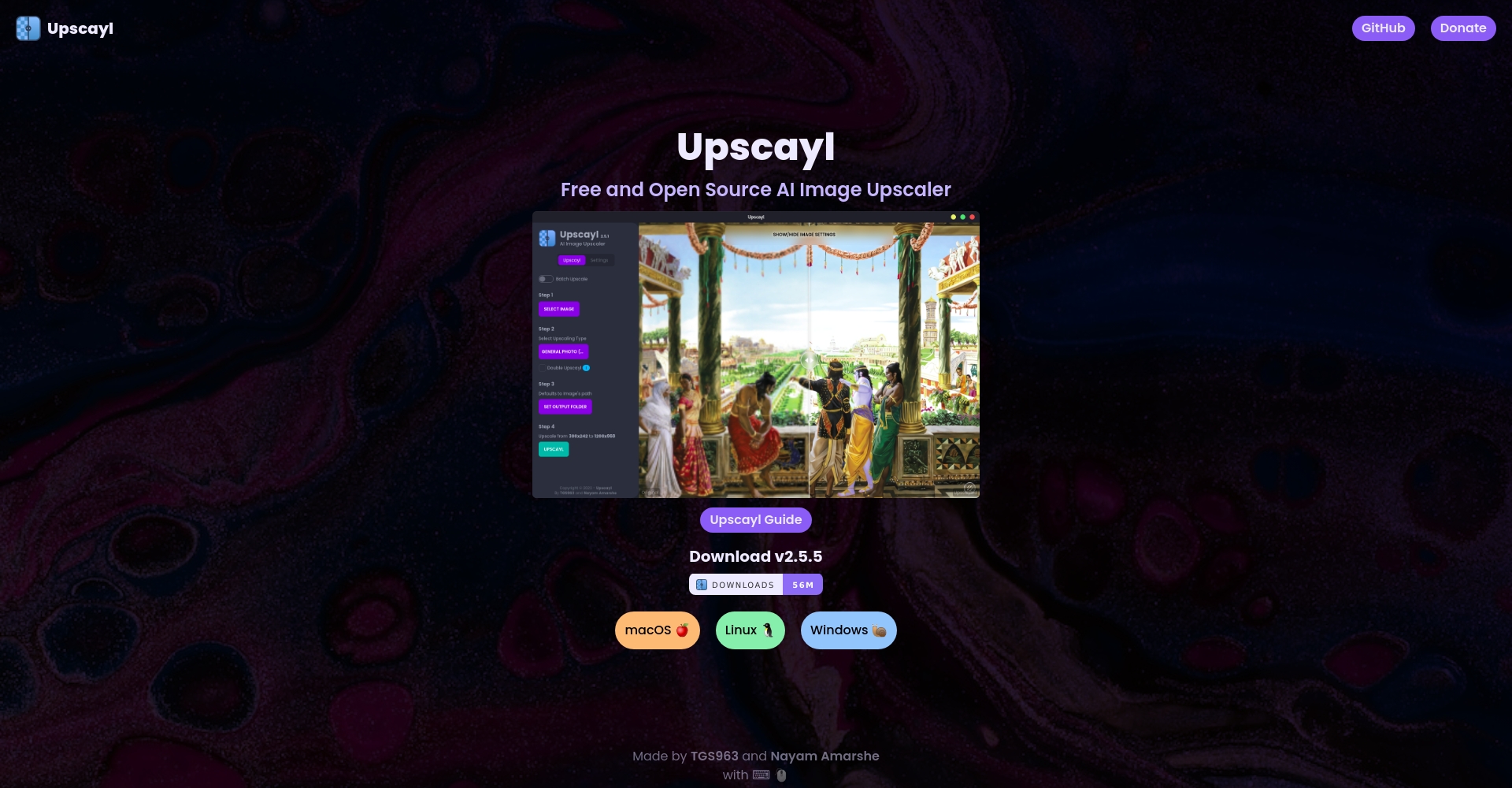
| Upscayl | Windows, macOS, Linux | Free open source | 2X/4X | Offline/Free/Open Source | link |
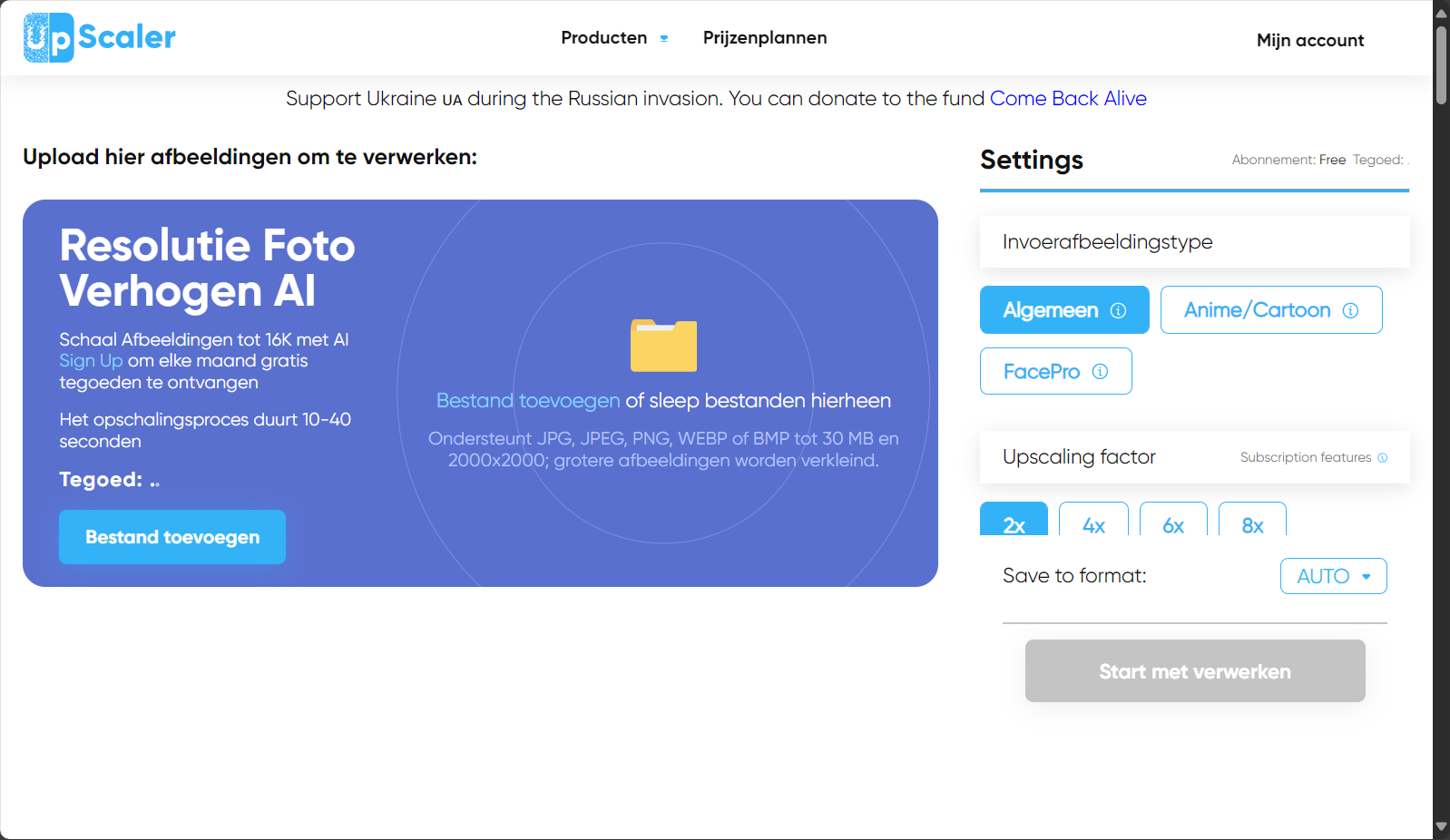
| Image Upscaler | Online | Free/Paid | 4X | Automatically removes noise. | link |
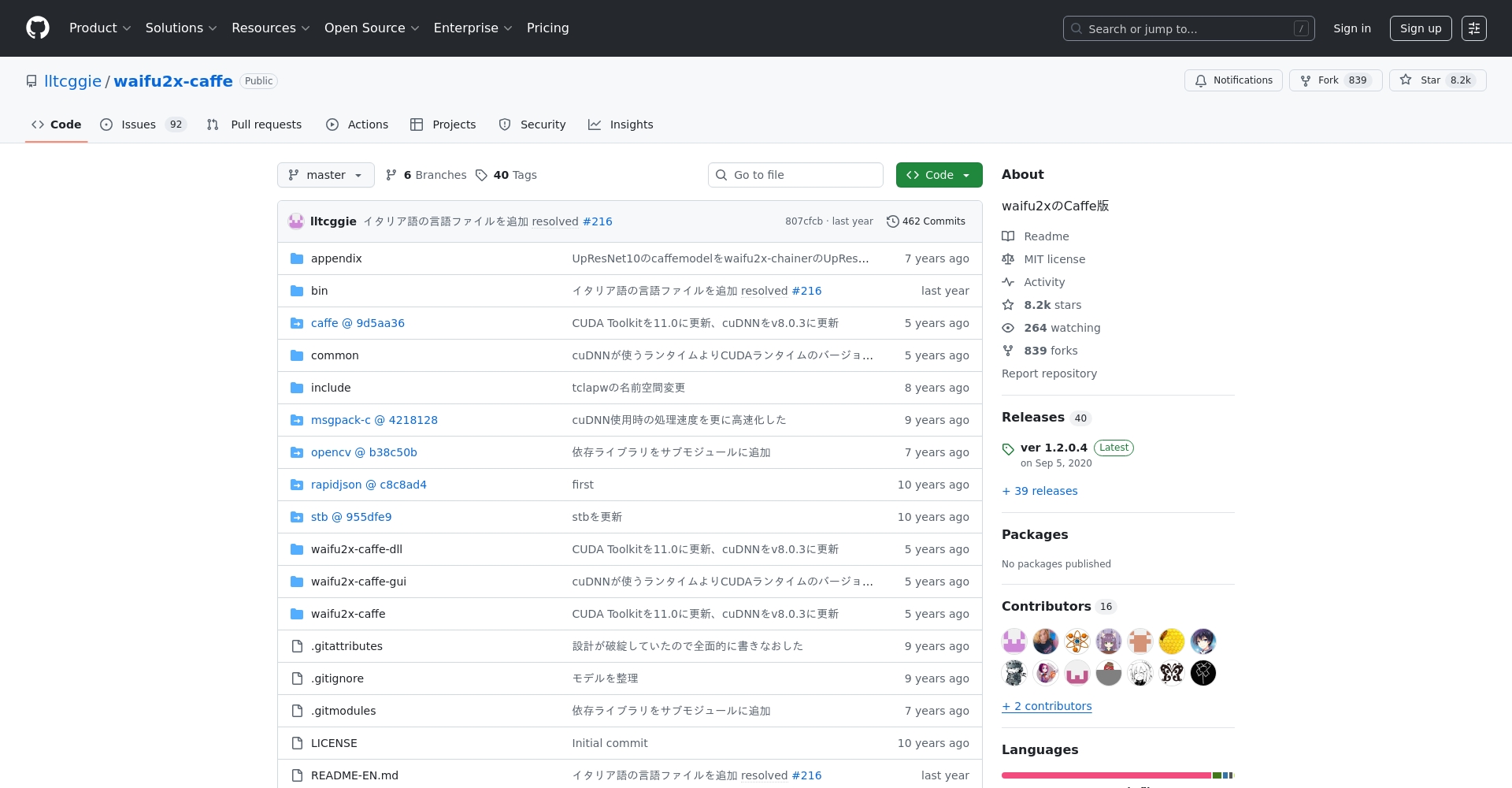
| Waifu2x-GUI | Windows, macOS, Linux | Free open source | 2X/4X | Anime and manga style, noise reduction | link |
1. Winxvideo AI – A highly efficient and practical top-tier image editing tool for high-resolution images.
Winxvideo AIIt is widely recommended as an all-around AI enhancement solution.Supports photo upgrades to 4K, 8K, and 10K resolutions, with one-click deblurring and noise removal.The batch processing efficiency is extremely high.
- Excellent compatibilityAvailable for both Windows and macOS, with a user-friendly interface.
- Enhance featuresSwitch between "Realistic" and "Anime" modes; applicable to old photo restoration, high-definition portrait facial reconstruction, and automatic color restoration.
- Super-fast batch processingMulti-core GPU acceleration, industry-leading efficiency.
- SuitDesigners, graphic designers, and animators.
Some features are available for free trial; the professional version requires payment.


2. Gigapixel AI – Photographer's Detail Restoration Expert
Produced by Topaz LabsAI automatically detects and repairs details, improving resolution by up to 6 times.It is suitable for the detail requirements of professional photography.
- Automatic edge recognitionRestores delicate texture
- Supports restoration of heavily blurred and pixelated photos
- You can download the full-featured trial version and then purchase a license.

3. Zyro AI Image Upscaler – An ultra-fast, free online solution
Completely free, no registration required, one-click online magnification up to 8x, easy noise reduction and restoration.It is especially suitable for repairing web images and digital marketing materials.
- Supports JPG/PNG, emphasizing a super-fast experience.
- Each image is limited to a maximum of 50MB and can only be processed one image at a time.
- An excellent choice for everyday photo editing.
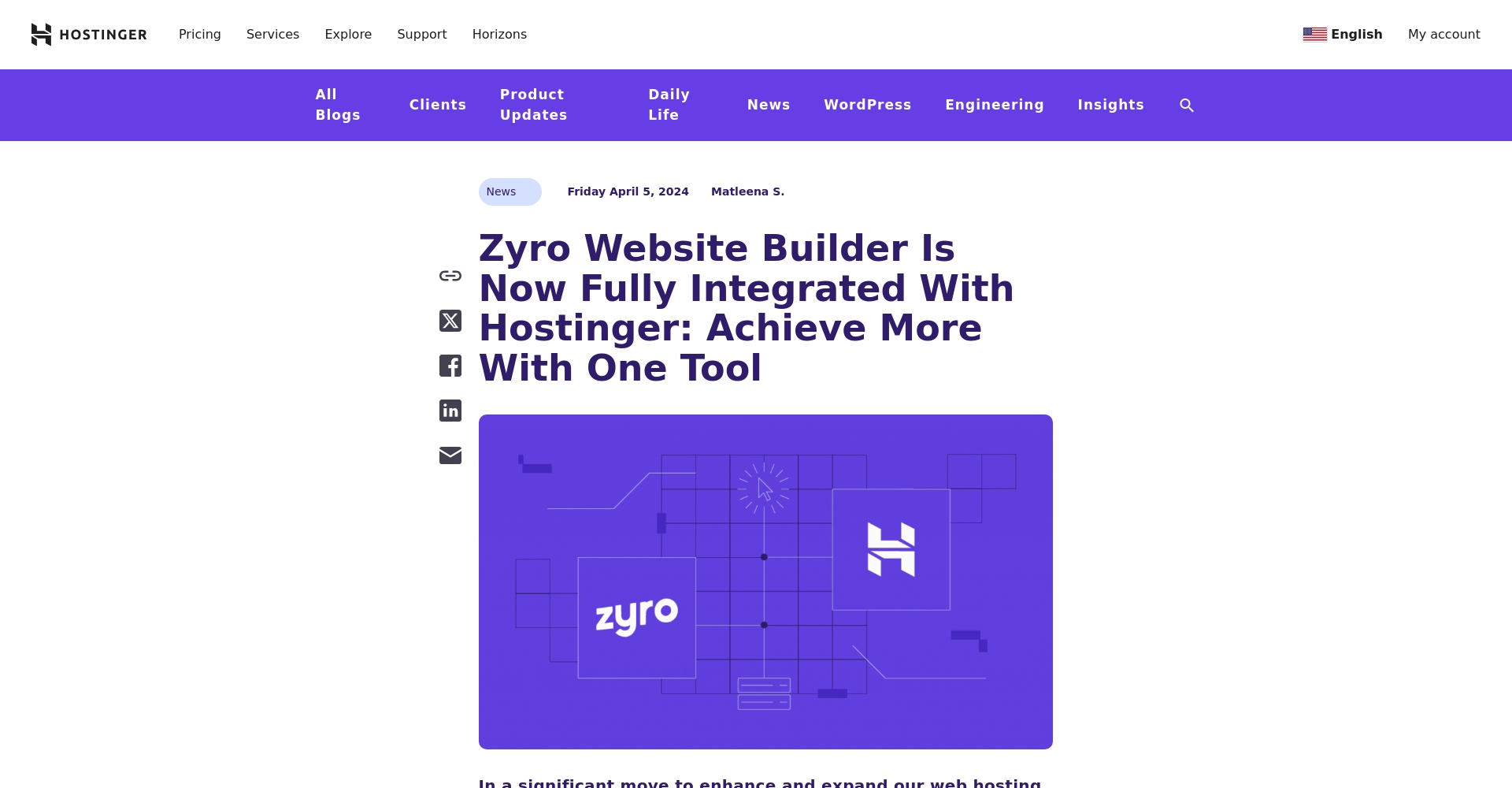
4. Icons8 Smart Upscaler – Multi-format online AI HD upscaling
Icons8's Smart Upscaler is extremely easy to use.Supports multiple formats including JPG/PNG/GIF/BMP.The free version has a floating watermark, while the paid upgrade allows for bulk purchases without a watermark.
- One-click editing makes it easy for design beginners to get started.
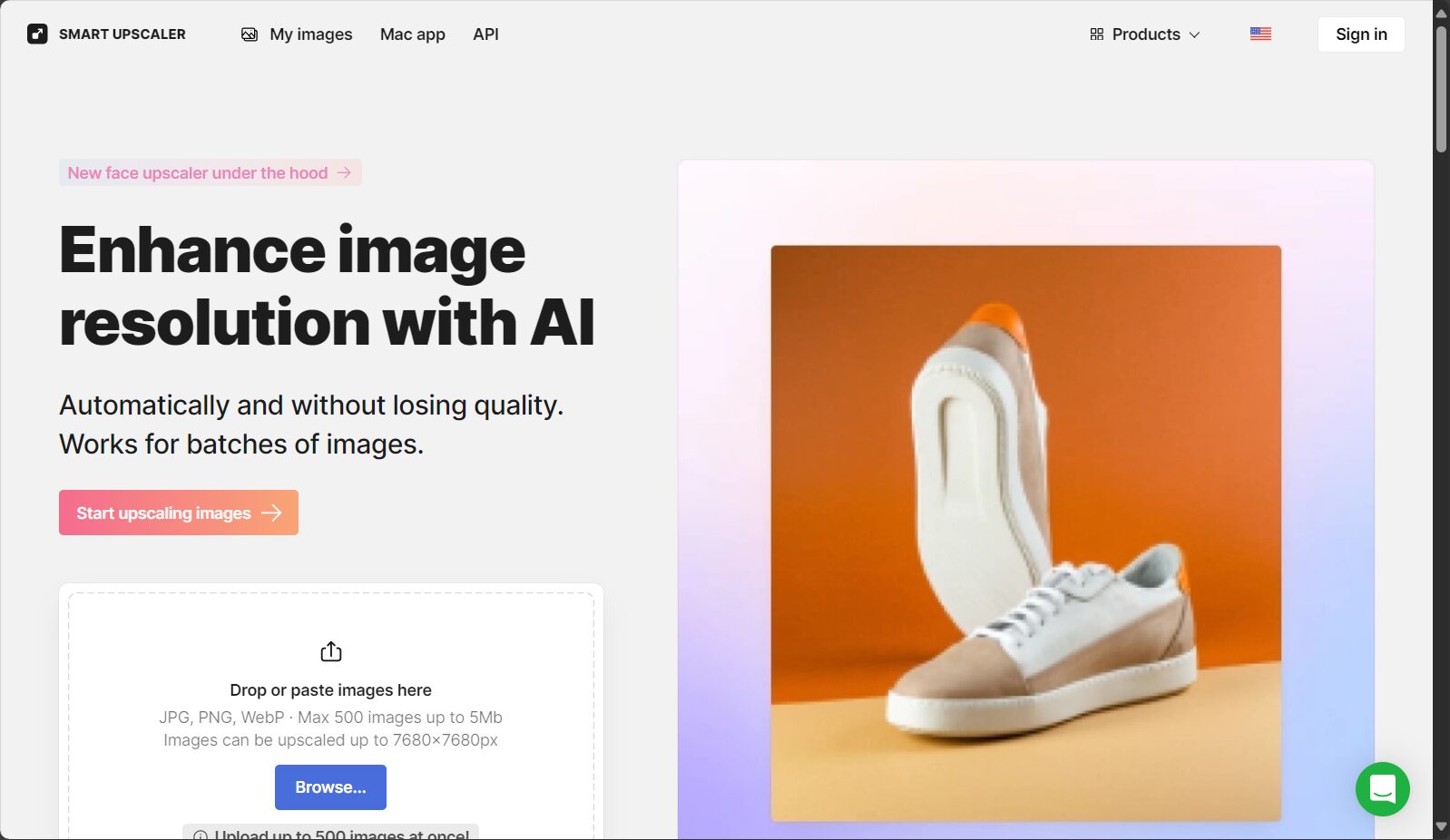
5. Upscale.media – A fast online option for automatic noise reduction and restoration.
Featuring AI noise reduction, it can magnify 2-4 times and remove compression imperfections.Suitable for repairing damaged or blurry images.
- There will be a watermark if you don't register; the watermark will be removed after registration.
- Professional users can pay to upgrade and open APIs.

6. Clipdrop Image Upscaler — Free, watermark-free, powerful image upscaling tool
No platform restrictions, completely free and watermark-free, maximum file size 10MB.Supports multiple formats including PNG, JPG, PDF, GIF, and BMP.
- AI-powered frequency boost and noise reduction, making images suitable for everyday use and social media.
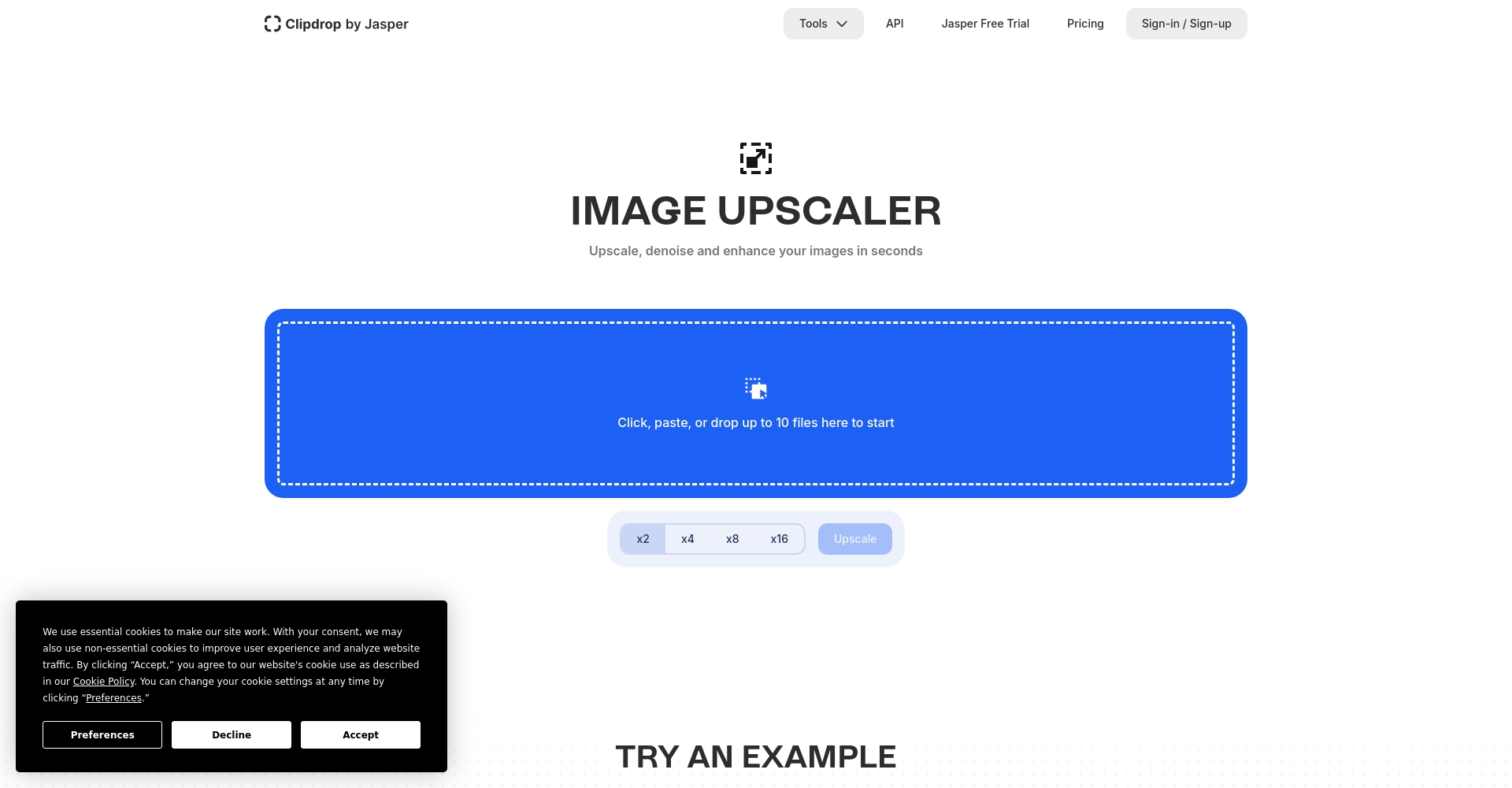
7. Deep Image AI – The premier choice for enterprise-level batch processing of high-resolution images
API can batch upgrade thousands of images, meeting enterprise-level automation needs, and supports JPEG/PNG/2X/4X upscaling.。
- The free version has limited features and requires an upgrade to become a long-term user.
8. Upscayl — Free, open-source, cross-platform, offline HD media player
Supports Windows/macOS/Linux, is free and open source, runs completely offline, and ensures data privacy.It has multiple built-in AI models, such as Real-ESRGAN.
- No ads, no watermarks, privacy friendly
- First choice for data-sensitive creators
9. Image Upscaler – Professional-grade online custom noise control
Based on Real-ESRGAN, it supports custom noise reduction batch processing, improving image quality while meeting professional needs.It is best suited for users with a large number of images who need to control the quality.
- Maximum size of 5MB per update, supports batch upgrades.
10. Waifu2x-GUI — A powerful open-source tool for high-definition anime illustrations.
Specializing in noise reduction and frequency upsampling for anime and manga illustrations, completely free and supports Windows/macOS/Linux.It's easy for beginners to use.
- Multiple algorithm switching, and noise reduction for videos.
Real-world testing recommendations & selection guide
By 2025, AI-powered high-resolution images will not only involve pixel enlargement, but will also emphasize noise removal, blur reduction, and flaw repair.Suggested selection:
- Comprehensive enhancement and batch processingPreferred selection Winxvideo AI
- Emphasis on free access and privacy:recommend Upscayl 或 Waifu2x-GUI
- Quick, temporary repairs without installation: Select Zyro AI 、Clipdrop
- Professional photography detail reconstruction:use Gigapixel AI
- Large demand for automation APIs:use Deep Image AI
With continuous technological innovation, image enhancement tools will combine advanced features such as automatic subject recognition and style restoration. Choose the AI tool that best suits your needs and breathe new life into every photo, delivering a professional-grade visual impact!
© Copyright notes
The copyright of the article belongs to the author, please do not reprint without permission.
Related posts


No comments...
