
Cursor Fee Breakdown: Price, Feature Comparison, and Cost-Effectiveness Analysis for Various Packages in 2025
This article provides a detailed analysis of the latest Cursor subscription plans for 2025, including their pricing, features, advantages and disadvantages, and actual cost-effectiveness.This section provides a detailed comparison of the applicability of Free, Pro, Pro+, and Ultra versions to various developer types.My Cursor Subscription Decision: My Personal Experience Choosing a Plan in 2025
I'd say I'm just an average Cursor user. Seeing the recent official update to the 2025 subscription plans, many of my friends have been asking me how to choose. Indeed, facing options like Free, Pro, and Pro+, it's easy to get confused if you don't understand the underlying logic. So, based on my own experience, I'll share my thoughts on these plans and how I make my choices.
Why I'm interested in Cursor, and where I started.
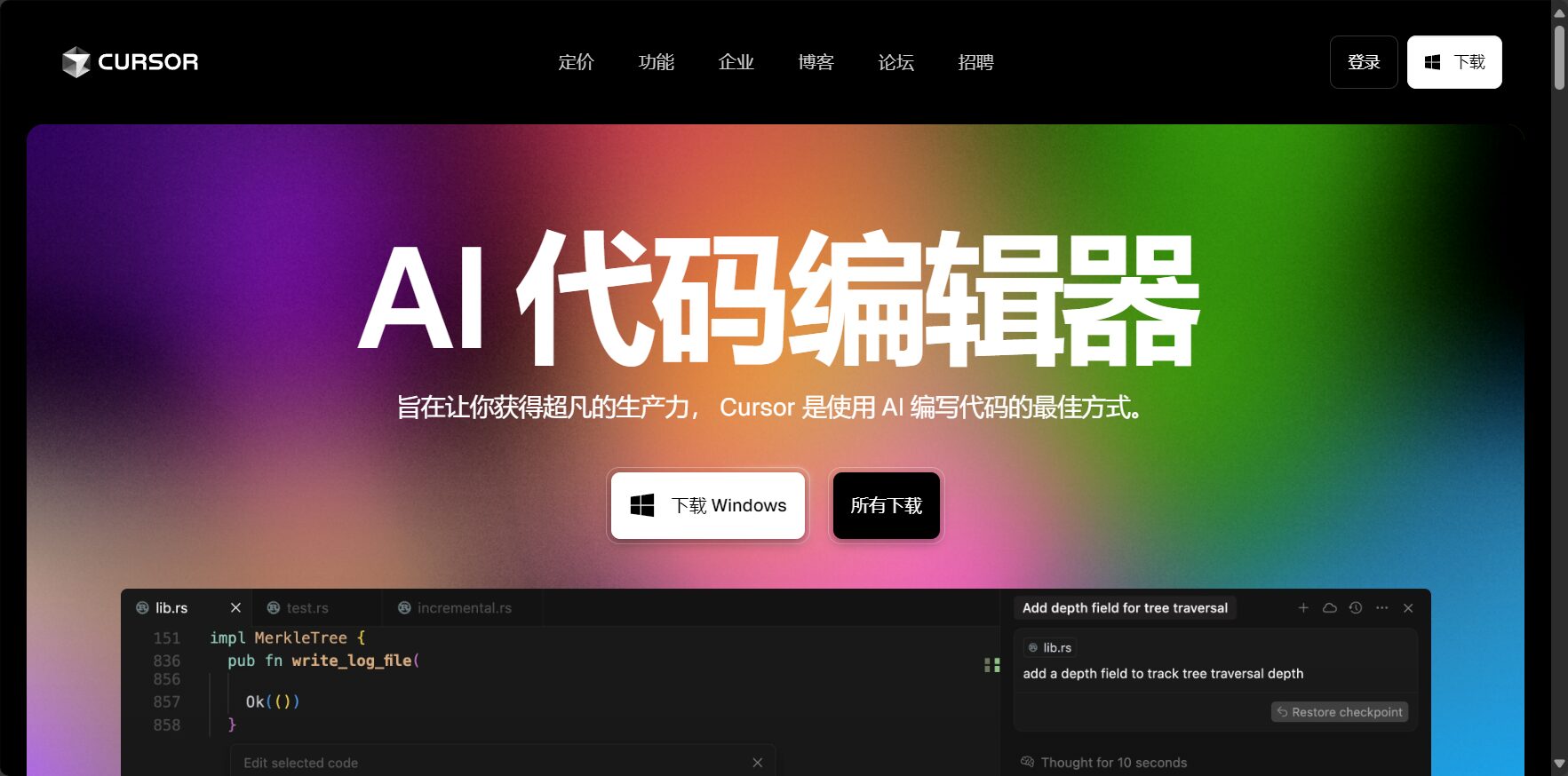
As developers, we are always looking for tools that can improve coding efficiency.AIThe emergence of programming assistants is undoubtedly one of the biggest variables in recent years. The reason I ultimately chose and have been using Cursor extensively is because it is fundamentally different from other tools. It's not just adding an AI plugin to VS Code; it uses AI as its core and has rebuilt an editor specifically designed for AI collaboration.
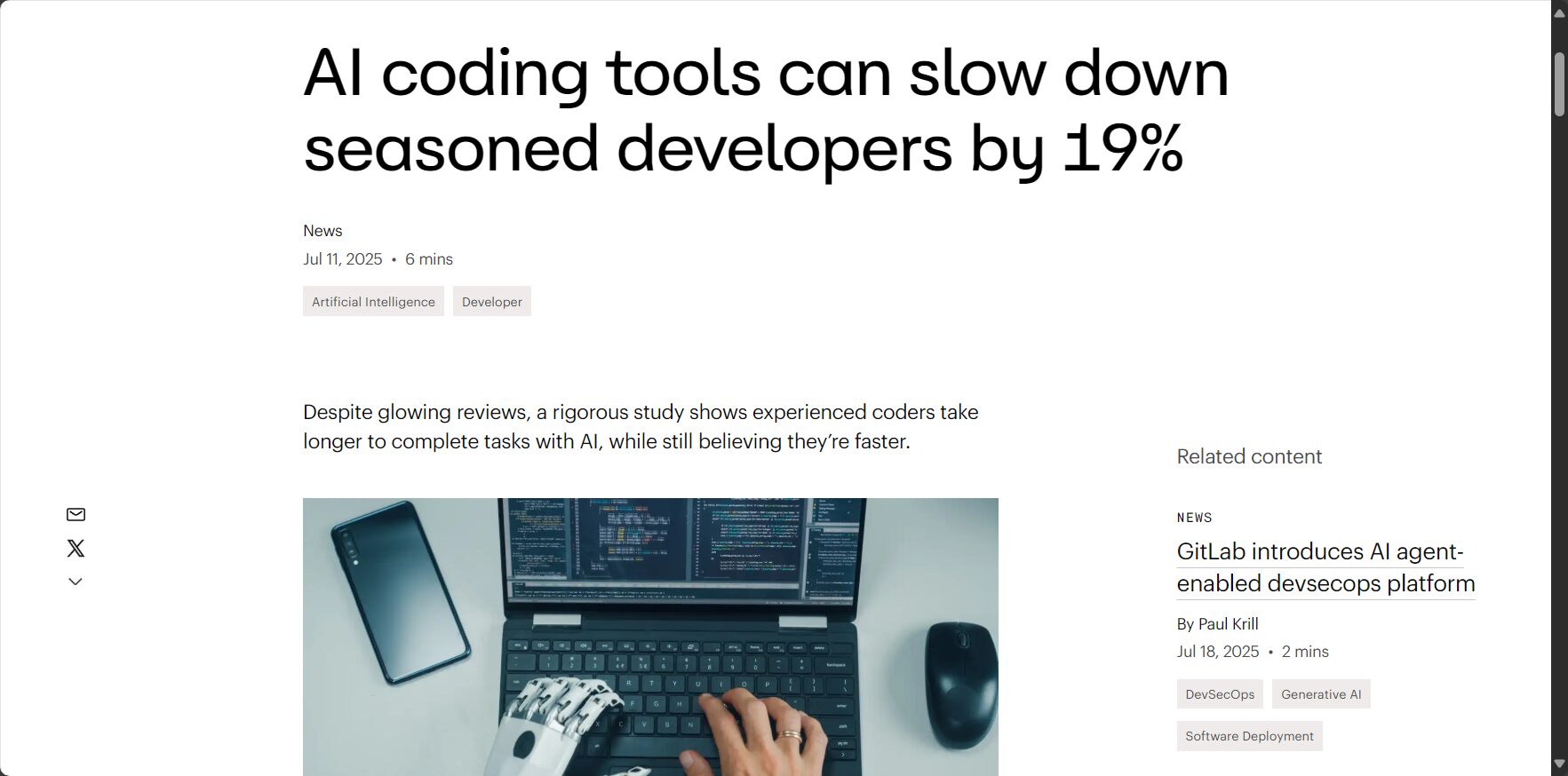
This "AI-native" concept has been corroborated by some industry observations. For example, I previously read an analysis from InfoWorld that pointed out Cursor's real advantage lies in its deep integration. AI is no longer an "add-on," but rather permeates every aspect of coding, debugging, and code understanding, providing a smoother development experience.[News Source:]AI coding tools can slow down seasoned developers by 19% | InfoWorld
Based on these two points, I decided to make it my primary editor. Of course, like everyone else, my journey began with the free version.
My upgrade journey: from Free to Pro, and then to Prospectultra
Phase 1: Testing the waters with the Free version“
At first, I used...Free versionIt allowed me to experience the most basic AI code completion and chat functions, and understand how it all worked. But I quickly discovered that the Free version was more like a "trial version." It used a relatively basic AI model and had a strict limit on the number of times it could call advanced models like GPT-4. When I tried to use it to understand a complex old project or generate a functional module, it quickly told me I had run out of calls. Therefore, the Free version is suitable for trying out new features, but its limitations will be very frustrating if you want to use it in actual work.


Phase Two: Upgrade to the Pro version without hesitation
Once I was certain that Cursor could indeed improve my coding efficiency, I upgraded to it almost without hesitation.Pro versionThat's a $20 monthly plan. For me, that $20 buys unlimited access to the GPT-4 and Claude 3 models, as well as full AI Agent functionality. It's like going from a bicycle that can only be driven in the city to a car that can go on the highway—the productivity is on a completely different level.
- Unlimited "Auto" modeThis is one of the features I value most. When writing code, I can press a shortcut key at any time to let AI help me modify, refactor, or interpret the code, without worrying about the limit on the number of times.
- Full Agent FunctionalityThis is the essence of Cursor. I can let the Agent (
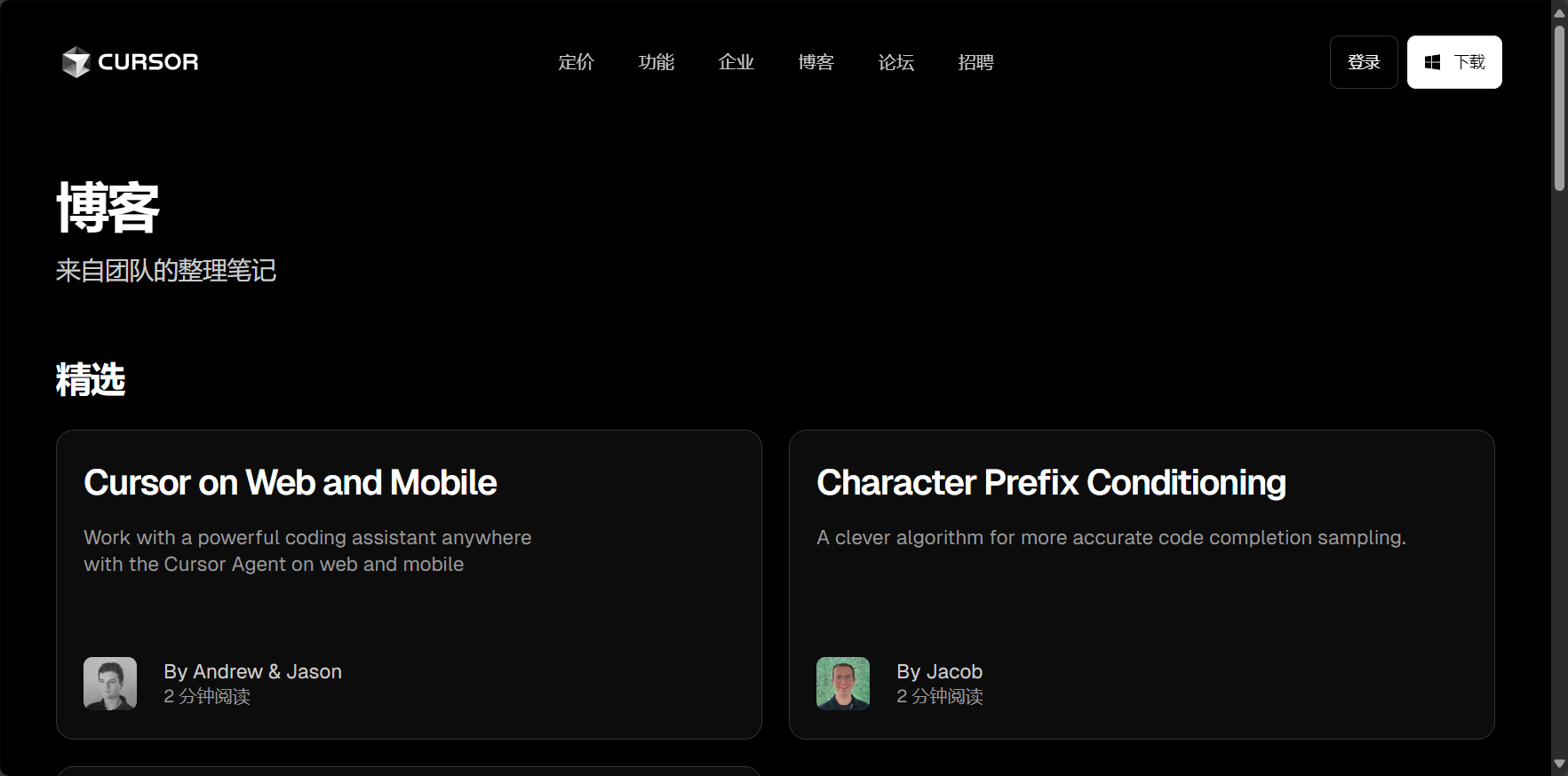
Cmd/Ctrl + KIt can help me plan the implementation steps of the entire function, or let it read the entire codebase to answer my questions. This is something the Free version cannot match. You can see many demonstrations of the Agent function on Cursor's official blog.Example of a functional interface: Cursor Blog
I believe that for any serious developer who wants to integrate AI into their daily work, the Pro version is the real "starter version".
When would I consider Team or Ultra?
The Pro version is basically enough for me now, but I am also very clear about the circumstances under which I will need to upgrade.
The Pro version has a key limitation, which isAgent rate limitWhat does this feel like? You can imagine it as going to a popular, trendy restaurant during peak hours. Most of the time it's fine, but when it gets crowded, your request will have to wait in line, and the AI's response will slow down.
Therefore, if my team starts using Cursor extensively, and everyone is simultaneously making high-intensity calls to the Agent for collaboration, then I will seriously consider upgrading to Cursor.teamIt costs $40 per month, and its core value is a smooth team collaboration experience.
As for $200 per monthUltra versionThat's more geared towards large, well-funded enterprises. It offers unlimited speed and resources, along with dedicated customer service. That's too far removed from ordinary developers and small to medium-sized teams like us, so it's not within my current considerations.
Regarding fees, privacy, and my final advice
Privacy Policy: Where does my code go?
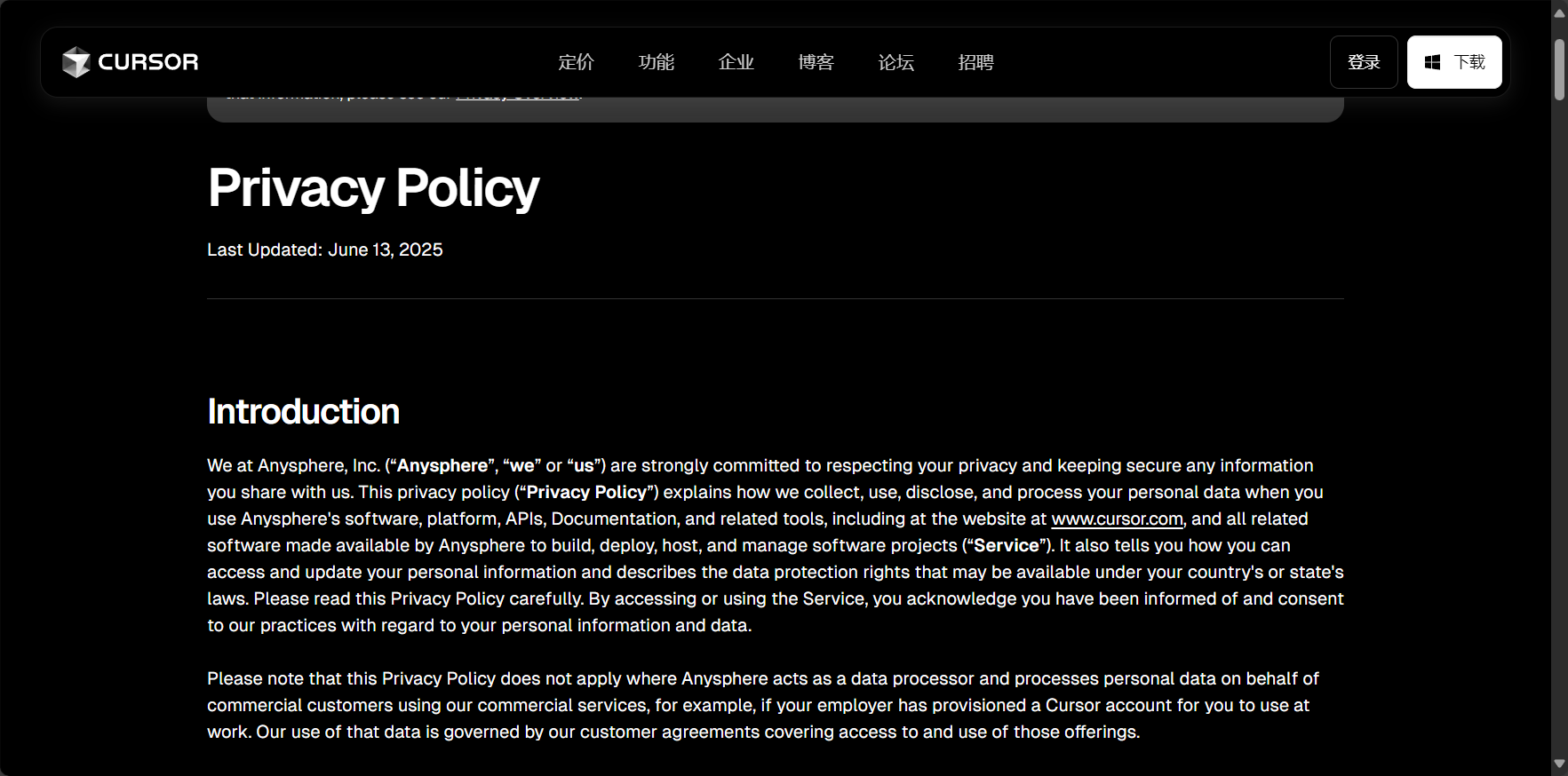
This is the most pressing concern for all developers. According to Cursor's official privacy policy, they have adopted a rather cautious approach.
- Sending code snippetsWhen you use AI features (such as chat, editing, or agents), the relevant code snippets and your instructions are sent to AI model providers in the cloud (primarily OpenAI and Anthropic) for processing. This is necessary for the implementation of AI features.
- Privacy modeCursor offers a "privacy mode" that, when enabled, will try to avoid sending your code. However, this will also limit the AI's functionality because it loses its context.
- Is the data used for training?Cursor explicitly states in its privacy policy that they will not use your code to train any of their models. Furthermore, their partners OpenAI and Anthropic have also pledged that data submitted via the API will not be used to train their public models.
- local filesAll your local files, except for those you actively submit through the AI function, are securely stored on your computer and will not be uploaded.
For developers who work with core or sensitive code, it is recommended to carefully read the official privacy policy and verify it against the company's security regulations.Official privacy policy link: Cursor Privacy Policy
My final recommendation
In summary, my advice is simple:
- If you are a professional developer and haven't used Cursor before, I suggest you subscribe to a one-month subscription.Pro versionGive it a try. A $20 investment could very well save you far more time and effort than that.
- If you're already a Pro user and often get frustrated by slow agent responses, ask yourself this question: Does the time I waste each month waiting for AI interruptions and isted exceed $20 (the extra cost of other paid plans)? Once you've figured this out, your choice will become clear.
I hope that my personal experience sharing will help you choose the right Cursor plan.
© Copyright notes
The copyright of the article belongs to the author, please do not reprint without permission.
Related posts




No comments...
