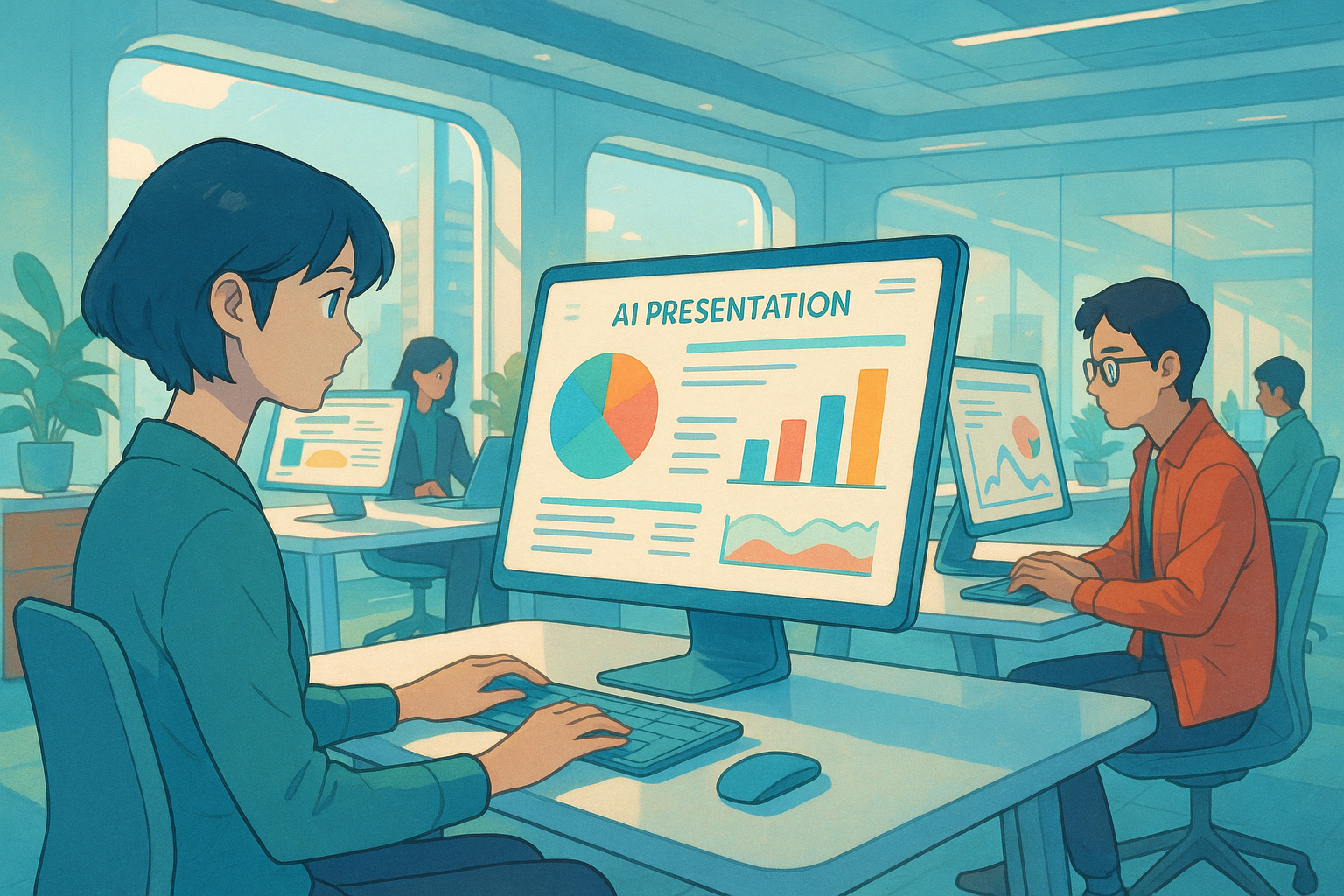
AI photo editing tools introduction: How to quickly enhance the professionalism of your social media photos?
With the popularity of social media,Image professionalismIt has become an important factor influencing personal branding, corporate image, and e-commerce operations.AI image editing toolsThe rapid development of [technology/technology] allows even users without professional graphic design skills to generate professional-grade images with a single click. This article systematically reviews the mainstream [technology/technology] on the market. AI 改图工具的发展、核心功能、典型应用场景,并对比分析了 Google Gemini、PhotoRoom、Canva AI、Adobe Photoshop AI 等产品特点。Whether you are an e-commerce seller, a content creator, or an educational publisherAI-powered image editing technology can improve content quality, efficiency, and innovation.
The Development and Current Status of AI Image Editing Tools
What are AI image editing tools?
AI-powered image editing tools utilize artificial intelligence (AI) technology to automatically identify image content and perform operations such as background removal, style conversion, element addition, and batch processing. Compared to traditional photo editing methods, AI-powered image retouching has significantly improved processing efficiency and creative possibilities, reshaping the image editing industry.
Mainstream application scenarios of AI image editing technology
| Application scenarios | Target audience | Actual function |
|---|---|---|
| E-commerce product image optimization | E-commerce sellers and operations personnel | Remove background and enhance texture |
| Social content creation | KOLs, influencers, bloggers | Style filters, one-click beautification |
| Education and Training | Teachers and textbook editors | Scene simulation, adding elements |
| Industry promotion and advertising | Business owners, designers | Brand Image Quick Generation |
| Personal Life/Memories Compilation | All users | Group photo enhancement, portrait brightening |
The widespread application of AI-powered image editing tools is ubiquitous, driving content innovation across various industries.
Common AI image editing tools and their features
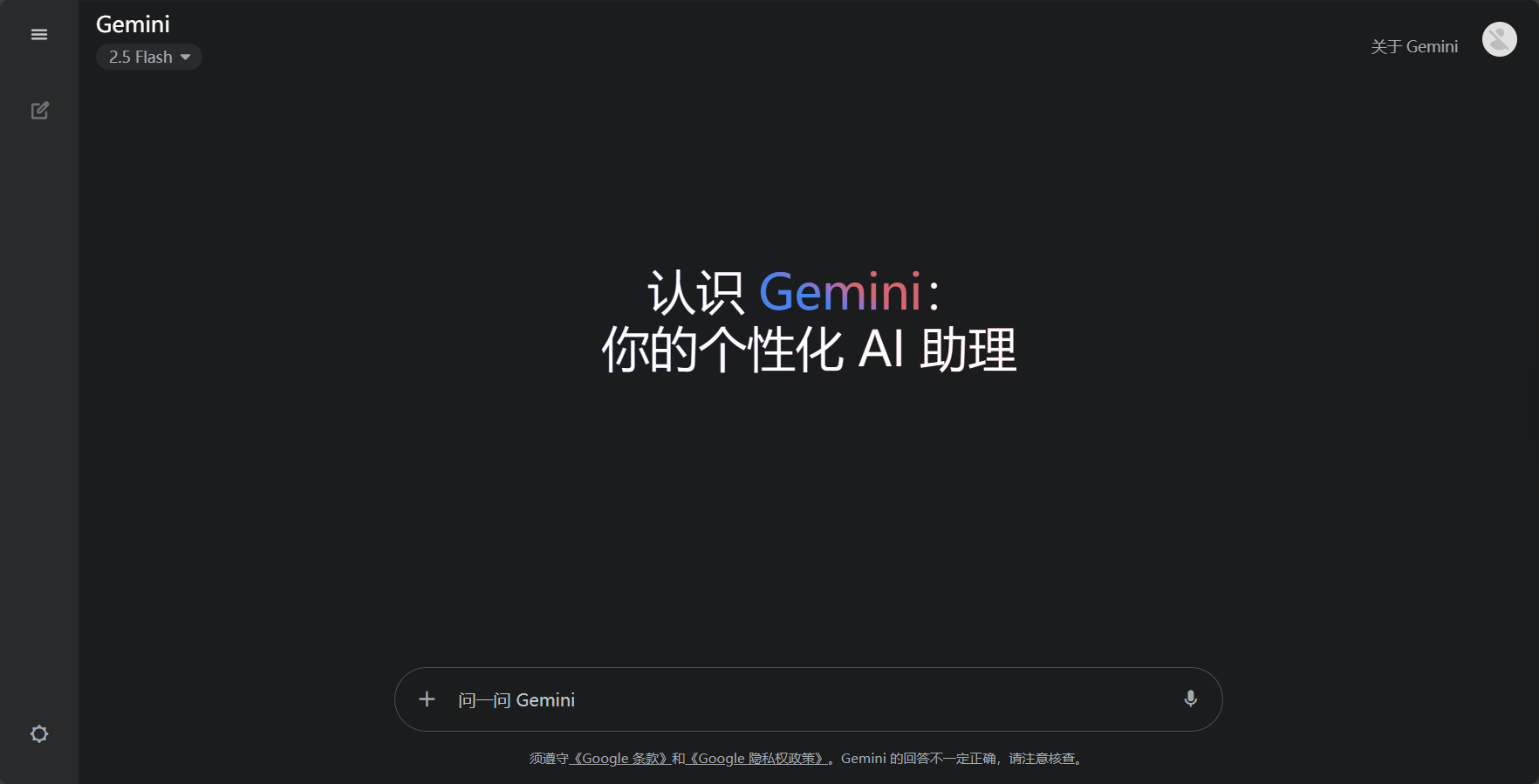
Google Gemini: Intelligent Image Editing and Automatic Generation of Comic Strips (with a Single Sentence)
Google Gemini The newly launched "AI Photo Editing" feature brings users a natural human-computer photo editing experience.
- One-sentence image editing: Upload an image, give editing commands via text, and AI will adjust it in real time.
- Style transition: It has evolved into various art styles such as ink painting, sketching, and oil painting.
- Add a new element: Add people or objects to the original image while maintaining realism.
- Series image generation: Generates multiple step-by-step illustrations at once, suitable for textbooks and recipes.

Application examples:
- Change background for photos with one click:
- The landscape photo changes with the weather and lighting.
- Continuously generate illustrations for each step of the recipe.
PhotoRoom: Batch Product Image Processing and Social Template Enhancement
PhotoRoom Focusing on AI background removal and product image optimization, suitable for e-commerce and brand social media teams.
- AI background removal: One-click background removal, precise and efficient.
- Batch editing: Processing a large number of images at once saves a lot of time.
- AI-powered enhancements and social media templates: Multiple filters and sizes are available, suitable for platforms such as Instagram and Facebook.
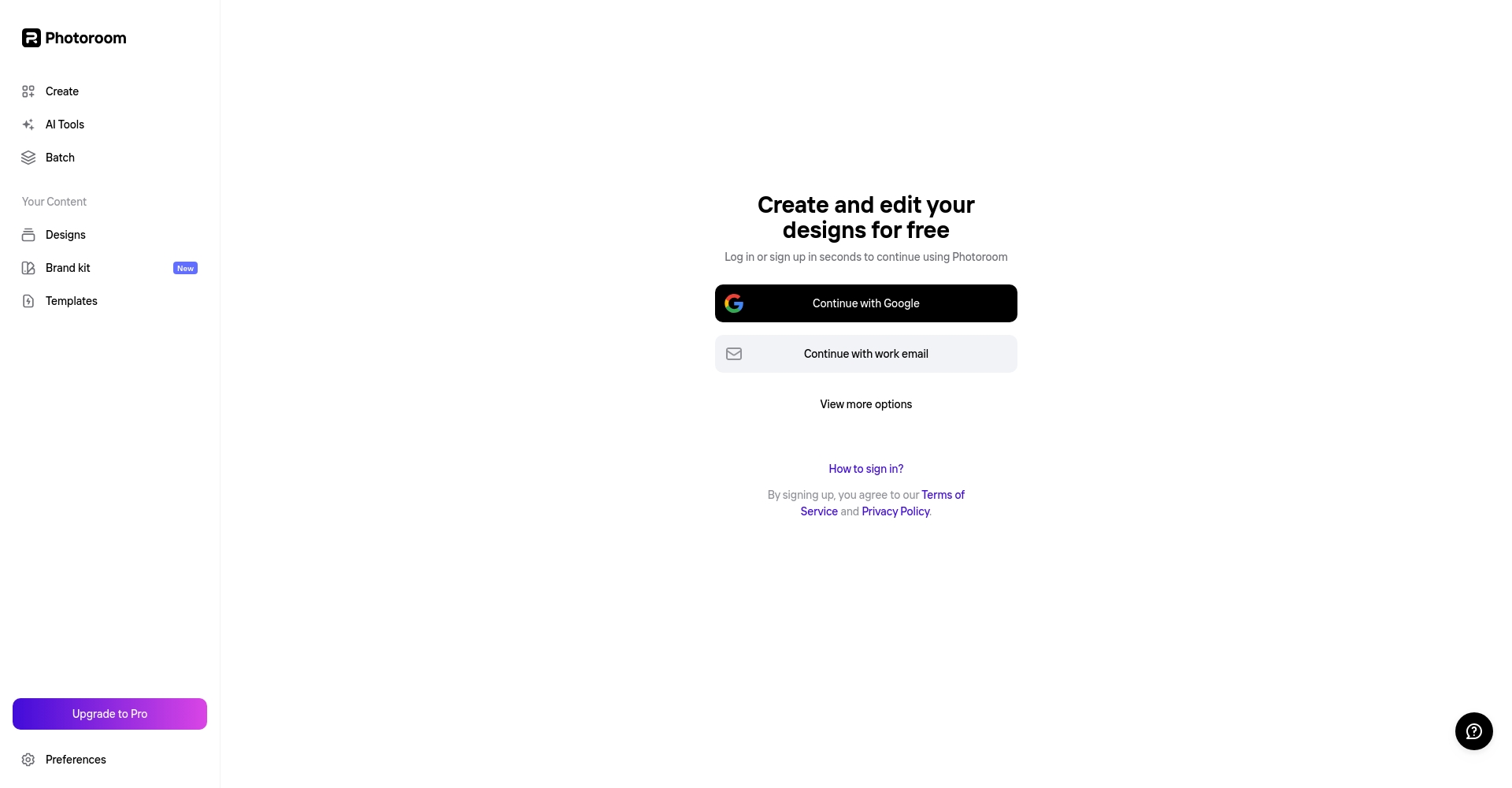
PhotoRoom Free Trial and Registration
Adobe Photoshop AI and Canva AI: Combining Professionalism and Ease of Use
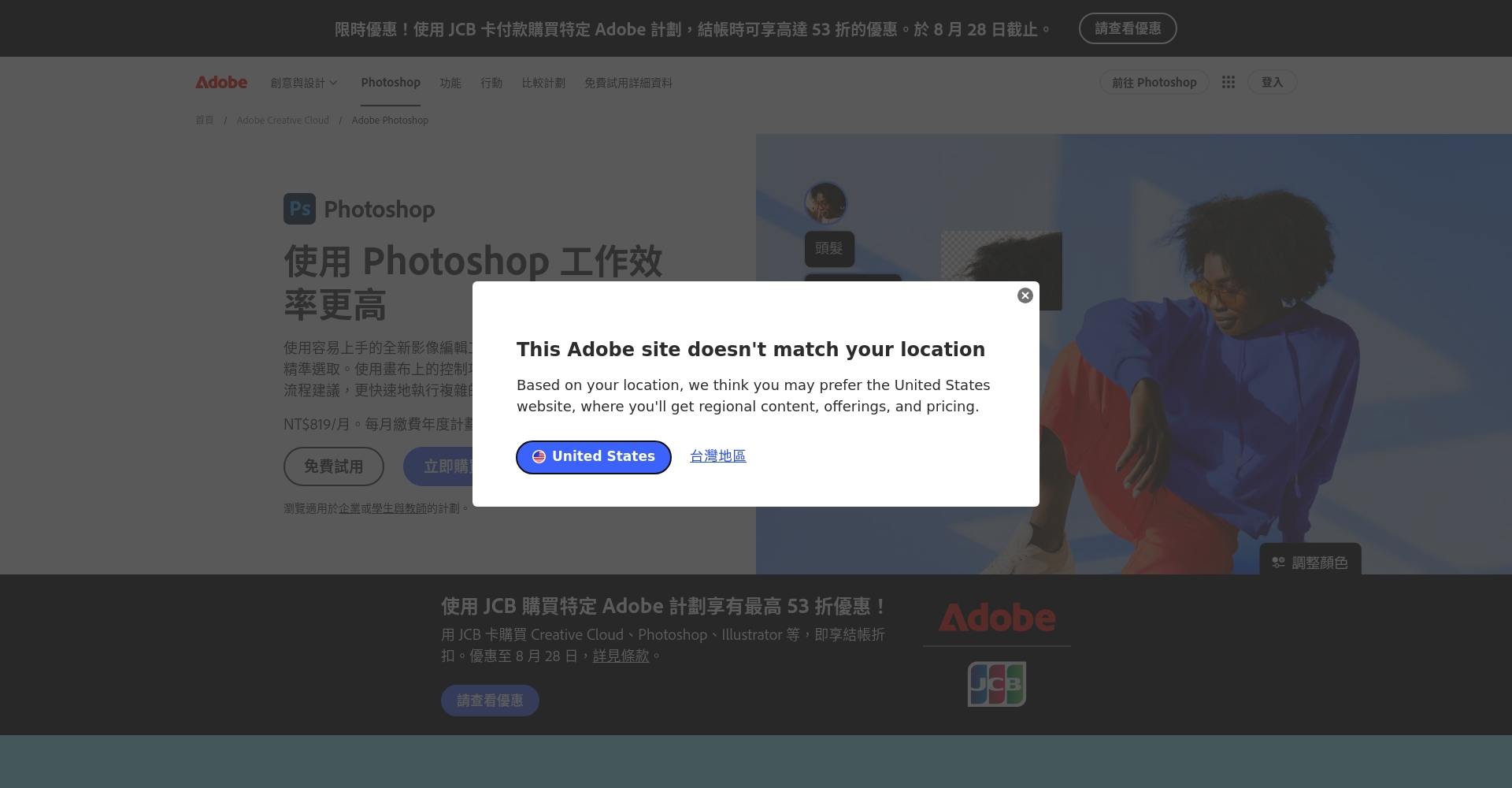
- Photoshop AI: With its embedded content intelligent recognition, "one-click canvas expansion," and "automatic beautification" professional AI algorithms, it is extremely powerful for designers and photographers.
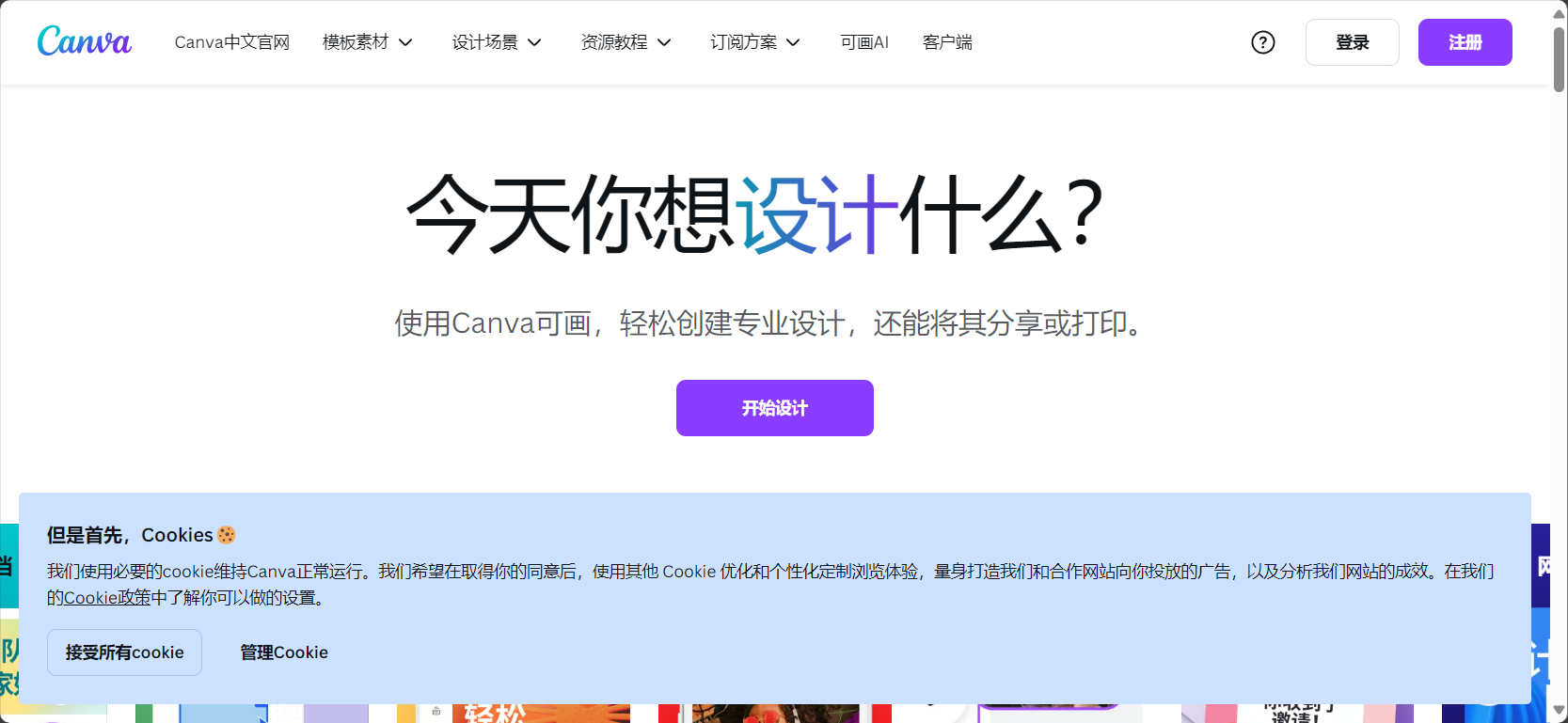
- Canva AI: Designed specifically for new media operators and beginners, it features one-click template generation, batch processing of multiple images, and quick start-up for beginners.
| tool | Key AI Features | Application areas | threshold |
|---|---|---|---|
| Photoshop AI | Intelligent content recognition and professional detail processing | Print, advertising, photographer | 高 |
| Canva AI | One-click template, batch processing of multiple images | Images used in self-media and short videos | 低 |
| Gemini | Natural language creation, no graphic design required. | Personal creativity, teaching aids | Extremely low |
AI Image Editing Tool Test: Functionality and Scenarios Analysis
One-click background replacement
It can separate people, products, and cluttered backgrounds to generate e-commerce images, resume avatars, social media covers, etc. Gemini, PhotoRoom, Canva, and others all support automatic and precise background removal.
Style Transfer and Artistic Filters
A wide range of artistic filters make social media content more personalized. Gemini supports natural language "converting ink painting and sketching" functions, Photoshop AI's deep color correction and multi-layered filters, and Canva AI's built-in multiple style templates.
Adding and deleting elements and setting up scenes
With one click, you can "add customers/pets/various props" and quickly apply them to advertising and promotional scenarios. Traditional manual work requires photo editing and finding materials, while AI tools can complete complex compositions in seconds.
Continuous illustrations and step-by-step illustrations
Gemini's unique "batch image and text story clip" function is suitable for creating sequential illustrations for recipes and teaching materials, greatly saving labor costs. Canva offers high batch compositing efficiency, while Photoshop still requires manual adjustments.

How to choose the right AI image editing tool for yourself?
| User type | Recommended tools | Feature keywords |
|---|---|---|
| Newbie/Content Operations | Canva/PhotoRoom | Abundant templates, easy to use |
| e-commerce sellers | PhotoRoom/Canva | Batch product images, high quality |
| Professional designer/photographer | Photoshop AI | High-precision customization |
| Teaching/Copywriting/Writer | Gemini/Canva | Automatic image and text generation |
| Quick Social Graph Posting | Gemini/PhotoRoom | A single command outputs the command directly. |
Helpful Tips:
For beginners, Gemini or Canva are the best choices for their intuitive operation; for brand consistency, PhotoRoom/Photoshop AI are recommended; for a large number of tutorial images, Gemini is recommended for automatic batch generation.
Common Issues and Trends of AI Image Editing Tools
Will AI photo editing replace designers?
Not in the short term. AI has significantly improved the efficiency of basic image editing, but complex visual creative works still require a combination of designers and AI.
Image copyright and commercial use risks?
Please choose a legitimate AI platform and pay attention to commercial licensing. Most paid AI tools support commercial use, while Gemini's experimental features are recommended primarily for personal learning.
Can the image quality meet the requirements of high-end business?
Photoshop AI and PhotoRoom Pro support high-resolution export, while Gemini is suitable for everyday social interaction and knowledge dissemination.
modernAI image editingtoolThis is driving content production towards intelligence and automation. Whether you're an e-commerce professional, a teacher, a self-media creator, or a lifestyle expert, you can achieve this simply by "moving a finger or saying a word."Enhance the professionalism, creativity, and dissemination of images.Try tools like Gemini, PhotoRoom, and Canva now for a new and efficient visual content experience!
© Copyright notes
The copyright of the article belongs to the author, please do not reprint without permission.
Related posts



No comments...
