
What is Playwright? A detailed introduction and practical tips for automated testing frameworks, a must-read for beginners.
PlaywrightIt is a modern automated testing framework open-sourced by Microsoft, supporting multiple languages, cross-platform compatibility, and multiple major browsers, and boasts powerful features such as automatic waiting, script recording, and visual debugging. This article focuses on...News reportThis article provides a comprehensive analysis of Playwright's technical positioning, installation guide, core practical tips, typical cases, and ecosystem integration, helping beginners quickly master best practices for automated testing.
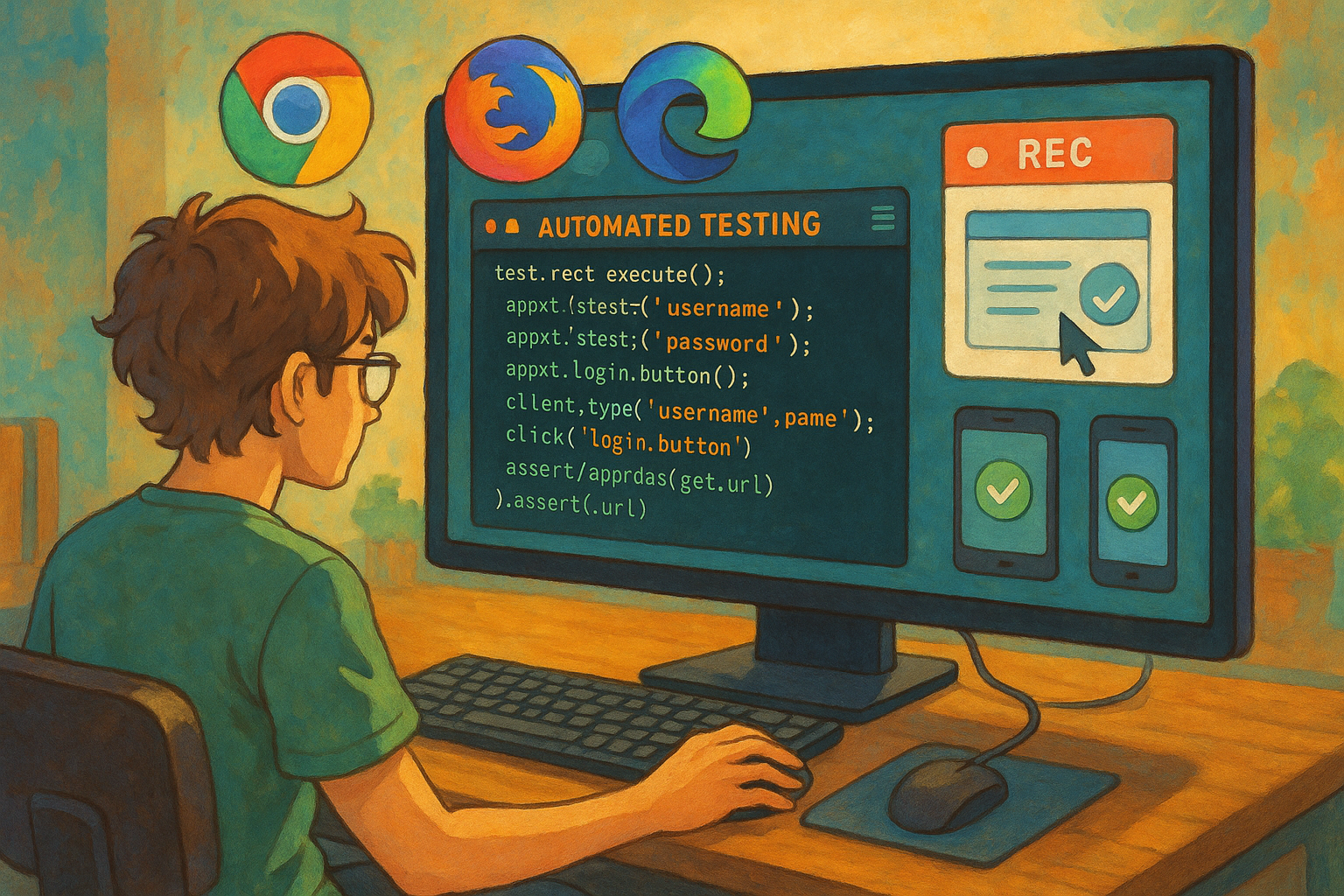
Playwright Framework Full Analysis
The Development and Positioning of Playwright
Playwright It is a browser automation testing framework released by Microsoft in 2020. It supports multi-language development (Python, JavaScript, Java, .NET) and mainstream operating systems (Windows, Linux, macOS), and drives the three major browser families: Chromium, Firefox, and WebKit.
Compared to traditional solutions like Selenium,playwright With wider browser support, native multi-tab functionality, and parallel processing capabilities, it is currently the preferred tool for web automation, end-to-end (E2E) testing, and web crawler development. See more details. Playwright Official Documentation。
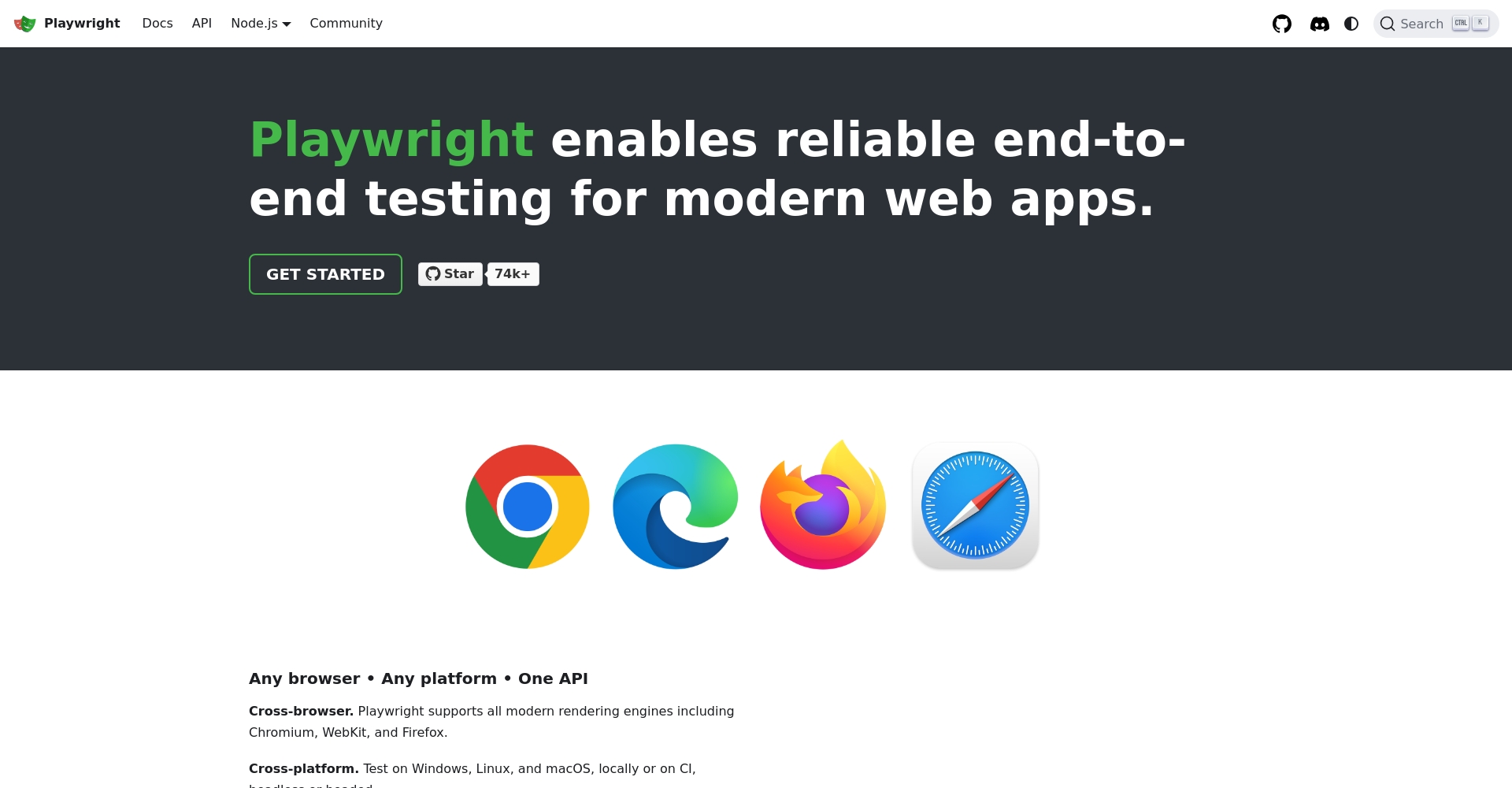
- Cross-browser, cross-platform automation
- Suitable for various scenarios such as functional/regression testing, web scraping, and RPA.
- Emphasis on speed, stability and ease of maintenance
Playwright vs. similar frameworks
| Frame Name | Supported languages | Supported browsers | Execution performance | Driving demand | Special features | Community support |
|---|---|---|---|---|---|---|
| playwright | JS/TS, Python, Java | Chromium/Firefox/WebKit | Faster and more stable | No driver required | Automatic waiting, recording, tracing, parallel processing | Microsoft maintenance active |
| Selenium | Multilingual | All major browsers | Stablize | Driver required | Good compatibility | classic |
| Cypress | JS/TS | Chromium series | Extremely fast | built-in | Real-time DOM traversal, Mock | Community strength |
| Puppeteer | JS/TS | Chromium | fast | built-in | Recording | Strong |

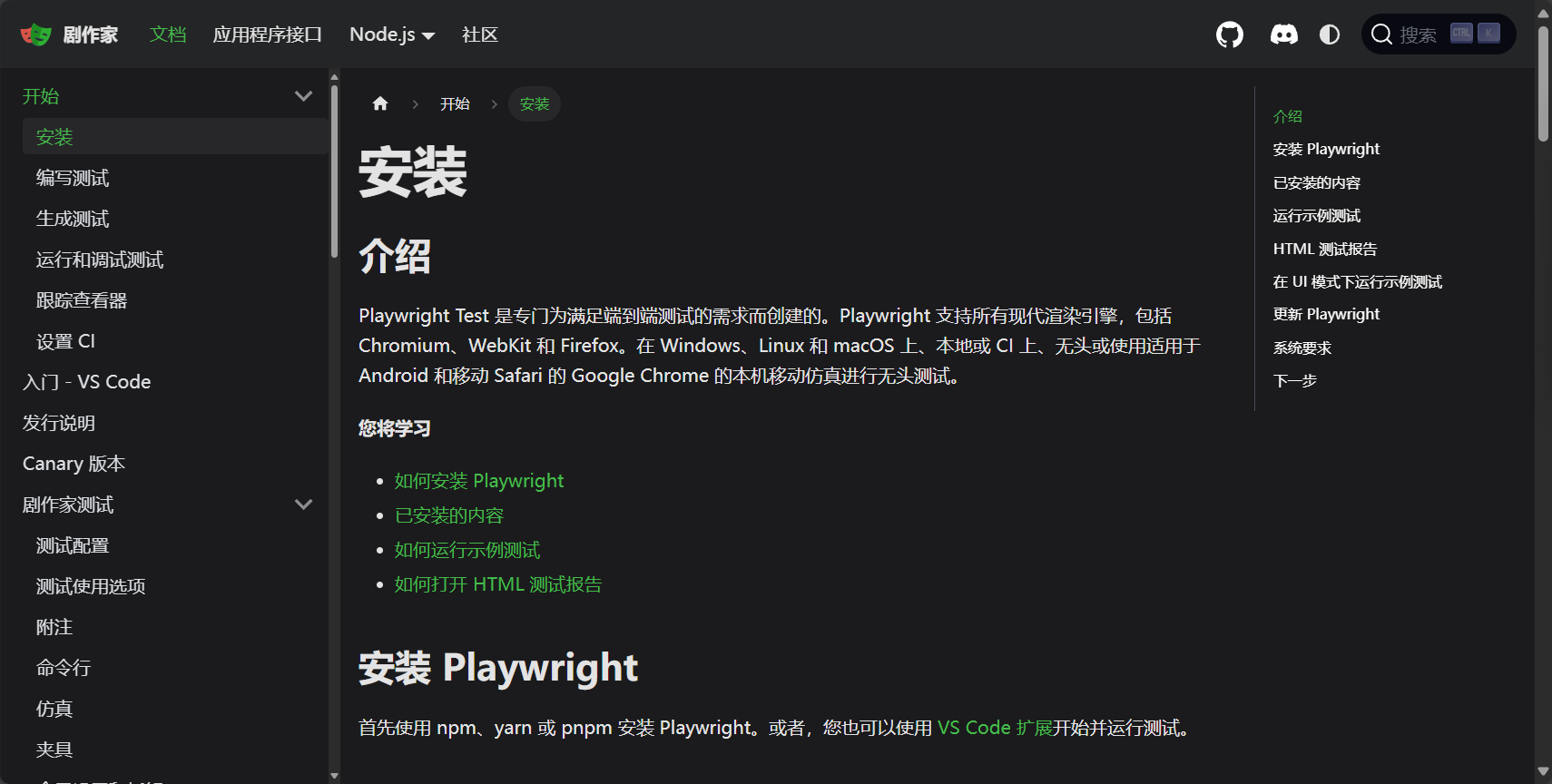
- Native support for multiple browsers/multi-language SDK
- Automatic synchronization waiting mechanism improves stability
- Powerful recording and trace analysis tools
- Official support is actively following up on the browser ecosystem.
PlayWright Installation and Quick Start
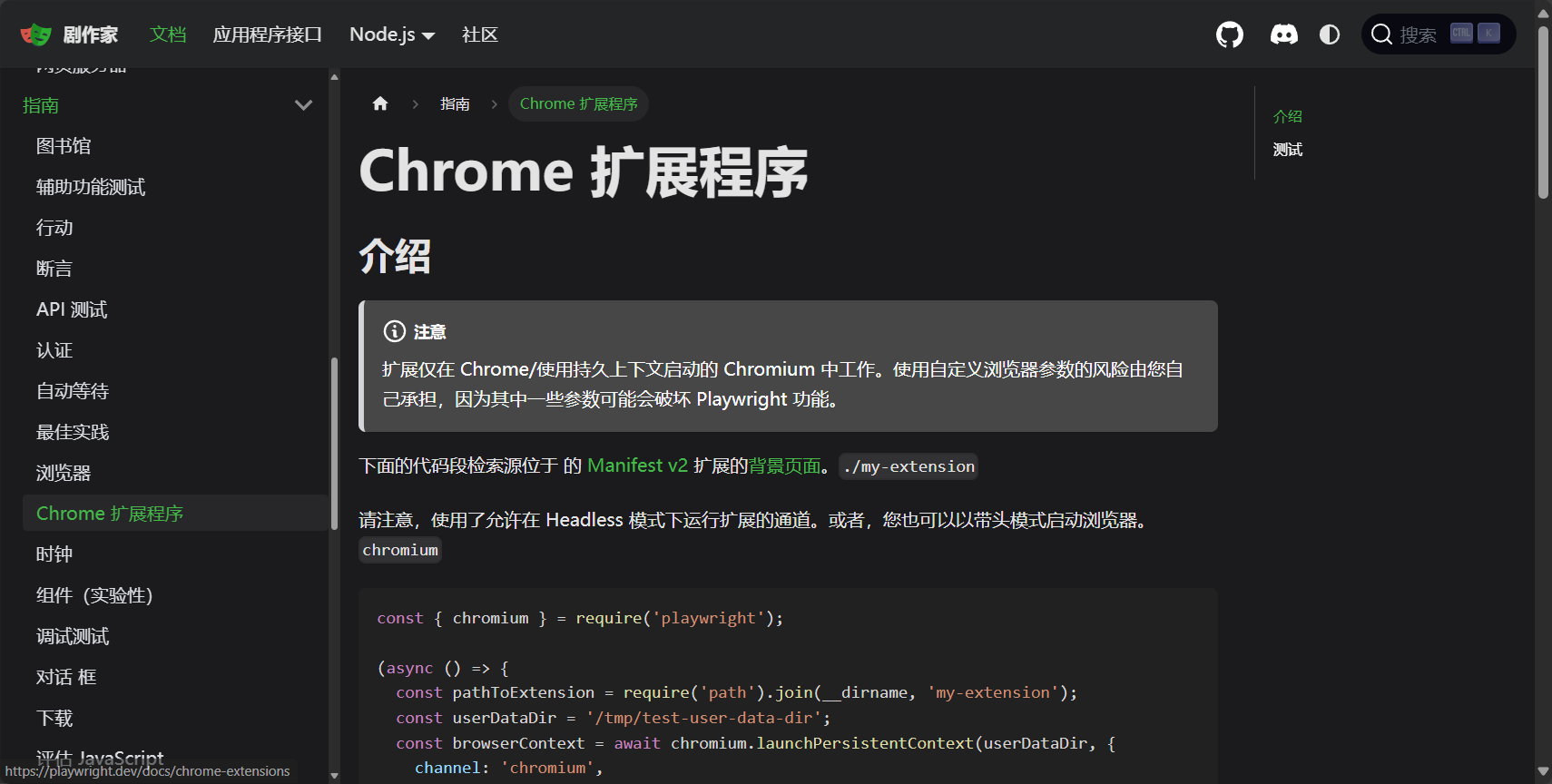
Environmental installation
- Python:
pip install playwright
playwright install - JavaScript/TypeScript:
npm install -D playwright
npx playwright install - More language references Official documentation
| Problem | Solution |
|---|---|
| Browser not downloaded | Manual execution playwright install |
| Permission or dependency failure | Elevate administrator privileges |
| Network/Cross-platform | Check proxy dependencies/network |
First Playwright test script (Python example)
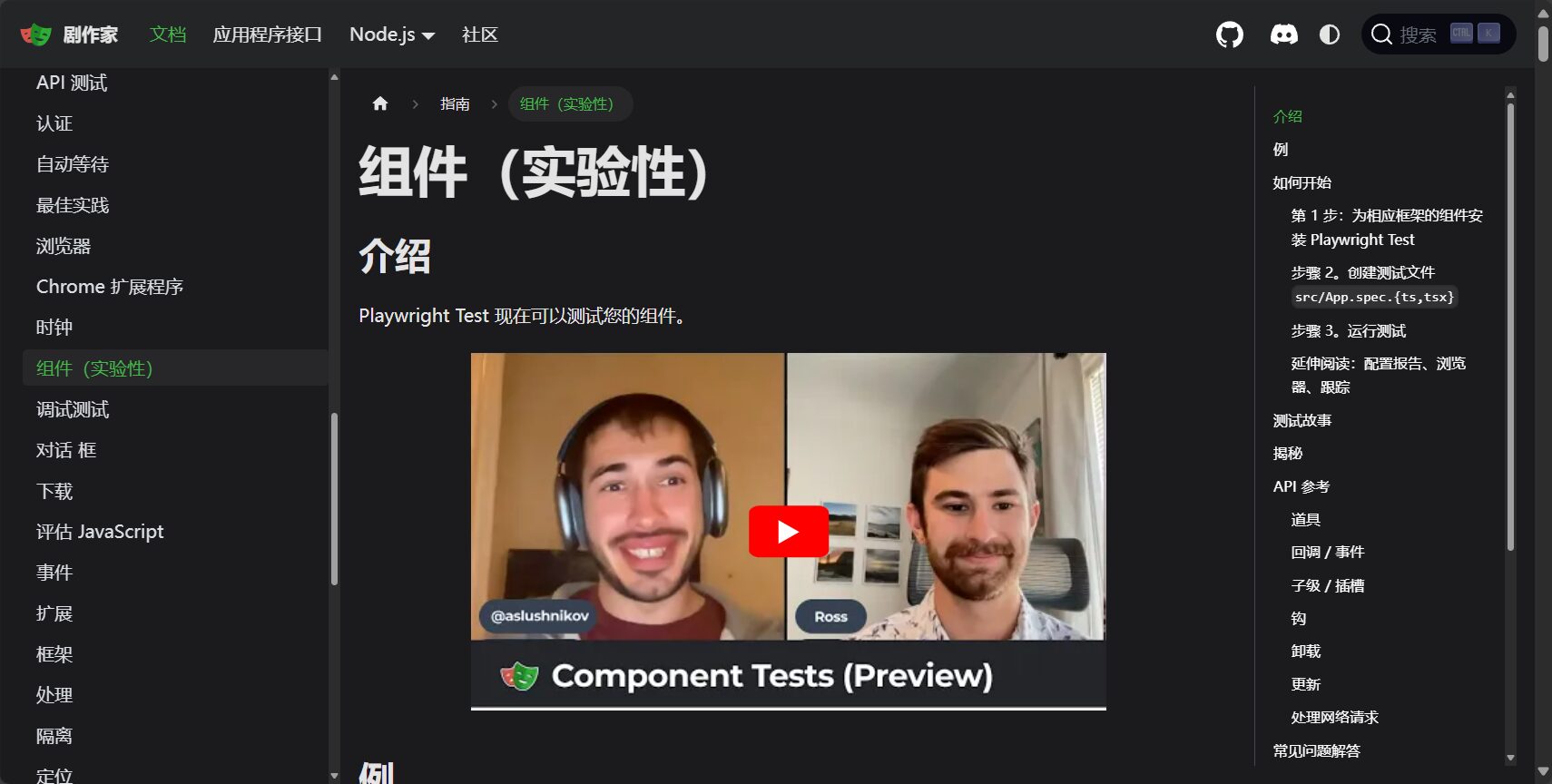
from playwright.sync_api import sync_playwright with sync_playwright() as p: browser = p.chromium.launch(headless=False) page = browser.new_page() page.goto("https://playwright.dev") print(page.title()) browser.close()- Selectable "Headless/Visual Mode"“
- Supports multiple pages/multiple tabs
- Automatically wait for DOM
Essential Playwright Skills
1. Automatic element waiting and high reliability
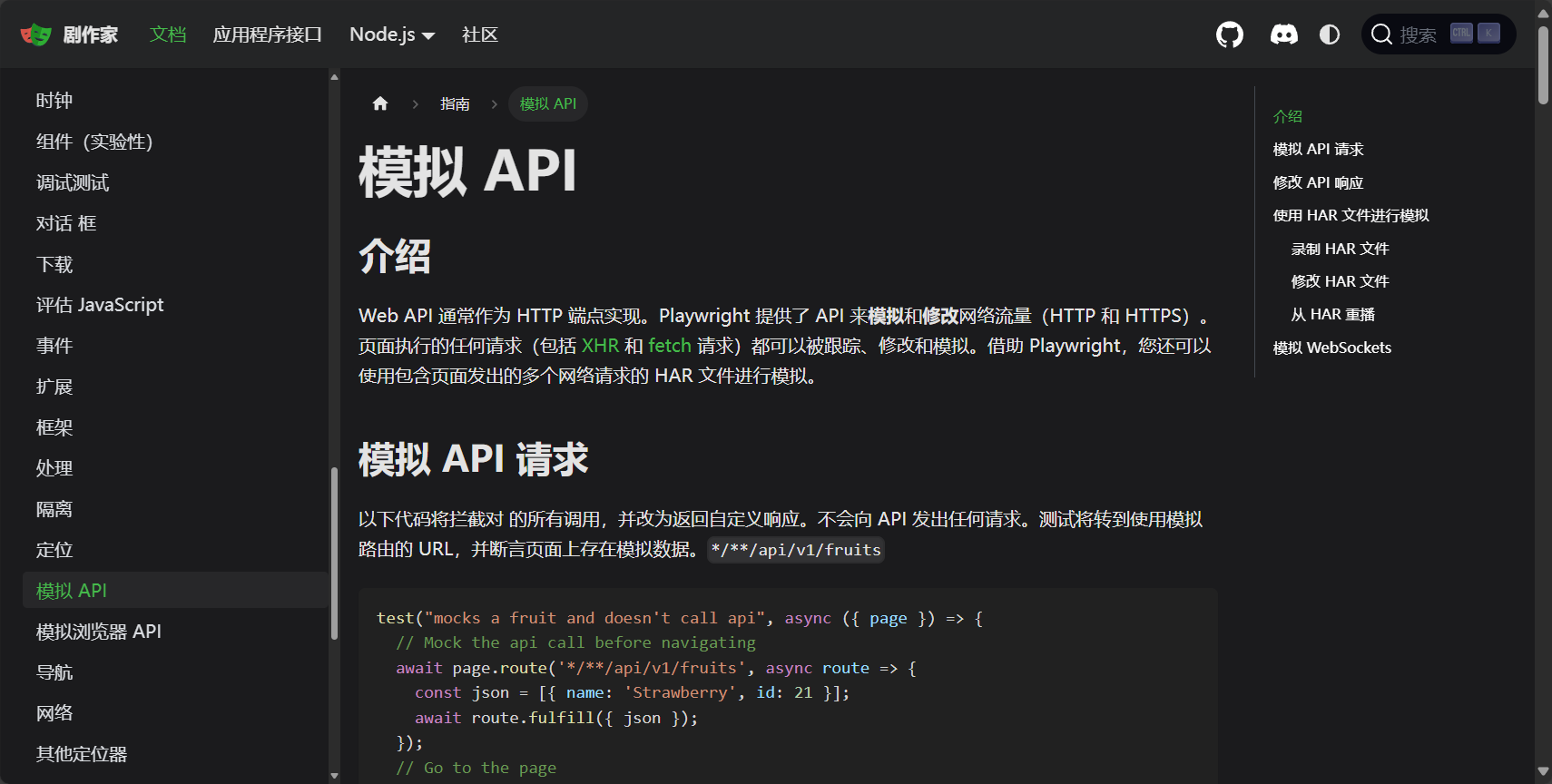
Automatic waiting mechanismAvoid cumbersome sleep cycles and improve script fault tolerance:
page.click("button#submit") The "#" auto-wait button is clickable.2. Flexible element selection and advanced selector
- Supports multiple selections including XPath, CSS, and text.
- support Regular expressionsAttributes, states, and chained filtering
| Example of a selector | Function Description |
|---|---|
page.click("text="Login") | Matching the text "Login" element |
page.fill("#search", "data") | Assigning a value to the ID input box |
page.check("input[type=checkbox]") | Check the checkbox |
page.select_option("select#lang", "zh-CN") | dropdown selection |
3. Script recording (Codegen) and automatic low-code generation
Codegen recording toolGenerate test scripts with one click:
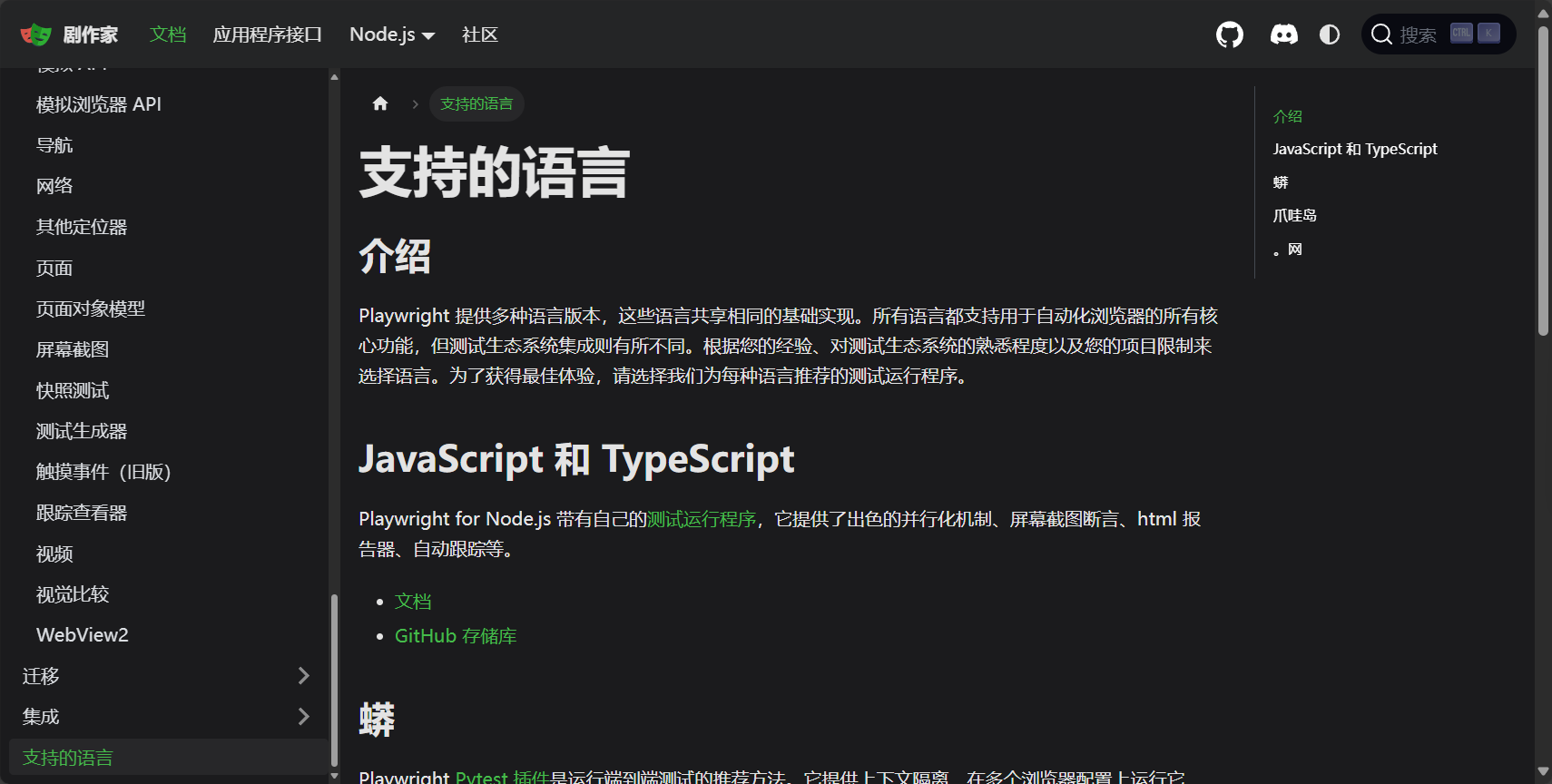
playwright codegen https://your-website.com- Supports mobile app simulation/saving login status/custom size
| parameter | use |
|---|---|
--viewport-size=1280,800 | Window size |
--device="iPhone 12"" | Mobile device mode |
--save-storage=auth.json | Save login status |
4. Debugging, Trace Tracking, and Visual Reporting
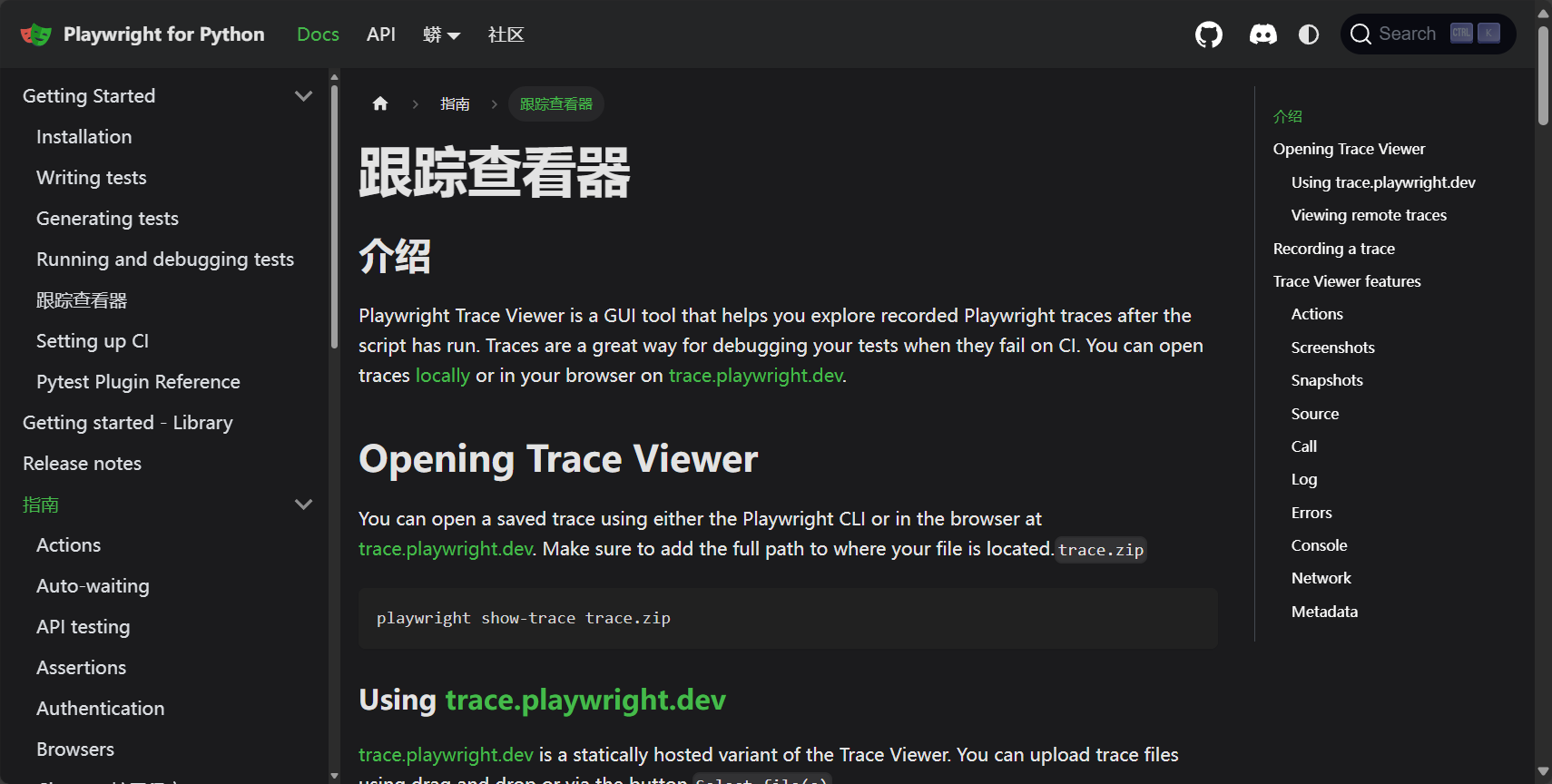
Trace ViewerIt can provide full-process source tracing and analysis of the testing process, offering screenshots, DOM, source code, and network snapshots.
context = browser.new_context() context.tracing.start(screenshots=True, snapshots=True, sources=True) # ...Test operation context.tracing.stop(path="trace.zip")Available playwright show-trace trace.zip Open the visual report. See Official statement
5. Parallel testing and multi-browser management
- Supports multiple browser instances/tabs concurrently
- Suitable for large-scale regression and CD/CI pipeline acceleration
6. One-click cross-platform and responsive compatibility
- Full platform compatibility, seamless switching between multiple browsers
- Simulates common mobile phones/tablets, with automatic adaptation for mobile devices.
7. Ecosystem Integration and Tool Support
- Seamless integration with pytest, Jest, and Mocha
- Supports CI/CD such as Github Actions and Jenkins.
- Combination GPT-4 AI tools assist in testing
Playwright Beginner's Recommended Practice Checklist
| Tips/Tools | Application Notes |
|---|---|
| Automatic wait/synchronization | Improve test stability |
| Codegen recording | Zero-code generation testing |
| Trace Viewer | Bug reproduction, analysis and tracing |
| Multilingual SDK | One codebase runs on multiple platforms |
| Parallel/Distributed | CI/CD One-Click Acceleration |
| Examples/Community Resources | Quickly find high-quality cases |
| Cookies/Login State Reuse | Batch test case acceleration |
| Mobile/Responsive Pages | Quickly simulate real device compatibility |
Automatic login and status management
with sync_playwright() as p: browser = p.chromium.launch() context = browser.new_context() page = context.new_page() page.goto("https://your-site.com/login") page.fill("input[name='username']", "yourname") page.fill("input[name='password']", "yourpassword") page.click("button[type=submit]") context.storage_state(path="state.json")Load directly next time state.jsonSkip login.
Real-world project search automation script (Python)
with sync_playwright() as p: browser = p.chromium.launch(headless=False) page = browser.new_page() page.goto("https://ceshiren.com/") page.locator("#search-button").click() page.fill("#search-term", "Automated Test") page.keyboard.down("Enter") assert "Automation" in page.text_content(".results .item:nth-child(1) .topic-title") browser.close()AI-assisted automated use case generation
pass ChatGPT By combining with PlayWright, we can enhance the intelligent generation and assertion capabilities of test cases, and drive the evolution of automated development processes.
End
playwright With its multi-language and multi-platform support, automatic synchronization and waiting, code recording, and efficient tracing, Playwright has garnered significant attention in the test automation field. Whether you're a front-end developer, tester, or web crawler developer, Playwright can help you achieve efficient and low-cost automation advancement. Official documentation and community resources provide comprehensive technical support for beginners. In the future, with the integration of AI technology, Playwright will help large teams leap forward in productivity, becoming a powerful cornerstone for next-generation test development!
© Copyright notes
The copyright of the article belongs to the author, please do not reprint without permission.
Related posts



No comments...
