
ChatGPT Download Complete Guide: 2025 Windows, Mac, Android, and iOS Installation Flowchart (Including Solutions to Common Problems)
This guide is forLatest version 2025ChatGPTOn Windows, Mac, Android and iOS platformsDownload and installation processThis article provides detailed explanations with pictures and text, covering solutions to common account, network, and system compatibility issues. It comprehensively outlines the official website, app store, and web version access methods to help you avoid these problems.Download and login barriersFirst choiceOfficial channels ensure information securityWith the help of a VPN and international email registration, you can enjoy the cutting-edge AI capabilities of OpenAI to improve your work and life efficiency.
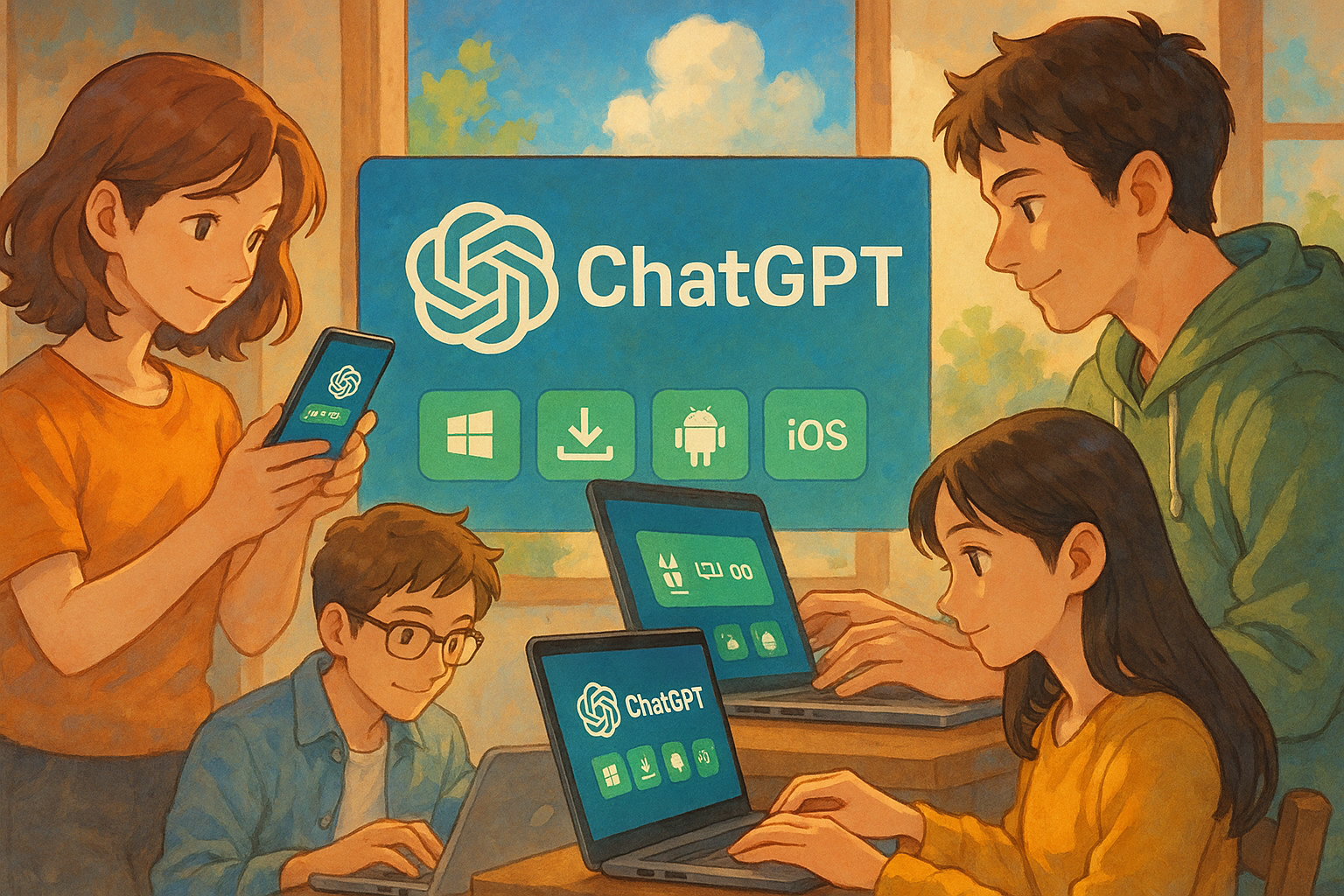
What is ChatGPT? and its application scenarios?
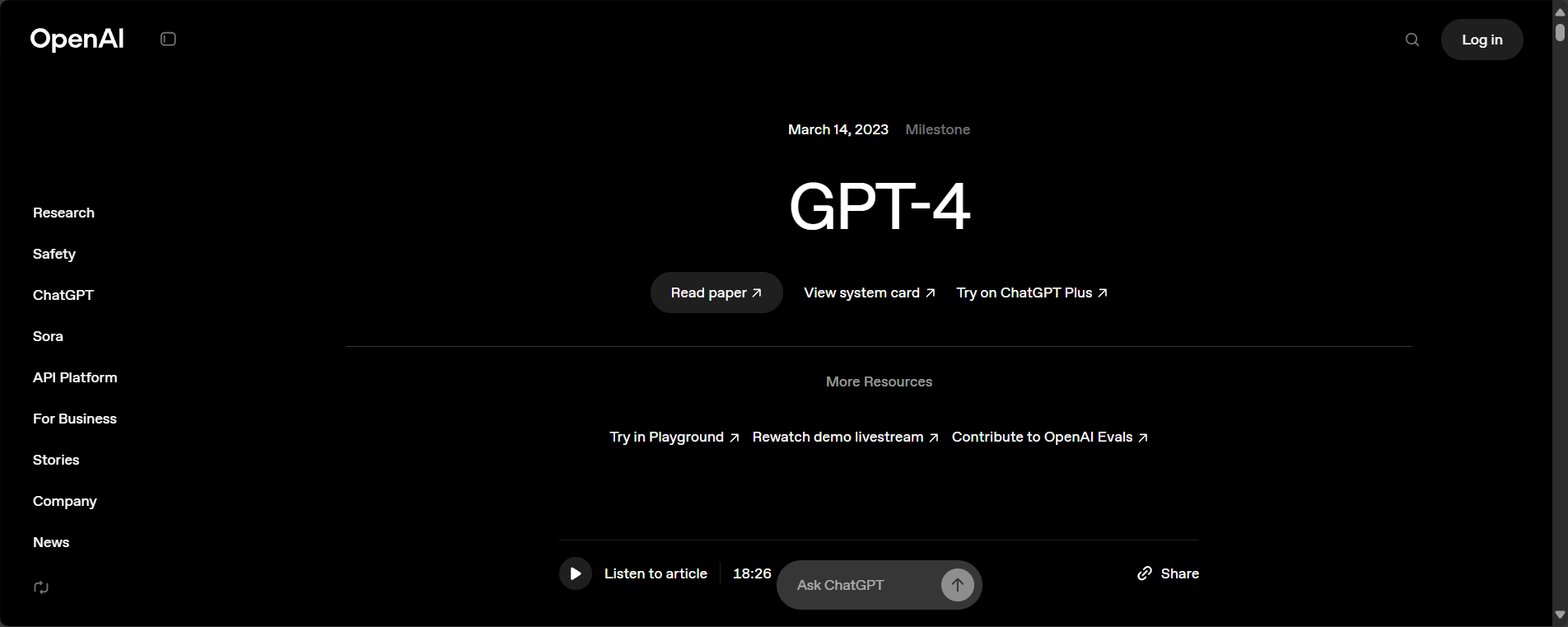
ChatGPTIt is a conversational AI assistant built by OpenAI based on GPT-4, supporting multi-turn communication, text and code creation, information retrieval, and other functions. The product is available in web, desktop, and mobile app formats, targeting users worldwide.
- Intelligent document writingChat, content rewriting, translation
- Programming Development Assistance and Solutions
- Educational tutoring, data analysis
Link:OpenAI ChatGPT Official Website
ChatGPT Download Full Process Navigation Table
| platform | Official download/method | Is a VPN required? | Account Requirements | Installation difficulties |
|---|---|---|---|---|
| Windows | Official installation package/MS Store | Depending on the network environment | OpenAI account | Different regions/Requires a VPN |
| Mac | Official website .dmg/App Store | Depending on the network environment | OpenAI account | Account or download region restricted |
| Android | Google Play/apk | Depending on the network environment | OpenAI account | Play entry/Secure APK installation |
| iOS | App Store | Depending on the network environment | OpenAI account | Apple ID / Delayed App Store Launch |
| Web version | https://chat.openai.com | Depending on the network environment | OpenAI account | Direct connection from within China is not possible; a VPN is required. |

Windows system chatgpt download and installation process
Official client download method
Starting in 2025, OpenAI will provide a native Windows desktop version supporting Windows 10 and above.
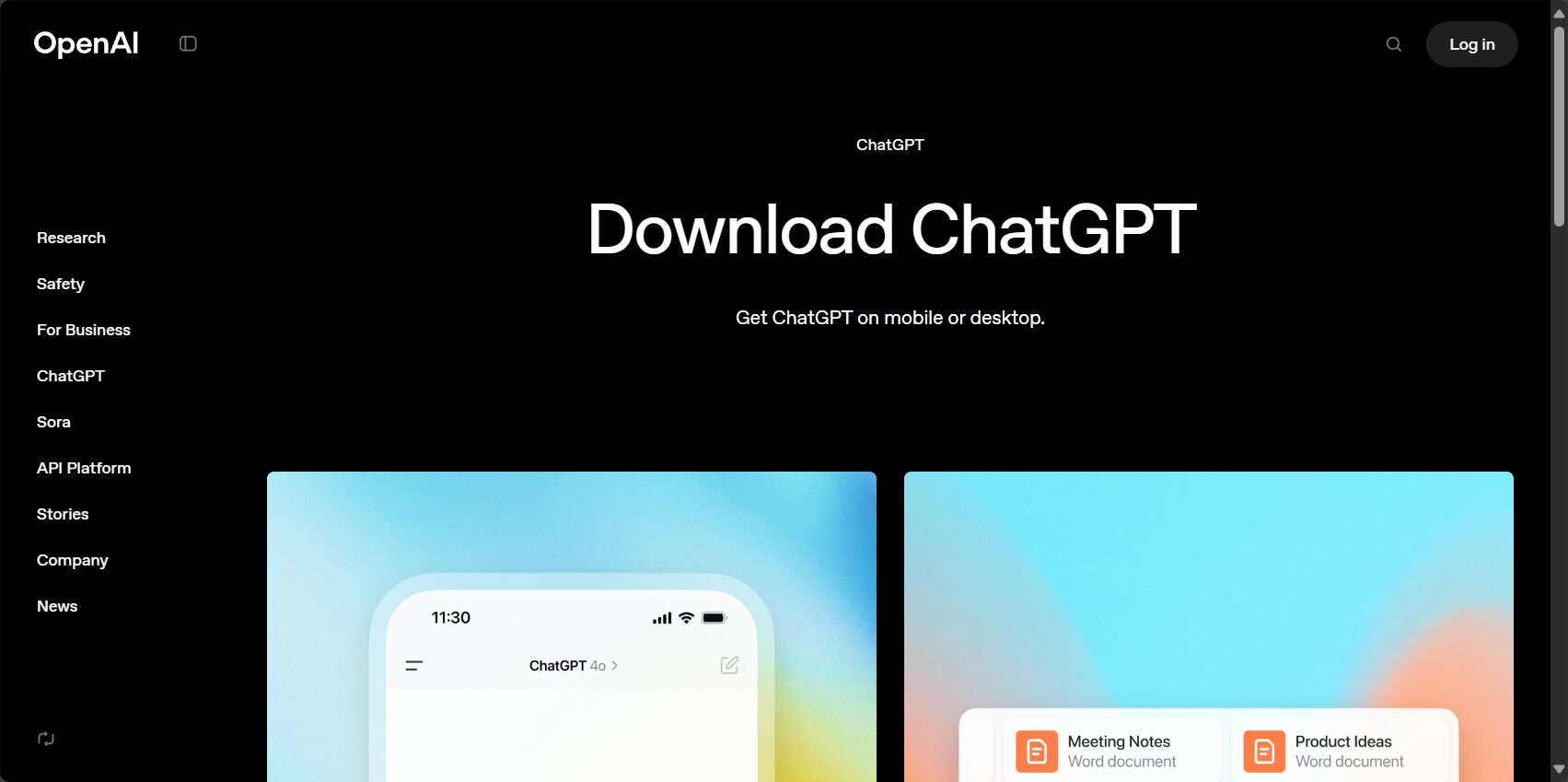
- accessChatGPT official website download page
- Click "Download for Windows" to obtain the .exe installation package.
- Double-click to install and follow the prompts to complete.
- First-time launch requires OpenAI account login
VPN access is required to access the official website in some regions; security is paramount.
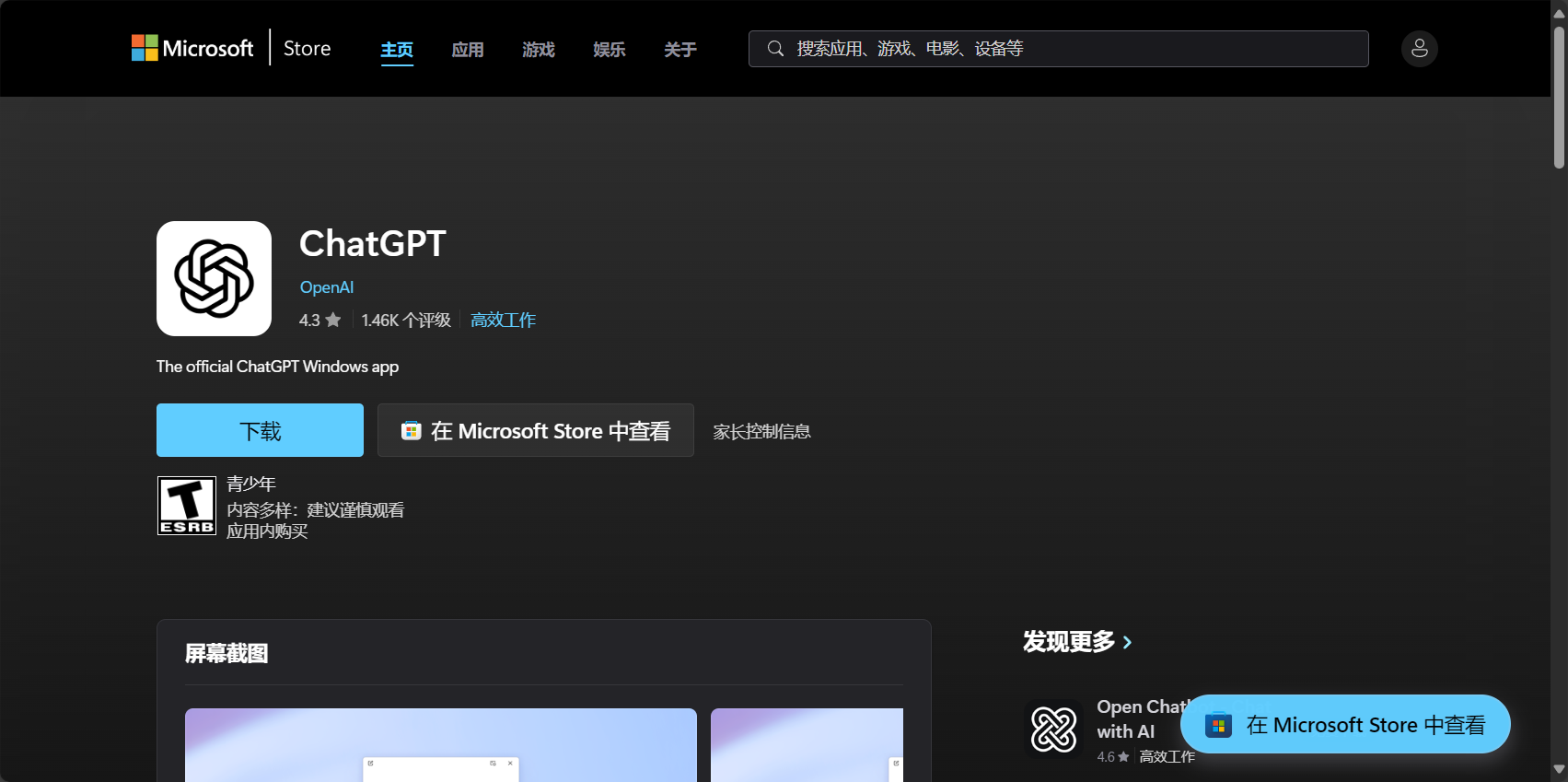
Microsoft Store Channel
MS Store is also offering the download in some regions; we recommend using the official website version first.Latest features。
Illustrated process
- Open your browser and visit the ChatGPT official website download page.
- Download and save the installation package.
- Keep clicking "Next" throughout the installation process.
- Log in to your account after completion to experience it.
Common Problem Solving
- Unable to open the official website: Accessing the Internet via VPN/Finding Mirror Communities
- Unable to log inCheck network proxy, synchronize local time, disable antivirus and firewall, and try other networks.
Detailed Guide to Downloading and Installing ChatGPT on Mac System
App Store and official website channels
- 进Official websiteDownload macOS .dmg
- Alternatively, search for "ChatGPT" in the App Store; a US Apple ID is required.
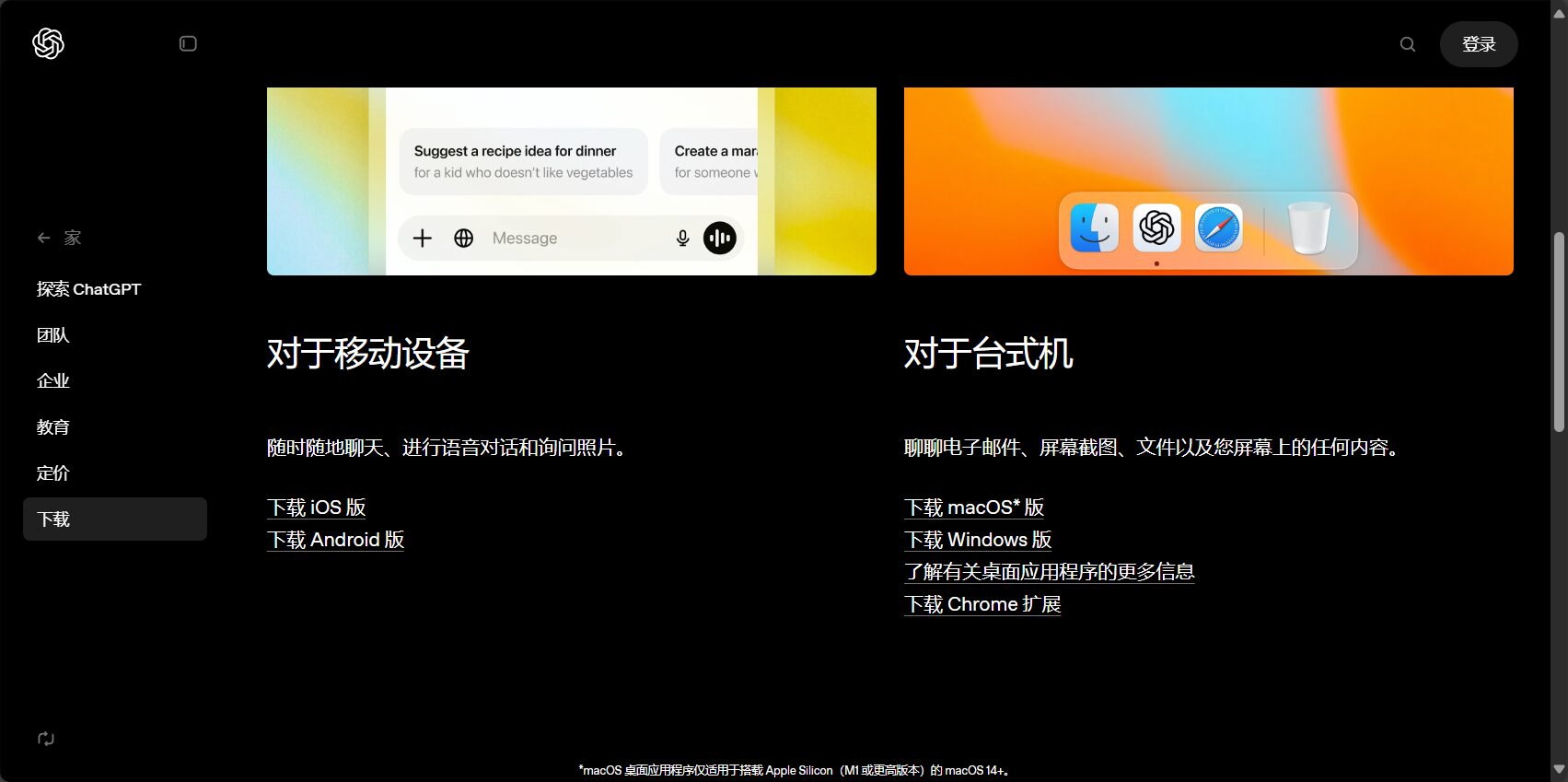
Table: Mac Download, Installation, and Precautions
| step | illustrate | Frequently Asked Questions |
|---|---|---|
| Official website or store | Download from the App Store/Official Website | Area unavailable |
| Download dmg | Save locally | Unable to open the page |
| Drag and drop application | Log in to your account | System permission issues |
- Account suggestionsPrioritize Gmail email registration
- Unable to verify developer: System Preferences - Security & Privacy - Allow this developer
- If the page cannot be opened, use a VPN.
Android and iOS platform chatgpt download and installation steps
Android client download
- Search "ChatGPT by OpenAI" on the Google Play Store.“
- If you cannot access Play, you can download the APK from the official website and install it manually (allow "unknown sources" in your settings).
- Enable use after account binding
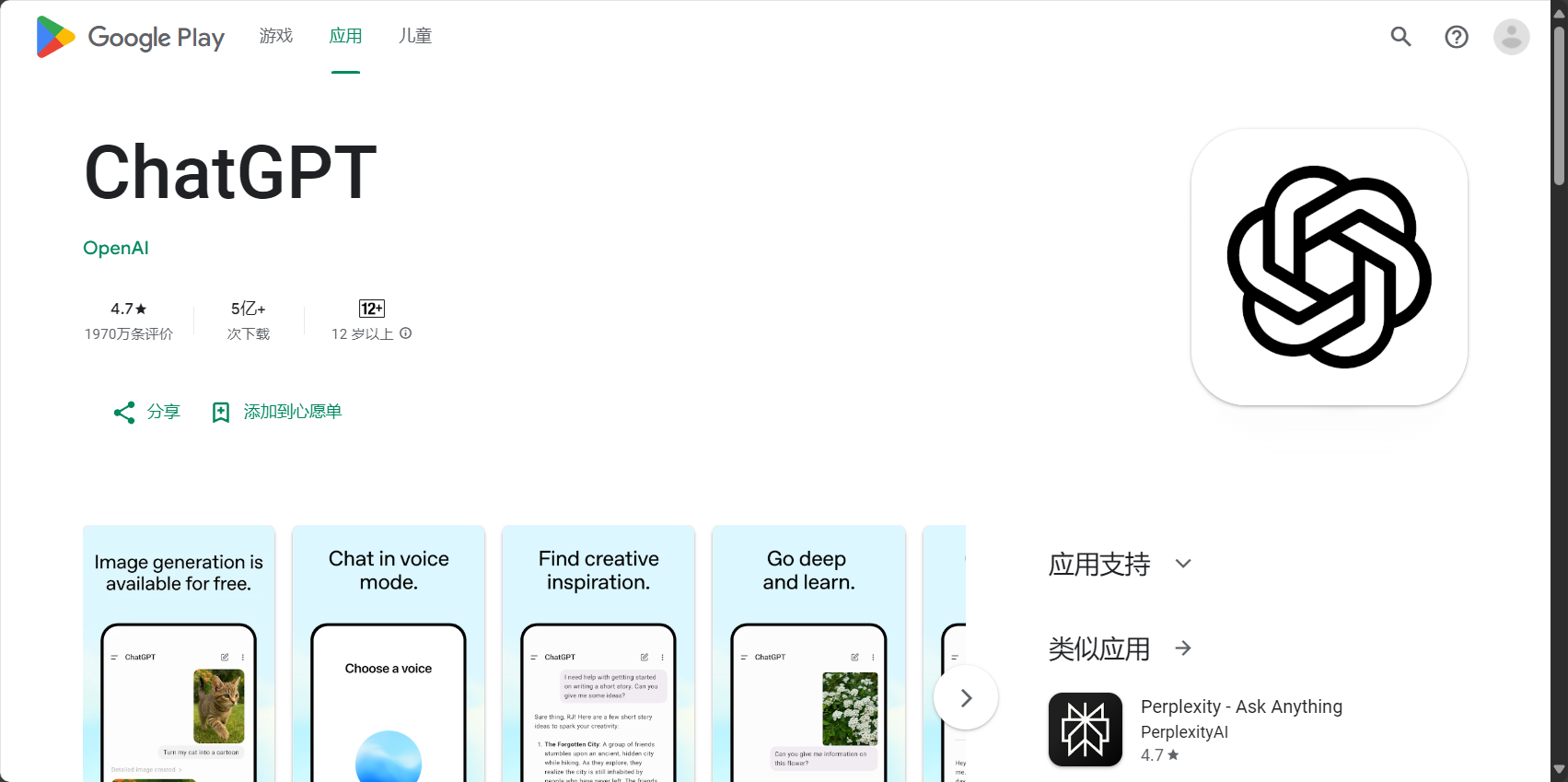
| step | Standard/Play Download | Manual installation of APK |
|---|---|---|
| 1 | Play Store search | Download APK from official website |
| 2 | Direct installation | Configure to allow "unknown sources"” |
| 3 | Account binding login | Account Login |
iOS Platform Installation Guide
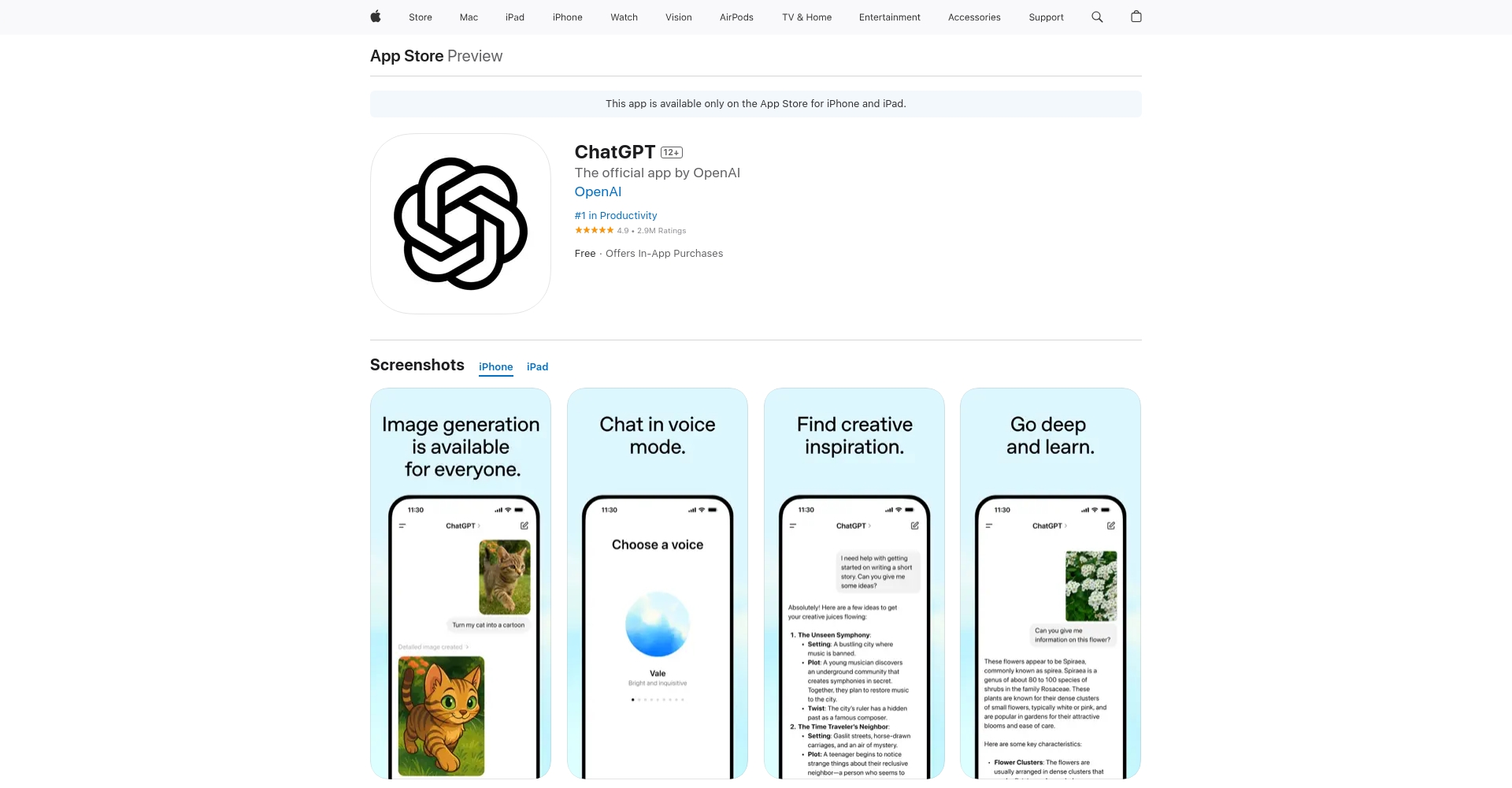
- Search "OpenAI ChatGPT" in the App Store and prioritize using US or Hong Kong Apple IDs.
- After downloading, link your OpenAI account.
Direct access from the App Store:iOS official app
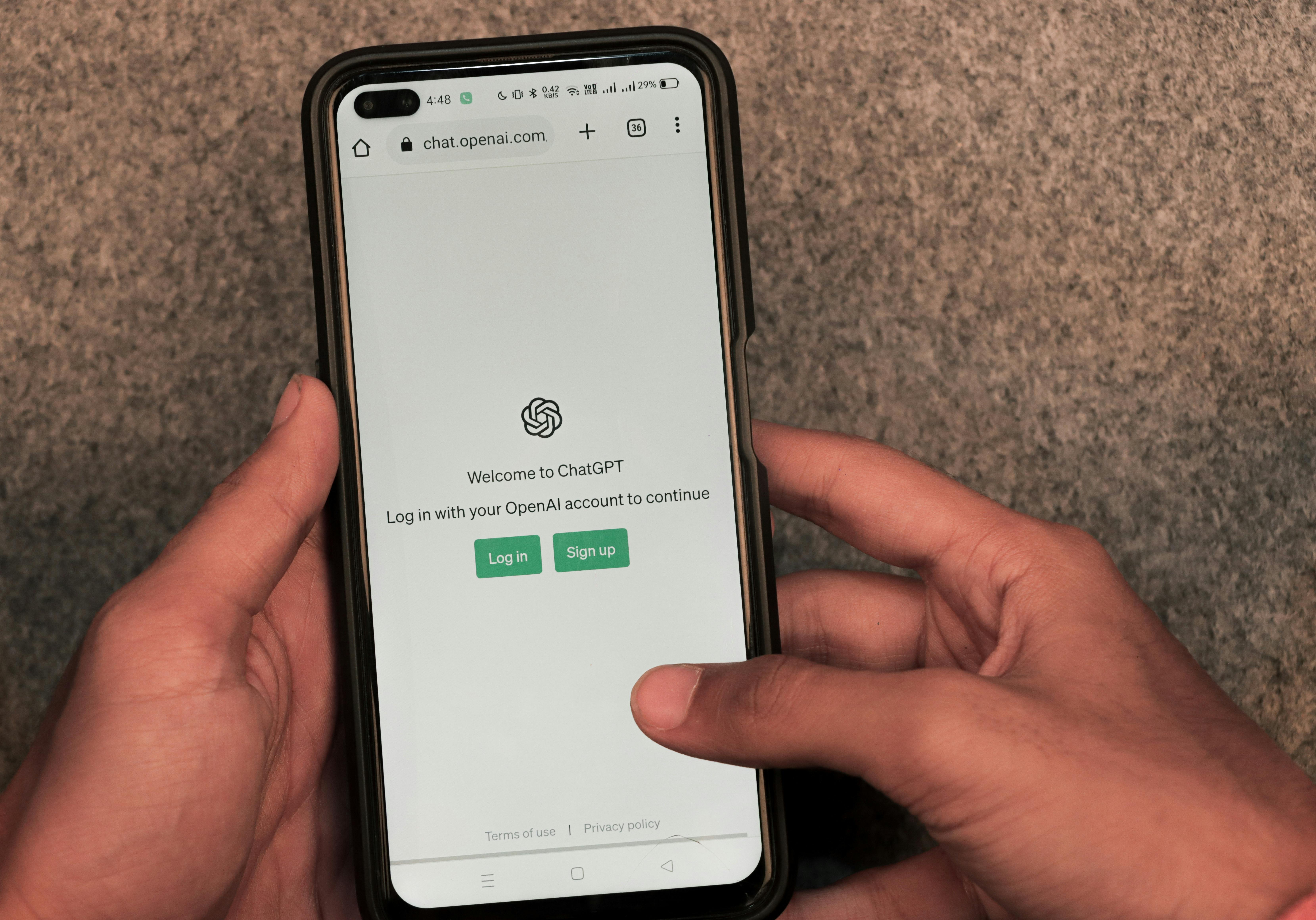
ChatGPT Download and Login FAQs and Solutions
| Problem Type | Specific manifestations | Solution |
|---|---|---|
| Access restrictions | Unable to open the official website/store app | Accessing the internet freely/VPN/Region switching account |
| Unable to log in | Unable to receive verification code/stuck with verification | Change email address / Check network / Restart |
| Account Registration | Phone number or email address rejected | Choose Gmail or an overseas mobile number |
| Version compatibility | System not supported/crashes | Upgrade system/Download new version |
| Data security | Concerns about privacy/questionable app origin | Always adoptOfficial download |
Tip:
- Using Gmail or Outlook email addresses increases the success rate of registration.
- Domestic users are advised to prioritize the web version; if restrictions are encountered, use a VPN to bypass them.
- If you cannot update your app in time, you can delete the app and reinstall it to get the latest version.
- Beware of counterfeit apps by using official domain names.
ChatGPT Web Version and Third-Party Tools Recommendations
Web version entry
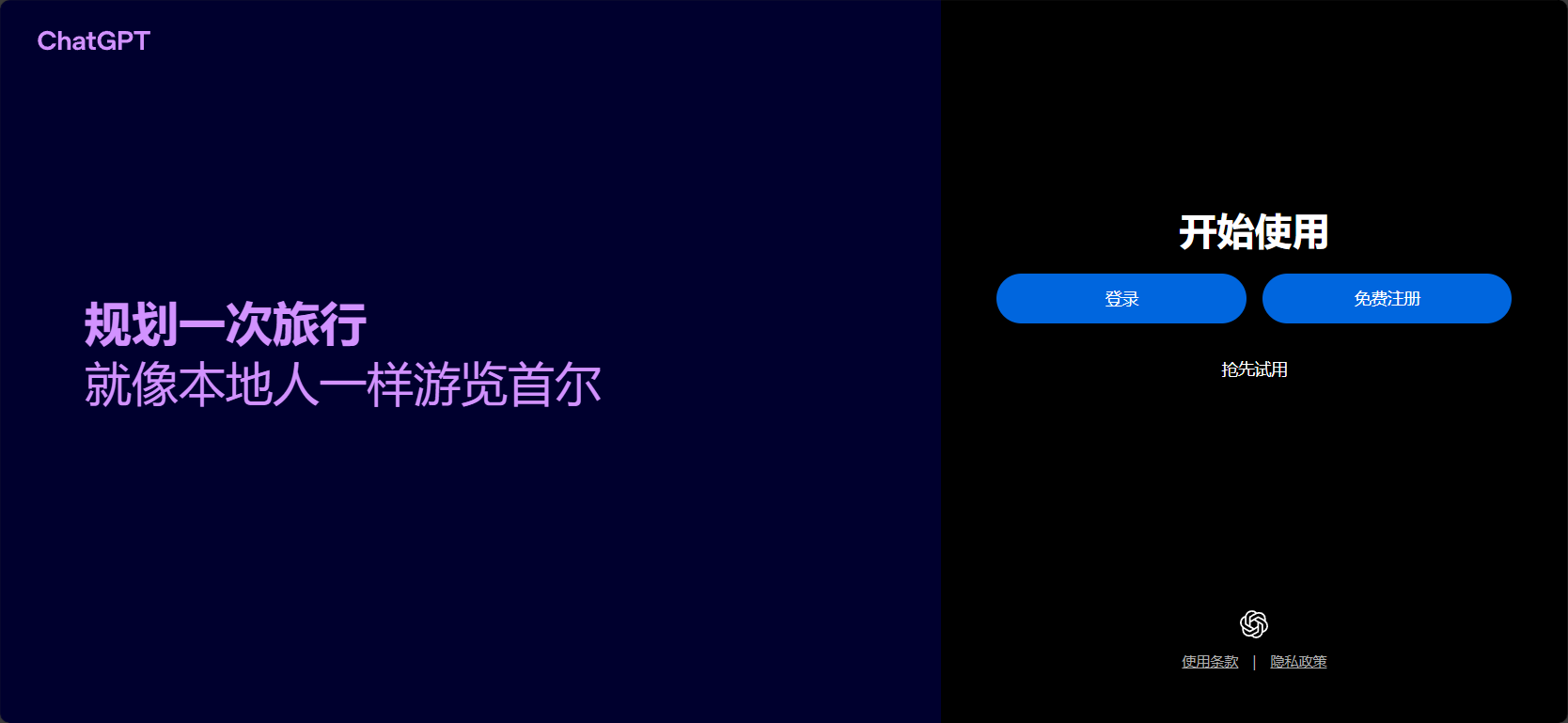
- accesshttps://chat.openai.comNo installation required, supports mainstream browsers
- The process of verifying mobile phone numbers and binding accounts is the same.
Third-party desktop clients (for reference)
| Tool Name | Supported Platforms | Features/Links |
|---|---|---|
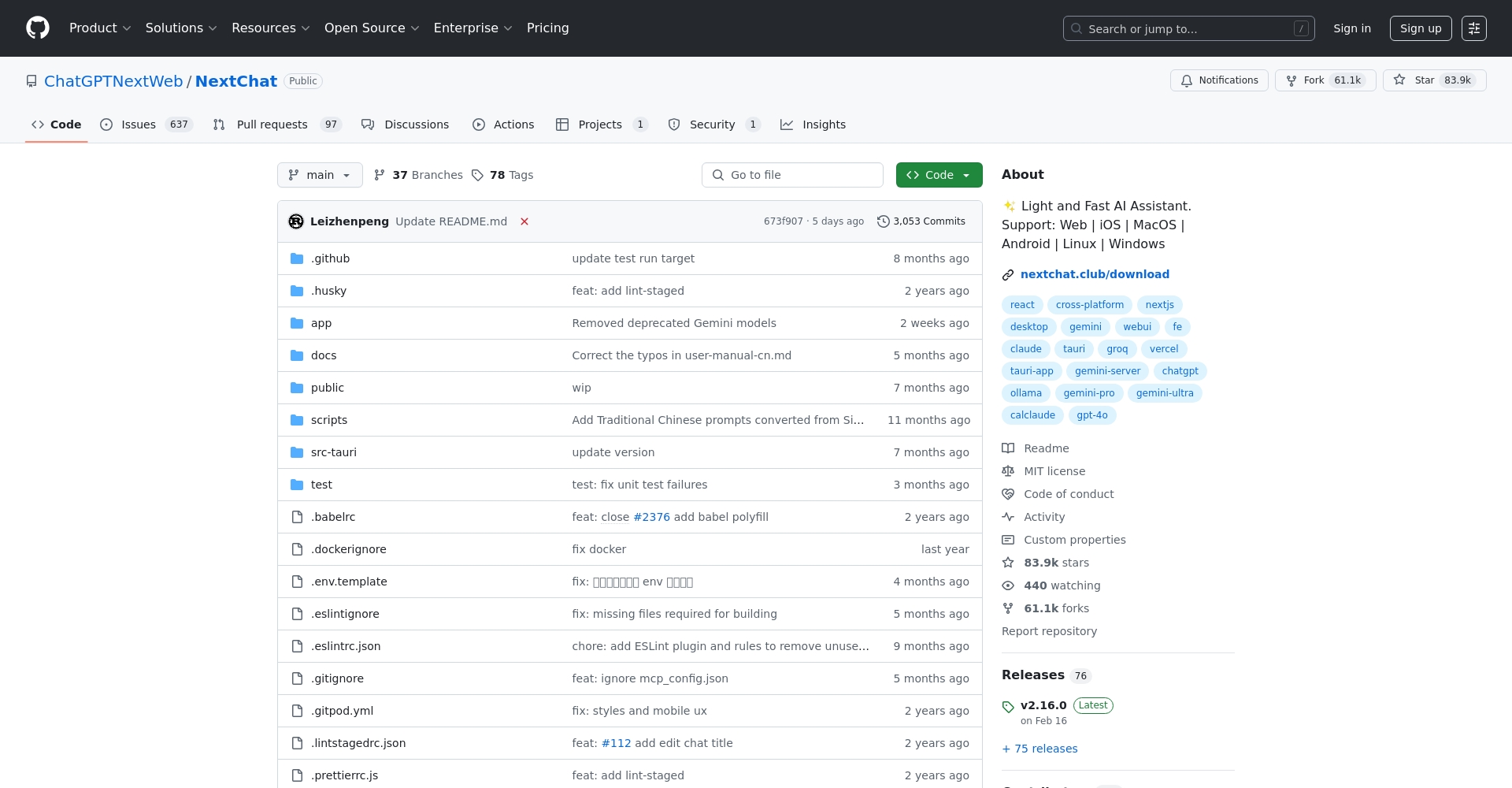
| ChatGPT Next Web | Win/Mac/Web | Open source, self-deployment |
| Poe | Win/Mac/iOS | Multi-model platform |
| Raycast | Mac | Keyboard shortcuts/plugin integration |
Warning: Exercise extreme caution. It is not recommended to share sensitive personal information through third-party apps.
Future Upgrades and Frequently Asked Questions
2025 Upgrade Highlights
- The desktop version is more cross-platform compatible.
- App stores are introducing genuine apps, making the experience of official websites/app stores more similar.
- The web version supports historical synchronization and seamless switching between multiple devices.
FAQ
- Is ChatGPT free to download?The basic version is free forever, while GPT-4 and others require a subscription or payment.
- Are there any regional restrictions on the account?Some App Stores have different categories, so it's recommended to register a US account.
- What should I do if my phone number cannot be verified?You can try methods such as Google Voice and Skype.
- Is it reliable to download cracked/green versions?It is strongly discouraged to use official channels first to avoid the risk of leakage.
Conclusion:As the ChatGPT ecosystem continues to improve, cross-platform downloads are becoming increasingly convenient. It is recommended to use [the download method/method].Official resourcesWith the detailed instructions and solutions to frequently asked questions provided above, you can smoothly experience the efficiency revolution brought about by cutting-edge AI. If you encounter any obstacles, you can consult the ChatGPT Chinese community or [other resources/platforms] for immediate assistance.OpenAI Help CenterGet support.
© Copyright notes
The copyright of the article belongs to the author, please do not reprint without permission.
Related posts



No comments...
