
What is Topaz Video AI? A comprehensive guide to its features, advantages, disadvantages, and target audience, expected by 2025.
Topaz Video AIIt is currently the most professionalAI video enhancement softwareOne of them features intelligent lossless magnification, AI noise reduction, image quality restoration, and slow motion capabilities.Suitable for video content creators, image restorers, professional post-production staff, educational institutions, and other individuals who have high requirements for video quality.This article will provide a comprehensive analysis of Topaz Video AI 2025's latest features, advantages and disadvantages, as well as its target audience and application scenarios. While its high price and demanding hardware requirements are its main drawbacks, its AI super-resolution and restoration performance has become an industry benchmark in the high-end video enhancement field.
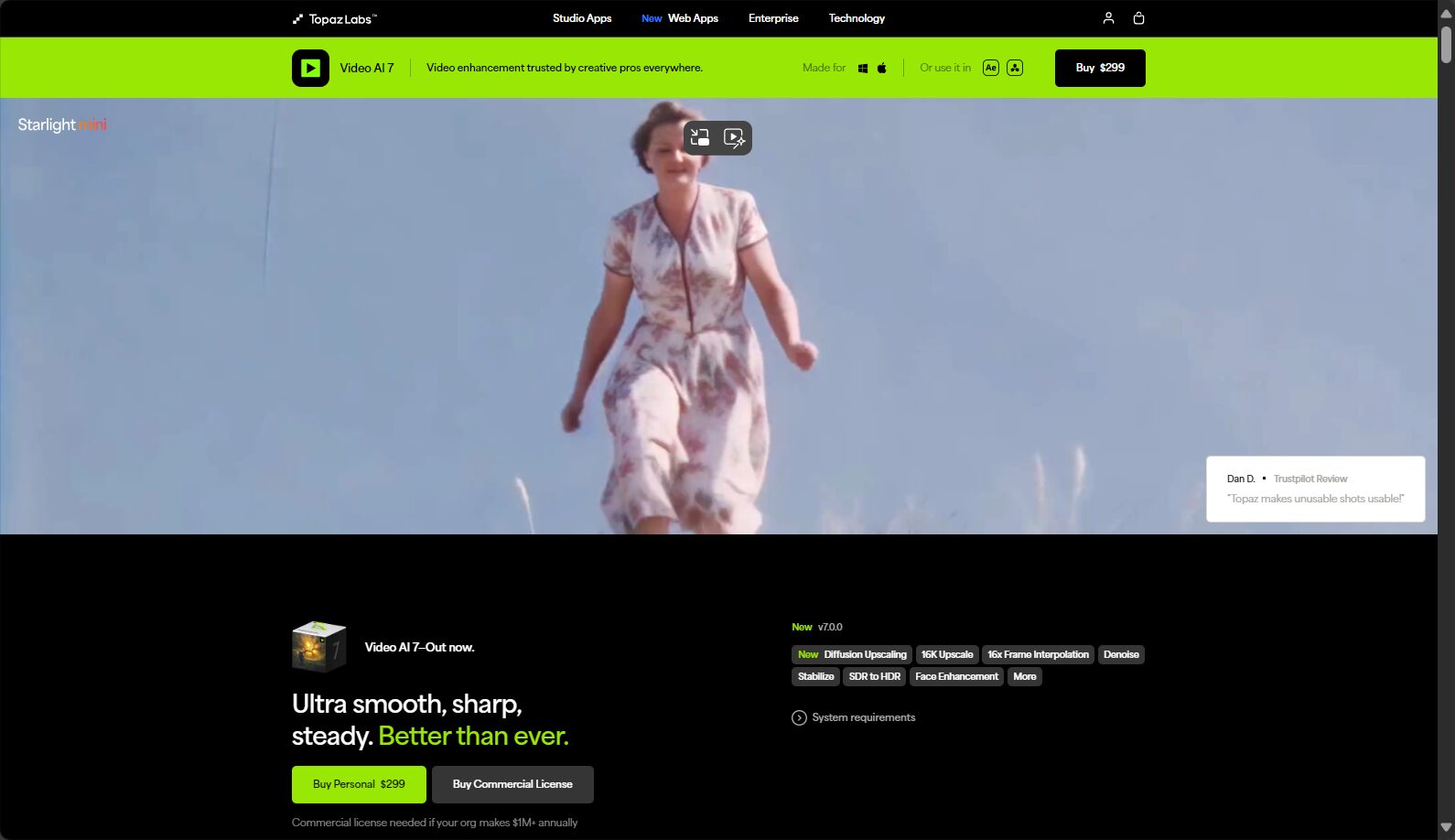
Topaz Video AI Basic Overview
What is Topaz Video AI?
Topaz Video AIOriginally named Topaz Video Enhance AI, it is a professional AI video enhancement and super-resolution software developed by Topaz Labs. It supports intelligent lossless upscaling of low-resolution videos such as 480p and 720p to 1080p, 4K, and even 8K, and includes advanced features such as AI noise reduction, mosaic removal, video sharpening, image stabilization, and frame interpolation.
Key features of Topaz Video AI:
- AI lossless upscaling to 4K/8K
- Automatic noise reduction and enhanced clarity
- Frame rate boost and slow motion effects
- Automatic deinterlacing and demosaicing
- Image stabilization and motion analysis and restoration
supportWindows and macOSplatform.
| platform | System Requirements | price | try out |
|---|---|---|---|
| Windows | Windows 10/11, Intel/AMD (AVX), 16GB+ RAM, GTX 900/4GB VRAM+ | $299/year | 30 days (watermark) |
| macOS | 10.15+, Intel/M1/M2, 16GB+ RAM, 2GB+ VRAM | $299/year | 30 days (watermark) |

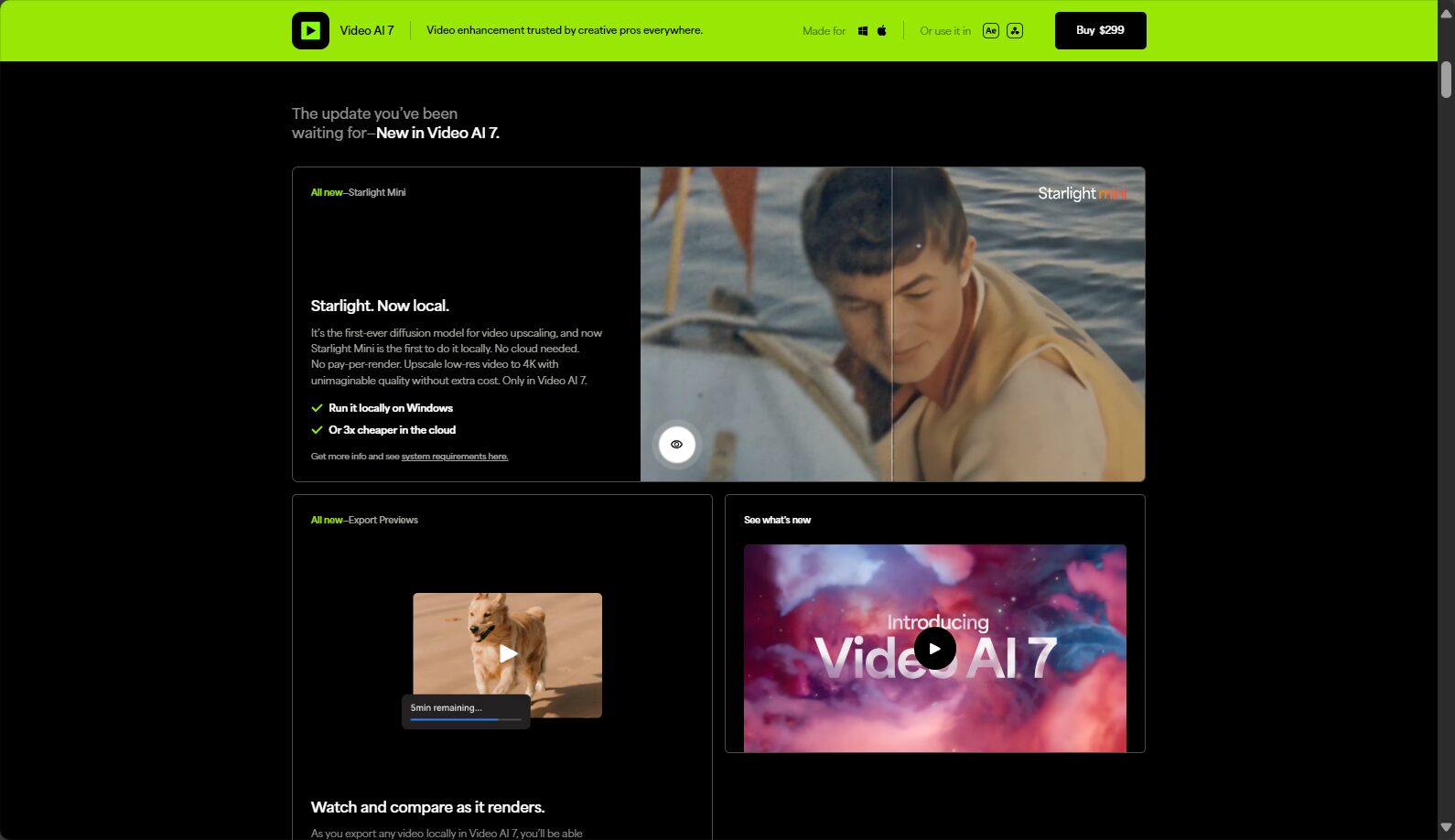
Purchase or trial address:Topaz Video AI Official Website
Topaz Video AI Full Feature Analysis
AI video upscaling/super-resolution
Multiple AI models (such as Artemis, Iris, and Proteus) intelligently amplify video resolution for different types of material.It is rich in detail, with natural color reproduction, and lacks the "painting feel" of traditional interpolation.

- Supports batch processing
- Preserve/fill in missing details
- Suitable for old movies, home VHS, animation/drone materials, etc.
AI noise reduction and video deblurring
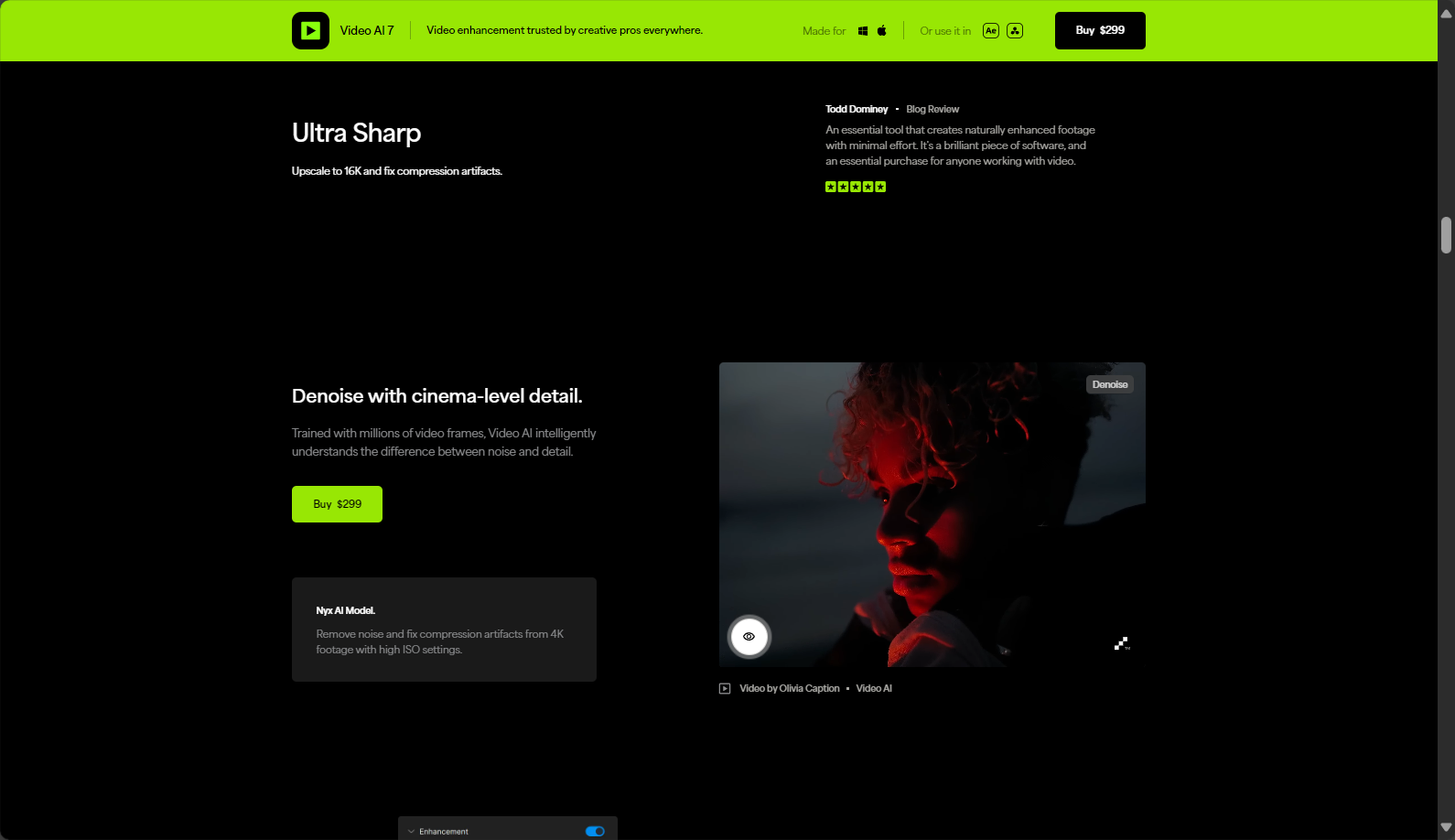
Intelligently identifies noise type and uses AI spatial analysis and motion compensation to automatically reduce noise and restore image quality.The picture is cleanerBlurry content can be further sharpened and repaired.
Remove interlacing + AI depixelation
For interlaced materials such as VHS, the independent AI "Dione" model can convert them into progressive high-definition images with one click, effectively fixing jagged edges and flickering.
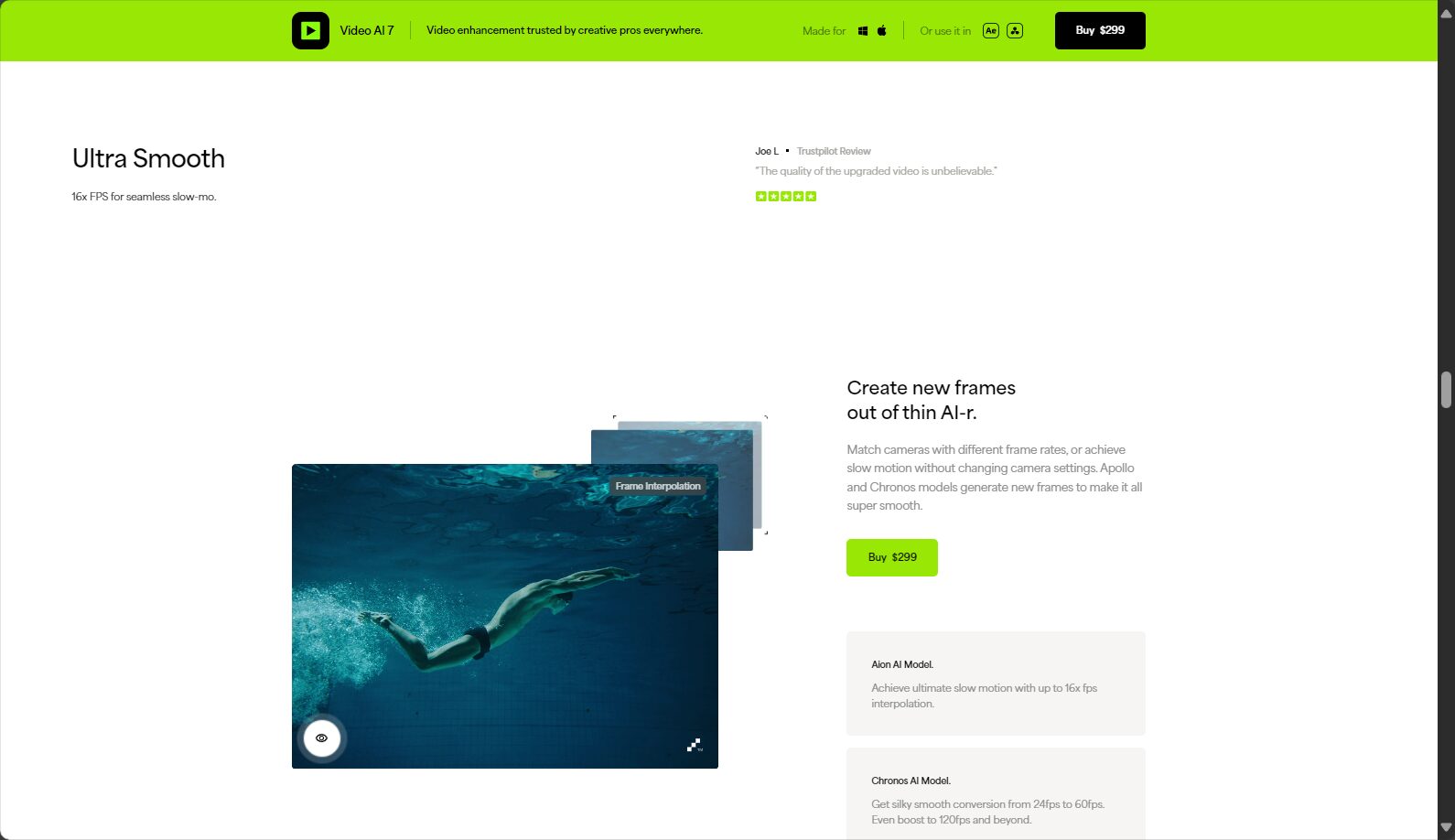
Slow motion frame interpolation & video stabilization
- It can boost 24/25/30fps to 60/120fps, achieving smooth slow motion, which is extremely suitable for sports/sports vlogs.
- AI-powered automatic image stabilization to correct shaky handheld recordings.
User-friendly interface and parameter customization
Supports drag-and-drop materials and batch enhancement.Parameters can be fully customized(Noise level, sharpening intensity, resolution, frame rate, etc.) to meet the needs of both advanced users and beginners.
Topaz Video AI: Advantages and Disadvantages Comparison
Main advantages
| advantage | illustrate |
|---|---|
| AI algorithm accuracy | Multiple models address different video scenarios, resulting in significant image quality improvements. |
| Supports 4K/8K | High-resolution output to meet professional post-production needs. |
| Improved noise reduction, deinterlacing and other functions | High efficiency in batch processing, automatic repair |
| Win+Mac dual platforms | The platform has good compatibility and can be upgraded and supported at any time. |
| Excellent slow-motion frame interpolation | Smooth motion scenes |
| The interface is intuitive and easy to use. | High degree of freedom in previewing and adjusting |
| Model continuously upgraded | New algorithms are pushed out every year to improve the user experience. |
Main disadvantages
| shortcoming | illustrate |
|---|---|
| High price | $299/year, one-year upgrade strategy |
| High hardware requirements | Older PCs are slow and require a newer dedicated graphics card. |
| Large-scale projects take a long time | Ultra-high resolution/long video processing time |
| The learning threshold is relatively high. | Parameter and model selection requires consulting technical documentation. |
| Trial version has watermark | Unpaid output with logo |
Advantages and disadvantages comparison table
| characteristic | Advantages | insufficient |
|---|---|---|
| Image quality enhancement | Multiple AI models, realistic and detailed | Extremely low-resolution videos occasionally exhibit an "AI blurry" appearance.“ |
| Performance Experience | GPU acceleration, high efficiency | Insufficient configuration results in a poor user experience. |
| cost | Clear annual fee schedule | High entry barrier |
| Ease of use | User-friendly interface with a wide range of presets | Advanced parameters need to be explored. |
Topaz Video AI User Analysis
Highly recommended for:
- Video content creators/YouTubers/Short video operators
- Retro image restorers / Home VHS users, and users of digital technology
- Digitization and Restoration of Educational/Research/Archival Materials
- Professional post-production/film and television advertising/production team
Not recommended for:
- For ordinary users with only sporadic video repair needs
- PC users with low hardware configuration
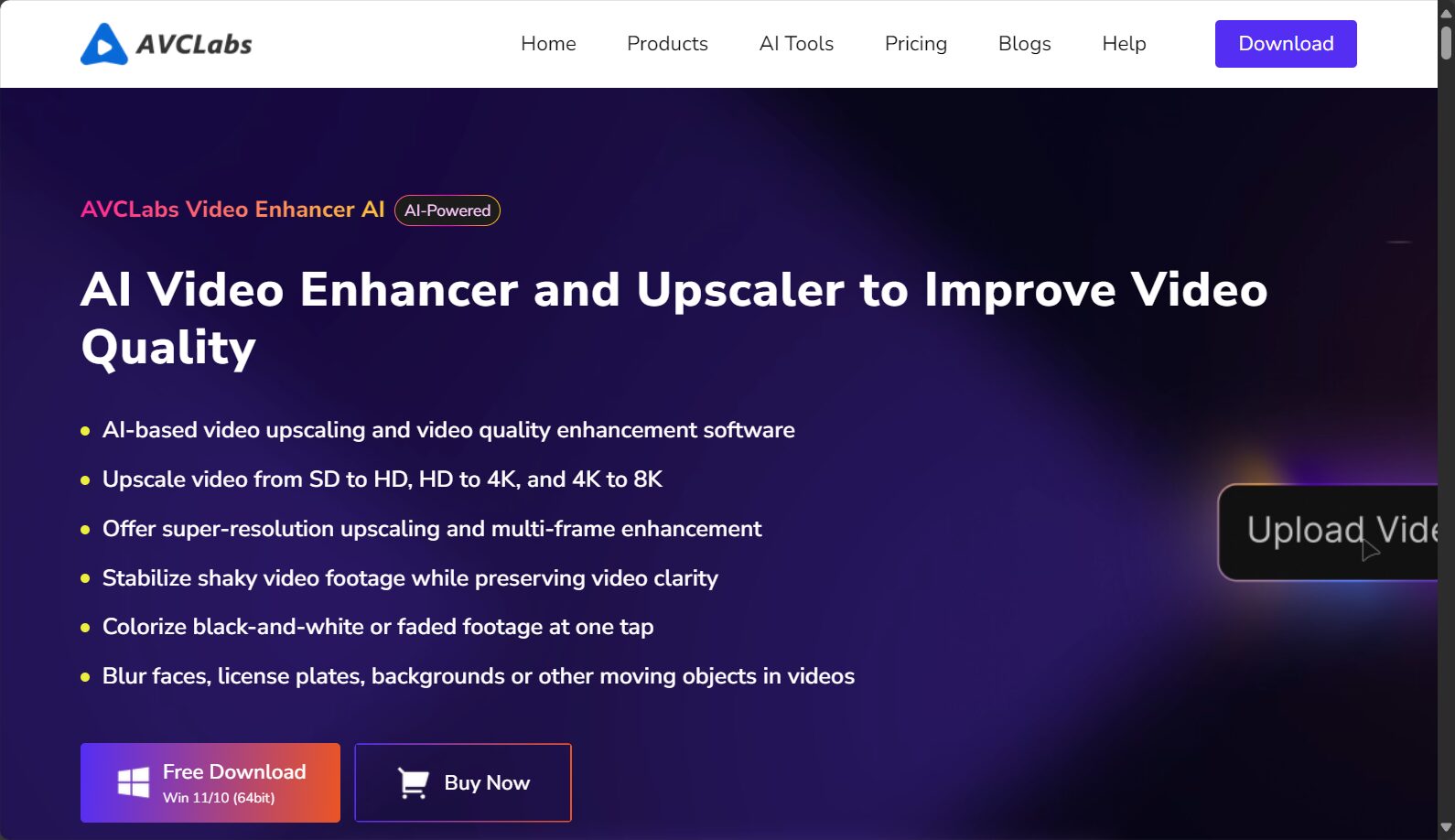
Light users can use free/low-cost online AI tools, such asAVCLabs或Filmora
Comparison table of mainstream AI video enhancement tools
| Product Name | price | platform | Main features | User difficulty |
|---|---|---|---|---|
| Topaz Video AI | $299/year | Windows, macOS | Multiple AI models, 8K resolution, noise reduction/frame interpolation/deinterlacing/fully customizable parameters | A certain foundation is required. |
| AVCLabs | $39/month / $299/lifetime | Windows, macOS | Multiple packages available, featuring AI super-resolution, noise reduction, and coloring functions. | Easy to use |
| DVDFab | $99/year | Win | Batch processing, depixelation, 4K/8K output | Easy to use |
| Filmora AI | subscription model | Windows, macOS | Noise reduction, AI effects, beginner-friendly | Extremely easy to use |
Detailed comparison is available.Official websiteSpecialized assessment.
Topaz Video AI Operation Brief Process
- Download and install(Download from official website)
- Import materials(Supports a wide range of formats, including MP4/MOV/AVI, batch processing optional)
- Select AI model and parameters
- Preview comparison effect(Split-screen in real-time for easy optimization)
- Export Enhanced Video(Format/resolution/frame rate can be customized)
Conclusion
AI-powered content creation and film restoration are advancing rapidly.Topaz Video AI boasts AI super-resolution core technology and superior image restoration effects.It has become a leader among high-end video enhancement tools. It is more suitable for professional and enthusiast users who have a strong need for image quality improvement and possess mid-to-high-end equipment and budget. For those with light or occasional needs, it is advisable to try other easier-to-use AI video enhancement tools first.In 2025, AI video enhancement and content reshaping are still underway, and Topaz Video AI will be an essential high-end tool for video re-creation and restoration.
For further information and to experience the service, please visit [website address].Topaz Video AI Official Website。
© Copyright notes
The copyright of the article belongs to the author, please do not reprint without permission.
Related posts


No comments...
