How to train your own AI speech model? (Even beginners can understand)
Start from scratch and complete your first voice clone in four steps.
For many people,“Training AI models”"It sounds like a distant dream. But in reality, cloning yourself or any legally authorized voice has become a relatively standardized process. This guide will walk you through the entire process from preparation to application, giving you a clear understanding of this technology."
Step 1: Prepare high-quality "sound food"—audio data
This is the most crucial step in the entire process; the upper limit of the model is determined by the quality of your data. Please be sure to adhere to the following principles:

- Environmental purity: Find the quietest possible environment. A wardrobe is a natural recording studio, as the clothes inside can effectively absorb echoes. Turn off all devices that may generate noise, such as air conditioners, computer fans, and refrigerators.
- Audio clarity: Avoid using your laptop's built-in microphone. A budget-friendly USB microphone, such as an entry-level model from Takstar or Edifier, can make a significant difference. When recording, keep the microphone about a fist's distance from your mouth.
- Content diversity: Prepare at least 15-20 minutes of audio material. Don't just read with one emotion. Try reading novels aloud, which include calm narration, exciting dialogue, and questions. This will allow the model to learn richer intonation variations. If both low and high notes are included, the training effect will be better, and it can reproduce various songs without electronic or distorted sounds.
- Formatting and processing: Save the recording as
.wavThe format should be chosen to retain as much sound detail as possible. After recording, you can use free audio software.AudacityPerform simple processing:- Noise reduction: Extract a silent section, then use "Effects" -> "Noise Suppression" -> "Get Noise Profile," select the entire audio track, and apply noise suppression again.
- standardization: Use "Effects" -> "Loudness Normalization" to adjust the overall volume to a suitable level (such as -16 LUFS) to avoid the sound being too low or overexposed.
- slice: Cutting long audio clips into short sentences of 5-15 seconds helps the model learn better.
Step 2: Choose your training platform

- Online one-stop platform (first choice for beginners): These platforms handle all the complex technical aspects for you.
- So-vits-svc / RVC WebUI integration package: You can find many one-click start programs packaged by community experts on video websites like Bilibili or websites like GitHub that host various open-source software. They are usually based on RVC (an efficient speech-to-text conversion model) technology. You just need to put the prepared audio data into a designated folder and then click a few times to start training. This is currently the lowest-cost and most suitable way for beginners to get started.
- Kits.ai: This is a commercial platform with a user-friendly interface, primarily geared towards musicians, but its voice conversion and training functions are equally powerful. It offers a free trial period, allowing you to experience high-quality training without paying extra.
- ElevenLabs: This is a benchmark in the field of commercial speech synthesis. Its "Professional Voice Cloning" feature requires longer audio recordings and authentication, but the generated voice quality is extremely high and very natural. Although it is expensive, its effects represent the pinnacle of current technology.
Step 3: Begin training and wait patiently.
Upload your processed audio clips and start training according to the platform's instructions. If neither you nor the platform provides instructions, you'll need to find tutorials yourself. Of course, we'll also recommend a few video tutorials here, such as...AI Speech Generation Beginner's Guide (GPT-Sovits),RVC Voice Cloning | A Truly Comprehensive Tutorial - Beginner-Friendly Voice Training Model for Zero-Based Learners, Enabling You to Replicate Any VoiceThis process, known as "alchemy," involves the AI repeatedly learning from your audio data. Depending on the amount of data and the computing power of your hardware/platform, this can take anywhere from half an hour to several hours, and is also related to the number of training rounds. Generally speaking, the higher the quality of the training set and the more training rounds, the better the final sound model will be. During this time, you can do other things.


Step 4: Reasoning and Application – Making the Model Speak
After training, you will get a model file (usually...).pth(format) and an index file (.index(Format). Now you can "reason":
- Text-to-speech (TTS): Enter some text, select your model, and the AI will read it aloud using the voice you cloned.
- Voice-to-speech (VC): Upload another audio clip (such as someone else's voice), and the model will retain the original audio's intonation and rhythm, but replace its timbre with your voice.
- This is just an overview to give you a basic understanding of the concepts. The specific operations will depend on the platform and tutorials you choose.
[Advanced] Local Deployment vs. Cloud Platform: How Should I Choose?
When you decide to start training your own voice model, the first choice you face is: local deployment on your own computer or using an online cloud platform? Each path has its advantages and disadvantages, and is suitable for different people. This article will provide a detailed comparison to help you make the best choice for you.

Local Deployment: The Freedom and Challenges of Complete Control
Local deployment means that you set up a complete training environment on your own computer.
- Representative proposal: One-click integration package for open-source projects such as So-vits-svc and RVC.
- What you need:
- hardware: A decent NVIDIA graphics card is essential, requiring at least 6GB of video memory (such as an RTX 2060/3060). The more video memory you have, the more data you can process, and the faster your training will be.
- technology: Although there is a "one-click package", you still need to have basic computer operation skills, such as knowing how to decompress files, run scripts, and being able to search for and read solutions when encountering errors.
- advantage:
- Completely free: Aside from electricity costs, you don't need to pay any fees for the training process.
- Data security: All your audio data is stored on your own hard drive, without being uploaded to any server, ensuring maximum privacy.
- Highly flexible: You are free to adjust all training parameters, try out the latest models and techniques, and are not limited by platform.
- shortcoming:
- Hardware requirements: Without a qualified Nvidia card, everything is out of the question.
- Complex configuration: You may encounter various environmental issues such as driver incompatibility and missing dependency libraries, which require patience and time to resolve.
- Time cost: Training will consume a lot of your computer's resources, and you may be unable to use your computer normally during this time.
Cloud Platforms: A Convenient Way to Trade Money for Time
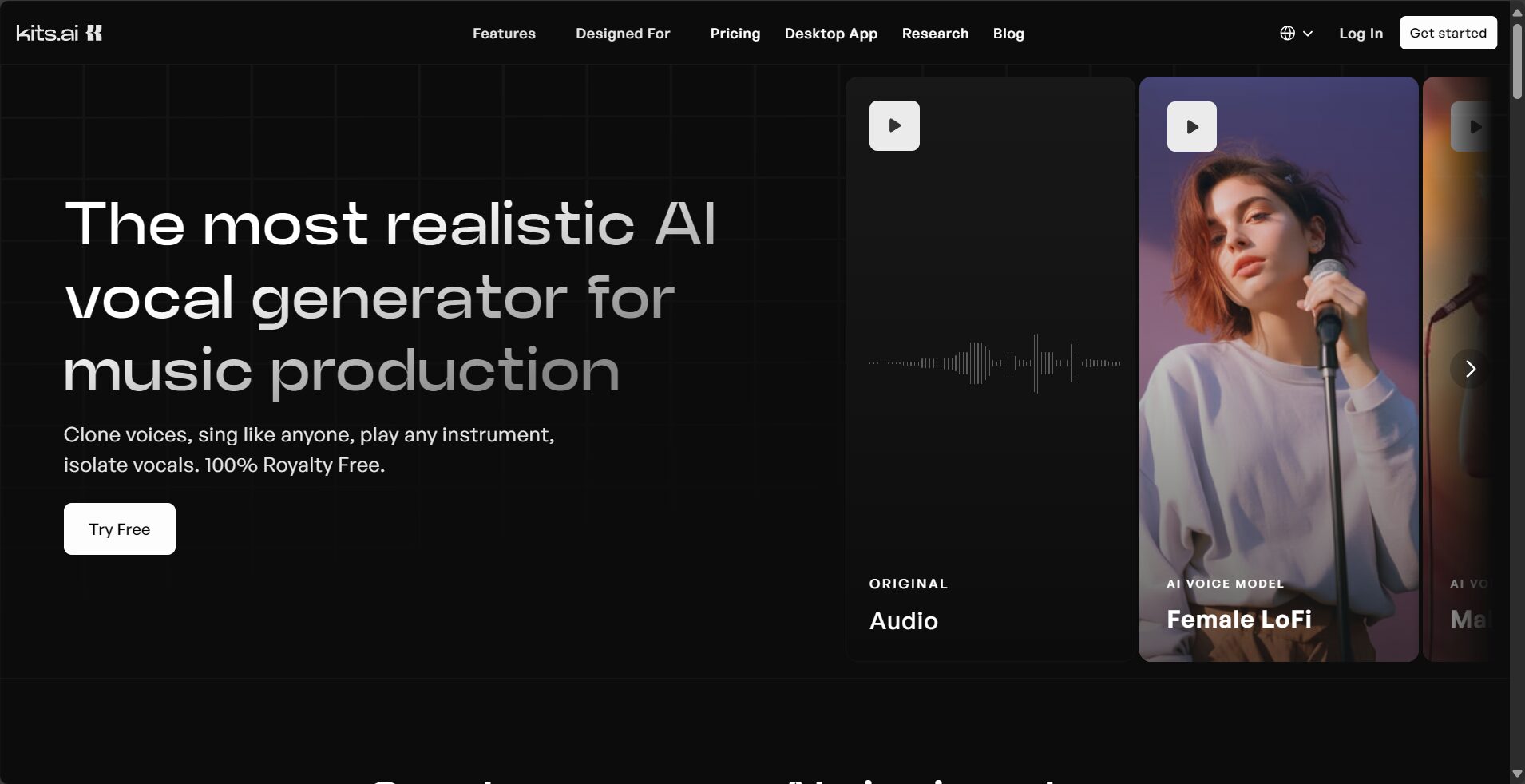
The cloud platform hosts all the complex hardware and software configurations on its servers, which you can access simply through a browser.
- Representative proposal: Kits.ai, elevenlabs, as well as some websites that provide online RVC training services.
- What you need:
- A browser that can access the internet and a stable network.
- A credit card or Alipay is sufficient for payment, while PayPal (for paid services) is required for overseas websites.
- advantage:
- Zero hardware barrier: Whether you're using a Mac or a thin and light laptop without a dedicated graphics card, you can use it.
- Ready to use immediately: It eliminates all the tedious configuration process; you can start simply by registering an account.
- Professional optimization: Commercial platforms typically have superior algorithms and more powerful computing capabilities, resulting in models with higher quality and stability.
- shortcoming:
- High cost: High-quality services are usually charged on a monthly subscription basis or based on usage, which can be a significant expense over the long term.
- Privacy concerns: You need to upload your voice data to a third-party server, which poses a potential risk of privacy breaches.
- Low flexibility: You can only use the functions and parameters provided by the platform; you cannot perform in-depth customization.
How to choose? A simple decision-making process:

- First ask yourself: Do I have a suitable NVIDIA graphics card?
- have: Congratulations, you now have the right to choose. You can start by deploying locally to get a feel for the process. If you find the configuration too complicated or the results unsatisfactory, then you can consider a cloud platform.
- No: Then a cloud platform is your only option.
- Ask yourself again: How much do I value data privacy? How much am I willing to spend?
- Privacy is paramount, and the budget is limited: Then local deployment is your best choice.
- Seeking convenience and effectiveness, and not minding paying: Cloud-based business platforms (such as ElevenLabs) can provide you with the best experience.
- I want to try it out first, but I don't want to spend money or go through the hassle: You can look for cloud platforms that offer free quotas (such as Kits.ai's free plan) or free online RVC websites built by communities.
in conclusion:
There's no absolute superiority or inferiority between on-premises deployment and cloud platforms; it's all about suitability. For beginners, my personal advice is: if you have the hardware, start with an integrated package for on-premises deployment. This process will give you a deeper understanding of AI voice technology. If you encounter insurmountable difficulties, or if you simply want a high-quality result quickly, then a paid cloud platform will be a more efficient choice.
© Copyright notes
The copyright of the article belongs to the author, please do not reprint without permission.
Related posts


No comments...
