Transkriptor Review: How to Efficiently Convert Speech to Text and Improve Work Efficiency?
In recent years, with the growth of demand for remote work and online courses, speech-to-text tools have become a key assistant for content work and learning. This article provides a detailed evaluation of transkriptor, an AI-powered global multilingual voice transcription platform, analyzing its features, core advantages, and efficient application scenarios. Learn more about how you can use this tool to achieve high-accuracy transcription, intelligent summarization, and multi-dimensional exports, greatly improving work, learning, and team collaboration.
Transkriptor Overview: AI-Powered “Dictation Assistant”
Product Introduction
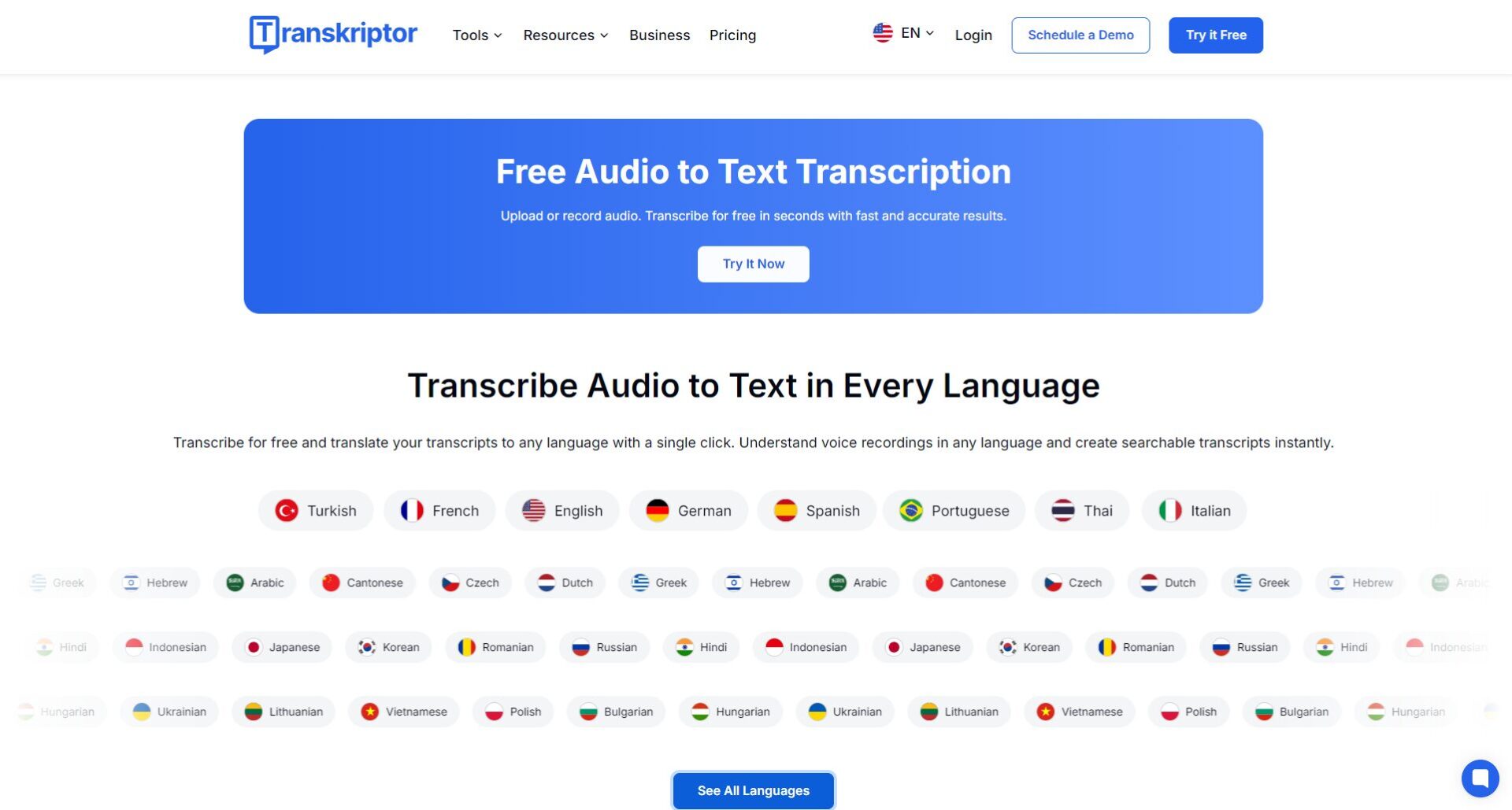
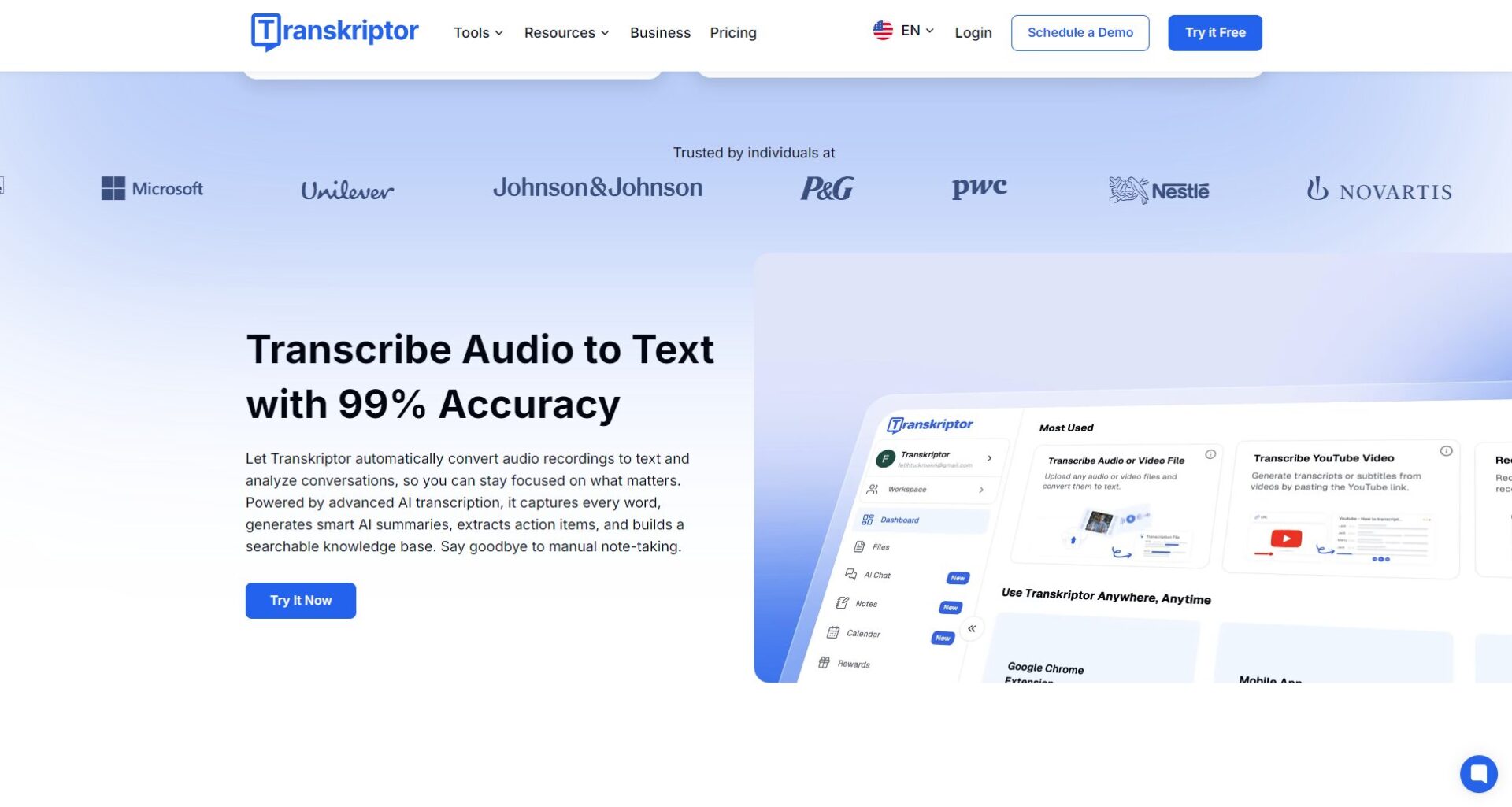
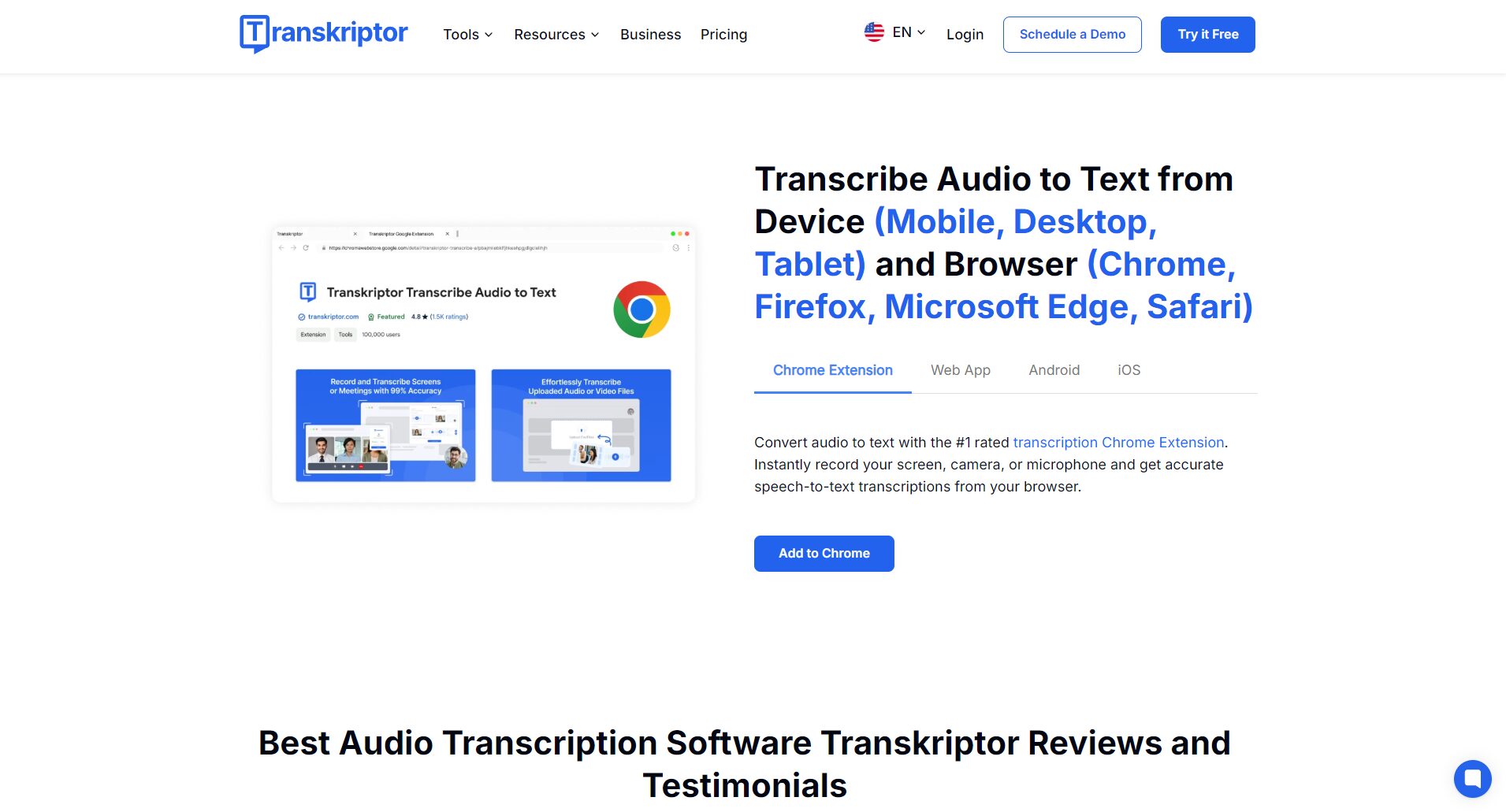
Transkriptor is an AI-based speech-to-text solution that supports intelligent transcription of audio, video, and real-time speech, covering 40+ languages worldwide. Whether it’s meeting notes, course notes, or podcast transcription, TransKriptor can solve the problem efficiently in one place, and supports multi-terminal data synchronization, greatly improving work efficiency.

Background and market positioning
In the face of diversified office and content needs, transkriptor is positioned as an AI transcription platform with high accuracy, strong ease of use, and excellent cost performance, serving enterprises and individuals, suitable for meeting minutes, scientific research, content production and other scenarios.
Transkriptor core features explained in detail
Multi-format compatibility and easy uploading
It supports mainstream audio and video formats such as MP3, WAV, M4A, MP4, AVI, and MOV, and supports file uploading or real-time voice recording to meet a variety of scenarios.
| Supported formats | type | illustrate |
|---|---|---|
| MP3 | audio | Mainstream audio formats with high compatibility |
| WAV | audio | Lossless recording format |
| M4A | audio | Mobile devices are commonly used |
| MP4 | Video | Support video to audio track |
| AVI | Video | Common video formats |
| MOV | Video | Commonly used on Mac systems |

Automatically distinguish the speaker
Speaker Diarization technology automatically distinguishes and tags different speakers, making it suitable for multi-person scenarios such as meetings, interviews, and roundtable discussions.
AI-assisted summary and note generation
Not only transcribe the original text, but also automatically sort out the key points, generate meeting minutes, class notes and interview summaries, greatly liberating manual induction and sorting.
Real-time recordings are synchronized with text
Supports real-time recording and instant transcription to quickly capture inspiration and meeting points.
Multilingual and translation support
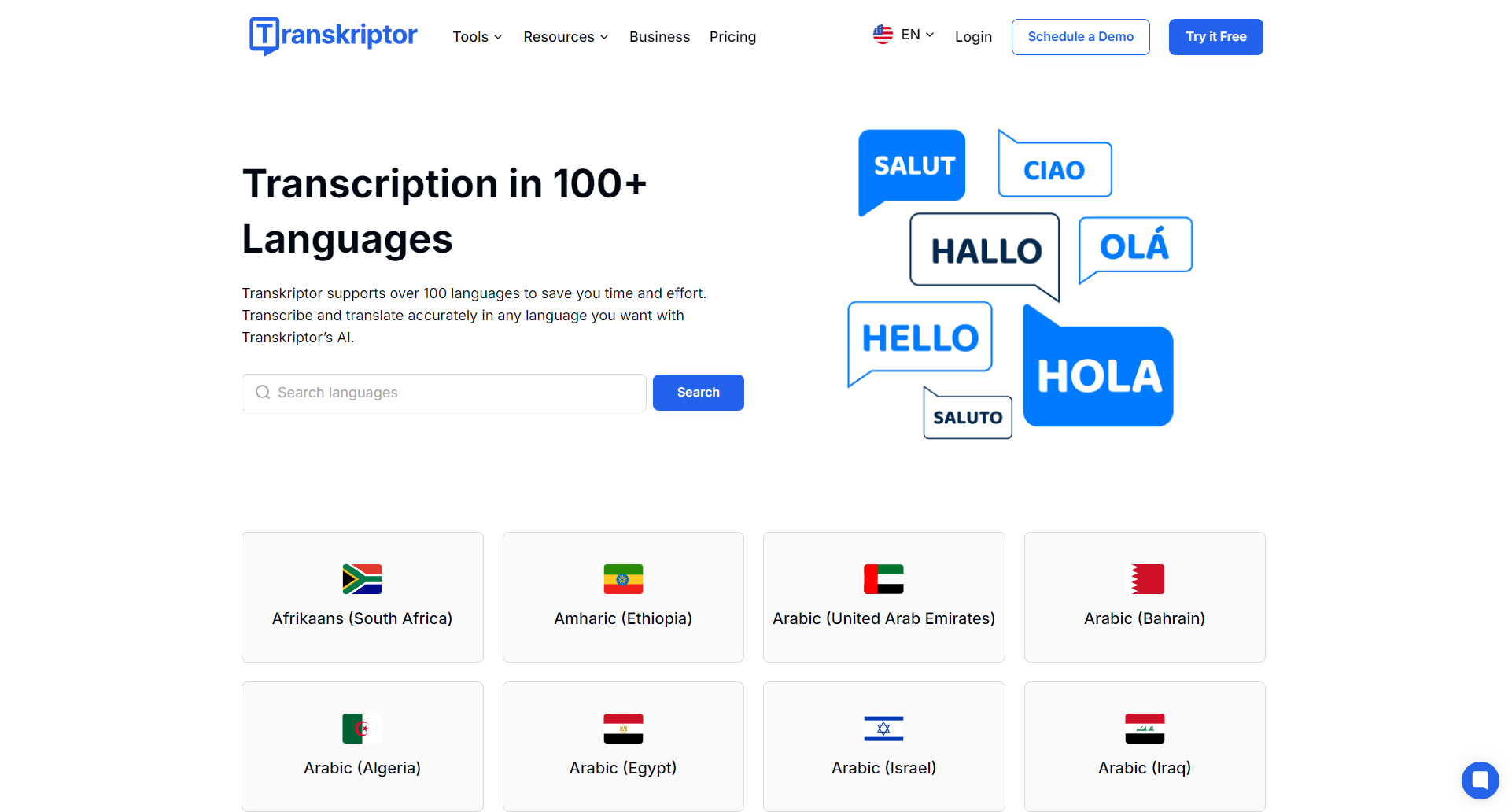
It comes with 40+ language transcriptions and bilingual translations, including English, Chinese, French, German, Japanese and other mainstream languages, to meet the needs of cross-border communication and content archiving.
Multi-dimensional export options
It supports exporting to popular formats such as PDF, Word (.docx), TXT, and SRT subtitles, making it easy to archive, re-edit, or create subtitles.
Transkriptor Practical Scenario Full Analysis
- Remote meetings/online collaboration:Automatic transcription, meeting minutes, and action item extraction for meetings like Zoom, Teams, and Google Meet.
- Academic Research/Lecture Notes: Students and researchers convert lectures and seminars into documents for easy search and knowledge management.
- Media interviews/podcast production: Automatically distinguish between interviewees and hosts, greatly improving the efficiency of post-text organization.
- Subtitle Generation for Self-Media/Short Videos: Automatically generate accurate subtitles to improve content accessibility and SEO.
- Personal knowledge management/memo: Record and transcribe at any time with one click to create an exclusive digital brain bank.
Transkriptor tariff structure and free experience
Price vs subscription
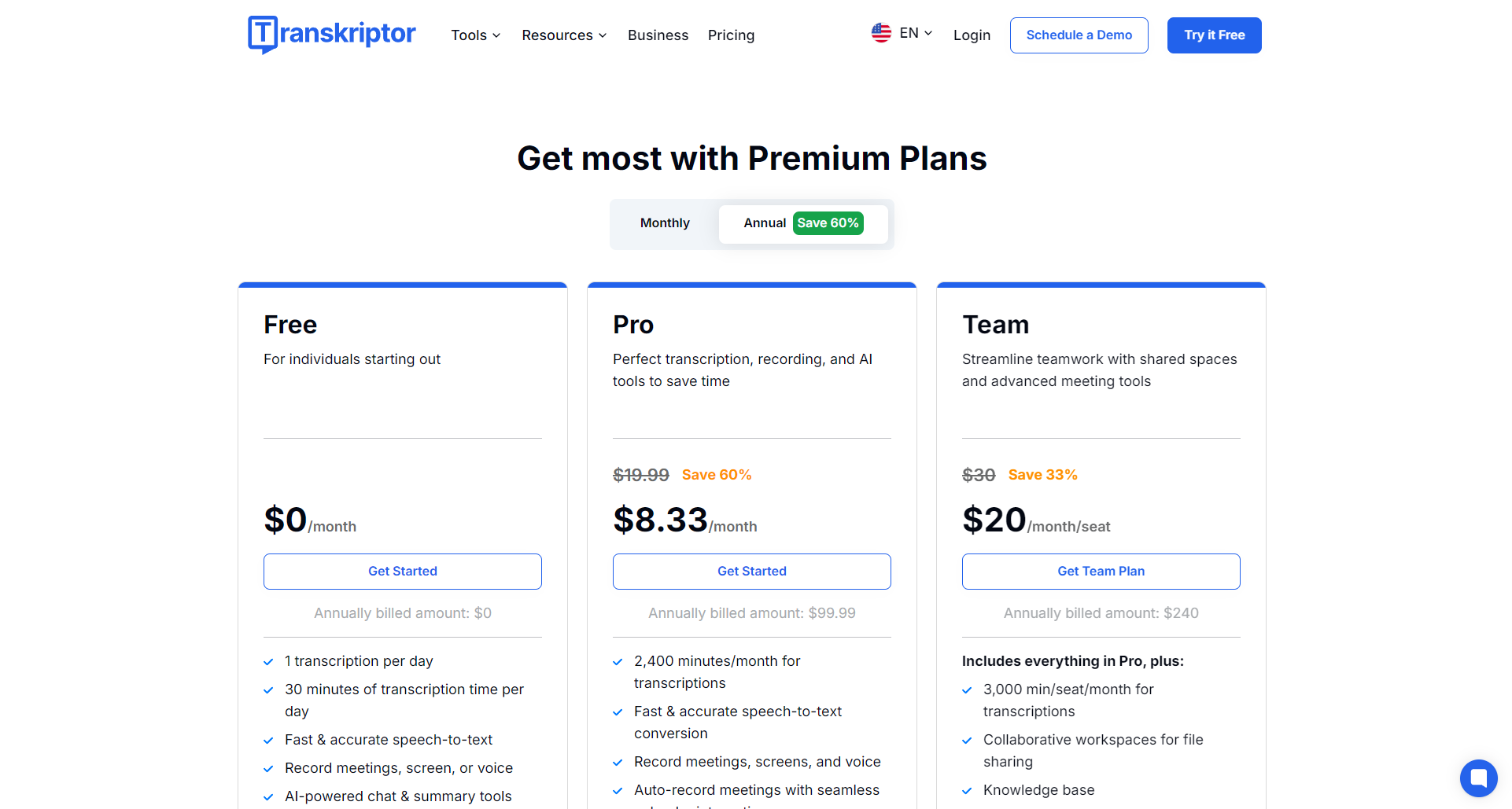
| scheme | Feature highlights | Price | Try it for free |
|---|---|---|---|
| Try it for free | 90-minute transcription credit, basic AI summary | Sign up for free | ✔️ |
| Monthly plan | Fixed monthly duration, full AI assistant and export | Approximately $9.99/month | |
| Annual Plan | Annual fee discount, full functionality | Approx. $4.99/month (paid annually) | |
| Customized by enterprises | Multi-person collaboration, API access, and advanced security | customize |
Data security and security
Data is strictly encrypted, stored in the cloud with privacy, and will not be shared with third parties, making it suitable for enterprise compliance needs. The technical support team is always on standby.
User experience and third-party word-of-mouth
- Easy and intuitive operation: Register and use, generate text within minutes of uploading, and support retrieval and editing.
- High accuracy for multiple scenarios: The accuracy rate is more than 95% in general scenarios, and complex accents are assisted by AI error correction.
- User feedback:
“The accuracy rate is okay, and it is a good helper for studying and taking meeting notes.” – Google Play users in February 2025
“Multilingual transcription and AI summarization are very practical and greatly reduce the pressure of post-processing.” – Enterprise users in 2024
Some users have doubts about the payment threshold after the free quota is exhausted, and it is recommended to fully experience the free trial.

Transkriptor vs. mainstream transcription tools
| products | Language support | AI Summary | Speaker separation | Multi-terminal synchronization | Try it for free | Export format | Monthly fees are available |
|---|---|---|---|---|---|---|---|
| transkriptor | 40+ | ✔ | ✔ | ✔ | ✔ | PDF, Word, SRT | $9.99 |
| Otter.ai | English, etc | ✔ | ✔ | ✔ | Yes | PDF, Word | $16.99 |
| Notta | 20+ | ✔ | part | ✔ | Yes | multiple | $8.25 |
| Rev.com | English | ✗ | ✔ | ✗ | Yes | multiple | $12 |
| HappyScribe | 60+ | part | ✔ | ✗ | Yes | PDF, Word, SRT | $17 |
transkriptor has a balanced performance in AI summarization, speaker separation, multilingualism, and price, making it suitable for multi-scenario needs.
Get started with Transkriptor: registration and operation process
- Visit the Transkriptor official website and sign up for free
- After logging in, select “New Transcription” to upload audio/video or live recording
- Select the voice language and mode to support multi-person separation
- Wait a few minutes for the transcription to complete and check the progress during this time
- Online editing, AI summarization, keyword search
- Export as PDF, Word, TXT, or SRT
- For large quantities of needs, you can apply for API

Tips: Try to ensure that the recording environment is quiet, upload long audio in segments, and make better use of the AI summarization function.
epilogue
As a new generation of AI voice transcription platform, transkriptor stands out in terms of accuracy, speed, intelligent summarization, and multilingual support. Whether you are an enterprise or an individual, if you need to efficiently manage audio and video content and improve collaboration efficiency, Transkriptor is worth a try. Go to the official website to register now and start a new chapter of efficient digital office!
© 版權聲明
文章版权归作者所有,未经允许请勿转载。
相關文章


暫無評論...
