

Reword
Reword is a writing platform that supports team collaboration and personalized AI training, focusing on AI-assisted writing that prioritizes security, SEO, and consistent content style.
In an era where tech professionals often rely on Google and Stack Overflow to solve coding problems, Phind, an AI search assistant specifically designed for developers, has officially launched. Unlike traditional search engines, Phind is an intelligent platform focused on providing "quick, high-quality answers to programmer questions," offering code examples, debugging strategies, and deep contextual support, allowing users to get straight to the heart of the problem with a single click.
 Phind
PhindIn an era where tech professionals often have to resort to "Google + Stack Overflow" to solve coding problems, a product specifically designed for developers is invaluable. AI Search AssistantIntroducing Phind. Unlike traditional search engines, Phind is an intelligent platform focused on "programmer questions → fast, high-quality answers," providing code examples, debugging ideas, deep contextual support, and direct access to the core of the problem with a single click. This article will delve into Phind's product features, pricing plans, usage flow, target audience, and comparison with mainstream AI programming tools to help you determine if it's worth adding to your development toolbox.
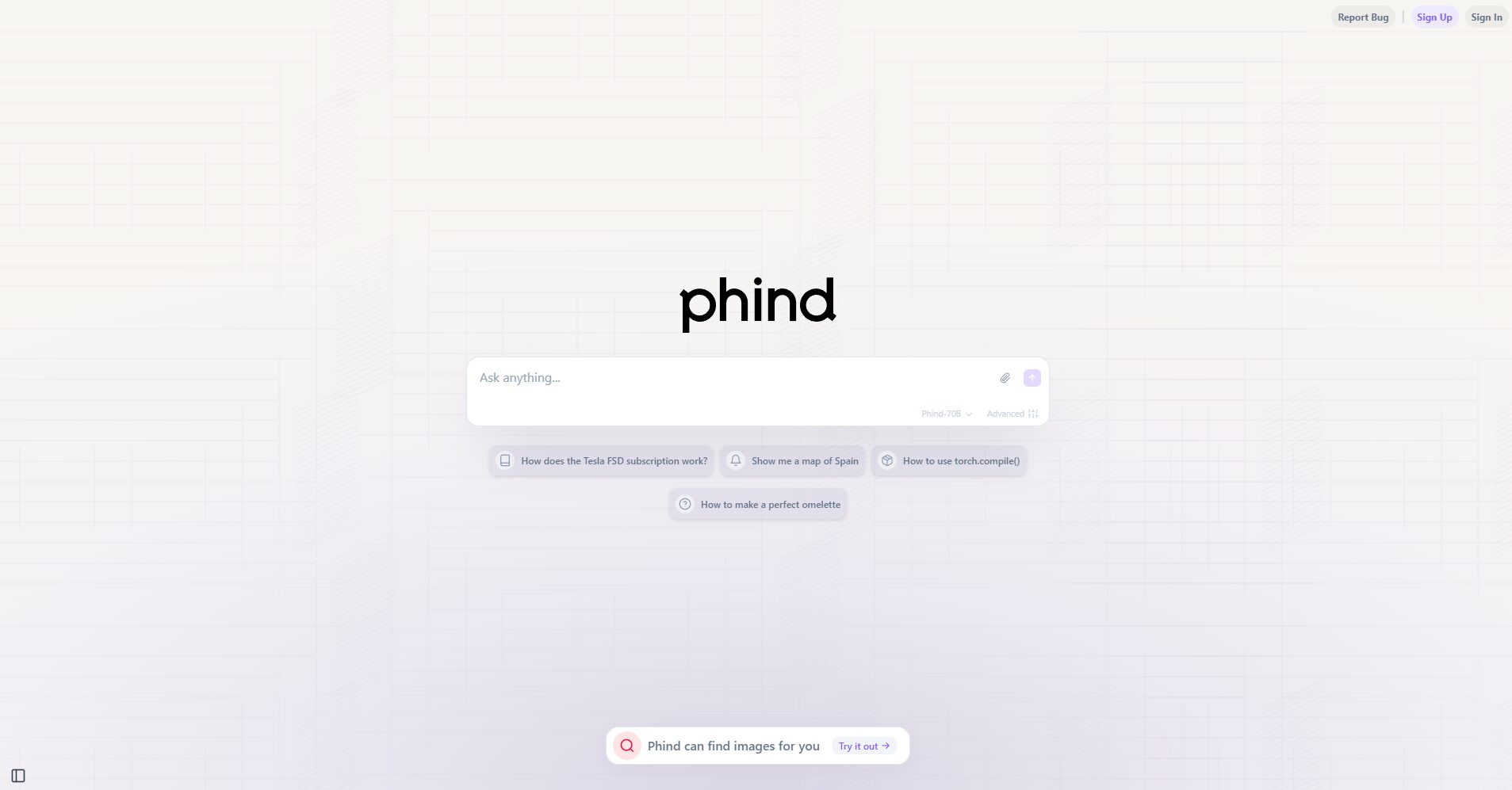
Official website:https://www.phind.com/
As an intelligent search tool designed specifically for developers, Phind has put a lot of effort into the chain of "search + generation + reference + code examples".
Main Functions and Advantages
See detailsOfficial solution page
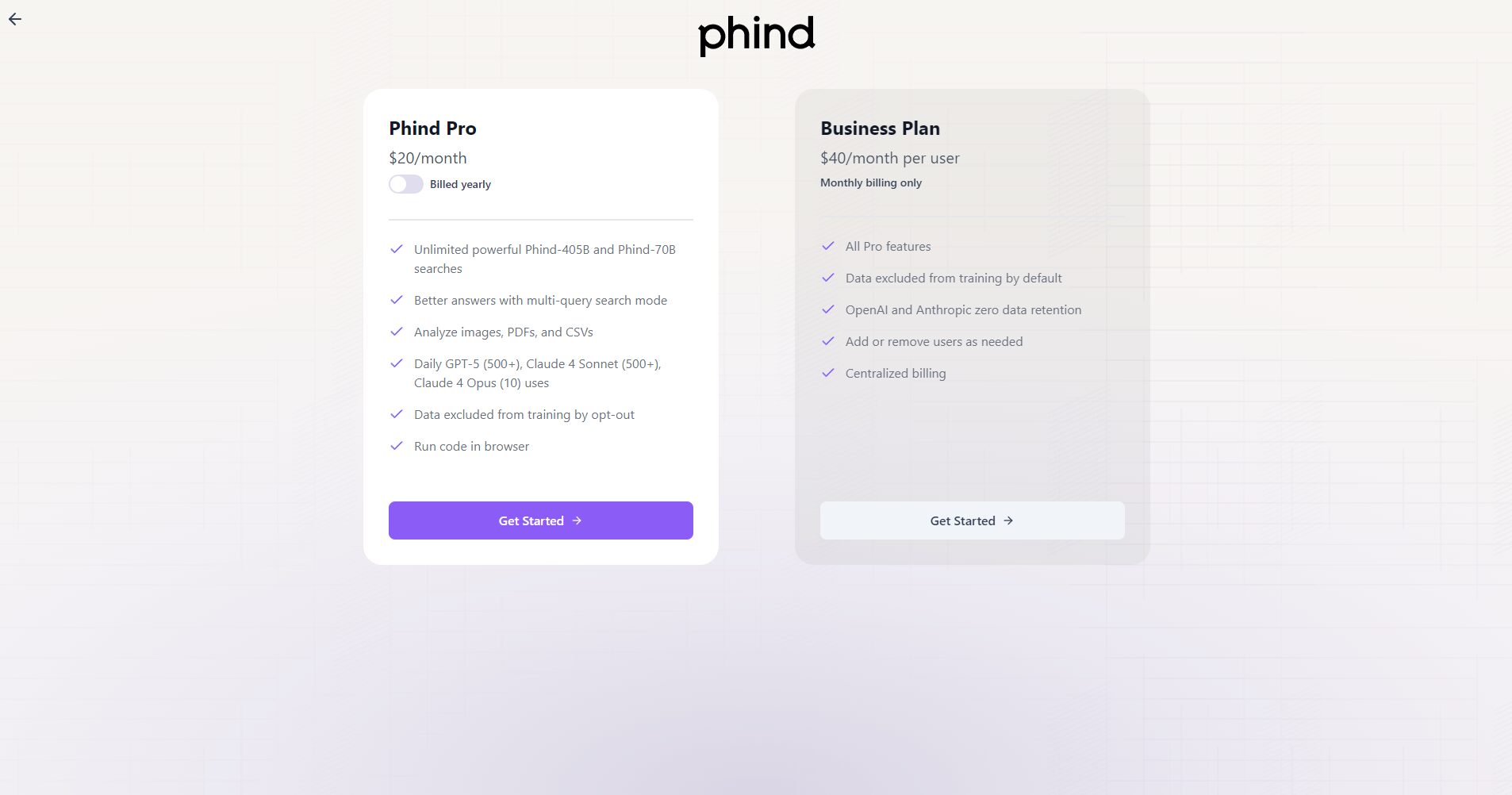
| Package Name | Target audience | Main functions | Key features | Price (for reference) |
|---|---|---|---|---|
| Free/Basic Version | Students, individual developers, small projects | Question-and-answer functionality, access to the basic model | Free to use | free |
| Pro / Paid Version | Heavy developers and technical personnel | Advanced models (such as Phind-405B), more context windows | High performance, extended context window | Starting from approximately US$1,000,400 per month (annual payments offer even better deals). |
| Business/Enterprise Edition | Teams and enterprise clients | Team management, data training and exclusion, priority support | Enterprise-level permissions and privacy controls | Starting from approximately US$$40/person/month |

While the free version can meet everyday queries, upgrading to the full version is recommended for larger models, more context, or team collaboration.Paid plans。
Phind emphasizes a fast "question to answer" process and can be used without complicated setup.
Phind is geared towards a wide range of technical roles, and is especially suitable for the following types of users:
| User type | Application scenarios | Typical requirements |
|---|---|---|
| Junior Developers/Students | Learning languages, understanding code, and completing course assignments | Quickly obtain code examples and understand the principles |
| Intermediate and advanced developers | Debugging errors, finding API usage, and implementing new features. | Reduce research time and improve efficiency |
| DevOps/Cloud Engineer | Writing Terraform, Kubernetes, and CI/CD scripts | Obtain standardized scripts or configuration examples |
| Technical team/architect | Team sharing of solutions, approval codes, and evaluation tool selection | Collaboration, unified knowledge base, and improved team efficiency |
It is important to note that if you are responsible for highly confidential or offline systems, or have strict compliance requirements for model training and use, Phind's online mode and data usage policies still need to be carefully evaluated.
In the developer support tool market, Phind directly competes with tools such as GitHub Copilot and Amazon CodeWhisperer. The following is a feature comparison:
| Tool Name | Free Plan | Model capabilities / Coverage resources | IDE/browser integration | Enterprise features | Unique advantages |
|---|---|---|---|---|---|
| Phind | (Free version) is available. | Customized for developers, with strong contextualization | Browser + VS Code Plugin | Team management, data privacy | Search + Generate + Citation, suitable for the "Question-Answer" workflow. |
| GitHub Copilot | (Students/Open Source/Free) | Excellent (based on OpenAI model) | High (VS Code, JetBrains) | Customized solutions for large enterprises; IP protection | Strong auto-completion + real-time encoding experience |
| Amazon CodeWhisperer | A free personal version is available. | 优秀(聚焦 AWS 场景) | higher | Deep AWS ecosystem integration | Cloud resource related code generation and suggestions |
In summary, Phind's advantage lies in its optimized "search + Q&A + reference + code examples" workflow, while Copilot excels at real-time code completion. The choice between these tools should be based on the team's workflow, technology stack, and tool integration needs.
I. Advantages and Highlights
II. Limitations and Precautions
In summary, Phind is an AI search engine designed around the concept of "developer questions → quick and accurate answers." It's a highly attractive tool for developers looking to reduce research time, improve code example quality, and solve technical problems. However, if your needs include "auto-completion in real-time coding" and "deep project context coverage," you may need to use it in combination with other tools (such as Copilot).
This site's AI-powered navigation is provided by Miao.PhindAll external links originate from the internet, and their accuracy and completeness are not guaranteed. Furthermore, AI Miao Navigation does not have actual control over the content of these external links. As of 6:35 PM on November 6, 2025, the content on this webpage was compliant and legal. If any content on the webpage becomes illegal in the future, you can directly contact the website administrator for deletion. AI Miao Navigation assumes no responsibility.
