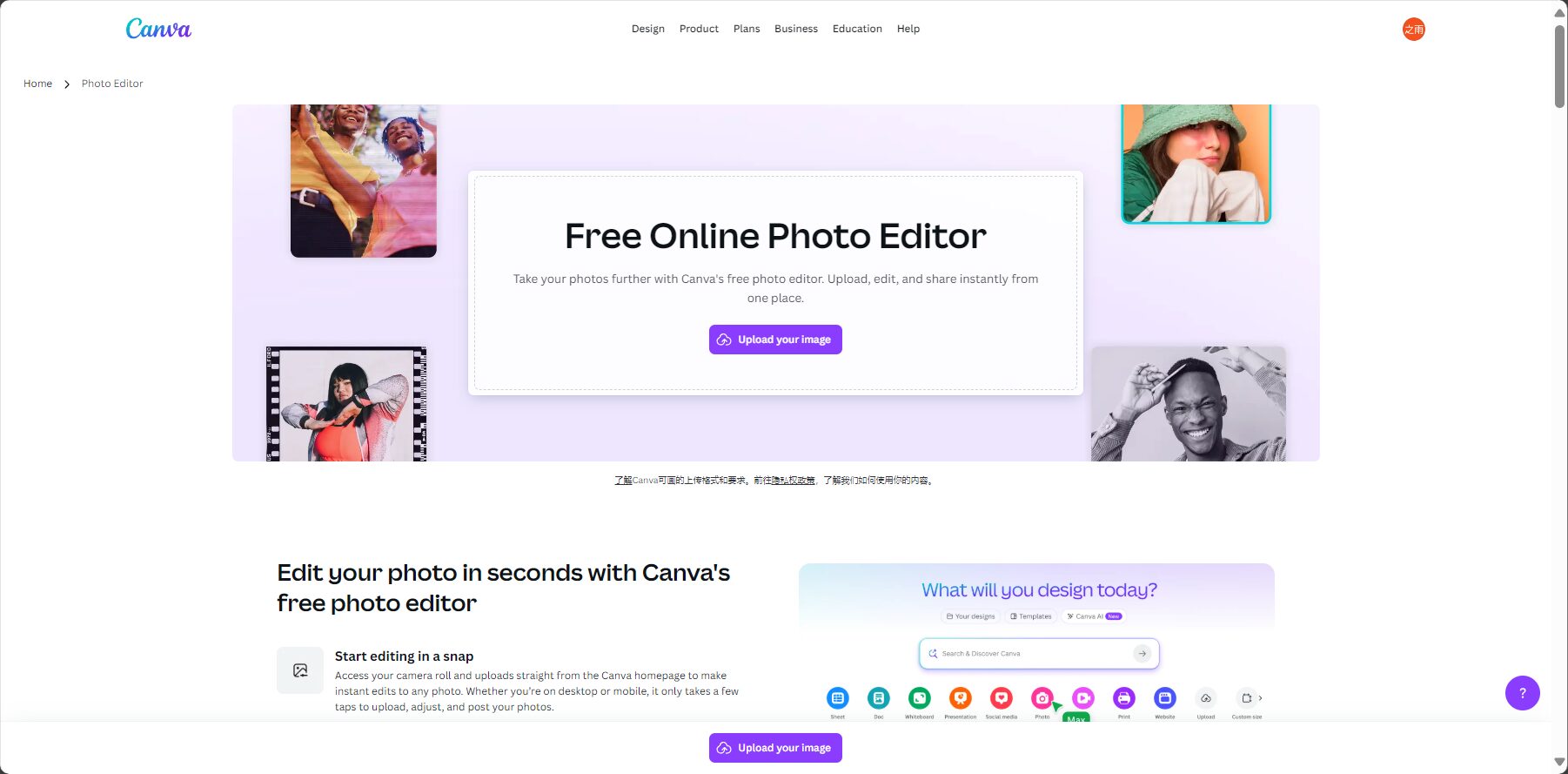
Canva is a multi-functional AI image editing tool that supports background removal, AI generation, image enlargement, eraser, and batch processing. It is simple and easy to use, making it suitable for creators, businesses, and teams.
Canva Photo Editor It is a powerful AI image editor built into the globally renowned Canva platform, with core features including... AI Background Removal、Magic Eraser、Magic Editing和 AI Image Enlargement。
It supports web, desktop, and mobile devices, allowing users to perform professional-level intelligent editing of photos anytime, anywhere, without requiring any professional skills.
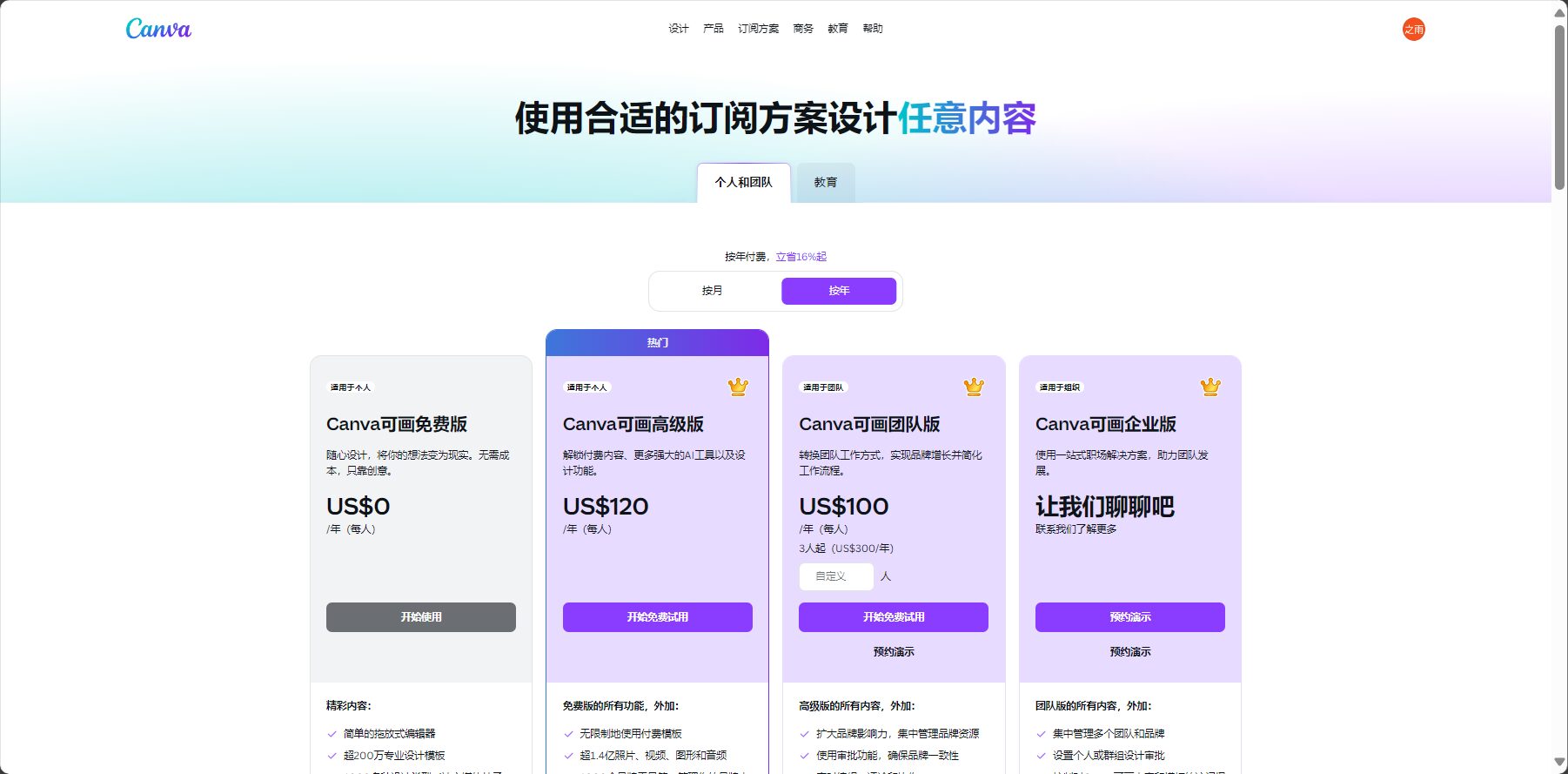
Offers flexible free and paid options.Canva Pro Subscribing unlocks all advanced AI image editing features, providing an unlimited, high-definition, watermark-free editing experience.
With its easy one-click operation and powerful AI algorithms, Canva Photo Editor is redefining the modern image processing workflow, making it easy for everyone to create perfect photos.
Amid the sweeping wave of artificial intelligence (AI), traditional and complex...Image editing workIt is being simplified to a few clicks with your fingertips.Canva Photo Editor (Official Website) As a core component of the Canva platform, it boasts integrated... Magic Studio™Canva provides a complete set of intelligent and efficient image processing tools for users worldwide. This article will focus on analyzing Canva as a top-tier image editor, including its core functions, price, target audience, and user guide, from a news report perspective.
Canva Photo Editor It's an online image editor that integrates cutting-edge AI technology. It's not a standalone application, but rather the core of the powerful Canva platform for image processing. Its functionality covers everything from precise... AI Background RemovalIntelligentObject erasureTo creativity AI content generation and replacementWhether you want to quickly optimize product photos or enhance your personal photos, Canva Photo Editor provides a one-stop, barrier-free solution.
Users can access it immediately. Canva official website Experience its basic image editing features for free and feel the convenience and efficiency brought by AI.
Main features of Canva Photo Editor
The strength of Canva Photo Editor lies in its... Magic Studio™It transforms complex AI algorithms into a series of intuitive and easy-to-use "magical" tools.
Main features list
Background Remover: **Canva's trump card feature.** With just one click, it can perfectly separate the subject from the background of a photo, with particularly outstanding handling of details such as hair and edges. Background Remover Introduction
Magic Eraser: Like casting a spell, easily paint over and erase any unwanted elements in a photo—passersby, clutter, watermarks—and the AI will seamlessly fill in the background. Introduction to Magic Eraser
Magic Edit: **One of the most creative AI tools.** Select any area in an image, describe in text what you want to replace (e.g., change "dog's collar" to "bow"), and the AI will do it for you.
Magic Expand: When your photo is poorly composed or the frame is too small, this feature can intelligently expand the image outwards, and AI will automatically generate content that seamlessly connects to the original image.
Autofocus: Blur the background of a photo with one click to highlight the foreground subject and easily create a professional-looking depth-of-field effect.
Image upscaling and enhancement: It intelligently enhances the clarity of low-resolution images while performing color and lighting corrections, giving blurry photos a new lease on life.
Filters and special effects: Offers a vast library of professional-grade filters, double exposures, glitch effects, and more, allowing you to add style to your photos with a single click.
Interact with a vast array of 2D and 3D characters and experience truly unlimited AI role-playing dialogue. Join now! New users receive 6000 points upon login!
The core advantages of upgrading to Pro: For any user with frequent or professional image editing needs, upgrading to... Canva Pro It's the obvious choice. It unlocks all the most powerful AI features and has no usage limits, allowing you to create and edit photos as you please.
How to use Canva Photo Editor
The essence of Canva lies in its extreme user-friendliness; the process of editing images is simple and intuitive.
Steps list
Visit Canva.comClick "Create Design" and select "“Edit photos”。
Upload your photosSelect the image you want to edit from your device.
Enter the editorCanva will automatically open a dedicated photo editing interface for you.
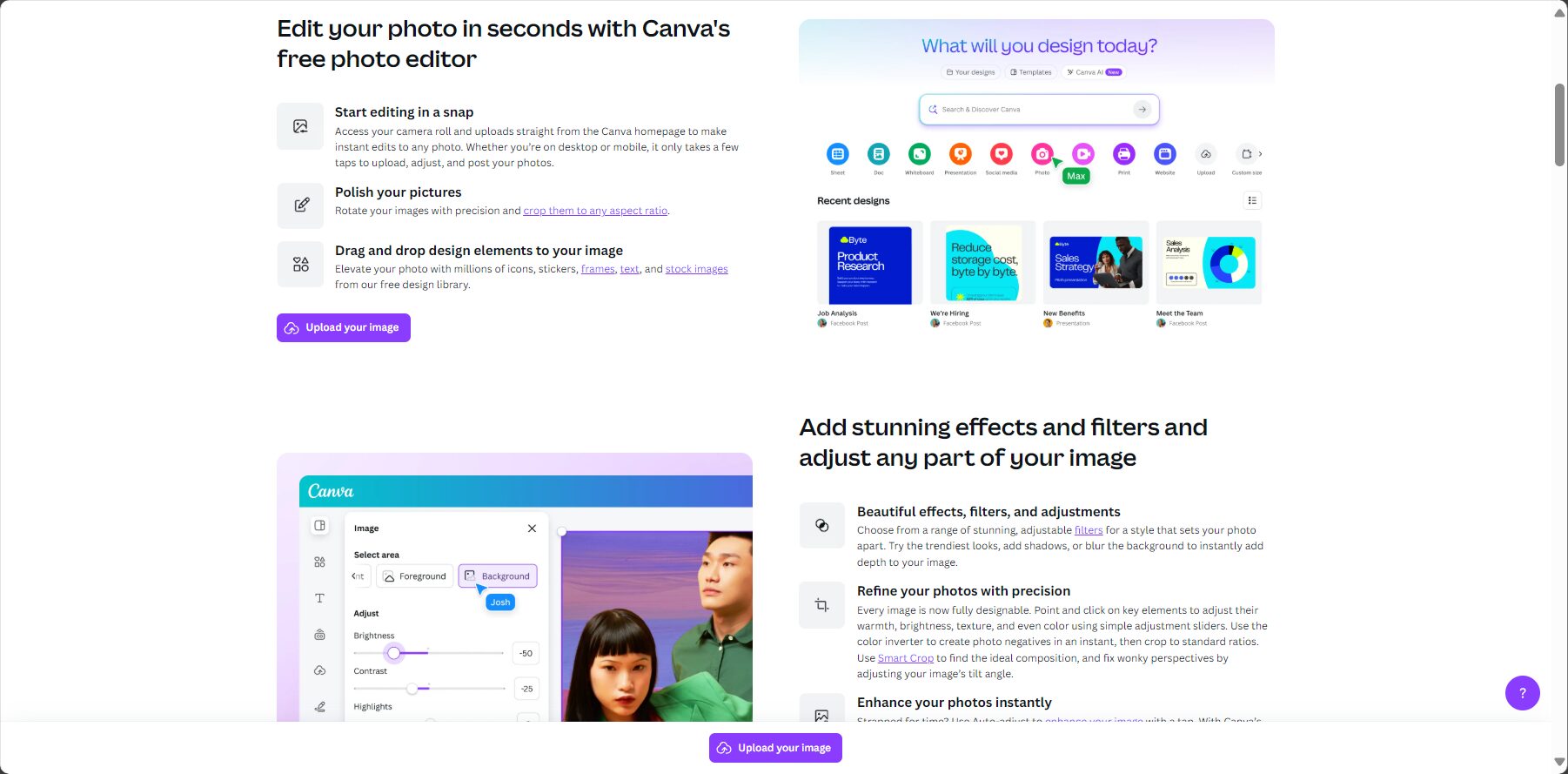
Using AI toolsOn the left side, "“Effect”"You can find it on the menu."“Background Remover”、“Magic Eraser”"and all Magic Studio™ tools."
One-click applicationClick on the tool you need, and AI will complete the processing in seconds.
Make basic adjustmentsYou can also use the "Adjust" function to fine-tune parameters such as brightness, contrast, and saturation.
Download photosAfter you finish editing, click the "Share" button in the upper right corner, and then select "Download" to save the high-definition, watermark-free image (Pro users).
Image/Register/Login
Who is Canva Photo Editor suitable for?
Canva Photo Editor is suitable for almost all individuals and teams who need to process images.
Typical Applicable Targets
E-commerce sellersUse the "Background Remover" to batch create product images with a pure white background, and use the "Magic Edit" to change the color or style of the products.
social media enthusiastsUse the "Magic Eraser" to remove strangers from your travel photos, and use "Auto Focus" to make your selfies look more professional.
Marketing personnelQuickly process event photos, remove cluttered backgrounds, and make them suitable for various promotional materials.
Photographer (Beginner)As a lightweight post-processing tool, it can quickly complete basic color correction, composition adjustment, and blemish repair.
Any ordinary userServices include: restoring old photos, creating fun personal avatars, and beautifying family photos.
In-depth exploration: The unique value of Canva Photo Editor
A perfect combination of AI technology and ease of use There are many professional photo editing software programs on the market, but they often come with a steep learning curve. The greatest value of Canva Photo Editor lies in its combination of industry-leading AI algorithms (such as the precision of background removal) with unparalleled ease of use, making even the most complex photo editing tasks as simple as "one-click beautification".
Seamless transition from "editing" to "creation" Unlike simple photo editing tools, after processing an image in Canva Photo Editor, users can seamlessly switch to Canva's design canvas and immediately use the perfect image in posters, PowerPoint presentations, or video creations. This integrated "editing as creation" workflow is its unique ecological advantage.
1. Do I need to download software to use Canva Photo Editor? No. Canva Photo Editor is entirely cloud-based, accessible through any web browser. It also offers fully functional desktop and mobile applications for convenient editing on any device.
2. Is the background remover in Canva Pro really that good? Yes. Canva's background remover has consistently received high praise in user communities and professional reviews. Its ability to handle complex edges such as hair and translucent objects has reached a level comparable to manual cutouts in professional software such as Photoshop.
3. What are the main differences between the free and Pro versions in terms of image editing features? The main difference is that the free version cannot use the most frequently used and practical advanced AI tools such as the "Background Remover" and "Magic Eraser". If you need to perform these operations frequently, upgrading to Canva Pro is necessary.
Conclusion As a modern AI image editor,Canva Photo Editor With its powerful Magic Studio™, it has successfully made professional-grade photo editing capabilities accessible to everyone. It's not just about removing a background or erasing an object; it's about injecting endless creative possibilities into your photos. If you're looking for a powerful yet easy-to-use image editing solution,Canva Photo Editor It is undoubtedly one of the most worthwhile options to try in the current market.
Interact with a vast array of 2D and 3D characters and experience truly unlimited AI role-playing dialogue. Join now! New users receive 6000 points upon login!
Canva Photo Editor浏览人数已经达到123,如你需要查询该站的相关权重信息,可以点击"5118 Data""Aizhan Data""Chinaz data""Based on current website data, we recommend using Aizhan data as a reference. More website value assessment factors include:"Canva Photo EditorAccess speed, search engine indexing and volume, user experience, etc.; of course, to evaluate the value of a website, the most important thing is to base it on your own needs and requirements, and some specific data will need to be obtained from [research institutions/resources].Canva Photo EditorWe will negotiate with the website owner to provide information such as the website's IP addresses, page views (PV), and bounce rate.
aboutCanva Photo EditorSpecial Announcement
This site's AI-powered navigation is provided by Miao.Canva Photo EditorAll external links originate from the internet, and their accuracy and completeness are not guaranteed. Furthermore, AI Miao Navigation does not have actual control over the content of these external links. As of 8:47 PM on September 12, 2025, the content on this webpage was compliant and legal. If any content on the webpage becomes illegal in the future, you can directly contact the website administrator for deletion. AI Miao Navigation assumes no responsibility.