Quicktools Photo Editing

3mos agoupdate 9 00

Quicktools Background Remover is a free online AI image background removal tool developed by Picsart. It supports one-click removal of image backgrounds at lightning speed, without the need for downloading or registration. It is intelligent, efficient, and extremely easy to use.

Location:
USA
Language:
en,es,fr,de,it,ru,pt,ja,ko,zh
Collection time:
2025-09-10
Quicktools Photo EditingQuicktools Photo Editing

2024年新闻专题报道】一站式智能编辑,Quicktools Photo Editing引领创作新风潮

在数字影像快速发展的今天,无论是个人创作者、电商商家还是设计师,一个功能全面、操作便捷的照片编辑器已成为日常必备。随着AI技术不断进步,越来越多智能工具涌现,而Quicktools Photo Editing便是其中的佼佼者。该工具集由Picsart团队打造,主打一站式智能照片编辑,以AI赋能,极大简化了图片处理流程。本文将对Quicktools Photo Editing进行深度解析。

一、快速了解Quicktools Photo Editing

Quicktools Photo Editing是Picsart旗下的免费在线AI图片处理工具集,用户可通过浏览器直接访问:Quicktools by Picsart官网

Quicktools by Picsart官网
Photo/Quicktools by Picsart官网
  • 基于AI深度学习技术,提供多种智能编辑功能
  • 支持JPG、PNG等主流图片格式
  • 全程无需下载,在线即用,功能丰富
  • 零门槛上手,涵盖裁剪、滤镜、增强、去背景等
  • 输出高质量编辑后图片
  • 前往体验 👉 Quicktools Photo Editing

二、核心功能解析

  1. AI智能增强与修复
    • 一键提升画质,自动调整亮度、对比度和饱和度。智能修复老照片、去除噪点和模糊。
  2. 丰富的滤镜与效果
    • 内置数十种流行滤镜,一键应用,瞬间改变图片氛围。
    • 支持模糊、像素化、卡通化等多种创意效果。
  3. 全能编辑工具箱
    • 裁剪与尺寸调整:提供多种预设比例,适应社交媒体、打印等需求。
    • 文字添加与美化:支持多种字体、颜色和样式。
    • AI背景移除:集成强大的去背功能,一键生成透明背景。
    • 图片转换器:支持在不同格式间(如JPG转PNG)自由转换。
  4. 与Picsart全平台创意工具链协同
    • 编辑完成的图片可一键导入Picsart编辑器,进行更复杂的二次创意设计。
  5. 免费无水印导出
    • 大部分功能无需注册,直接下载无水印高清图片,快速高效。
工具功能一览
Photo/工具功能一览
FunctionillustrateSuitable scenarios
AI智能增强一键优化画质日常照片、风景照
滤镜与效果多种风格一键应用社交媒体、个人创作
裁剪与尺寸调整快速适配不同平台头像、封面图、海报
AI背景移除智能分离前景背景电商图片、证件照
Free download无需注册即高清导出应急设计、快速应用
AI role-playing advertising banner

Chat endlessly with AI characters and start your own story.

Interact with a vast array of 2D and 3D characters and experience truly unlimited AI role-playing dialogue. Join now! New users receive 6000 points upon login!

三、价格及方案

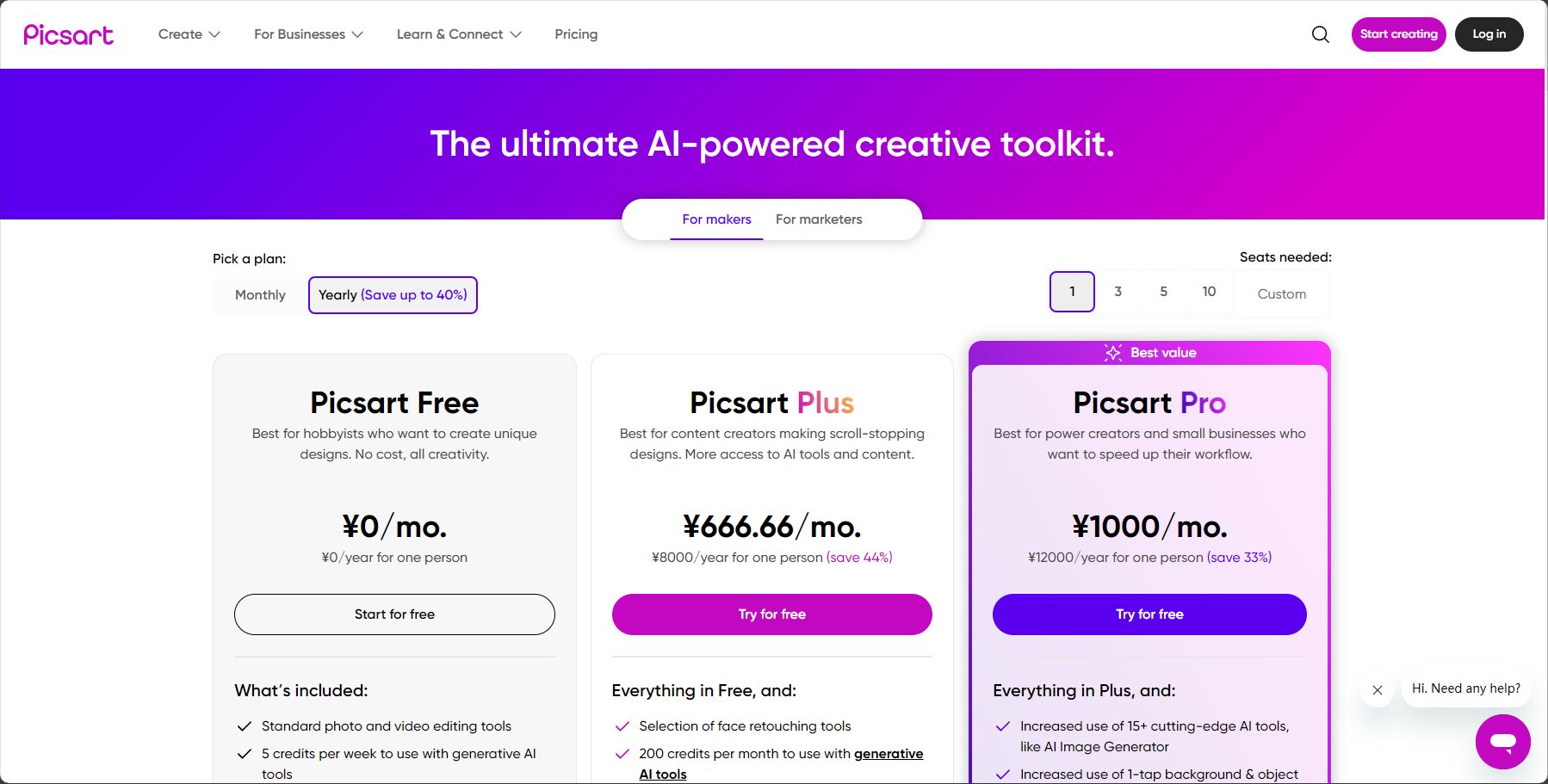
Quicktools的大部分照片编辑功能Free forever,无需注册/付费即可使用。

User typepriceMajor privilegeswatermark使用限制
Free users0 yuan核心编辑功能、无水印下载无强制限制
Picsart会员Paid解锁Picsart编辑器内更多高级素材与功能体验提升
付费价格方案
Photo/付费价格方案

仅需访问网页版即可体验核心AI编辑功能,极大降低创作成本。

四、详细使用流程

  1. Open the official websitehttps://tools.picsart.com/
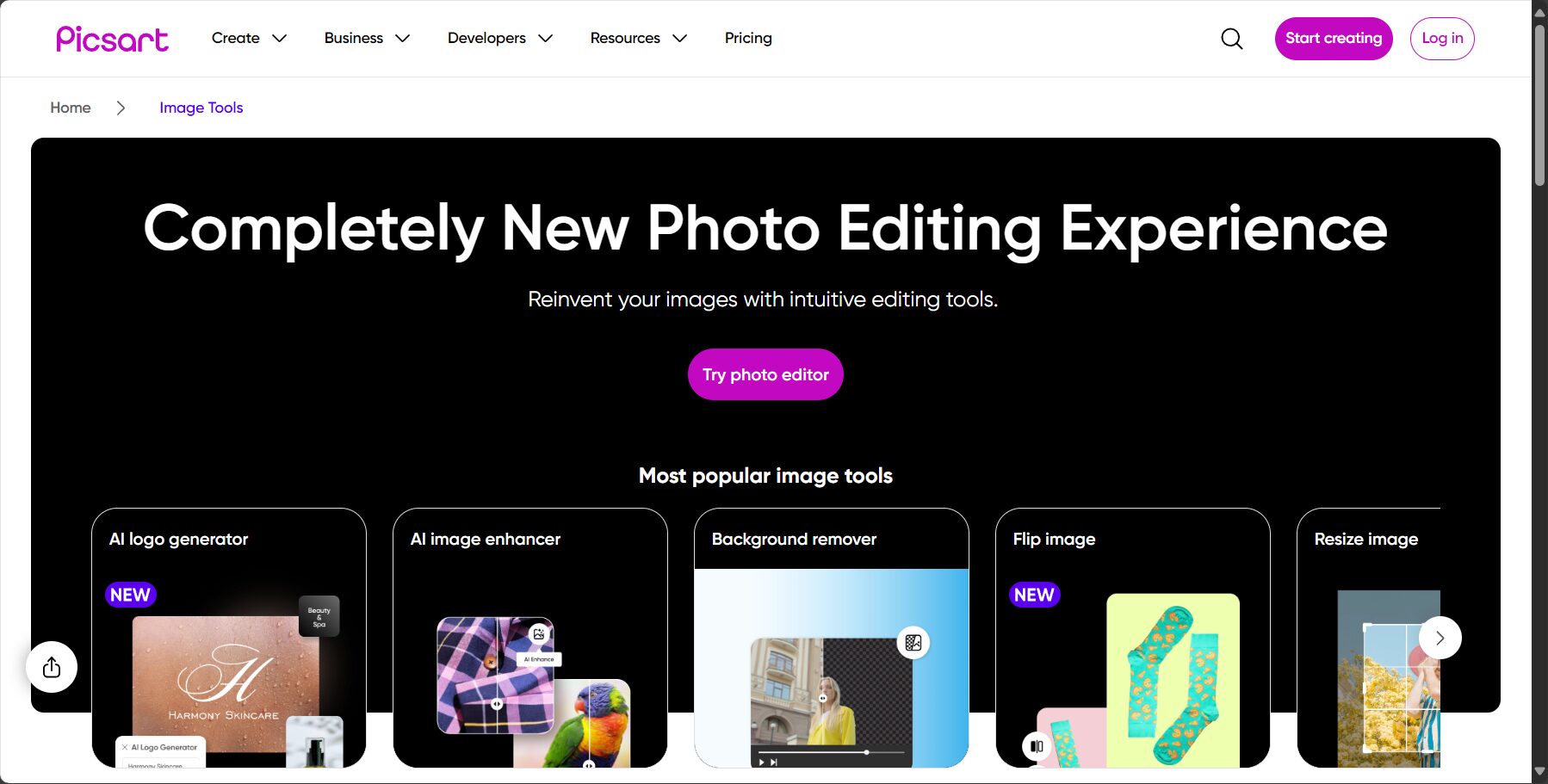
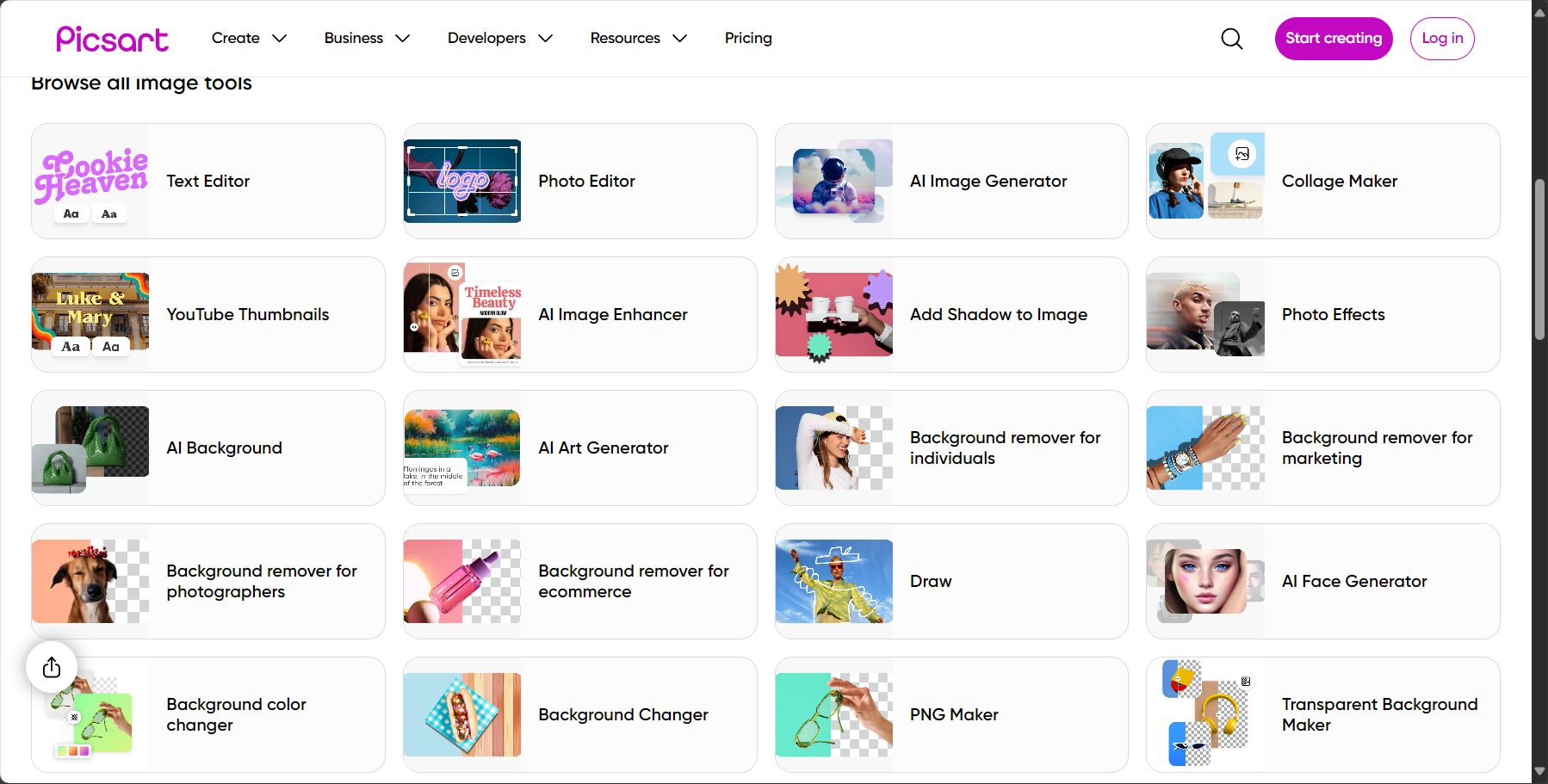
  2. Select Tools:根据需求选择“裁剪”、“滤镜”、“AI增强”等具体功能。圖/丰富的编辑工具选项
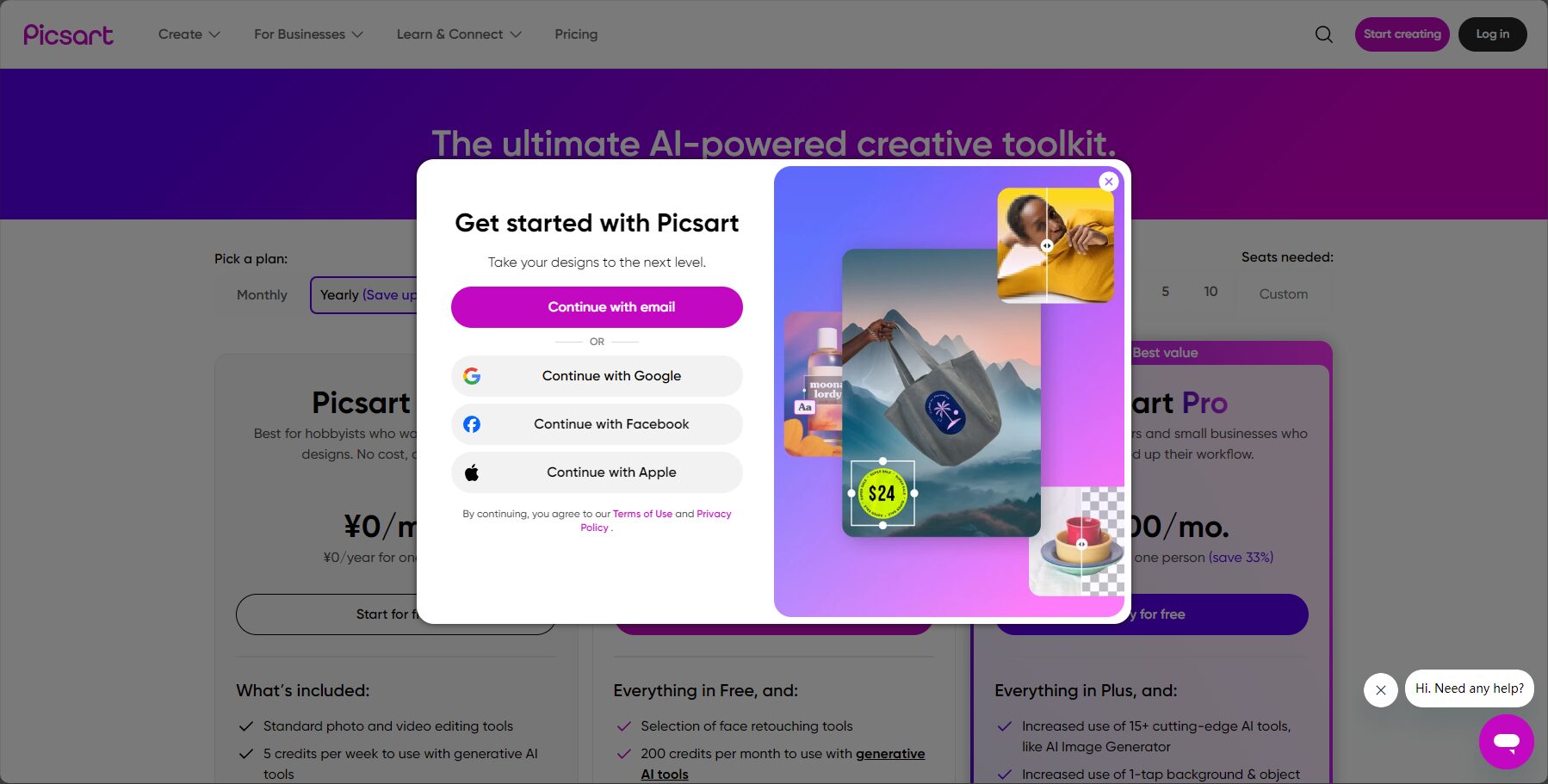
  3. Upload Image:点击「Upload Image」上传需要编辑的图片。圖/上传图片界面截图
  4. 进行编辑:使用右侧工具栏进行调整,实时预览效果。
  5. Download Images:点击「Download」免费下载编辑后的高清图片。
  6. (可选)二次创作:可一键导入Picsart编辑器,使用更多高级功能。
stepOperation DescriptionRemark
1Open webpageOfficial entrance
2选择编辑工具如裁剪、滤镜等
3Upload Image支持JPG/PNG
4Adjust parameters实时预览效果
5Download Images保留高质量输出

五、适用人群与应用场景

  • 社交媒体用户:快速美化照片、裁剪尺寸、添加滤镜,制作精美帖子。
  • 个人摄影爱好者:对照片进行基础调色、增强画质。
  • 设计师/美术工作:快速处理素材,进行裁剪、格式转换、基础调整。
  • 教育/办公人员:制作PPT配图、调整报告图片尺寸、美化活动照片。
  • e-commerce merchants:简单调整产品图亮度、对比度,或进行批量裁剪。
Register/Login
Image/Register/Login

常见应用:日常照片美化、社交媒体内容制作、办公文档配图、海报初步设计、电商图片基础调整等。

六、特色优势与未来蓝图

  • 一站式多功能:无需切换多个工具,一个平台满足大部分日常编辑需求。
  • 无需注册或下载:云端处理安全高效,浏览器直用,不消耗本地资源。
  • 联动Picsart创意生态:无缝联动专业级编辑器,为创意提供无限可能。
  • 移动端友好:手机浏览器直接使用,适配iOS、安卓,随时随地进行编辑。

主流在线编辑器横向对比

platformFree Policy功能丰富度AI智能功能watermark输出质量
QuicktoolsMostly freeRelatively abundantStrongHD
FotorPartially freeRich付费去水印需付费高清
CanvaPartially free非常丰富部分元素付费
Adobe ExpressPartially free非常丰富Very strong

七、常见问题Q&A

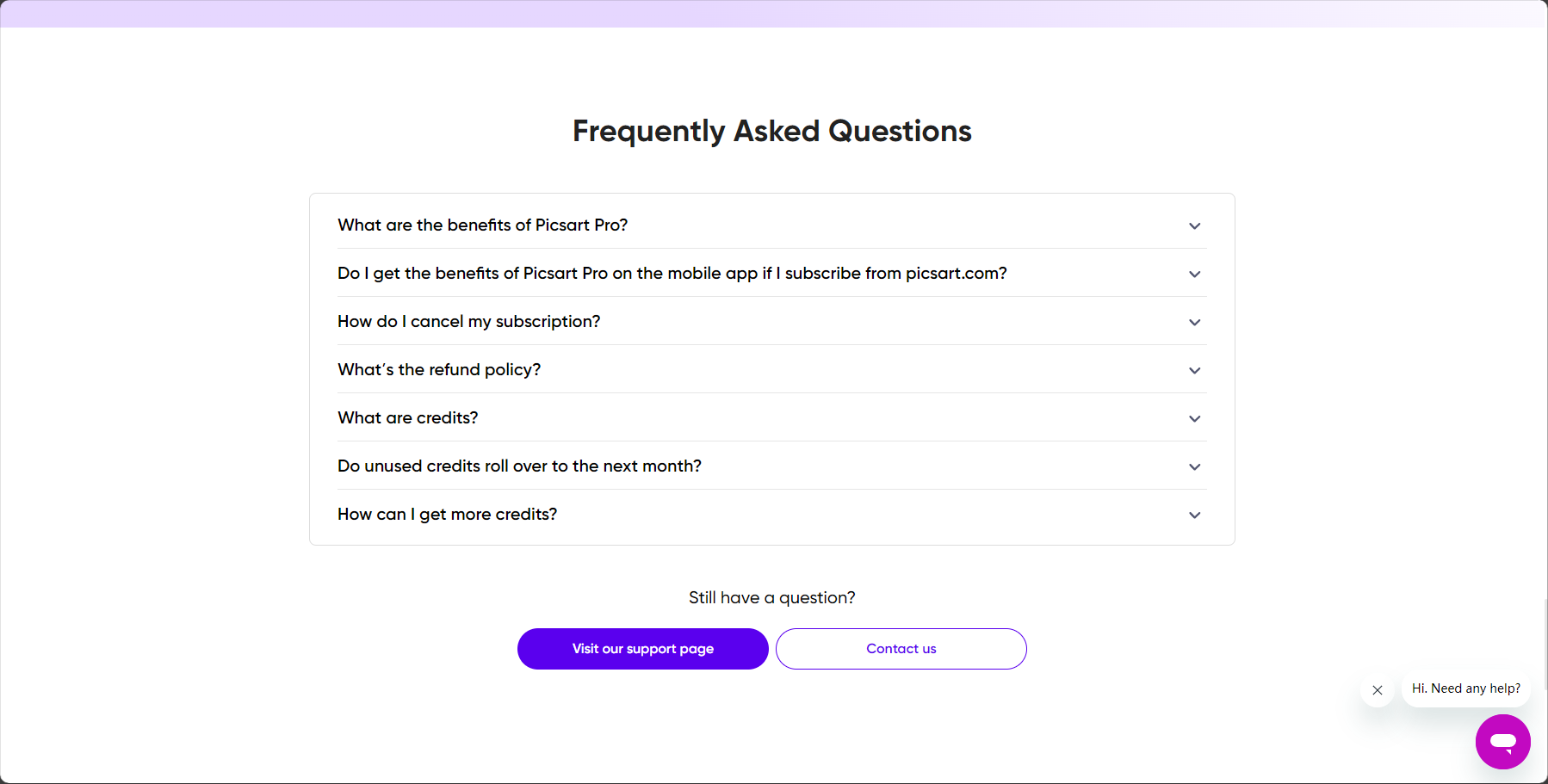
Frequently Asked Questions
Image/Frequently Asked Questions
  1. 支持哪些图片格式?
    JPEG、PNG等主流格式,建议上传高分辨率原图以获得最佳编辑效果。
  2. 编辑后的图片是否有压缩/水印?
    没有,大部分功能导出无水印图片且保留原画质。
  3. AI增强的效果不理想怎么办?
    AI增强是一键式操作,如果需要更精细的调整,可以使用手动调节亮度、对比度等功能。
  4. 商业用途是否允许?
    免费版编辑并导出的图片无二次版权限制,适合商业用途,但请确保您使用的原始素材拥有合法版权。

Conclusion:随着AI图片编辑技术成熟,Quicktools Photo Editing凭借其一站式的功能、极简的操作、永久免费的策略和云端安全等特色,为数字时代的内容创作者与广大用户提供了前所未有的效率与便利。它已成为众多用户进行快速照片编辑的首选工具。
赶快访问Quicktools Photo Editing,体验AI图片编辑新时代!

AI role-playing advertising banner

Chat endlessly with AI characters and start your own story.

Interact with a vast array of 2D and 3D characters and experience truly unlimited AI role-playing dialogue. Join now! New users receive 6000 points upon login!

data statistics

Data evaluation

Quicktools Photo EditingThe number of visitors has reached 9. If you need to check the site's ranking information, you can click ""5118 Data""Aizhan Data""Chinaz data""Based on current website data, we recommend using Aizhan data as a reference. More website value assessment factors include:"Quicktools Photo EditingAccess speed, search engine indexing and volume, user experience, etc.; of course, to evaluate the value of a website, the most important thing is to base it on your own needs and requirements, and some specific data will need to be obtained from [research institutions/resources].Quicktools Photo EditingWe will negotiate with the website owner to provide information such as the website's IP addresses, page views (PV), and bounce rate.

aboutQuicktools Photo EditingSpecial Announcement

This site's AI-powered navigation is provided by Miao.Quicktools Photo EditingAll external links originate from the internet, and their accuracy and completeness are not guaranteed. Furthermore, AI Miao Navigation does not have actual control over the content of these external links. As of 7:28 PM on September 10, 2025, the content on this webpage was compliant and legal. If any content on the webpage becomes illegal in the future, please contact the website administrator directly for deletion. AI Miao Navigation assumes no responsibility.

Relevant Navigation

No comments

none
No comments...