

Interflexion
Interflexion是一款基于AI的角色扮演平台,用于提升领导力、沟通力等软技能,适合个人和企业高效培训。
WanTu Background Removal is a permanently free AI image background removal tool launched by Alibaba. It supports one-click background removal, batch processing, and manual retouching, and is designed to improve efficiency for e-commerce and content creators.
 WanTu cutout
WanTu cutoutIt is a product developed by Alibaba.Free foreverAI image de-primingThis device is suitable for e-commerce, social media, creative design, and other fields. Its main highlights include...One-click background removal, batch processing, multi-format support, manual optimization, and watermark-free high-definition output.Users do not need to download any software; they can operate it using only a browser. It supports processing up to 20 images simultaneously, making it extremely user-friendly for e-commerce product and poster design scenarios. Currently fully functional.Free admissionNo need to worry about image count or watermark limitations, helping to improve content creation efficiency.
With the development of e-commerce and self-media industries,Efficiency and quality in image processing are increasingly becoming core requirements in content production and product promotion.Against this backdrop, Alibaba launched...WanTu cutoutIt has become a star product among many image processing AI tools. This article will analyze Wantoo Image Cutout in detail using a news report style, and combine authoritative data, user experience, and technical analysis to help everyone fully understand this feature.AI Image Background Removalplatform.
Official tool link:https://d.design/toolbox/cutout
As a specialImage background removalThe cloud-based AI tool, Wantoo Background Removal, integrates cutting-edge technology and excels in functionality and ease of use.
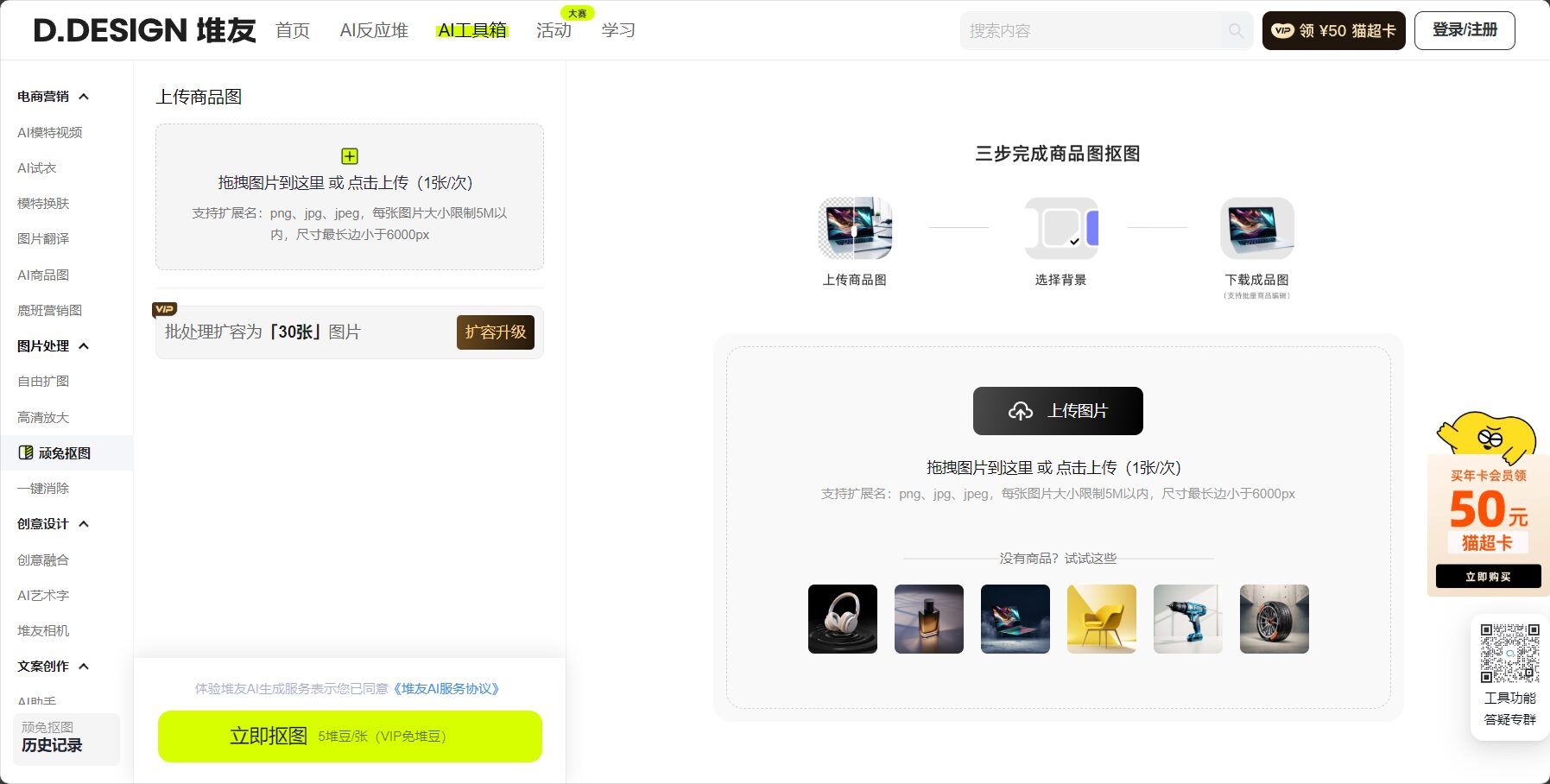
WanTu cutoutIt supports one-click upload and automatic background removal, so users don't need professional Photoshop skills or complicated software.AI automatically identifies the subject, removes cluttered backgrounds, and retains the core content.This greatly reduces image processing time in industries such as e-commerce and design.
supportBatch upload 1-20 imagesIt features automatic and continuous processing, significantly improving the efficiency of large-scale image editing, making it ideal for new product launches and marketing scenarios.
WanTu Image Cutout supports mainstream formats such as JPG, JPEG, and PNG, with a maximum single image size of 5MB and a longest side of 6000px, meeting high-definition output requirements.Customize and adjust the size and background color preview。
The platform offers manual pen and eraser functions, allowing users to finely adjust the cutout area and achieve satisfactory results even for complex images.
All processed images support batch download, facilitating image management and rapid updates to the material library for e-commerce websites.
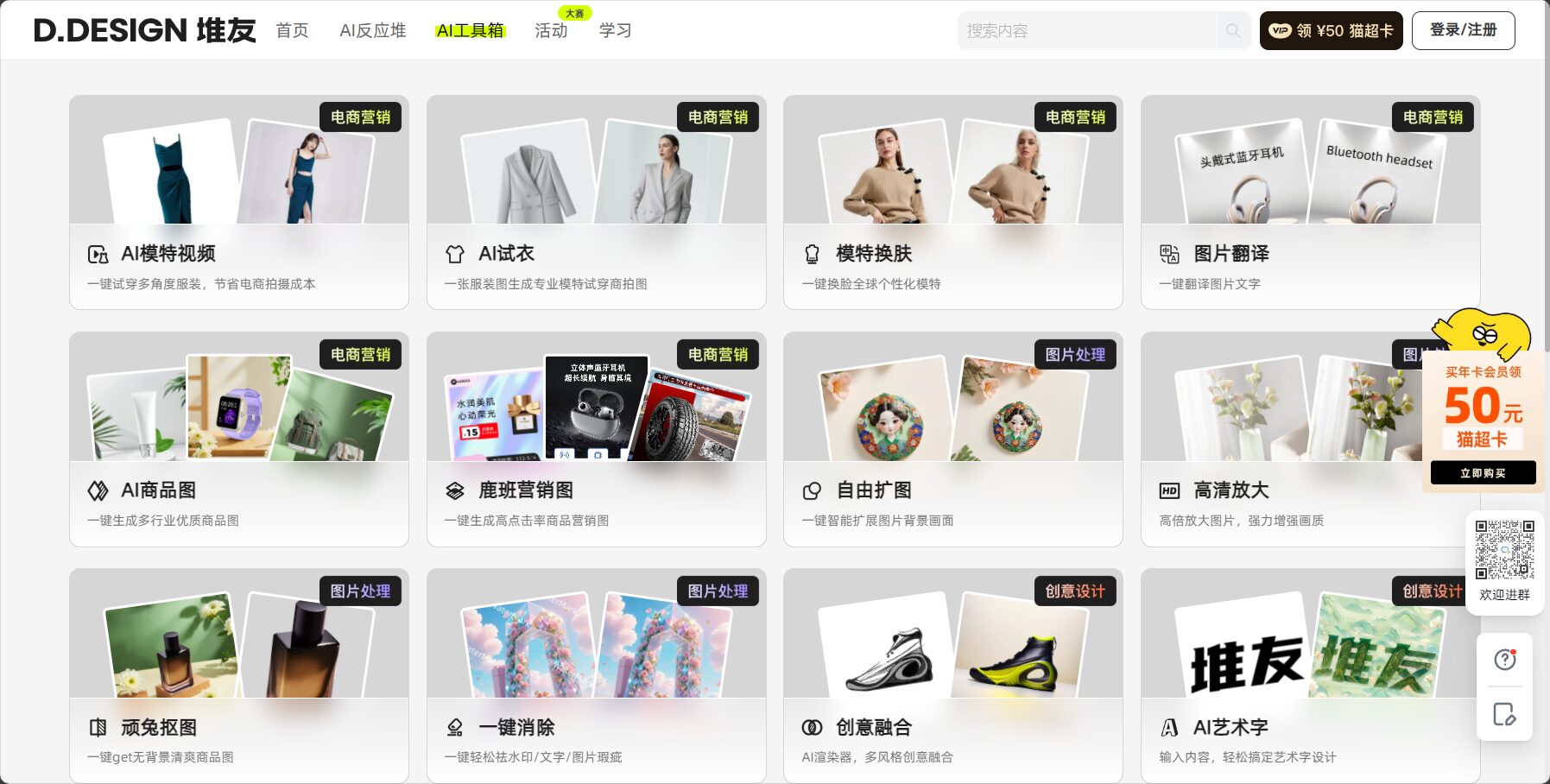
More official feature details:Duiyou AI Toolbox
| Functional categories | Detailed Explanation |
|---|---|
| Automatic background removal | AI-powered one-click subject recognition and background removal. |
| Batch processing | Supports processing 1-20 images at the same time. |
| Multi-format support | JPG, PNG, JPEG |
| Size restrictions | ≤5MB/image, longest side ≤6000px |
| Paintbrush/Eraser | Fine-grained addition and deletion of recognition areas |
| Batch Download | Export all processed images with one click |
| Preview and Adjustments | Adjustable canvas size and background color |

Access Point:https://d.design/toolbox/cutout
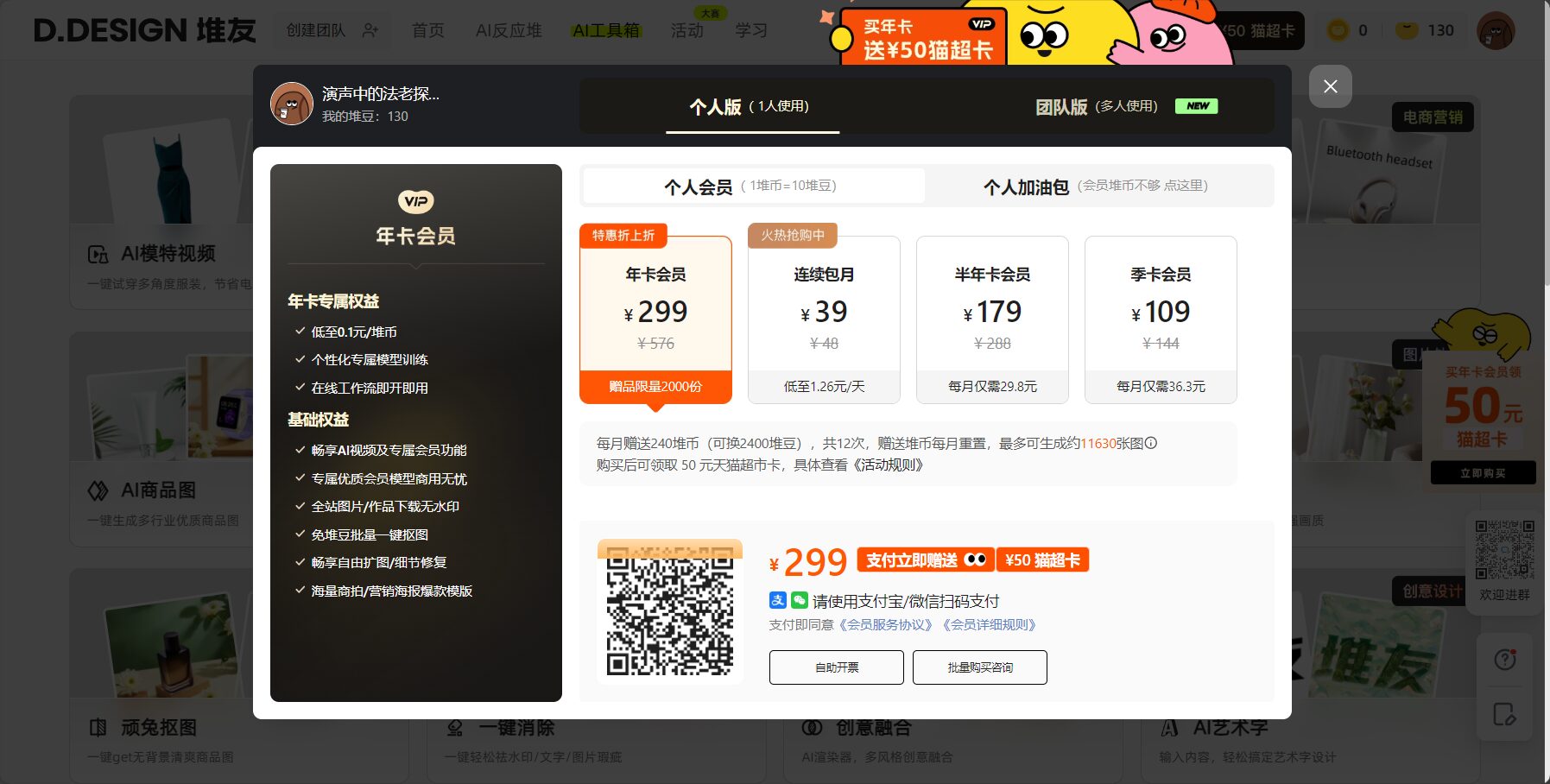
WanTu cutout withFree trial is the main feature.Users can directly process images online. The official website indicates that it supports all major functions without requiring payment.Its free nature makes it highly competitive among similar AI tools.。
| Scheme type | cost | Remark |
|---|---|---|
| Free version | ¥0 | All features are available upon logging into an Alibaba account. |
| Limit | Maximum of 20 cards at a time | Batch processing, single image ≤ 5MB |
| Download restrictions | Unrestricted | Batch download, high-definition input and output |
Permanently free, open to all.Only Taobao/Alibaba account is required to log in.
No limit on the number of cutout attempts or image quality.No need to worry about paying.
For business cooperation or special needs, please contact our official customized services.
WanTu Background Removal emphasizes a minimalist user experience and zero learning curve.Even beginners can easily operate it:
WanTu Background Removal performs exceptionally well in the field of AI-powered image background removal.It covers multiple target user groups.
| User type | Scenario Case | Recommendation reason |
|---|---|---|
| Business users | E-commerce products are being launched in bulk. | Saves 80% manpower time |
| Creative Design | Marketing poster synthesis | High-quality AI background removal |
| Individual creators | Images accompanying short videos | Free, easy to use, and fast image output. |
| Tool Name | Free/Paid | Single batch upload quantity | File size support | Download restrictions | Special features | Official website link |
|---|---|---|---|---|---|---|
| WanTu cutout | free | 20 | 5MB/image, 6000px | Unrestricted | Batch, manual fine-tuning | d.design |
| remove.bg | Partially free | 1-100 (Paid) | 12MB/image | Number of times limit | API, automatic cropping | remove.bg |
| Clipping Magic | Paid | 1 | 15MB/image | Billing based on downloads | Manual fine-tuning | clippingmagic.com |
| Picwish | Partially free | 30 (Paid) | 8MB/image | Number of times limit | ID photo mode | picwish.com |
WanTu Background Removal is free to use, offers unlimited batch downloads, and boasts Alibaba-quality standards.It performs exceptionally well in scenarios such as e-commerce content production.
No watermark at allIt can be used directly for product promotion without secondary processing.
Yes, it supports repeated uploads and optimization.
The images are only used for background removal and will not be leaked or misused.
It is recommended to use a stable network and refresh or perform the operation in batches.
AI is increasingly empowering the field of image processing.WanTu Image Cutout is characterized by "permanent free access + B2B-level technology".“It has become the ideal AI background removal solution for e-commerce businesses and creators.
Whether you're a beginner or a seasoned proWith just a few simple steps, you can get high-quality, watermark-free background-removed images, significantly improving efficiency.
Need to remove backgrounds from a large number of images? Visit us now!WanTu Background Removal Official WebsiteExperience efficient AI services!
This site's AI-powered navigation is provided by Miao.WanTu cutoutAll external links originate from the internet, and their accuracy and completeness are not guaranteed. Furthermore, AI Miao Navigation does not have actual control over the content of these external links. As of 7:43 PM on September 8, 2025, the content on this webpage was compliant and legal. If any content on the webpage becomes illegal in the future, please contact the website administrator directly for deletion. AI Miao Navigation assumes no responsibility.
