

Craft AI Assistant
Craft AI Assistant is an intelligent AI office tool that integrates writing generation, document summarization, proofreading and translation, and team collaboration, supporting efficient office work across multiple platforms.
Bing Image Creator is an AI-powered image and illustration generation tool launched by Microsoft. Users can quickly generate high-quality images simply by entering a description. It is completely free and easy to use.
 Bing Image Creator
Bing Image CreatorLaunched by Microsoft, based on OpenAI's powerful generative models,Supports free, efficient, and multilingual services.AI image and illustration generationUsers can create high-quality images in various styles simply by entering a text description, suitable for a wide range of scenarios such as content creation, teaching, and design. ToolsNo download or installation required, easy to use, with free attempts and a points-based acceleration mechanism.The platform supports over 100 languages, including Chinese, and is compatible with multiple devices. Microsoft fully guarantees privacy and data security, making it suitable for a wide range of users and an excellent choice for AI-assisted visual creation.
In recent years, generative AI has risen rapidly, and AI-generated image and illustration tools have become a new favorite for content creation and visual design. Developed by Microsoft...Bing Image Creator(https://www.bing.com/images/createSince its launch, it has...Free, efficient, and easy to useIts advantages have attracted countless users. This article will give you a comprehensive understanding of Bing Image Creator, from product features, functions, pricing plans, and operation guides to target audiences and frequently asked questions, providing the most detailed usage information for every AI painting enthusiast or content creator.
Bing Image CreatorIt is an AI image and illustration generation platform developed by Microsoft based on OpenAI models (such as DALL·E 3 and the latest GPT-4o). Users only need to enter a text description (Prompt), whether in Chinese or English, and a rich variety of images with different styles can be generated within seconds.
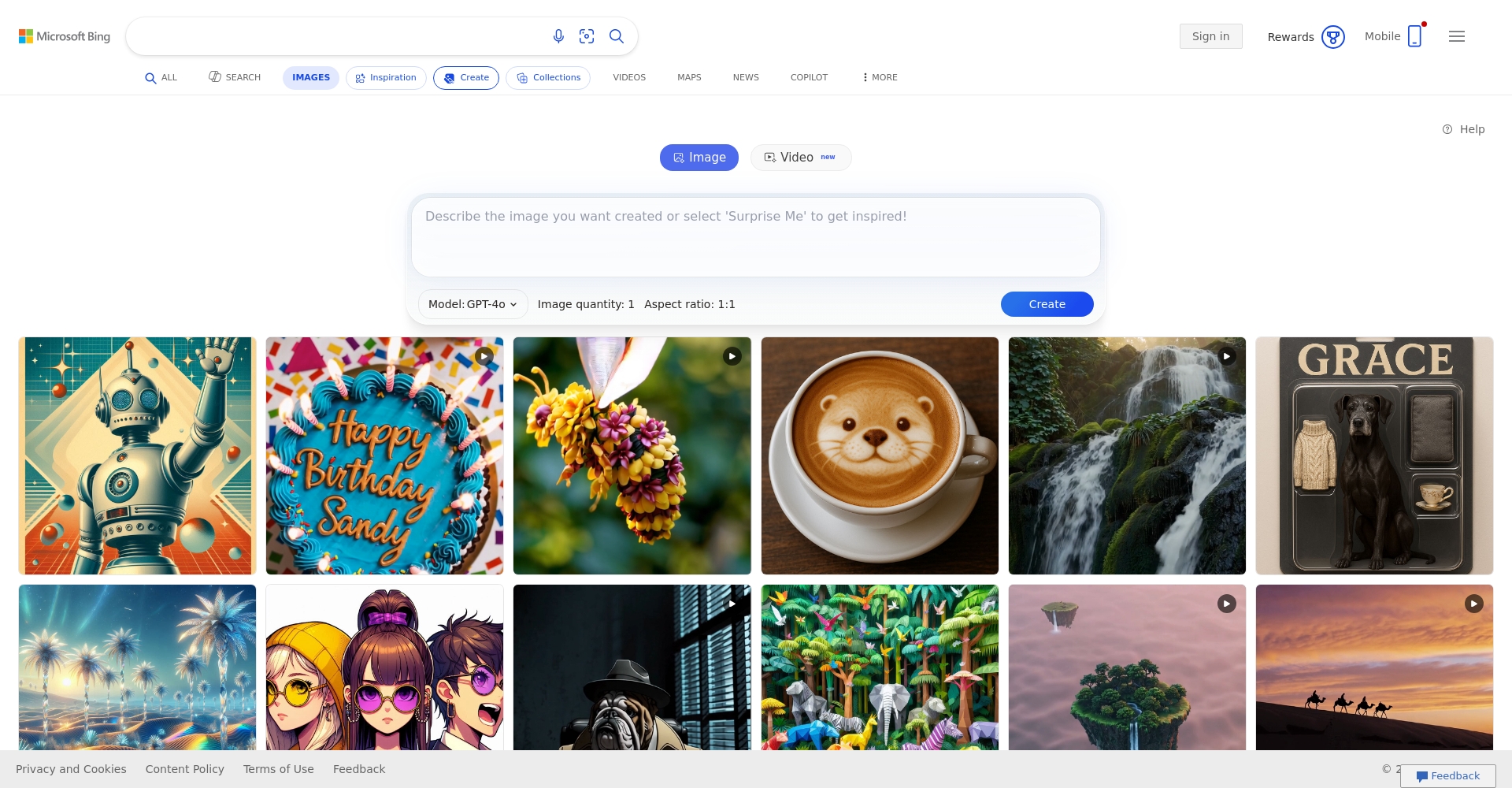
The platform is integrated into the new version of Bing search and the Edge browser, requiring no software installation.Available online。
Bing Image Creator supports generating various visual content such as images, illustrations, and artworks based on text descriptions.
The main core functions are as follows:
Comparison table of featured features:
| Function points | GPT-4o mode | DALL·E 3 mode |
|---|---|---|
| Number of generation | 1 sheet/time | 4 photos/time |
| Image quality | Enhanced detail, writable text, and high realism | More artistic and more stylistic |
| Processing speed | Fast (with daily quota limit) | Fast (with daily quota limit) |
| Support prompts | Multilingual support, suitable for long texts, abstract descriptions | Suitable for specific scenarios and styles |

For more details, please visitOfficial feature introduction page。
Bing Image Creator is primarily free, but it has reasonable limitations on the generation speed and number of times it can be generated.
The current pricing and quota policies are as follows:
| User type | Daily high-speed generation | Normal generation | Paid upgrade methods | Commercial Use Authorization |
|---|---|---|---|---|
| Free users | 15 times | unlimited | Points redemption | See User Agreement for details |
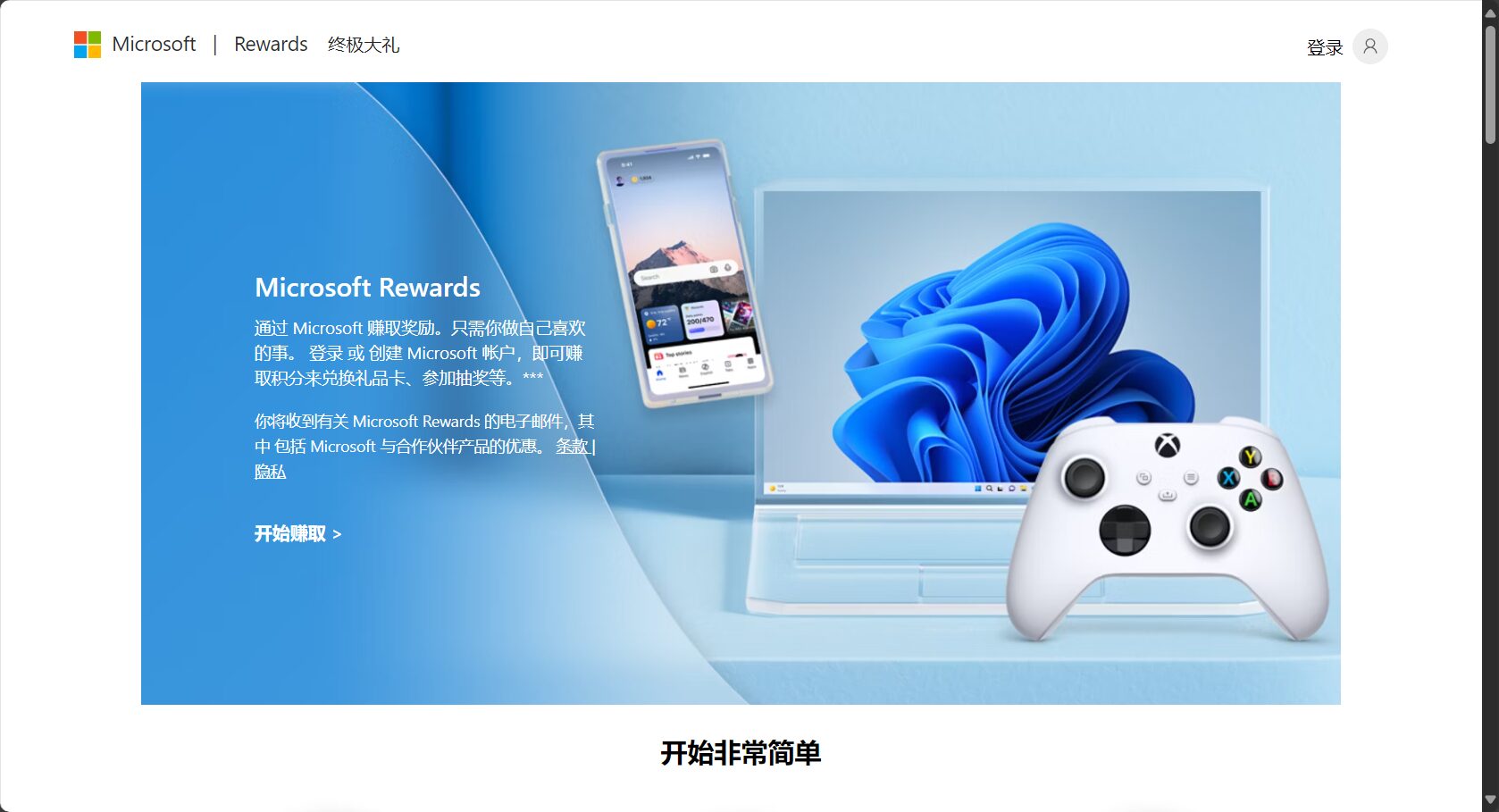
| Log in to your Microsoft account | Required | Required | Required | Required |
For detailed policies and the Microsoft Points system, please refer to [link/reference].Reward Points Explanation。
The operation process is simple and can be easily mastered by new users.
Example of a user interface:
| step | illustrate |
|---|---|
| Select Model | GPT-4o / DALL·E 3 |
| prompt input | Enter a detailed description, such as "whale in the night sky".“ |
| Generate image | Get AI-generated illustrations |
More beginner tutorials can be found at [link to tutorial].Official FAQ and Tutorials。
Bing Image Creator is widely suitable for the following groups due to its "low barrier to entry, high quality, and ease of creation":
Applicable Fields and Uses Summary:
| field | Typical applications |
|---|---|
| New Media | Illustrations and cover design |
| educate | Course illustrations, science visualization |
| Brand promotion | Social media posters, advertising materials |
| Personal entertainment | Cartoon avatars and holiday greeting images |
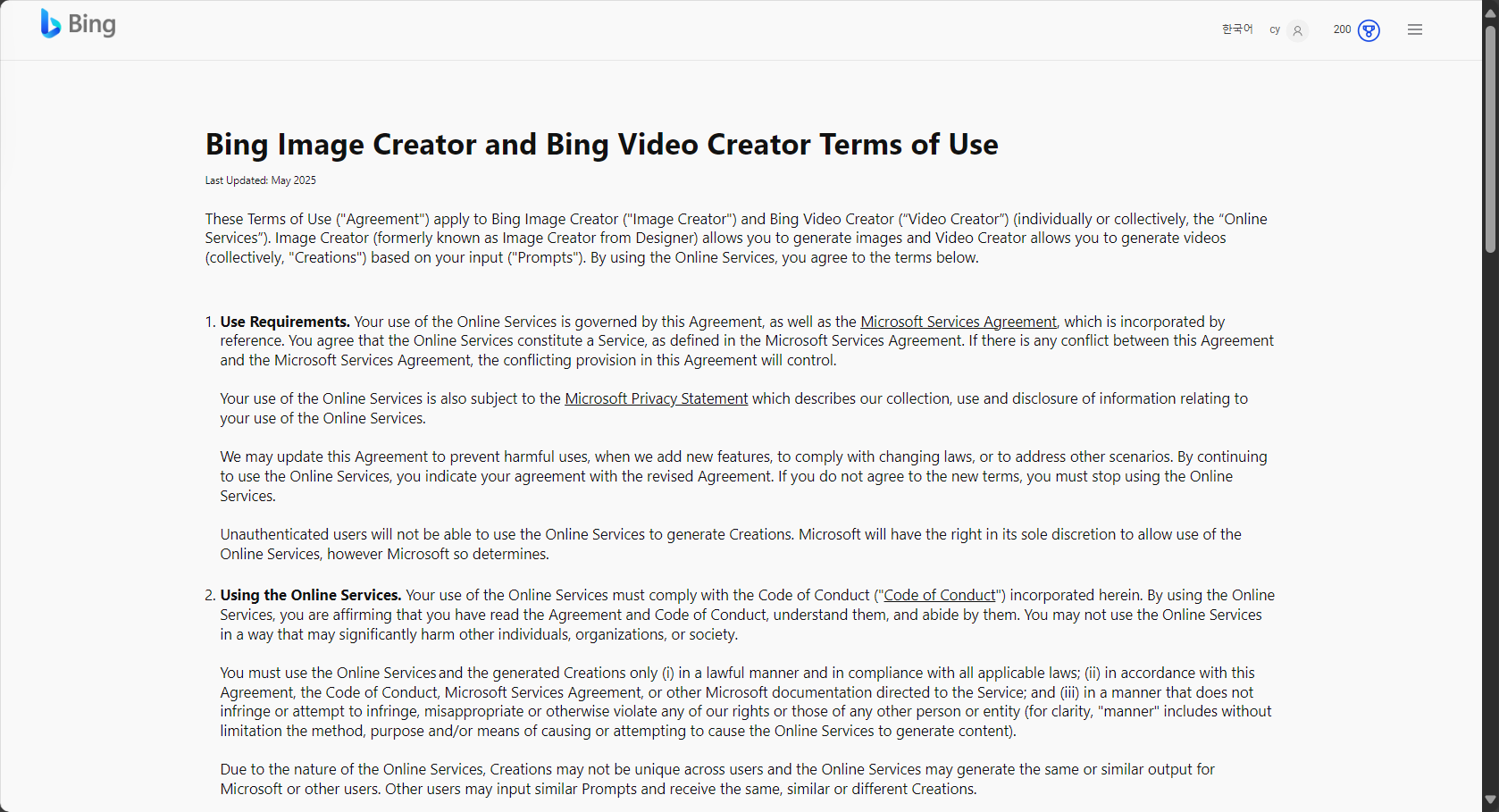
According to Microsoft's latestterms of useUsers retain the "right to process" the works generated from Prompt content, but whether they can be used for full commercial purposes depends on whether the Prompt content involves third-party intellectual property rights, celebrities, brands, etc. It is recommended to avoid generating protected content. The official advice is for users to self-censor for compliance if using it commercially, and to contact Microsoft promptly in case of disputes.
Supports more than 100 languagesThe system supports languages including Chinese, English, Japanese, Korean, and German. Prompts can be expressed in your native language. For example, if you input "a robot riding a bicycle, in a cartoon style," the system can accurately generate a prompt.
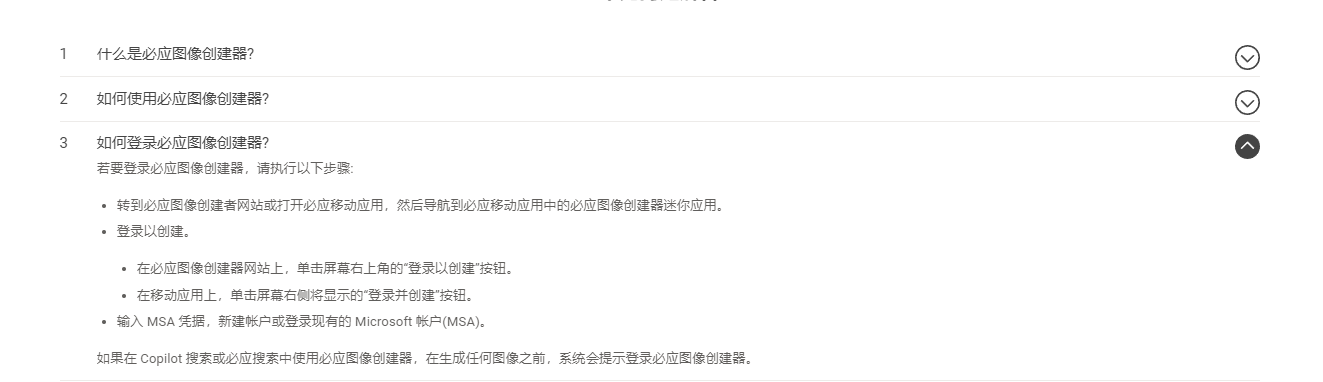
Absolutely! Bing Image Creator essentially lowers the barrier to AI painting. "If you can chat, you can draw"—simply use everyday language to describe your imagination in detail, and the system will automatically provide a finished product. If you're stuck for ideas, click "Give Me a Surprise" to have the system automatically generate creative terms.
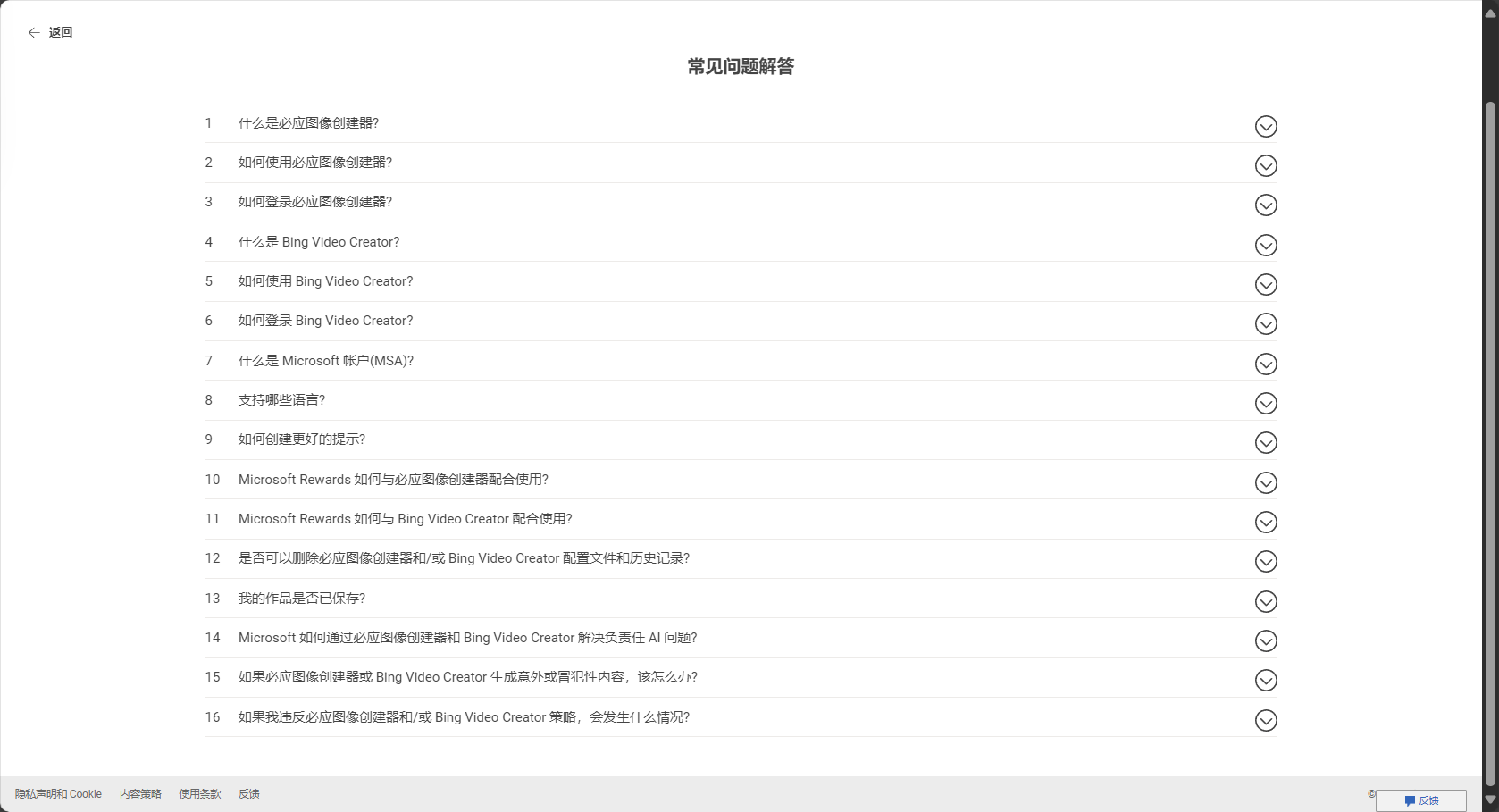
Users can view their browsing history in the upper right corner of their profile page and clear it with a single click. Microsoft's website states that all data is encrypted, images are saved for 90 days, and users can delete them at any time to ensure privacy. See details.Privacy Policy。
It supports downloading 1024×1024 pixel watermark-free JPG files, which can then be edited, spliced, and have text added in drawing tools such as PS, Canva, and Figma for further creation.
Can.However, after exceeding 15 daily high-speed quotas, the platform will automatically switch to normal speed hosting, which takes a little longer but the functionality remains the same.
For more operational tips, such as linking with ChatGPT to generate Prompts, creating animation, retro, pixel art, and other styles, please refer to [link/reference].AI drawing style collection resources。
For comparisons between Bing Image Creator and other AI painting tools, please refer to professional media reviews (such as Midjourney and Leonardo).aiStable Diffusion, etc.
With generative AI technology becoming increasingly widespread,Bing Image Creator, with its incredibly low barrier to entry and excellent user experience, allows everyone to easily experience the creative charm of AI-generated image illustrations.Whether you're new to AI painting or a professional content creator, it's worth experiencing it firsthand and staying informed about its evolving features and new applications. [Go to...]Official websiteStart your AI drawing journey now!
This site's AI-powered navigation is provided by Miao.Bing Image CreatorAll external links originate from the internet, and their accuracy and completeness are not guaranteed. Furthermore, AI Miao Navigation does not have actual control over the content of these external links. As of 6:51 PM on September 4, 2025, the content on this webpage was compliant and legal. If any content on the webpage becomes illegal in the future, please contact the website administrator directly for deletion. AI Miao Navigation assumes no responsibility.
