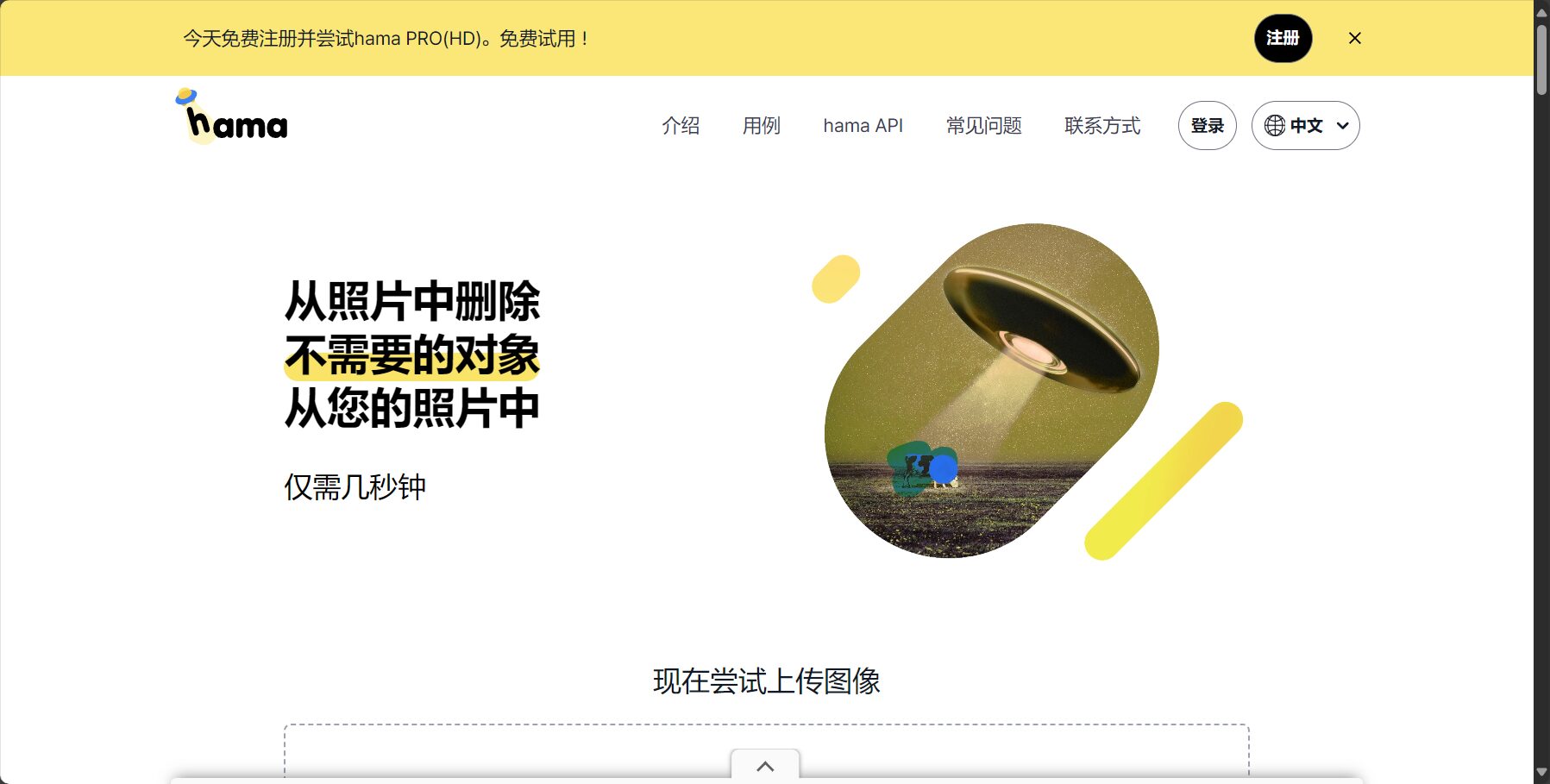
Hama is a free online AI image object removal tool. No login or registration is required. It supports one-click removal of unwanted objects from images, automatic and intelligent background repair, and is safe, privacy-friendly, and suitable for both beginners and professionals.
Hama is a focusedFree online AI tool for removing objects from imagesIt supports one-click removal of unwanted people, objects, watermarks, etc. from images, and is simple, efficient, and privacy-friendly.Users do not need to register or install software; they can simply upload images and select the objects to be removed via a webpage, and AI will automatically perform seamless repairs.Unlimited editing and image downloads, no forced watermarks, and all features are completely free.Hama is particularly suitable for e-commerce, new media, photography, and education scenarios, and its applicability is significantly superior compared to similar tools. Official commitment.We do not save user image files, thus protecting user privacy to the greatest extent possible.For more detailed information on features, pricing, and hands-on experience, we recommend visiting the Hama platform's official website.
In the field of artificial intelligence image processing,“"Remove unwanted objects from images with one click"”This has long been a common need for designers, photography enthusiasts, and ordinary users. However, AI image object removal platforms specifically designed for this purpose are rare, and truly effective ones are few and far between.“"Simple, natural, efficient, and free"”Those who are even rarer are extremely rare. Hama (www.hama.appHama is a prime example. This article will take the form of a news report to comprehensively analyze the Hama platform's product strength, features, pricing, applicable scenarios, and frequently asked questions, and will reveal its practicality through tables and lists, allowing readers to gain a deeper understanding.
Hama is an online tool platform focused on AI-powered object removal from images.No client download is required; simply open a webpage to upload photos, select unwanted objects, and automatically remove them with a single click, giving your images a fresh new look. Its core advantage lies in its AI algorithm, which automatically analyzes the marked areas and image background to achieve intelligent filling and seamless repair.The results are comparable to hand-finished retouching, but the operation threshold is greatly reduced.。
Suitable forThis is suitable for ordinary users who don't know how to use Photoshop, new media professionals, photographers, designers, and content creators who need fast and efficient image editing.
Hama's main functions
According to Hama's official website (Function page entryThe platform currently focuses on the following core functions:
I. AI Image Object Removal
Automatically identify and remove people, objects, debris, watermarks, etc.Simply use the brush to select and easily remove unwanted parts.
Smart Background Repair FillAI uses surrounding pixels to create natural patching, resulting in seamless stitching.
Unlimited editing & instant previewUsers can continuously adjust and try repeatedly until they achieve the desired effect.
II. Brush Tools and Custom Precision
Adjustable brush thicknessIt can adapt to different needs for handling details, allowing for both rough outlining and fine depiction.
Automatic and manual "erase" modesFlexible switching: Marking with the mouse can be eliminated with one click, and multiple operations can be used to repair the mark.
Compare the original image and the erased effect with one click.Preview the differences before and after modification at any time for easy fine-tuning.
3. Purely online use; images are not saved to the server.
Processing instantly online, no registration or login required.。
Image size not limited, mainstream formats can be directly uploaded.(jpg/png/jpeg, etc.).
The official commitment is to not save user-uploaded images and to protect privacy.。
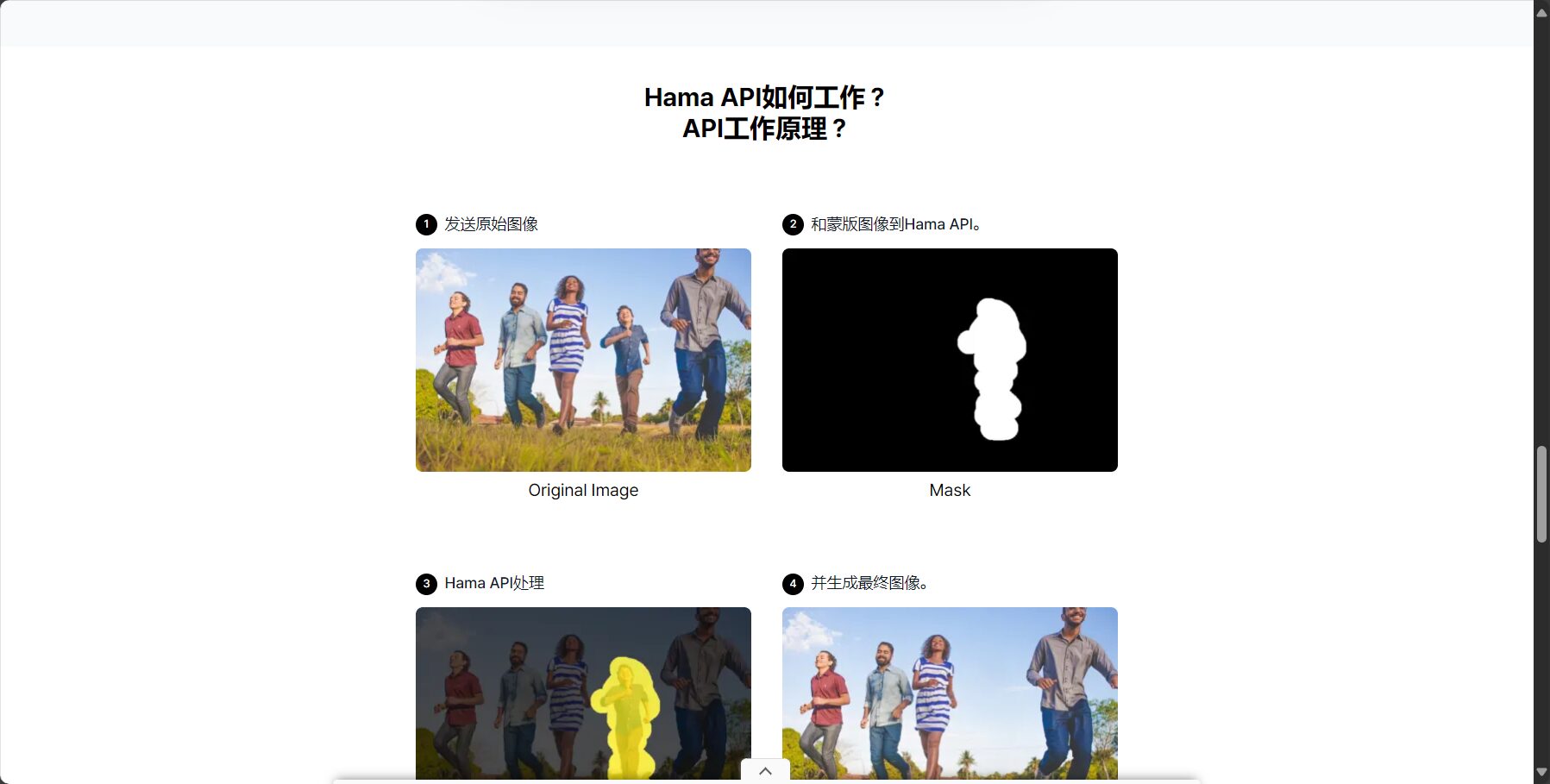
Image/Workflow Introduction
IV. Free download of editing results
After processing, users can directly download images with AI-removed effects, without watermarks or with forced resizing.。
All operations are completed on the web page; no software installation is required.。
Function List(See the official website's function section for details):
Function Name
Featured details
User Entry
AI-powered object erasure with one click
Automatic recognition and intelligent background filling after marking.
Interact with a vast array of 2D and 3D characters and experience truly unlimited AI role-playing dialogue. Join now! New users receive 6000 points upon login!
For most users, Hama's most commendable feature is...Free modeAccording to the official website:
All core features are free, with no spending limits or watermark removal restrictions.。
There are no restrictions on image size or file size; most images can be uploaded and processed directly.。
No login or registration required to use all features.。
Table: Price Comparison of Hama with Similar Products
Image / Free Use Statement
product
Is it free?
Watermark/Resolution Limitation
Registration and login required
Supported formats
Remark
Hama
free
No obvious restrictions
无
jpg/png/jpeg etc.
Privacy friendly
Cleanup.pictures
Partially free
The free version has resolution limitations.
Optional
jpg/png
Registration is required to access all features.
SnapEdit
Partially free
The free version has limitations.
Optional
jpg/png
Magic Eraser
free
Registration required to download HD version
Registration required
jpg/png
Hama's free strategy is highly attractive to both casual and heavy users.Whether for basic photo editing or frequent use, users don't need to worry about additional costs. For specific pricing and updates, please visit [website address].Hama pricing policy page。
How to use Hama
Hama emphasizes a "minimalist user experience," meaning it's ready to use right out of the box. The operation process is as follows (see detailed tutorial).How to use):
Select the brush tool and mark the area to be removed.
One-click removal and automatic repair
Repeatedly optimize and compare the effects before and after.
Download result image
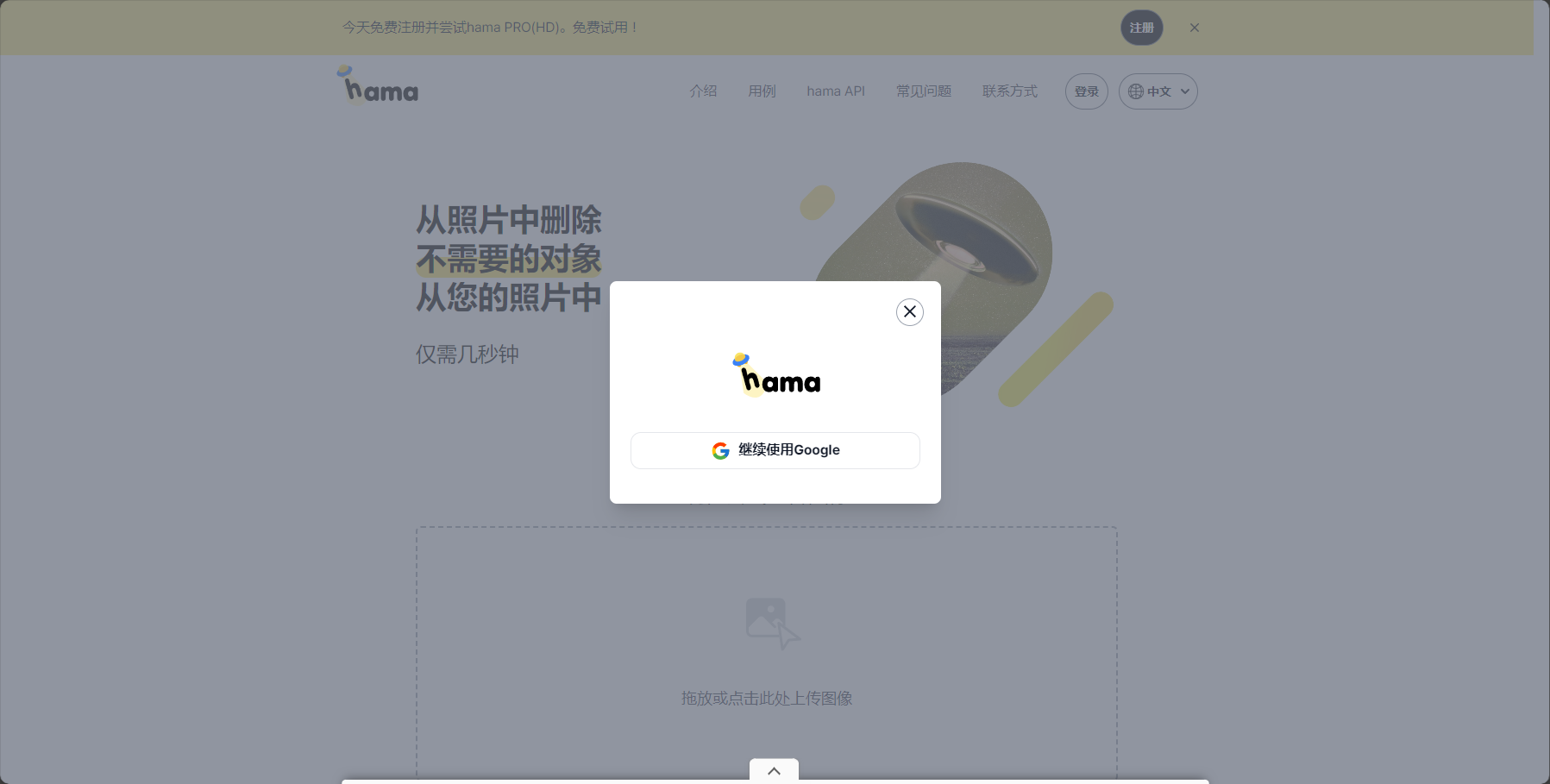
Image/Register/Login
Hama's target audience
Any user who needs to erase objects or remove imperfections from images can benefit from Hama.Applicable scenarios include:
Target audience/industry
Typical uses
E-commerce operations/New media
Remove unnecessary elements such as model outfits, background clutter, and advertising materials.
Photographer/Retoucher
Remove passersby/objects/watermarks to salvage flawed photos.
Designer/Graphic Editor
Clean up unnecessary parts of print ads/posters
Regular personal/friends sharing
Remove unwanted tourists or passersby from travel photos and group photos with one click.
Education/Work Documents
Remove handwriting errors and unwanted objects from presentation slides and PowerPoint images.
Other related topics
Hama Data Security and Privacy Protection
Hama promises not to store user-uploaded image files.All processed content is for immediate operation only and cannot be restored after deletion. This provides important protection for users concerned about the leakage of personal photos and the theft of company trade secrets (see details).Official Website Policy)。
A horizontal comparison with mainstream AI image object removal tools
Tool Name
Supports Chinese
AI autofill
Is it permanently free?
One-click download
Registration required
Privacy protection
Editing limit
Hama
是
是
是
是
否
是
无
SnapEdit
是
是
否
是
part
part
有
Cleanup.pictures
是
是
Free/Paid
有
否
part
无
Magic Eraser
否
是
Free/Paid
有
否
part
有
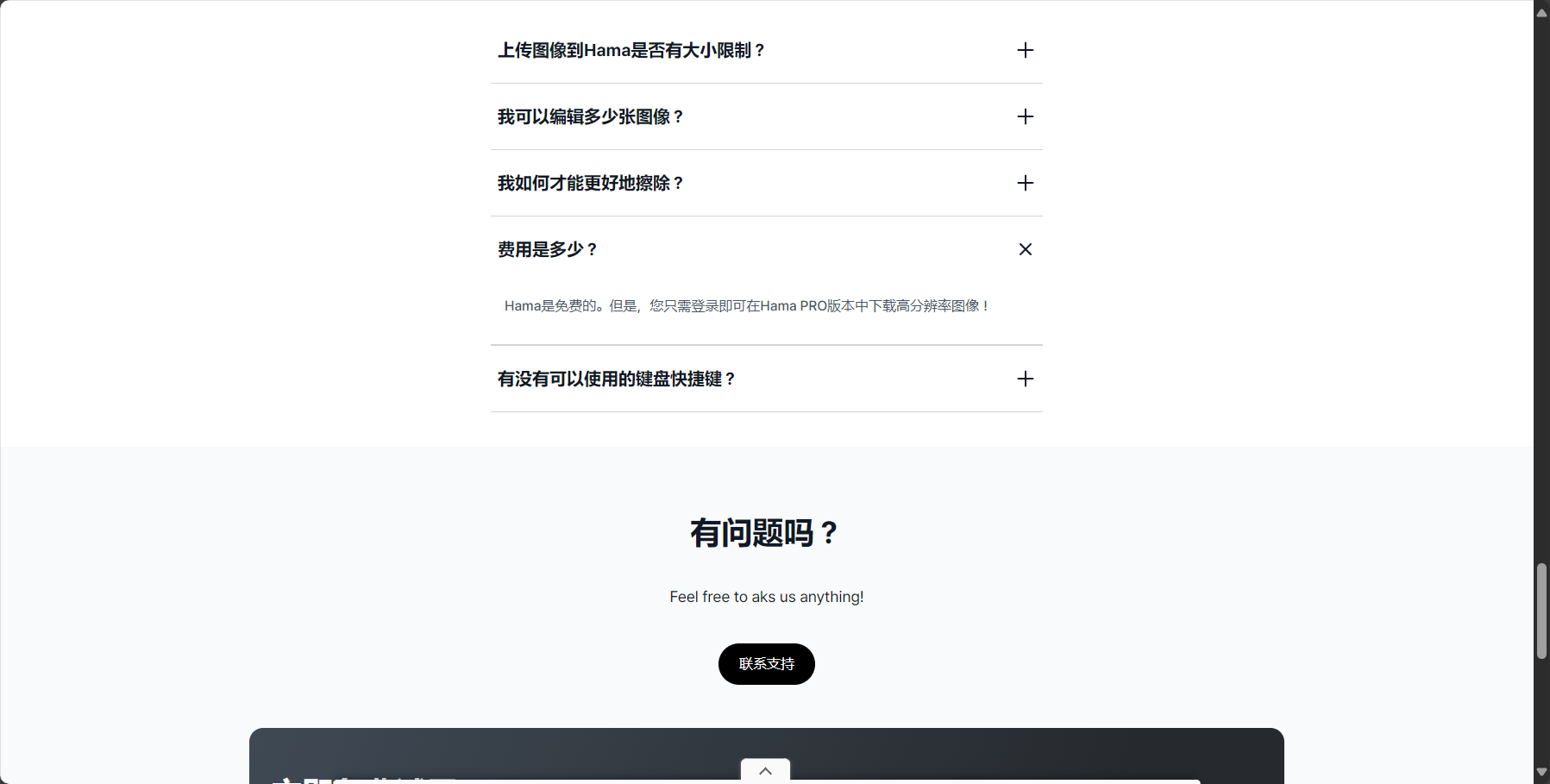
Image/Frequently Asked Questions
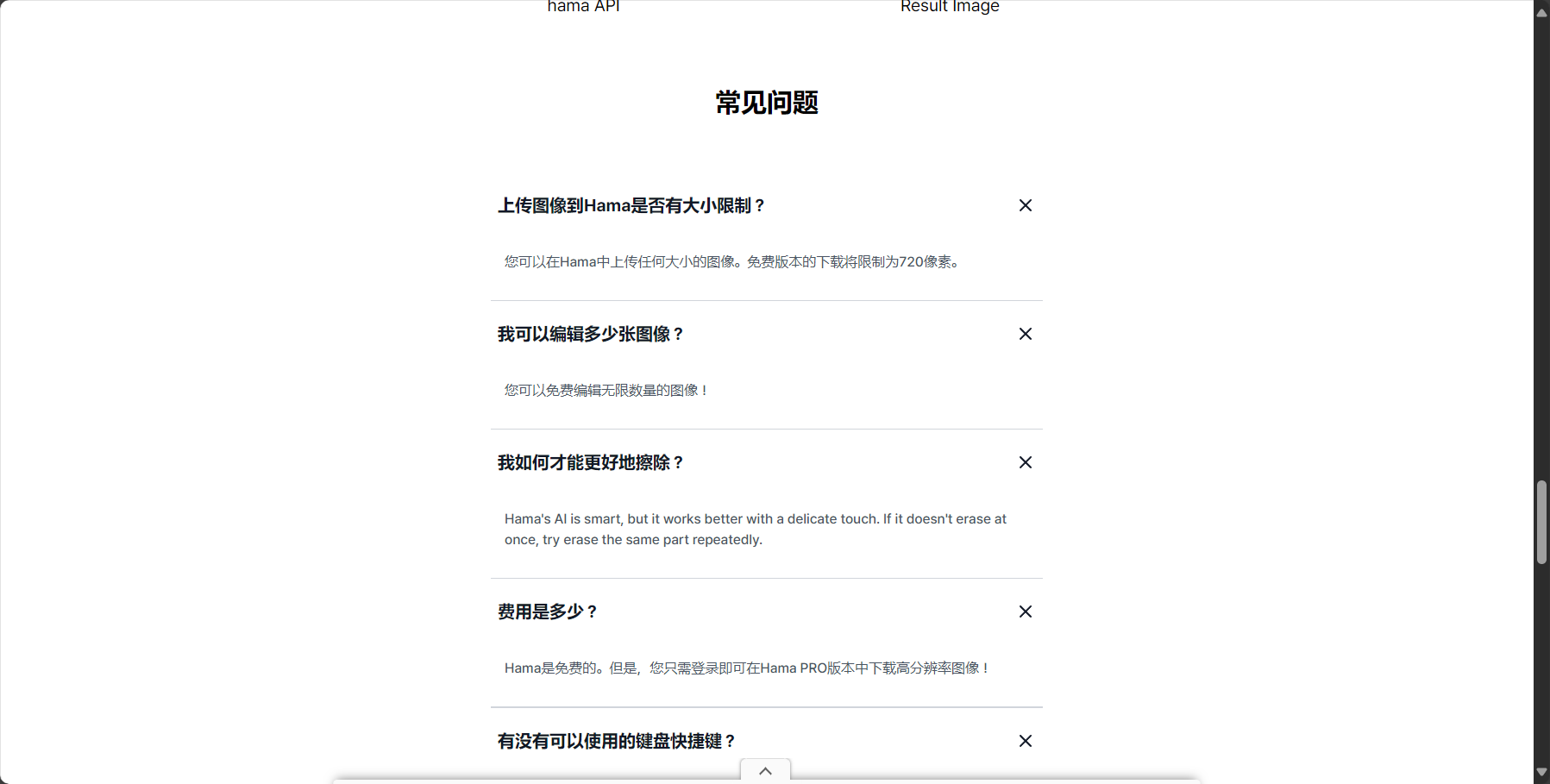
Frequently Asked Questions
Is Hama only suitable for removing characters? No. Hama's AI object removal function is suitable for removing objects from images.People, objects, miscellaneous items, watermarks, advertisements, text, passersby, lines, shadows, and many other types.It is not limited to portraits, but can also handle content restoration in complex scenes.
Are there any limitations to Hama in processing large images or high-resolution photos? at present,Hama has no limit on the size of the uploaded original image.However, processing extremely large and ultra-high-definition images may be affected by network or browser performance. Regular photos can be edited and downloaded without any issues.
Will my images be saved on the Hama platform? Won'tThe official statement declares that all uploaded images are used solely for real-time AI processing, and no data is stored after the process is complete.Privacy protection is in place。
What to do if the image erasure effect is not ideal? Try reducing the brush size, processing in multiple steps, adjusting the marking range, and editing multiple times to achieve better results.
In recent years, AI-powered image object removal tools have emerged one after another, but Hama stands out with its superior performance.Permanently free, easy to use, natural and seamless results, and strong privacy protection.These highlights give Hama a clear advantage in both user reviews and actual experience. With the rapid development of AI technology, Hama provides a low-barrier, high-quality image editing method for ordinary users and even professionals.Making "photo editing without asking for help" possibleIf you're looking to easily remove unwanted elements from your photos and optimize your image content, why not give it a try online?Hama platformIts intelligence and efficiency.
Interact with a vast array of 2D and 3D characters and experience truly unlimited AI role-playing dialogue. Join now! New users receive 6000 points upon login!
Hama浏览人数已经达到147,如你需要查询该站的相关权重信息,可以点击"5118 Data""Aizhan Data""Chinaz data""Based on current website data, we recommend using Aizhan data as a reference. More website value assessment factors include:"HamaAccess speed, search engine indexing and volume, user experience, etc.; of course, to evaluate the value of a website, the most important thing is to base it on your own needs and requirements, and some specific data will need to be obtained from [research institutions/resources].HamaWe will negotiate with the website owner to provide information such as the website's IP addresses, page views (PV), and bounce rate.
aboutHamaSpecial Announcement
This site's AI-powered navigation is provided by Miao.HamaAll external links originate from the internet, and their accuracy and completeness are not guaranteed. Furthermore, AI Miao Navigation does not have actual control over the content of these external links. As of 4:39 PM on September 9, 2025, the content on this webpage was compliant and legal. If any content on the webpage becomes illegal in the future, you can directly contact the website administrator for deletion. AI Miao Navigation assumes no responsibility.