Replai.so
Replai.so is an AI-powered social comment generator for Twitter and LinkedIn, helping users quickly and automatically generate high-quality comments and customize their social interaction style.
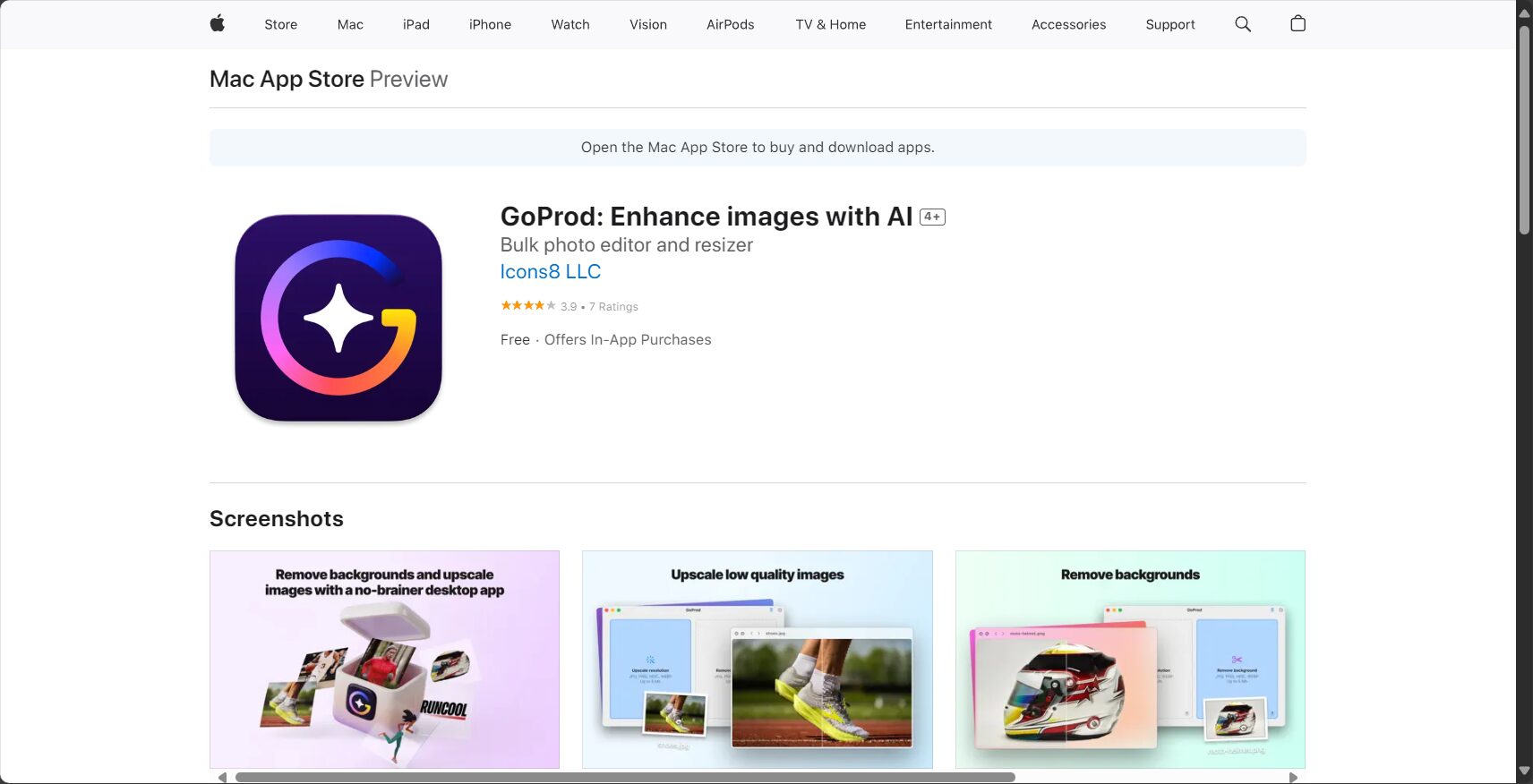
GoProd is an AI image processing tool developed by Icons8, featuring one-click background removal, image optimization, and batch processing, suitable for users in design, e-commerce, social media, and other fields.
 GoProd
GoProdIt is a product launched by Icons8Intelligent AI Image Processing ToolsIt supportsOne-click image background removal, batch image optimization, API integrationFeatures such as these greatly improve the work efficiency of designers, e-commerce professionals, and content creators. GoProd boasts...AI-powered image cutout, batch processing, image enhancement, and multi-format export.With its highlights, it is suitable for both professionals and ordinary users, and is a highly efficient representative in the current field of AI image processing.
In recent years, the field of AI vision and design has been developing rapidly.AI Image ToolsAdvances in image processing not only save designers and content creators significant time but also enable ordinary users to generate high-quality images and remove backgrounds with a single click. Today, we'll introduce an AI image processing tool from Icons8—GoProd。
Visit the GoProd website to experience it.
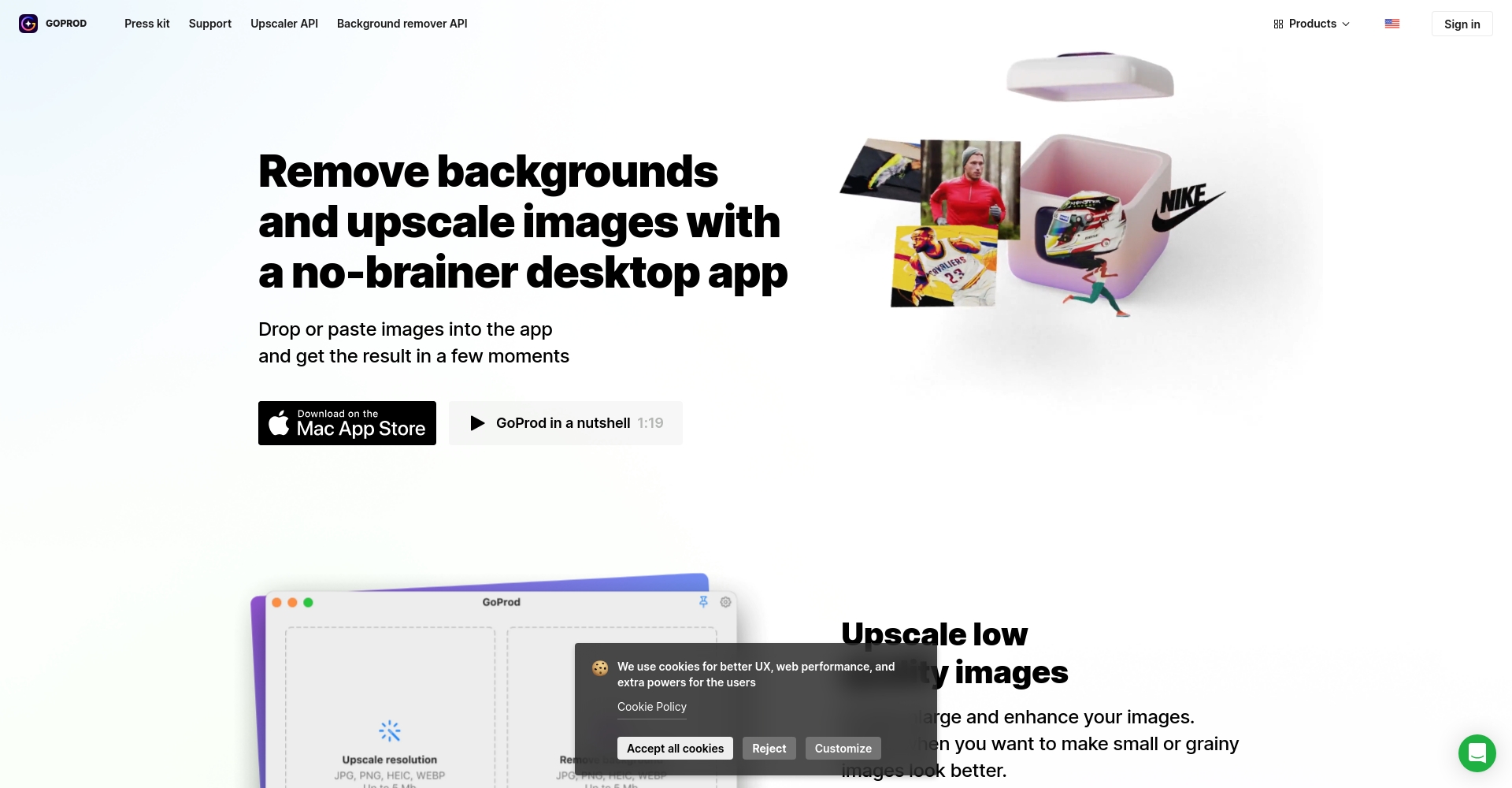
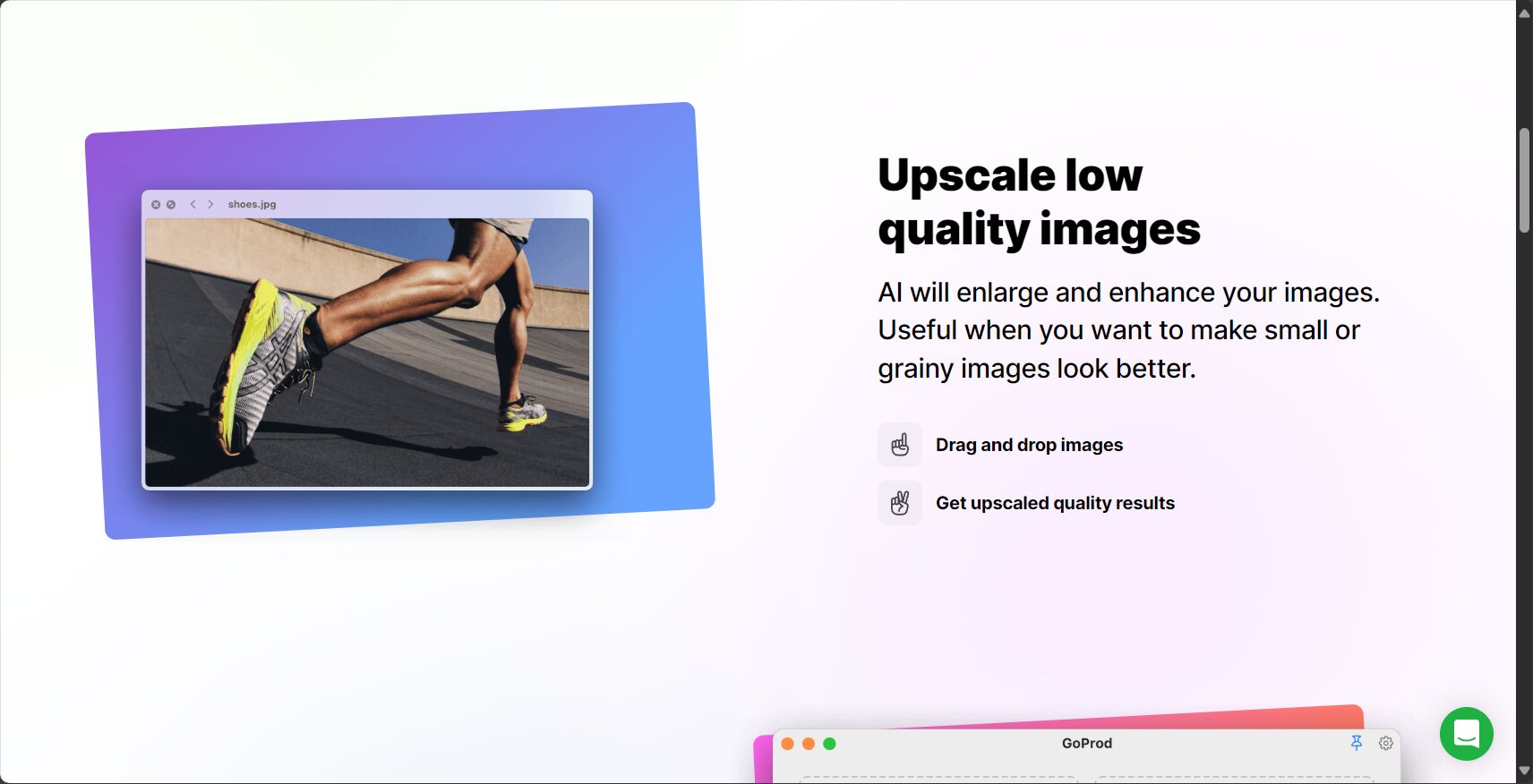
GoProdIt is an image processing platform based on advanced AI technology, with the main features of...AI-powered image background removal and batch image optimizationThis brings great convenience to designers, e-commerce operators, and social media content creators. Users only need to upload an image to quickly obtain a transparent background PNG or an optimized image file.
Key features include:
Click here to learn more about GoProd's main features.
| Function | GoProd | Traditional image cutout tools | Manual Photoshop |
|---|---|---|---|
| Remove background with one click | ✔ | Partial support | ✘ |
| AI detail optimization | ✔ | ✘ | part |
| Batch processing | ✔ | ✘ | ✘ |
| API Automation | ✔ | ✘ | ✘ |
| File formats vary | ✔ | ✘ | part |

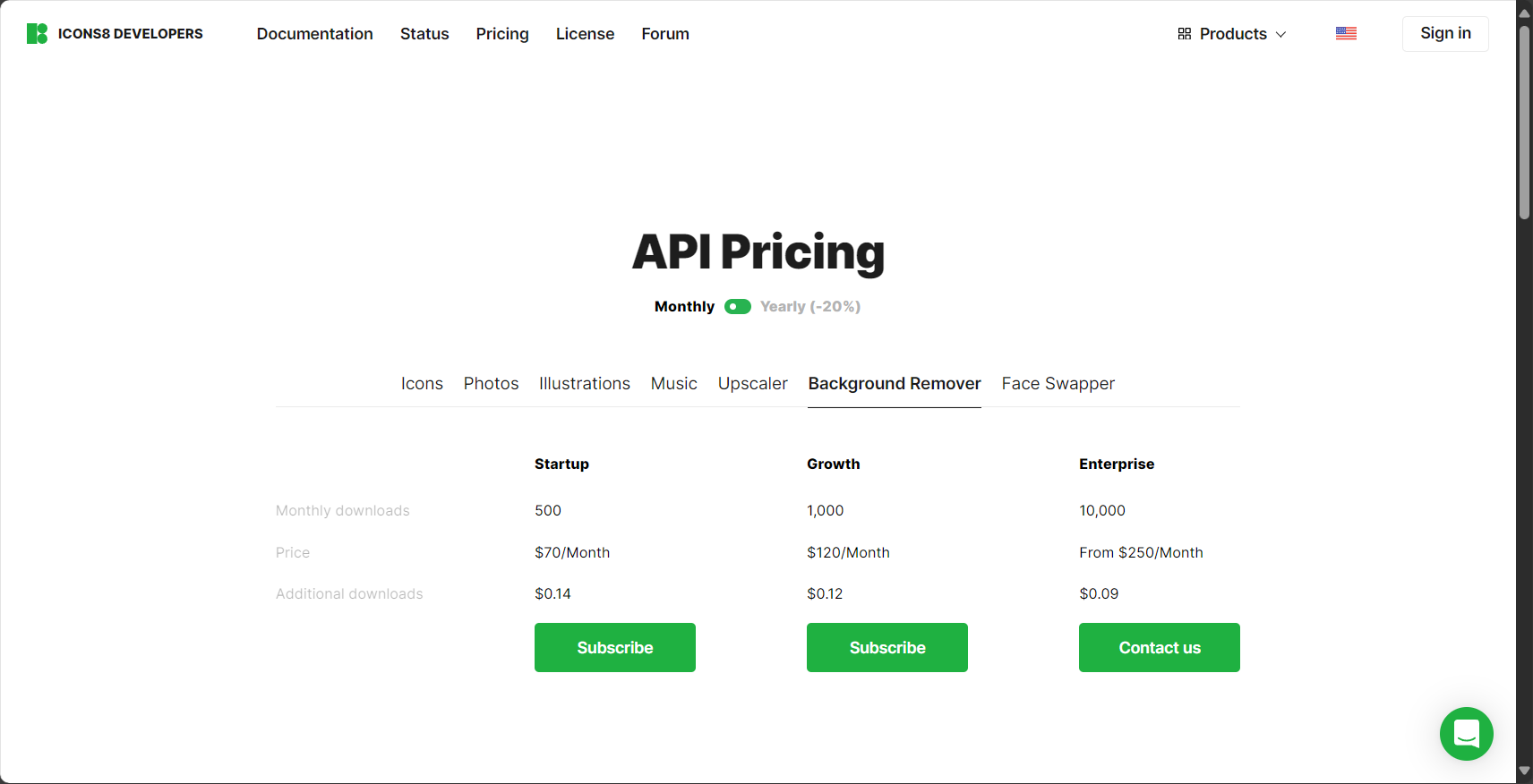
GoProdWe offer flexible pricing and plan options to meet the diverse needs of our users.
| Scheme type | Functional range | Prices (subject to official website) | Applicable to |
|---|---|---|---|
| Free trial | Minimal image processing, standard export | 0 yuan | Lightweight users, beginners |
| Pay-per-use points | Pay-per-use, HD export | Prices fluctuate on official website | moderate users, designers |
| Monthly/Annual Subscription | Extensive image processing, advanced features unlocked | 见GoProd official website | Corporate Team |
| API Enterprise Solution | Custom integration, batch processing customization | Price negotiable, better deals for bulk orders. | SaaS companies, e-commerce systems |
For the latest pricing plans and purchase methods, click here.
GoProdThe operation process is very intelligent and simple. Whether you are a designer or an ordinary user, you can quickly get started and achieve high-quality image output in just a few steps.
| step | describe |
|---|---|
| Upload Image | Drag and drop or select local files |
| Intelligent image cutout | AI automatically identifies foreground/background |
| Manual fine-tuning | (Optional) Correct or refine edges |
| Optimize images | Automatic brightness, contrast adjustment, or manual setting. |
| Download file | PNG with transparency, JPG and other formats are available. |
| Integrated API | (For developers' selection) Integrate with website or application automation |
For detailed operation demonstrations and video tutorials, please refer to [link/reference].GoProd Official Website Help Center。
GoProdBased on its high efficiency and intelligent breakthroughs, it is suitable for a wide range of users and industry applications. The following are typical application scenarios:
| Industry/Target Audience | Main uses | GoProd Advantages |
|---|---|---|
| E-commerce/Cross-border Sellers | Product main image optimization | Batch background removal, standard output |
| Designer/Media | Quickly create cutout materials | Saves time and can be beautified. |
| Self-media/Content creators | Content images, cover, social media profile pictures | Easy to operate and beginner-friendly |
| IT Development/SaaS Platform | Image API automation and big data processing | The API interface is flexible and powerful. |
For more industry scenario analysis, please seeGoProd Industry Case Studies Page。
There are many AI-powered image cutout and optimization tools on the market, such as Remove.bg and Slazzer.GoProdThe difference lies in its support for large-scale batch processing, high API openness, excellent detail processing, and no limitation on image type.
| Tool Name | AI background removal | Large-scale support | API open | Optimize quality | Free trial |
|---|---|---|---|---|---|
| GoProd | ✔ | ✔ | ✔ | 高 | 有 |
| Remove.bg | ✔ | part | ✔ | 中 | 有 |
| Slazzer | ✔ | ✔ | ✔ | 中 | 有 |
GoProdCurrently, it supports uploading mainstream image formats including JPG and PNG. Processed files can also be downloaded in PNG (with transparent background), JPG, or WebP formats.
GoProd uses advanced AI neural networks to achieve high precision in masking portraits, animals, products, and complex foregrounds, and it also performs detailed processing on hair, transparent objects, and complex edges. For special needs, users can also manually fine-tune the results.
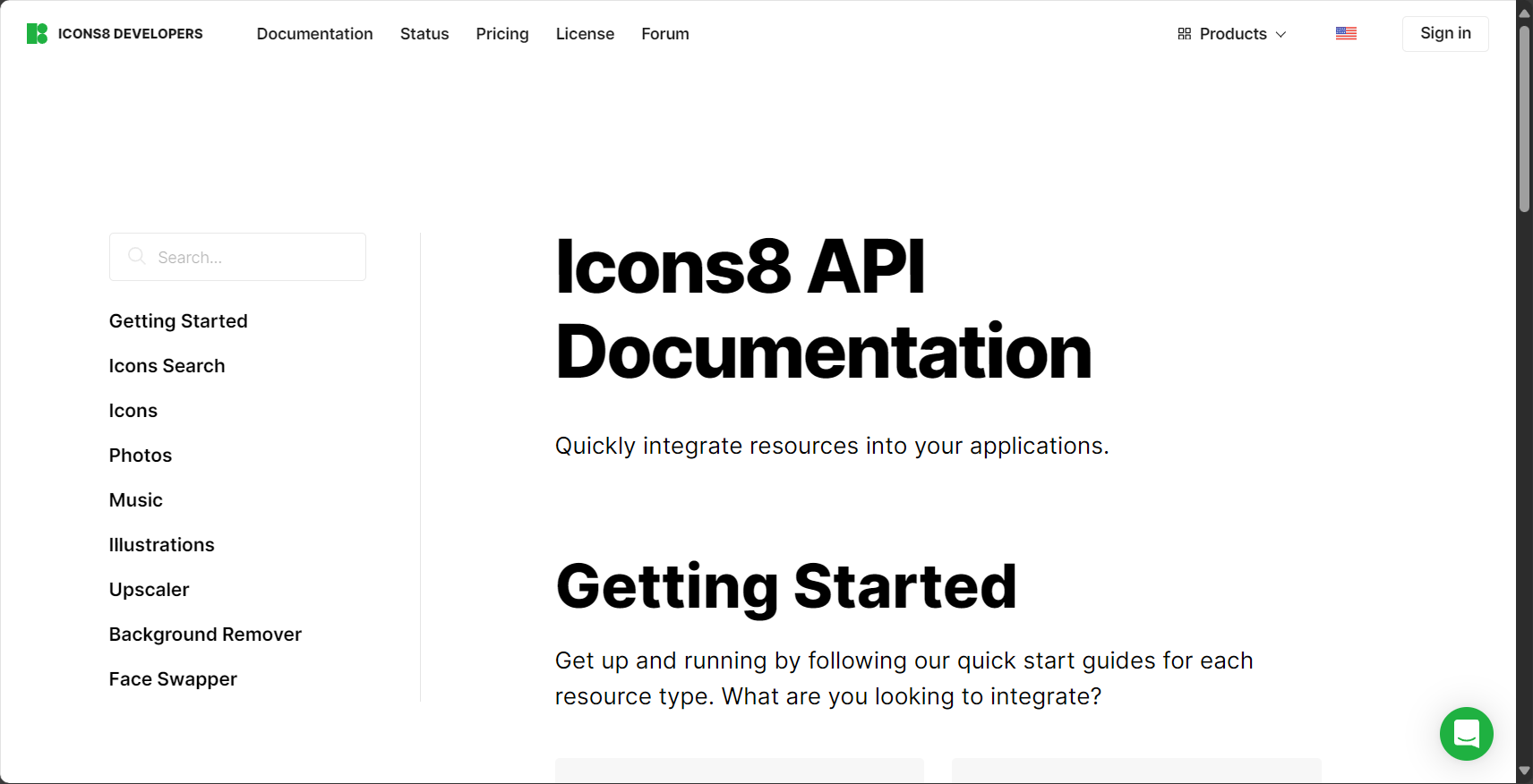
Yes. Compared to traditional AI image tools, GoProd has a natural advantage in managing large batches of images, offering high efficiency in uploading, editing, and exporting. Its API further enables automated batch processing in the background, making it suitable for enterprise or developer platforms.
Batch processing and API documentation
All user-uploaded images are used solely for processing and output, and are stored using industry-standard encrypted storage and automatic cleanup mechanisms. API enterprise users may sign a separate data security agreement.
Conclusion:
GoProdWith its precision, one-click AI functions, batch processing, and open API capabilities, it has become a dark horse in the current AI image tools field. Whether you are a professional designer, an operations team, or an ordinary user seeking efficiency, you can find it here.GoProd platformExperience the ultimate image processing efficiency powered by AI with ease. Start your AI-assisted creation and design journey with GoProd.
This site's AI-powered navigation is provided by Miao.GoProdAll external links originate from the internet, and their accuracy and completeness are not guaranteed. Furthermore, AI Miao Navigation does not have actual control over the content of these external links. As of 3:07 PM on July 18, 2025, the content on this webpage was compliant and legal. If any content on the webpage becomes illegal in the future, you can directly contact the website administrator for deletion. AI Miao Navigation assumes no responsibility.