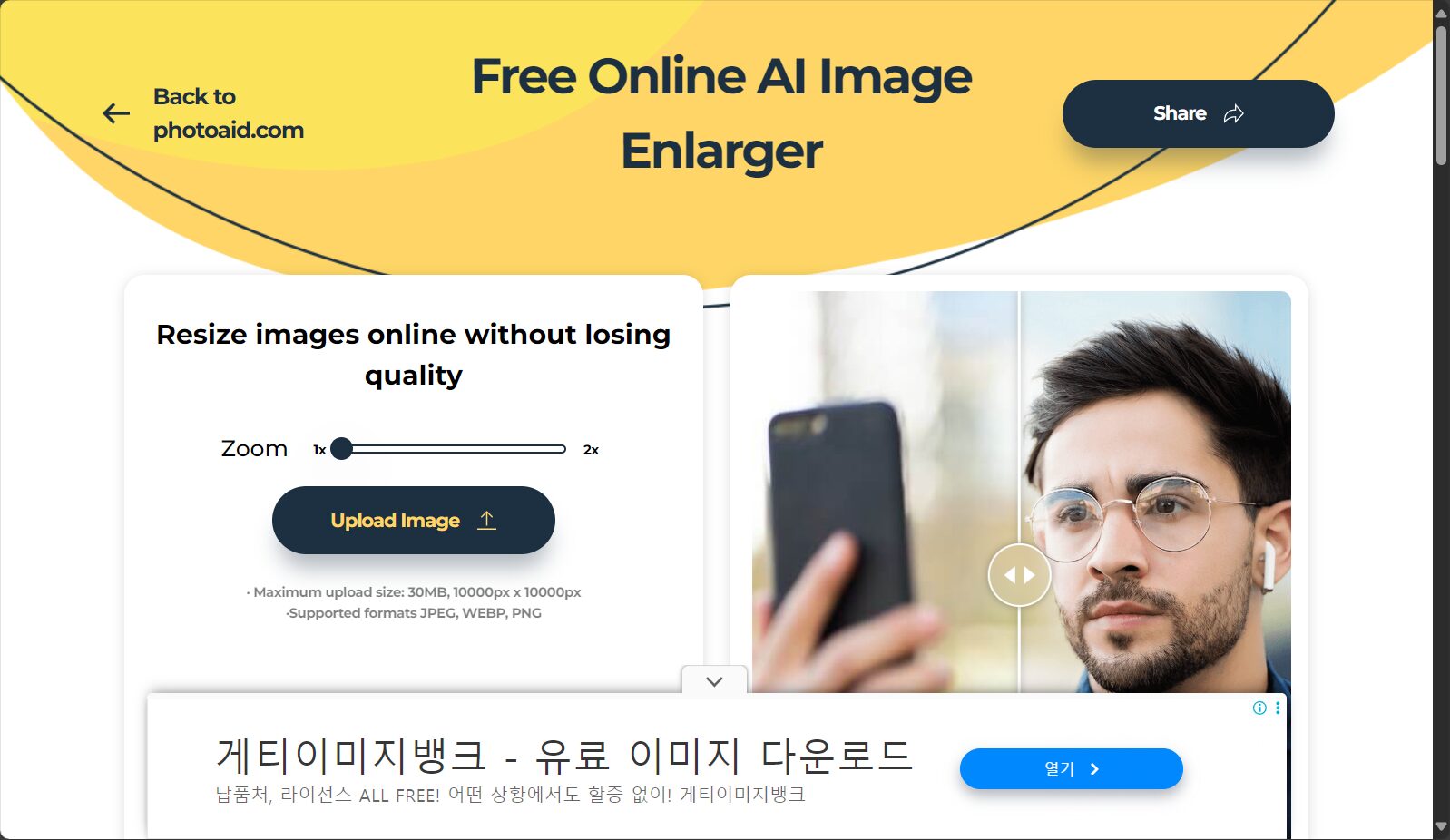
PhotoAid Image Upscaler is a free online image upscaling tool based on advanced AI algorithms. It supports high-resolution image upscaling and is compatible with multiple formats. It is easy to use and suitable for various users.
PhotoAid Image UpscalerA revolutionaryAI image lossless enlargement toolAimed at content creators, brands, and individual users, it focuses on solving the blurring and distortion problems caused by traditional image enlargement.AI intelligent algorithmSupports image magnification up to 10000×10000 pixels/30MB, completely free and registration-free, while also being compatible with JPEG, WEBP, and PNG formats, ensuring ultimate detail reproduction and privacy security. This tool not only excels in portrait optimization but also integrates multiple image editing auxiliary functions, making it a highly regarded high-definition image magnification solution on the market.
PhotoAid Image Upscaler, an innovative AI tool for image processing, is now available, enabling lossless upscaling of high-quality images.
With the rapid development of digital content, the demand for high-definition images is becoming increasingly urgent for content creators, brands, and individual users alike. Traditional image enlargement methods often cause headaches due to pixel loss and reduced sharpness. Recently, the PhotoAid team launched a new...PhotoAid Image Upscaler(Official websiteLeveraging cutting-edge AI image algorithms, this tool has revolutionized the solution to problems such as blurring and distortion after image enlargement, bringing a truly high-quality, lossless image enlargement experience to users worldwide. According to news reports, this AI image tool has received high praise from photographers, e-commerce merchants, designers, and other users across various fields since its launch.
PhotoAid Image Upscaler was created based on the team's years of experience in AI image algorithms, specifically designed to meet the high-resolution image upscaling needs of various users. Its main functions are as follows (see details below).Official tool page):
Overview of key highlights
Functional categories
Detailed description
AI-powered lossless amplification
AI algorithms are used to enlarge images to twice their original size, supporting a maximum resolution of 10000×10000 pixels/30MB, ensuring natural details, sharp edges, and no blurring or pixelation.
Multi-format compatibility
Supports multiple common image formats such as JPEG, WEBP, and PNG, flexibly meeting the needs of different scenarios.
No software installation required
Completely online operation; AI zoom can be performed directly through your browser, no downloads or registration required.
Facial details have been specially optimized.
It excels at restoring and smoothing portrait photos, and is hailed as "one of the world's best tools for enlarging portrait photos."“
Free to use, ad-free
Fully free and open to all users, the platform offers a completely ad-free and uninterrupted user experience.
Data security protection
All images are automatically deleted 24 hours a day to strictly protect user privacy.
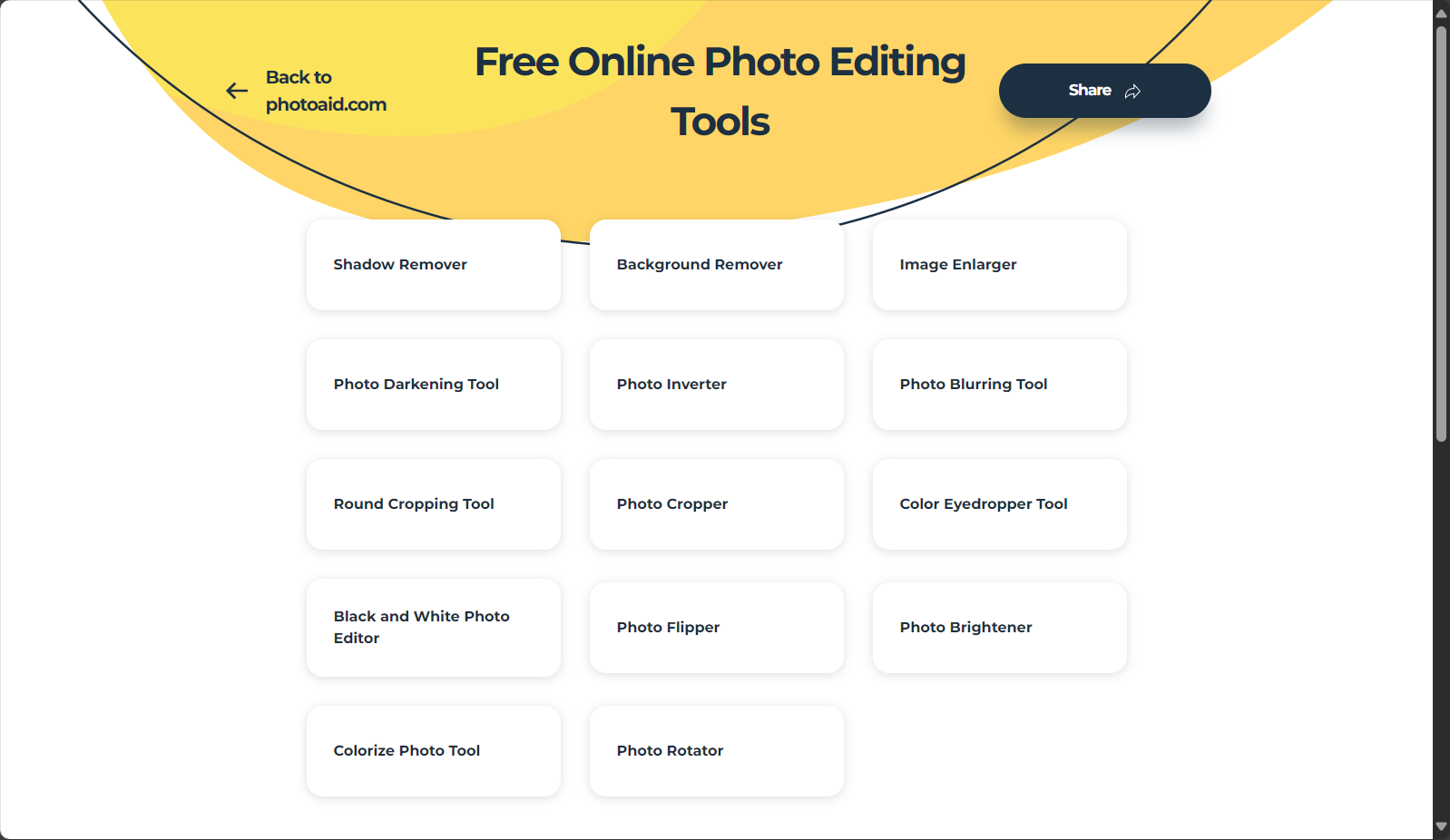
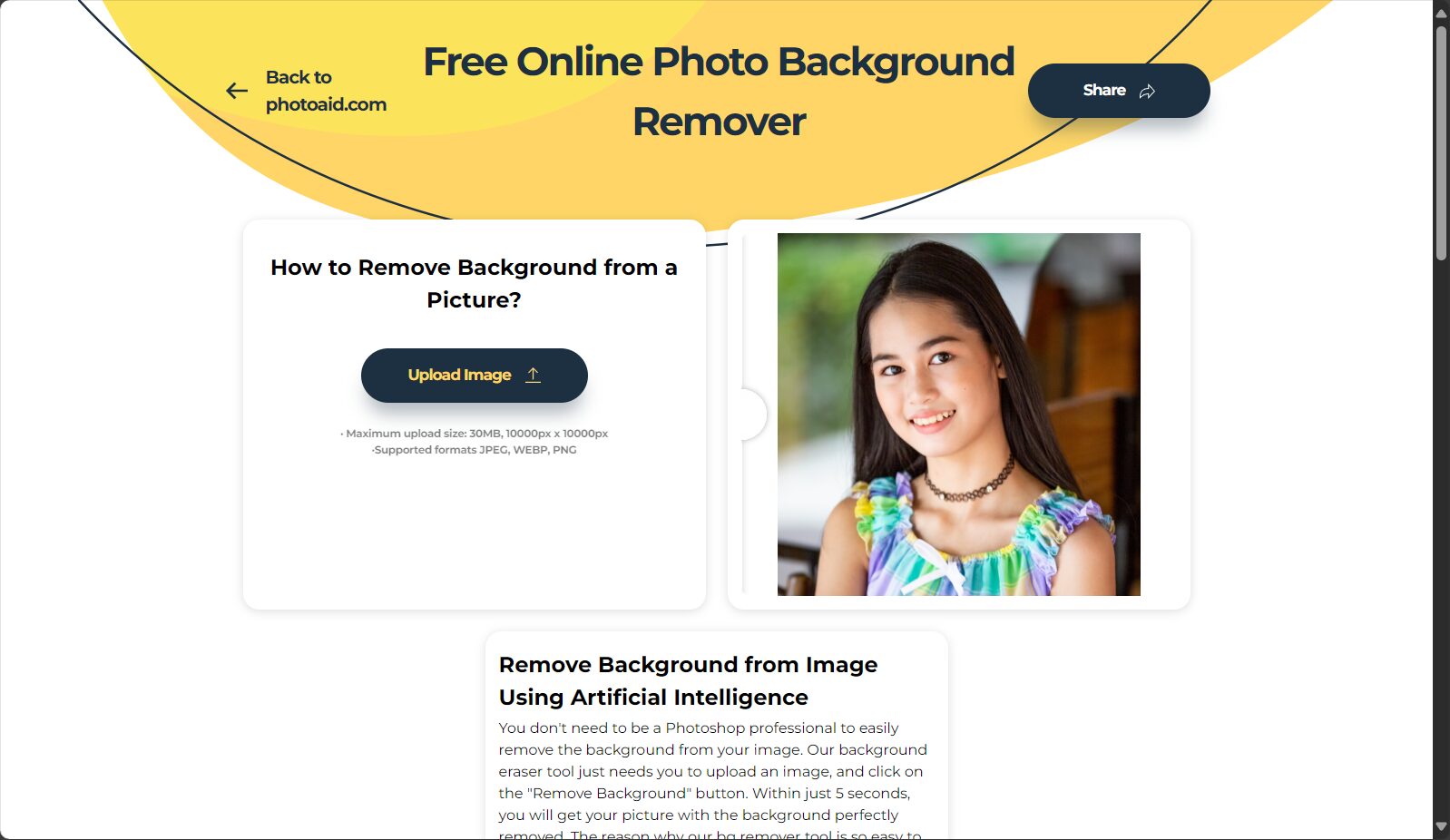
In addition to its AI image upscaling function, the PhotoAid online platform also integrates tools for background removal, shadow removal, cropping, and color adjustment, allowing users to complete all necessary editing before and after image upscaling in one place (see details).PhotoAid Official Tools Section)。
Interact with a vast array of 2D and 3D characters and experience truly unlimited AI role-playing dialogue. Join now! New users receive 6000 points upon login!
PhotoAid Image Upscaler is currently a completely free tool.Users can enjoy all core functions without registration, payment, or membership. The maximum size for uploaded single images is 10000×10000 pixels/30MB, suitable for most practical needs. All processing is ad-free and has no hidden costs, providing an excellent user experience.
Fees
Details
Usage fee
Free, no cost
Advertising interference
No ads
Registration requirements
No registration required
Function call restrictions
A single processing capacity of up to 30MB or 10,000 pixels in side length.
Select the image you want to enlarge; its format and size must meet the requirements.
—
AI magnification processing
The system automatically performs AI lossless magnification in the background.
—
Results Preview and Download
Test results, click to download high-resolution images
—
If you need to process images in batches, we recommend that you pay attention to future updates from the PhotoAid team or official announcements.
Who is PhotoAid Image Upscaler for?
PhotoAid Image UpscalerIt not only caters to professional photo editors but also provides a barrier-free AI image experience for a vast number of ordinary users and content creators. It is especially suitable for the following groups:
Content creators/self-mediaEssential for social media image and text layout, video covers, and illustrations; a powerful tool for enhancing image quality.
E-commerce sellers/brandsEnhanced product main image details improve purchase conversion and visual impact.
Graphic/UI DesignerOld photo restoration, secondary creation of materials, and final project output.
Photography enthusiasts/photo studio industry:旧照片、Portrait restoration、艺术作品高分辨率打印
Schools/Companies/Resume Photo RequestersAI-powered lossless enlargement of mobile phone photos or screenshots to meet the needs of various documents and reports.
For more AI image tools, please visit PhotoAid.Tools Homepage
PhotoAid Image Upscaler Performance Comparison and Advantages
A horizontal comparison of common image AI tools on the market
Functions/Platform
PhotoAid Image Upscaler
Topaz Gigapixel
ImgUpscaler
AVAide Image Upscaler
Is it free?
Completely free
TOLL
Free + Paid
free
Maximum pixel support
10,000 x 10,000
16,000 x 16,000
4,096 x 4,096
8X magnification
Cloud-based operation/No download or installation required
是
No (installation required)
是
是
Should we optimize the portrait?
是
是
否
是
Batch processing
否
support
TOLL
否
Advertisement/Watermark
无
无
Free with watermark
无
Data source: Official websites of various platforms / Public information as of June 2024
PhotoAid Image UpscalerCompletely free, it also features portrait optimization and maximum resolution support, making it ideal for users who want to enlarge high-quality images daily.
User Reviews and Real-World Cases
“"It's much simpler to use than Photoshop; photos become high-resolution images in seconds!"”——Brand New Media Operations
“"ID photos, graduation photos, and photos taken while doing exercises can all be enlarged with one click using AI, providing an experience far superior to traditional image editing."”——College students
“"After improving the image quality of the main e-commerce images, the store's conversion rate increased by 101 TP3T+!"”—Well-known e-commerce merchants
To learn more and view more real-world user case studies, please visit [website address].PhotoAid official websiteThe help page.
Which image formats does PhotoAid Image Upscaler support?
answer:It supports three mainstream image formats: JPEG, WEBP, and PNG, meeting the needs of almost all terminals and content.
What is the maximum size of a single image? Can you handle high-resolution images?
answer:The maximum size of a single image is 30MB, with a resolution limited to 10,000 x 10,000 pixels, far exceeding most similar products. It can easily handle both photographic works and original illustrations.
Will the image be distorted when zoomed in? How exactly does AI optimize image details?
answer:PhotoAid Image Upscaler uses advanced AI algorithms to automatically replenish pixel information and edge details, restoring natural colors and facial textures. Compared to traditional stretching and interpolation methods, the enlarged image is more natural and of higher fidelity. It is particularly effective at optimizing photos containing portraits.
More real-time FAQs are available.Help & Support PageGet an official response.
PhotoAid Image UpscalerWith the aim of "making high-quality images accessible to everyone," this tool completely solves long-standing problems such as blurry images when enlarged and complex operations. Its extremely simple operation, powerful AI engine, and comprehensive free and open-source strategy have set a new benchmark for AI image tools. Whether you are a designer, e-commerce professional, content creator, or ordinary user, you should try this new tool and embark on your own high-definition visual creation journey.
Interact with a vast array of 2D and 3D characters and experience truly unlimited AI role-playing dialogue. Join now! New users receive 6000 points upon login!
PhotoAid Image Upscaler浏览人数已经达到89,如你需要查询该站的相关权重信息,可以点击"5118 Data""Aizhan Data""Chinaz data""Based on current website data, we recommend using Aizhan data as a reference. More website value assessment factors include:"PhotoAid Image UpscalerAccess speed, search engine indexing and volume, user experience, etc.; of course, to evaluate the value of a website, the most important thing is to base it on your own needs and requirements, and some specific data will need to be obtained from [research institutions/resources].PhotoAid Image UpscalerWe will negotiate with the website owner to provide information such as the website's IP addresses, page views (PV), and bounce rate.
aboutPhotoAid Image UpscalerSpecial Announcement
This site's AI-powered navigation is provided by Miao.PhotoAid Image UpscalerAll external links originate from the internet, and their accuracy and completeness are not guaranteed. Furthermore, AI Miao Navigation does not have actual control over the content of these external links. As of 4:48 PM on August 13, 2025, the content on this webpage was compliant and legal. If any content on the webpage becomes illegal in the future, please contact the website administrator directly for deletion. AI Miao Navigation assumes no responsibility.