

Whautomate
Whautomate是一款专为WhatsApp及多平台消息自动化与CRM管理而生的AI办公工具。
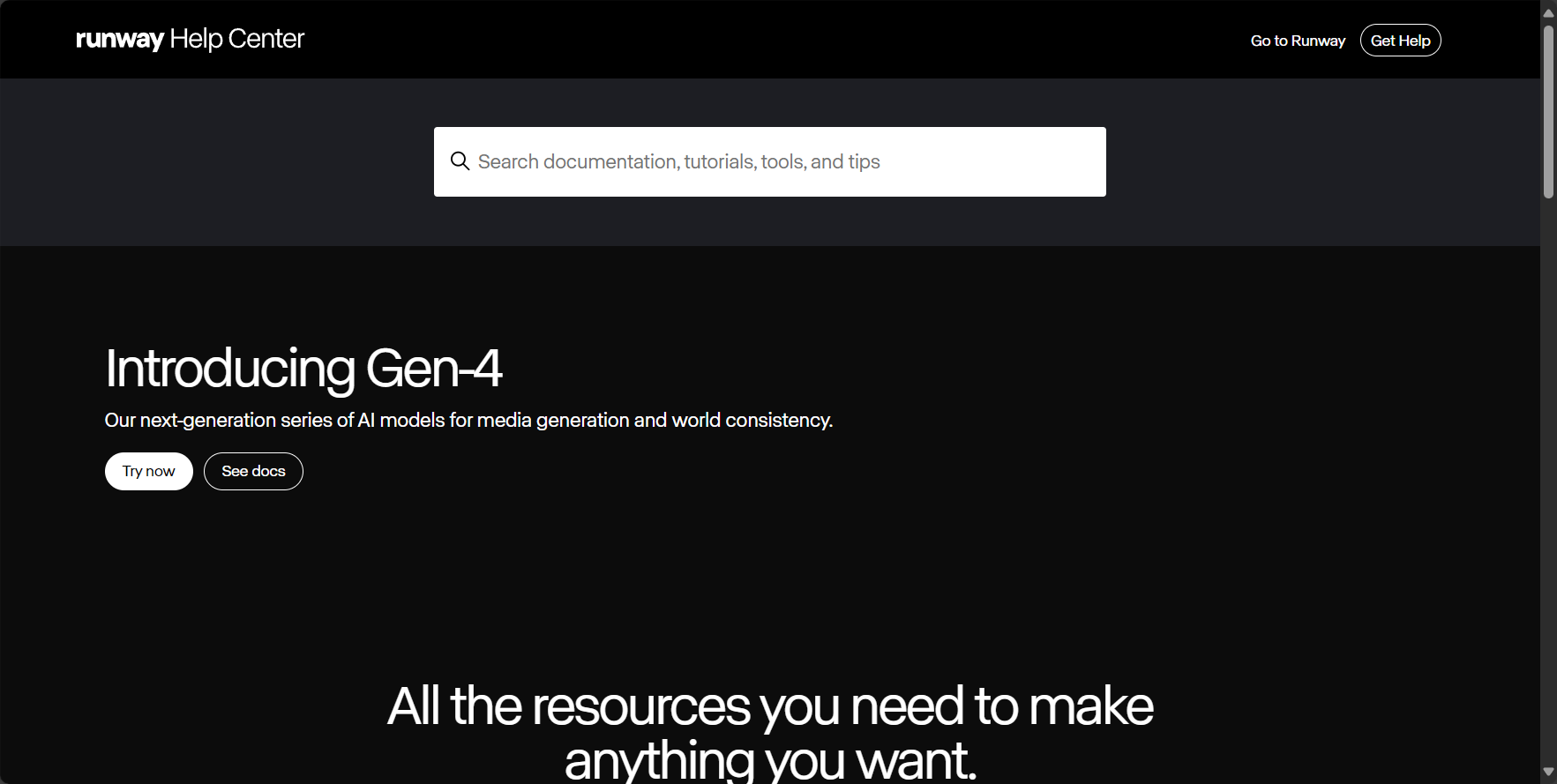
runwayml is a convenient AI video creation and editing website.
 Runway ML
Runway ML is an industry leaderAI video creation and editing platformAimed at filmmakers, visual artists, and content creators, this tool boasts professional-grade AI magic tools with comprehensive functions, enabling users to generate cinematic dynamic visuals from text to video with just simple descriptions. This article provides a detailed analysis of its product features, pricing plans, usage process, and comparison with mainstream AI video tools. Its biggest advantage lies in its one-stop "content creation suite," helping various users efficiently overcome the technical barriers of video production and quickly achieve high-quality original dynamic visual creations.
[Reporter's Report] In 2024, the AI video generation market heated up significantly, and Runway ML, as a pioneering platform in this field, once again stood at the forefront. Whether for special effects production in independent films or everyday short videos created by content creators, Runway's powerful AI video generation and editing capabilities have become a productivity weapon for creative professionals worldwide. This article will provide a detailed analysis of its core functions, pricing plans, suitable users, practical operation steps, and frequently asked questions, helping you fully master this star product hailed as a "commonly used AI video tool."
Official website:https://runwayml.com
As an AI-driven professional-grade content creation suite, Runway ML is integrated into a powerful cloud collaboration platform, catering to diverse scenarios such as short film production, advertising creativity, visual effects, and motion design, and emphasizing an innovative experience that "reshapes future narratives".
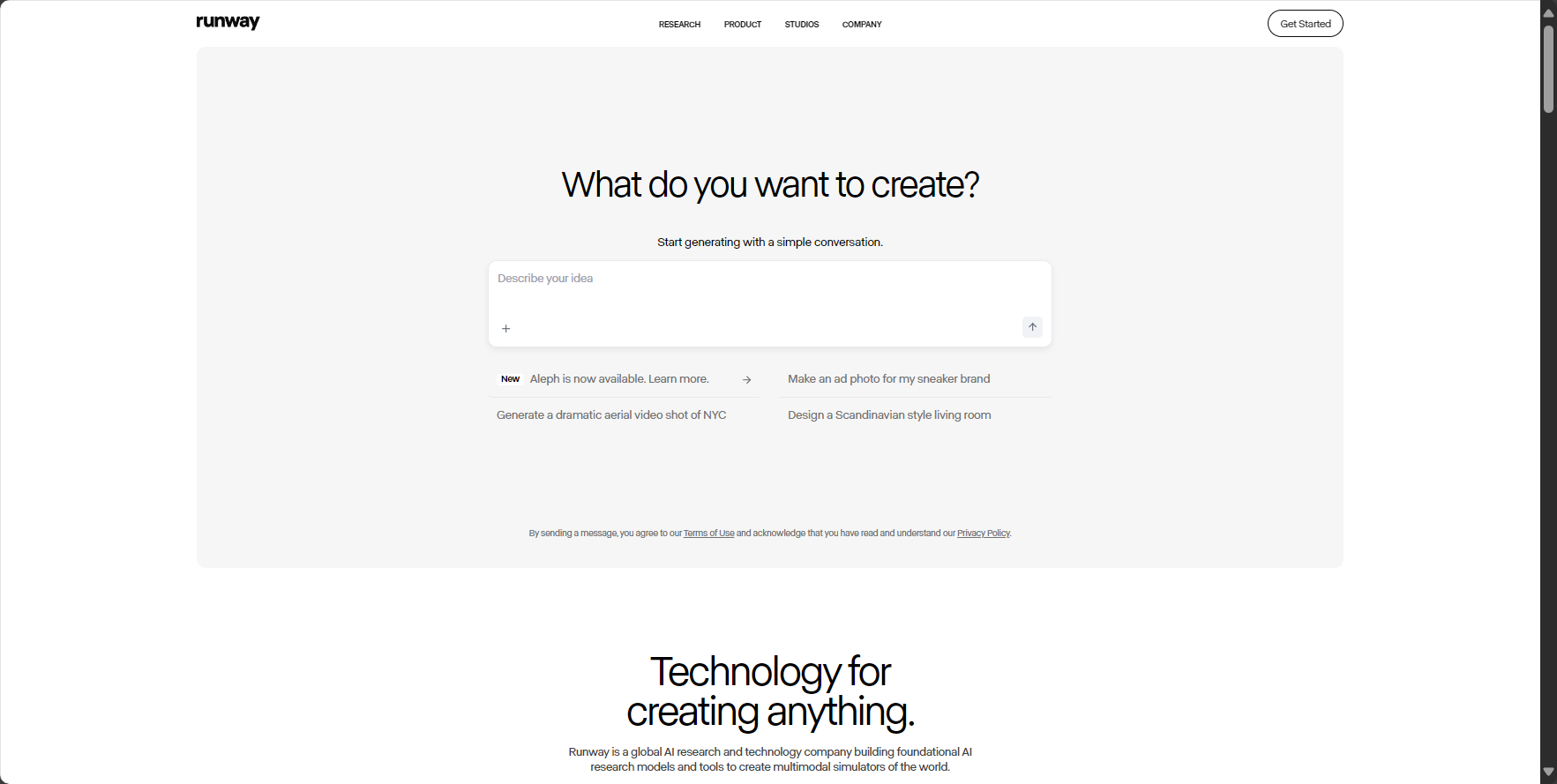
| Main functions | Introduction and Advantages | User Operations |
|---|---|---|
| Text/Image to Video Generation (Gen-2) | Enter a description or upload a static image to automatically generate high-quality, highly consistent dynamic videos. | Enter a prompt or upload an image, select style parameters, and generate an AI video. |
| Precision motion and camera control | With features such as motion brushes and camera controls, you can precisely specify dynamic areas of the image and the trajectory of camera movement. | Use the Motion Brush to paint over moving areas and set camera panning, zoom, etc. |
| AI Magic Tools | AI-powered image expansion, video/image restoration, object removal, slow motion, background replacement, and more. | Infinite Image, Inpainting, Super-Slow Mo, Green Screen, etc. |
| Video editing and special effects integration | It has a built-in full-featured multi-track video editor that allows you to directly edit and composite AI-generated content. | Seamlessly drag AI clips into the timeline for editing, adding sound effects and subtitles. |
| Custom AI Training | Train your own AI model to generate content with a specific style or character. | Upload your own dataset and train a personalized generative model. |
| Real-time collaboration and project management | AI-generated content and project materials can be stored in the cloud, supporting real-time collaboration among team members. | Seamlessly integrates into team projects, supporting cloud sharing and version management. |
| 3D textures and motion capture | It supports advanced features such as generating 3D textures from text and extracting motion trajectories from videos. | 3D Texture Generation, Motion Tracking, etc. |
| Material Library and Copyright Protection | AI-generated content enjoys a clear copyright policy, supporting both personal and commercial projects. | Legitimate commercial use, project safety and compliance. |
Runway ML, a professional-grade AI content creation platform, offers free and multiple paid subscription models for different user groups. Its powerful features and point-based consumption model have become a hot topic in the market.
Please see the official pricing information for details:Runway ML Official Subscription Page
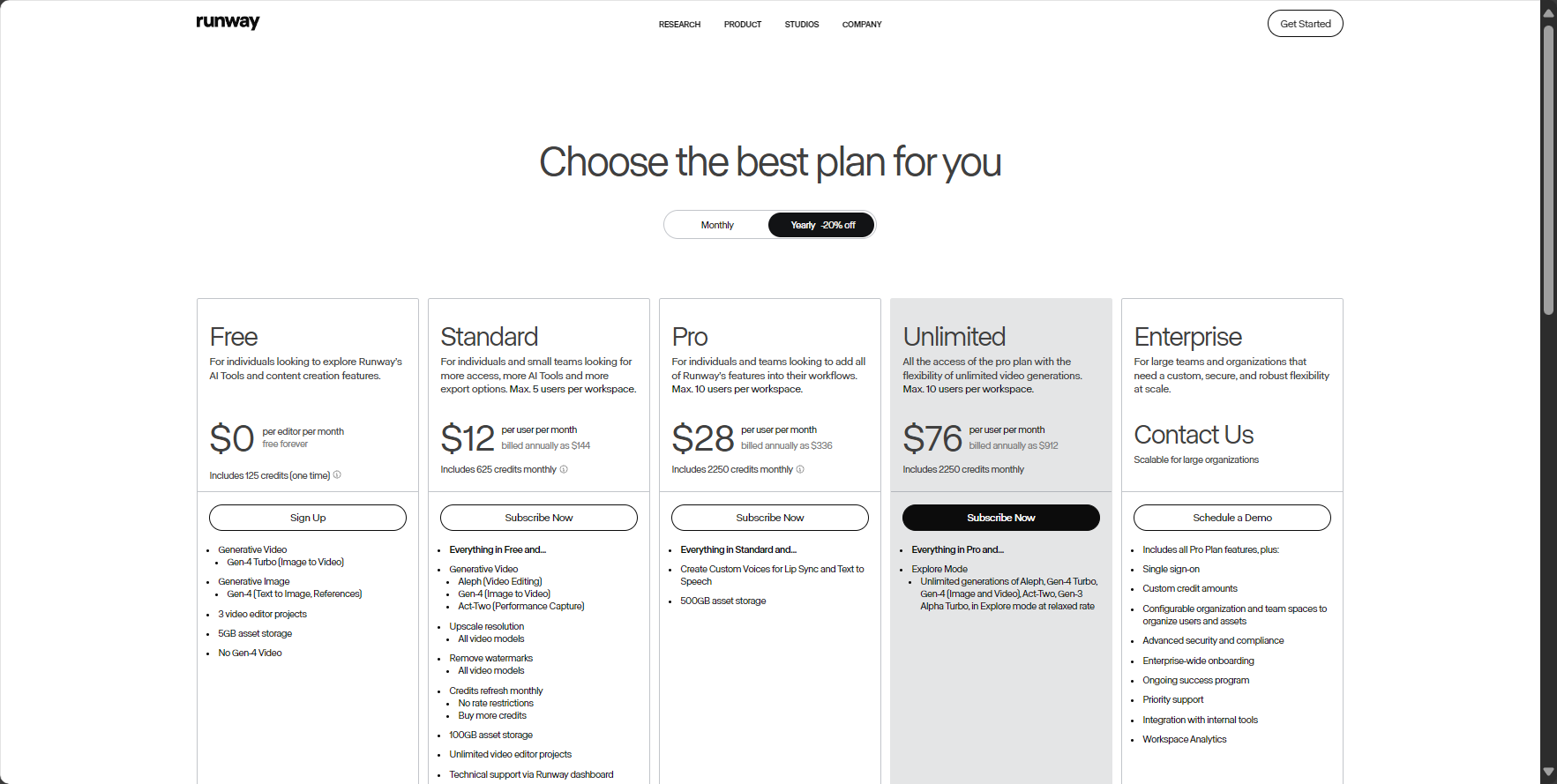

| Package Name | Target audience | AI video generation quota | Main AI functions | price |
|---|---|---|---|---|
| Free (Free Version) | Beginners, test users | 125 credits (one-time payment) | Basic AI functions, 720p export, with watermark. | 0 yuan |
| Standard Version | Individual creators, casual users | 625 credits/month | Export in 1080p, unlock more AI tools, and purchase additional points. | $15/month / $144/year |
| Pro (Pro version) | Professionals, high-frequency creators | 2250 credits/month | 4K export, watermark-free, complete AI toolset, more storage space. | $35/month / $336/year |
For instructions on how to try the Pro version, please refer to the Runway ML Pro Program.
Runway ML emphasizes "creativity-driven" design, offering numerous professional features while maintaining an intuitive core operation: simply enter a creative description to instantly obtain a customized dynamic visual. See the official website for complete instructions.
Runway ML has a professional yet broad positioning, and creators from different backgrounds have vastly different perceptions of the platform's value:
| Target audience | Application scenarios | Typical requirements |
|---|---|---|
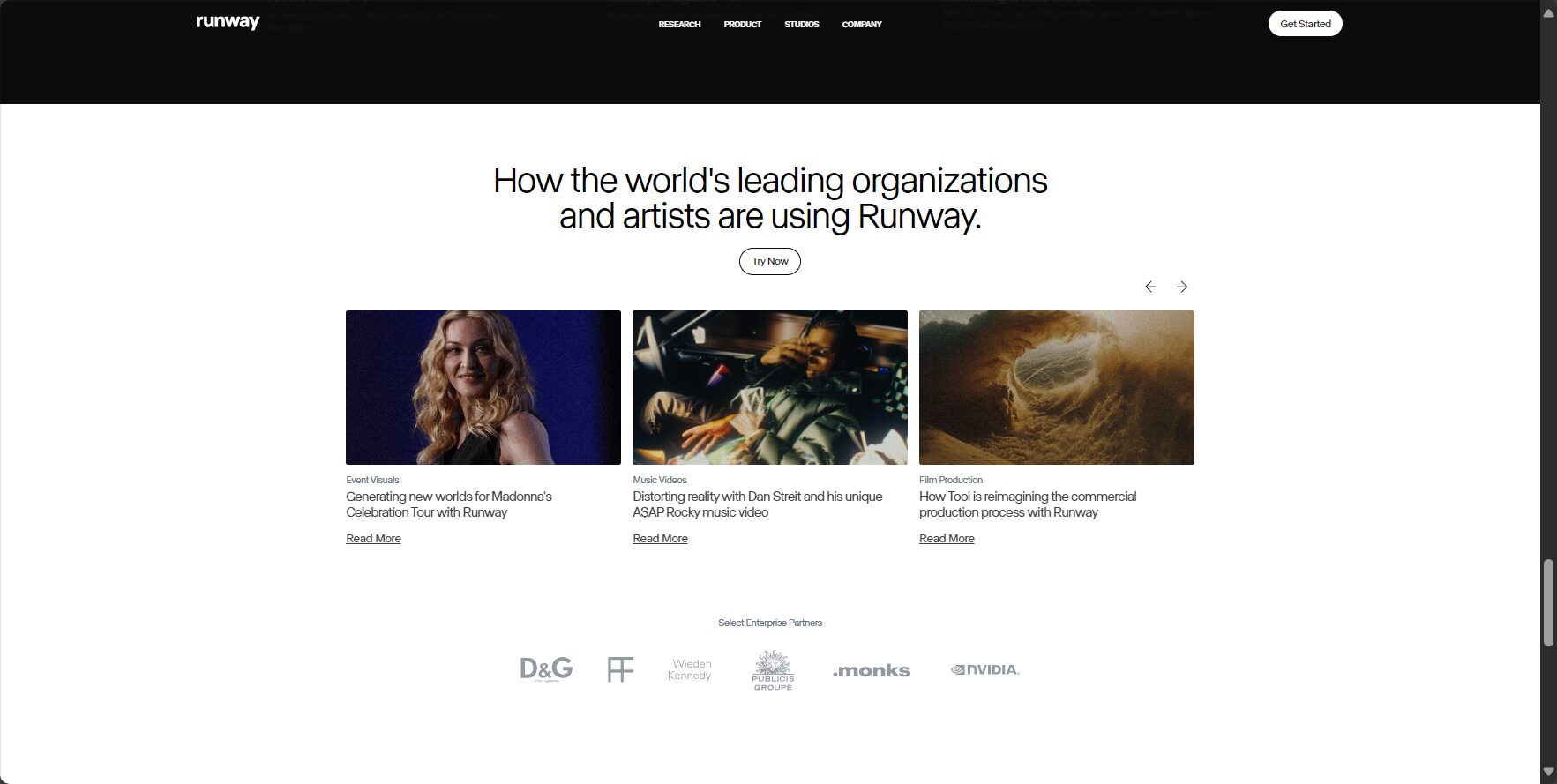
| Independent filmmakers/directors | Concept short film, special effects preview, B-roll material | Quickly visualize the script, achieve complex special effects at low cost, and generate supplementary shots. |
| Advertising creatives/marketing department | Animatic advertising prototypes and dynamic posters | Efficiently generate ad creative drafts and create eye-catching dynamic visuals for social media. |
| VFX Artist/Animator | Visual effects production, background generation, character animation | It assists in completing VFX shots, quickly generates dynamic backgrounds, and adds motion effects to static characters. |
| New media/content creators | Short video content, music video production, animated covers | Enhance the visual impact of video content and create a differentiated style. |
| Designer/Visual Artist | Dynamic art, experimental video | Explore AI-powered visual aesthetics, break through the limitations of traditional media, and engage in artistic creation. |
| Game developers | Game cutscene prototypes, dynamic textures | Quickly create drafts for game cutscenes and generate dynamic in-game materials. |
Note: Paid users can enjoy high-quality output and professional tools, while team users are better suited for project processes that require collaboration among multiple people.
In the AI video field, Runway differentiates itself from commonly used AI video tools such as Pika and Sora (OpenAI). The table below provides a feature comparison for users' reference:
| Tool Name | Free quota | Video generation quality | Editing integration | Professional control | Unique advantages |
|---|---|---|---|---|---|
| Runway ML | 有 | excellent | Extremely high (built-in editor) | Extremely high | An all-in-one professional creative suite, from generation to editing. |
| Pika | 有 | excellent | lower | higher | User-friendly, with an active community, and focused on the generation process itself. |
| Sora (OpenAI) | None (not disclosed) | Top-tier (industry benchmark) | unknown | unknown | Leading in video length, consistency, and physical simulation capabilities. |
| Kapwing | 有 | good | Extremely high (primarily for editors) | lower | It is based on an online video editor and integrates AI-assisted functions. |
I. Advantages and Highlights
II. Limitations and Precautions
1. What languages and style descriptions does Runway ML support?
Content Description:
Currently, Runway ML primarily supports English prompts. Users can freely describe scene content, visual style, camera movement, and atmosphere using natural language. For best results, it is recommended to use specific and vivid descriptions, and incorporate photographic terminology such as "wide-angle lens," "golden hour," and "cinematic lighting effects."
2. Can videos generated by Runway ML be used commercially? Are there any copyright risks?
Content Description:
According to Runway's terms of service, paid subscribers (Standard, Pro, etc.) have full ownership of the video content they generate and can use it for commercial purposes. Content generated by free users is subject to a stricter licensing agreement. Commercial users are advised to choose a paid plan to mitigate copyright risks.
3. How does Runway ML differ from other AI video tools such as Pika?
Content Description:
The biggest difference between Runway ML and Pika is thatpositionRunway ML is a "one-stop professional creative suite".“It not only includes video generation, but also integrates a powerful video editor and a series of AI magic tools; while Pika focuses more on“"High-quality video generation itself" features a simpler interface and is easier to learn. If you need an all-in-one toolkit from concept to finished product, choose Runway; if your core need is to quickly generate video clips, Pika might be more straightforward.
This round of AI vision revolution has reshaped film and television production and visual storytelling.Runway MLWith its professional-grade all-in-one suite, powerful controllability, and cutting-edge technological innovation, Runway ML firmly establishes itself as a leader in the industry. Whether you are a filmmaker, designer, or an ordinary user passionate about creativity, by making good use of Runway ML's features, you can easily overcome the high barriers of traditional video production and ignite boundless dynamic imagination. In the future, the deep integration of AI video tools and creative workflows will continue to empower global innovators with more efficient and expressive storytelling capabilities.
This site's AI-powered navigation is provided by Miao.Runway MLAll external links originate from the internet, and their accuracy and completeness are not guaranteed. Furthermore, AI Miao Navigation does not have actual control over the content of these external links. As of 5:38 PM on September 13, 2025, the content on this webpage was compliant and legal. If any content on the webpage becomes illegal in the future, please contact the website administrator directly for deletion. AI Miao Navigation assumes no responsibility.
