

Eilla AI
Eilla AI是一款专为M&A、VC和PE领域打造的智能AI决策平台,助力金融行业高效分析、筛查与尽调。
VanceAI Image Resizer is an online image resizing tool based on AI algorithms. It supports lossless enlargement, batch processing, and editing of multiple image formats, allowing you to optimize high-definition images with a single click without downloading or installing anything.
 VanceAI Image Resizer
VanceAI Image ResizerAs an onlineAI image resizing toolWithIntelligent lossless upscaling, efficient batch processing and high-quality image optimizationThis platform has won the favor of numerous designers, e-commerce businesses, and content creators. It supports uploading images in multiple formats, and users can achieve precise image scaling and clarity enhancement in just three simple steps, without the need for downloads or installations, significantly improving image workflow efficiency. A free trial and various paid packages are currently available, making it widely applicable to e-commerce, social media, marketing, design, and other scenarios.
Online Image Resizing "Magic Tool"—VanceAI Image Resizer Platform News Report
In 2024, with the continuous development of AI image processing technology, more and more AI image tools were adopted by the public and enterprises to improve work efficiency and image output quality. Among them, VanceAI's...VanceAI Image Resizer stands outIt has become a popular choice for designers, e-commerce operators, social media marketers, and other groups. Today, we will discuss this AI image tool. (VanceAI Image Resizer official website) To conduct in-depth reporting.
Faced with the trends of e-commerce image standards, social media display demands, and increasingly refined content, traditional image scaling methods can no longer meet the requirements for efficient and high-quality output.VanceAI Image Resizer is based on the latest AI algorithms and focuses on image resizing and clarity assurance. Users do not need to register or install any software; they can upload, resize, and download images simply through a webpage. Furthermore, the platform supports various image formats, batch processing, and lossless enlargement, among other practical features.
For more details and usage instructions, please visit [website address].VanceAI Image Resizer Official Website。
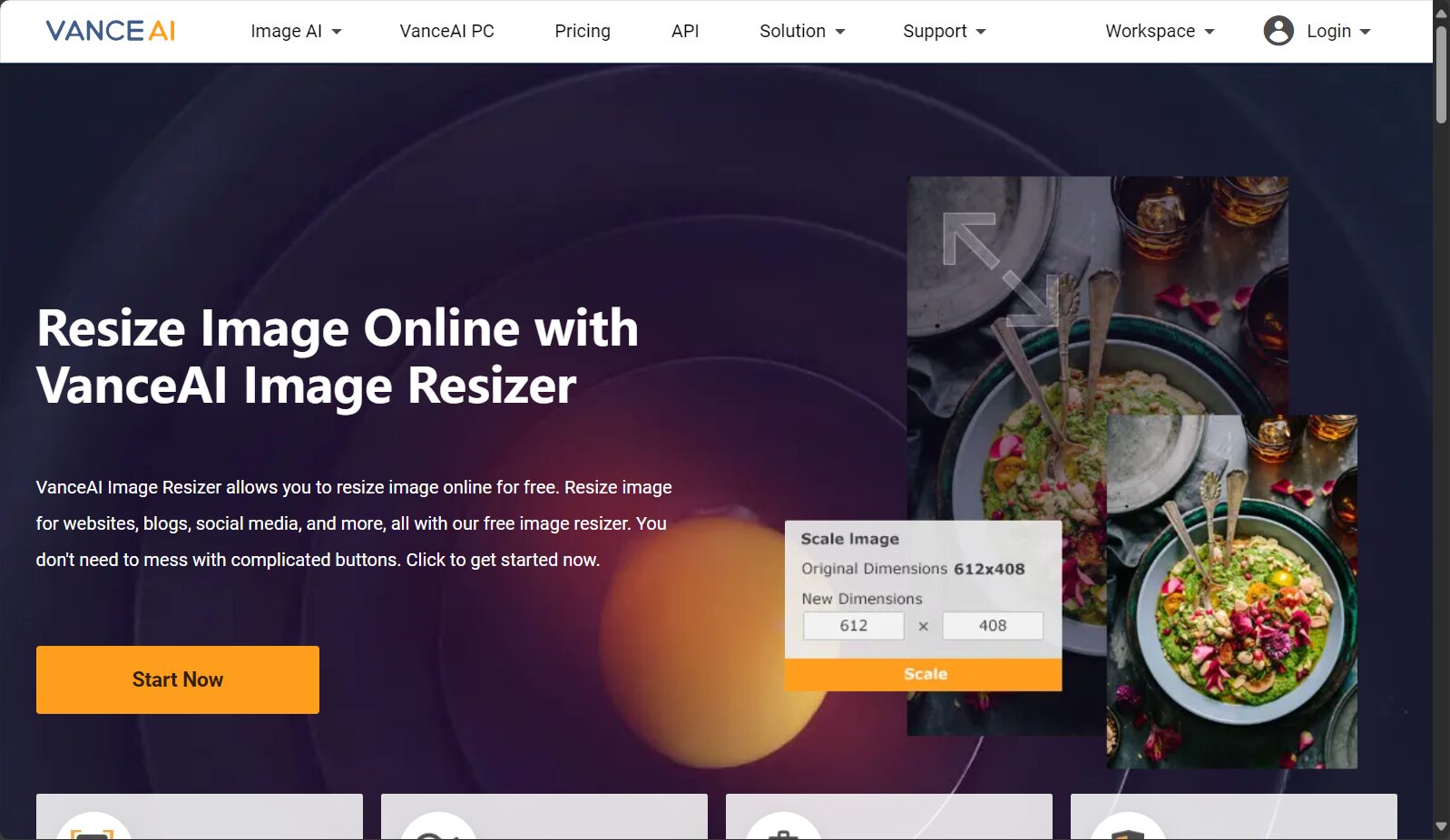
VanceAI Image Resizer is a professional AI image tool with a wide range of core functions, meeting the needs of different user scenarios.
| Function Name | Function Description | Applicable Scenarios |
|---|---|---|
| Intelligent size adjustment | Scale the image to the user-specified width, height, or aspect ratio while maintaining sharpness. | E-commerce images, social media platforms, design projects |
| Lossless magnification | Images can be enlarged up to 800 pixels (TP3T), utilizing AI intelligent pixel supplementation to preserve detail. | Advertising boards, large-format printing, high-definition display |
| Batch processing | Supports uploading multiple images at once and batch adjusting them synchronously, improving processing efficiency. | Large batch of product images for e-commerce |
| Automatic format compatibility | Supports mainstream formats such as JPG, PNG, WEBP, and BMP. | Diverse sources of everyday images |
| Image quality enhancement | AI noise reduction and sharpening technologies reduce blur and noise, optimizing the visual appeal of images. | Old image restoration, low-resolution photo enhancement |
| Ready to use online | No download or installation required; operate directly online via cross-platform browser. | Rapid emergency response, remote work |
| Basic editing (cropping, rotating) | Simple image cropping and rotation functions are available to meet further editing needs. | Material fine-tuning |
Experience all features:Direct access to the VanceAI Image Resizer platform
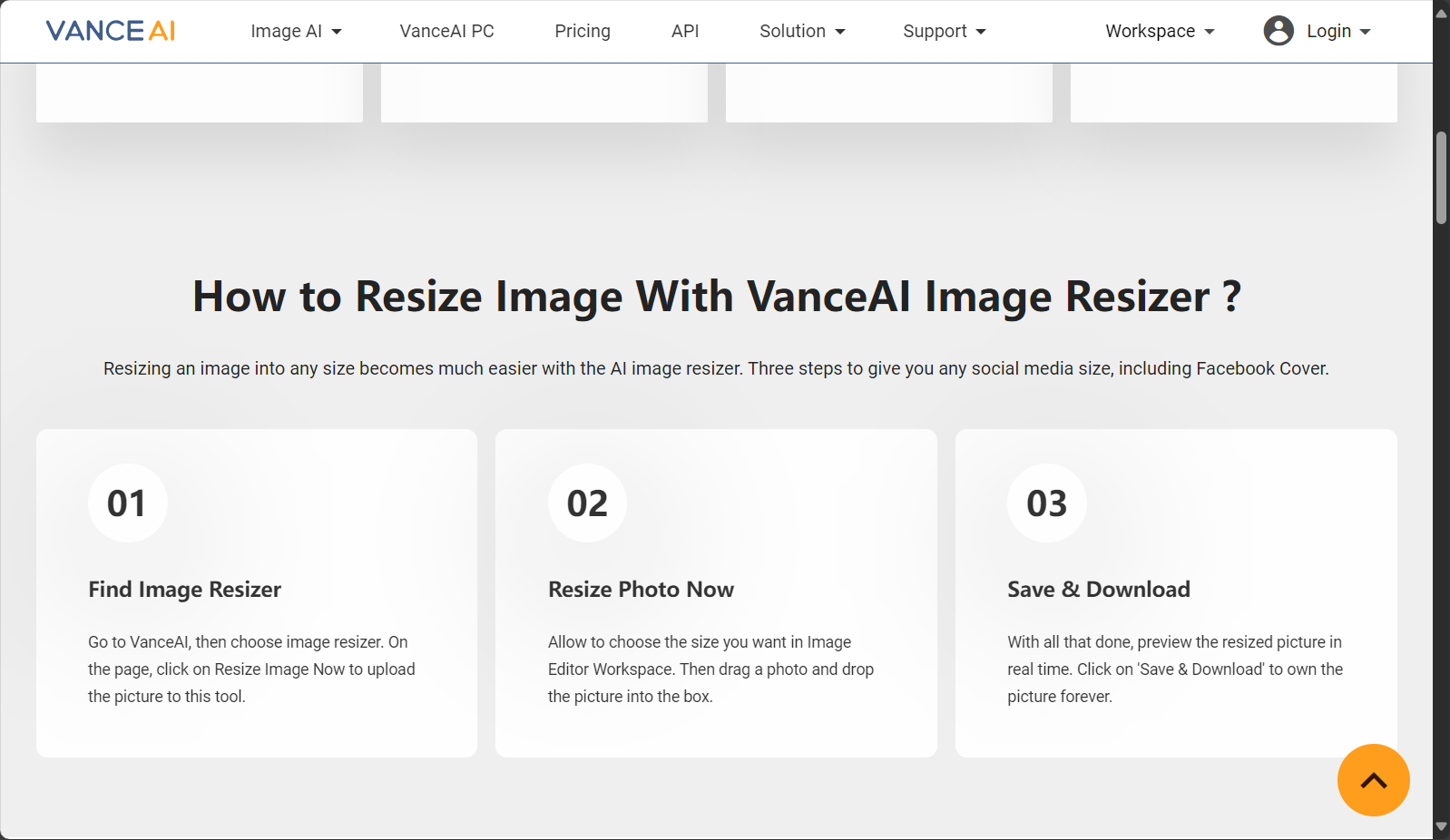

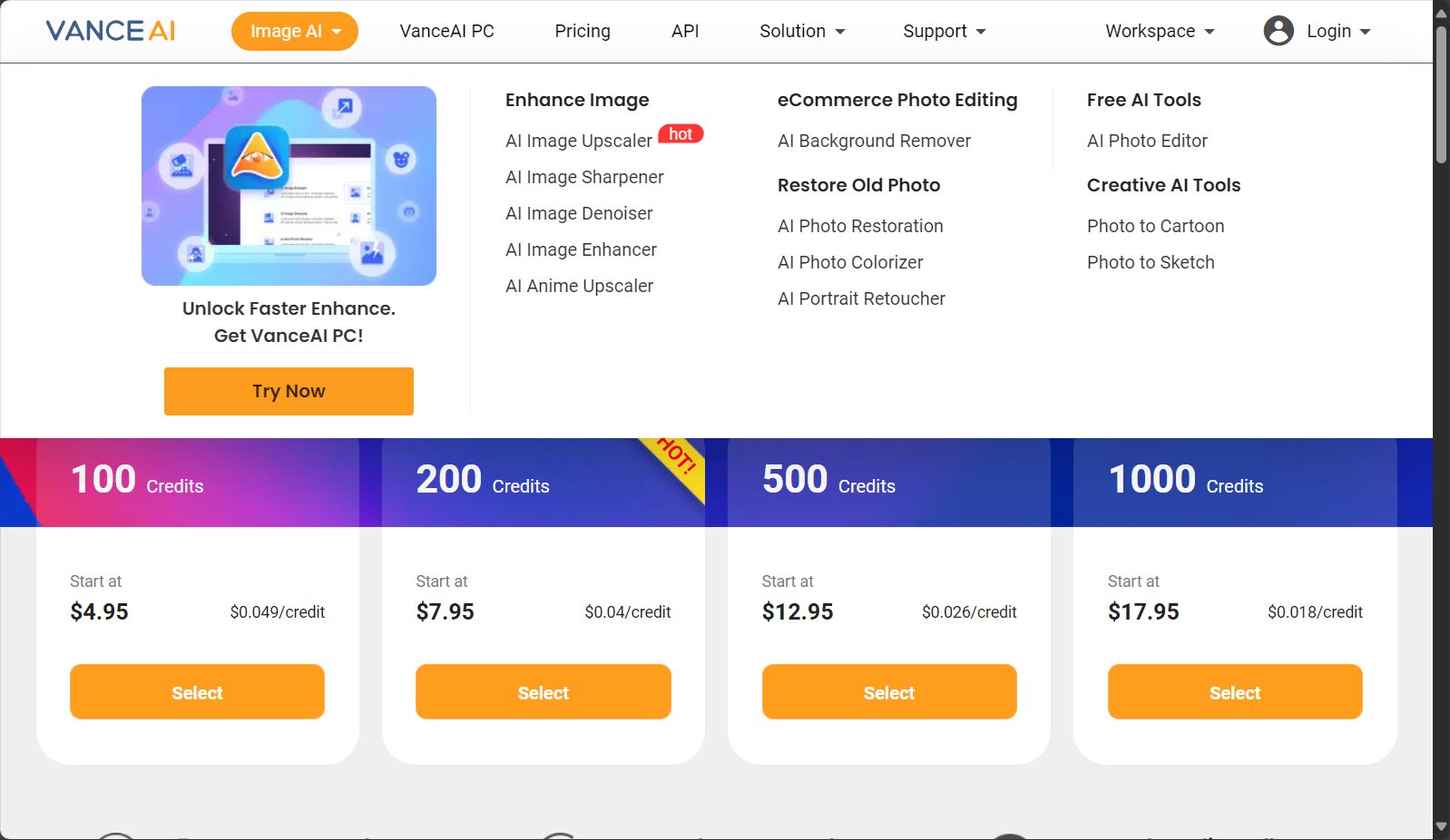
VanceAI Image Resizer currently offers users a flexible free trial as well as multi-tiered subscriptions and pay-per-view packages to suit different user groups.
(Note: Prices may fluctuate depending on real-time promotions or package optimizations. Please refer to the official website for details.)Official website announcement(This shall be the standard.)
| Scheme type | Trial times/points | Main limitations | Suitable for | Remark |
|---|---|---|---|---|
| Free trial version | You can get some free points each month. | Some functions are limited, and images are watermarked. | New users, scattered demands | No credit card required |
| Standard Member | Fixed monthly/annual payment | Unlock high-quality graphics and batch processing | Designers and operations team | Dedicated human customer service |
| Points-based packages | Flexible purchase of points | One-time bulk purchase, pay-as-you-go | Temporary bulk demanders | Available within the validity period |
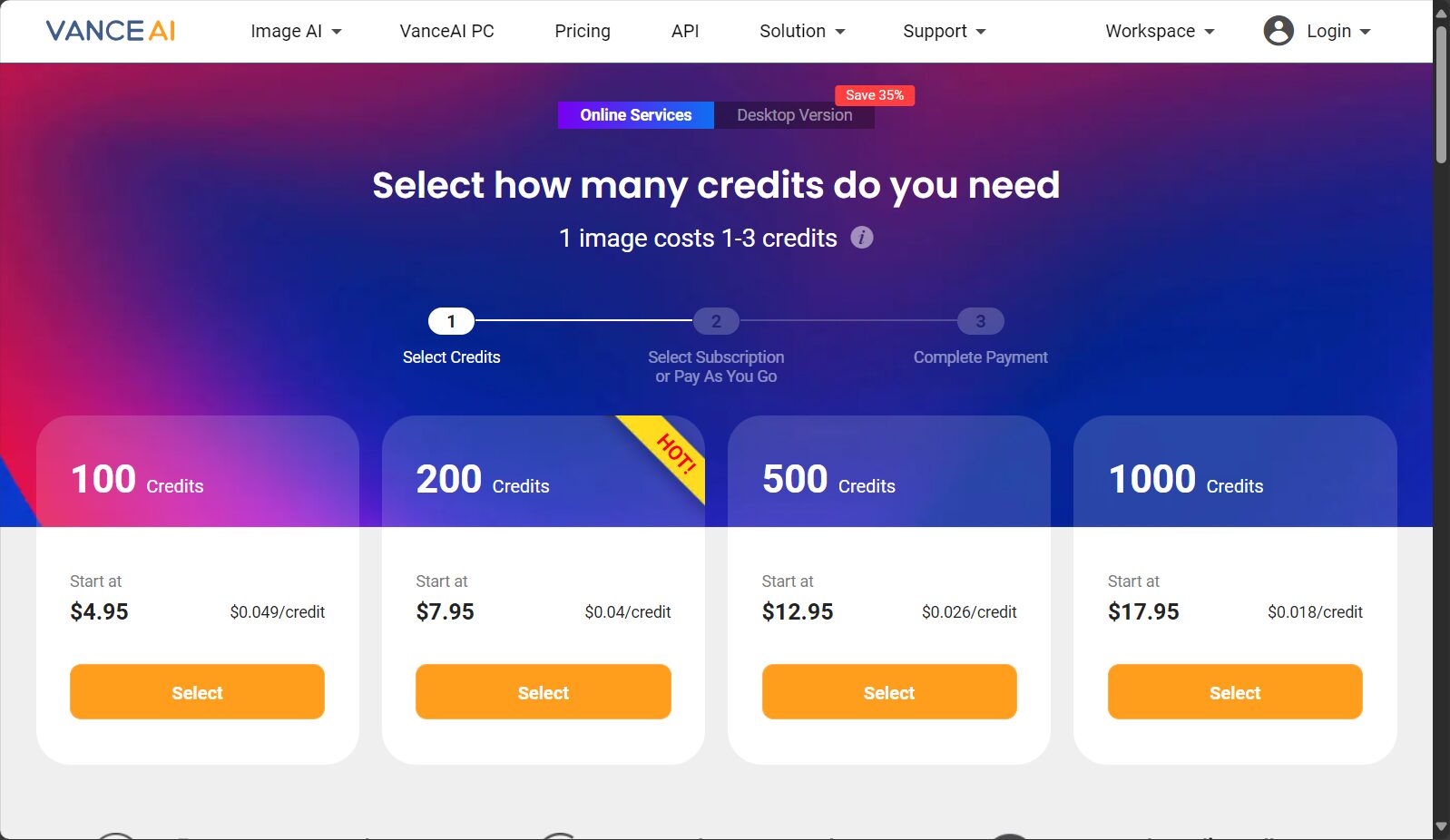
For purchase channels and detailed plans, please see [link/details].Official website price page。
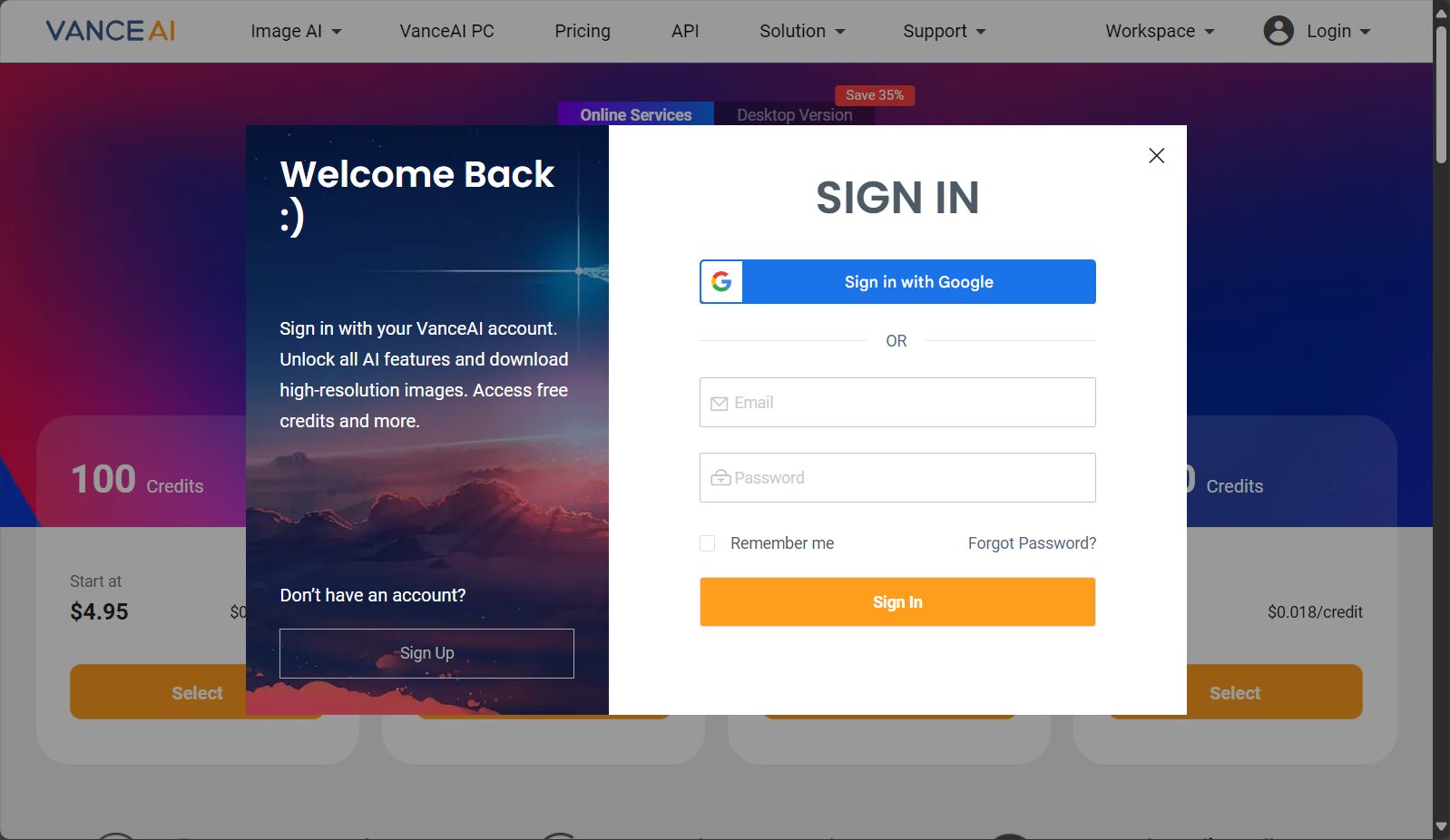
“With its "foolproof" operation process, VanceAI Image Resizer allows for easy image resizing in just 3 steps, providing an excellent user experience with virtually no learning curve.
picture/Online image resizing process
| Link | Difficulty | time consuming | Remark |
|---|---|---|---|
| Upload Image | Extremely easy | <5 seconds | Supports drag-and-drop upload |
| Setting parameters | Simple | <10 seconds | Batch settings for multiple images |
| Download and save | immediate | <5 seconds | Cloud storage is risk-free |
To try it out yourself, please click here:VanceAI Image Resizer online adjustment portal
VanceAI Image Resizer has a very wide user base and is a powerful tool for the following industries and positions:
Users of different professions can all accessVanceAI Image ResizerCustomize your own workflow.
The biggest technological highlight of VanceAI Image Resizer is its AI-based lossless upscaling technology. Traditional upscaling often results in problems such as pixelation and blurring, while its AI model can intelligently fill in the missing pixels, achieving extremely high clarity.
| Before enlargement (size, weight) | Enlarged (size, quality) + AI optimization | Application value |
|---|---|---|
| 600×600, with speckles | 2400×2400, sharp and lossless | Printing and e-commerce main images |
| 128×128, blurry | 1024×1024, improved detail | Webpage Icon |
| 480×360, old photos | 1920×1440, color reproduction | Restoration and commemorative display |
| tool platform | AI lossless magnification | Batch processing | Free trial | Watermark restrictions | Payment Policy |
|---|---|---|---|---|---|
| VanceAI Image Resizer | support | support | 有 | Free with watermark | 付费去除/无限额 |
| BigJPG | support | Limited | 有 | Partial restrictions | 高级功能需付费 |
| Waifu2x | support | 无 | 有 | 无 | free |
| AnyRec Upscaler | support | support | 有 | 无 | free |
答:VanceAI Image Resizer目前正式支持JPG、PNG、WEBP、BMP等主流图片格式,用户可放心上传常见文件,特殊格式建议转换后再处理。
答:平台采用深度学习AI算法,针对图片内容智能补全像素,可有效减少传统放大时的马赛克、锯齿。尤其适用于细节丰富的商品图、摄影作品等,高倍率下依然可保持较好清晰度,远优于PS等传统算法。但极低清低质图像过度放大依然有算法极限。
答:可支持批量上传处理,实际处理时长依据图片数量、尺寸及服务器拥堵情况而定。常规小批量(20张以内)通常10-30秒内即可全部处理完成,大批量建议分批优化,确保快速出图。如果遇高峰,可尝试避开热门时段操作。
随着AI技术持续进化,VanceAI Image Resizer凭借智能无损放大、高效批量处理与优秀的画质优化能力,已经成为海量图片处理、内容创作和商用设计领域首选的AI图像工具。如果你也追求极致的图片品质与高效工作流,不妨即刻通过 VanceAI Image Resizer 亲自体验AI图像时代的升级之路。
This site's AI-powered navigation is provided by Miao.VanceAI Image ResizerAll external links originate from the internet, and their accuracy and completeness are not guaranteed. Furthermore, AI Miao Navigation does not have actual control over the content of these external links. As of 4:48 PM on August 13, 2025, the content on this webpage was compliant and legal. If any content on the webpage becomes illegal in the future, please contact the website administrator directly for deletion. AI Miao Navigation assumes no responsibility.

