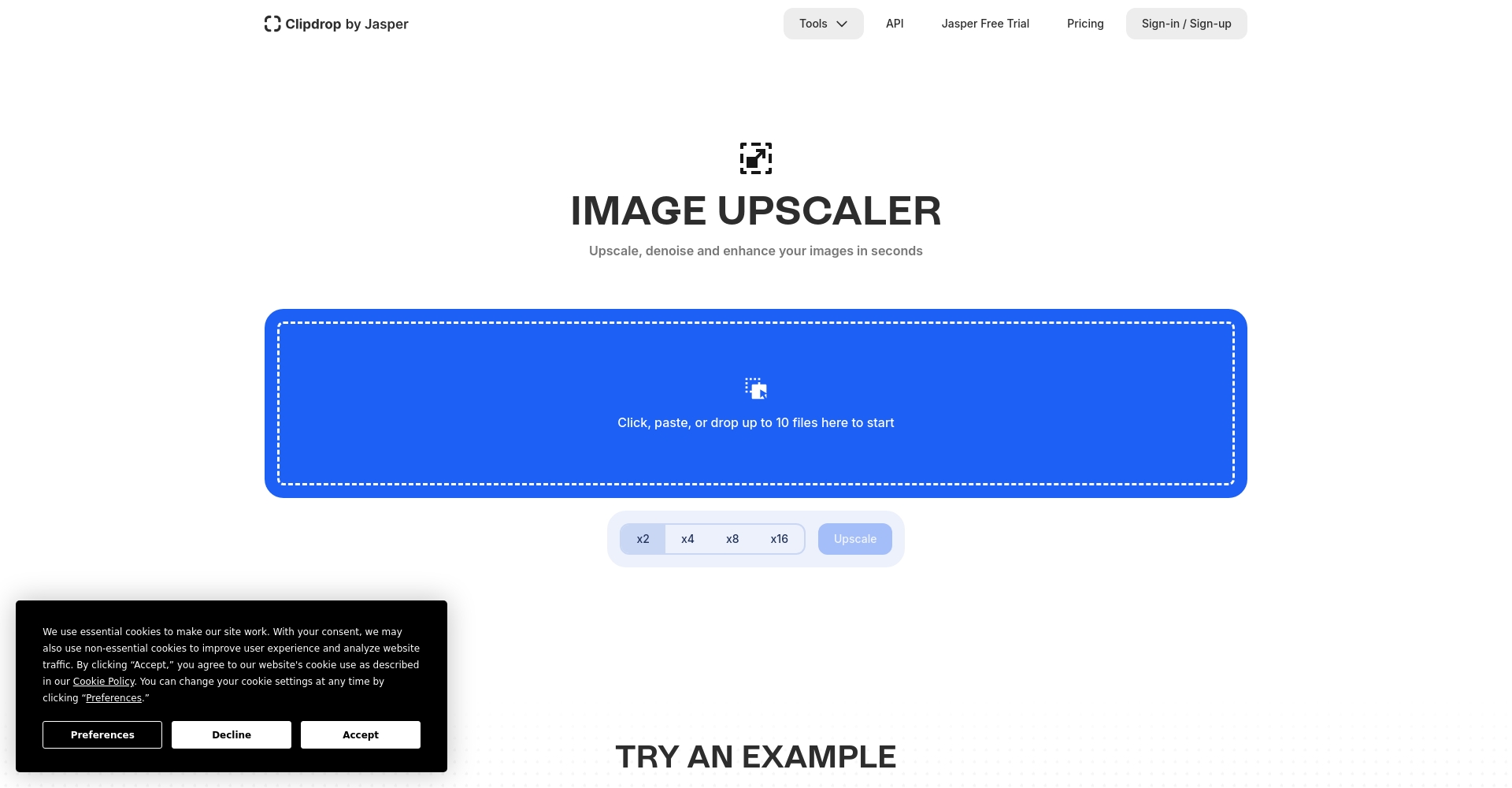
ClipDrop Image Upscaler is an AI-based online image upscaling and enhancement tool that intelligently improves image quality and restores details. It is easy to use and supports multiple formats and batch processing.
ClipDrop Image Upscaler: Amplify the details of your images with the power of AI.
ClipDrop Image Upscaler It uses AI technology to help users enlarge low-quality images many times over, restoring more details and removing noise and compression artifacts.Supports multiple selection and batch uploadWith its intuitive operation and free trial, it significantly improves image optimization efficiency, making it the top choice for designers, e-commerce businesses, and general users to enhance image quality.
With generatrix AI image toolsWith the rapid popularization of image enhancement, more and more creators, designers and business users are seeking efficient, simple and effective image enhancement solutions.ClipDrop Image Upscaler This is one of the popular choices for this type of need. This article will take you on an in-depth look at this well-known online image upscaling and enhancement platform.
ClipDrop Image Upscaler Powered by robust AI technology, it enlarges and intelligently completes details in low-resolution images, automatically removing compression artifacts and noise. Users can easily enhance images simply by uploading them, without any professional editing experience.
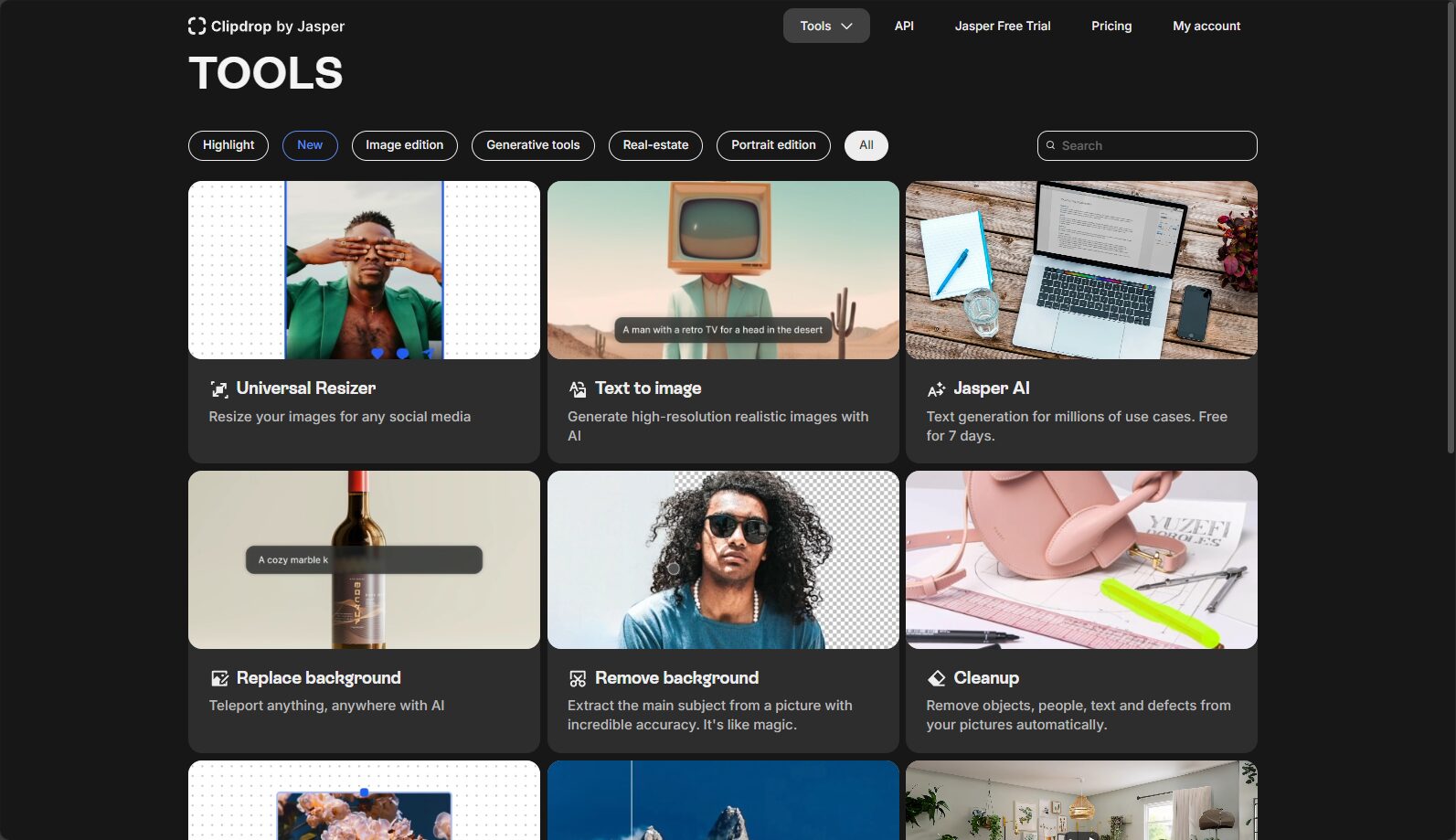
thoughtfulDrag and drop upload、Instant preview comparisonThis makes it easy for beginners to get started. The platform also offers a variety of AI image tools such as background removal and image repair, creating a one-stop processing experience.
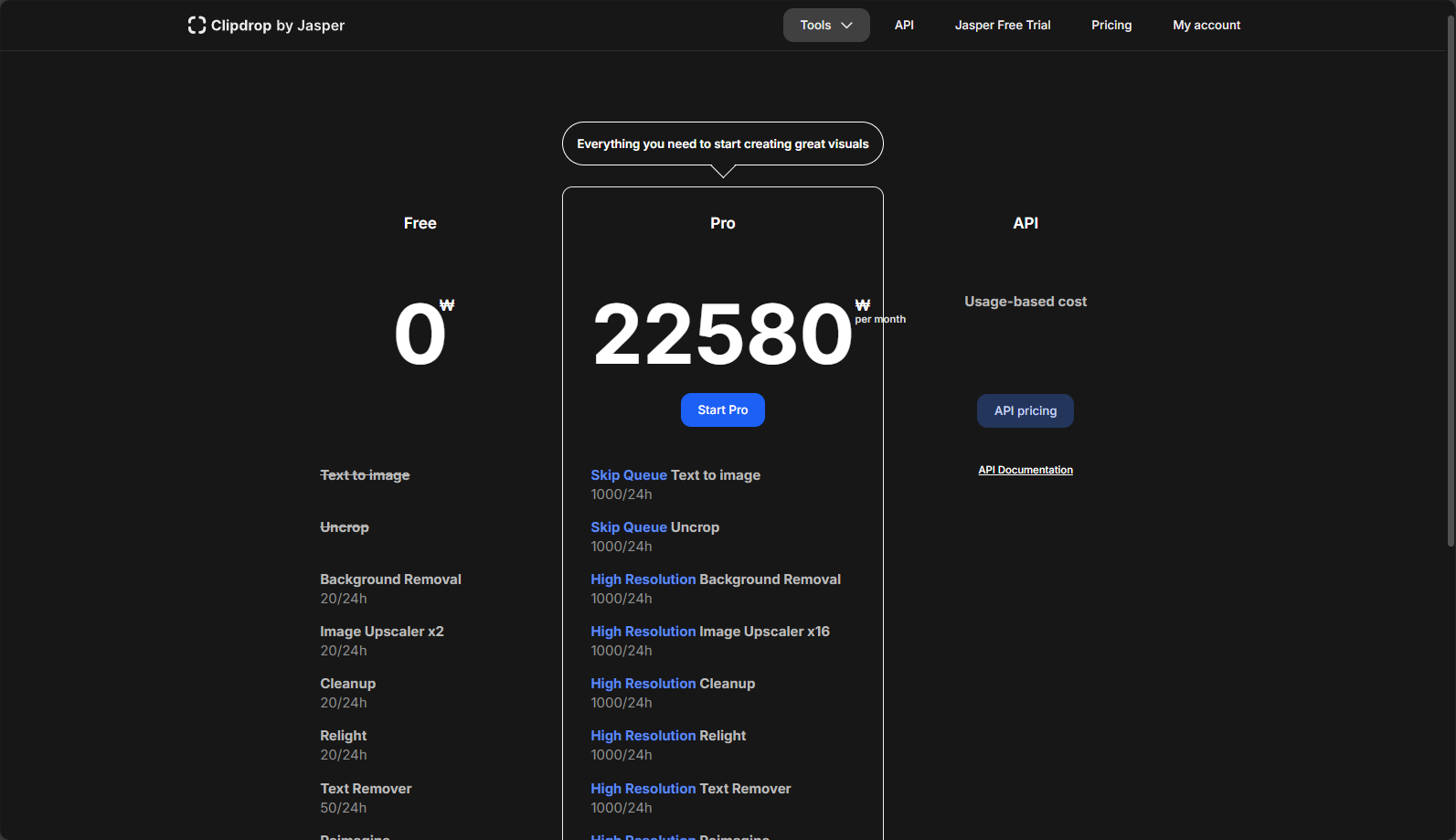
ClipDrop offers both free and paid plans to meet different needs. Paid plans unlock advanced enhancements, high-definition output, and batch processing:
Interact with a vast array of 2D and 3D characters and experience truly unlimited AI role-playing dialogue. Join now! New users receive 6000 points upon login!
Supported formats: PNG, JPEG, and WebP formats, with a maximum file size of 20MB.
Content Guidelines: No illegal/indecent content allowed. Upload images automatically detected by NSFW.
Most core functions are registration-free.
High privacy protection; images are automatically deleted after processing.The entire transmission process is encrypted.
Frequently Asked Questions
Which formats does ClipDrop Image Upscaler support?
answer: PNG, JPG/JPEG, and WebP formats, each file under 20MB, covering photography, design, and general needs. See details. Official FAQ。
What are the limitations for free users?
answer: It only supports 2x/4x magnification and low-quality export; batch processing functionality is partially limited. For a high-definition and high-volume processing experience, upgrading to Pro is recommended. See details. Plan pricing page。
Is the image processing process safe?
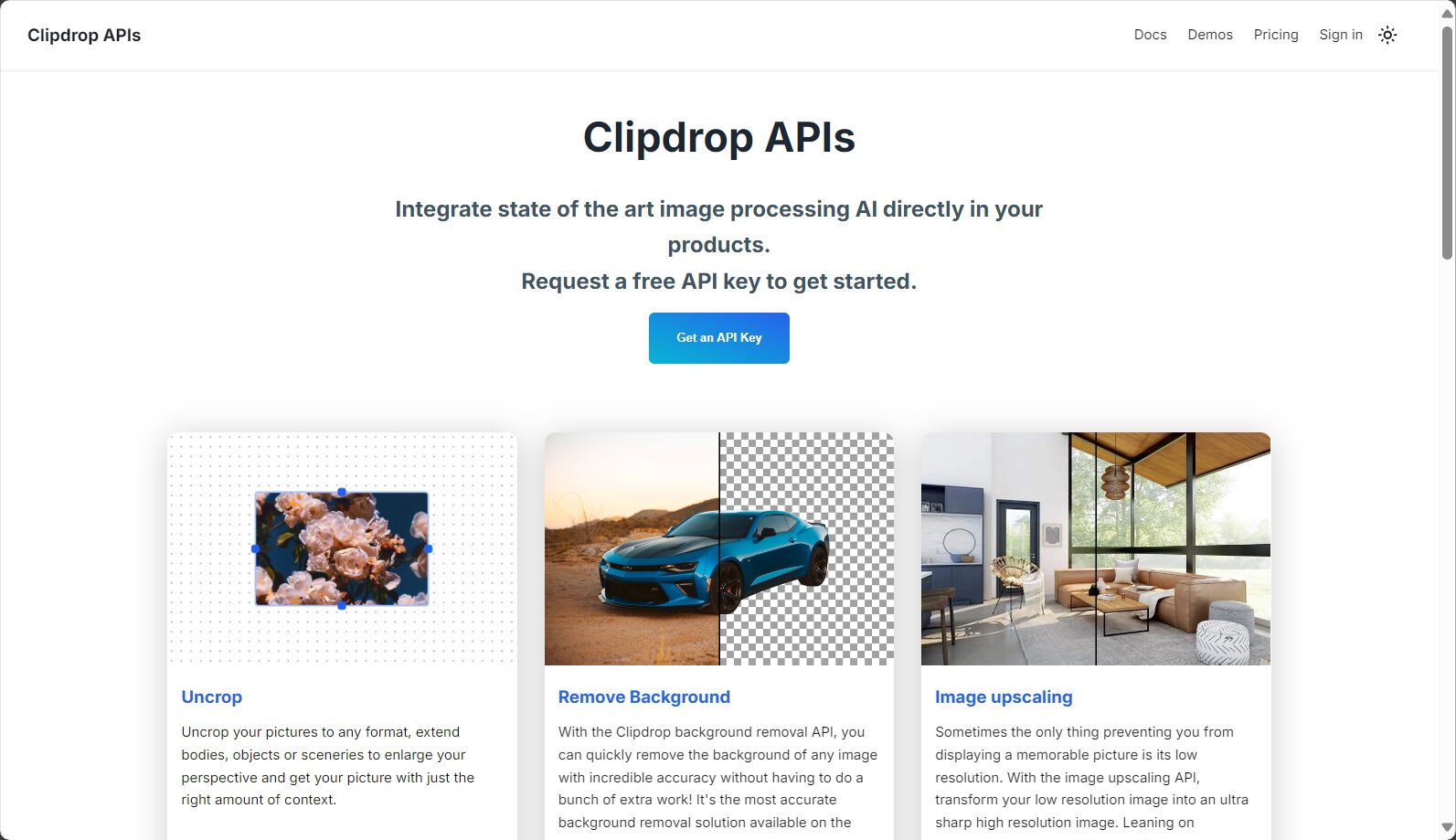
answer: ClipDrop only uses images for real-time calculations, automatically deleting them after processing. All data transmission is encrypted, and API users are subject to review. See details. Official Privacy Statement。
Conclusion: In today's era of prevalent AI image tools,ClipDrop Image Upscaler With its ease of use, high-quality results, support for batch processing of multiple images, and cloud security, it has become an indispensable smart image assistant for designers, e-commerce professionals, and everyday users. Whether you are a professional designer, a photography enthusiast, or an office worker, you can use this tool to transform ordinary images with a single click. Come quickly ClipDrop Image Upscaler Experience a new era of AI-optimized solutions!
Interact with a vast array of 2D and 3D characters and experience truly unlimited AI role-playing dialogue. Join now! New users receive 6000 points upon login!
ClipDrop Image Upscaler浏览人数已经达到115,如你需要查询该站的相关权重信息,可以点击"5118 Data""Aizhan Data""Chinaz data""Based on current website data, we recommend using Aizhan data as a reference. More website value assessment factors include:"ClipDrop Image UpscalerAccess speed, search engine indexing and volume, user experience, etc.; of course, to evaluate the value of a website, the most important thing is to base it on your own needs and requirements, and some specific data will need to be obtained from [research institutions/resources].ClipDrop Image UpscalerWe will negotiate with the website owner to provide information such as the website's IP addresses, page views (PV), and bounce rate.
aboutClipDrop Image UpscalerSpecial Announcement
This site's AI-powered navigation is provided by Miao.ClipDrop Image UpscalerAll external links are sourced from the internet, and their accuracy and completeness are not guaranteed. Furthermore, AI Miao Navigation does not have actual control over the content of these external links. As of 3:13 PM on August 9, 2025, the content on this webpage was compliant and legal. If any content on the webpage becomes illegal in the future, please contact the website administrator directly for deletion. AI Miao Navigation assumes no responsibility.