

PromptFolder
PromptFolder is a cloud-based AI-powered prompt management and categorization tool that efficiently organizes and reuses your high-quality prompts, making it suitable for content creators, developers, and team collaborations.
Capturelab is an AI-powered highlight recognition, editing, and sharing platform for game streamers and players, helping you automatically discover and publish the most exciting moments of your live streams with a single click.
 Capturelab
In an era of booming gaming and streaming content,Efficiently capture, edit, and share game highlights.This is crucial for broadcasters and content creators.Capturelab uses AI to automatically analyze live stream content, identify highlights, and...Automatic editing to generate short videosThis significantly simplifies the content creation process. The platform's core features include AI highlight recognition, one-click video editing, multi-platform sharing integration, ad monetization support, and a user-friendly interface.
Currently Capturelab Core features are freeIt supports the Twitch platform and registration is extremely convenient.Both streamers and players can easily and automatically generate highlight content.One-click distribution to social networks and participation in revenue sharing.
In today's era of booming gaming and streaming content...Efficiently capture, edit, and share game highlights.This is not only a necessity for streamers and content creators, but also an important way for enthusiasts to showcase their personal style and attract attention. Capturelab was created to meet this need. This article will cover its features, price, target audience, usage methods, and frequently asked questions.A comprehensive report on Capturelab。
Official website link:https://capturelab.gg

Capturelab is a software designed for streamers and gamers on streaming platforms like Twitch.AI-powered intelligent highlight capture and editing platformThrough its powerful artificial intelligence engine, Capturelab can...Automatic analysis of live stream contentIt can identify exciting moments such as "headshots", "kill streaks", "victory moments" or fun interactions, and automatically edit them into short videos suitable for sharing, simplifying the tedious content production process to the extreme.(This involves categories related to AI efficiency improvement, making it easier for players and content creators to increase video production efficiency.)
| Functional categories | Detailed description |
|---|---|
| AI Highlight Recognition | Advanced AI algorithms automatically filter out the highlights and key moments of the live stream, eliminating the need for manual review. |
| One-click video editing | It automatically segments and generates short video clips that can be shared, and users can further fine-tune or edit them manually. |
| Multi-platform sharing and integration | Directly link your Twitch account (with support for future expansion to other mainstream platforms), and clips can be distributed to social media platforms such as YouTube, Twitter, and Discord with one click. |
| Advertising and monetization support | It integrates with the Adlab.gg platform, allowing users to join sponsored events and earn additional revenue through the Highlight Video Alliance. |
| Minimalist and beginner-friendly interface | The workflow is linear and the interface is intuitive, making it easy to get started even without video editing experience. |


For more information, please see Capturelab official introduction。
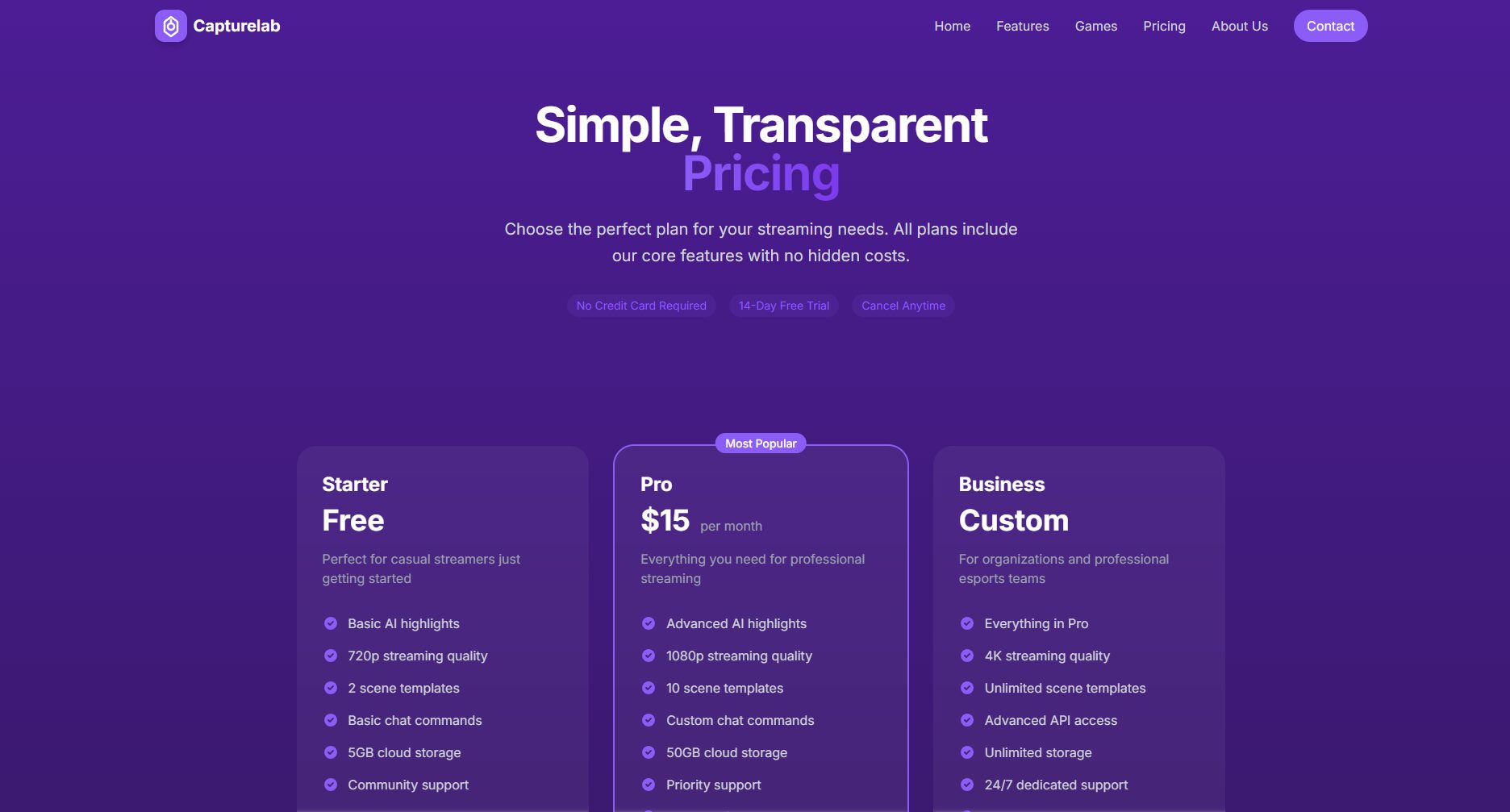
According to currently available information,Capturelab is currently free for most users.Simply register with your Twitch account to unlock the main features.
| Scheme type | price | Function Description |
|---|---|---|
| Free version | free | Core AI features include automatic highlight recognition, basic editing, and one-click sharing to major social media platforms. |
| Premium version | $15/month | Higher image quality and support for various functions |
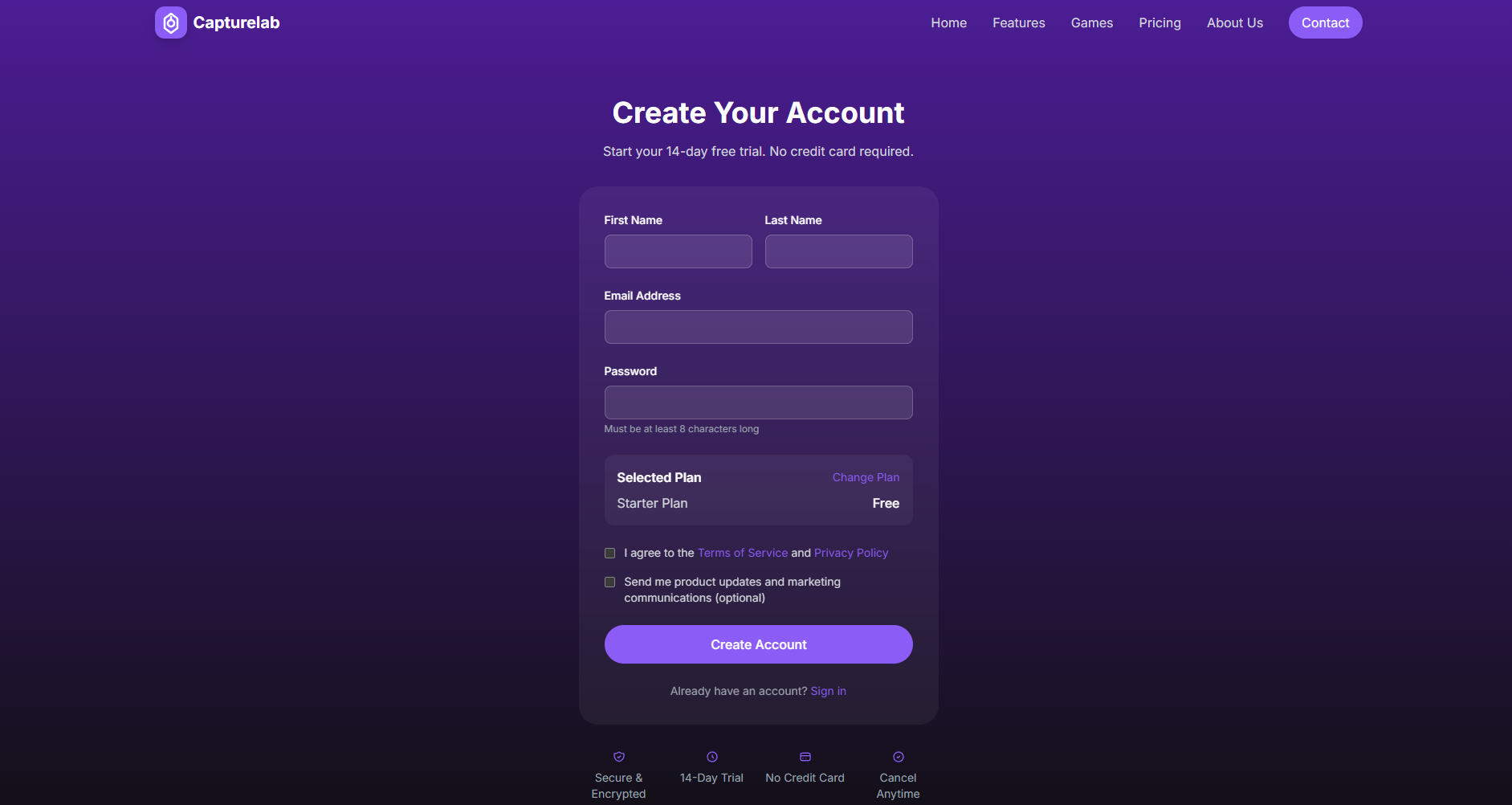
For detailed instructions on registering and using CaptureLab, please see [link/reference].here。
| step | Interface Function Description | User Operations |
|---|---|---|
| Authorization binding | Show Twitch connect button | Click "Authorize" to complete the login process. |
| Table of Contents | Automatically display live recordings of all sessions on the day | Select the videos you want to process. |
| Fragment generation | Showcase AI-recognized candidate highlights | Preview, check the box to keep, and you can manually fine-tune. |
| Video editing | Video editing toolbar, subtitles, and transition tools | Drag and drop to cut, add text, music, etc. |
| Share/Export | Facebook, YouTube, Twitter, and other buttons | One-click push to the corresponding platform or download local files |
Capturelab is designed for gamers and content creators who want to output video content efficiently with minimal operating costs. Its target audience primarily includes:

| Supported Platforms | illustrate |
|---|---|
| Twitch | Native data authorization for optimal user experience |
| YouTube, Mixer, etc. | Some functions are being tested and will be continuously expanded in the future. |
| operating system | Supports mainstream desktop browsers and PC operating systems |
| Comparison items | Capturelab | OBS Studio | Traditional manual editing software |
|---|---|---|---|
| AI-powered highlight detection | support | Not supported | Manual judgment and editing required |
| One-click sharing across multiple platforms | support | Manual upload required | Manual upload required |
| Built-in monetization/sponsorship ecosystem | Support (Adlab) | Not supported | Not supported |
| User-friendliness | Extremely high | The operation is relatively complicated. | Editing experience is usually required. |
| Applicable to | All players & streamers | Professional broadcaster/content creator | Editing enthusiasts |
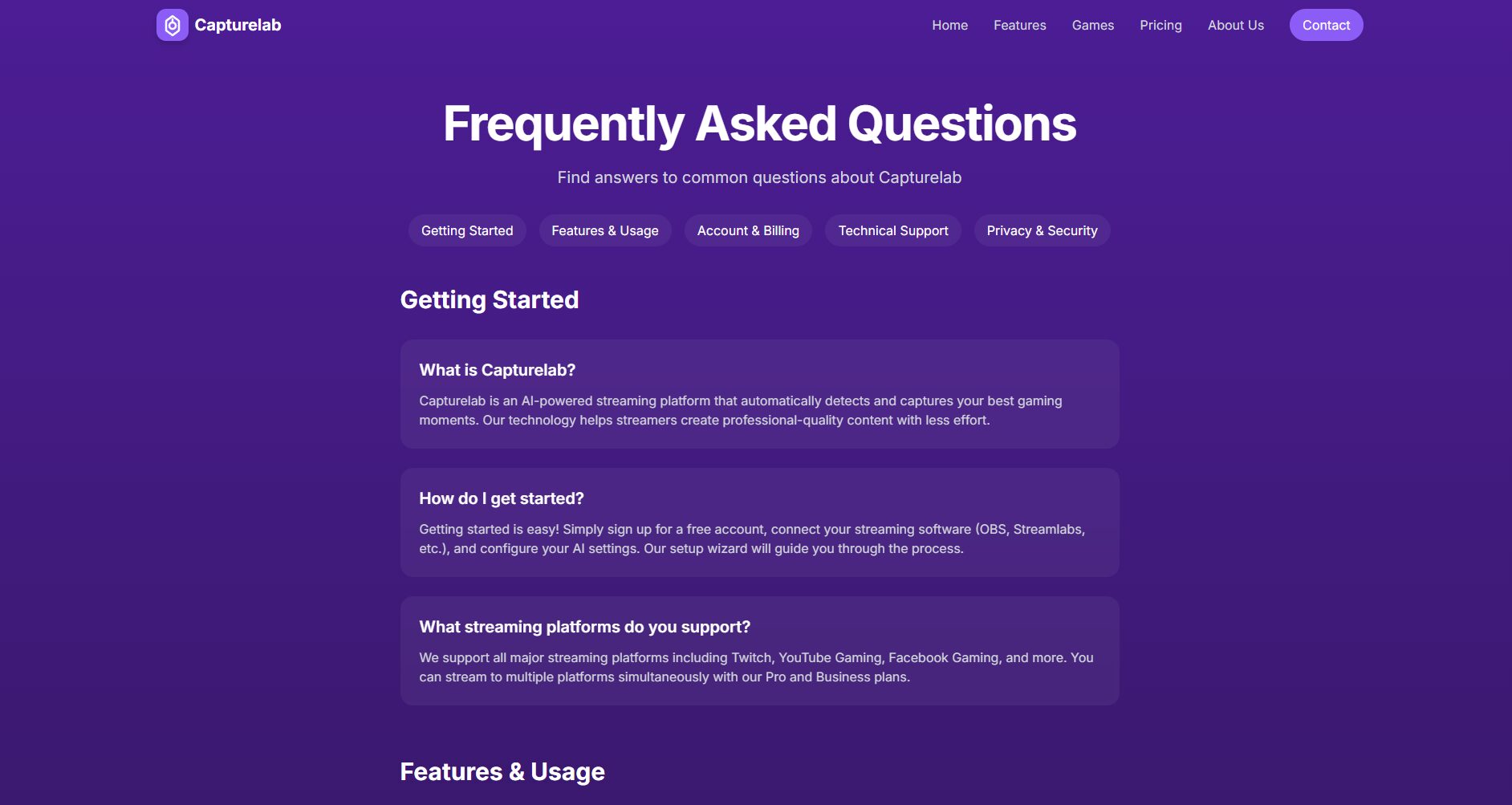
Very friendly.The platform is designed with full automation, simplicity, and guided workflow. No video editing skills are required, and even beginners can experience it directly.
Currently, it is centered around Twitch, but continues to develop and expand support for mainstream platforms such as YouTube Gaming and Mixer.Once support is granted, it will be announced on the official website immediately.
Can.Users can further trim, add subtitles, background music, or other effects to all clips identified and generated by Capturelab, and even recombine the clips as needed.
With AI technology continuously empowering the content ecosystem,Capturelab is changing the way game video content is produced and shared.For players and streamers looking to quickly make their highlight plays, game moments, and humorous instants go viral, this is undoubtedly a highly efficient and cost-effective "creation accelerator." In the future, Capturelab is expected to continue expanding its functionality and platform support, serving even more global users who love game streaming.
Go toCapturelab official websiteExperience the platform's innovative and efficient features, ushering in a new era of content creation and sharing.
This site's AI-powered navigation is provided by Miao.CapturelabAll external links originate from the internet, and their accuracy and completeness are not guaranteed. Furthermore, AI Miao Navigation does not have actual control over the content of these external links. As of 6:24 PM on November 10, 2025, the content on this webpage was compliant and legal. If any content on the webpage becomes illegal in the future, you can directly contact the website administrator for deletion. AI Miao Navigation assumes no responsibility.
