DocTranslator Detailed Review: How can AI document translation tools improve cross-border work efficiency?
In recent years, with the advancement of globalization, the demand for multilingual document translation from businesses and individuals has surged.AI document translation toolWith its multi-format support, high-fidelity typesetting reproduction, and batch processing capabilities, doctranslator has become a powerful tool for improving cross-border office efficiency. This article provides a comprehensive evaluation of doctranslator's core features and advantages, market comparisons, and industry best practices.It provides a detailed reference for enterprises and users to achieve international office operations efficiently and at low cost.
doctranslator overview
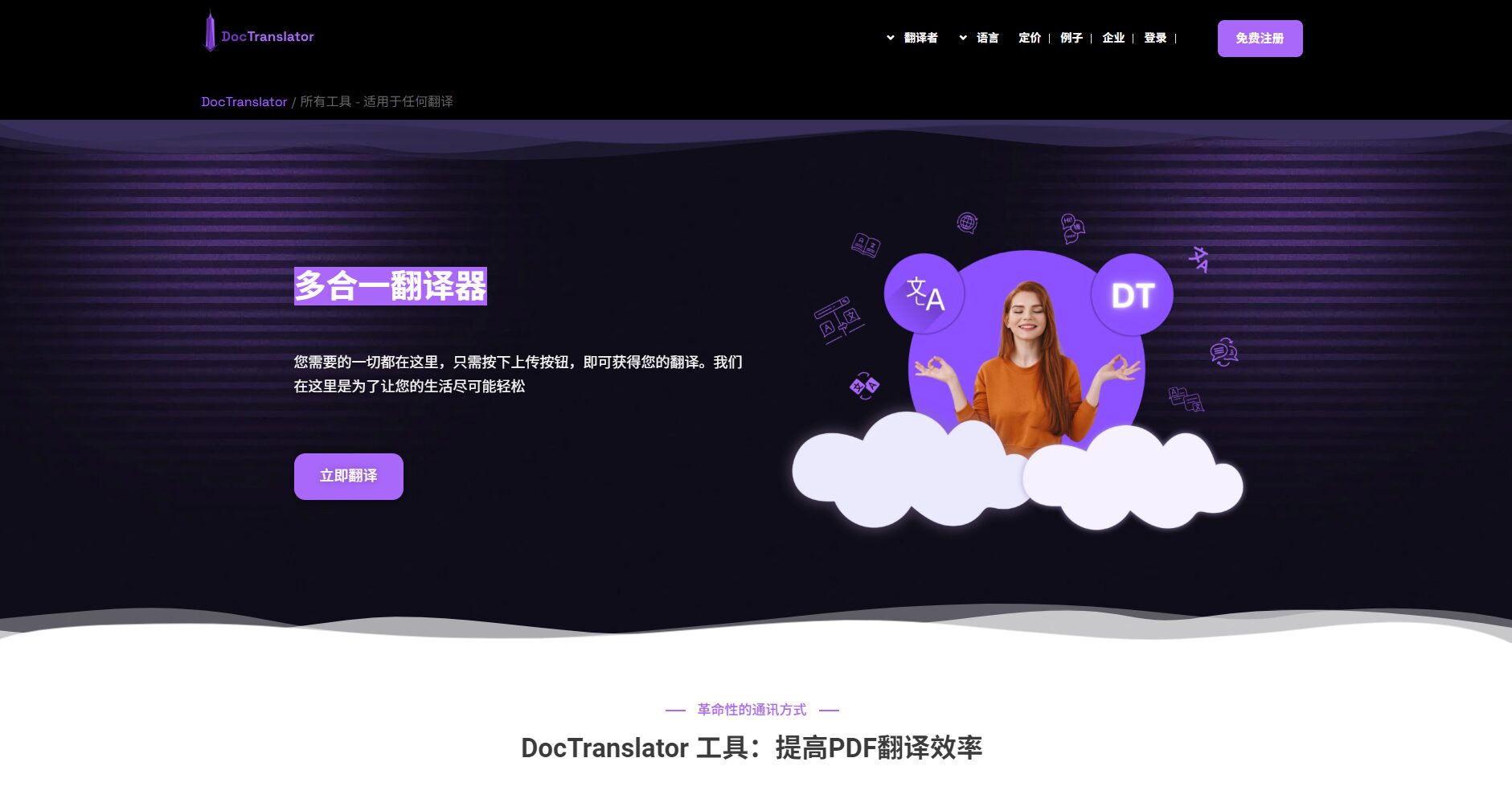
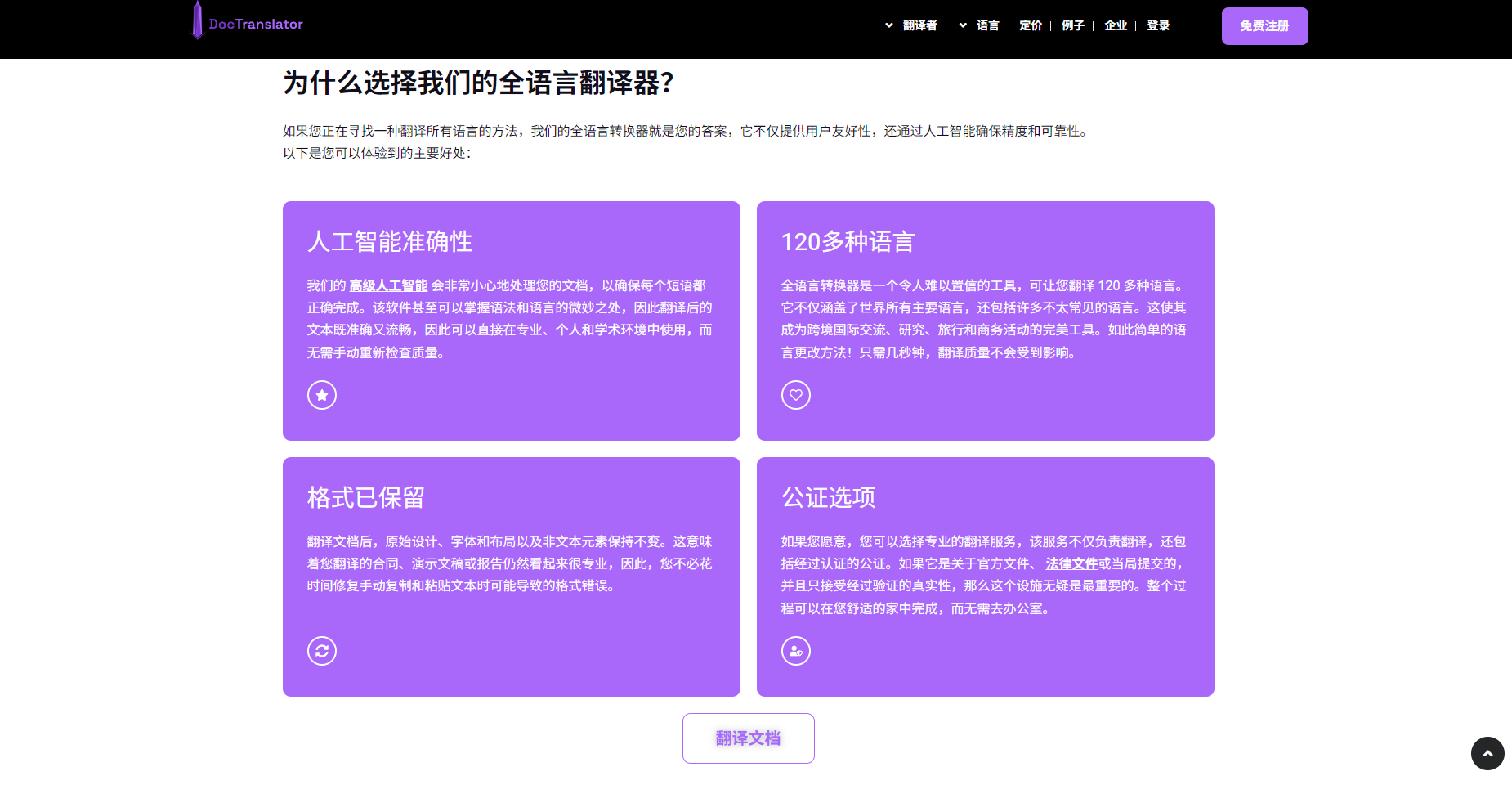
doctranslatorOfficial website) is a product based onAItechnologyOnline document translation platformIt is specifically designed for the automatic translation of various file formats, including PDF, Word, Excel, and PPT.Supports over 100 languages, can process documents quickly in batches while preserving their original formatting.This greatly improves the efficiency and accuracy of cross-border office work.
What can doctranslator do?
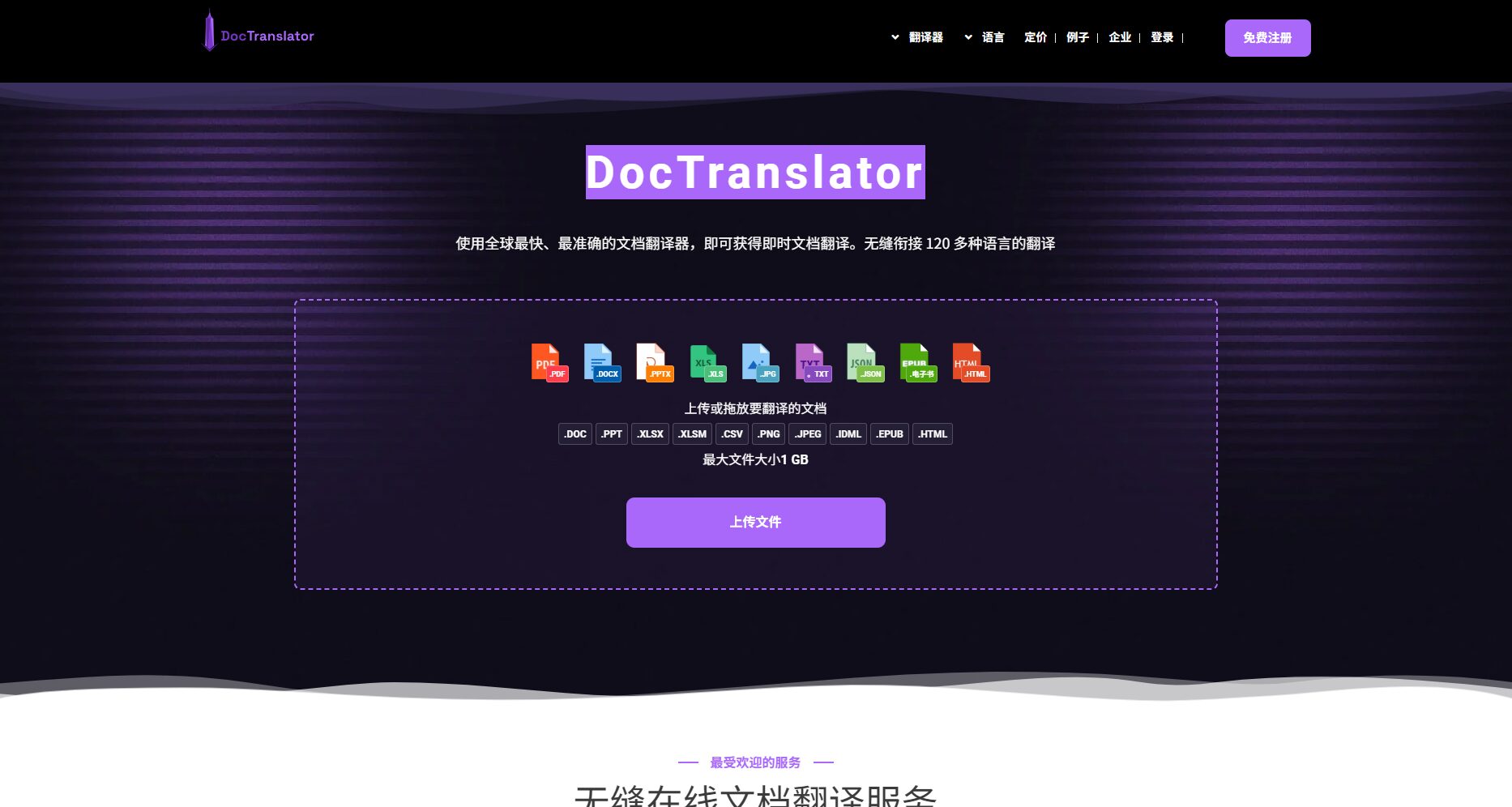
- Multi-format supportSupports mainstream formats such as PDF, Word, Excel, and PPT.
- Retain the original layoutThis avoids the need for manual reorganization.
- Automated batch processingSuitable for team collaboration and improves efficiency.
- Cloud-based operation, no download/installation required.It is available anytime, anywhere.
- Encrypted transmission, privacy guaranteedTo meet high security requirements.
Target audience
| User type | Typical application scenarios | Product Value |
|---|---|---|
| Foreign trade enterprises | Multilingual conversion of contracts/instructions/purchase orders | Save on human translation costs and prevent errors |
| Cross-border e-commerce | Product Description / After-sales Agreement / Cooperation Email | Quickly launch multilingual stores and enhance customer experience. |
| Research/Student | International data retrieval, papers, etc. | Improve the efficiency of knowledge acquisition and output |
| Law/Finance | Legal and financial documents from multiple countries | High privacy, high format restoration |

In-depth experience of core functions
One-click upload and automatic format recognition
User-friendly interface, easy to operate, supports one-click upload of multiple documentsThe batch upload function is suitable for enterprise-level intensive processing scenarios, effectively saving time and manpower.
| Function | doctranslator | Competitors (UPDF, DeepL, Google, etc.) |
|---|---|---|
| ✔ | ✔ | |
| Word | ✔ | ✔ |
| Excel | ✔ | Some parts are not supported. |
| PPT | ✔ | Some parts are not supported. |
| Images (JPG/PNG) | ✔ | Partial support |
| Keep the original format | 高 | Some competing products lack |
AI Multilingual and Translation Capability Assessment
useNeural network machine translation, supporting more than 100 languages.High accuracy in using industry-specific terminology and fixed expressions.China-UK, UK-Germany, and UK-France performed outstandingly.For texts in less common languages or highly specialized texts, a second manual proofreading is recommended.
Layout and format restoration
The structure of tables, images, and bullet points is highly realistic, making it suitable for contracts, business, and academic documents.This greatly avoids the need for rework caused by formatting errors.
Speed and batch efficiency
Documents smaller than 10MB are typically translated within 30 seconds to 2 minutes.It boasts excellent batch processing speed, making it suitable for handling large numbers of files concurrently.
| File type | Size/Number of Pages | Average processing time | Format retention rate | Translation accuracy |
|---|---|---|---|---|
| Word | 200 pages / 3MB | 1 minute 30 seconds | 优 | excellent |
| 50 pages / 10MB | 54 seconds | 优 | 优 | |
| Excel | 50,000 units/2MB | 40 seconds | 良 | 良 |
| PPT | 80 pages / 5MB | 1 minute | 优 | 良 |
Security mechanisms and data privacy
Uses SSL encryption and automatically deletes files.Suitable for industries with high confidentiality requirements.
Analysis of strengths and weaknesses
Main advantages
- Free trial, high efficiency, low learning curve
- Multilingual support, faithful format restoration, and powerful batch processing capabilities.
- The interface is simple and requires no login.
- Excellent privacy protection
Main shortcomings
- The free version has a file size/page limit (20MB/20 pages).
- In-depth technical terminology and some advanced features require payment and manual proofreading.
- Occasionally there may be formatting or data omissions (requires review).
Price Structure (Latest 2024)
| Package types | cost | File size / number of pages | Storage period | Remark |
|---|---|---|---|---|
| Free version | $0/0.005 words | 20MB/20 pages | 24 hours | AI translation quota is limited. |
| Basic version | $ 14.99/month | 100MB/100 pages | unlimited | Email support |
| Professional version | $49.99/month | 1GB/5000 pages | unlimited | Unlimited PDFs |
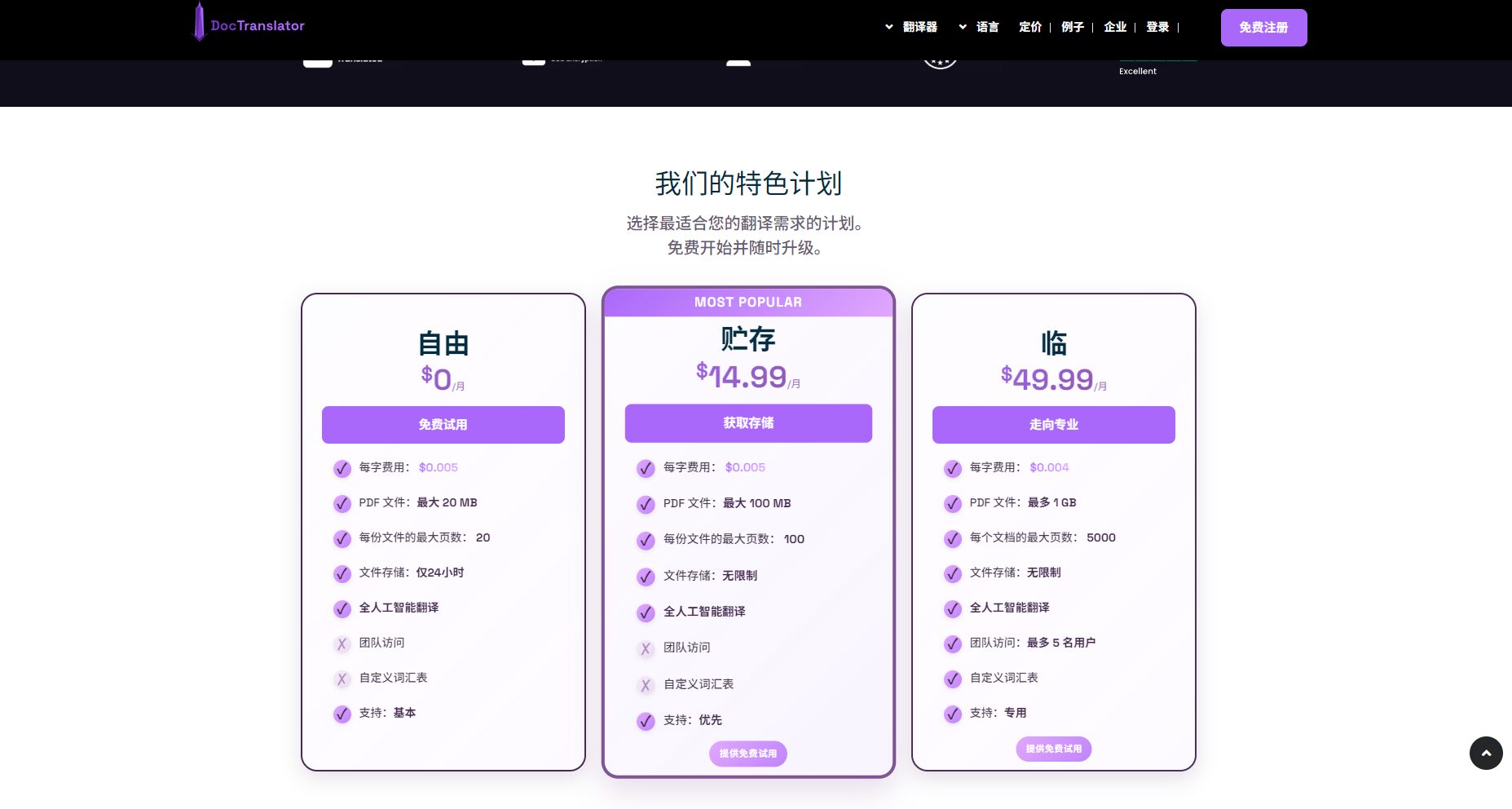
All packages are charged per word.Promotions and events require careful attention to the details.
Real user feedback and experience
Media and user reviews
- Positive reviewIt is easy to use, fast, and has strong batch processing capabilities.
- Negative reviewThe price and the "free" barrier are high, and the professionalism is slightly weak.
Editor's actual experience
Process: Upload → Analyze → Select Language → Translate/Download
Advantages: Simple and fast processing, suitable for regular documents, saving time and effort.
Disadvantages: Free quota runs out quickly, and large-capacity translations incur significant costs.
Recommendation: General documents can be used directly, but compliant, professional, and important documents should be proofread later to ensure accuracy.
Market comparison and alternative solutions
Comparison of mainstream competing products
| tool | Format support | Free Policy | Translation quality | Format restoration | Advanced features | Recommended |
|---|---|---|---|---|---|---|
| doctranslator | comprehensive | limited | Medium/High | 高 | Batch, restore, privacy | E-commerce/Office |
| UPDF | comprehensive | 有 | 高 | 高 | AI proofreading/PDF editing | Professional office |
| DeepL | PDF/Word | limited | Very high | 中 | API/Rich Corpus | Scientific research enterprises |
| Google Translate | Multi-format | Free | generally | 低 | Multi-platform | Everyday use |
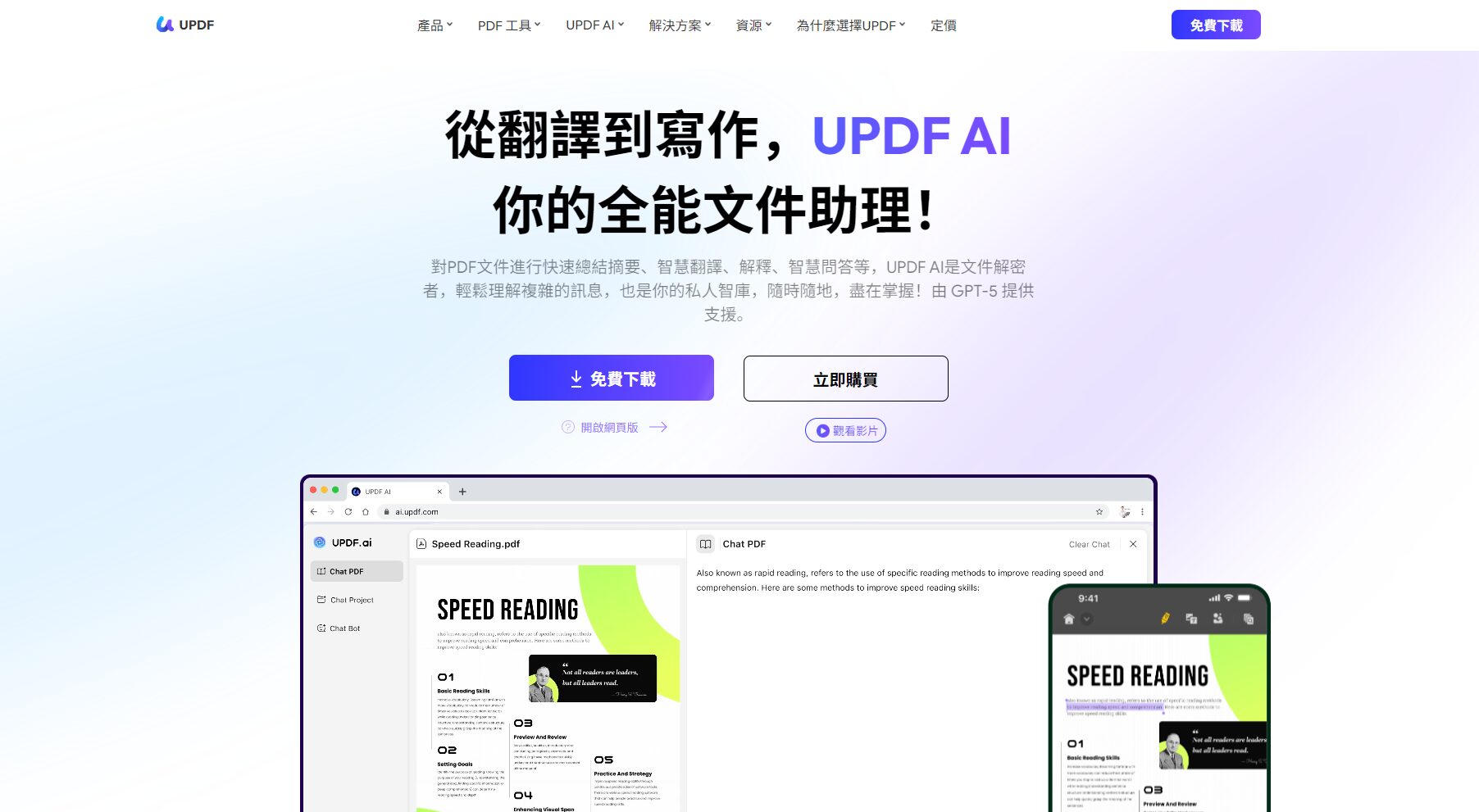
UPDF – AI-powered all-in-one document assistant
UPDFAs a next-generation AI PDF and document translation platform, it supports free services.Single file 100 pages, 3 files unlimited timesFurthermore, there are no extra charges per word, making it more suitable for heavy office work or high-frequency batch processing scenarios.
Recommendations for Cross-Border Office Scenarios and Applications
Typical scenario cases
- Multilingual draft of foreign trade contractsFirst, use doctranslator to generate the data in batches, then combine it with UPDF for manual review.
- Product SOP/Instruction Manual: One-click release of multiple country versions to improve overseas efficiency.
- Legal and financial filing documents: AI draft, final proofreading by professionals to ensure compliance.
AI tools and office ecosystem combination
| Office process | tool | Efficiency Improvement | Risk control |
|---|---|---|---|
| First draft quick translation | doctranslator | Large batches, high speed | Proofreading required |
| Professional proofreading and revision | UPDF/DeepL | Format/Terminology Editing | Professional review |
| Cloud Collaboration | Smartcat | Multi-person collaboration | Access Control |
| Daily emails | Google Translate | Fast and convenient | Manual screening |
Conclusion: AI Translation Tools – A Powerful Tool for Boosting Cross-Border Work Efficiency
doctranslator brings unprecedented convenience to cross-border work with its multi-format high-fidelity and batch processing capabilities.For large files, professional confidentiality, and high-standard scenarios, it is recommended to use them in conjunction with AI deep proofreading tools such as UPDF.In the future, as AI translation and smart office technologies continue to integrate, enterprises will accelerate their internationalization efforts.
Welcome to experiencedoctranslator official websiteOr try the next-generation AI document platformUPDFEmpower your cross-border team with AI!
© Copyright notes
The copyright of the article belongs to the author, please do not reprint without permission.
Related posts


No comments...
