2025 AI Design Tools Recommendations: 9 Essential Tools to Boost Your Creativity and Work Efficiency
2025AI design toolsA complete upgrade to help designers unleash boundless creativity and collaborate efficiently!This article selects nine AI design tools across four major scenarios, covering image generation, intelligent layout, visual collaboration, and video creation. From professional designers to operations novices, everyone can easily master them.Whether in graphic design, UI design, illustration, e-commerce, or video production, AI tools can significantly expand your creative boundaries and improve productivity.Read this article to learn about the essential AI design tools for the coming year and how to choose them!
Overview of AI Design Tools in 2025
| Tool Name | Functional positioning | Suitable for | Highlights | Official website link |
|---|---|---|---|---|
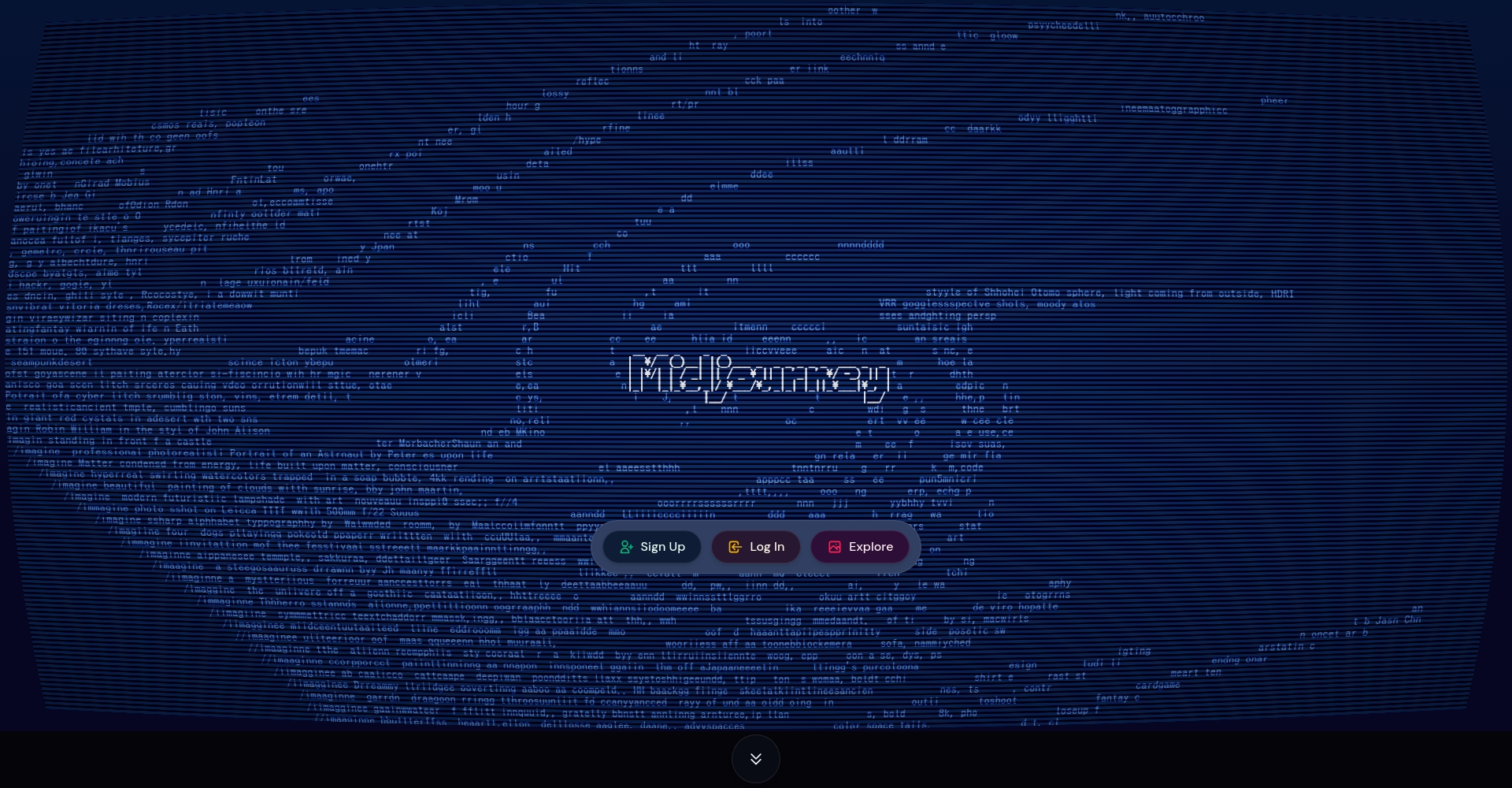
| Adobe Firefly | Image generation & editing | Integrated Designer/Brand Marketing | Powerful generative AI, integrated with the Adobe ecosystem | Click to visit Adobe Firefly |
| Canva Magic Design | Intelligent typesetting & collaborative production | Print/New Media Editor | Intelligent suggestions, easy operation, and convenient collaboration | Enter Canva Magic Design |
| Figma AI | UI/UX Design Assistant | Product/UI/Web Designer | Intelligent automatic layout, AI code suggestions | Explore Figma AI |
| Runway Gen-3 | Video generation and editing | Video creators/designers | New generation of Wensheng video, animation effects | Step into Runway Gen-3 |
| Midjourney | AI Art Painting | Artists/Creative Workers | Delicate style, diverse themes | Experience Midjourney |
| PhotoRoom | Background Removal & Image Editing | E-commerce/Promotional Material Creators | One-click background removal, massive template library | Browse PhotoRoom |
| Leonardo AI | Commercial Illustration & Advertising Creation | Brand/Illustrator | Quick generation, diverse styles | Enter Leonardo AI |
| Khroma | AI-recommended color palette | Visual/Web Designer | Professional color matching tool, personalized AI learning | View Khroma |
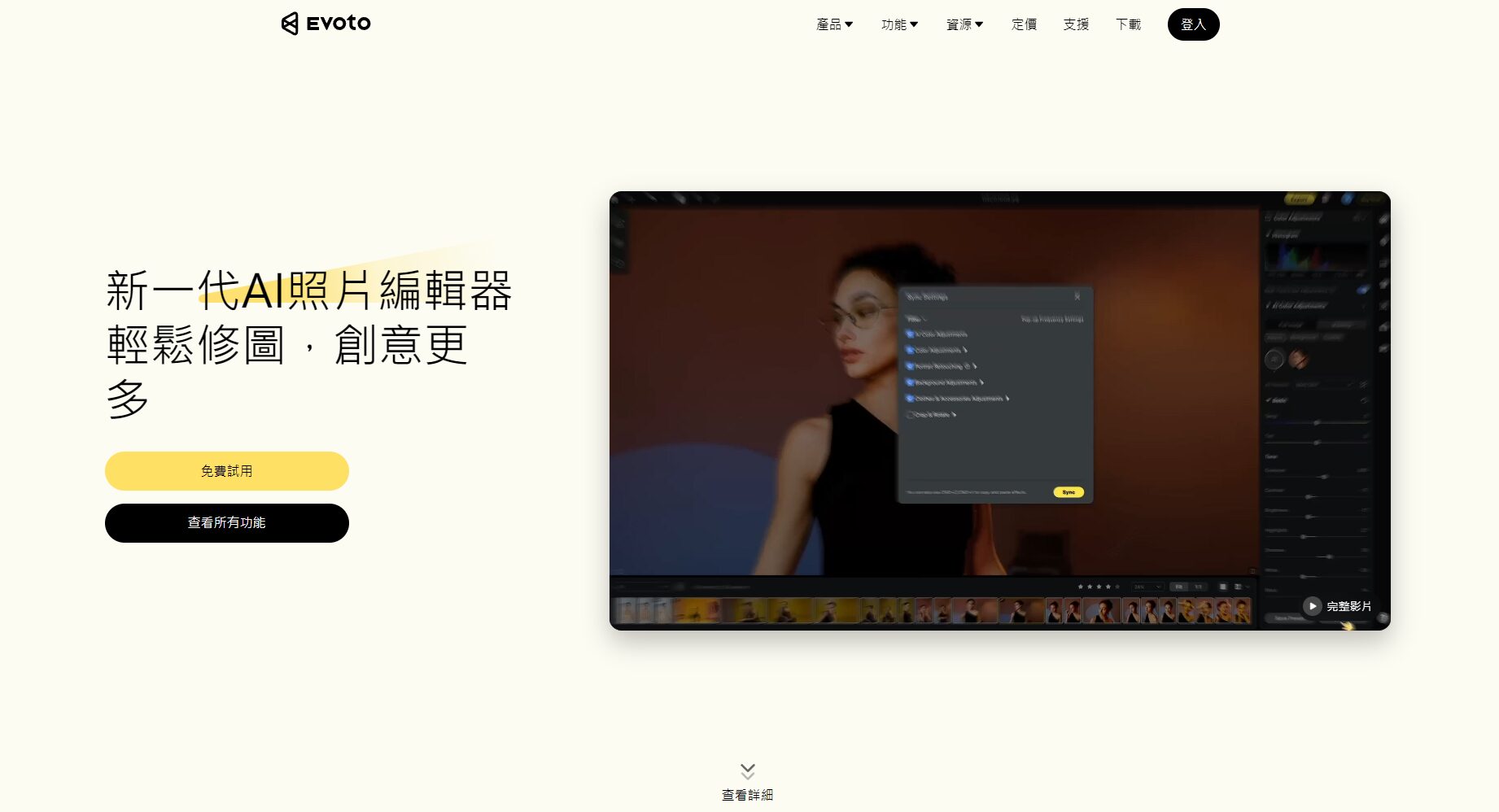
| Evoto AI | AI portrait retouching & enhancement | Photographer/Wedding Post-Production | Real-time skin beautification, batch processing | Using Evoto AI |
Detailed Explanation of AI Design Tool Trends and Application Scenarios
In 2025,AI DesignThe industry has fully embraced the wave of intelligentization. AI-driven design tools not only make design more efficient and personalized, but also streamline creative collaboration processes. The following analysis will delve into four major design scenarios to provide users with a detailed understanding:
Visual & Image Innovation – Graphic Content Generation and Artistic Creation
1. Adobe Firefly
- Key features:Generative AI based on deep learning can automatically create high-quality images, illustrations, and logos. Rich parameters allow for adjustable styles and details, and it powerfully integrates with the Photoshop and Illustrator ecosystem. It supports features such as text-to-image conversion, AI-powered intelligent repair, and background changes.
- Target audience:Suitable for professional designers who need seamless integration with mainstream graphic design software, as well as brand creators.
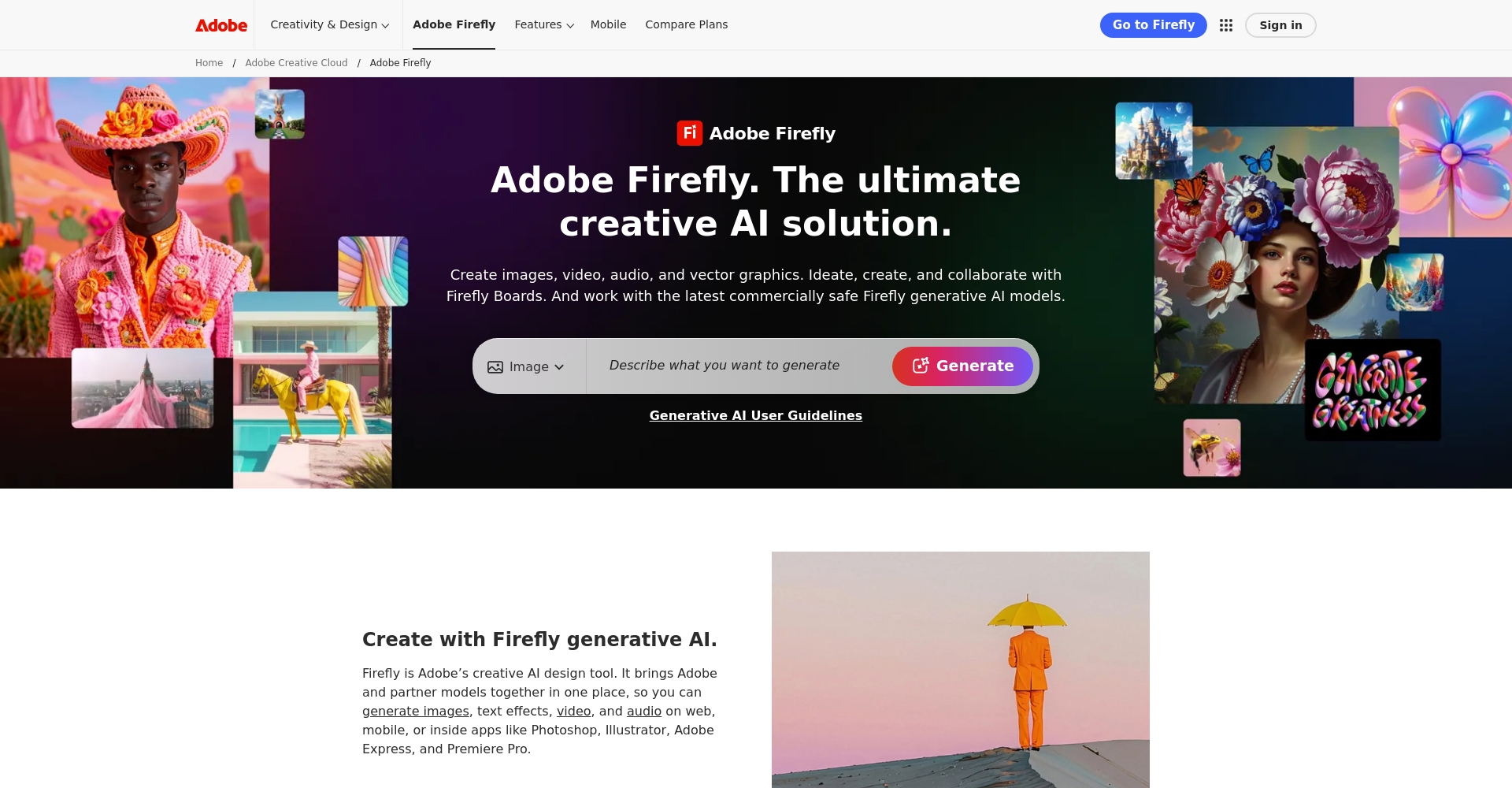

2. Midjourney
- Key features:Generate unique artwork simply by entering a prompt. Supports ultra-high resolution output and diverse image styles, from oil painting and cyberpunk to minimalist illustration. Widely active in global creative communities.
- Target audience:Artist, poster/cover designer, illustrator, e-commerce graphic designer.
3. Leonardo AI
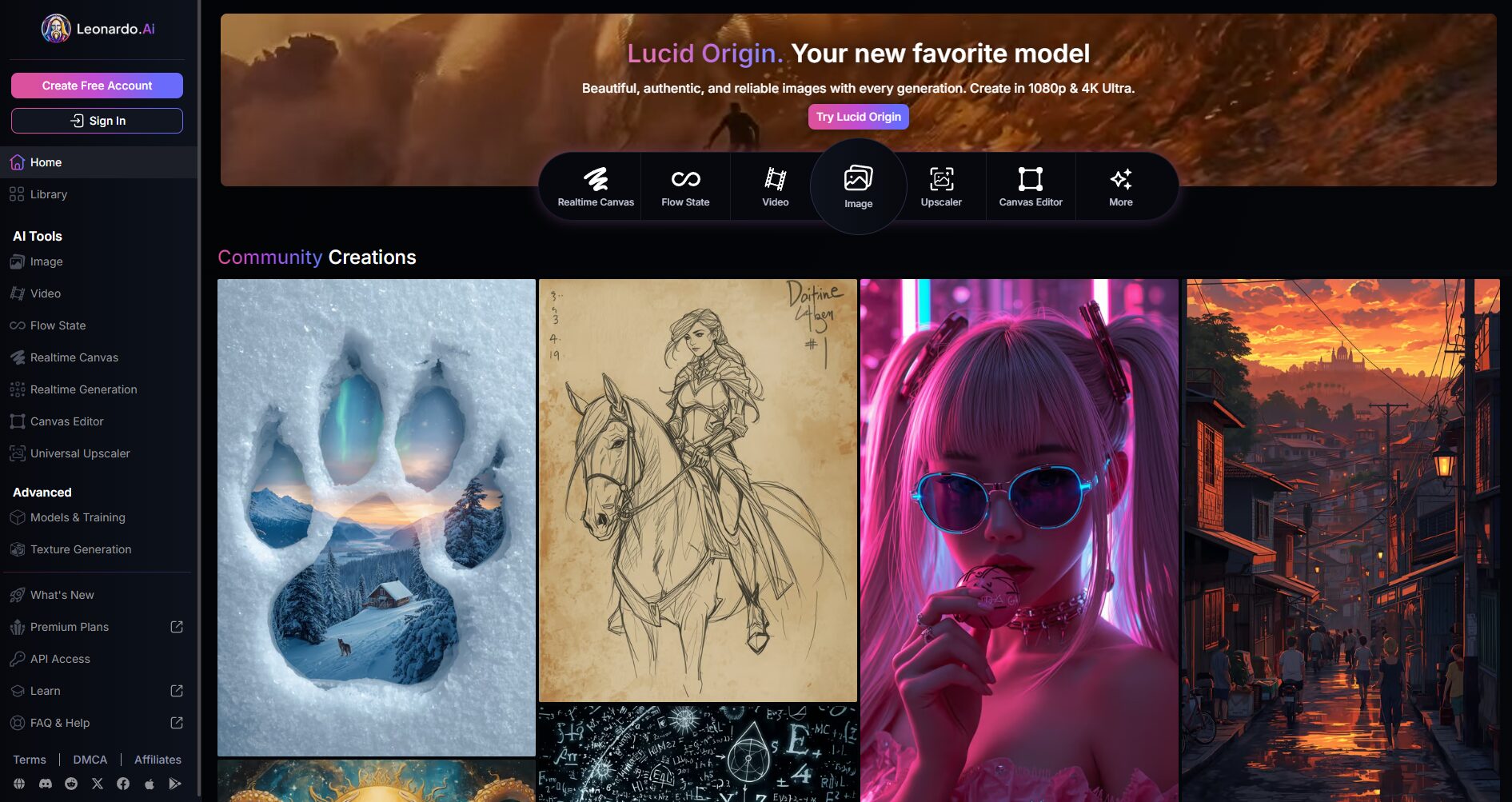
- Key features:It boasts exceptional image generation capabilities, making it particularly suitable for quickly generating commercial illustrations and brand advertising images. It supports style transfer, batch generation, and various formats. The community is active and offers abundant resources.
- Target audience:Commercial designers, advertisers, and high-output creators.
4. PhotoRoom
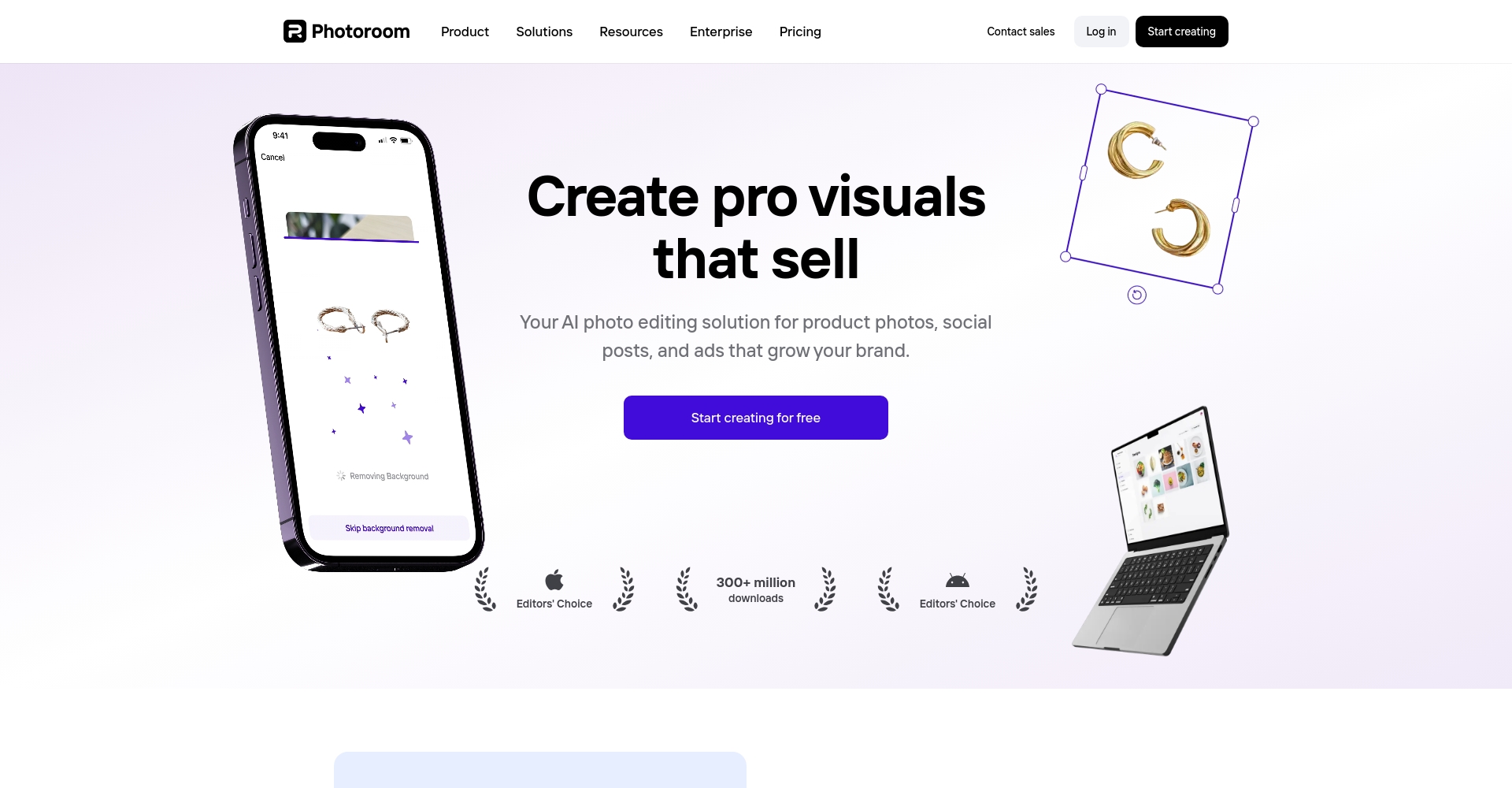
- Key features:AI-powered one-click background removal, automatic background elimination, and batch editing; offers a rich selection of e-commerce and social media cover templates. Supports mobile and web platforms with a user-friendly interface.
- Target audience:Visual content creators for new media, e-commerce, and short video platforms.
5. Evoto AI
- Key features:AI-powered real-time batch retouching, beautification, and blemish removal. One-stop color adjustment and intelligent presets save post-processing time.
- Target audience:Photographers, photo retouchers, wedding planning companies, and influencer bloggers.
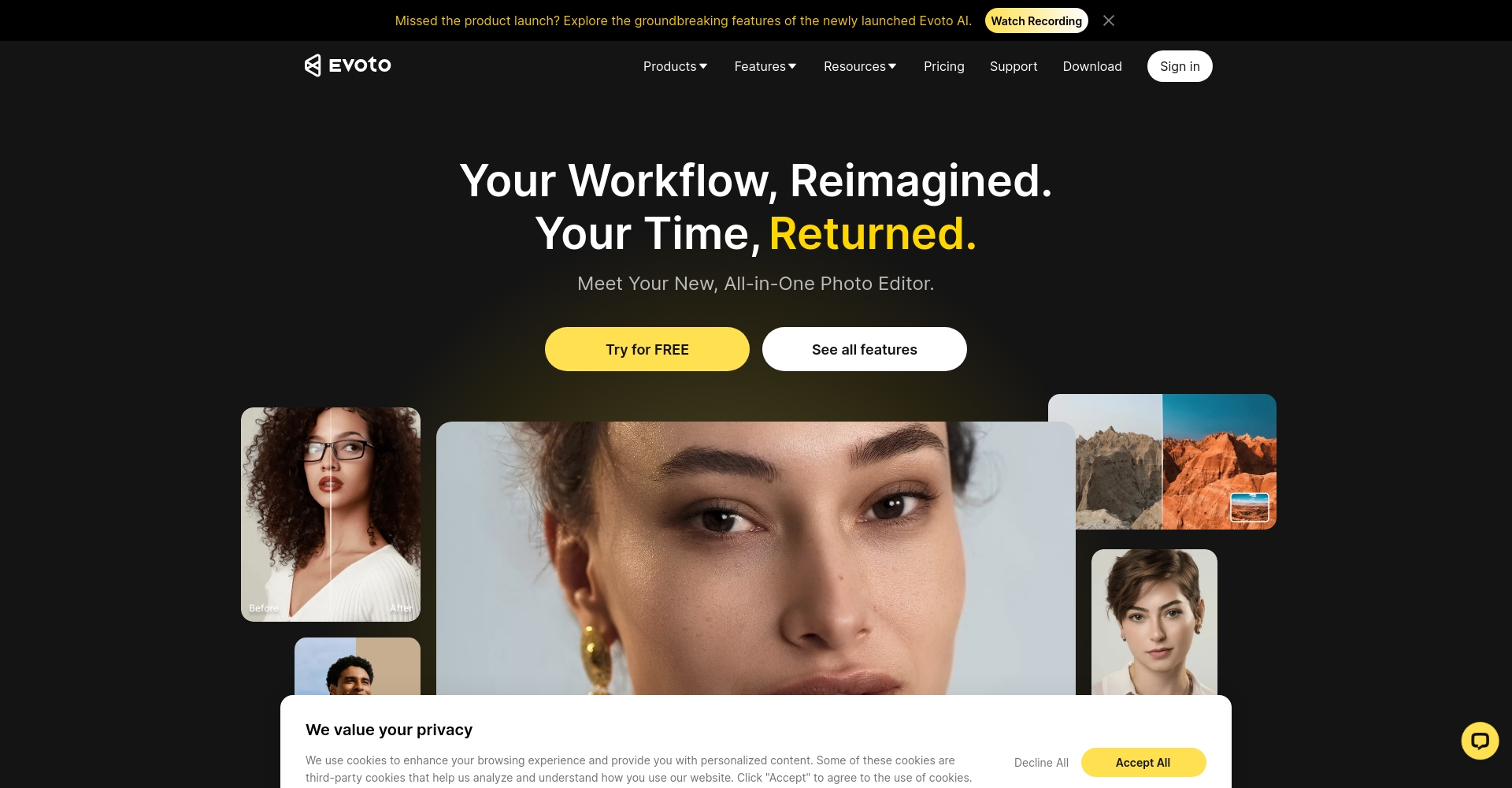
Image tool function comparison table
| tool | AI Image Processing | Commercial Illustration | Remove background | Style diversity | Photo editing and retouching |
|---|---|---|---|---|---|
| Adobe Firefly | ✔️ | ✔️ | ✔️ | ★★★★★ | ✔️ |
| Midjourney | ✔️ | ✘ | ✘ | ★★★★★ | ✘ |
| Leonardo AI | ✔️ | ✔️ | ✘ | ★★★★☆ | ✘ |
| PhotoRoom | ✘ | ✘ | ✔️ | ★★★☆☆ | ✘ |
| Evoto AI | ✘ | ✘ | ✘ | ★★☆☆☆ | ✔️ |
UI/UX and Visual Collaboration: Enhancing User Experience Design and Team Collaboration
6. Figma AI
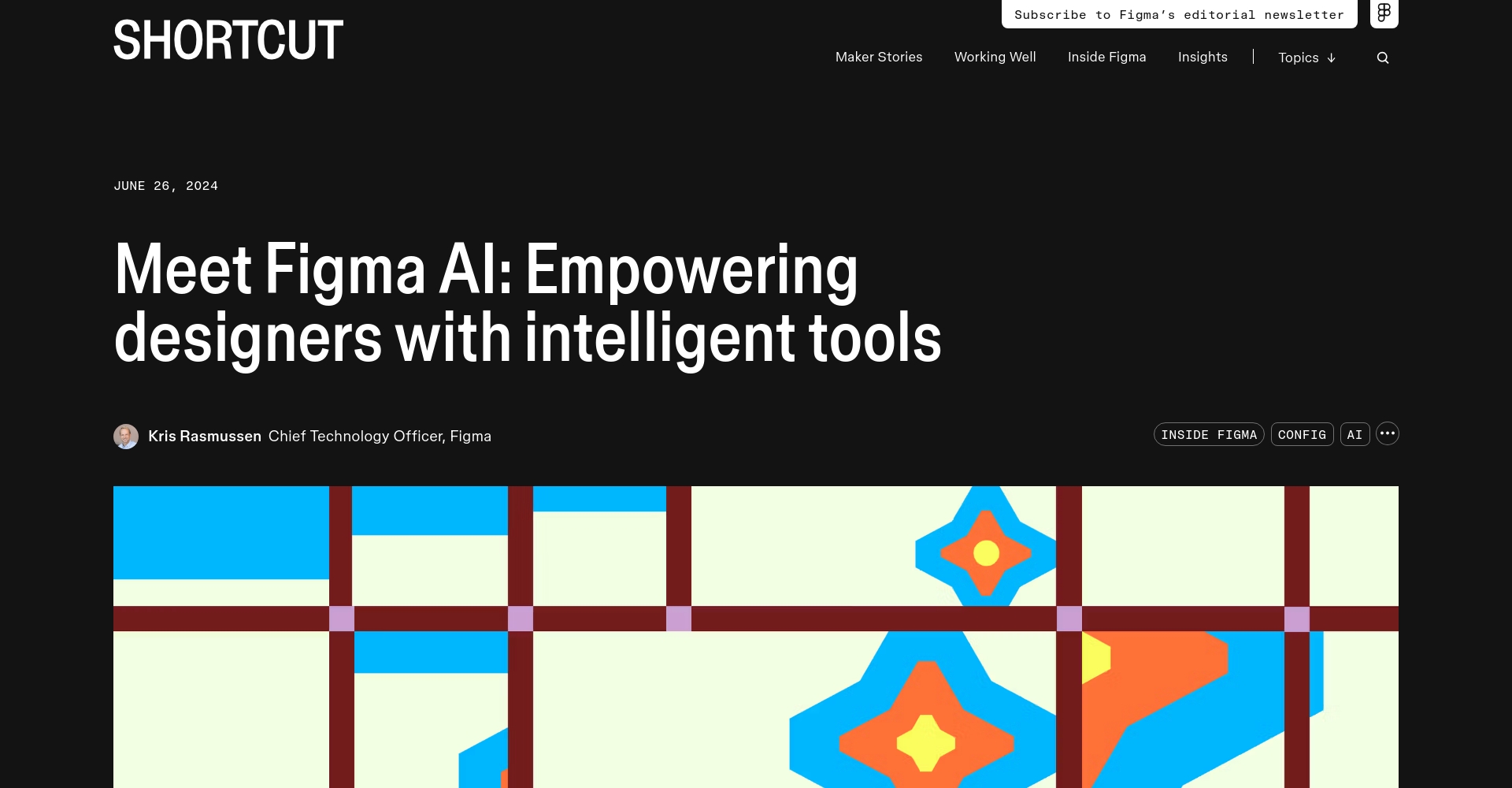
- Key features:It features built-in AI-powered intelligent layout and style matching, capable of completing interfaces based on sketches and providing front-end code suggestions. This enhances real-time team collaboration.
- Target audience:UI/UX designers, web developers, product managers, and remote collaboration teams.
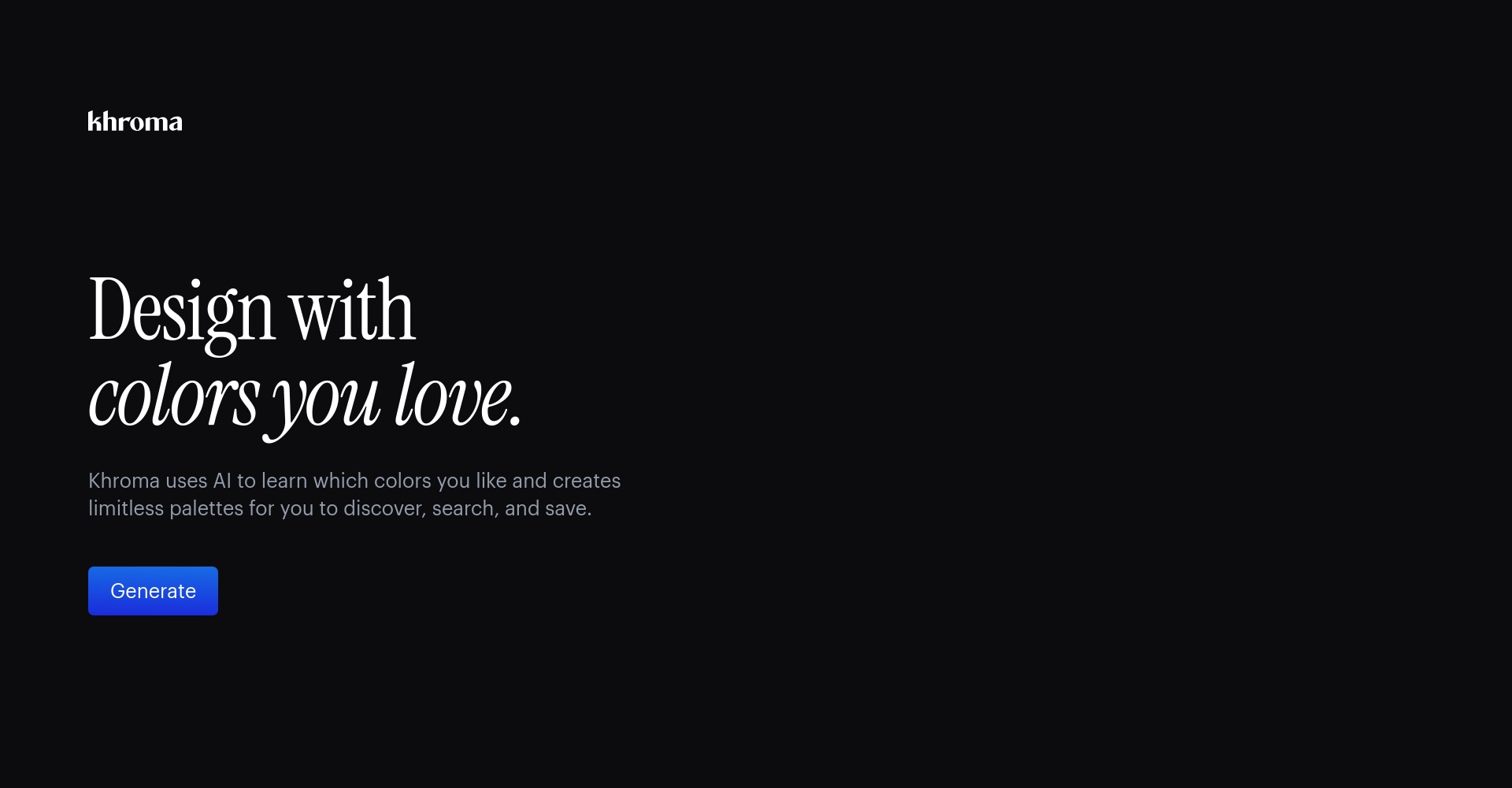
7. Khroma
- Key features:AI generates a rich variety of color schemes, suitable for website, poster, and app color matching. Supported by multiple color theories, it's easy to use.
- Target audience:Visual design, web UI, brand planning.
Interface Design & Color Matching Tools Comparison Table
| tool | Interface Design | Intelligent color matching | Collaboration | Recommended scenarios |
|---|---|---|---|---|
| Figma AI | ★★★★★ | ★★★☆☆ | ★★★★★ | UI/UX, Web |
| Khroma | ✘ | ★★★★★ | ★★★☆☆ | Color management, branding |
Intelligent typesetting and marketing visuals – low-barrier productivity explosion
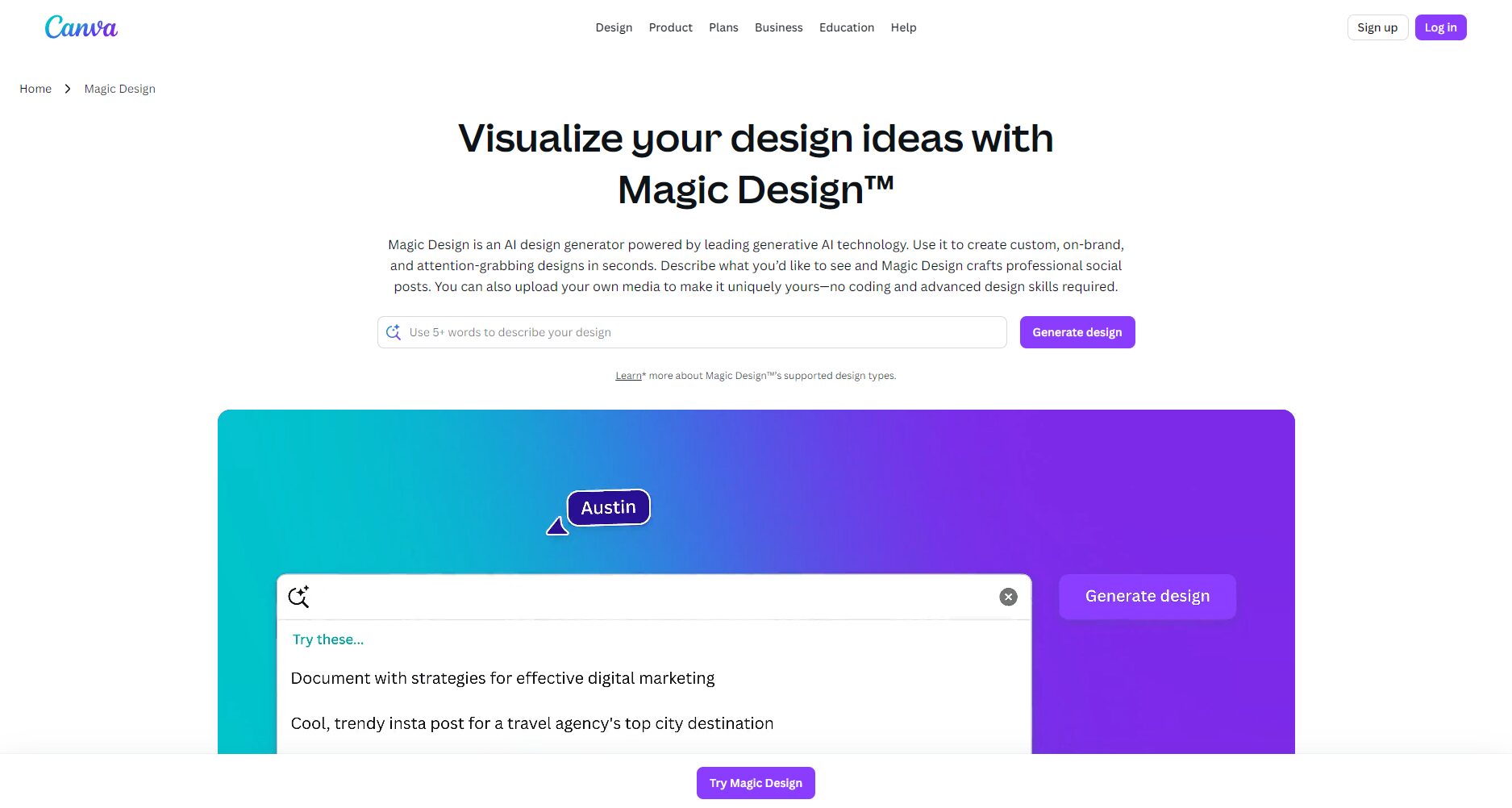
8. Canva Magic Design
- Key features:AI-powered design software automatically generates multiple layouts in seconds. A vast library of templates for social media, e-commerce, and marketing. Team collaboration and easy to use.
- Target audience:Beginner, operations, e-commerce, and education self-media.
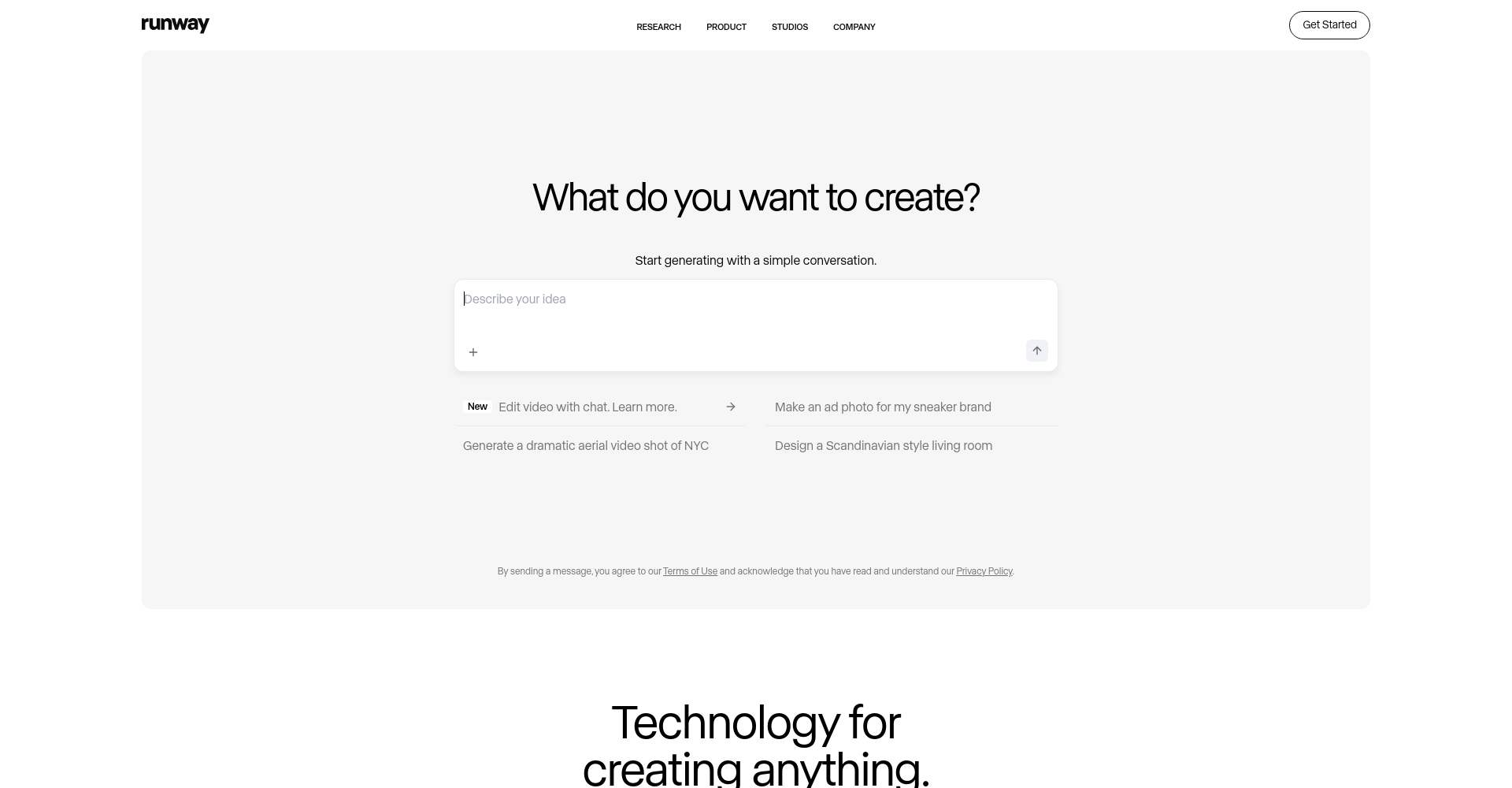
9. Runway Gen-3
- Key features:Leading text-to-video technology integrates AI editing, scene transitions, and other features. It supports multi-user remote collaboration.
- Target audience:Short video creators, brand video marketing, animation production.
Comparison Table of Intelligent Content Generation & Marketing Tools
| tool | graphic design | Video generation | Abundant templates | Collaboration features | Application areas |
|---|---|---|---|---|---|
| Canva Magic Design | ★★★★★ | ✘ | ★★★★★ | ★★★★★ | New media, education |
| Runway Gen-3 | ✘ | ★★★★★ | ★★★★☆ | ★★★★★ | Video, Marketing |
AI Design Tool Selection and Optimization Recommendations
With AI design tools becoming increasingly feature-rich, how can we choose the right tool efficiently?
- Define the demand:Differentiate between image, UI, video, and layout requirements;
- Compatible with existing workflows:Prioritize solutions that are compatible with mainstream ecosystems (Adobe, Figma, Canva);
- Emphasis on teamwork skills:Remote collaboration drives team efficiency;
- Make good use of presets and templates:Improve quality and efficiency using AI templates;
- Keep an eye on tool updates:AI products are iterating rapidly, and timely learning of the latest features allows for sustained leadership.
Whether you're a brand owner, creative director, screenwriter, or freelance illustrator, these 9 AI design tools are the perfect choice to boost your creativity and efficiency in 2025!In this new era of AI and art fusion, we look forward to you exploring your own path of innovation!
© Copyright notes
The copyright of the article belongs to the author, please do not reprint without permission.
Related posts


No comments...
