

Keling AI
Keling AI is Kuaishou's next-generation AI video and image generation platform, supporting text-to-image/video generation and diverse creative editing, suitable for all types of creators.
Cutout.Pro is an AI-powered platform for intelligent colorization and restoration of black and white photos. It is easy to use and effortlessly restores historical colors.
 Cutout.Pro Old Photo Colorization
Cutout.Pro Old Photo ColorizationIt is an AI-basedOnline photo repair toolsIt is specially designed for intelligent colorization of old black and white photos. It supports...One-click coloring, batch processing, large image size, data securityWith numerous unique features, it's suitable for everyone from home users to professional organizations. The platform uses a points-based billing system, offering a free trial for new users and supporting various plans and developer API integration. It supports website, desktop, and mobile operation, allowing anyone to easily restore the colors of historical photos.
In the digital age,AI Image ToolsRapid development has greatly enriched our photo editing experience.Cutout.Pro Old Photo ColorizationLeveraging powerful AI technology, this tool has become a crucial platform for restoring old black-and-white photos and enabling the creation of high-resolution color images. This article provides a comprehensive analysis of its functions, pricing, usage, target audience, and frequently asked questions, presented in a news report format and incorporating a wealth of information.
Click to visit the Cutout.Pro old photo colorizing website.
Cutout.Pro Old Photo ColorizationCutout.Pro's online AI image tool breaks through traditional restoration barriers, allowing ordinary users to easily transform black and white photos into vibrant color images. Main features:
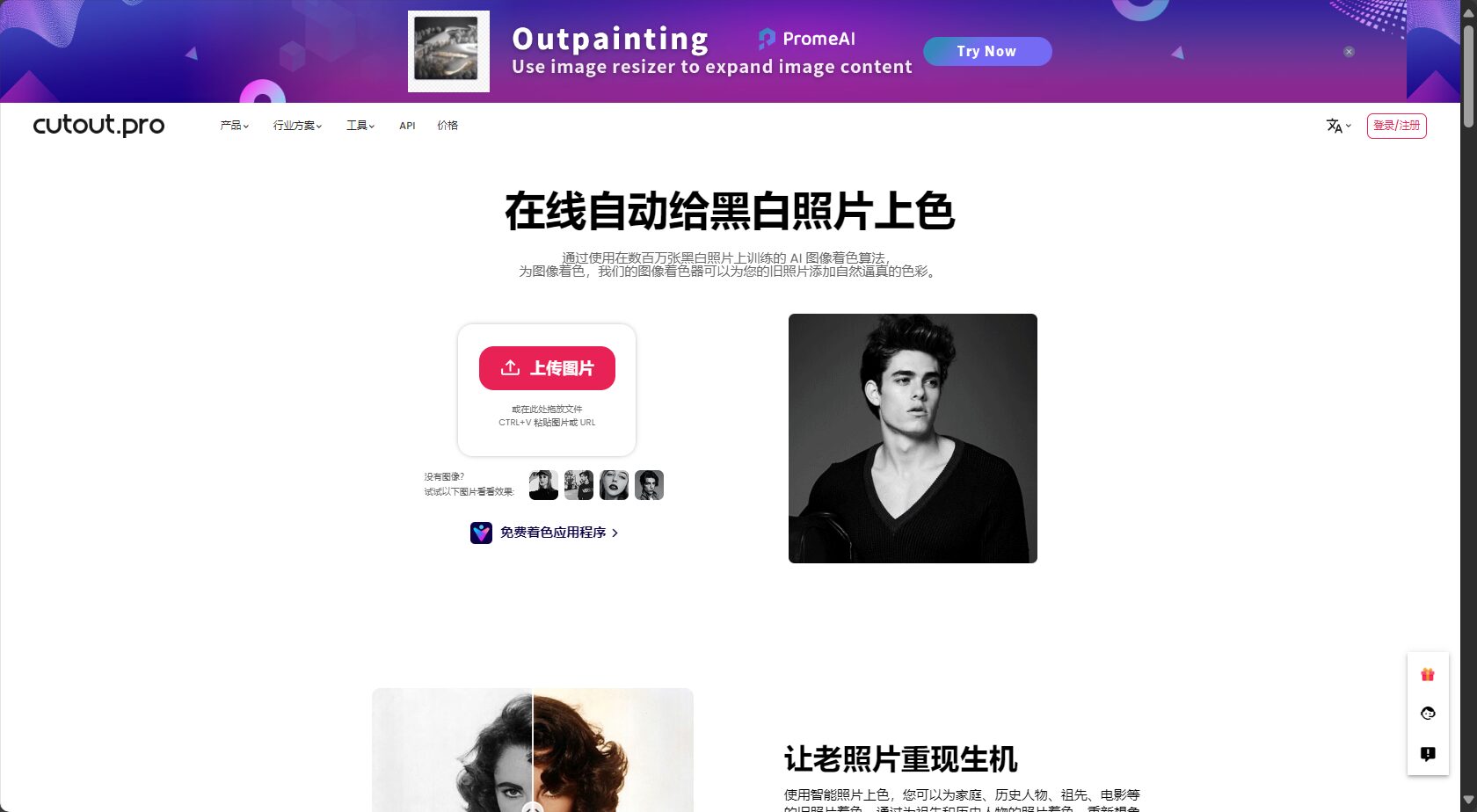
Feature Comparison Table:
| Function | Cutout.Pro Old Photo Colorization | Other mainstream AI coloring tools |
|---|---|---|
| Coloring Model Depth | Deep learning multiple models | Ordinary neural networks |
| Maximum supported size | 4096×4096/15MB | Mostly 2048×2048 |
| Batch processing function | support | Partial support |
| Data security | Clearly destroy uploaded data | Some parts are not explained |
| Color fidelity | 高 | ordinary |
For more case studies and features, seeOfficial feature page。
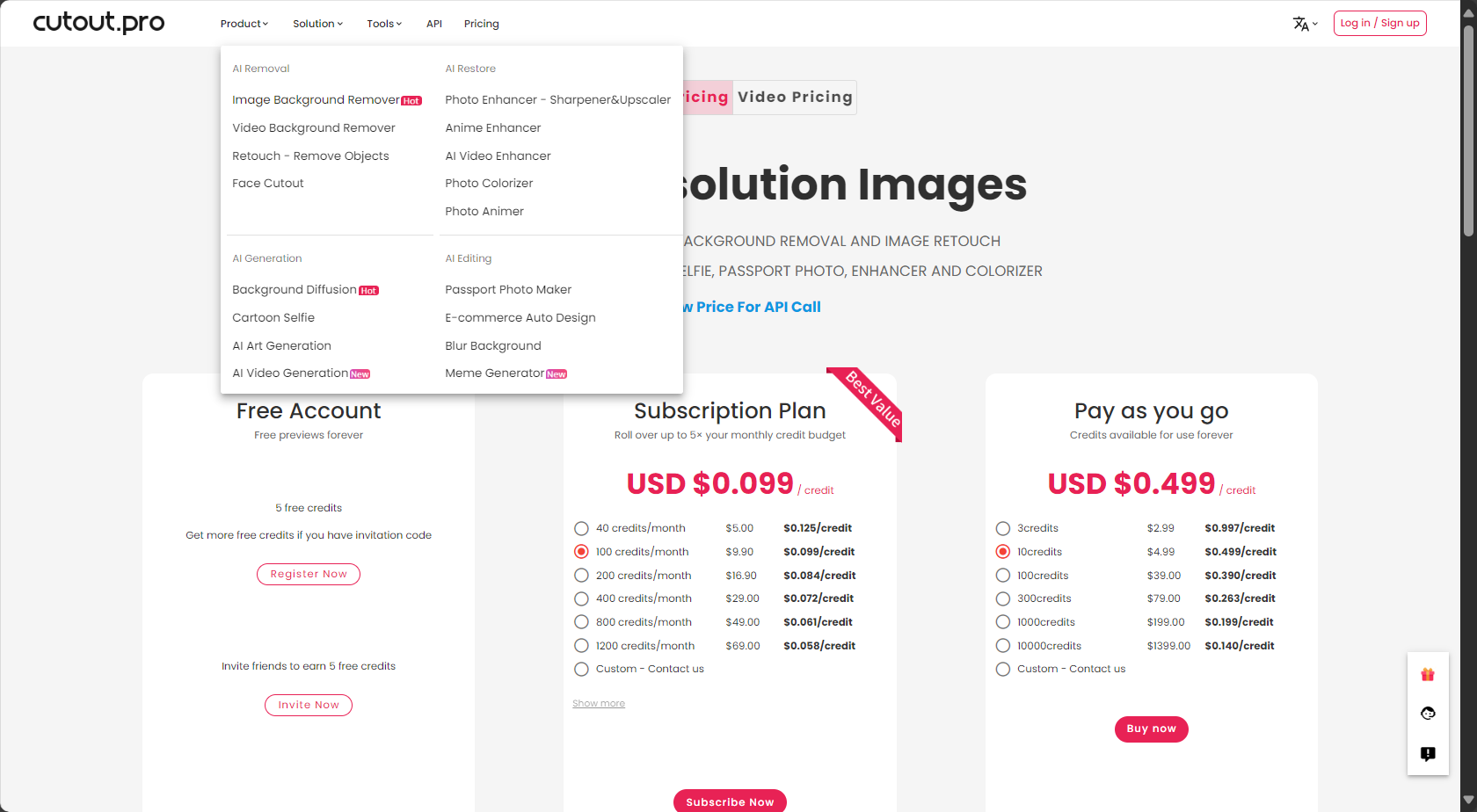
Points-based billingSuitable for users of different levels, each photo colored deducts corresponding points:
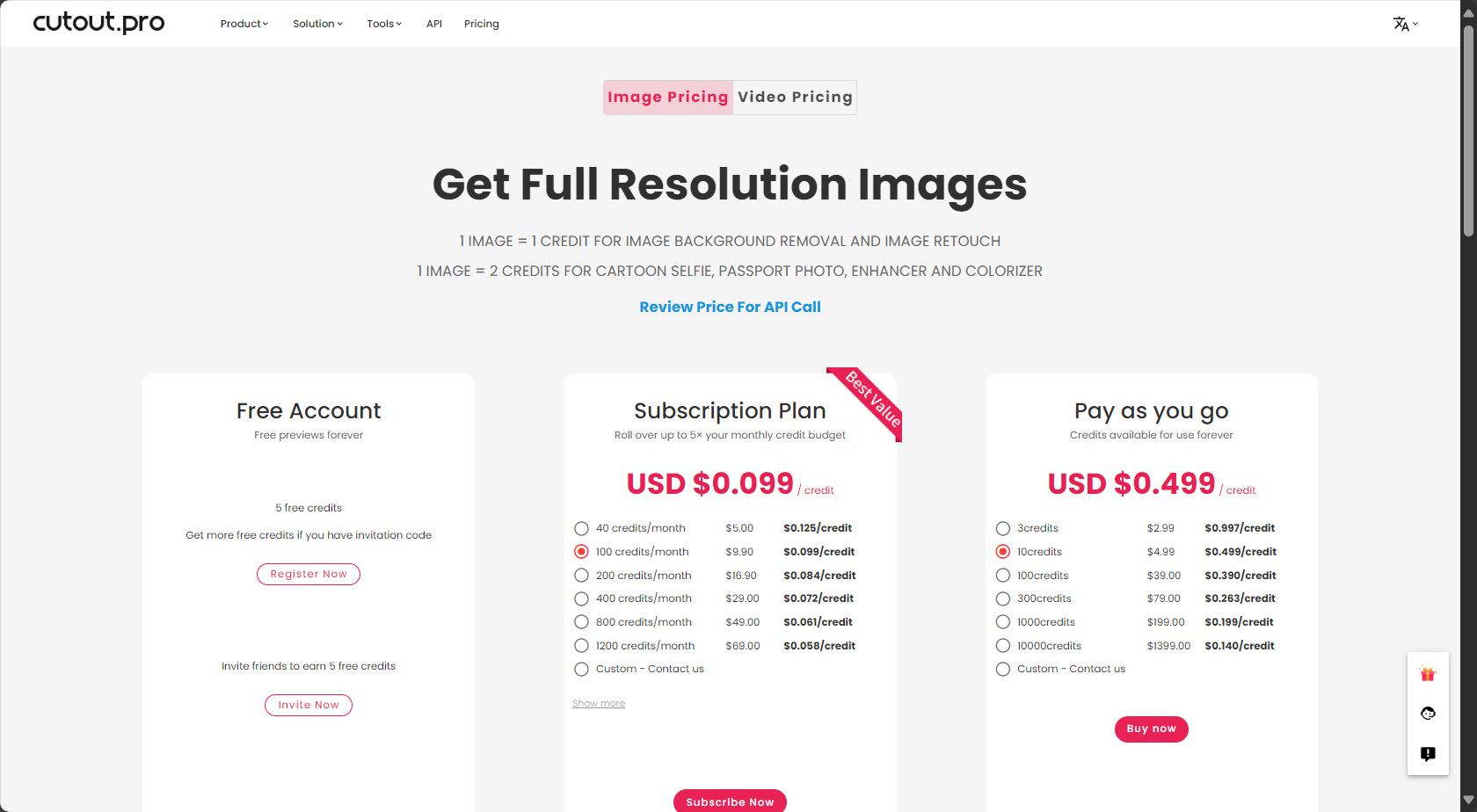

| Package types | Image points | Price (USD) | Average unit price | Target audience |
|---|---|---|---|---|
| Free trial | 5 | 0 | free | New users |
| Buy on demand | 3 | $2.99 | $1.00 | Occasional repairs |
| Buy on demand | 10 | $4.99 | $0.50 | Regular demand |
| Monthly subscription | 40/month | $5.00 | $0.125 | Personal/Self-media |
| Monthly subscription | 200/month | $16.90 | $0.084 | professional photographer |
| Corporate customization | >1000 | custom made | Lower | Institutions/Image Studios |
For detailed pricing and purchase terms, please see [link/details].Official Price Page。
Advanced usersBatch processing is available via web version, desktop client, or API.See the API documentation here.Fully compatible with iOS and Android mobile devices.
Applicable audience case study:
| User type | Application scenarios | Recommended method |
|---|---|---|
| Home users | Genealogy compilation, commemoration and memories | Single upload/Package |
| Educational History | Courseware, historical comparison projects | Bulk API/Package |
| Museum Archives | Digitalization of exhibitions and video materials | Enterprise Custom/Bulk API |
| Media Short Videos | New media content creation | Purchase on demand/Package |
| Photography/Retouching Studio | Commercial restoration of old photos in bulk | Enterprise Packages/API |
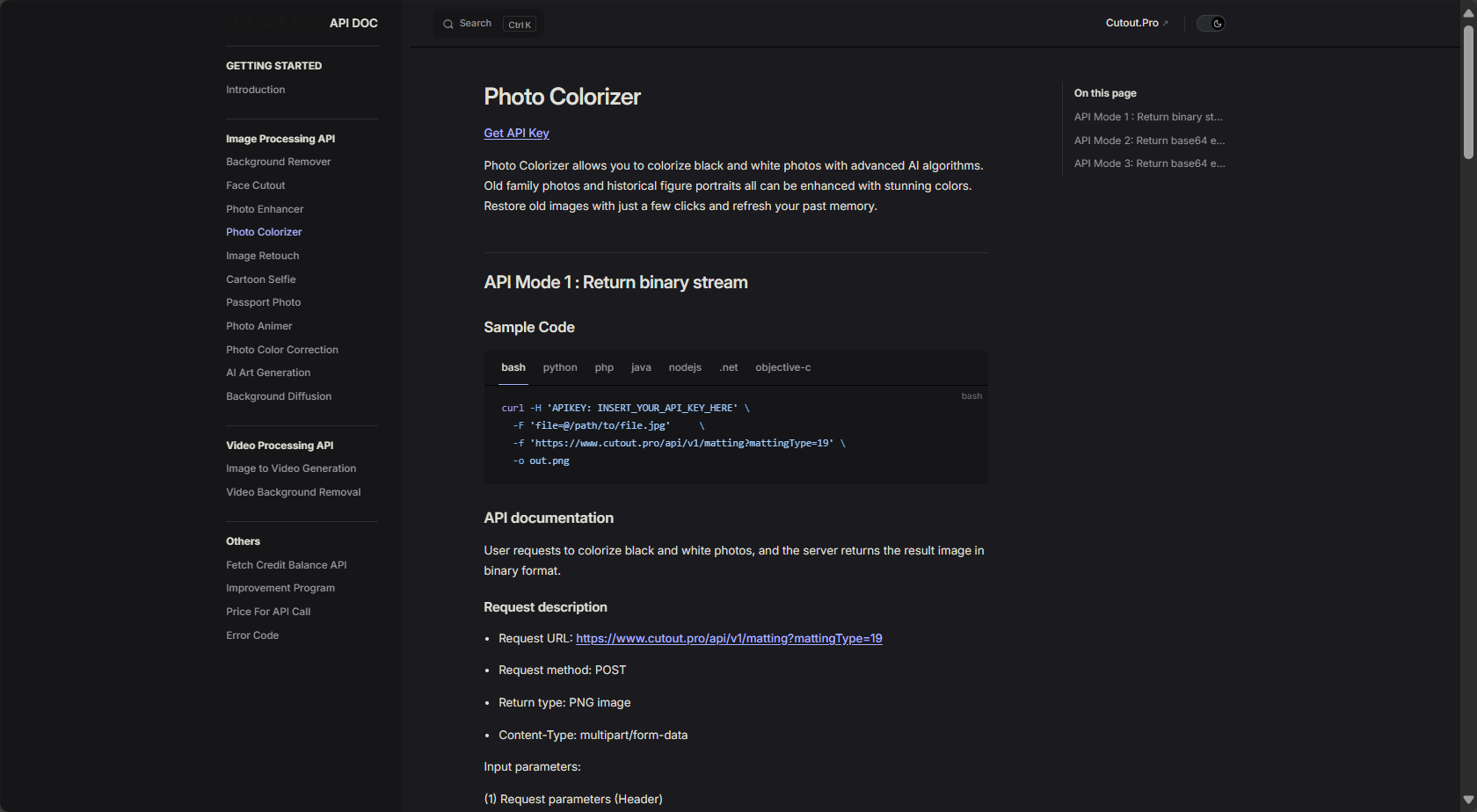
Cutout.Pro's open API makes it easy for websites, e-commerce platforms, or WeChat mini-programs to automatically process data in batches.
Cutout.Pro also supports multiple tools such as background removal, cutout, zoom, enhancement, ID photo, and cartoonization, allowing you to switch freely to meet various photo editing needs.
supportPNG, JPG, JPEG, BMP, WEBPThe maximum size for a single image is 4096×4096 pixels and 15MB. Images exceeding this limit will be automatically downsampled.Official FAQ
The platform promises to delete uploaded images immediately after processing.We will not transfer or leak this data. For large-scale commercial users, we recommend using a dedicated API for further security.
New usersGet 5 free trials with pointsFree trial available, rechargeable packages/purchase as needed. Subscription/enterprise plans recommended for large users.
In today's era of booming AI image tools,Cutout.Pro Old Photo ColorizationProvides efficient, secure, and highly accurate photo restoration solutions for both individual and professional users. Whether it's family memories, cultural heritage, or new media creations, use AI technology to bring history back to life. Welcome to try it out.Cutout.Pro Old Photo ColorizationDiscover the infinite possibilities of images!
This site's AI-powered navigation is provided by Miao.Cutout.Pro Old Photo ColorizationAll external links originate from the internet, and their accuracy and completeness are not guaranteed. Furthermore, AI Miao Navigation does not have actual control over the content of these external links. As of 6:58 PM on August 14, 2025, the content on this webpage was compliant and legal. If any content on the webpage becomes illegal in the future, please contact the website administrator directly for deletion. AI Miao Navigation assumes no responsibility.
