

Waymark
Waymark is an AI-powered video ad generation platform that helps businesses generate high-quality ads in batches within minutes.
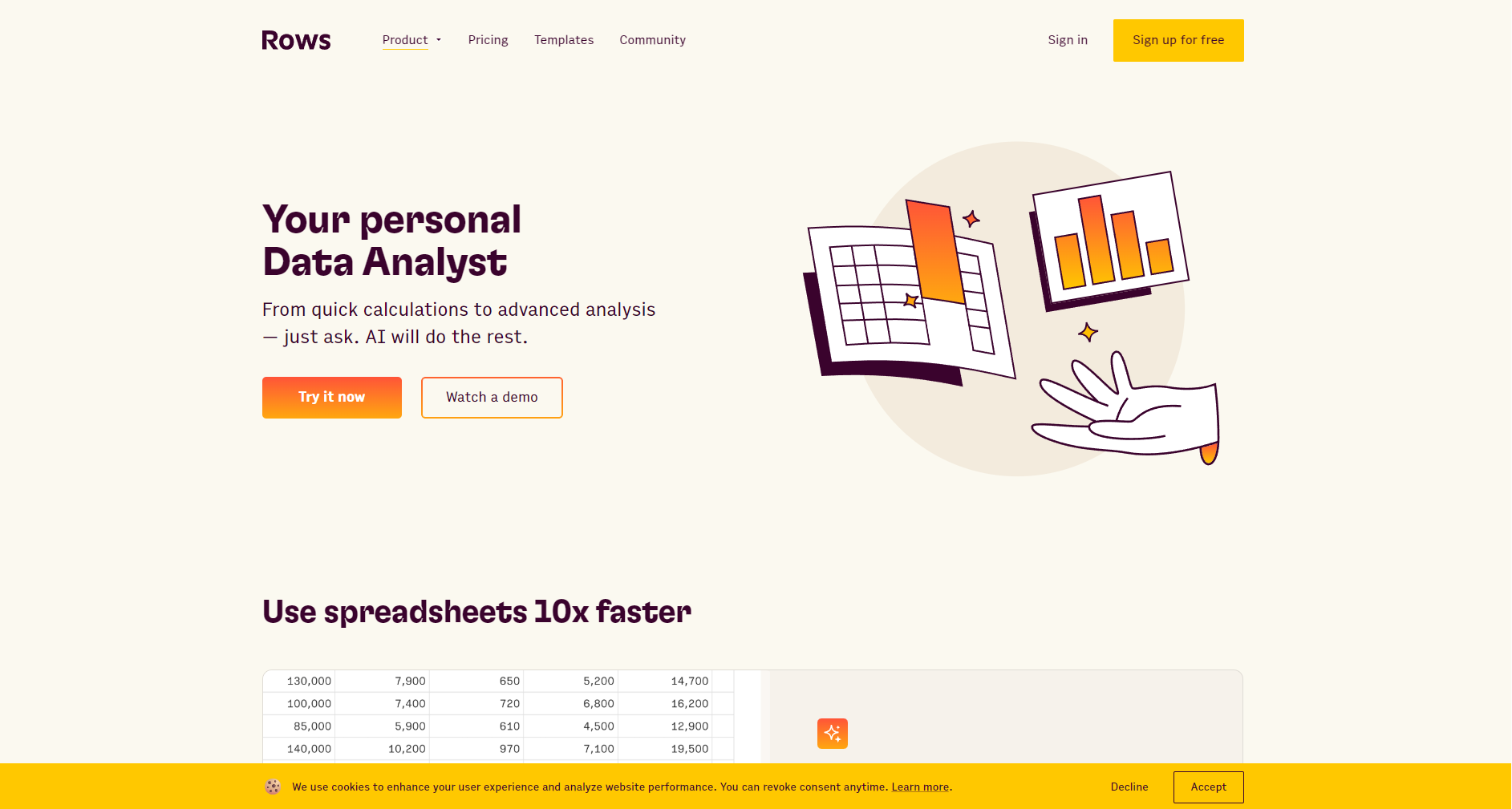
Rows is a smart online spreadsheet with a native AI assistant, automation, and multi-platform integration capabilities, helping non-technical users easily perform data analysis and office automation.
 Rows
RowsRows is an intelligent online spreadsheet platform that integrates AI analytics and automation capabilities.It supports manipulating tables, data analysis, visualization, and automating processes using natural language.Key features include a native AI assistant, deep integration with OpenAI functions, integration with 50+ mainstream SaaS platforms, adaptive templates, and GDPR-level enterprise data compliance.Rows is suitable for teams in marketing, data, operations, finance, etc., and is a pay-as-you-go service.Allowing SMEs and teams to experience the new paradigm of AI-powered office work with low barriers to entry.。
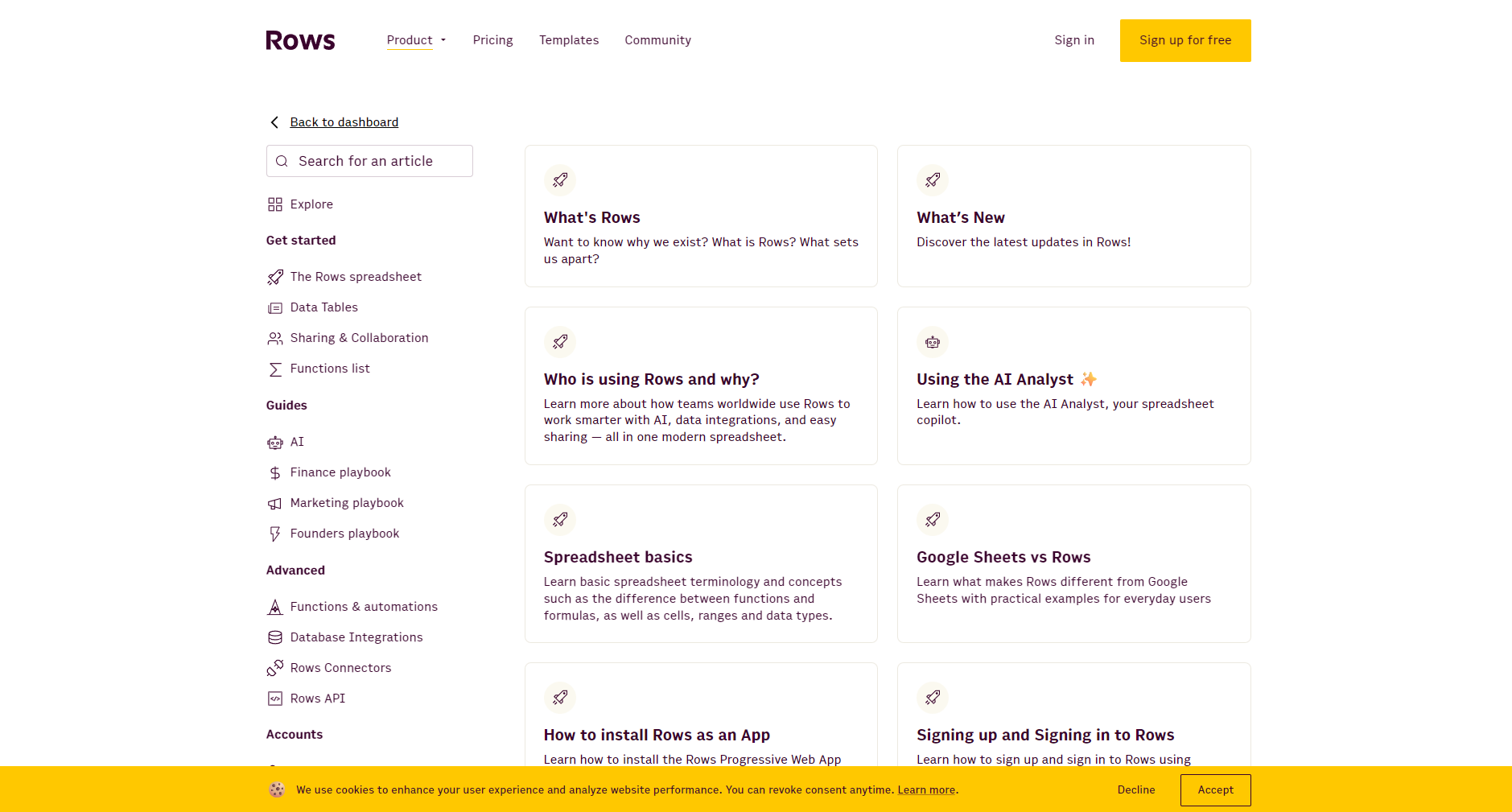
In today's era of continuous innovation in AI technology,“Office automation has become a key element in enhancing team productivity and core competitiveness.A data management and analysis platform integrating AI capabilities—RowsRows is gradually gaining popularity worldwide. This article, through a news feature report, details Rows, a...AI office toolsThis article analyzes its main functions, pricing scheme, usage methods, target audience, frequently asked questions, and its unique value among many AI-driven office tools.
Rows is a "next-generation online spreadsheet platform" that integrates AI analytics and automation.“It combines the capabilities of mainstream AI models such as OpenAI, redefining the experience of data collection, analysis, collaboration, and visualization. It not only offers convenient collaboration like Google Sheets and powerful analysis like Excel, but also features a "built-in AI analyst," allowing non-data scientists to easily work with data.
Official website
Rows' core highlight isBuilt-in AI Data AnalystUsers simply need to enter "=" in a cell and describe their needs in natural language; the AI will automatically complete formulas, analysis, pivot tables, charts, and predictions. For example, "=" will provide insights directly from the AI, allowing users to analyze the trends in this data set.
Key features:
Rows natively supports more than ten frequently used AI office functions, such as:
| function name | Function Summary |
|---|---|
| AD_CONTENT_OPENAI | Generate ad copy with one click |
| SENTIMENT ANALYSIS | Text sentiment analysis |
| SUMMARIZE_AI | Automatic text and data summarization |
| TRANSLATE_AI | Multilingual automatic translation |
| CLASSIFY_AI | Automatic text tagging |
| EXTRACT_AI | Content extraction |
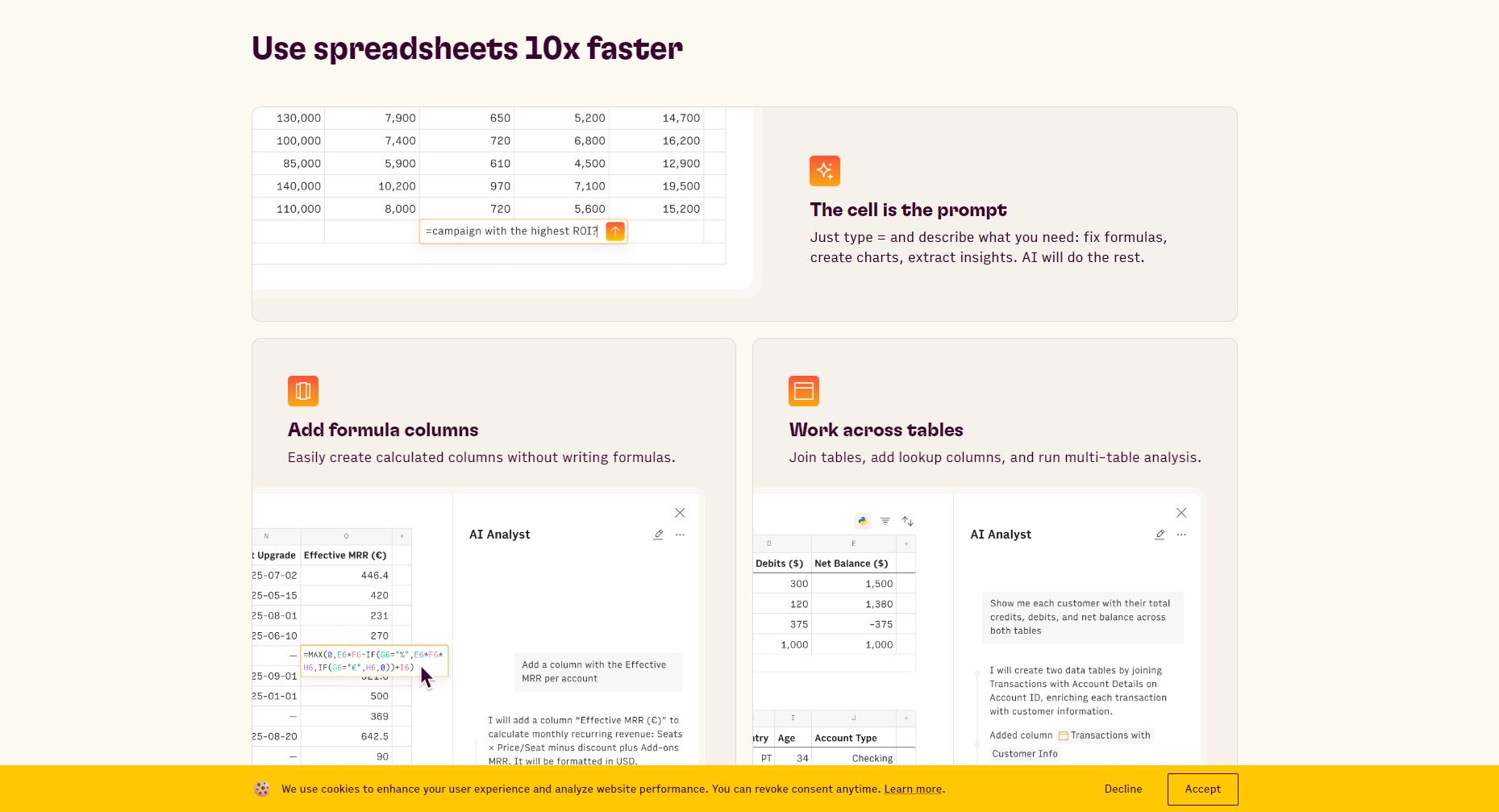

For details, please see [link/reference].Official documentation。
Rows built-in50+ SaaS integrationsIt supports automatically fetching data from multiple platforms including Google Analytics, Notion, CRM, social media, email, and advertising, achieving "“One-stop data integration”The automation capabilities allow for scheduled data retrieval, cleaning, and testing without the need for complex programming.
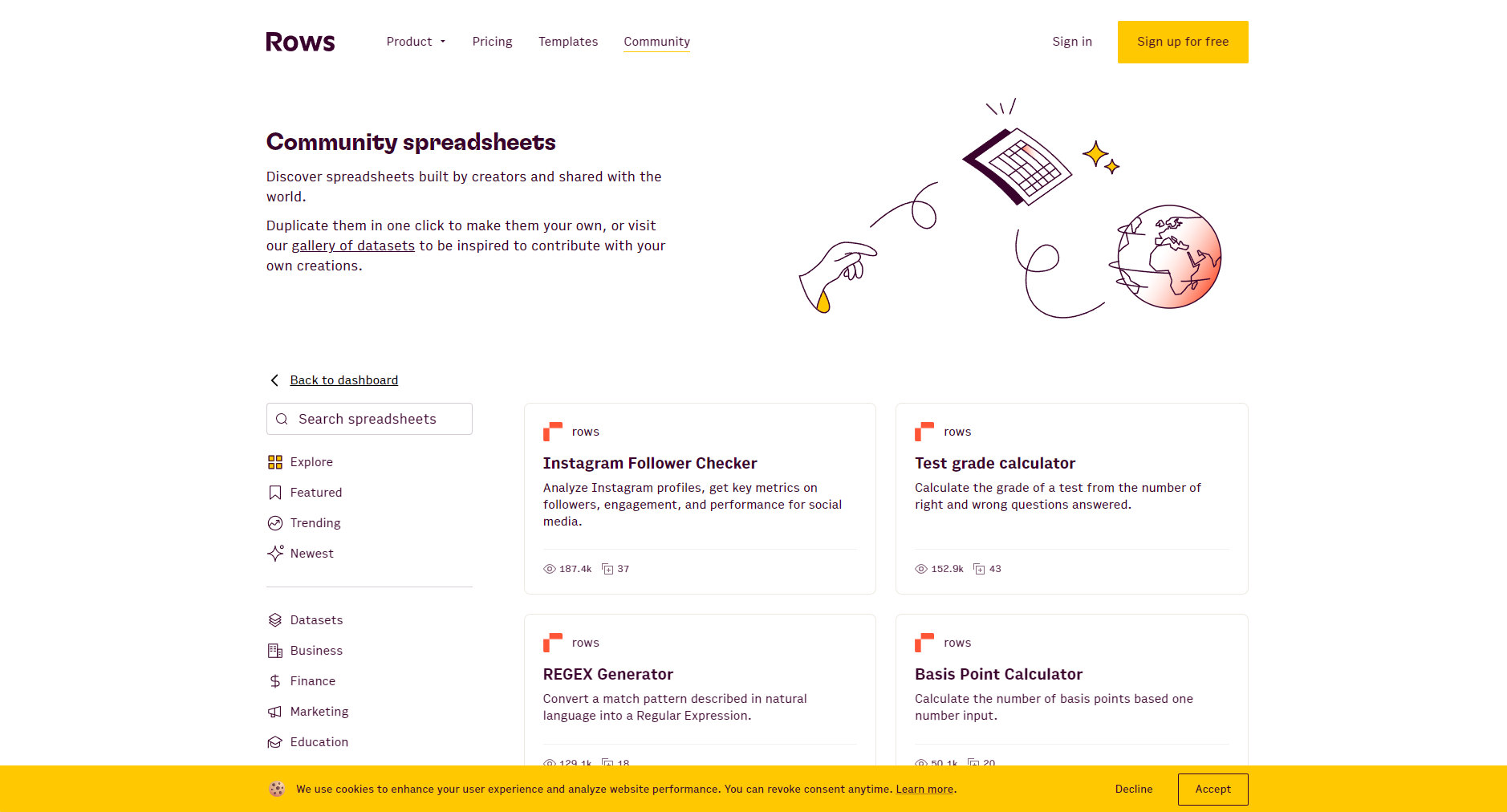
Rows Official Template LibraryIt covers scenarios such as marketing, finance, HR, operations, and projects, and supports analysis and reporting anytime via mobile phone.
Supports multi-user online collaboration, generates dashboards and forms, and allows one-click linking and embedding into web pages.This facilitates real-time communication between the team and clients.
Rows employs a "free + paid upgrade" strategy.Experience AI-powered office work with low barriers to entry, flexibly adaptable to users of different sizes:
| Solution Name | Price (USD/month) | Team members | Integration call | Automation frequency | storage | Applicable |
|---|---|---|---|---|---|---|
| Free version | $0 | 10 | 1000/month | Once a day | 500MB | Individual/Small Team |
| Plus | $59 | No limit | 10,000 | Once per hour | 1GB | medium-sized team |
| Pro | $249 | No limit | 50,000 | Once every 10 minutes | 1GB | large enterprises |
| Business | $499 | No limit | 100,000 | Once per minute | 1GB | Corporate customization |
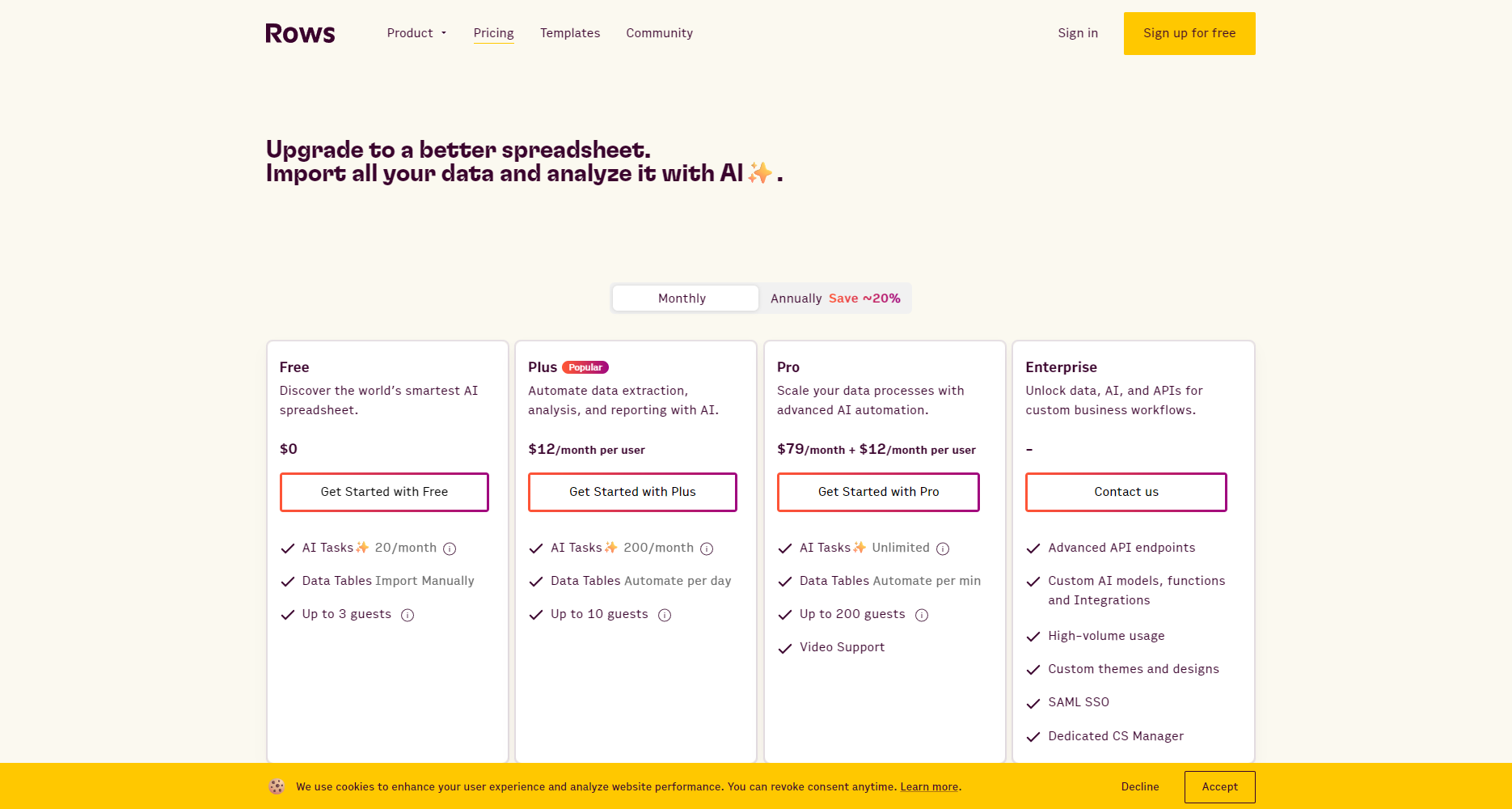
All options include: Unlimited tables/members, AI analytics, collaboration, and data visualization (limited access in the free version).Detailed Plan
detailedBeginner's Guide
Rows natively embeds AI logic, making each cell a prompt, eliminating the need for external plugins.。
Covering mainstream 80% scenarios, greatly reducing the entry barrier.。
Headquartered in Germany, strictly adhering to GDPR, business data is not used as AI training data.。
It supports deep customization with REST API, Webhooks, and Python.
| Features | Rows | Google Sheets | Excel |
|---|---|---|---|
| Native AI Assistant | ✅ | ⭕ Plugin required | ⭕ Plugin required |
| Multi-platform integration | 50+ | 30+ | 30+ |
| AI Visualization/Analysis | ✅ | ⭕ Programming required | ⭕ Programming required |
| Data security compliance | GDPR | American local | American local |
| Mobile usability | excellent | generally | generally |
The AI button (✨) in the lower right corner of the table supports natural language AI dialogue. You can also directly enter "=" + command in the cell, such as "=SUMMARIZE_AI(A1:A10)".See the official documentation for details.
No. It only contains headers/a small sample and statistical summary, and is not used for AI training. It complies with GDPR.Privacy Policy
The free version offers unlimited spreadsheets/AI, but there's a monthly limit on the number of integrations and auto-runs.Upgrading to Plus/Pro unlocks all features, making it suitable for high-demand teams.View upgrade
In the new era of AI-driven office work,Rows uses AI and smart spreadsheets to reshape data collaboration, effectively improving team efficiency and insights.。
If you needA smart, user-friendly AI spreadsheet suitable for team collaboration.Rows is worth trying. Visit now!Rows.comStart your smart office upgrade journey!
This site's AI-powered navigation is provided by Miao.RowsAll external links originate from the internet, and their accuracy and completeness are not guaranteed. Furthermore, AI Miao Navigation does not have actual control over the content of these external links. As of 7:22 PM on September 29, 2025, the content on this webpage was compliant and legal. If any content on the webpage becomes illegal in the future, please contact the website administrator directly for deletion. AI Miao Navigation assumes no responsibility.
