
A Comprehensive Analysis of Clipdrop AI Tools: How Can Designers Easily Enhance Image Quality and Work Efficiency with AI?
Clipdrop AI It is aAn all-in-one AI image processing tool that integrates functions such as background removal, image enlargement, restoration, and AI generation.The article provides an in-depth analysis of its core advantages, applicable scenarios, and market comparisons, introducing how designers can utilize Clipdrop AI. Improve work efficiency and visual qualityIt also explains its technical principles, data security, and legal authorization policies. Even beginners can easily produce professional images without needing high-end equipment, driving the digital transformation of the design process, greatly shortening project delivery cycles, making it an indispensable AI tool for modern designers.
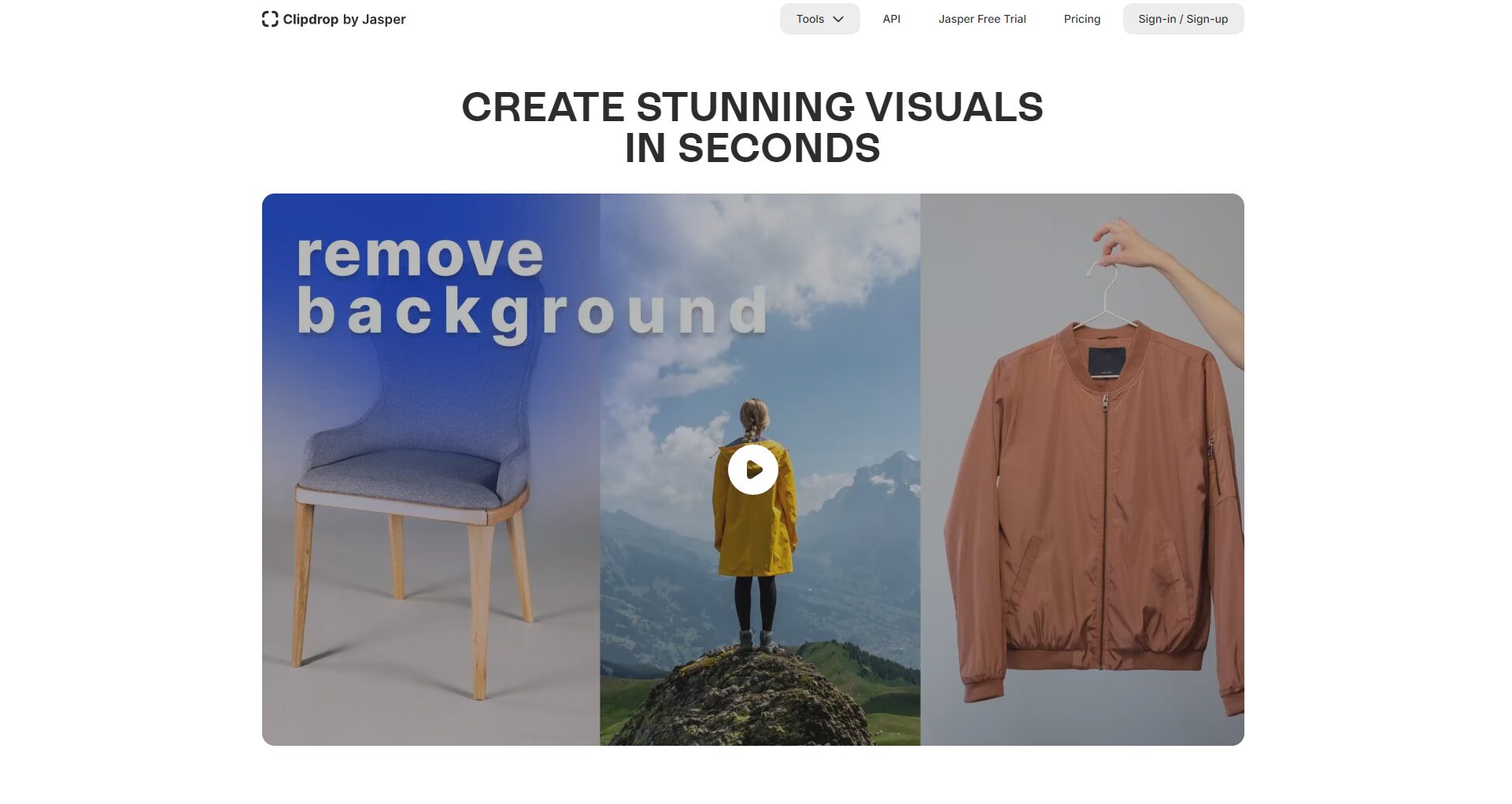
What is Clipdrop AI? A list of its core advantages.
Clipdrop AI It is powered by Stability AI.All-in-one AI image processing platformIt features a powerful and intuitive one-stop image editing solution. From background removal, sharpness enhancement, image enlargement, and object removal to AI generation and canvas expansion, everything can be completed with a single click on the same interface.Significantly simplifies designer collaboration and image processing workflows.。
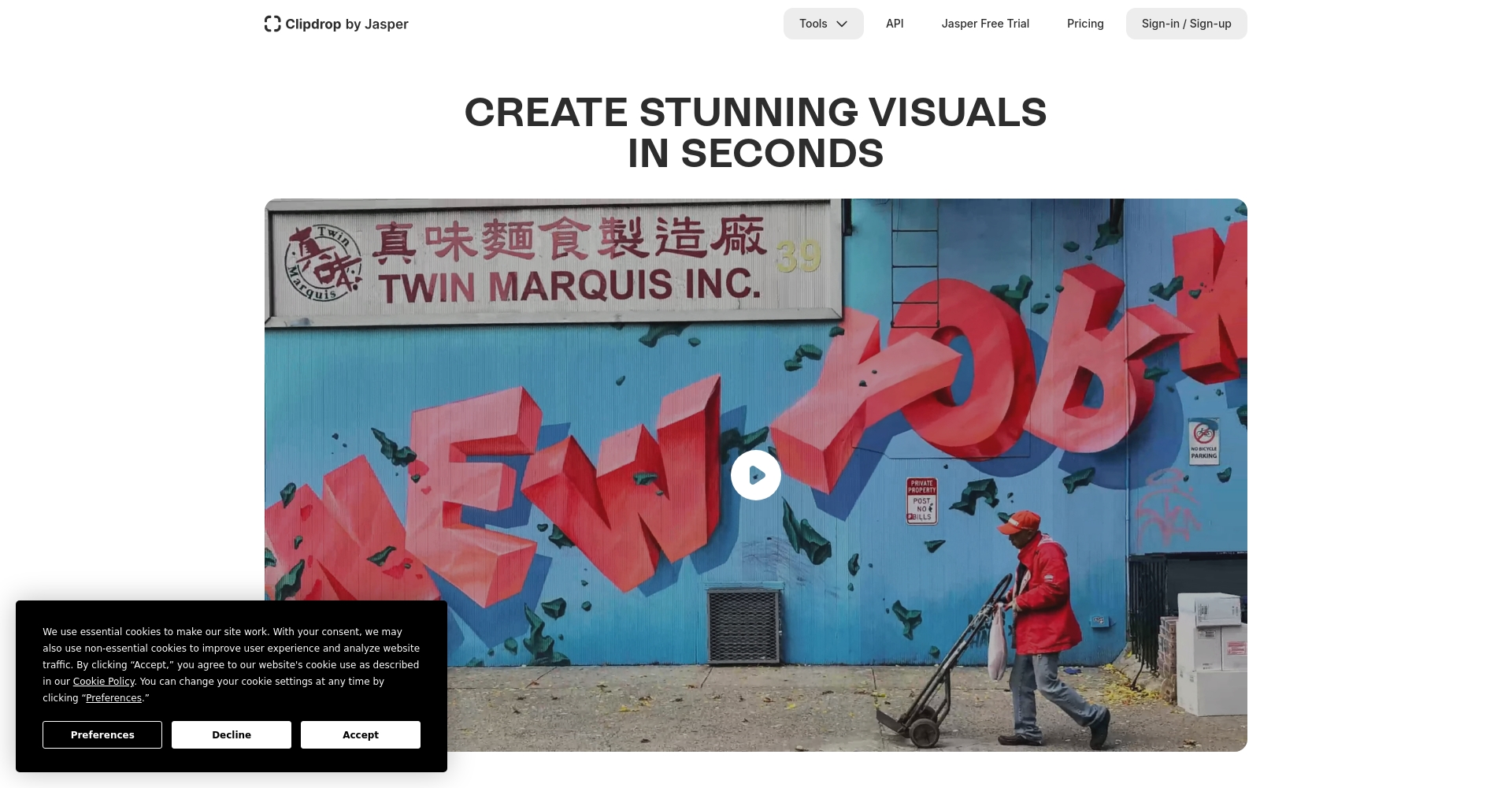
Clipdrop AI Feature Breakdown
| Function Name | Function Description | Applicable Scenarios | Operational difficulty |
|---|---|---|---|
| Remove Background | AI automatically identifies the subject and background, removing background elements in seconds. | Product photography, portrait photos, social media content | Extremely simple |
| Image Upscale | Enhances image detail and sharpness, supports multi-stage zoom. | High-resolution requirements for graphic design and e-commerce images | Extremely simple |
| Cleanup (object removal) | One-click erasure of unwanted objects and intelligent image completion. | Brand image photos, advertising images, photo enhancement | simple |
| Real-time lighting and shadow adjustments (Relight) | AI automatically simulates natural light sources to quickly optimize lighting and shadow effects. | Main visual of the advertisement, product display | simple |
| Uncrop/Expand | AI intelligently generates edge areas, seamlessly expanding the canvas. | Banner creation and layout extension | ordinary |
| AI-generated graph (Stable Diffusion) | Generate images from text descriptions with a single click, supporting multiple art styles. | Creative proposals, illustration requests | Simpler |

Clipdrop AI: What innovations does it bring to designers?
Optimize design workflow
Clipdrop AI automates many tedious image processing tasks.Designers no longer need to spend a lot of time manually removing and retouching images; they can quickly obtain exquisite finished products simply by dragging or uploading pictures.Significantly shorten project delivery cycle。
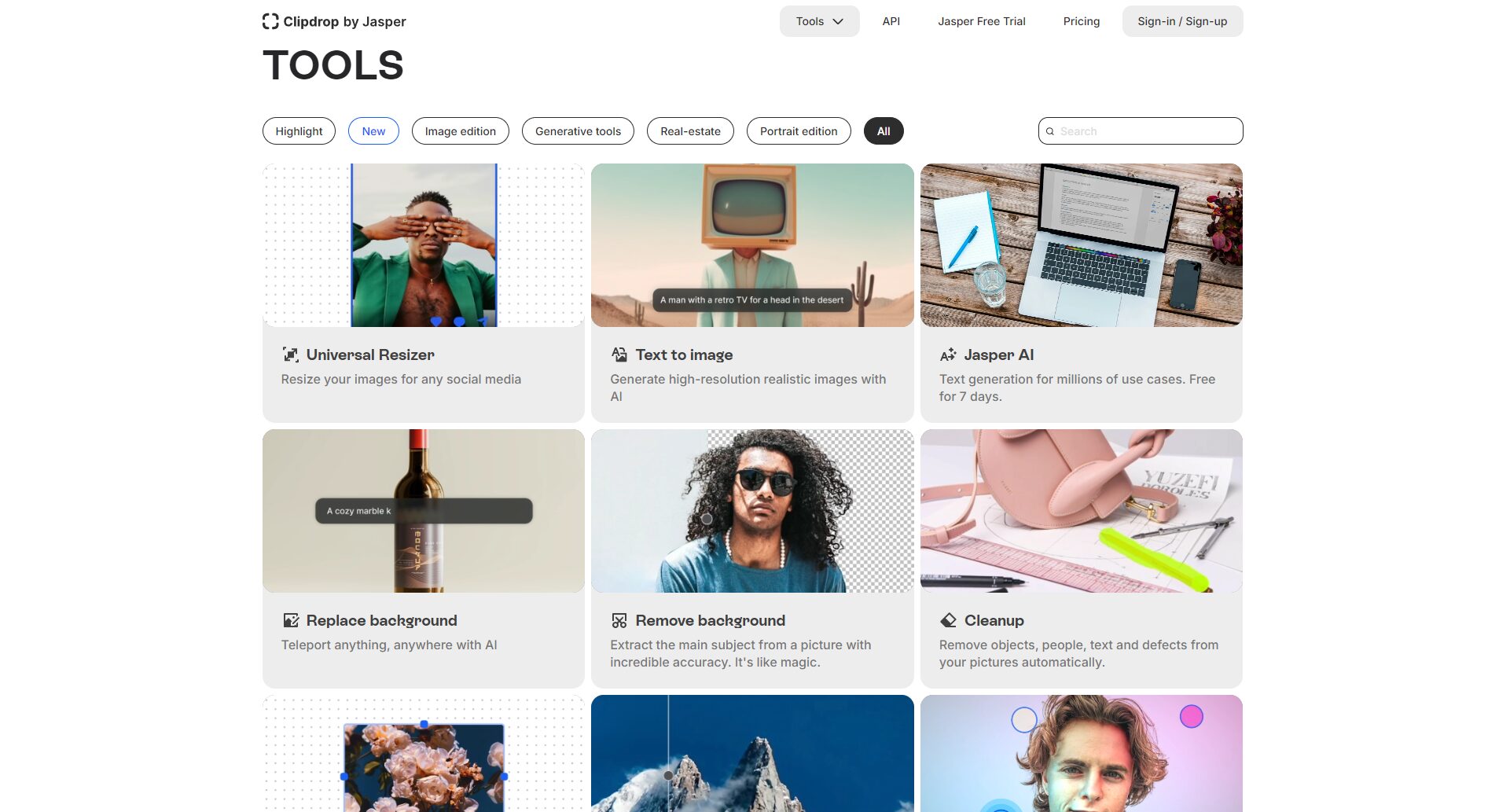
No high-end equipment needed, even beginners can create professional-looking images.
Traditional high-quality post-production relies on specialized software and powerful hardware.Clipdrop AI supports cloud computingIt eliminates the need for installing complicated local software, allowing both beginners and experts to produce high-quality works anytime.
Real-time collaboration improves communication efficiency.
Clipdrop AI supports real-time editing and previewing.Designers and clients can immediately confirm results when communicating their needs, significantly reducing retouching back and forth and making collaboration smoother.
Clipdrop AI Practical Use Cases and Application Scenarios
Rapid optimization of e-commerce product photos
Back removal, brightening, and repair functionsCreating professional product visuals is now easier for online shop owners, saving on photography and graphic design costs and increasing product appeal and conversion rates.(Example)
Consistency of Brand VI Materials
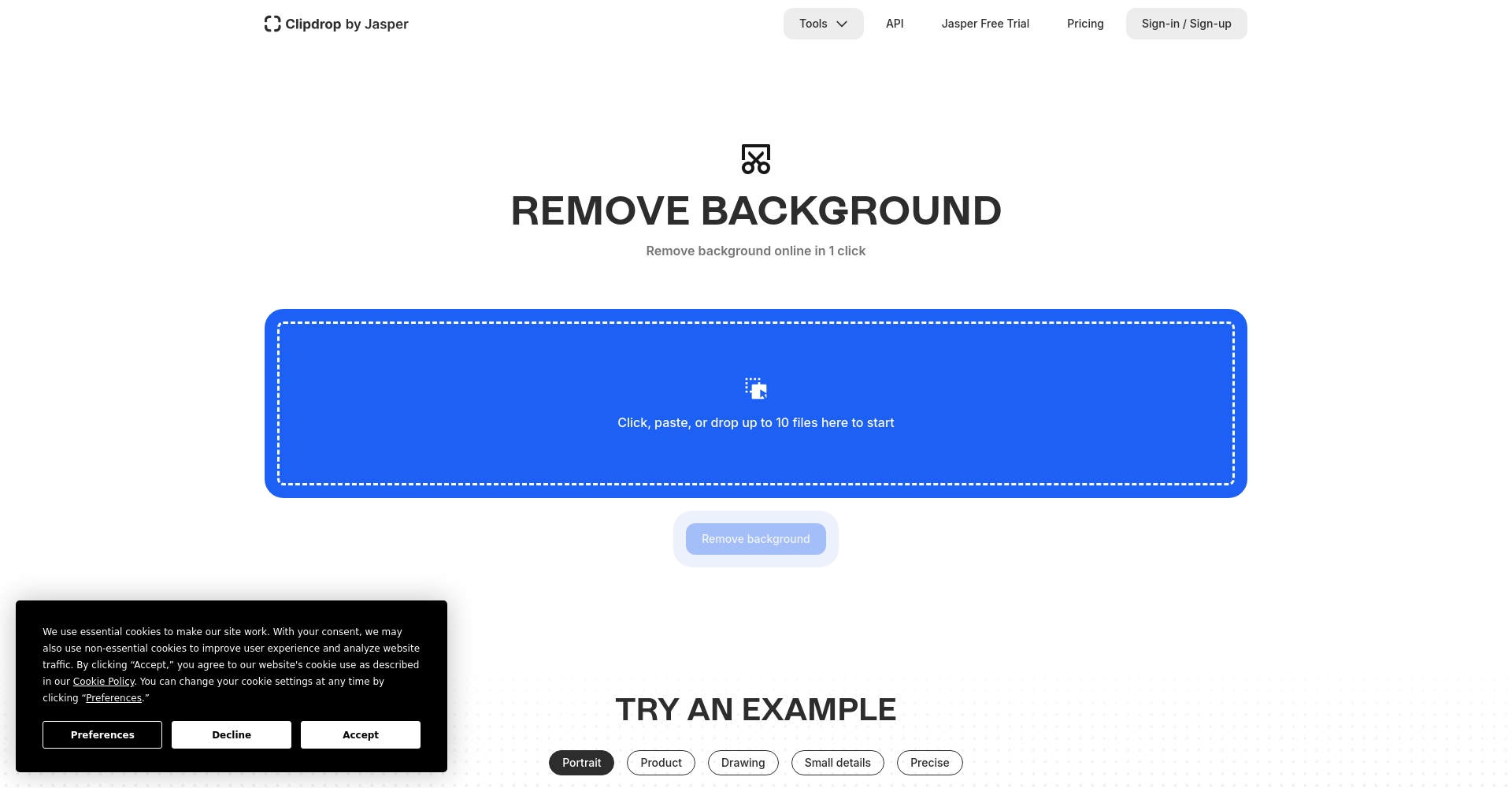
Brands can use Clipdrop AI Batch Processing of Brand Photos and LogosThis ensures that all pipes have a consistent visual appearance, maintaining a professional and unified style even for those without design experience.
Creative Marketing and Creating Viral Social Media Content
Leveraging AI image generation and canvas expansion,The marketing team generated a large number of creative community images and texts at low cost.It allows for flexible execution of A/B testing and content strategies.
Automated beautification and portrait desmearing
Even photography beginners can learn throughImpurity removal, facial retouching, color optimizationThese functions continue to produce works that are close to professional standards.(Case Study)

Clipdrop AI Market Comparison: A Comparison with Mainstream Image AI Tools
| Tool Name | Main functions | Operational difficulty | Fee model | Suitable groups | Official website link |
|---|---|---|---|---|---|
| Clipdrop AI | Background removal, image restoration, image enlargement, AI generation | Extremely simple | Free/Paid Advanced | Design beginner to professional designer | clipdrop.co |
| Photoroom | Backing removal, batch processing | simple | Free/Paid | E-commerce, Marketing | photoroom.com |
| Canva | Template design, easy editing | Extremely simple | Free/Premium Subscription | Marketing, social media | canva.com |
| remove.bg | Professional AI for back cleaning | Extremely simple | Free/Paid | E-commerce, photography | remove.bg |
| Photoshop AI | Various professional editors | More difficult | Fee | Professional Designer | adobe.com |
Highlights: Clipdrop AI, with its one-stop, multi-functional services and user-friendly interface, is ideal for everyone from beginners to professional designers, and the free version is sufficient for everyday needs.。
Clipdrop AI Technology Principles & Future Trends
AI core model
Clipdrop's core functionality is largely built on deep learning technology, such as...Generative AI models such as Stable DiffusionCombining image recognition and completion technologies, it ensures industry-leading processing speed and detail restoration.
Seamless integration with existing design processes
It can be easily integrated with mainstream tools such as Adobe, Figma, and Google Drive.Integrating AI into existing design processes helps enterprises achieve digital transformation.
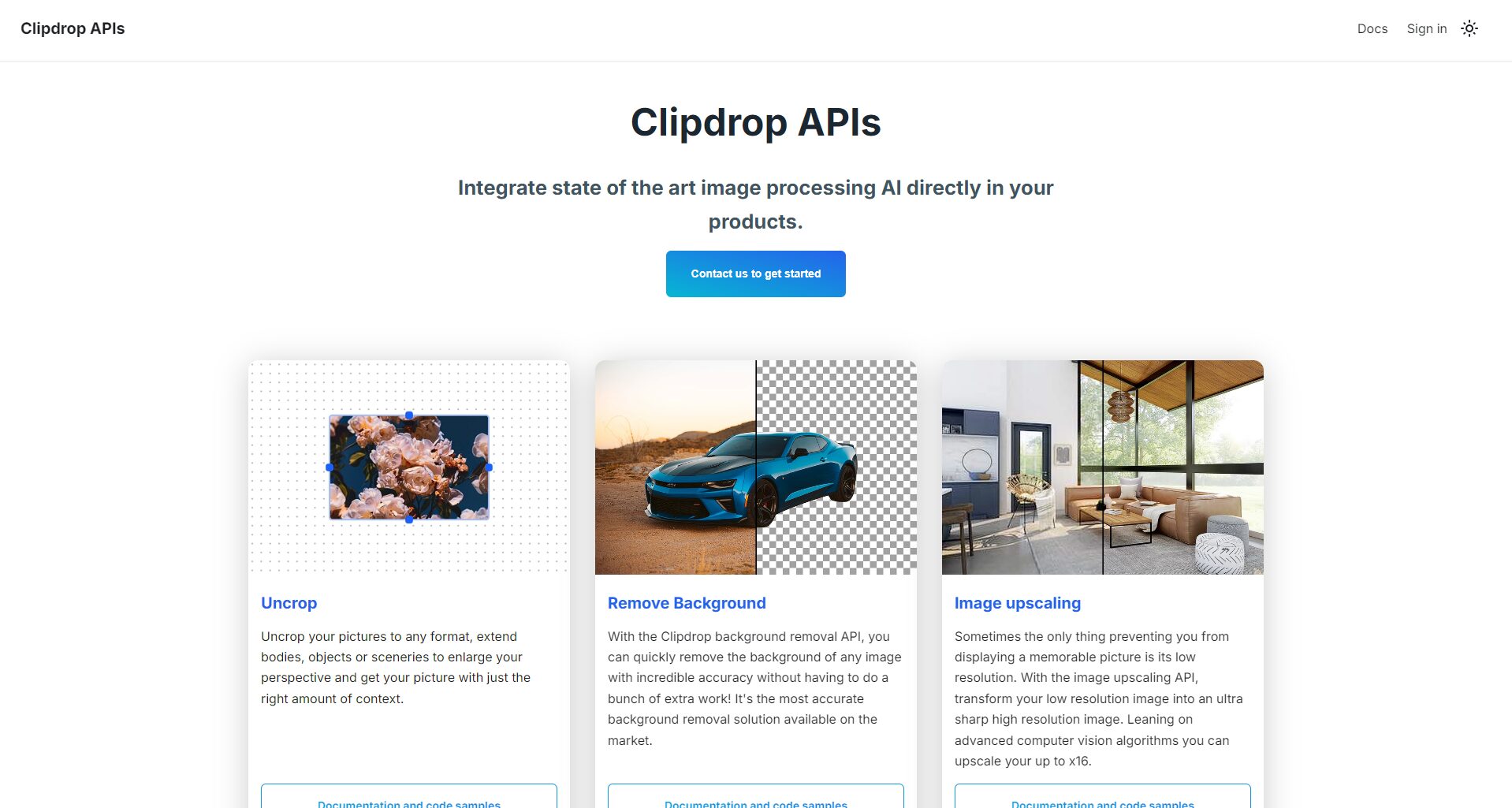
Clipdrop AI Security and Licensing Policy
Content security and data protection are of utmost importance.The official statement said that it will not store users' original images and complies with GDPR data standards, making it suitable for commercial use and not worrying about personal data leakage.
Paid subscriptionEnjoy advanced applications such as high resolution, API, and automatic batch processing, making it suitable for direct use in commercial projects and advertising without worry.
Clipdrop AI Quick Start Guide for Beginners
- Register an account:EnterOfficial websiteLog in quickly with Google/Facebook.
- Select the function to upload pictures:Choose from features such as background removal and image quality upgrades as needed, and it supports major image formats.
- One-click download & secondary editing:Once finished, immediately download the results and then edit and integrate them using Illustrator, Canva, or other software.
- Enable API/Batch Processing:For high-volume processing or automation needs, apply for advanced licenses to comprehensively improve efficiency.

Clipdrop AI-Driven Work Transformation: My Experience
With the increasing maturity of AI tools, the design threshold has been significantly lowered. Clipdrop AI improves efficiency and empowers every designer, making professionalism no longer exclusive to a select few.For contemporary design teams that value speed and quality, Clipdrop is a powerful productivity tool and a key ticket to digital transformation. Experience it now and let your designs unleash a new AI vision!
© Copyright notes
The copyright of the article belongs to the author, please do not reprint without permission.
Related posts




No comments...
