
A Comprehensive Guide to Lumalabs AI Video Generation Tools: A Must-Read for Designers and Content Creators
lumalabs AI Dream Machine LeadingAI video generationTechnological revolution, with its high image quality, diverse input methods, and professional-grade control, has become a focal point for designers and content creators. This article, from a news reporting perspective, comprehensively analyzes the functional highlights, applicable scenarios, latest pricing, and alternatives of Lumalabs AI, including detailed feature comparisons and operational suggestions, allowing you to grasp the key to future innovation in the imaging industry!
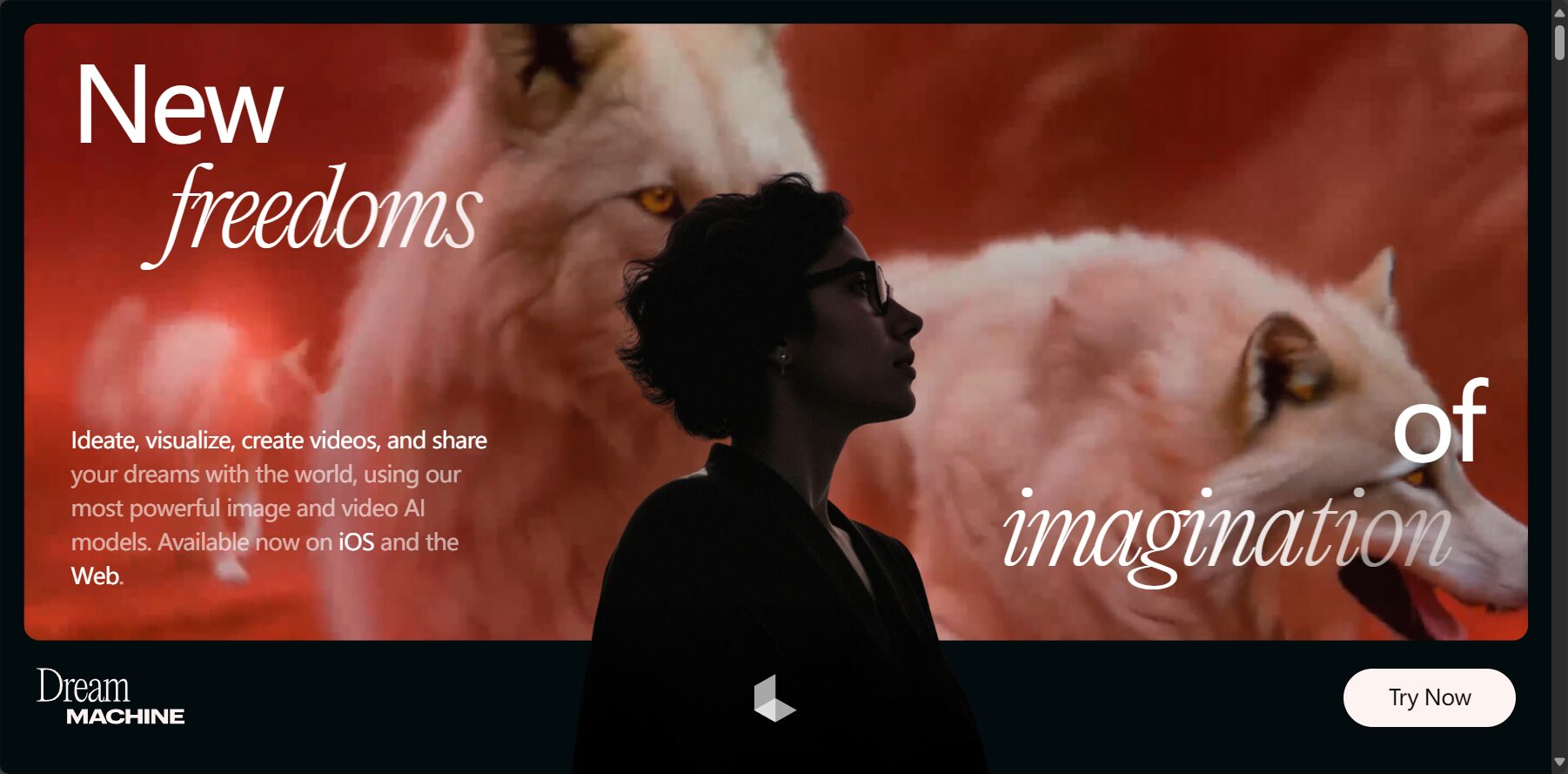
Lumalabs AI Product Positioning and Background
lumalabs It is a well-known American AI imaging R&D team, which launched its flagship product in 2024. Dream Machine A strong push into the professional content creation market. Team members come from tech giants like Apple Vision Pro, possessing strong financial backing and industry partnerships, and their various AI-powered imaging innovations are maturing rapidly.
- Positioning: A professional AI video generation/editing platform that combines industrial-grade applications with high-quality output.
Core Functions and Technical Highlights
Introduction to Dream Machine
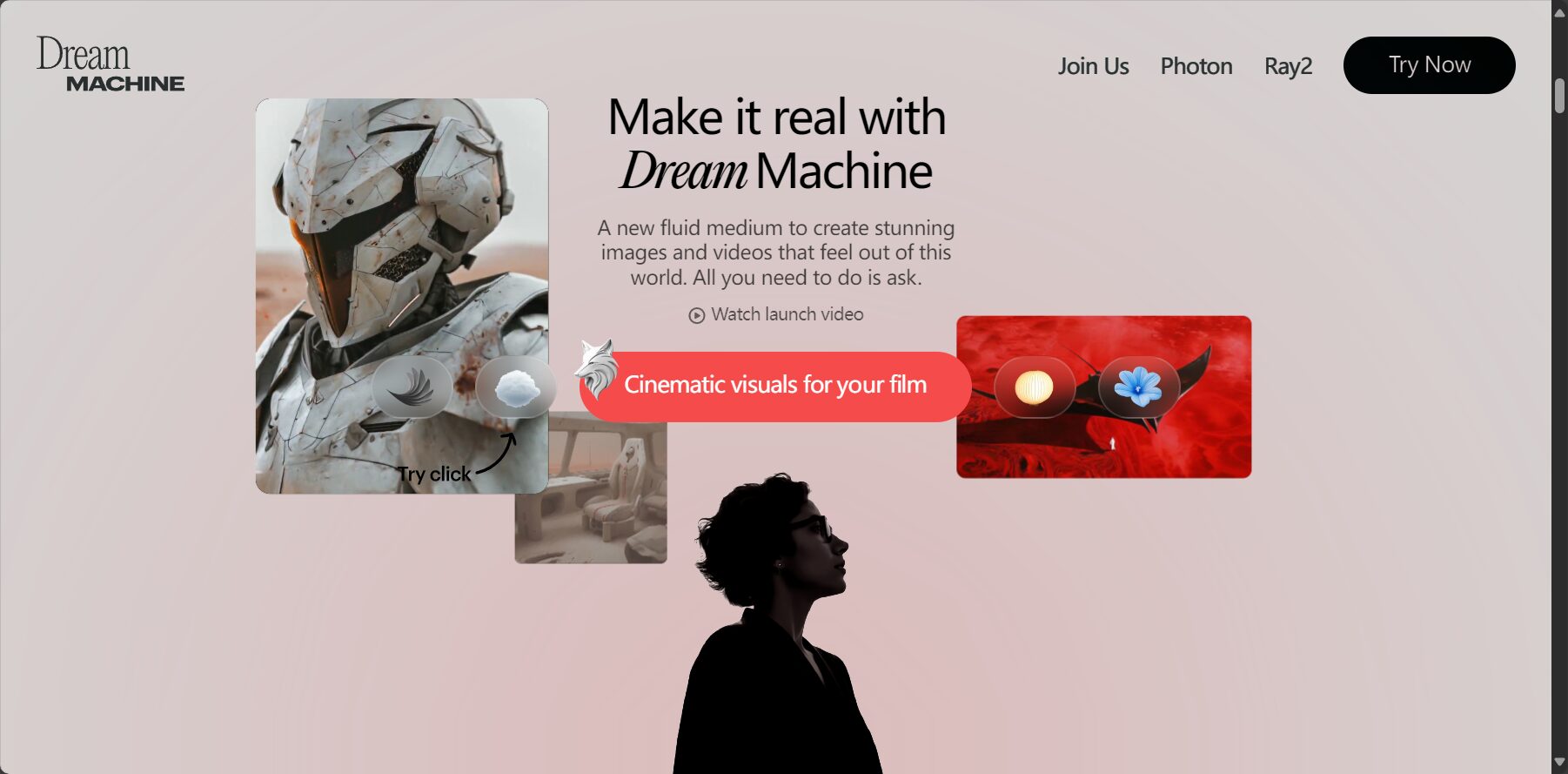
Dream Machine Known for its AI-driven automatic video generation. Supports...Text (Text-to-Video)与Image to VideoIt supports up to 1080p resolution and a maximum duration of 5 seconds. Internally, it utilizes the Ray2 deep learning architecture, resulting in smooth visuals and diverse styles. It also features image editing functions such as Adhere (fine-tuning), Flex (medium-level adjustment), and Reimagine (style reshaping).
Key AI technologies and application scenarios
- Multimodal modelCombining text and image input, it is suitable for generating diverse content such as dramas, advertisements, and educational materials.
- Supports professional-grade director-level shot arrangement, motion consistency optimization, and style transfer.
| Application areas | Specific Cases |
|---|---|
| Brand Design | Commercial short films, product promotional animations |
| Image Creation | Concept music videos, science fiction animation |
| Educational content | Process animations and science videos |
| Film and television production | Storyboard preview, style proof |

Input method and control parameters
- English text script
- Single image upload (automatically expands to dynamic scenes)
- Customize aspect ratio, duration, resolution, lens and transitions, etc.
- Expert-tunable API
Image quality and limitations
- AdvantagesThe visuals are detailed and smooth, with diverse styles and a professional focus.
- LimitationsSome physics/detail simulations have errors, making them difficult to learn and not very beginner-friendly.
Lumalabs AI User Guide
Registration process
- access Official website
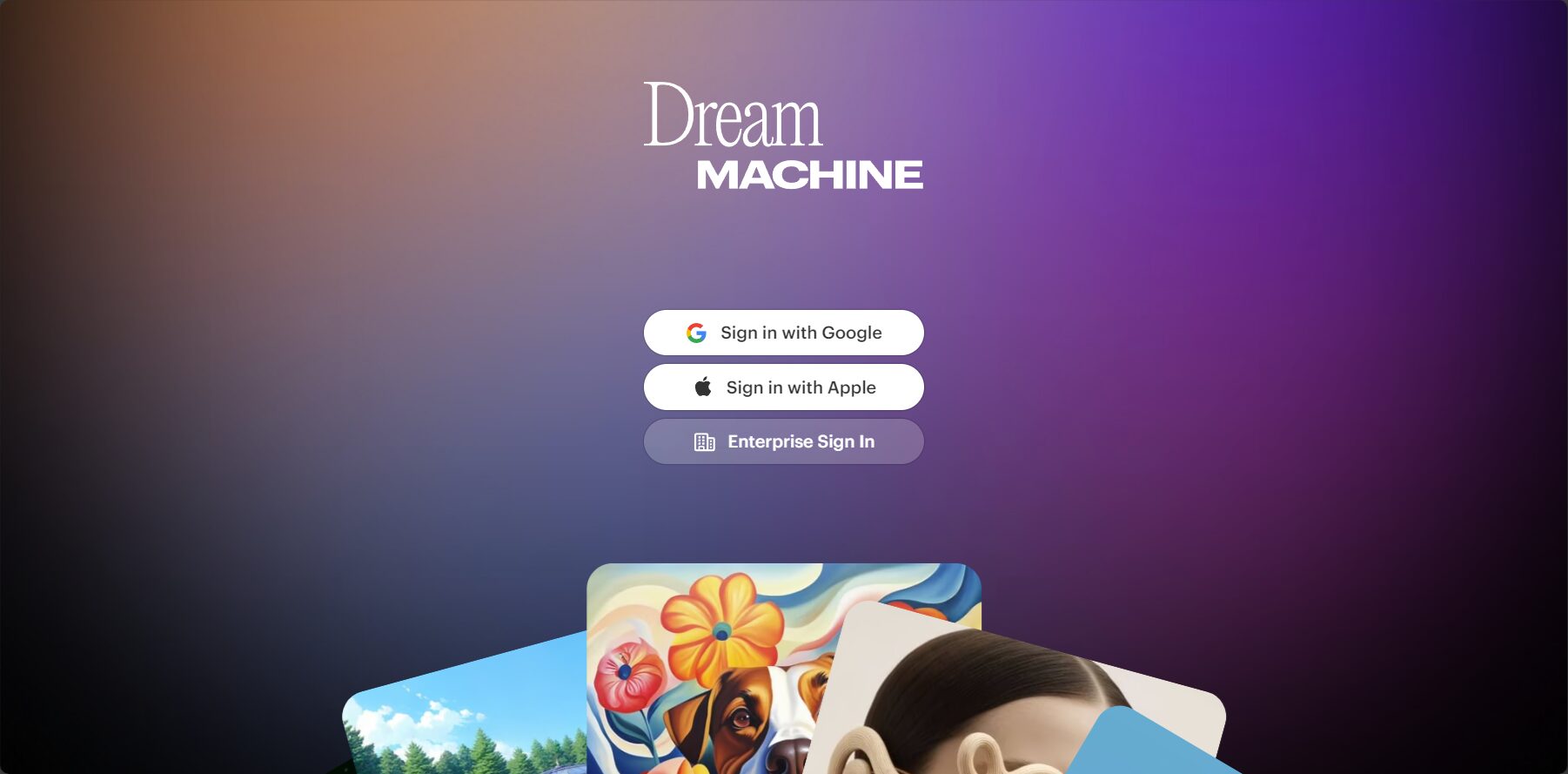
- Select Register: Log in with your Google account (one-click login)
- Choose a free trial or subscription plan
Video generation steps
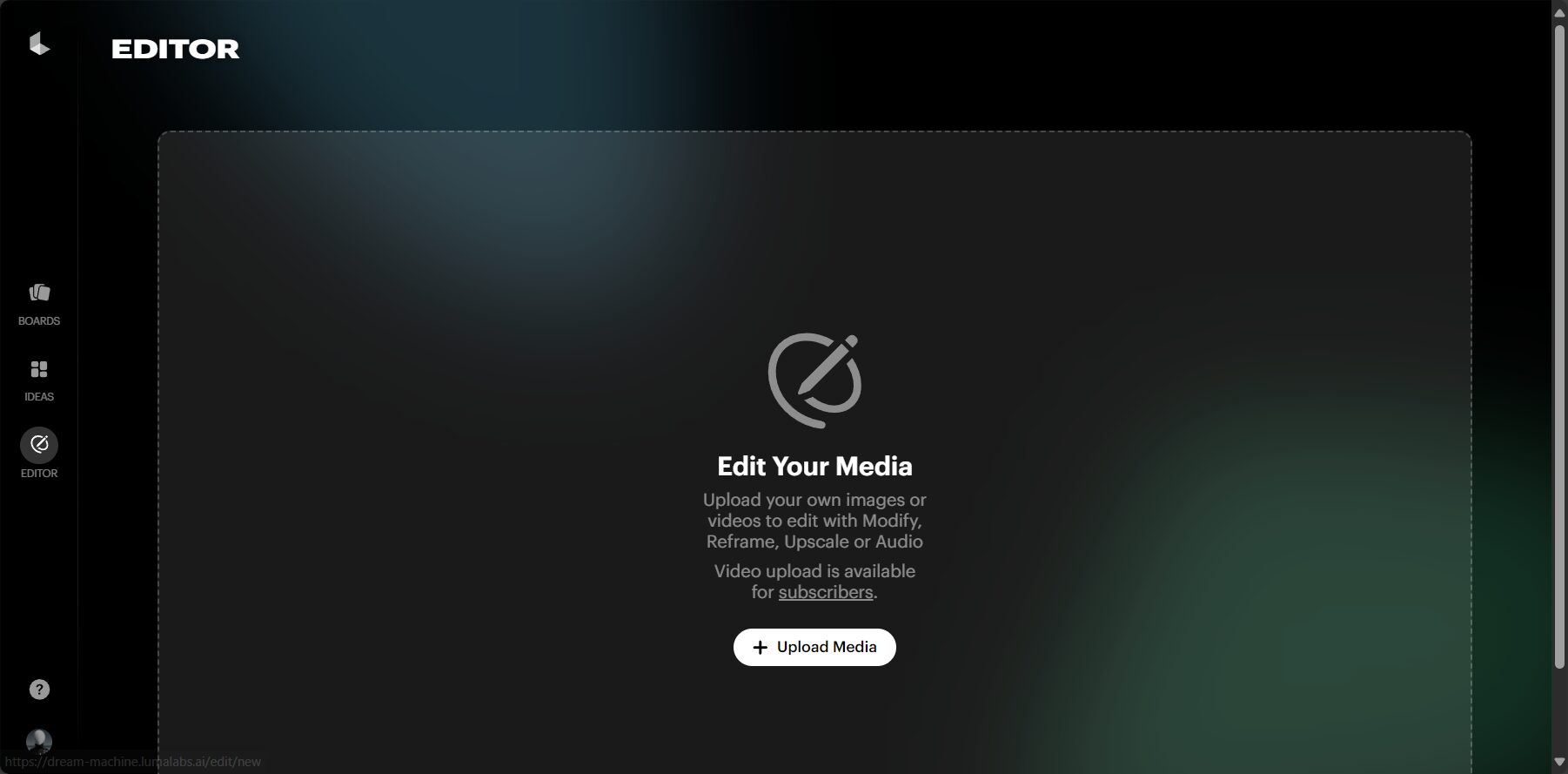
- Enter the Dream Machine generation interface
- Enter an English description or upload a main image.
- Adjust parameters such as length, aspect ratio, and resolution.
- Click "Generate" and wait a few seconds to a minute.
- Preview, download, or share on social media
Practical operating tips
- The script description should be specific.To improve video performance
- Generate the same script multiple times and select the best version.
- It is recommended to use the official style template first, and then fine-tune the script.
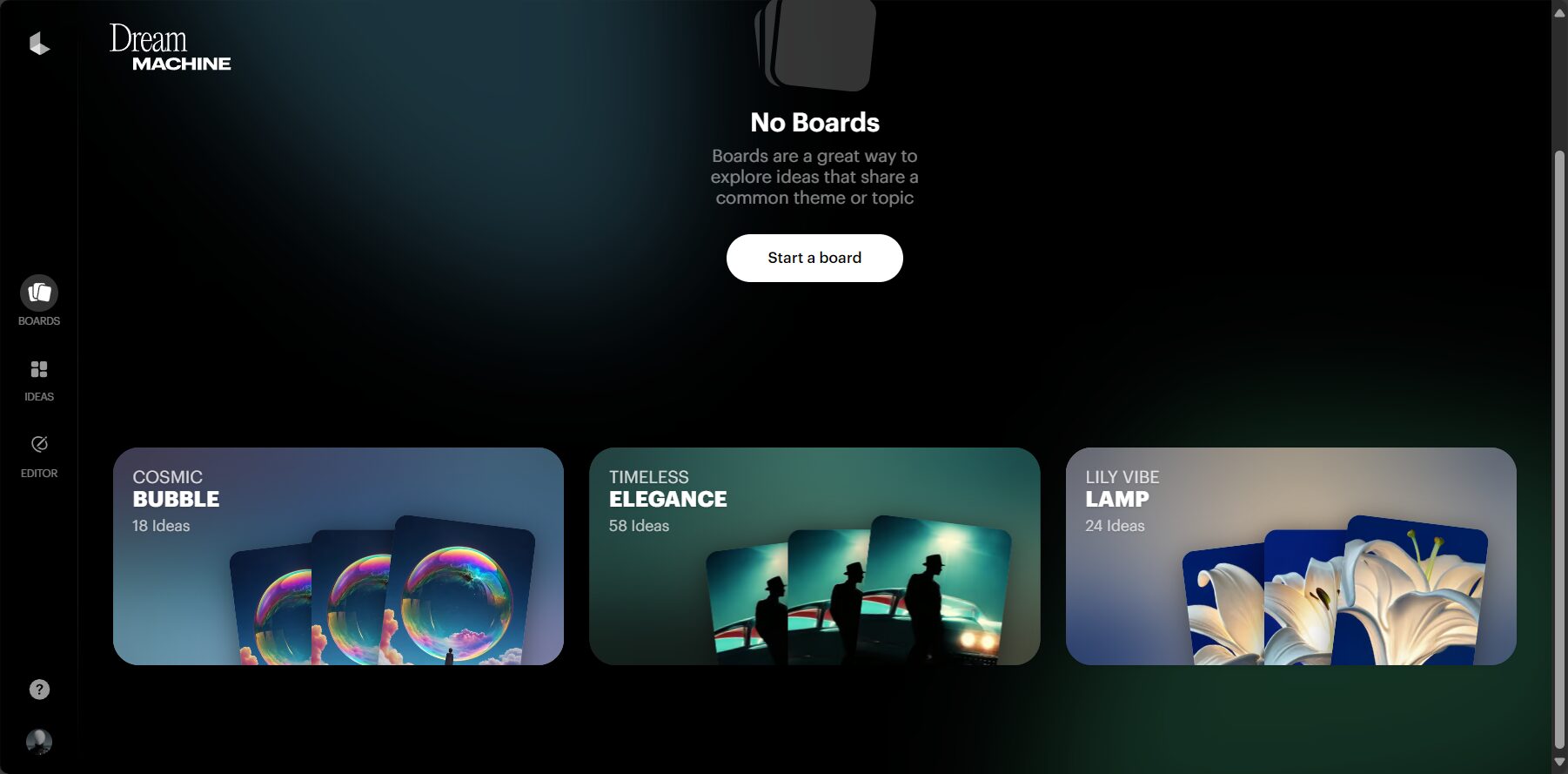
Pricing and Authorization Policy
| Solution Name | Monthly fee | Available features | Video output | Watermark | Commercial Licensing | Resolution |
|---|---|---|---|---|---|---|
| Free version | $0 | Image generation/video (trial only) | limited | 有 | No | 720p |
| Lite | $6.99 | Video/Image | 20 movies/month | 有 | No | 1080p |
| Plus | $20.99 | Video/Image | 62 units/month | 无 | 可 | 1080p |
| unlimited | $60.49 | Video/Image | 62 movies/month (possibly unlimited) | 无 | 可 | 1080p |
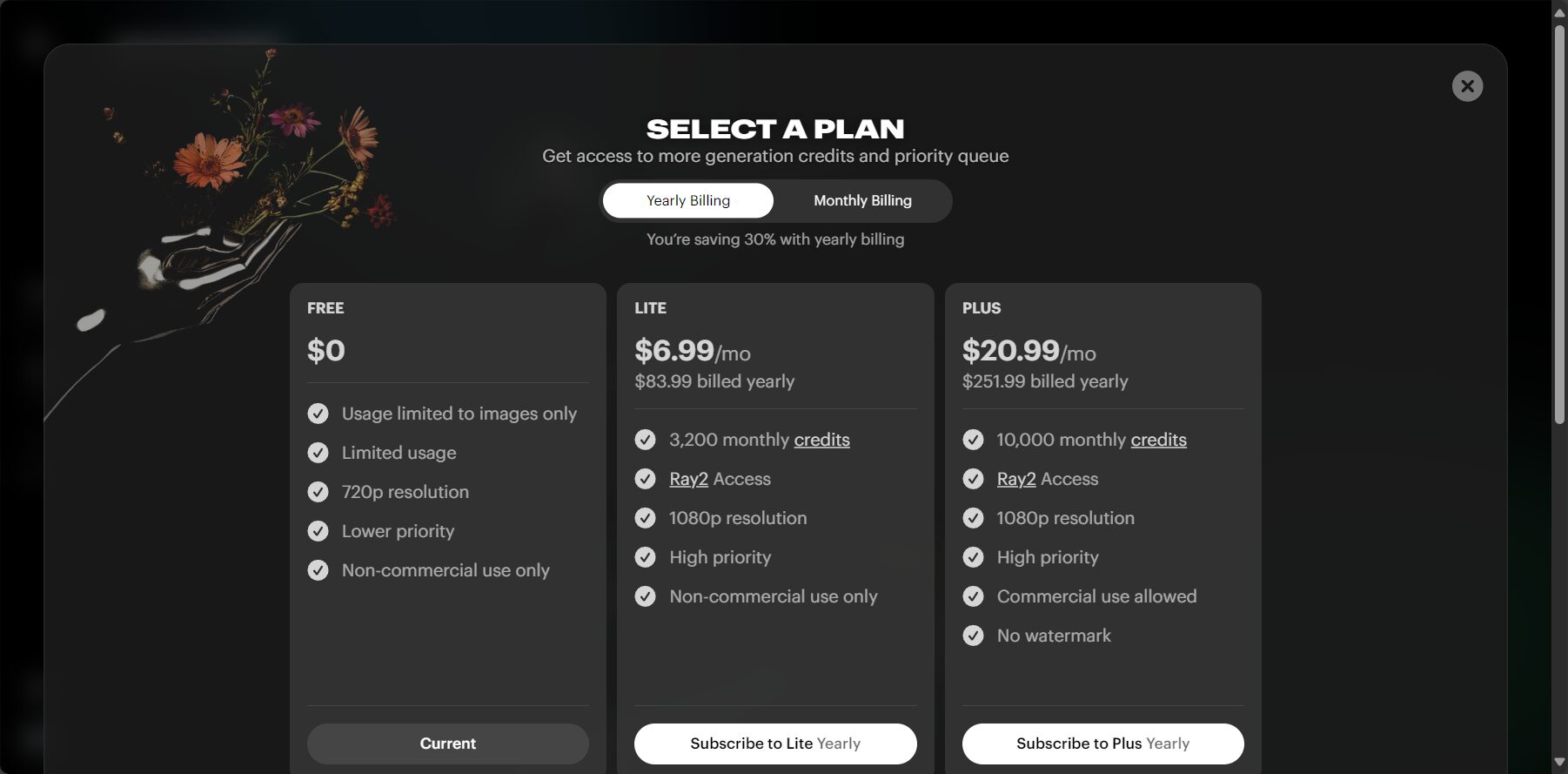
Please refer to the latest policies and API authorization information. Official website
Comparison table of main features
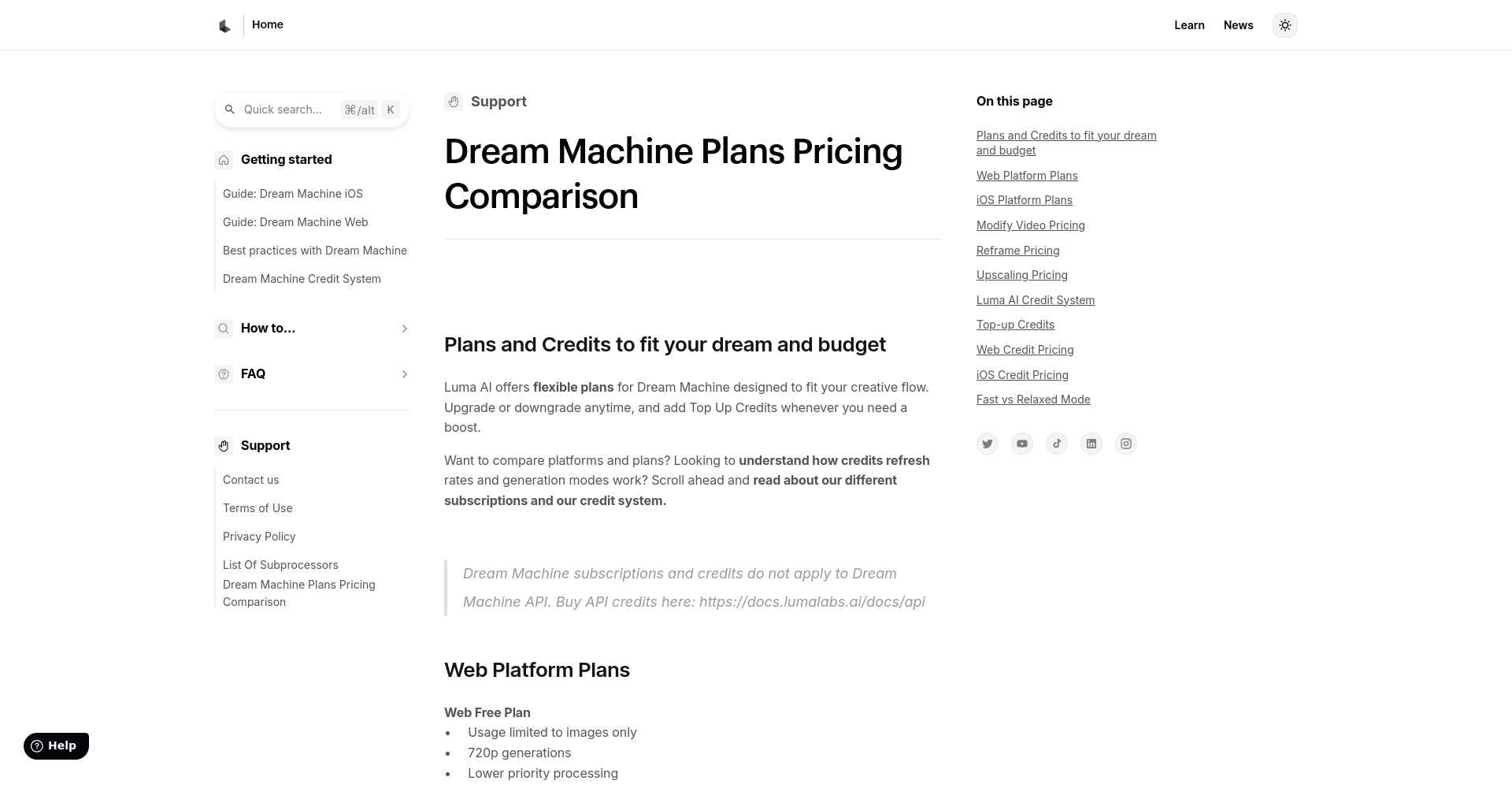
| tool | Free video output | Chinese interface | Commercial Licensing | Image quality | speed | Custom scripts/styles | Who is it suitable for? |
|---|---|---|---|---|---|---|---|
| lumalabs AI | ✗ | ✗ | Plus required | Super high | medium-fast | ✔ | Professional design/film production |
| MyEdit | ✔ | ✔ | ✔ | 高 | 快 | ✔ | Beginners & Content Marketing |
| CapCut AI Lab | ✔ | ✔ | Check terms | 高 | soon | part | Self-media/Short Video Production |
Applicable Scenarios and Suggestions for Designers/Content Creators
- AnimatorStoryboard, PV, promotional animation generation or concept prototyping
- Product Manager/Marketing SupervisorQuickly generate product demos/advertising materials
- Self-media content creatorsShort video retouching and style creation
- Teaching/Science Popularization LecturerCourseware animations and process demonstrations
- Try generating multiple times with the same script.The finished product has a higher degree of fit.
- Output to professional editing software such as Premiere Pro and Final Cut for post-production compositing.
- Expand the animation version with AI, using photos or sketches.
Recommended popular alternative tools
MyEdit
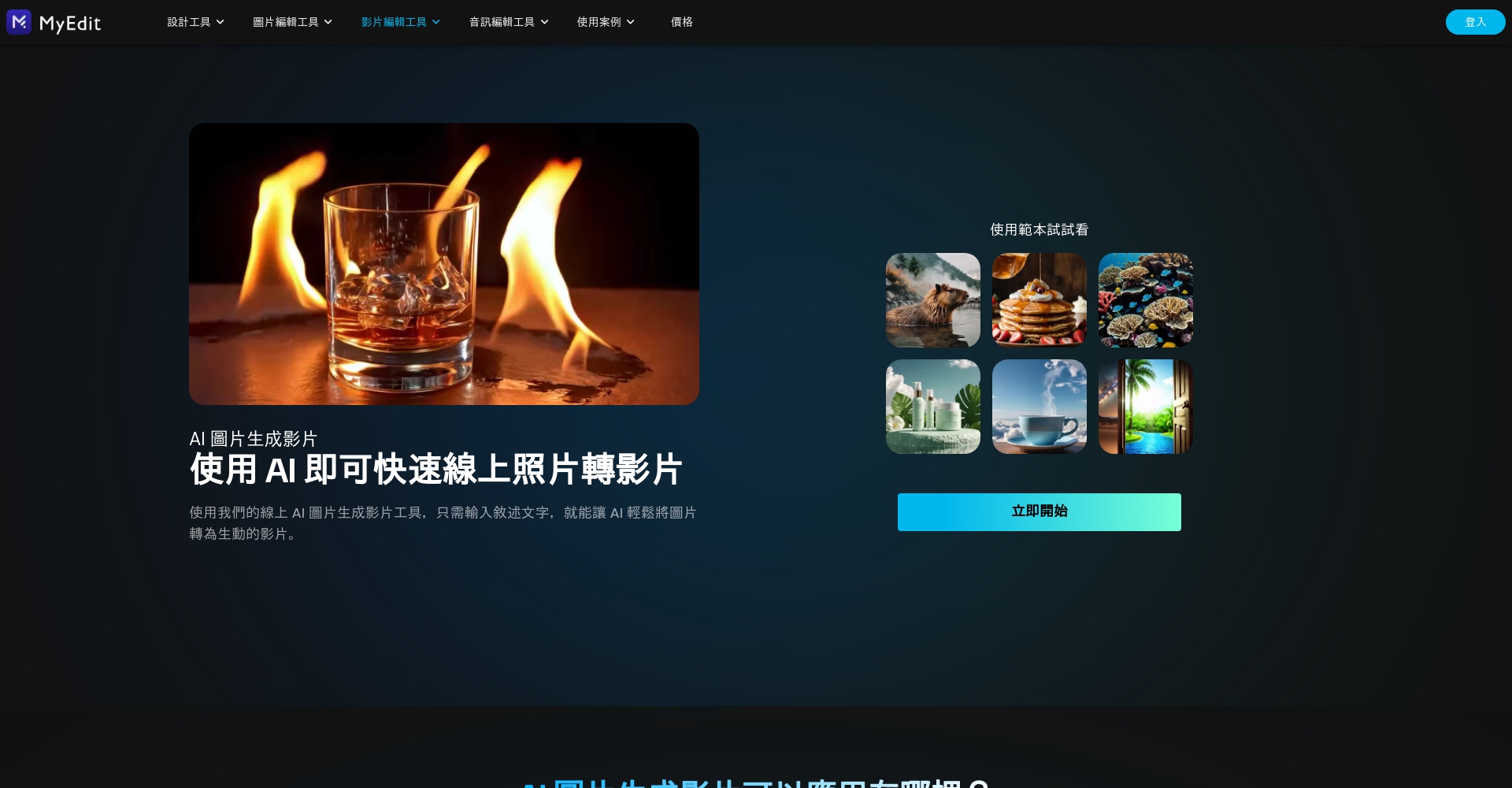
- Chinese interface, supports text/image and video modes
- 25+ style templates, social media and short video friendly
- Most features are free, commercially usable, and copyright-free.
Suitable for: Quickly creating short videos with no prior experience, and testing viral content.
CapCut AI Lab
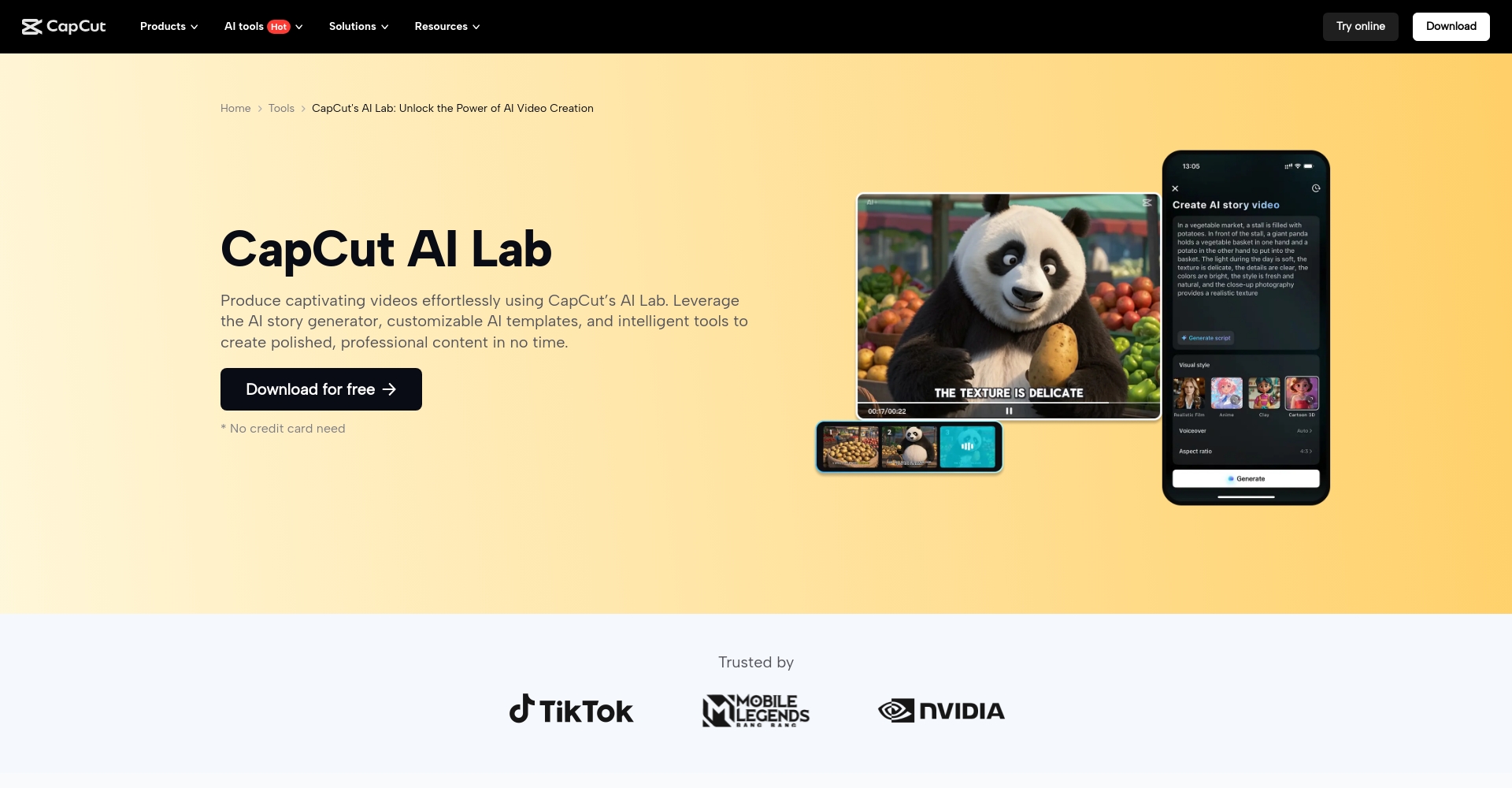
- Multiple template styles available; text/images supported.
- Available for both mobile and desktop use, suitable for short social media videos.
Commercial terms and conditions must be checked on the official website.
[MyEdit Official Website](https://myedit.online/tw/video-editor/image-to-video)
[CapCut AI Lab]https://www.capcut.com/tools/ai-lab)
| tool | Interface language | free | Commercial | Style Number | feature |
|---|---|---|---|---|---|
| MyEdit | Chinese/English | ✔ | ✔ | 25+ | Corporate licensing, photo animation, audio editing |
| CapCut AI Lab | Chinese/English | ✔ | Need to be checked | 30+ | Quick cover editing, social optimization |
Frequently Asked Questions
Q: What formats does Lumalabs AI output?
A: H.264 MP4, up to 1080p.
Q: Can the free version continuously produce videos?
A: Under the new policy, free users are limited to generating images only; videos require payment.
Q: How to obtain commercial licensing for videos?
A: Upgrade to Plus or above, see details.Official website terms and conditions。
Q: English text script suggestions?
A: Detailed descriptions of scenes, shots, and actions are needed to enhance the effect.
Q: Are there any AI tools that support Chinese interfaces and have no watermarks?
A: I recommend MyEdit, which is suitable for beginners and those with diverse video needs.
Conclusion:Whether you are an animator, designer, or content creatorlumalabs AI These are all representative choices for current AI imaging innovation, especially known for their image quality and control. However, localized Chinese tools such as MyEdit and CapCut AI Lab are more suitable for beginners and various scenarios.Learning to use tools flexibly and grasp the core advantages of the AI video wave is the secret to winning in the content creation era!For more information, please followLumalabs official website。
© Copyright notes
The copyright of the article belongs to the author, please do not reprint without permission.
Related posts

No comments...
