
How to use Google Image Search online? 3 steps to quickly identify image content (beginner's guide)
Google Image SearchOnlineWith its powerful image recognition and reverse lookup capabilities, it has become an indispensable tool in daily life and work. This article takes...Beginner-friendlyThe document breaks down the process into three steps: accessing the website, uploading images, and interpreting the recognition results, supplemented with practical tips and precautions to help users.Efficiently and securely obtain image source and content informationMaster Google Image Search now and make image retrieval a breeze!
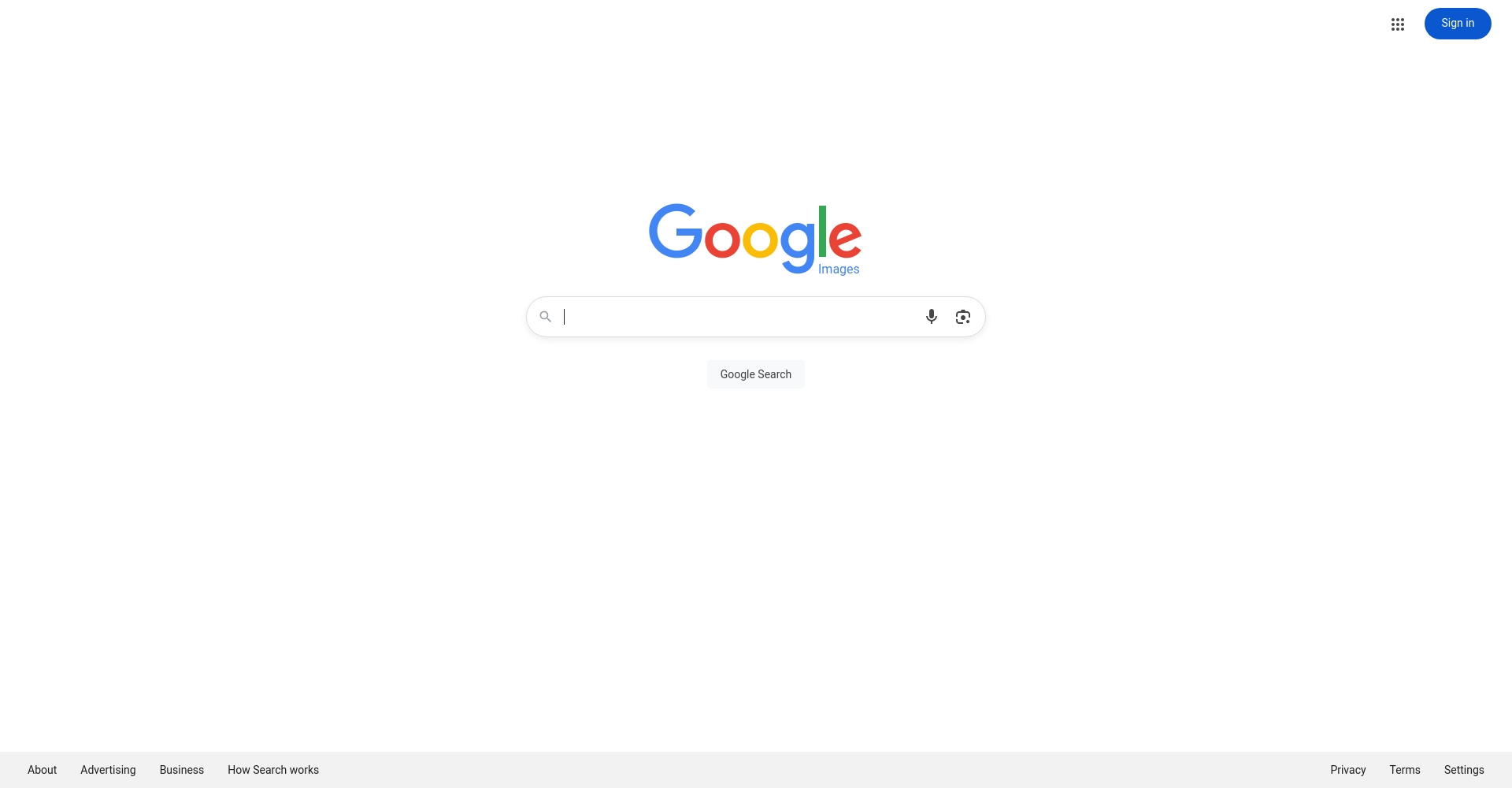
Overview of Google Image Search Online Features
Google Image Search OnlineBased on Google AIWith a global image database, its main functions include:
| Competency requirements | Function content | Applicable Scenarios |
|---|---|---|
| Image source lookup | Quickly find the original source and related background. | News source tracing and authenticity verification |
| Similar image search | Find very similar variants | Design and shopping references |
| Automatic content recognition | Automatically identify objects, locations, animals, etc. | Tourism learning and popular science |
| Website Information List | Return all web pages containing images | Copyright verification and further research |
| AI Intelligent Summary | Automatically generate image descriptions | Data collection and understanding |
| Multi-browser support | Chrome, Firefox, Safari, etc. | PC platforms |
| Drag and drop to upload/select images | Supports local upload and URL pasting | Social media, cloud storage, computer image recognition |
Google LensWith the gradual popularization of mobile phones, it also supports recognition by taking pictures with mobile phones.
Learn Google Image Search in 3 quick steps
Step 1: Go to the Google Image Search portal
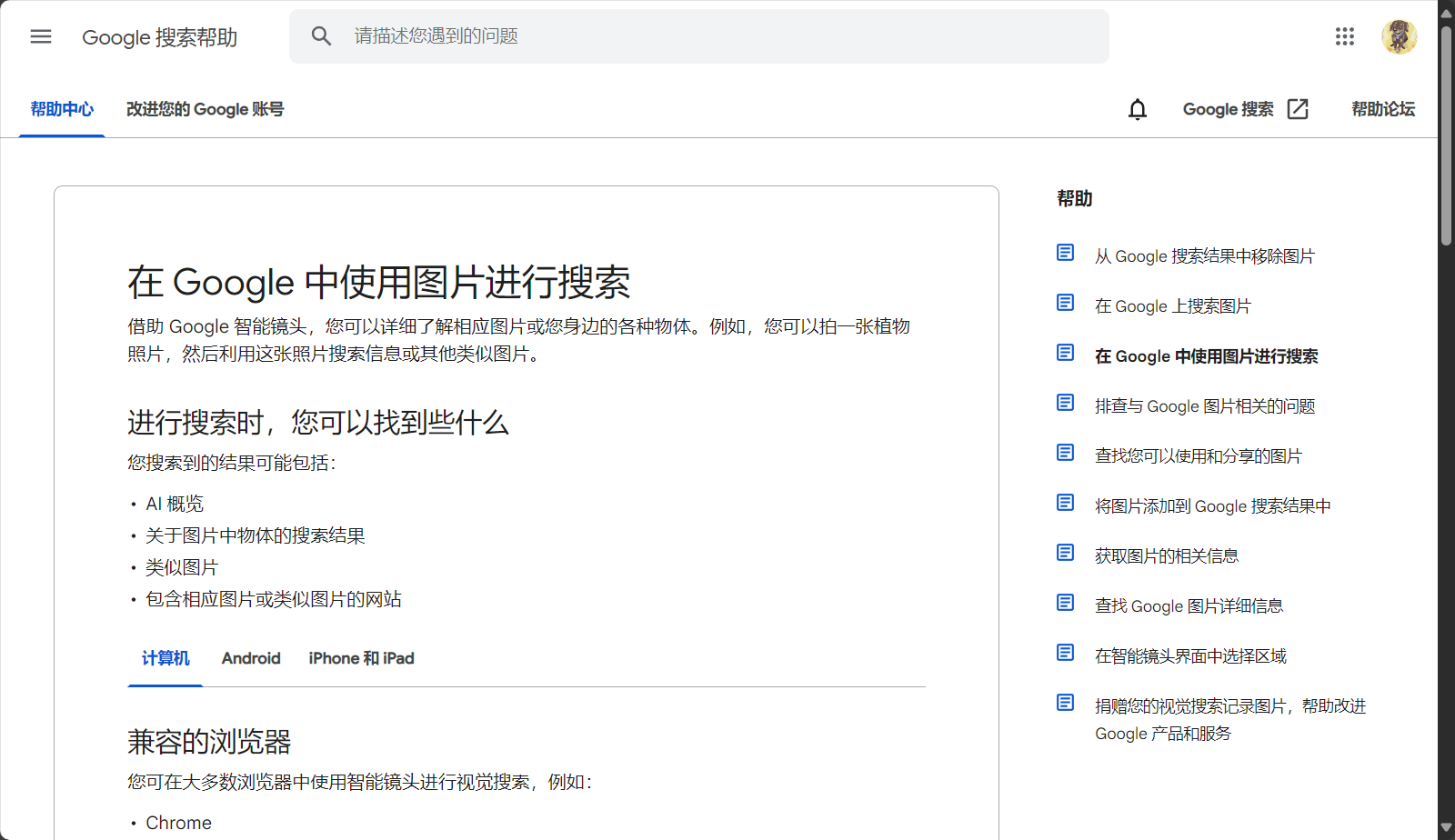

Open your web browser and visit Google Image Search HomepageThere is a "camera" button to the right of the search box.
Chrome browser is recommended.For the best experience. If access is restricted, a VPN can be used.
| Operational steps | illustrate |
|---|---|
| Open the website | https://images.google.com |
| Location camera icon | Right side of the search box |
| Support devices | PC-centric approach preferred, Lens for mobile devices. |
Step 2: Upload the image or paste the image URL
Click the "Camera" button for two upload methods:
- Upload local imageClick "Upload Image" and select a local file.
- Paste image URLCopy the image's web address and paste it into the input box.
- Local upload supports formats such as .jpg, .png, and .webp, making drag-and-drop more convenient;
- You can right-click on the image URL and select "Copy image link".
| Upload method | Applicable Scenarios | Remark |
|---|---|---|
| Upload directly | Local Images | Recommended common image formats |
| Paste URL | Webpage Images | Supports HTTP/HTTPS |
Step 3: Identifying Content and Interpreting Results
After uploading, you will be redirected to the results page, where the recognition will be completed automatically. You will see:
- AI-powered summary(e.g., "This is Van Gogh's Starry Night")
- Similar image recommendations(Quick comparison)
- Image source website(Original, reprinted, or cited page links)
- Recommended related keywords(For easy secondary retrieval)

The new version supports features such as automatic object extraction and encyclopedia knowledge expansion.The content is richer and more intuitive.
| Result Category | Illustrated content | use |
|---|---|---|
| Summary | “"This is Van Gogh's Starry Night."” | Source tracing and identification |
| Similar images | Image gallery thumbnails | Comparison and identification |
| Image source | Each site's introduction page | In-depth analysis of data |
| Related keywords | “"Masterpieces of oil painting" and other works | Expand search |

Practical Extension: Common Uses and Advanced Techniques of Google Image Search Online
One-click image recognition on web pages
Chrome users can view images on any webpage.Right-click and select "Search images with Google".“No need to go to the homepage, quick and easy.
- Suitable for scenarios such as spreading rumors about the epidemic, displaying trending images, and comparing prices while shopping.
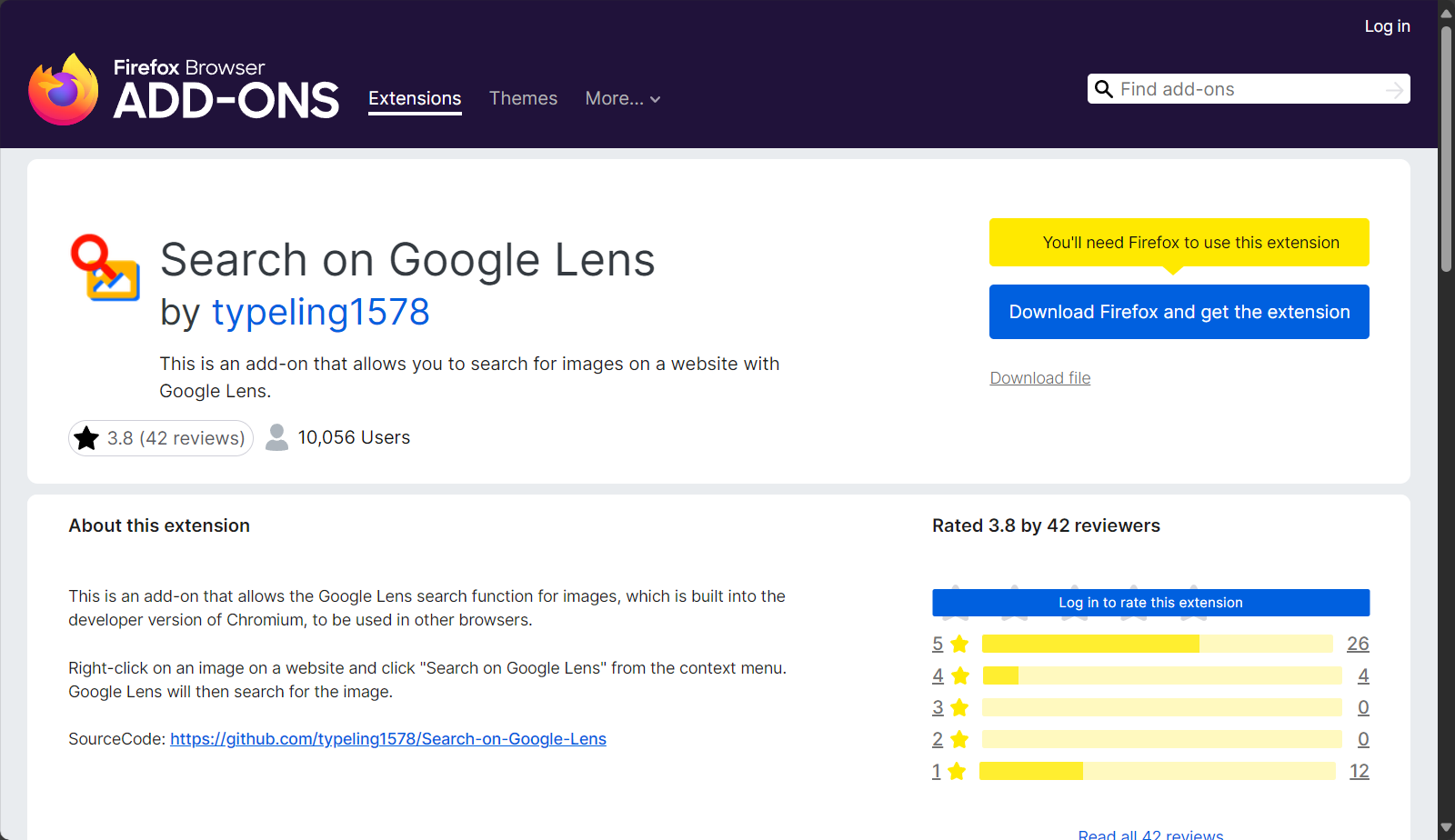
- Firefox users can installGoogle Search By Image PluginExperience similar features.
Drag and drop images for rapid image recognition
Drag and drop image files directly into the Google Image Search boxIt automatically recognizes and uploads data, making it suitable for organizing large amounts of information and for designers to find inspiration.
Google Lens mobile image recognition experience
Mobile devices canGoogle Lens appFor details on directly taking a photo to recognize or scanning images in your album, please see [link/reference].Google Lens official website。
Google Image Search Online Usage Precautions and Privacy Security
| Risk points | Response measures | suggestion |
|---|---|---|
| Image privacy leaks | Do not upload sensitive images | For public images only |
| Restricted access | Use VPN properly | Comply with local laws and regulations |
| Recognition error | Try different angles/resolutions of the images | Diverse comparison verification |
| Copyright risks | Protected images not for commercial use | Legal and compliant operation |
Google Image Search OnlineWith increasingly rich features, it's an essential image retrieval tool for various scenarios including personal life, study, media, and research. Follow the three steps above to unlock a new experience of efficient, accurate, and reliable image recognition!
© Copyright notes
The copyright of the article belongs to the author, please do not reprint without permission.
Related posts




No comments...
