Nine AI Photo Stitching Tools Recommended for 2025: The Best Choice for Efficiently Creating Masterpiece-Quality Photos
AI photo stitching toolIt experienced explosive growth in 2025, boasting intelligent functions, abundant templates, and outstanding automatic compositing effects, becoming a powerful tool for photographers, content creators, and e-commerce operators to improve efficiency and image quality. This article provides an in-depth overview.9款主流AI照片拼接工具The article points out that AI is leading a new trend of efficiency and creativity in photo stitching, providing readers with a comprehensive understanding of industry trends and best choices. Welcome to view detailed comparisons and selected reviews!
A list of mainstream products in the market
By 2025, a plethora of photo stitching AI tools will be available. The table below summarizes the features, platforms, and access methods of mainstream software:
| Tool Name | Applicable Platforms | Is AI automatic stitching used? | Template richness | Special Highlights | Access/Download |
|---|---|---|---|---|---|
| PhotoDirector | Windows/Mac/iOS/Android | ✔ | 高 | One-click intelligent splicing, animation templates | download |
| Canva | Web/iOS/Android | ✔ | Extremely high | Massive design elements, team collaboration | Official website |
| Fotor | Web/iOS/Android | ✔ | 高 | Intelligent AI style, rich filters | Official website |
| Adobe Express | Web/iOS/Android | ✔ | 高 | More materials, brand customization | Official website |
| Picsart | Web/iOS/Android | ✔ | 高 | AI style conversion, community templates | Official website |
| PhotoJoiner | Web | ✔ | 中 | Super-fast operation, simple templates | Official website |
| PineTools | Web | Some AI | 低 | Simple gadgets, free to use | Official website |
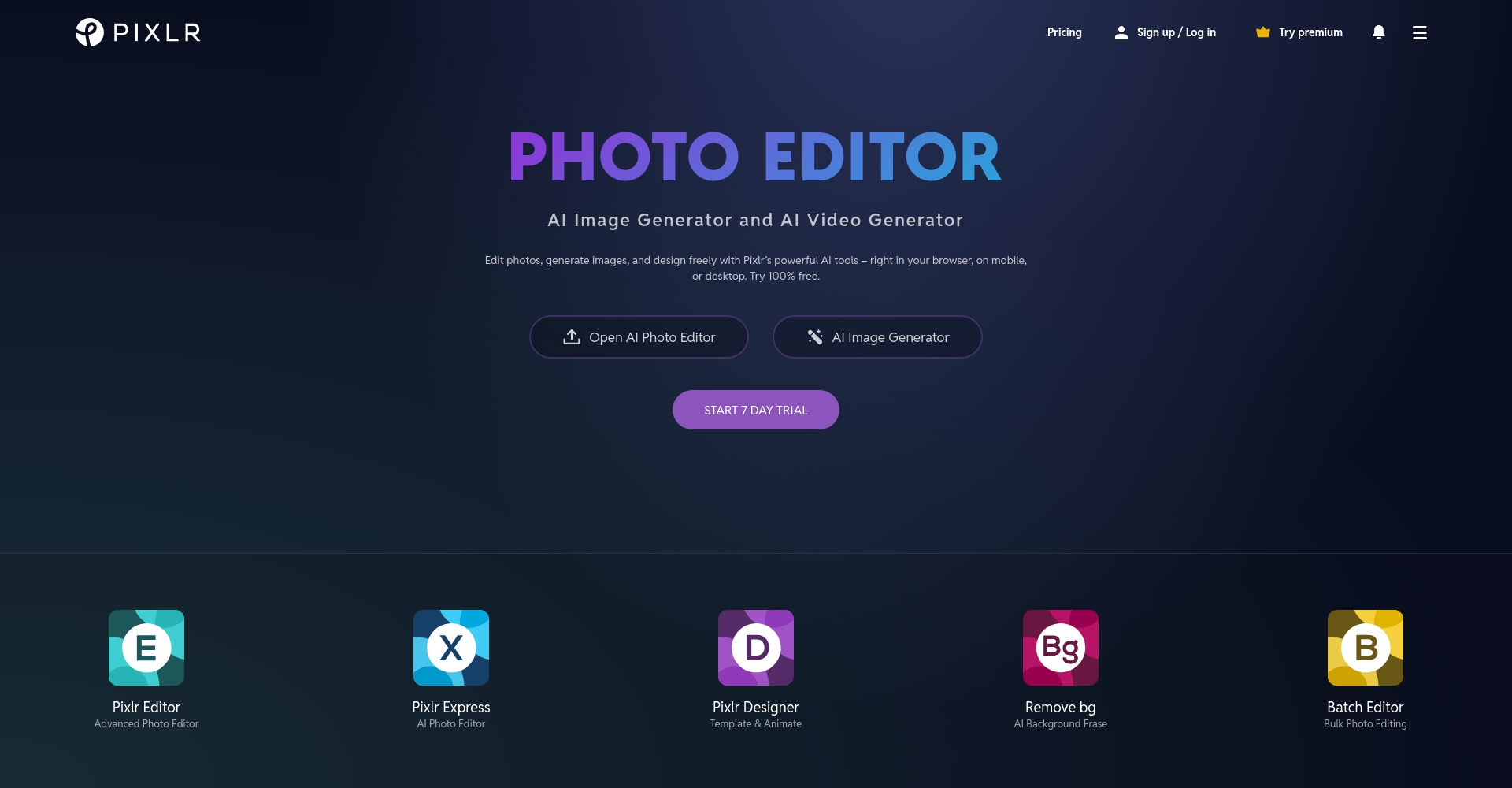
| Pixlr | Web/iOS/Android | ✔ | 高 | One-click splicing, cloud synchronization | Official website |
| Photopea | Web | Some AI | 中 | Photoshop-like controls, completely free | Official website |
Industry Analysis: AI Photo Stitching Enters the Intelligent Era
Entering 2025,Deep AI participationThis is becoming the biggest trend in image stitching tools. Steps such as image import, layout, theme color matching, and border enhancement can all be completed automatically. Mainstream software is incorporating this technology.Large model recognition、Tip-based style hintsEven ordinary users can easily obtain professional-quality finished products. Some platforms even offer...AI completionIt features intelligent corner repair, resulting in an excellent finished product appearance.
According to big data statistics, globally "“AI tool for photo stitching”"Search volume growth rate exceeded 571 TP3T annually. Mobile, commercial, and educational adoption rates are increasing even faster in the Chinese market."Image content recognition and layout enhancementIt has become a focus of attention.
In-depth analysis of 9 representative AI photo stitching tools
1. PhotoDirector – Professional-grade one-click intelligent stitching
PhotoDirectorFeatures include one-click AI stitching, a wide variety of templates, sky replacement, and object removal. It's compatible with both computers and mobile phones, and batch uploading of RAW images is a breeze.Easy to operateThe finished product is close to the level of a designer.
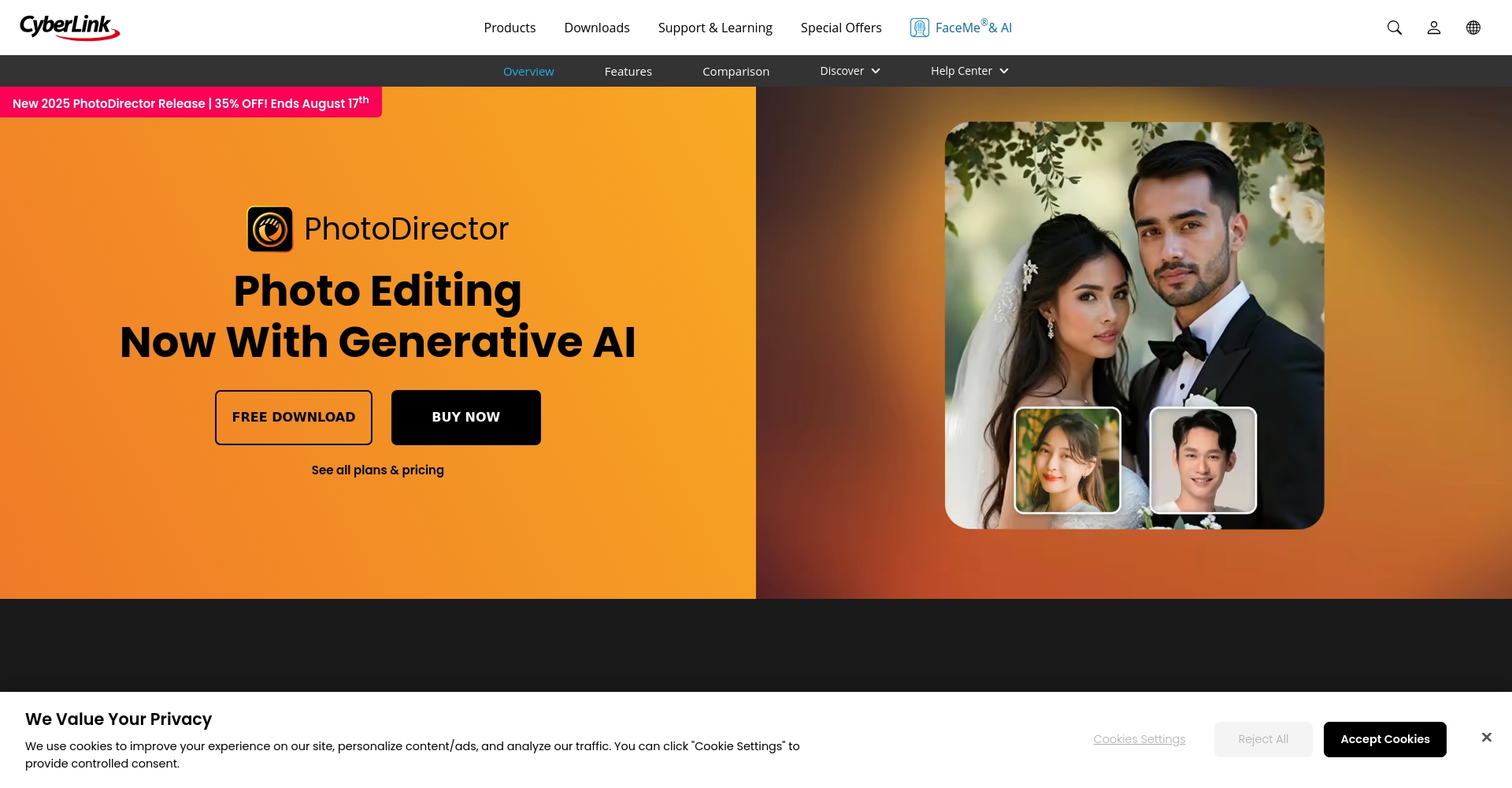

PhotoDirector official download
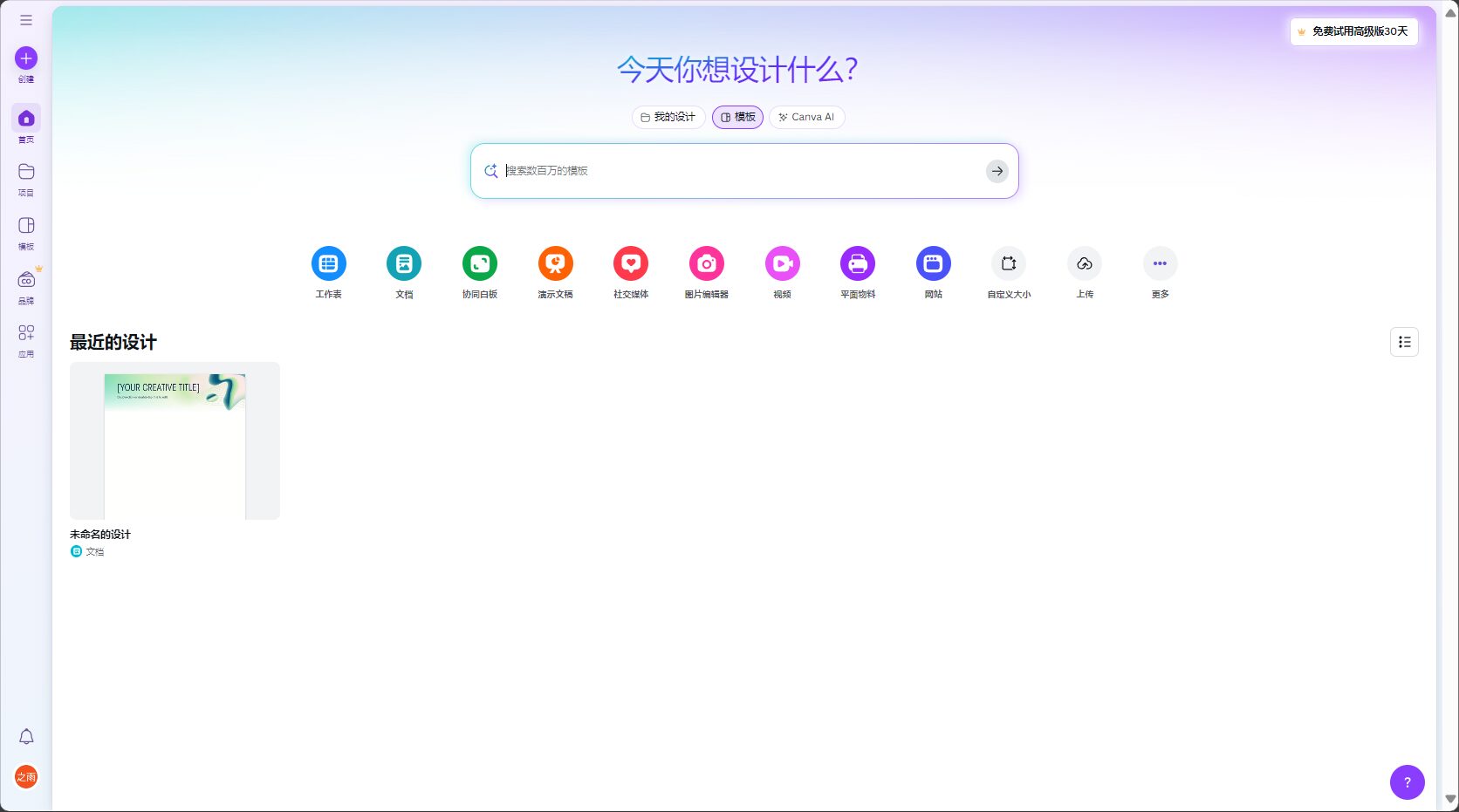
2. Canva – A powerful tool for global designers to create mosaics.
CanvaIt integrates AI-powered layout assistance and style recommendations, offers a vast library of templates, and supports team collaboration and a Chinese interface.AI-generated imagesAutomatic style adaptation helps generate social media covers and brand content efficiently.
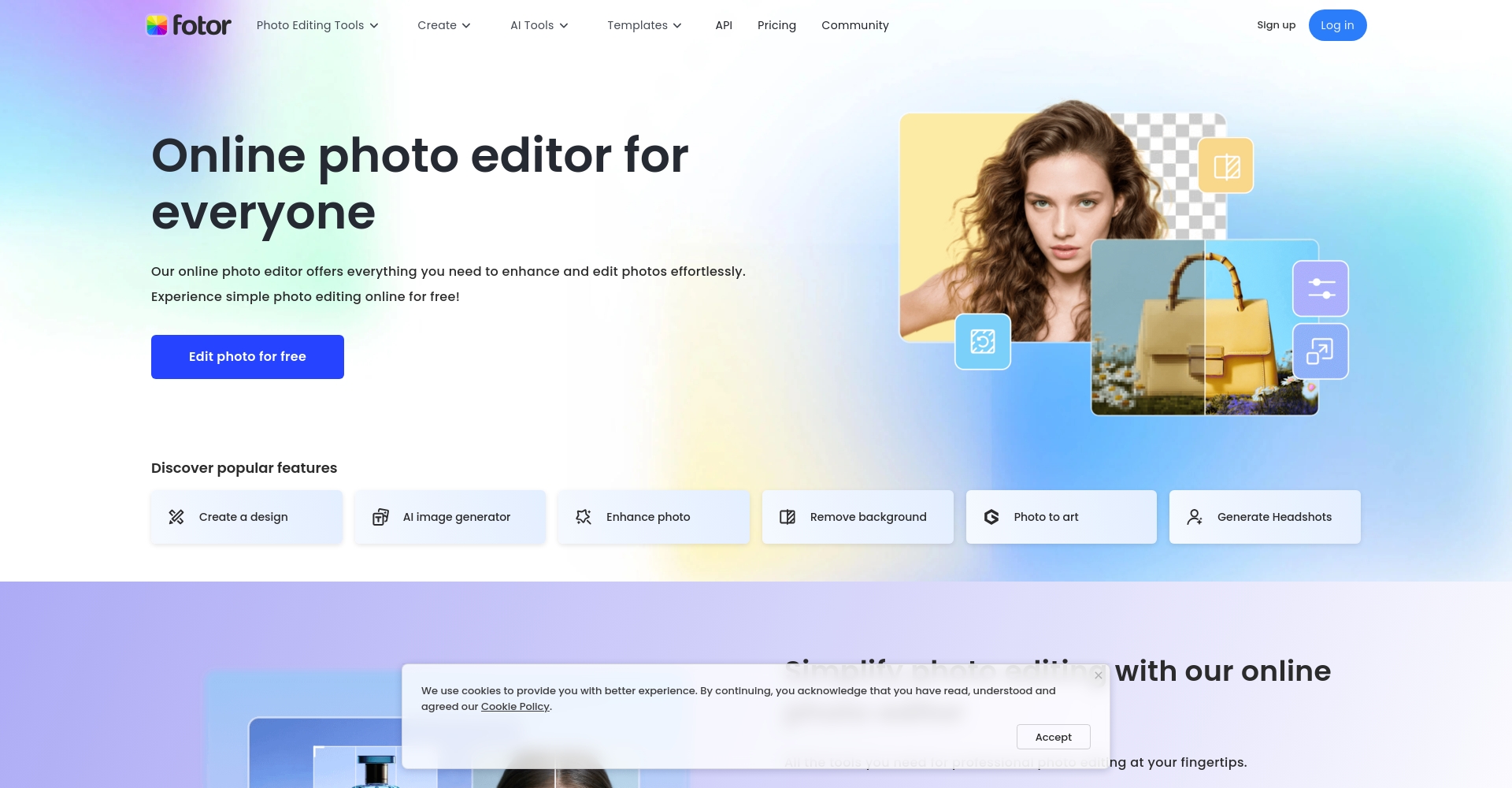
3. Fotor – One-click AI style stitching with a wide variety of filters.
FotorIt has received numerous positive reviews for its AI-powered theme blending, automatic cropping, and unique filters. Batch processing is supported, easily generating diverse collage works in styles such as oil painting and postcard.
4. Adobe Express – A professional brand splicing tool
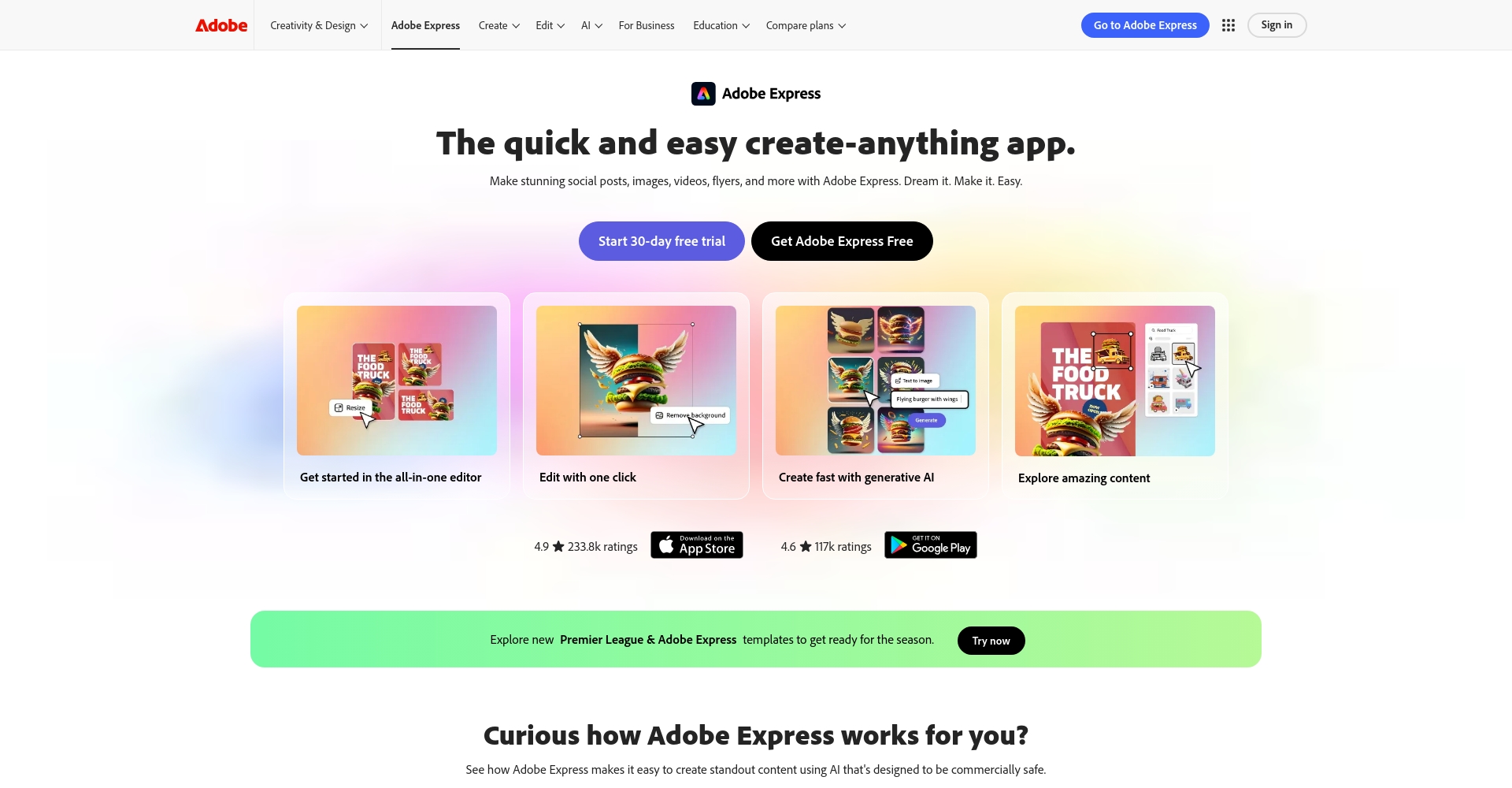
Adobe ExpressIts main features include brand templates/logo overlays and animation export. AI can intelligently recognize styles and recommend personalized font layouts. Suitable for corporate promotions, holiday gatherings, group photos, etc.
5. Picsart – AI Scene Stitching + Community Templates
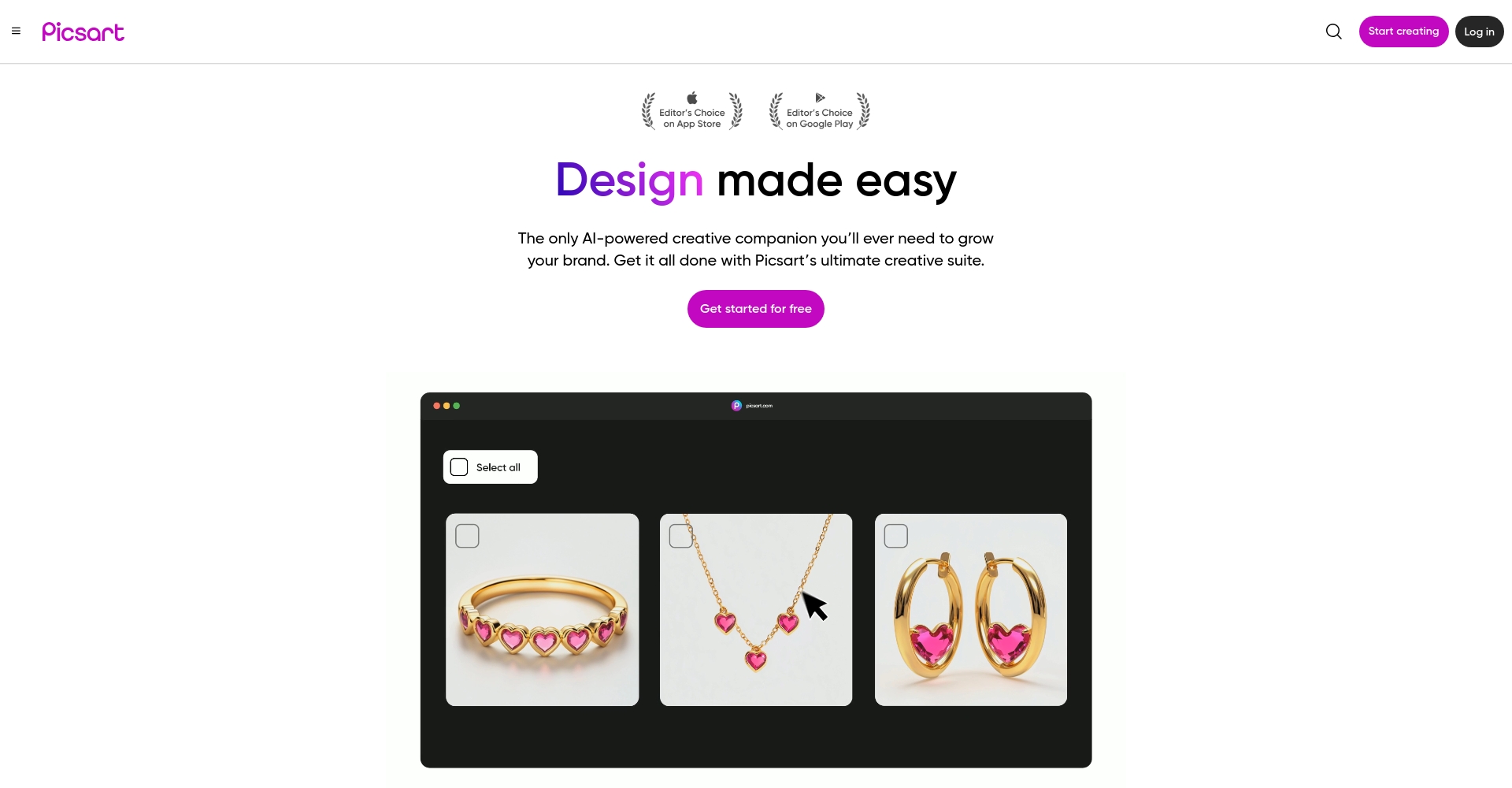
PicsartIt supports inputting keywords or selecting images for AI-powered layout enhancement, with diverse templates, stickers, animated GIFs, and lighting reconstruction all automatically added. Suitable for young people and trendy content creators.
6. PhotoJoiner – Lightweight and Minimalist AI Stitching
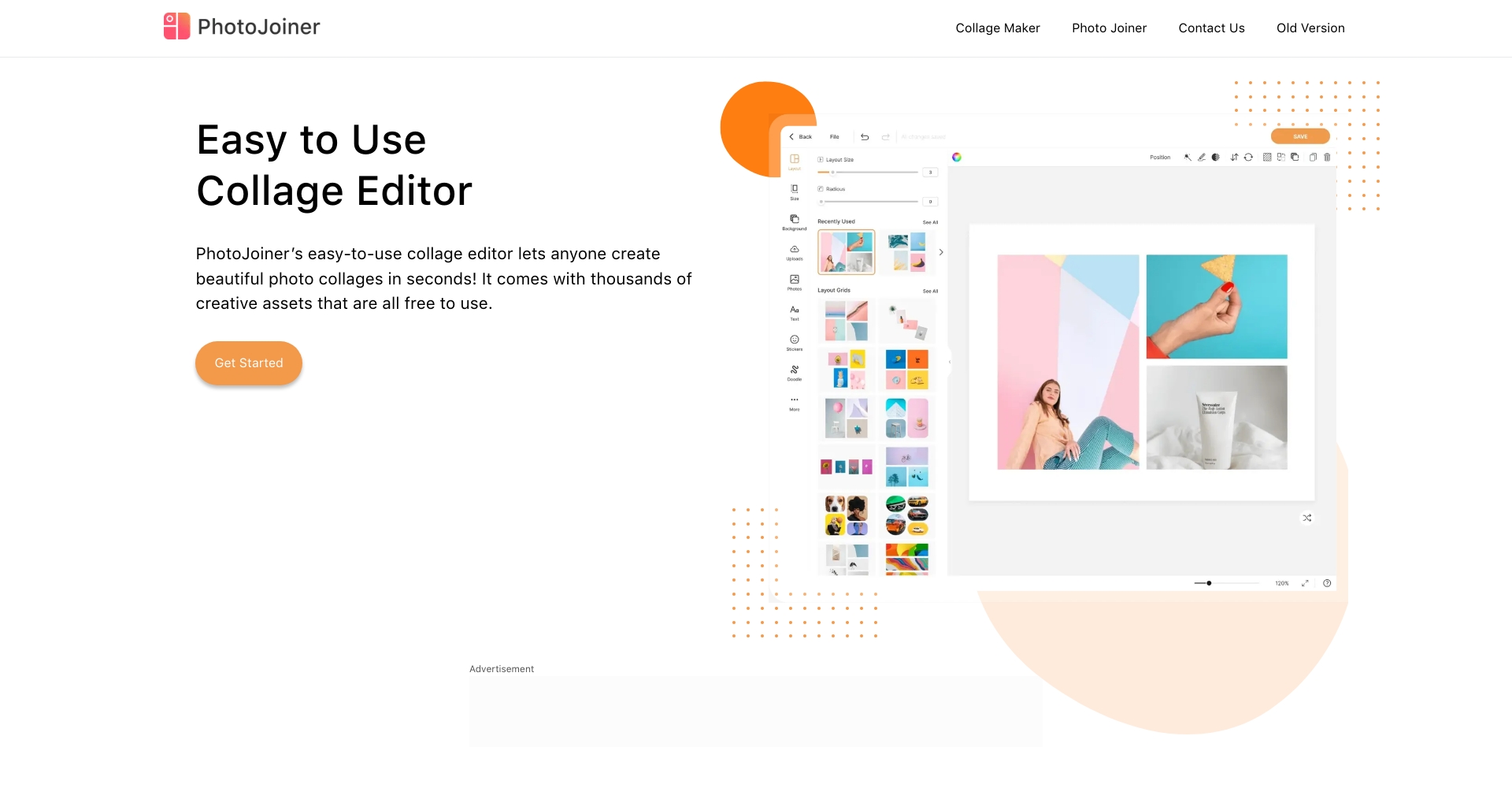
PhotoJoinerThe web-based interface offers a minimalist design, supports multiple layouts, and batch uploads.Ample templates and no watermarkSuitable for families and e-commerce users to quickly generate collections.
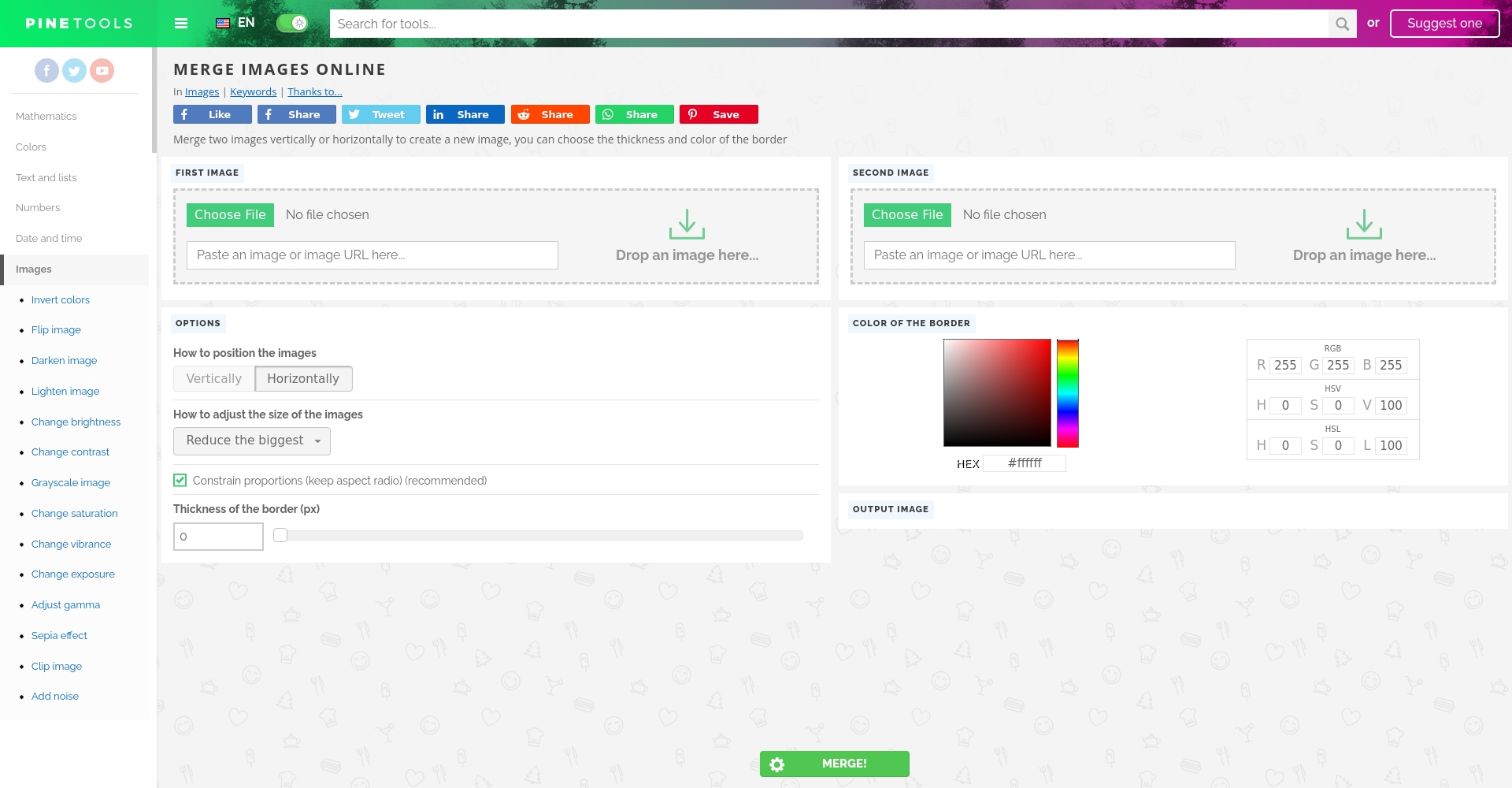
7. PineTools – A versatile little tool, the first choice for simple splicing.
PineToolsWith a minimalist interface, free and ad-free, and one-click horizontal and vertical tiling, it is perfect for temporary design needs.
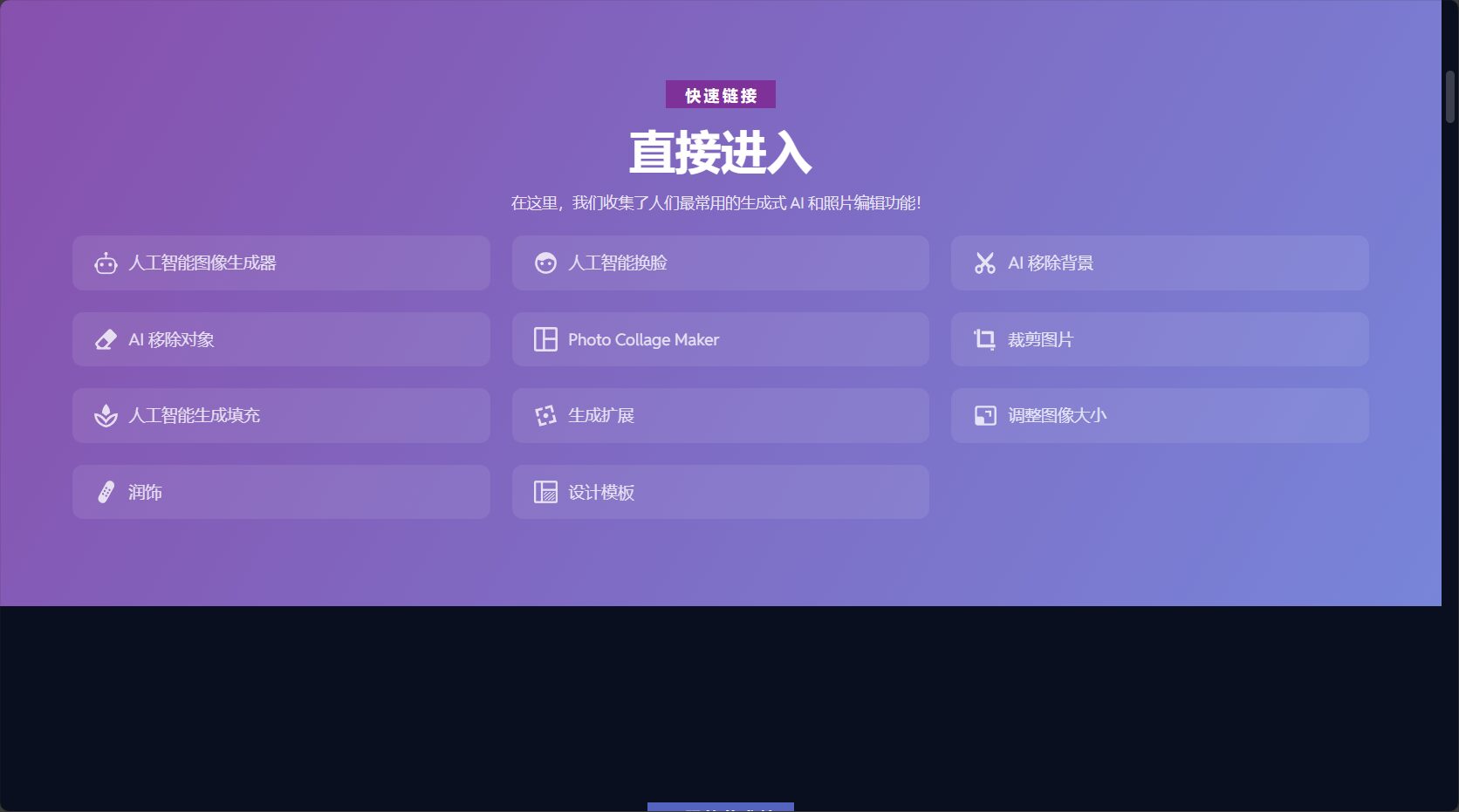
8. Pixlr – AI-powered design cloud, interconnected across three platforms
PixlrThe 2025 version features an enhanced AI collage algorithm that automatically recognizes image aesthetic styles, while also supporting cloud synchronization and a vast library of special effects templates. Seamless switching between PC and mobile web pages is supported.
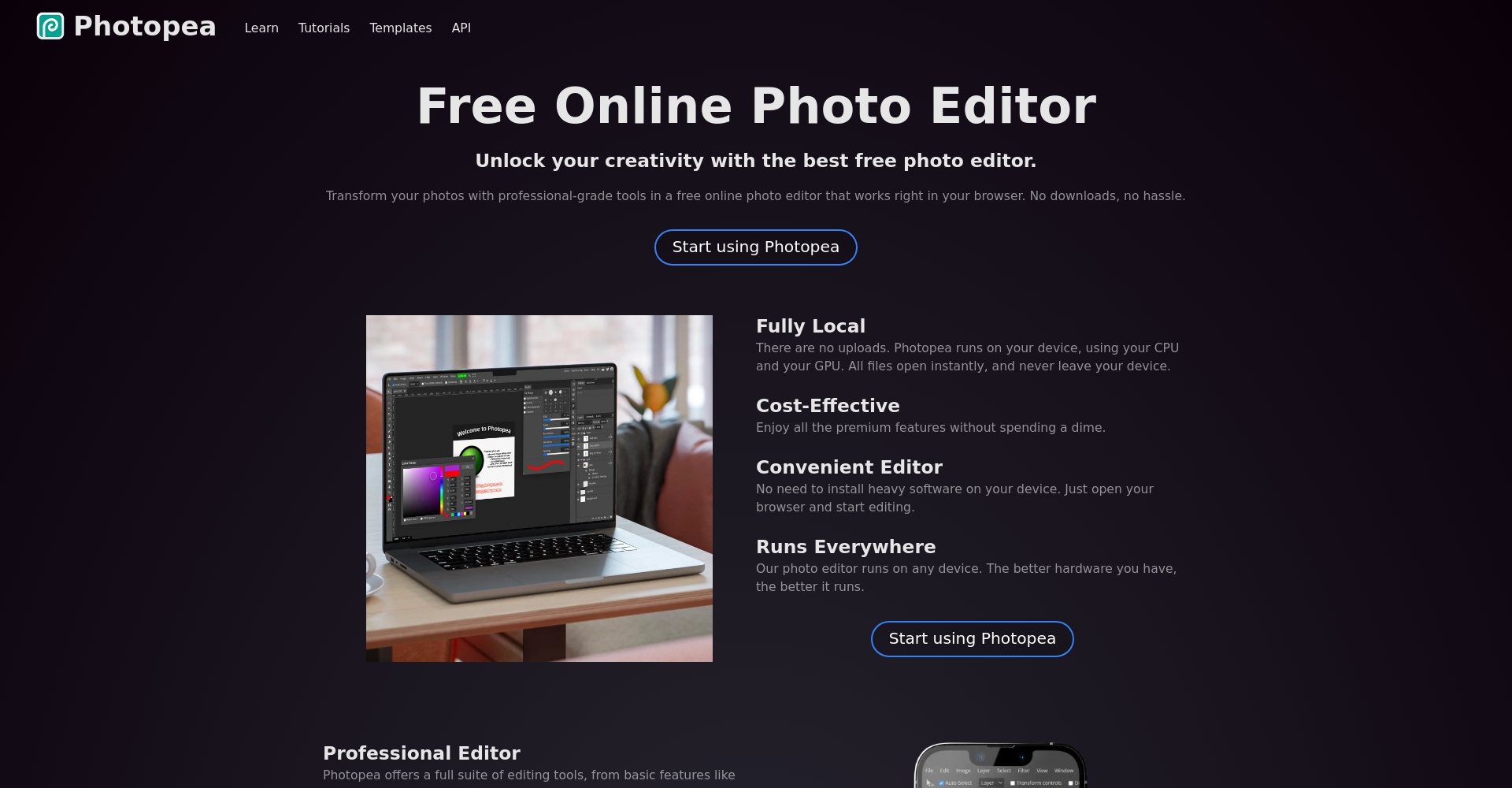
9. Photopea – A professional-grade web version of Photoshop, compatible with AI automatic collage.
PhotopeaIt supports AI high-precision alignment, ultra-large size splicing, and professional layer adjustment, making it ideal for advanced users who pursue precision and detail.
Three New Trends in AI Photo Stitching“
- Batch content recognition, automatic topic matchingAI not only handles layout, but can also automatically recognize people, scenes, and styles to recommend the best template.
- AI-powered patching of the sky and earth, content fillingApps like PhotoDirector and Adobe already support edge patching and intelligent completion, resulting in a significant improvement in image quality.
- One-click social sharing, multi-device and multi-format exportIt fully integrates with mainstream social media platforms, and seamlessly supports output formats such as long images, square images, and video cover images.
Industry expert opinions
Experts believe:“AI-powered photo stitching tools have become a standard feature in various scenarios, including content marketing, vlogs, e-commerce main images, and travel logs.In the future, AI will be deeply integrated with AR/VR animated graphics, resulting in even richer gameplay!”
How to choose the right AI stitching tool for you?
- Beginners and efficiency are key.PhotoDirector, Fotor, and Canva are preferred, offering intelligent, fully automatic operation and a wide variety of templates.
- Professional & Business OperationsAdobe Express, Pixlr, Photopea: Professional features/brand customization
- Minimalist stylePhotoJoiner and PineTools offer one-click export with minimal embellishment.
- Social trend playersPicsart offers a vast collection of dynamic stickers and templates.
Conclusion
In 2025,AI photo stitchingIt's evolving from an auxiliary tool to a productivity tool for image creation. Whether you're a professional photographer, an operations expert, or an ordinary user documenting your life, the nine AI photo stitching tools in this article can provide powerful assistance. In the future, AI + creative design will continue to drive the upgrading of stitching techniques and visual aesthetics.Choose the right tool to make your photo stitching more efficient and more meaningful!
Feel free to click on the names of the tools to learn more and download them for free.
© Copyright notes
The copyright of the article belongs to the author, please do not reprint without permission.
Related posts

No comments...
