
AI Download Guide: Download and Installation Methods for Mainstream AI Tools in 2025, and Frequently Asked Questions
2025AI toolsDownloading and installing have become a new essential requirement in the workplace!This article provides a news report-style detailed explanation of the latest official download and installation process for various mainstream AI tools (image, video, text, voice, workflow), along with the most practical tips and answers to common problems encountered when downloading AI.Focus on multi-platform adaptation including web, PC, and mobile.Tell youEffectively avoid problems such as watermarks, installation errors, permission failures, and limited free quotas.Helping you efficiently enter a new era of AI-driven innovative productivity!
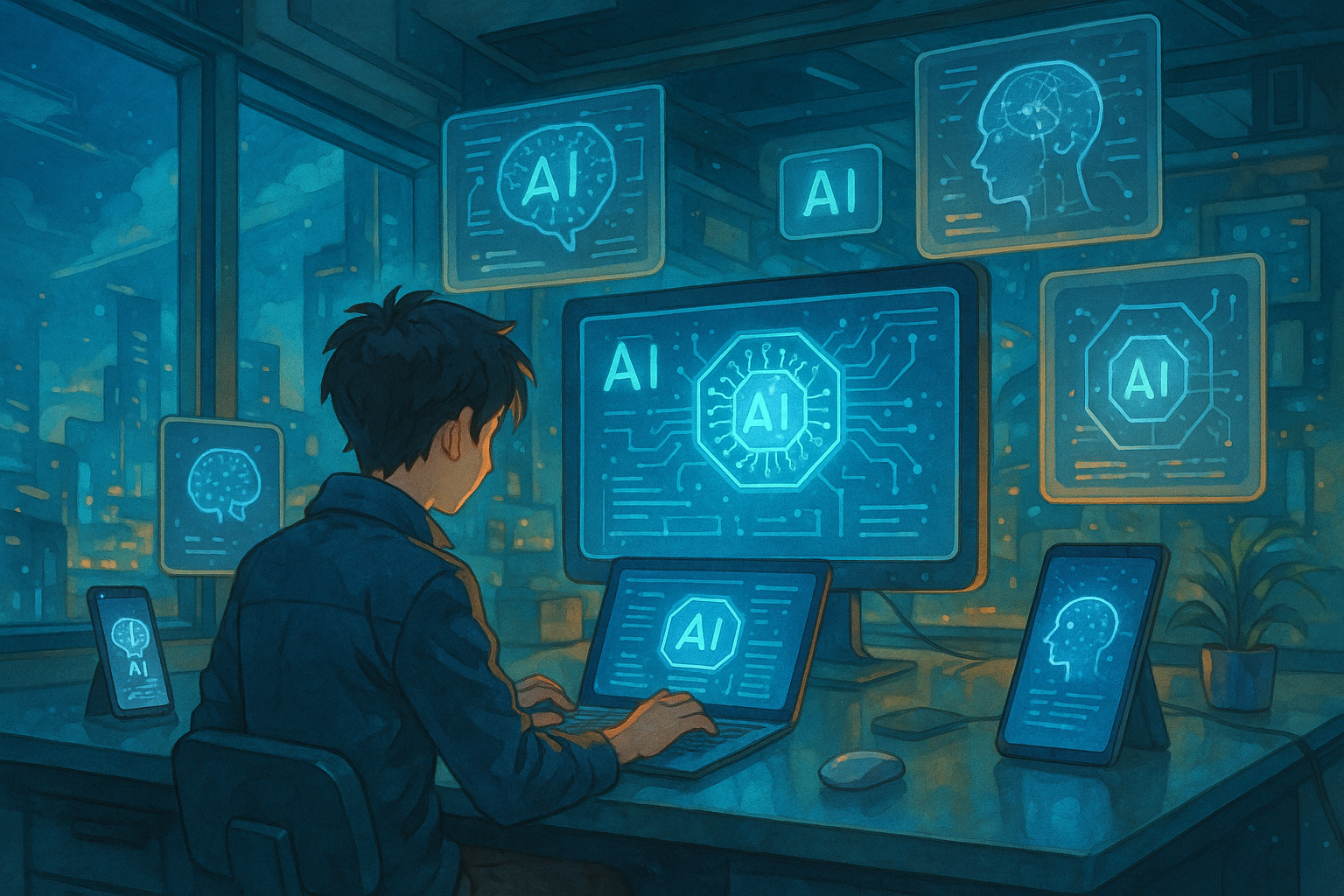
A list of mainstream AI tools in 2025
Want a quick overview of the most popular "AI download" tools in 2025? Please refer to the table below:
| Tools Category | Mainstream tool names | Support System | Download/Usage | Main Function Overview |
|---|---|---|---|---|
| Image AI | MyEdit | Web/PC/Mac | No installation required, web version/application | AI image generation, restoration, and removal of unwanted objects. |
| Video AI | PowerDirector | PC/Mac/Android/iOS | Desktop version download and installation, mobile app store | AI-powered editing, speech-to-text conversion, background removal, and special effects. |
| Copywriting | ChatGPT | Web | No installation required, web version | Multilingual generation, long text writing, code assistance |
| AI knowledge retrieval | Perplexity | Web | No installation required, web version | AI-powered intelligent question answering and real-time web search |
| Presentation generation | Gamma | Web | No installation required, web version | Smart Presentation Outline & Layout |
| English proofreading | Grammarly | Web/Plugin/Client | Browser plugins/desktop applications | English spelling and grammar proofreading |
| Resume generation | Kickresume | Web | No installation required, web version | AI automatically generates resumes and emails. |
| Sales Assistant | Nutshell AI | Web | No installation required, web version | AI-powered emails, meeting minutes, and customer follow-ups. |
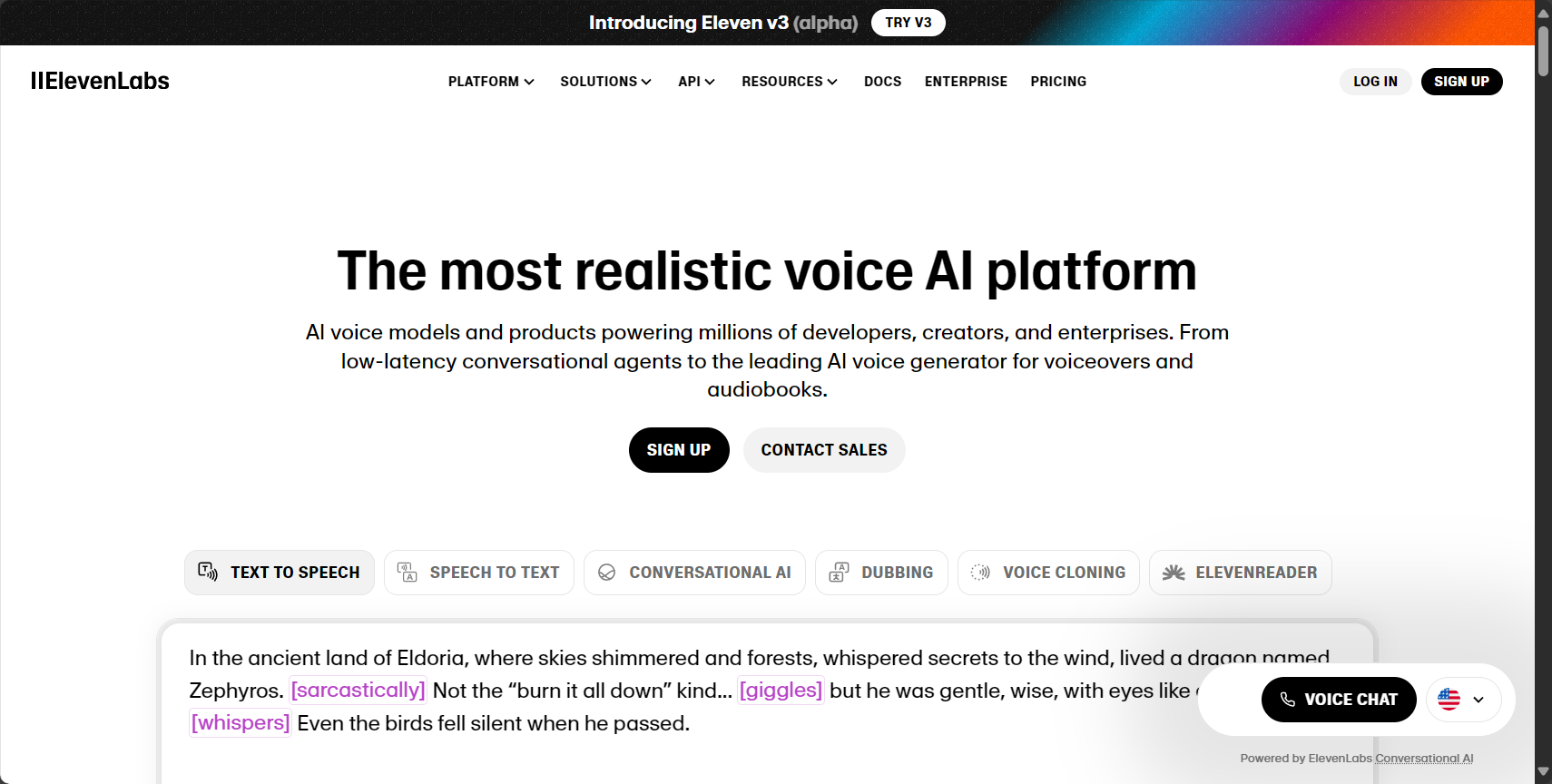
| Speech Synthesis | ElevenLabs | Web | No installation required, web version | Multiple voices, voice cloning, high-quality synthesis |
| Process Automation | Zapier | Web | No installation required, web version | Cross-application automated workflows and AI processes |
| Music generation | Suno AI | Web | No installation required, web version | AI-powered automatic music composition, lyrics, and emotional adjustment. |
| Coding Assistant | Cursor | Windows/Mac | Download and install the client. | AI-powered code generation, debugging, and intelligent project writing. |
Download and installation guides for major AI tools
Image AI tool - MyEdit
MyEditIt was developed by a Taiwanese company.Free AI Image & Audio Editing ToolsIt supports online use via a web browser (no download required), and PC software is also available for download and installation, making it very convenient.
- Web version usage:accessMyEdit Official WebsiteRegister an account and use all AI image features immediately without installation.
- PC client download and installation:
- EnterDownload CenterDownload the desktop application.
- Double-click the installation package and follow the prompts to install quickly.
- Log in to your account and enjoy all AI image editing, repair, and generation features.
- Frequently Asked Questions:If you experience slow image generation, it's often due to a poor network connection. We recommend upgrading your network environment.


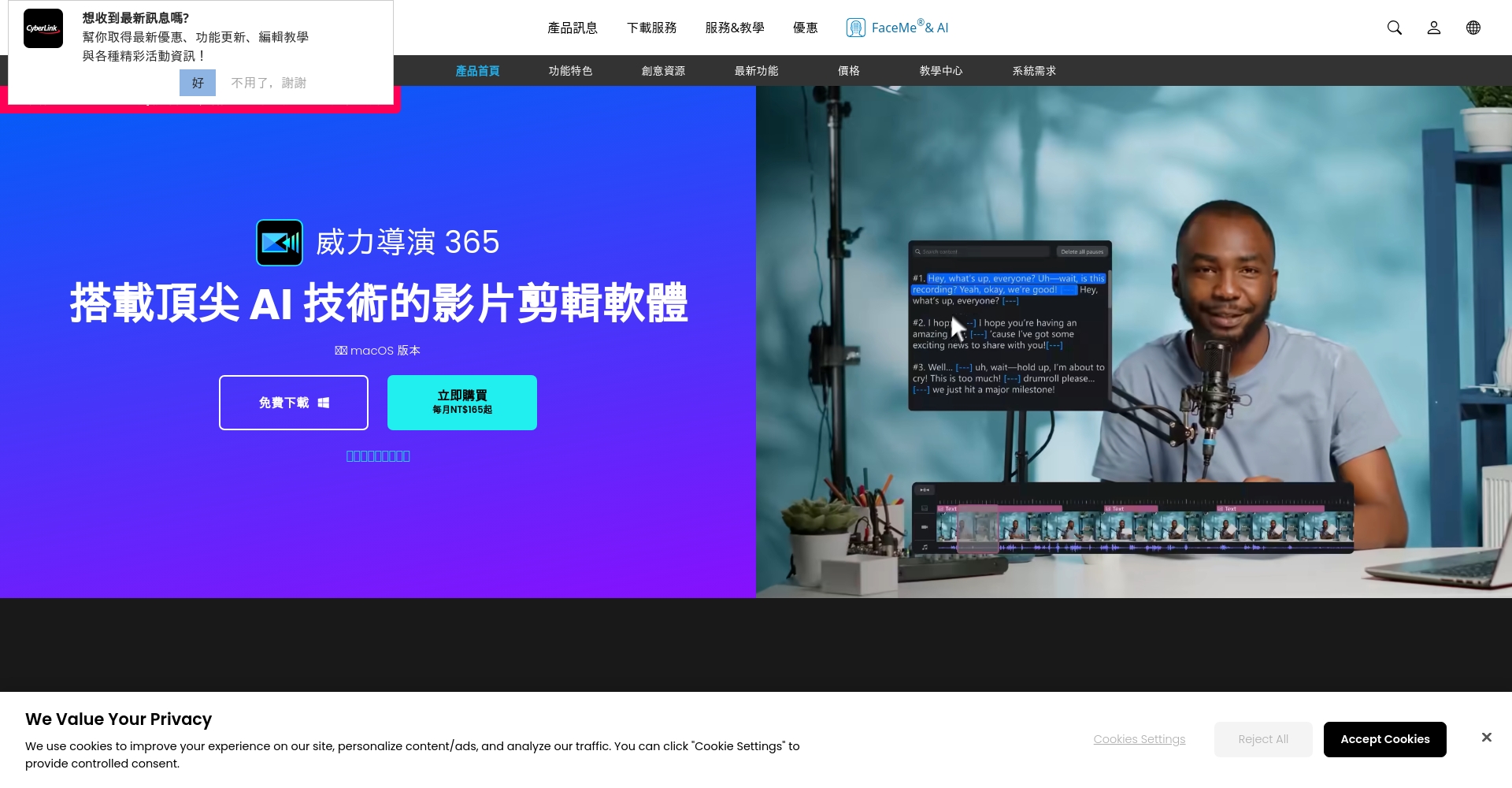
PowerDirector, a video AI tool
PowerDirector is a classic example of AI editing, fully supporting Windows, Mac, and iOS/Android platforms.Download and installation instructions:
| platform | Download and installation steps |
|---|---|
| PC/Mac |
|
| Android/iOS |
|
- Precautions:The free version has limitations, the mobile version has ads, and the PC version is recommended for batch processing large files.
- Common mistakes:Installation failures are often due to disk space issues, permissions problems, or system incompatibility. Please be sure to check the official configuration.
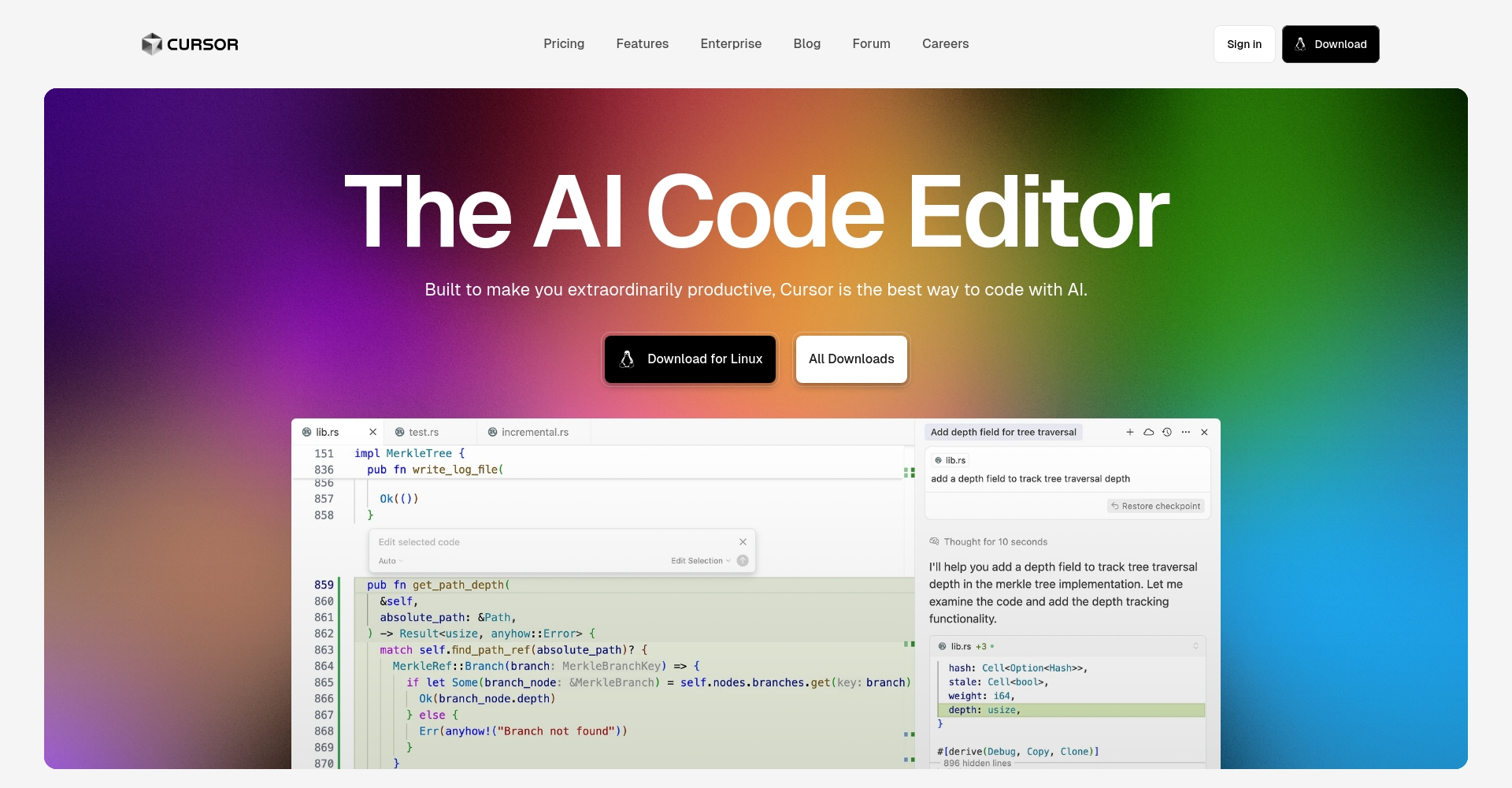
Code generation AI - Cursor
CursorIt rapidly captured the market with its powerful AI conversational programming tools. Designed specifically for Windows and Mac, it's easy to download and install.
- accessCursor official websiteChoose your system and download and install.
- After downloading, double-click and follow the wizard to quickly complete the installation.
- Register an account; Chinese language interface is supported.
- Optional: Import VS Code plugins for collaborative use and maximize productivity.
- AI code assistant leading experience—Supports the latest large models such as GPT-4 series and Claude.
- Frequently Asked Questions:If the installation is slow or activation fails, it is often related to the firewall, antivirus software, or network. You can temporarily disable the security software, change the network, or re-download to resolve the issue.
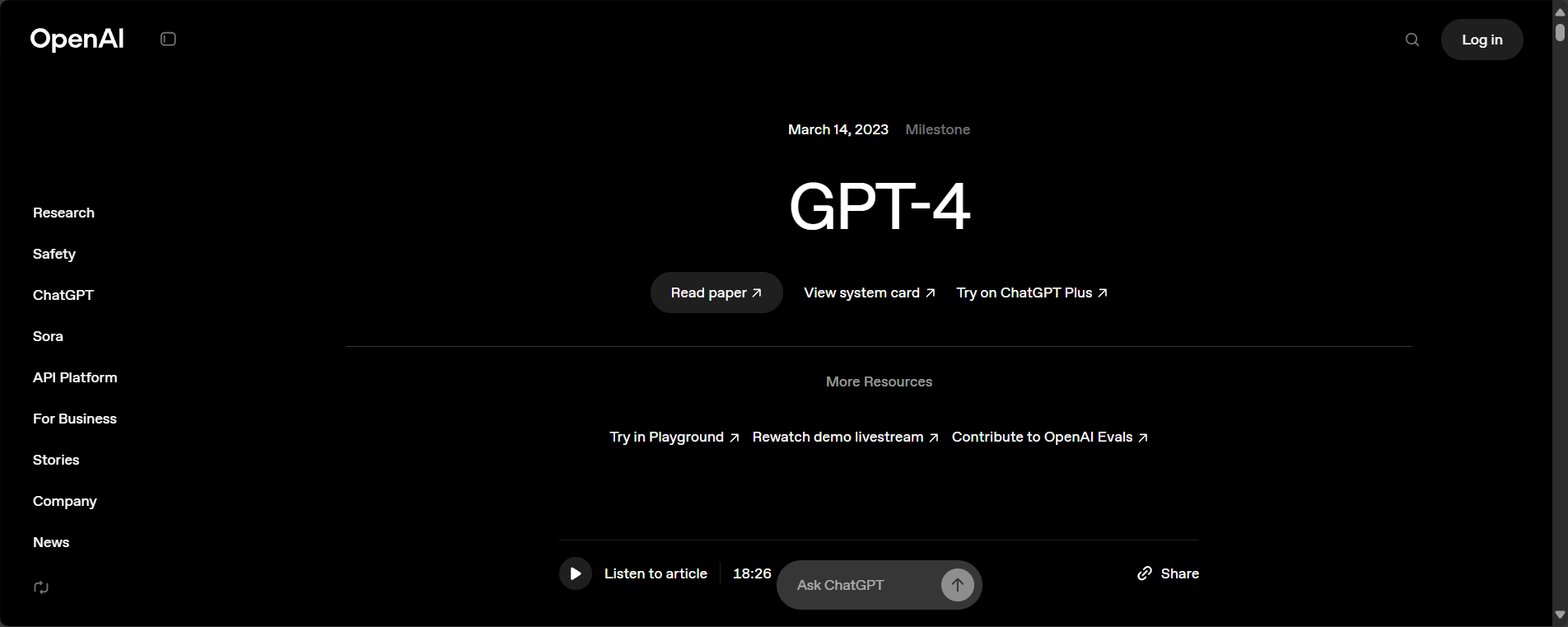
How do other mainstream AI tools "download with AI"?“
ChatGPT (OpenAI)
- Web version:mainstreamchat.openai.comAccess directly online; no download or installation required.
- Desktop/Third-party clients:Some third-party software, such as ChatGPT Desktop, can be found on GitHub. It is recommended to download from official websites or reputable communities, and be aware of security risks!
Perplexity, Gamma, Kickresume, Grammarly, Zapier, Suno AI
- The vast majorityAll are web versionsSimply register an account to use it; it supports both PC and mobile devices.
- For desktop applications, plugins, etc., please visit the respective official websites and click "Download" or "Desktop App" to view the official instructions.
- Plugins (such as Grammarly) can be installed from the Chrome/Edge store by following the prompts.
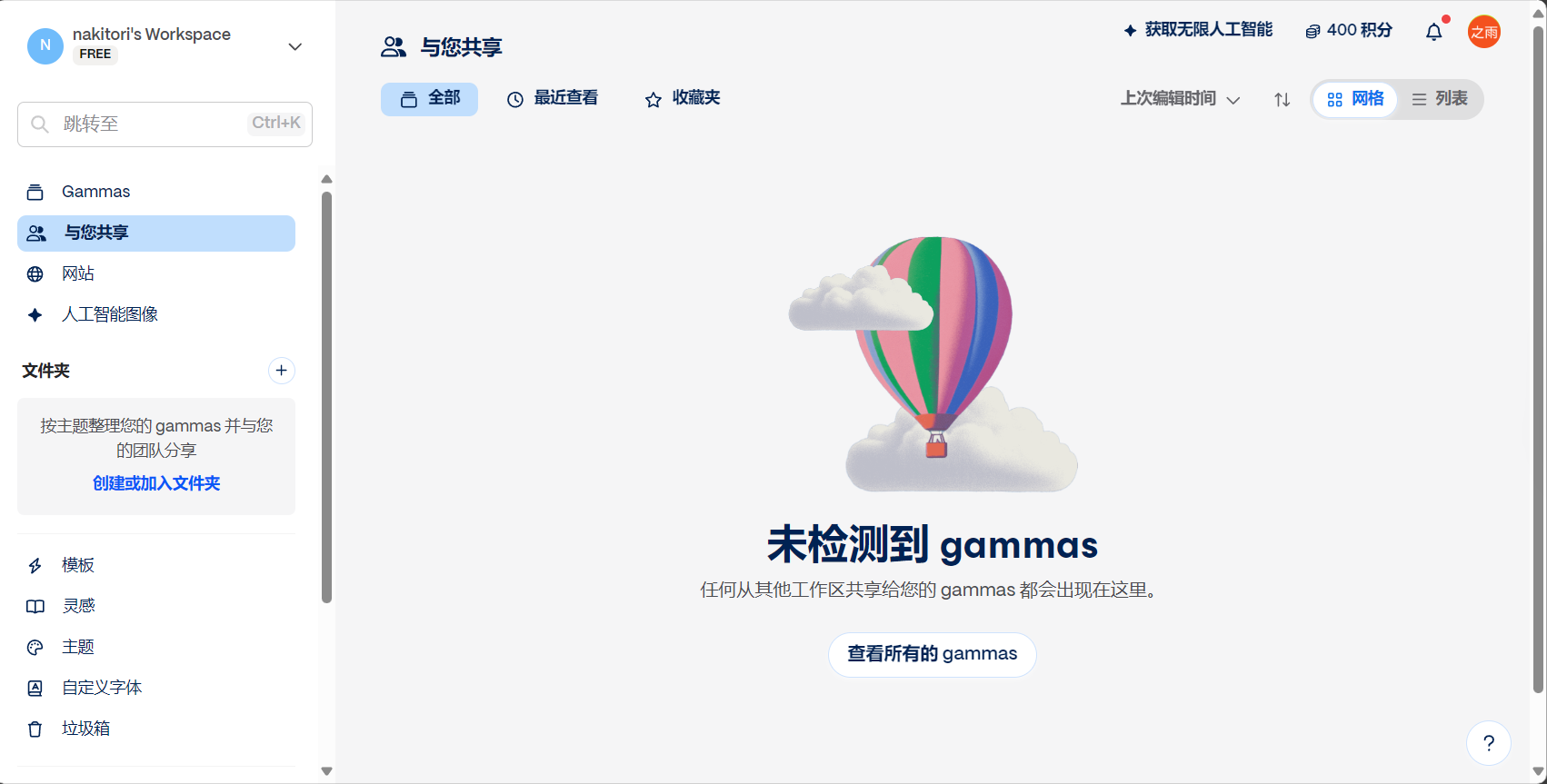
ElevenLabs, Nutshell AI
- Both are online web versions, which can be used immediately after registration, although some professional features require payment.
Frequently Asked Questions about Installation and Download Process (FAQ)
| Problem Category | Common Faults | Solution |
|---|---|---|
| Download slow/failed | The official website is inaccessible and the installation package download is slow. | Switch networks, optimize bandwidth, try VPNs or alternative mirrors. |
| Installation error | Insufficient permissions, corrupted file | Try running as administrator (right-click) and redownloading. |
| Crashes/Cannot be opened after startup | Insufficient system configuration, security software conflicts | Upgrade the operating system, disable antivirus software, and check compatibility. |
| Frequent activation failures | Unable to receive verification code, email verification error | Check your spam folder, try a different email address, or contact customer service. |
| AI functionality unavailable | Credit limit exhausted, model call error | Upgrade your plan, bind your API key, check your network. |
| The language is English. | English is still displayed in the Simplified Chinese environment. | Switch to Chinese language in settings. |
| Output has watermark/limited quota | The free version has a watermark/limited usage. | Purchase paid versions, seek open-source alternatives |
Essential Tips for Downloading Mainstream AI Tools in 2025
- Make sure to download products from the official websites of each product and beware of phishing websites!
- For installation, activation, or plugin issues—first check the FAQ and utilize community help.
- Assess your free allowance appropriately and choose a paid plan when you need higher usage.
- AI tools are frequently upgraded; it is recommended to review and update them regularly to ensure security and functionality.
- Mainstream AI technologies now support cloud and multi-device collaboration, enabling explosive productivity anytime, anywhere.
Conclusion
In 2025,Artificial intelligence is disrupting traditional workplaces and creative processes.Whether you're a photography enthusiast, video editor, copywriter, programmer, or just an ordinary office worker, just be bold and give it a try!Choosing the right "AI download" solution will bring about a qualitative leap in your efficiency and creativity.Head over to the official websites of the respective AI tools now to download and install them, and usher in a new era of AI empowerment!
© Copyright notes
The copyright of the article belongs to the author, please do not reprint without permission.
Related posts



No comments...
