
ChatGPT LINE Integration Guide: Learn how to build your own AI chat assistant on LINE in 5 minutes (Latest 2025)
In 2025,Generative AIWith a full-scale leap forward, LINE has become the most popular AI chat application scenario!This article, presented in a news report format, combines integration steps, tool recommendations, and practical Q&A.Learn how to build your own chatgpt line AI assistant in 5 minutes.Improve your work and learning efficiency. This comprehensive article includes the latest no-code methods, a complete overview of industry trends, advanced private deployment strategies, security tips, application examples, and a guide to further customization. In one article, quickly transform your LINE account into an AI-powered smart partner!

The current trend and application value of chatgpt line access
With OpenAI's ChatGPT continues to be updated, and LINE has become the preferred entry point for AI conversations.Embedding AI into LINE has obvious benefits:
- Seamlessly integrated into everyday conversationsReceive AI replies instantly on LINE without switching apps.
- Automated Customer ServiceCommercial/school support with 24/7 customer service.
- Personal Knowledge AssistantQuickly search for information, translate, and draft documents.
- A helpful tool for daily life: Check the weather, access encyclopedias, chat about your mood, and receive reminders.
Latest Industry News Highlights:
| Access technology | LINE Messaging API + OpenAI ChatGPT API | LINE Messaging API / OpenAI API |
| Supported languages | Chinese, English and multiple languages | ChatGPT Multilingual Model |
| No programming ability | Supports No-Code/Low-Code concatenation | Make |
| Commercial/personal use | All are applicable | – |
| Free plan | OpenAI new user API free credits, Make has a free version | See below for details |
| Cross-platform/automation | Integration with Google Sheet, Notion, etc. | Make supports cascading. |
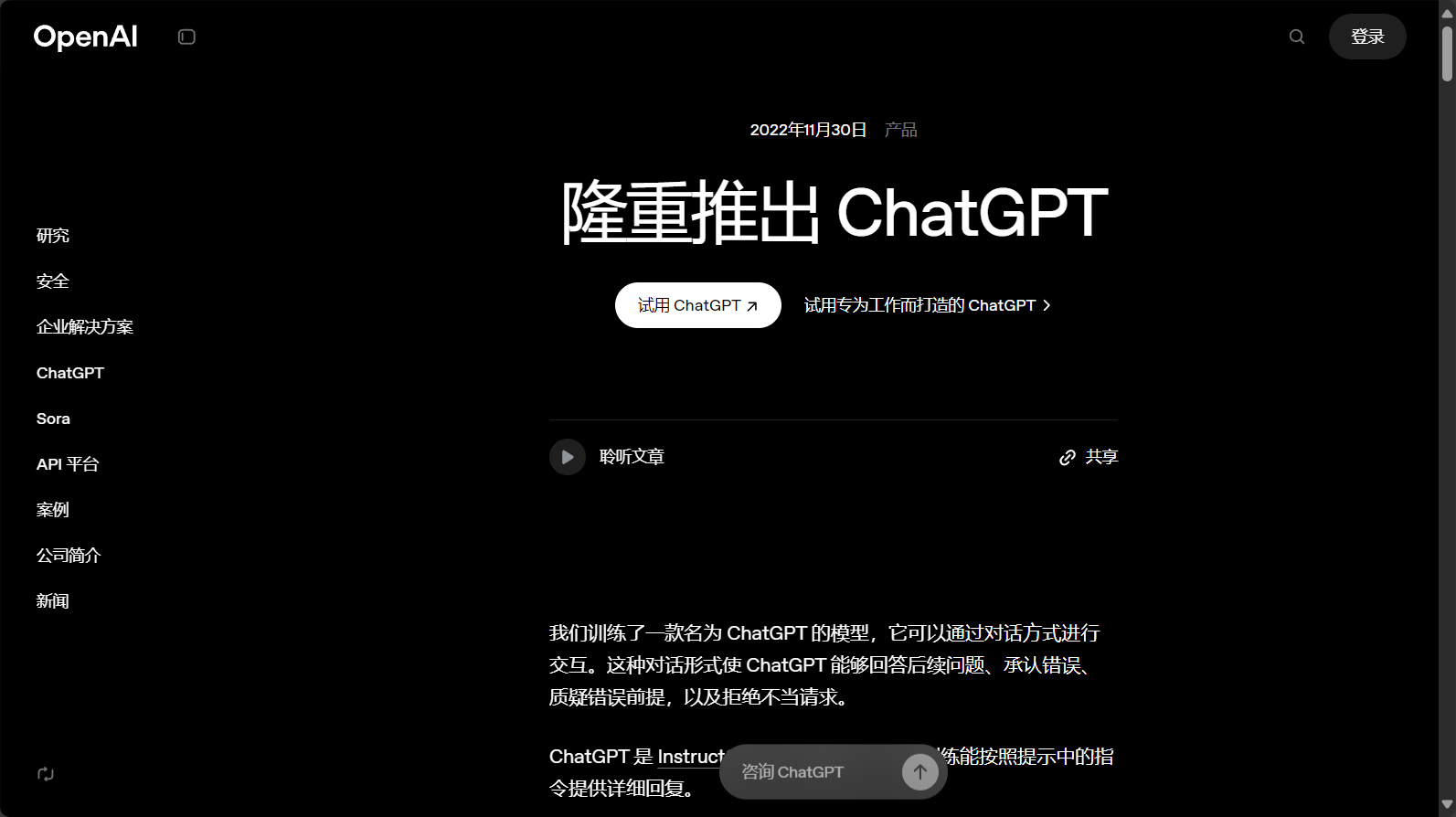

How to set up a ChatGPT Line chat assistant in 5 minutes
I. Preparatory Work and Preliminary Steps
1. Basic Principles Analysis
Operating logic: LINE Robot Channel → API integration platform (such as Make) → OpenAI ChatGPT → Write back LINE messagesThe responses are completely automated.
2. List of Required Accounts and Tools
| LINE Developer Account | Building robots | LINE Developers |
| OpenAI account | Apply for API key | OpenAI platform |
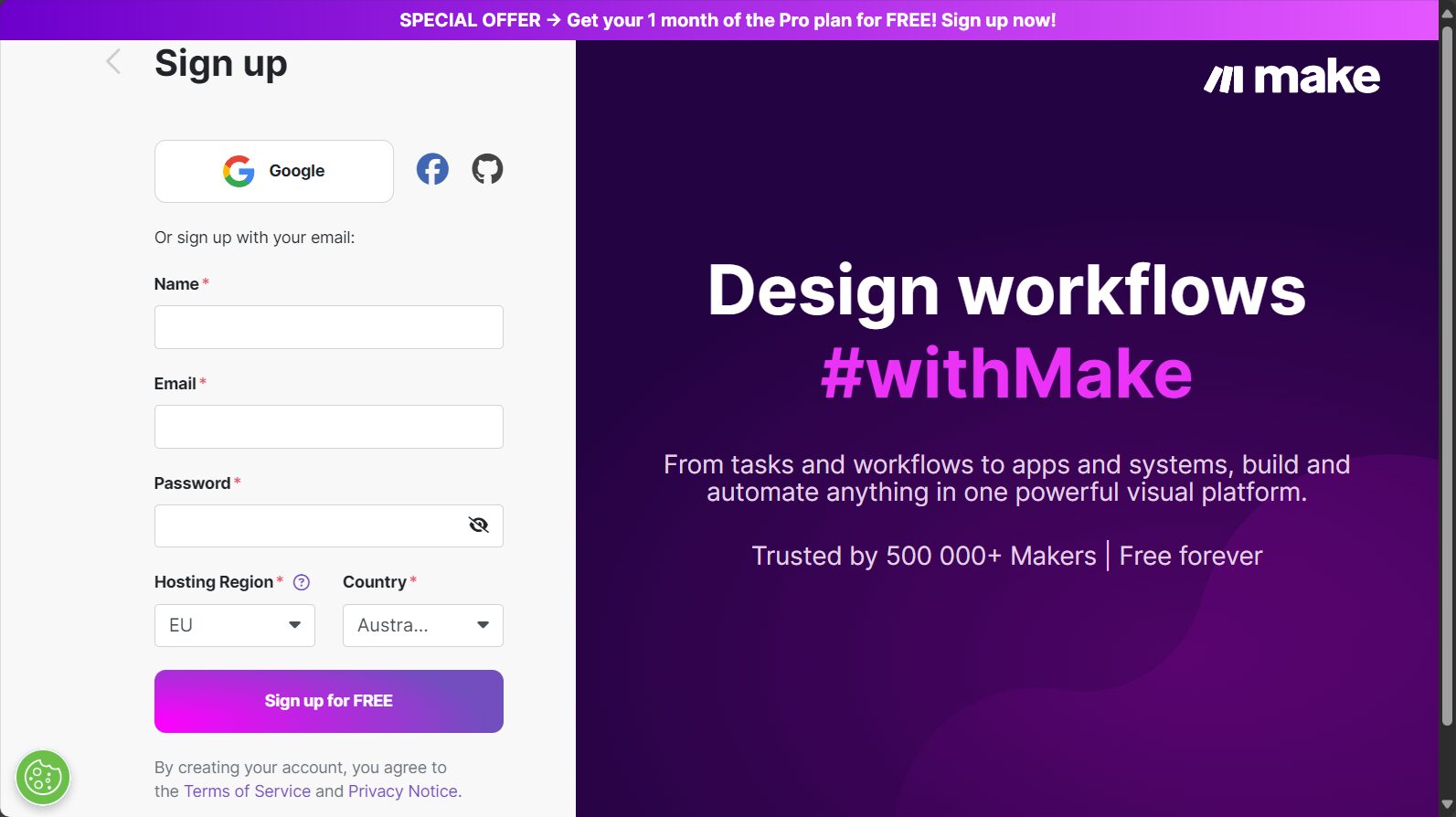
| Make account | No-Code Automation | Make |
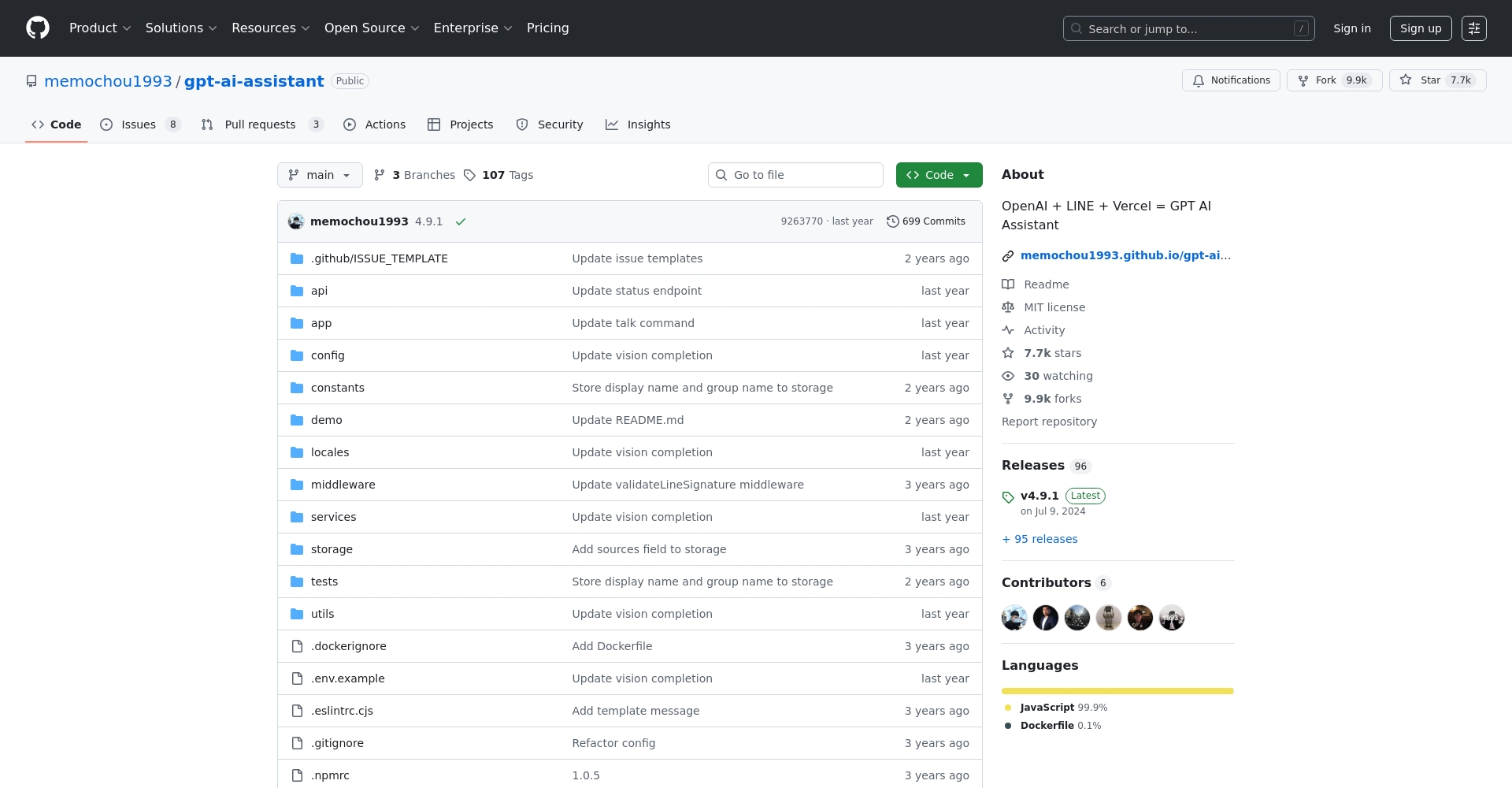
| GitHub (optional) | Reference/Deployment of Open Source Projects | GitHub |
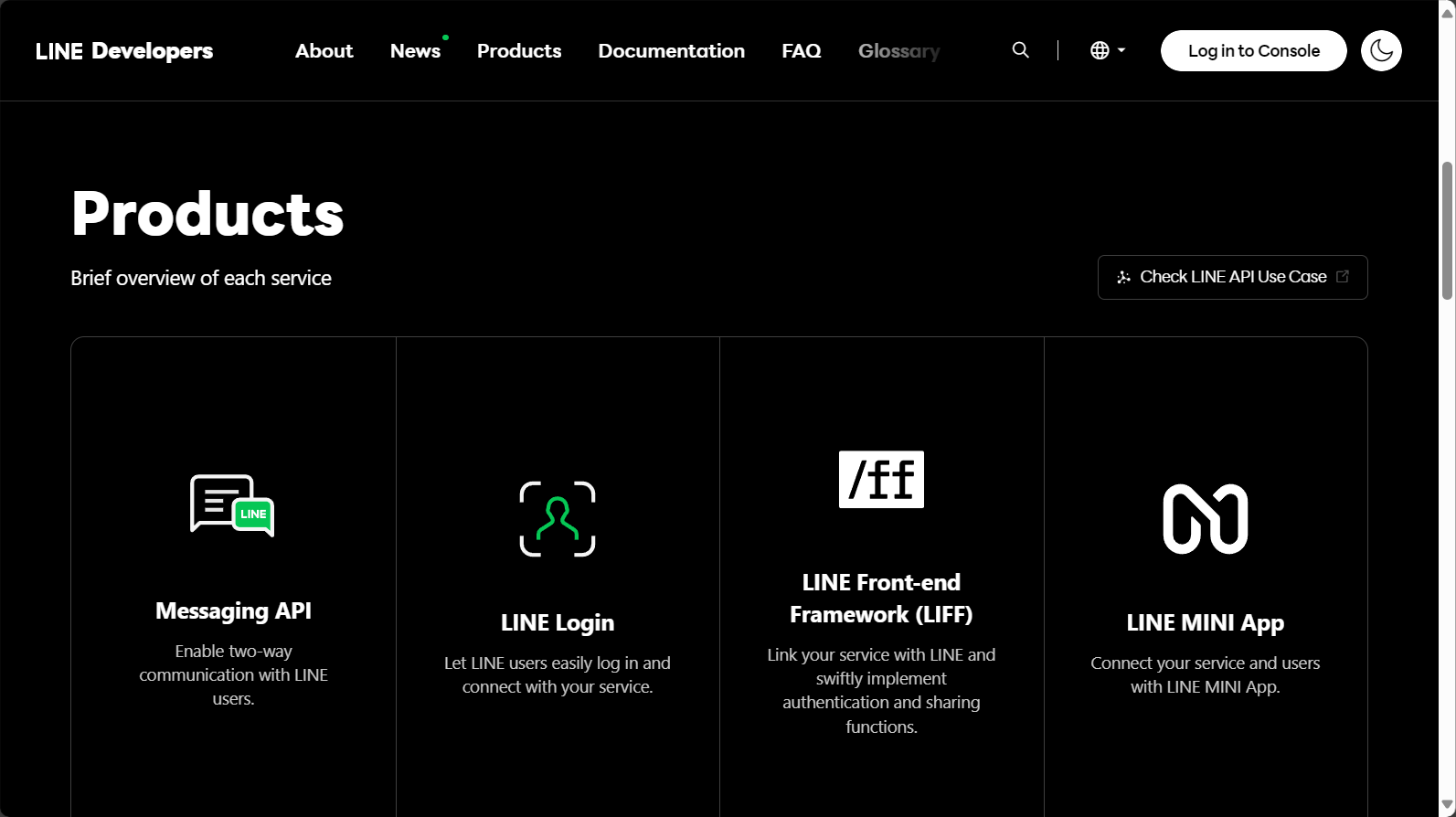
II. Create a LINE Channel and connect it to the API
1. Complete LINE Messaging API Channel settings
- loginLINE DevelopersCreate a Provider → Messaging API Channel
- Enter the channel name and icon (e.g., "ChatGPT AI Assistant").
- Copy on the Messaging API pageChannel Access Token/SecretRetention
2. Apply for and save the OpenAI API key.
- 至OpenAI API Key Application PageRegistration generates a key
- Copy and store properly; do not disclose.
Frequently Asked Questions
New OpenAI API users receive a free trial period; additional charges apply to usage beyond that.See OpenAI pricing details。
3. No programming required: One-click connection using Make
- Register a Make account(New users receive a free professional version)
- Create a new scenario, search for "LINE", and configure the connection using a Channel Access Token.
- Add the OpenAI ChatGPT module, fill in the API Key, and edit the prompt logic.
- Design: LINE receives messages → sends them to the OpenAI API → sends the answer back to LINE
- Once activated, you can test your AI assistant on LINE!
Further Reading: Quick Tutorial on Creating a ChatGPT Line
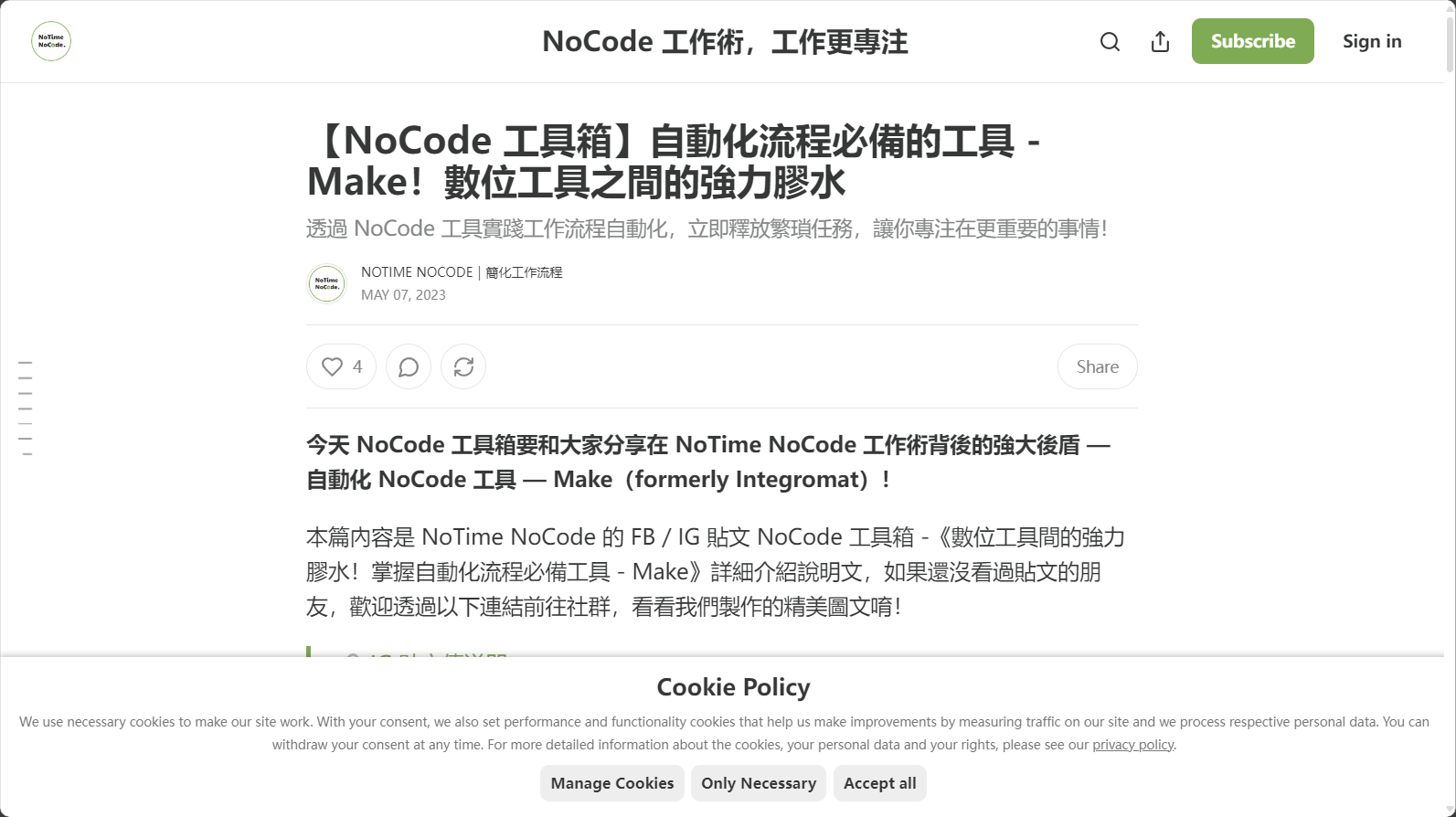
4. Advanced: Automated Deployment of Open Source Projects
- Fork chatgpt-line robot project
- 用VercelOne-click deployment, flexible customization, and setting Secret environment variables (API Key/Channel data).
- Suitable for technical users to achieve highly flexible customization/large-scale deployment
| Advanced deployment options | Suitable partners | Teaching |
| Vercel Trust | Basic programming skills | Vercel Deployment Tutorial |
| Self-built server | Advanced Developers | GitHub ReadMe |
III. Practical Applications and Security Considerations for ChatGPT Line
1. Classification of practical scenarios
| 24-hour online customer service | Automatic response to product inquiries/questions |
| Learning and Counseling | Student Q&A, translation, and essay editing |
| Situation Assistant | Weather forecast, encyclopedia, reminders, etc. |
| Business Support | Email writing, form filling, data scraping |
| social interaction | Activities, raffles, and automated quiz games |
2. Information Security and Privacy Reminder
- Do not enter your password, financial information, or other sensitive data into the AI assistant.
- regularReplace/Check API KeysAccess permissions
- AI responses should be reviewed by human review.Important content needs to be reviewed.
3. Selected Frequently Asked Questions
| Q: Can it be free forever? | OpenAI and Make both have a free credit limit, but advanced features require payment. |
| Q: How can I speed up the response time? | Cloud node optimization and simplified prompt design effectively improve timeliness. |
| Q: How can I improve a poor experience? | Set up a fallback function to direct users to human customer service and automatically collect user feedback for optimization. |
IV. Popular ChatGPT Line Applications and Tool Recommendations for 2025
| Application Theme | Recommended tools/services | Official entrance and benefits |
| No-Code concatenation | Make | New users upgrade to the professional version. |
| Advanced deployment | Vercel + GitHub + gpt-ai-assistant | Free basic usage |
| Smart script template | Notimenocode LINE AI Chatbot | Templates/Teaching One-Stop Service |
| Advanced AI Customization | OpenAI Platform | Free quota for new users |
V. The Next Stage of Creating Dedicated AI Chat: Prompt Customization and Multi-Tool Integration
- Custom PromptLet AI play the role of professional customer service and consultant, and customize the response style according to the industry.
- Multi-tool integrationMake supports automatic message synchronization with Google Sheets, creating an AI digital collaboration center.
- Routine maintenance suggestionsRegularly optimize the Prompt, set up a dual-track mode for manual review, and enhance data security.
Realize a truly exclusive, intelligent, secure, and controllable AI chat service!
Conclusion
In the digital new era of 2025, chatgpt line access solutions have become the primary deployment for enterprise/personal smart assistants.Whether in the workplace, on campus, in a community, or in a business, this process is quick and easy to follow.Transform your LINE account into an AI-powered smart assistant in just 5 minutes.Accompanying users into a new era of digital interaction!
More script templates available at our online store. / Mr. Crazy ChatGPT LINE Tutorial
Master digital empowerment and let AI integrate into your daily LINE chat in 5 minutes!
© Copyright notes
The copyright of the article belongs to the author, please do not reprint without permission.
Related posts



No comments...
