Notegpt Complete Guide: How to Efficiently Utilize AI to Automatically Record and Organize Meeting Notes
Manually taking notes in meetings is prone to missing key points and is time-consuming.With the popularization of online collaboration,AI-powered automatic meeting recording toolNotegpt becomes a powerful tool for improving team efficiency.The article is presented from a journalistic perspective.In-depth analysis of Notegpt's functions, operation process, advanced applications, and efficiency techniques.We've thoughtfully compiled a comparison of the pros and cons, along with a FAQ, to help businesses and individuals easily realize a new future of digital meeting notes!
What is Notegpt? — A New Era of AI-Powered Automated Meeting Recording
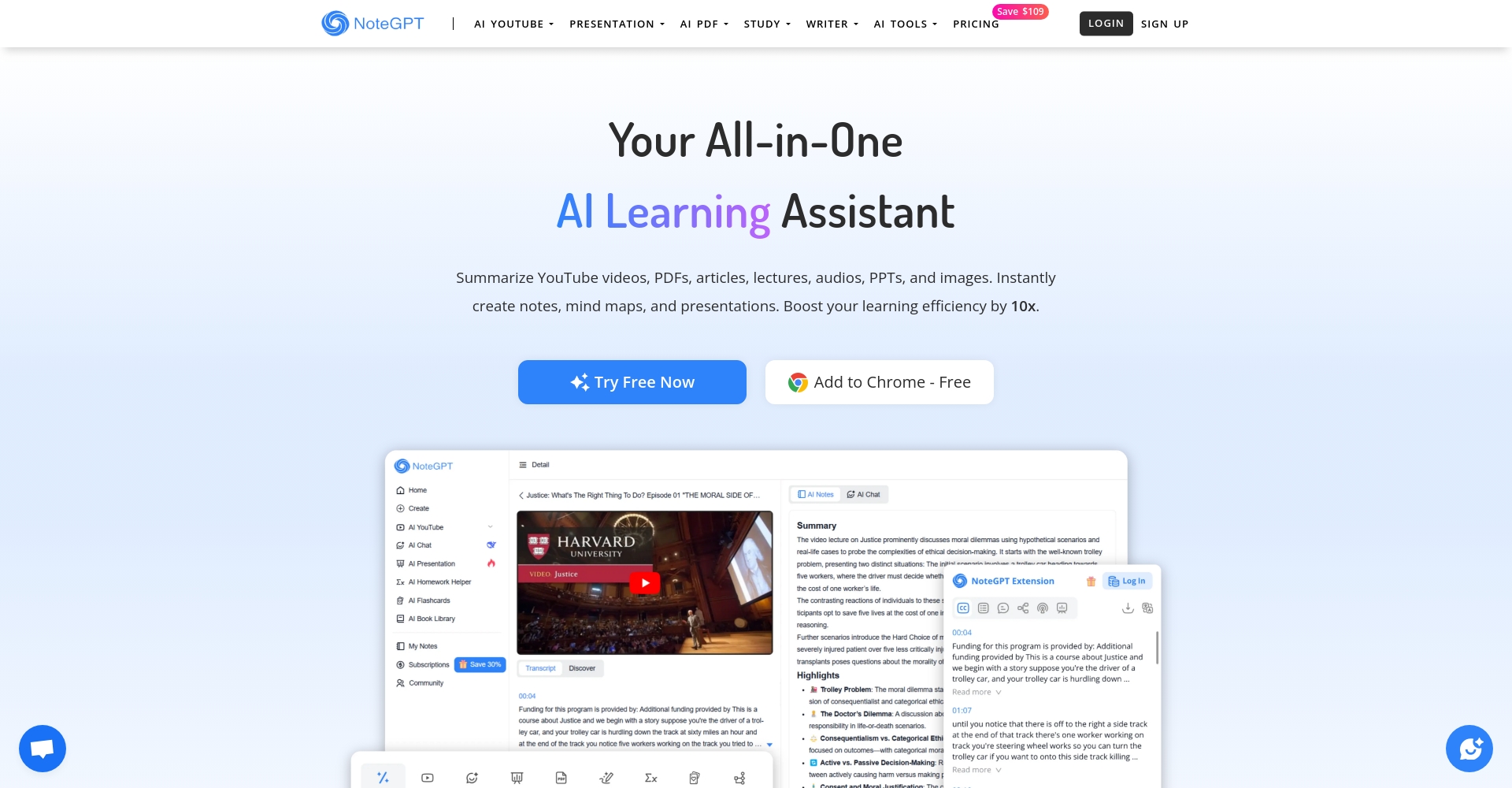
Notegpt (notegpt.ioThis is an AI-based meeting transcription tool that features automatic dictation, transcription, highlighting, and automatic summarization.Effectively helps users reduce the burden of organizing and distributing meeting content.Whether online or offline, Notegpt can quickly and collaboratively capture conversations, making knowledge data accumulation more efficient.
Notegpt Core Functionality Overview
| Main functions | Features Description | Actual utility |
|---|---|---|
| Automatic speech-to-text conversion | Supports multilingual, high-accuracy AI recognition | Providing accurate verbatim transcripts saves on labor costs. |
| Automatic extraction of meeting highlights | Intelligent extraction of conclusions, to-do lists, and meeting objectives. | Quickly grasp important information |
| Organizing notes by structure | Automatic classification/labeling and archiving | The information is clearly organized and easy to search. |
| Multi-platform cascading | Integrate Zoom, Google Meet, Teams | Suitable for all types of meetings |
| Teamwork/Sharing | Real-time collaborative editing + one-click sharing | Promote team knowledge synchronization |
| AI Summary / Multi-format Output | Export to Word, Markdown, and PDF | Easy to edit and archive |
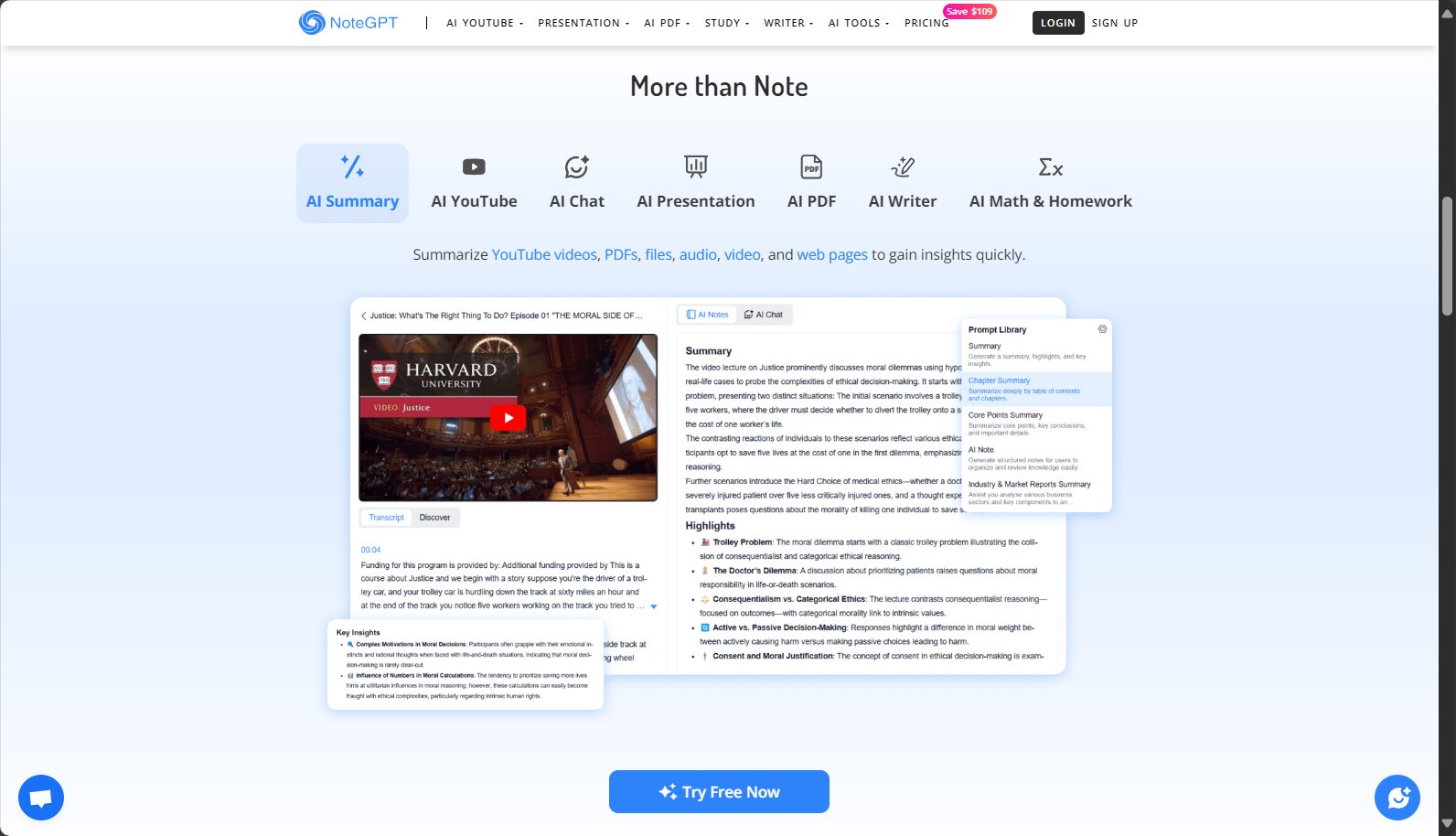

Detailed operation and practice of Notegpt
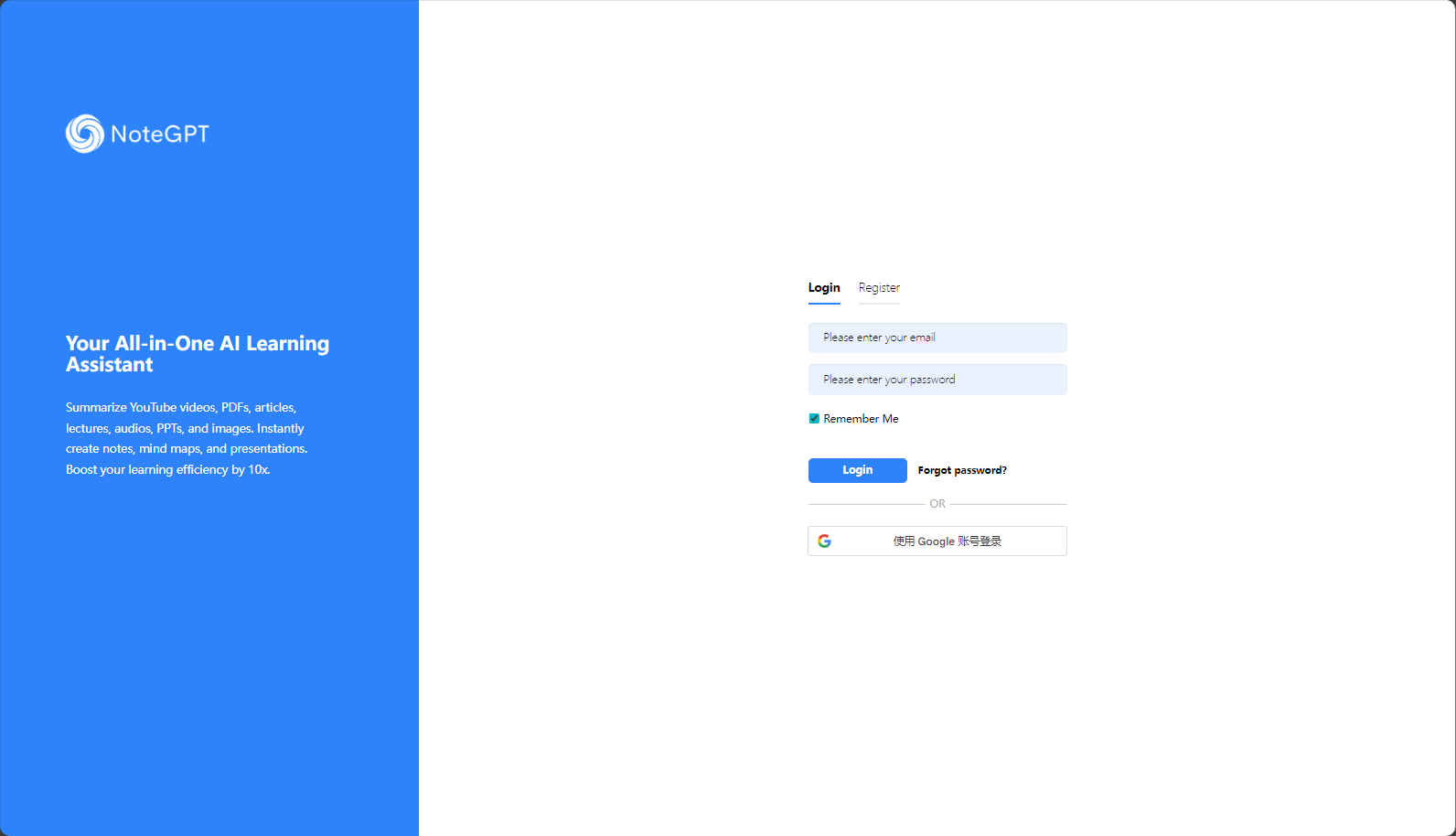
Step 1: Register and set up your Notegpt account
- Enter notegpt official website Register an account.
- After completing email verification, you can set the language, time zone, etc.
Step 2: Connect to the meeting platform/upload audio files
- Connects to platforms such as Zoom, Google Meet, and Microsoft Teams.
- Or upload MP3, MP4, or WAV audio/video files.
- API-automated audio recording is suitable for teams with large-volume needs.
Step 3: AI-powered automatic transcription and content organization
- During the meeting or after the recording is uploaded, AI speech recognition will automatically convert the speech to text.
- Custom structure templates (agenda, conclusion, to-do list, etc.) can be applied.
- Automatically extracts key information, marks personnel, and categorizes and summarizes data.
Step 4: AI summarization + multi-device synchronous sharing
- AI automatically generates summaries, visually presenting the key points.
- Share with one click to collaboration tools such as Notion and Google Drive.
- Supports exporting in multiple formats: Word, Markdown, PDF, etc.
Notegpt Practical Tips and High-Efficiency Application Scenarios
Remote meetings and online collaboration
- Suitable for remote teams and frequent meeting scenarios.We guarantee that the content is complete and without omissions.
Interview recordings and oral history transcripts
- Media and public relations professionals can record audio directly, and AI can quickly generate transcripts and summaries.
Academic Research/Conference

- Automatic topic segmentation facilitates the electronic archiving and subsequent citation of paper documents.
Task tracking and to-do list management
- Automatically identifies to-do lists.Synchronizing team tools improves efficiency。

Notegpt Advanced Application Techniques
Achieving full automation of the process by using Zapier/IFTTT
- Use Zapier to trigger automatic transcription of audio recordings, automatic email sending, and automatic data synchronization.
- Example: Dropbox has a new recording → automatically pushes Notegpt → automatically writes to Notion or Gmail.
Enhance the depth of summaries by combining ChatGPT
- Send the verbatim transcript to ChatGPT for further summarization, formatting, and categorization.
AI multilingual support
- Supports Chinese, English, Japanese, and other languages, making it suitable for international collaboration.

Notegpt vs. similar AI-powered meeting note-taking tools
| Tool Name | Automatic recording | AI Summary | Multi-platform integration | Custom Prompt | Teamwork | Chinese support | Official website |
|---|---|---|---|---|---|---|---|
| Notegpt | ✔️ | ✔️ | ✔️ | ✔️ | ✔️ | ✔️ | Click here to view |
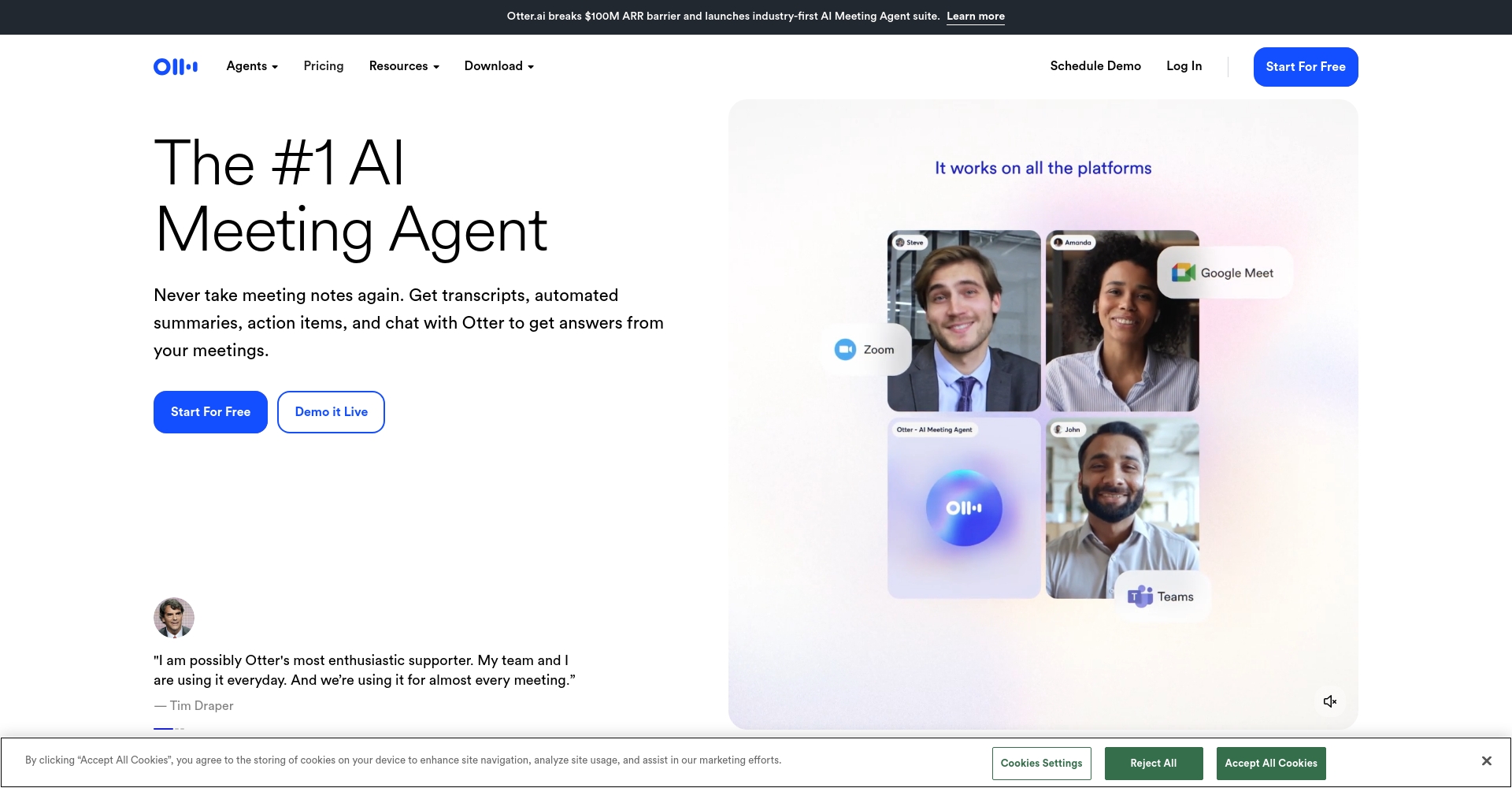
| Otter.ai | ✔️ | ✔️ | ✔️ | part | ✔️ | part | Click here to view |
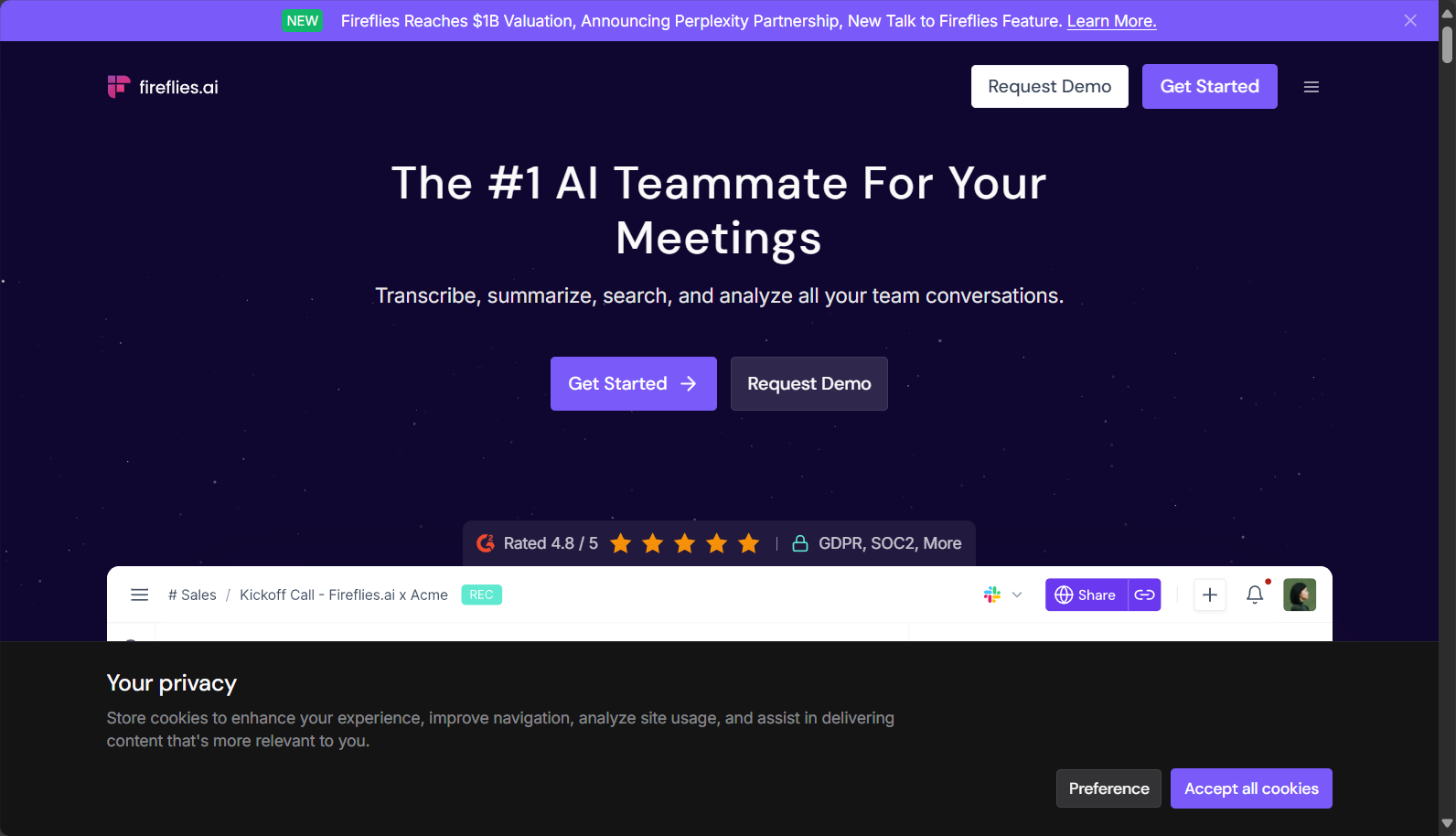
| Fireflies.ai | ✔️ | ✔️ | ✔️ | ✔️ | ✔️ | part | Click here to view |
| Sonix | ✔️ | part | ✔️ | part | part | part | Click here to view |
Notegpt has significant advantages in team collaboration, custom summary commands, and multilingual optimization.It is especially suitable for users who need efficient Chinese processing.
Optimizing Notegpt Usage – Suggestions for Improving Enterprise and Individual Efficiency
| Recommended number | Suggested content | Supplementary Notes |
|---|---|---|
| 1 | Pre-set meeting categories and templates | Convenient for AI automatic classification and summarization |
| 2 | Custom AI Summary Prompt | Divided into three sections: key resolutions, tasks to be done, and conclusions. |
| 3 | Multilingual/Accent Optimization Settings | Meeting language preset improves recognition accuracy |
| 4 | Make good use of automatic export/email sharing | One-click distribution reduces repetitive manual processes. |
| 5 | Deep integration with collaboration tools | Continuously optimize knowledge flow |
Notegpt Frequently Asked Questions & Answers
Q1: Does Notegpt have a word count or length limit?
AA single file typically supports several hours of recording, but the actual maximum depends on the official pricing plan and API level.
Q2: To what extent is Chinese language support available? Are accents or dialects acceptable?
ASupports Mandarin and Cantonese dialects, and accent reconstruction will be tested before the council meeting.
Q3: Can the generated notes be used for reports or announcements?
AIt can export to Word, PDF, Markdown and other formats, and is suitable for internal and external communication and file archiving in enterprises.
In the digital ageMaximizing the retention of meeting knowledge and team efficiency is no longer a future goal, but a current reality.Notegpt, leveraging AI's automatic recording, organization, and collaboration capabilities, completely transforms how businesses, academia, and individuals handle meeting notes. If you're still struggling with meeting minutes, head over to [link/website] now! Notegpt official websiteExperience firsthand the future of AI-powered, efficient meeting recording and knowledge management!
© Copyright notes
The copyright of the article belongs to the author, please do not reprint without permission.
Related posts




No comments...
