
Cursor, an AI-powered programming tool: How to improve developer efficiency with Cursor?
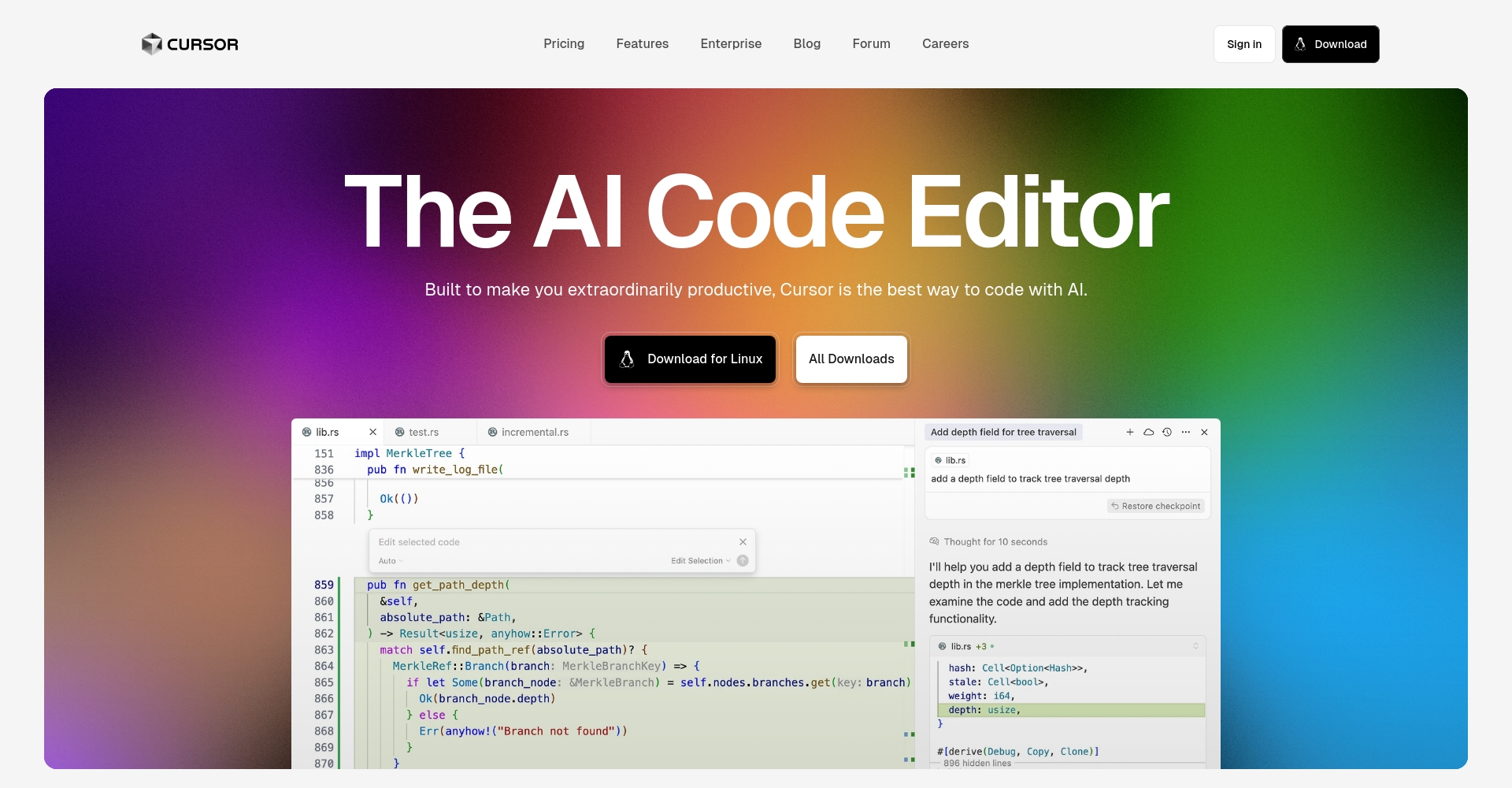
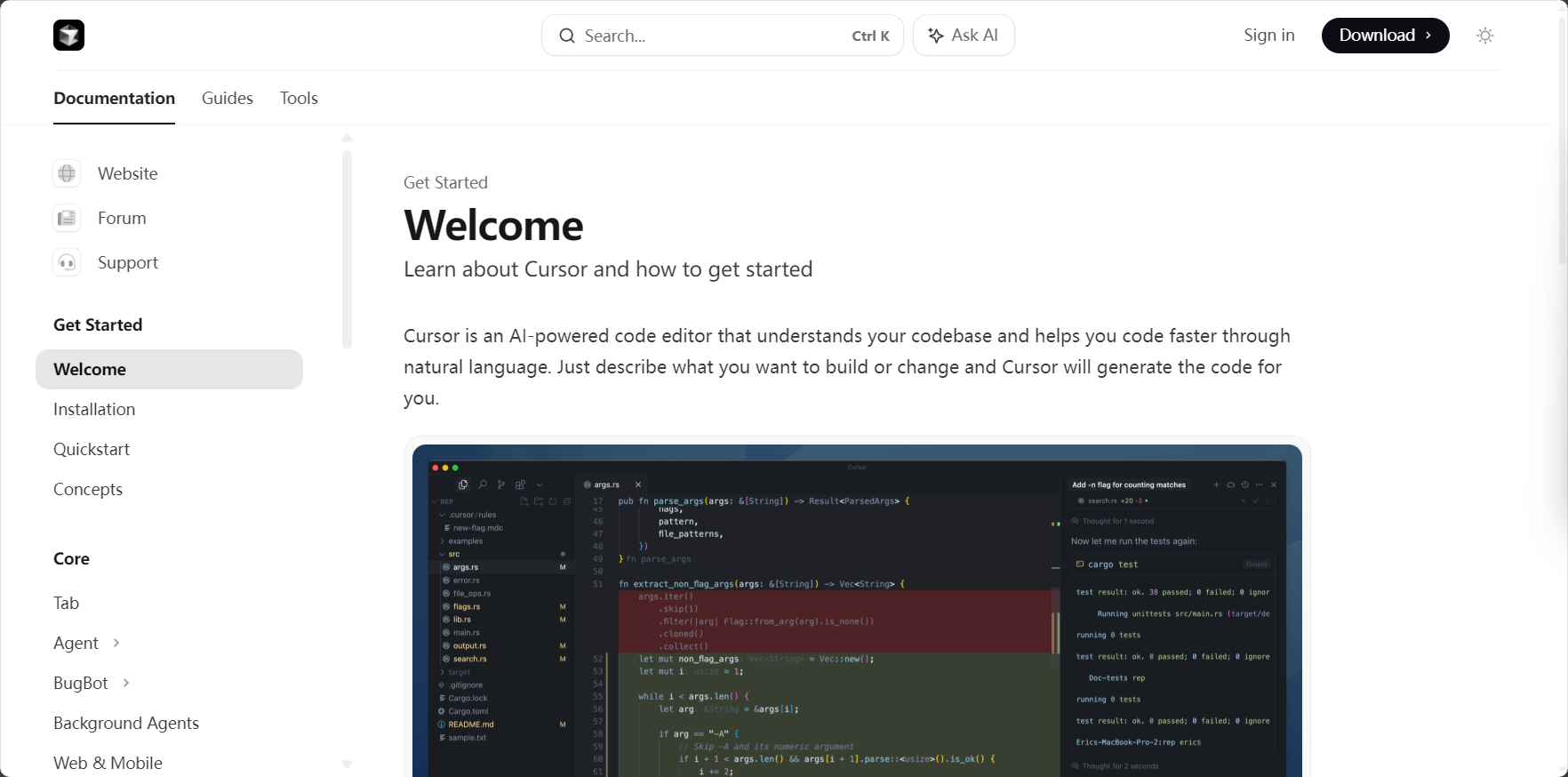
Cursor, as a new generationAI-driven code editorDeep integrationAIThis capability breaks the traditional development model and greatly helps developers improve programming efficiency.This article, presented in a news report style, systematically introduces Cursor's product innovations, functional highlights, core application scenarios, and efficient techniques, enabling you to quickly grasp AI programming trends and practical experience.
Cursor, an AI-powered programming tool: How to improve developer efficiency with Cursor?
With the rapid development of artificial intelligence technology in the field of software development, developers' demand for efficient and intelligent coding tools is growing.Cursor, as a next-generation AI-driven code editorWith its deeply integrated AI capabilities, Cursor is becoming an indispensable and efficient programming tool for an increasing number of development teams. This article will provide a comprehensive look at Cursor's product features, practical application scenarios, and efficient usage techniques in a news report format, helping you grasp the new trend in AI programming.
Cursor: A New Programming Tool Powered by AI
1. Background and Market Positioning of Cursor
Cursor first emerged in the developer community in 2023.With its core concept of an "AI-first Code Editor," Cursor targets the growing intelligent programming market. Unlike traditional AI plugins, Cursor builds an "end-to-end AI-driven development environment," where AI assists in everything from code generation and rewriting to terminal operations and project file management.Truly free developers' hands and improve efficiency。
Related links:Cursor official website
2. Deep AI Empowerment: A Quick Overview of Core Capabilities
| Functional modules | Highlights | Developer benefits |
|---|---|---|
| Intelligent code completion | Plug-in model-driven, supports multi-language and multi-line intelligent prediction | Saves time and effort, improves accuracy |
| Intelligent rewriting and multi-line editing | Automatic refactoring, bug fixing, and batch modification | One-click optimization, batch acceleration |
| Agent automatic task execution | AI automatically creates new files, generates terminal commands, and fixes errors. | Automation, ultimate efficiency |
| Context awareness and code search | Automatically retrieves the context of large projects; convenient reference using the @ symbol. | Quick location, grasp the overall logic |
| Document and web integration | Online search and document indexing, referencing official/custom documentation | Quick verification, reduced switching |
| Image-assisted visualization | Visualized code display and AI-powered intelligent image recognition via dialogue. | Visual interaction, user-friendly |


Reference link:Cursor Core Functionality Explained
Downloading, Installing, and Getting Started with Cursor
1. Official download process and platform support
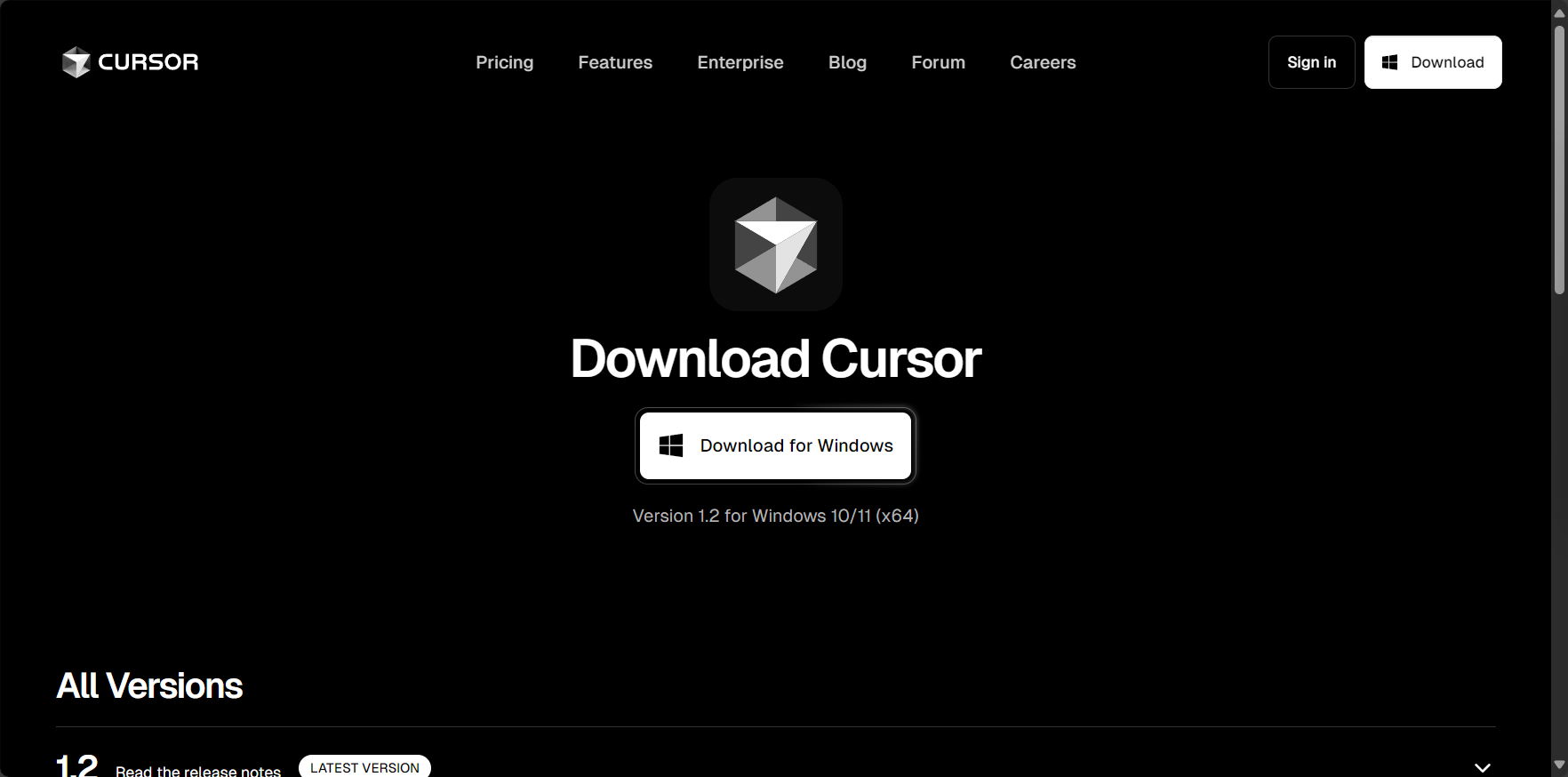
- Visit the official website homepage:https://www.cursor.so/
- Click the "Download" button in the upper right corner and select your operating system (Windows, macOS, Linux) to download;
- The deployment process is simple and quick, and you can log in to your developer account (such as GitHub/Google) with one click on the first launch.
2. Detailed Installation and Initial Configuration Guide
- Theme and UI customizationSwitch between dark and light interfaces at will.
- AI service bindingChoose mainstream APIs such as OpenAI, Anthropic, and Zero.
- Project ImportSupports importing local folders, Git, or GitHub remote repositories.
Access Point:Cursor download page
Core Functionality Explained: How to Improve Development Efficiency with Cursor?
Intelligent autocomplete and multi-line editing
1. The ultimate experience of AI auto-completion
Cursor pre-installedMultilingual High-Intelligence Code Completion ModelEnjoy automatic suggestions, multi-line prediction, and contextual understanding without any additional plugins. For example, you can input only the first few lines of a function, and the AI will automatically continue the subsequent logic, greatly reducing repetitive work.
2. Multi-line intelligent rewriting and error correction
Multiline editing and rewritingImprove the efficiency of batch refactoring and migration. Select a code block, input the natural language target, and AI will automatically output optimized or corrected code, suitable for scenarios such as module refactoring, code migration, and batch repair.
CaseWhen refactoring an interface, the goal is described in natural language, and AI directly generates the implementation framework and annotations.
Agent end-to-end automation: Let AI do your chores
1. Common Automation Development Tasks
Cursor AgentEnable AI to perform miscellaneous tasks: create directories, initialize files, configure dependencies, and automatically fix Lint errors, all with a single natural language description.
| Scene | Agent automatic operation |
|---|---|
| New Module | Automatically create directories, files, README, and test files. |
| Dependency Management | Recommend and configure the required dependencies as shown in package.json |
| Environmental monitoring and remediation | Automatically corrects syntax, dependency, and configuration errors. |
| Command line integration | Natural language description, AI-translated into terminal commands and automatically executed. |
2. Terminal Integration and Natural Language Commands
passCtrl+KIt can describe terminal operations in plain language without needing to memorize commands, and the AI will correctly respond and execute them.
Context awareness and knowledge linkage
1. Integrated search of source code, documentation, and official API.
In large projects, Cursor allows for quick reference to functions, documentation, and classes using the "@" symbol.Easily find project knowledge points and call relationshipsThis greatly saves investigation time.
2. Integration of web search and project knowledge base
Built-in internet connectivity and official API/document search.One-stop integration of best practices, examples and resourcesGet rid of the hassle of "checking for bugs and switching web pages".
Reference link:Cursor Documentation Center
Practical Applications and Advanced Efficiency Techniques
1. Quick project launch and one-click development
Describe your project requirements in one sentence, and AI will automatically generate file structure, core code, and documentation, making it suitable for scaffolding setup, new project startups, and more.
2. Seamless integration with Git and remote repositories
Native Git supportAI-assisted commit generation and automatic conflict correction make team collaboration twice as efficient.

3. Supports multiple mainstream programming languages
WhetherNode.js, Python, Go, Java, Rust, C++It still supports mainstream web front-end frameworks, including Cursor, and its third-party plugin ecosystem continues to expand.

Developer FAQs and Community Resources
1. Differences between Cursor and plugins like Copilot and ChatGPT
| Product Comparison | Cursor | GitHub Copilot | ChatGPT plugin |
|---|---|---|---|
| Integration | Editor body AI embedding | VSCode plugin, separate from the editor | Chat interaction only, not embedded in IDE |
| Automation level | End-to-end automated tasks | The main focus is on completion. | Q&A assistance without modifying code |
| Dialogue & Interaction | Code-based dialogue and real-time execution of natural language | Completion-based no-code dialogue | Simple QA |
| Context awareness | Customizable search across the entire project context | Window memory is limited | Weak context awareness |
2. Learn more resources
As a significant milestone in AI programming in the new eraCursor enables developers to complete their coding work more efficiently and enjoyably.Whether you're a highly productive solo hacker or a collaborative team, you can experience the immense power of AI-driven automation in Cursor. In the future, the integration of AI and IDEs will only deepen, and Cursor has paved a new path of intelligent efficiency for every developer!
© Copyright notes
The copyright of the article belongs to the author, please do not reprint without permission.
Related posts



No comments...
