Best Subtitle Generators of 2025: A Comparison of 8 Highly Effective AI Tools (Including Free Options)
With the rapid growth of short videos, online courses, and social media content,AI subtitle generatorIt has become an essential tool for content creation and marketing. This article selects 8 of the most popular, multilingual, automated, beautifying, and partially free subtitle generation software and platforms in 2025. It tests and summarizes their advantages and disadvantages and suitable scenarios to help you choose the most suitable high-efficiency AI subtitle generation solution for yourself.
Overview of 8 AI subtitle generators (comparison table)
| Name | Applicable Platforms | AI automatic identification | Supported languages (number) | SRT In/Out | Free plan | Subtitle enhancement | link |
|---|---|---|---|---|---|---|---|
| PowerDirector | Win/Mac/iOS/Android | ✔ | 16+ | ✔ | ✔ | Super Rich | Download the free version |
| Aegisub | Win/Mac/Linux | ✘ | N/A (Manual) | ✔ | ✔ | Dynamic effects | Aegisub official website |
| Adobe Premiere Pro | Win/Mac | ✔ | 18+ | ✔ | ✘ | Commercial | Adobe official website |
| WhisperDesktop | Win/Mac | ✔ | 97+ | ✔ | ✔ | ordinary | WhisperDesktop |
| PowerDirector App | iOS/Android | ✔ | 16+ | part | ✔ | rich | Mobile version download |
| cSubtitle | Online web pages | ✔ | 4 | ✔ | ✔ (3 minutes) | simple | cSubtitle |
| Web Speech to Text | Online web pages | ✔ | 5 | ✘ | ✔ | simple | Web Speech to Text |
| Adobe Express | Online web pages | ✔ | 18+ | ✘ | ✔ | Many templates | Adobe Express |
What is a subtitle generator? Why are automation tools needed?
Subtitle generatorBy utilizing AI speech recognition or automatic transcription technology, it helps you save time from tedious typing and manual timing, allowing video audio to be quickly and automatically generated into an accurate transcript and embedded with subtitles.
- Saves time on manual typing and synchronization
- Multilingual/Accent Support
- High-performance batch processing and streaming of short videos
- Increase the reach of content when playing silently on social media platforms.
Detailed recommendations and analysis of various AI subtitle generators
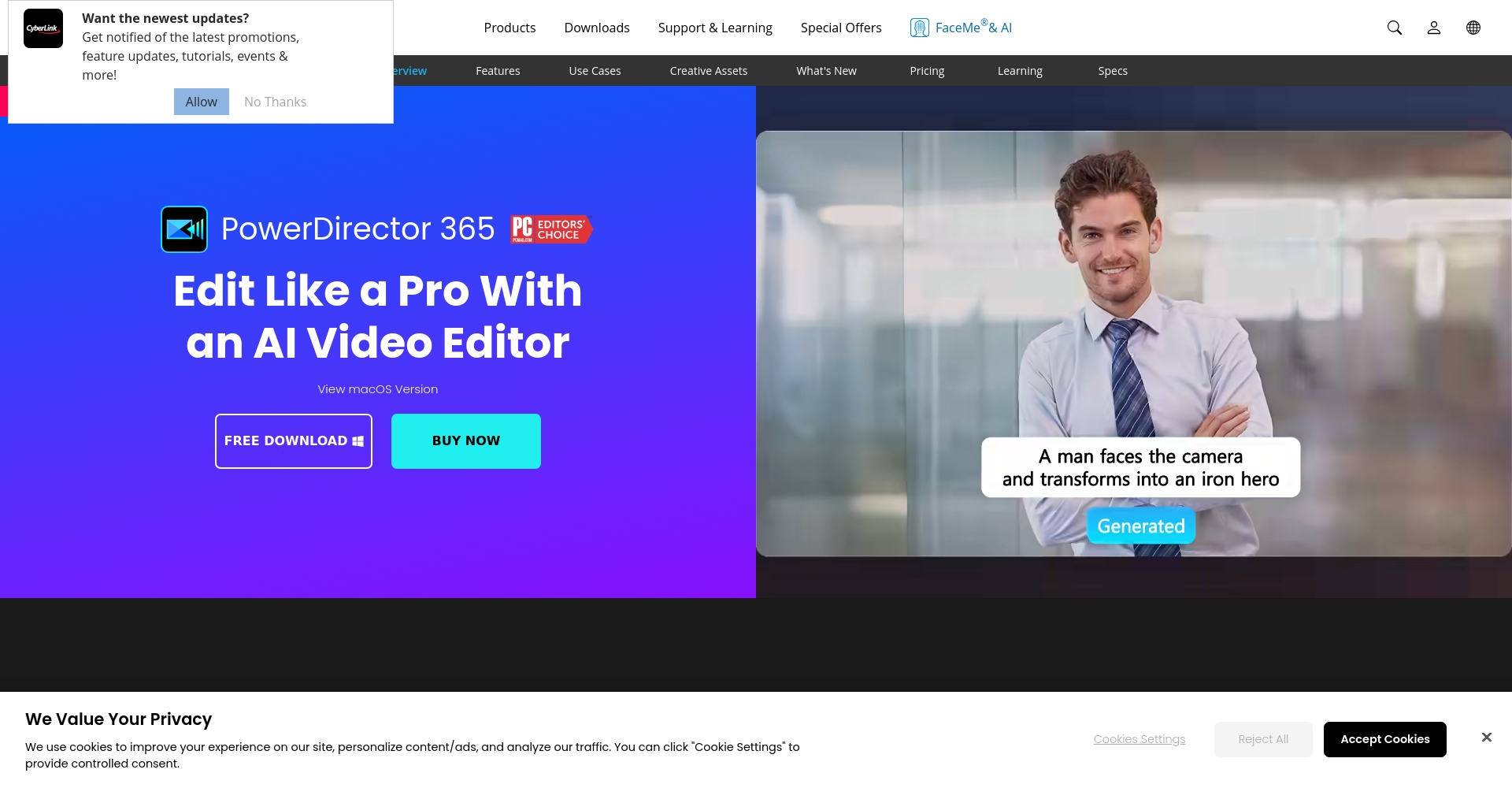
PowerDirector – A comprehensive subtitle generator (including a free option)

Applicable platforms:Windows, Mac, iOS, Android
Highlights:Supports AI-generated subtitles in 16 languages, one-click import/export, and various beautification styles. The interface is intuitive and suitable for both beginners and professionals.
- Automatically recognizes 16 languages including Chinese, English, Japanese, Korean, German, and French.
- Diverse subtitle templates with rich and varied fonts, colors, and shadows.
- One-click automatic generation of editable SRT/TXT subtitle files
- Supports both mobile and desktop, ensuring a smooth workflow.
- Free download (Click here to go to the official website)
Actual test:The automatic generation speed is fast, and Chinese character recognition requires almost no correction.
Disadvantage: Advanced features require payment to unlock.
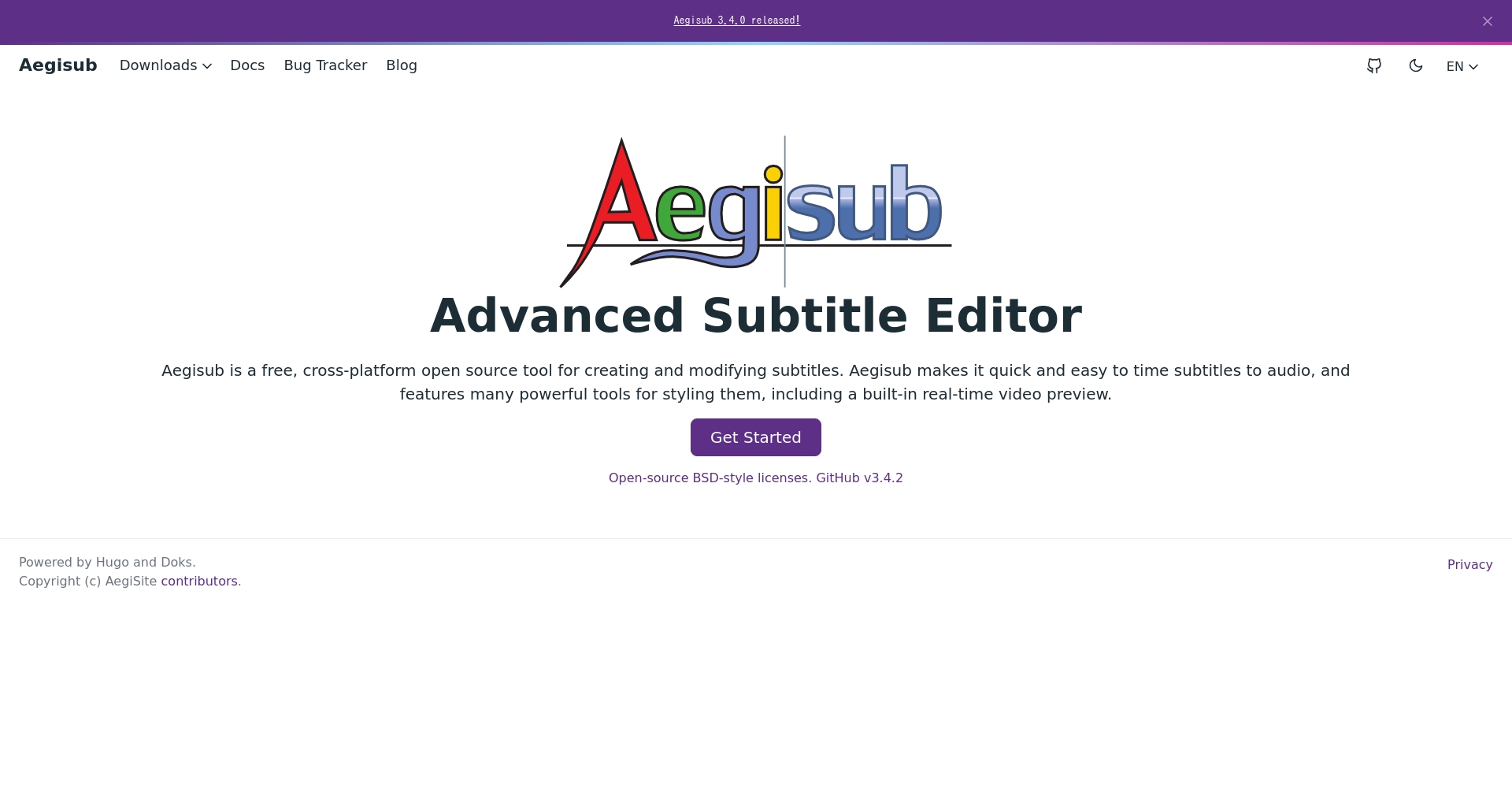
Aegisub – A free tool for creating post-edited subtitles and karaoke effects (primarily manual).
Applicable platforms:Windows, Mac, Linux
Highlights:The manual annotation is accurate, supports various DIY subtitle effects, and features rich animation.
- Multi-format import/export
- Karaoke animations and fancy special effects styles
Disadvantages: No AI speech transcription/automation; manual transcription of the transcript is required.
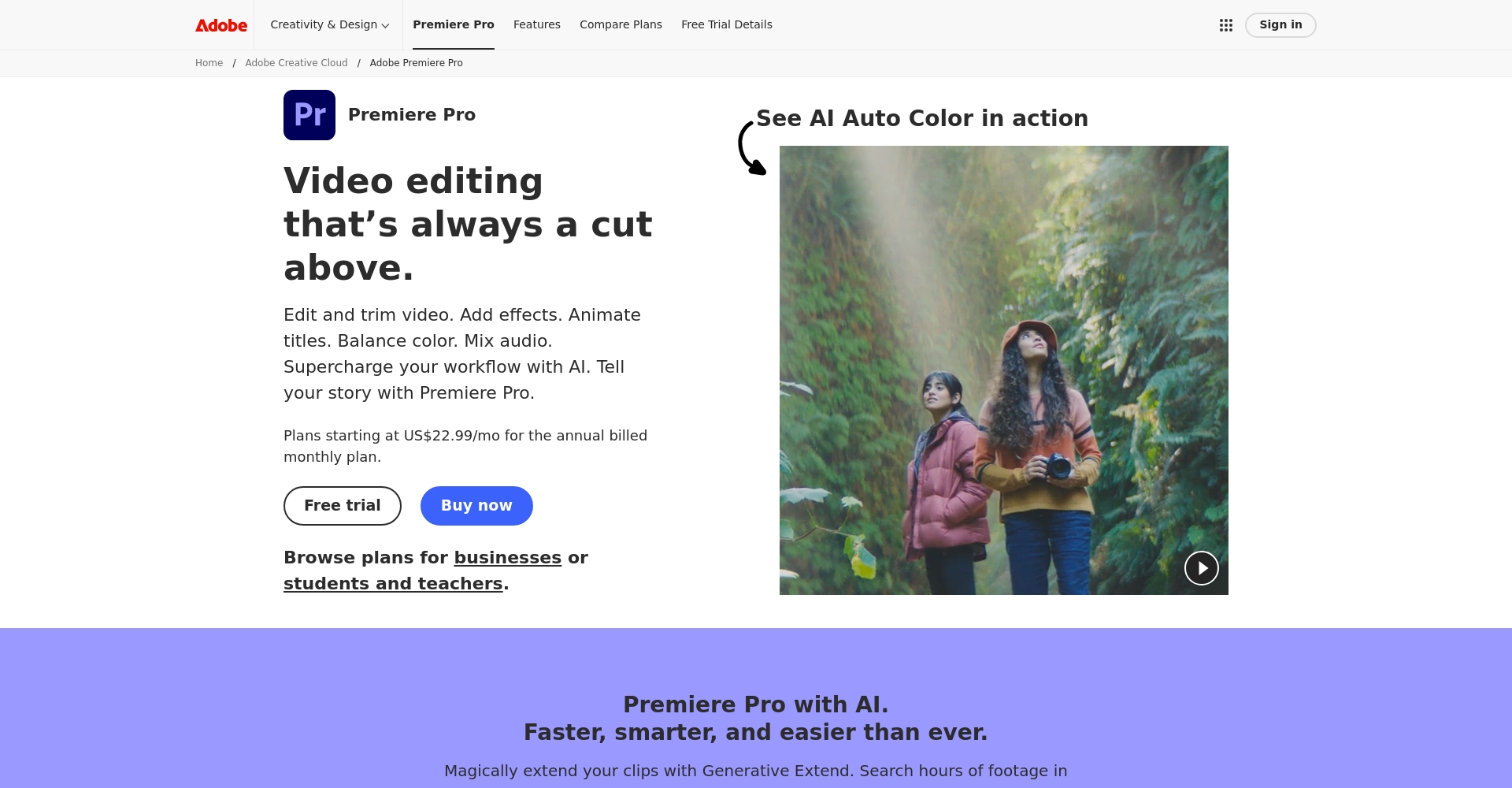
Adobe Premiere Pro – Professional Editing + Highly Accurate AI Automatic Generation
Applicable platforms:Windows, Mac
Highlights:Extremely high accuracy of automatic subtitle addition, perfect integration with editing, and support for batch replacement and editing.
- Supports 18 languages
- Subtitle enhancement, commercial-grade style
Disadvantages: Requires a paid subscription; the interface has many functions and is not easy to use.
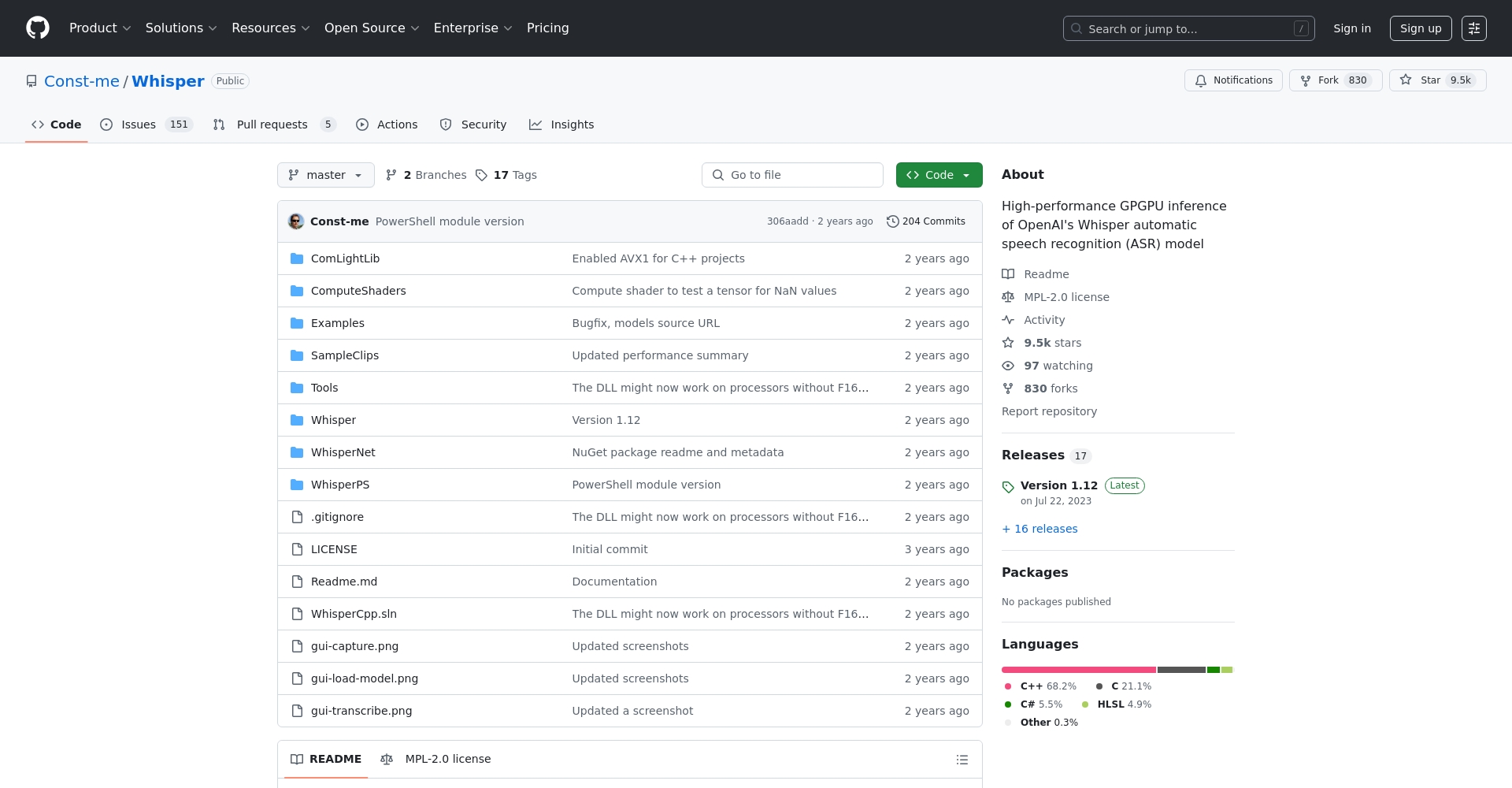
WhisperDesktop – Open-source, free, multilingual AI subtitle generator
Applicable platforms:Windows, Mac
Highlights:The OpenAI engine supports 97+ languages and automatically generates SRT/TXT formats.
- Loads highly accurate AI models, completely free.
- Suitable for advanced enthusiasts
Disadvantages: The initial installation requires a relatively high technical skill level and an external model needs to be downloaded.
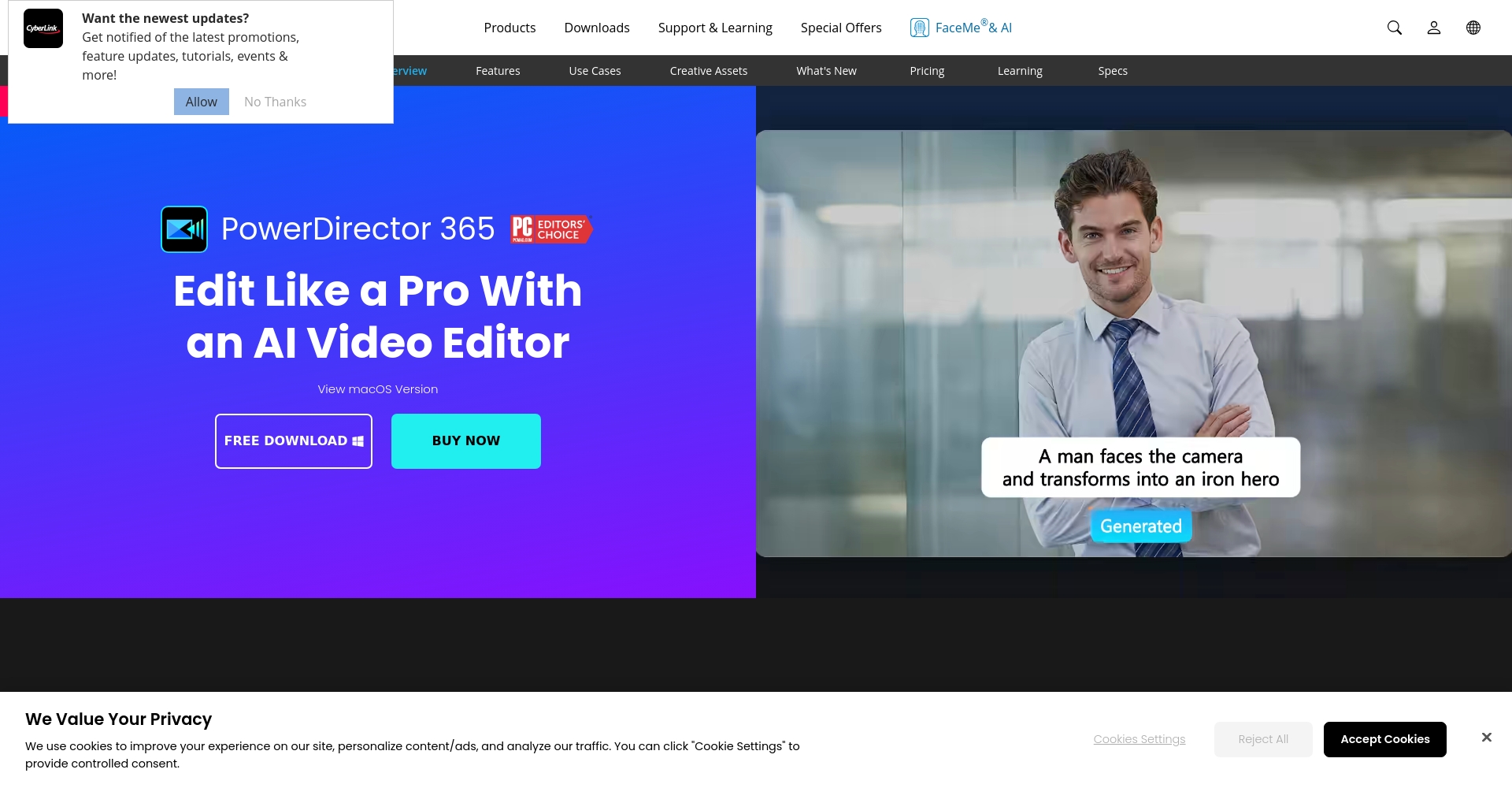
PowerDirector App – The most powerful AI-powered automatic subtitle app on your mobile phone
Applicable platforms:iOS, Android
Highlights:AI-powered voice subtitles, a wealth of aesthetic templates and animations, and real-time subtitles for mobile video recording.
- One-click generation, quick export of short videos/SRT
- Multilingual support
Disadvantages: Some advanced template features require an App Pro subscription.
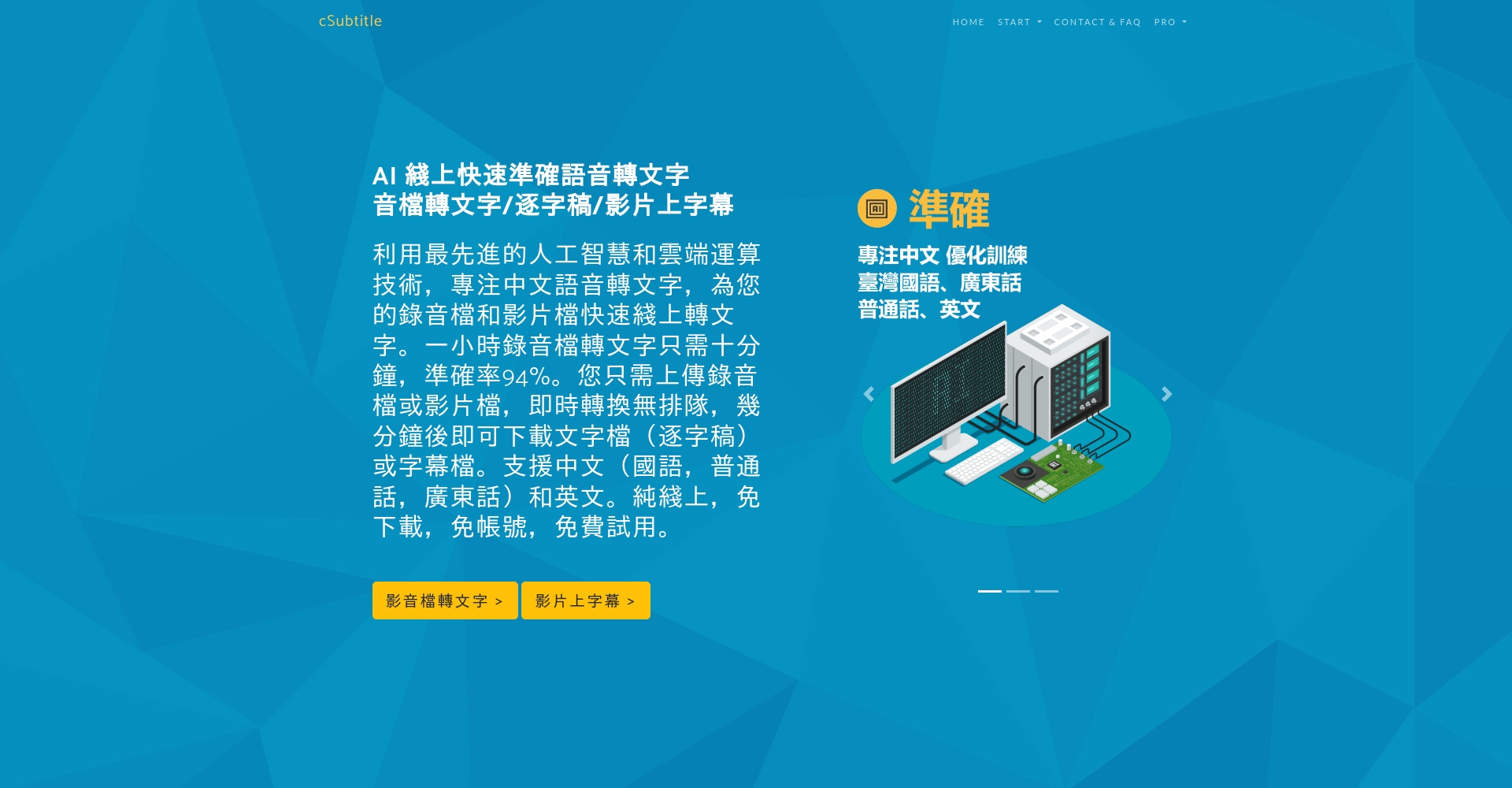
cSubtitle - Online Fast Chinese Speech-to-SRT Converter
Applicable platforms:Webpage (no download required)
Highlights:It is easy to use and supports multiple accents including Mandarin, Cantonese, Taiwanese, and English.
- Instantly generate SRT/TXT/Word documents, billed in multiple minute segments (first three minutes free).
- Subtitles can be corrected directly online.
Disadvantages: Feature films require payment, and aesthetic enhancements are limited.
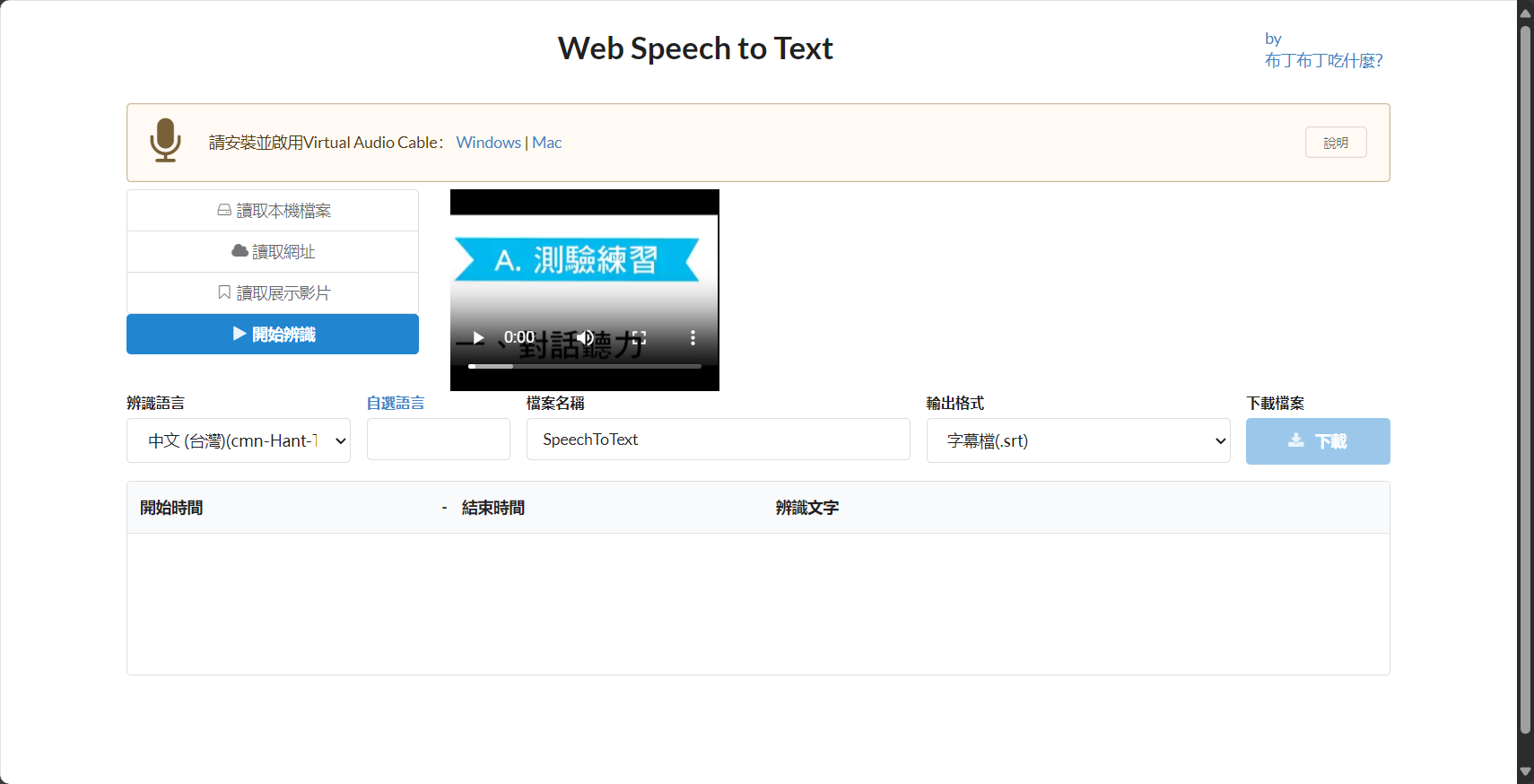
Speech to Text - Free Online Automatic Subtitle Tool
Applicable platforms:Webpage (Chrome recommended)
Highlights:No registration required, supports five languages: Chinese, English, Japanese, Korean, and Russian.
- You can upload videos or YouTube links.
- VTT subtitles with no length limit
Disadvantages: The interface is basic, and there is limited ability to enhance it with additional audio source software.
Adobe Express – A free online tool for automatically adding template subtitles.
Applicable platforms:webpage
Highlights:Automatically generates 18 languages and offers a rich selection of intuitive decoration templates.
- Add editable subtitles to videos under five minutes in one click.
- Support China, the UK, Japan and South Korea
- Stylish Subtitle Template Design
Disadvantage: Subtitles cannot be downloaded as separate files.
Authoritative Q&A: Frequently Asked Questions about AI Subtitle Generators
- What is an SRT subtitle file? – A universal, multi-platform, and most popular standard text file format for timeline-based subtitles.
- What are the advantages of AI subtitles? – Automation saves time and effort, has strong batch processing and multilingual capabilities, and has a low error rate. It's the most worry-free option for busy content creators.
- How to choose a subtitle generator? – We recommend referring to aspects such as "supported languages, subtitle enhancement, import and export, AI recognition accuracy, and pricing".PowerDirector AI + Manual ModeIt is highly recommended for both beginners and professionals.
Summary and Download Experience Suggestions
AI subtitle generators have become an unstoppable and efficient tool for producing audio-visual content. Whether you need mobile office, desktop editing, or batch processing online, the above 8 AI caption generation options cover all scenarios.
It is recommended to make good use of it.Free download, online trialTake the opportunity to choose the most suitable subtitle generation tool for yourself/your team, so that videos can be easily and automatically subtitled, corrected, and beautified, doubling the efficiency!
Recommended to download now Director Power Or open cSubtitleExperience the new era of AI-powered automatic subtitles firsthand!
© Copyright notes
The copyright of the article belongs to the author, please do not reprint without permission.
Related posts



No comments...
