How to design AI icons? 5 free AI icon generators to make your projects stand out.
Want to enhance the professionalism of your digital products? This article compiles 5 free...AI icon generatorCreate your own unique icon instantly, even if you have zero experience!This article covers tool comparisons, new trends in icon design, recommended application scenarios, and operation procedures and frequently asked questions for various platforms.It helps you quickly build a professional image in projects such as websites, apps, and presentations, and most platforms support commercial licensing and high-quality SVG downloads.

Overview: A Comparison of Features in 5 Free AI Icon Generators
| Tool Name | Ease of operation | Commercial license | Supported formats | Highlights | Official website link |
|---|---|---|---|---|---|
| Recraft.ai | ●●○ | Open for commercial use | SVG/PNG | AI vector drawing, officially licensed for commercial use / details can be edited. | Recraft.ai |
| ICONS8 Mega Creator | ●○○ | Commercial Limited | SVG/PNG | Drag and drop components / AI-generated | ICONS8 |
| Fotor AI Icon Generator | ●○○ | Commercial use | PNG/JPG/SVG | Chinese interface / diverse styles | Fotor AI |
| Freepik AI Icon Generator | ●●○ | Commercial use permitted (must be noted) | SVG/PNG | Multiple themes/batch generation | Freepik AI |
| Hotpot AI Icons | ●●○ | Commercial use requires attention | PNG/SVG | Simple interface/quick image generation | Hotpot AI |
Important Note:All of the above tools support online use and automatic generation of "AI icons," making them especially suitable for users with no design experience or limited resources.

Current Status of AI Icon Design Development and Application
Recently, generative AI design tools have become increasingly popular, and "AI icon design" is no longer the exclusive domain of designers. More and more websites, software, apps, and presentation projects are beginning to value exclusive icon design, because a beautiful icon can often quickly shape a brand image, enhance user memorability, and improve the overall UI/UX experience.
AI icon generators generally do not require downloading or installation. Simply enter a keyword description to generate multiple sets of icons online. They can be edited in detail and downloaded in SVG vector format, making them convenient for use on large-format interfaces and printed materials.In addition, many platforms have begun to offer open commercial licenses, allowing SMEs and individual creators to legally use the technology on websites, apps, advertisements, presentations, and social media posts.
5 Free AI Icon Generators Recommended
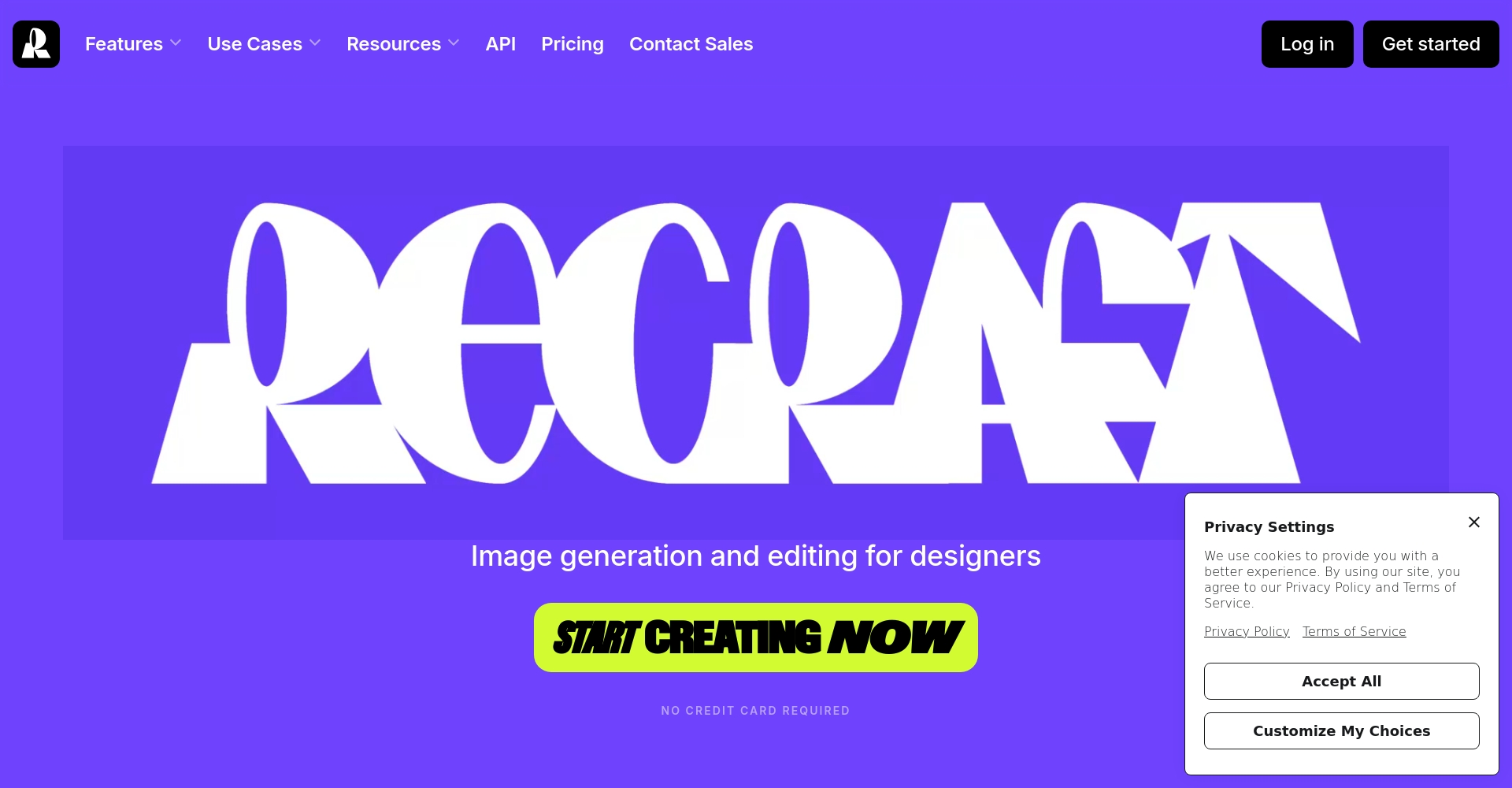
Recraft.ai — A versatile AI vector icon and illustration production tool
- Supports Chinese prompts and multiple icon styles (modern, flat, linear, 3D, etc.).
- Individual icon details can be independently corrected by AI, and SVG vector files can be automatically generated for magnification and commercial use.
- It allows the generation of different types of illustrations, such as illustrations, logos, and icons, and supports batch generation, greatly improving design efficiency.
Operating procedures:
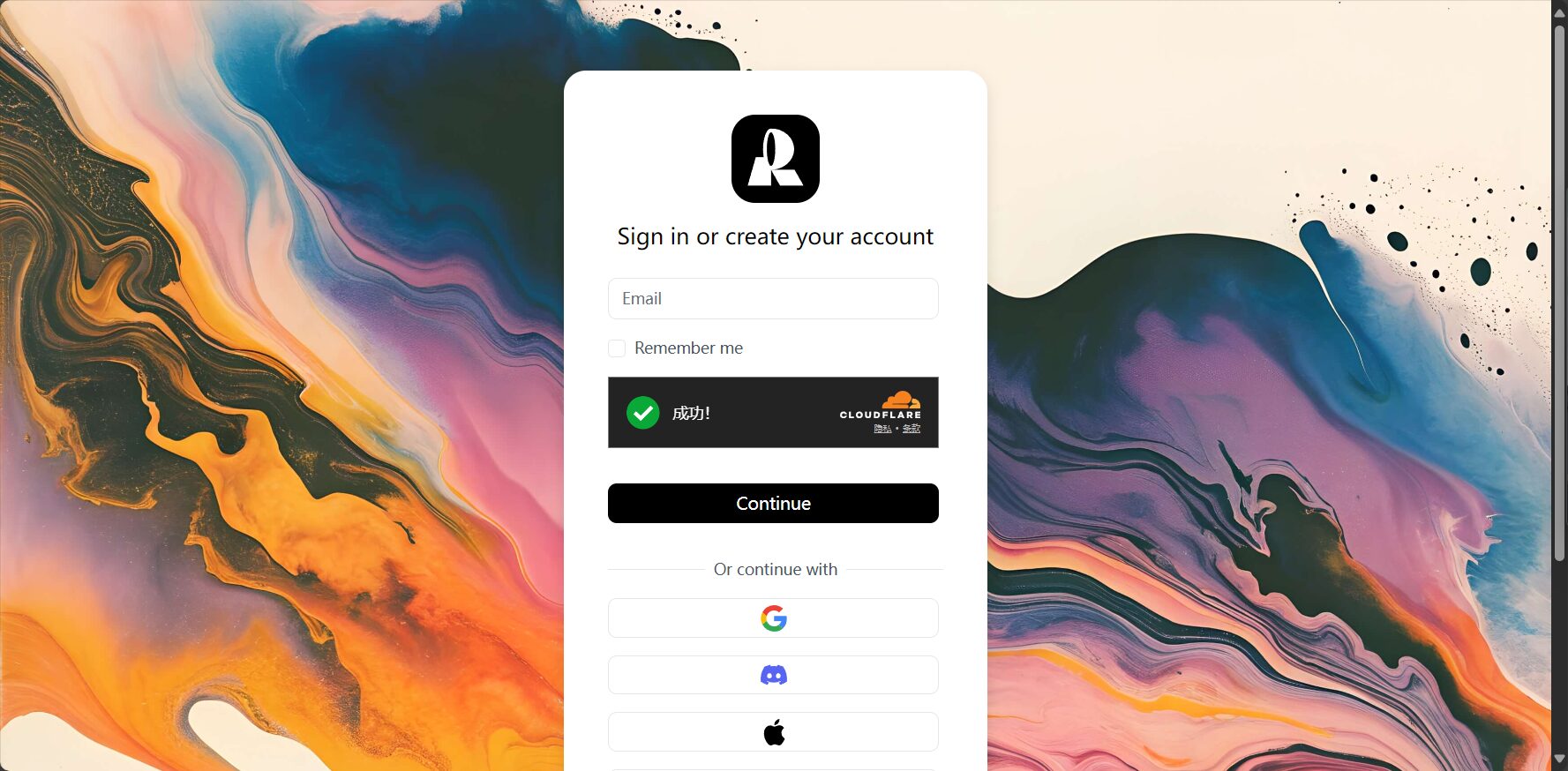
1. Free registration and entry Recraft AI Official Website
2. Enter a description for the icon on the left side of the canvas, such as "coffee cup icon, minimalist lines".
3. Choose the AI drawing style and format (icon/vector/3d)
4. Click on Recraft to generate, and different icon styles will quickly appear.
5. Selecting details allows for further adjustments, ensuring a completely customized design.
6. Supports downloading high-resolution SVG and PNG formats.
Exclusive advantages:
– The official documentation clearly states that the produced icons are commercially usable.
AI-powered image editing, multiple styles, and customizable colors make it incredibly easy to create a personalized look.
Recraft.ai online free platform entrance →
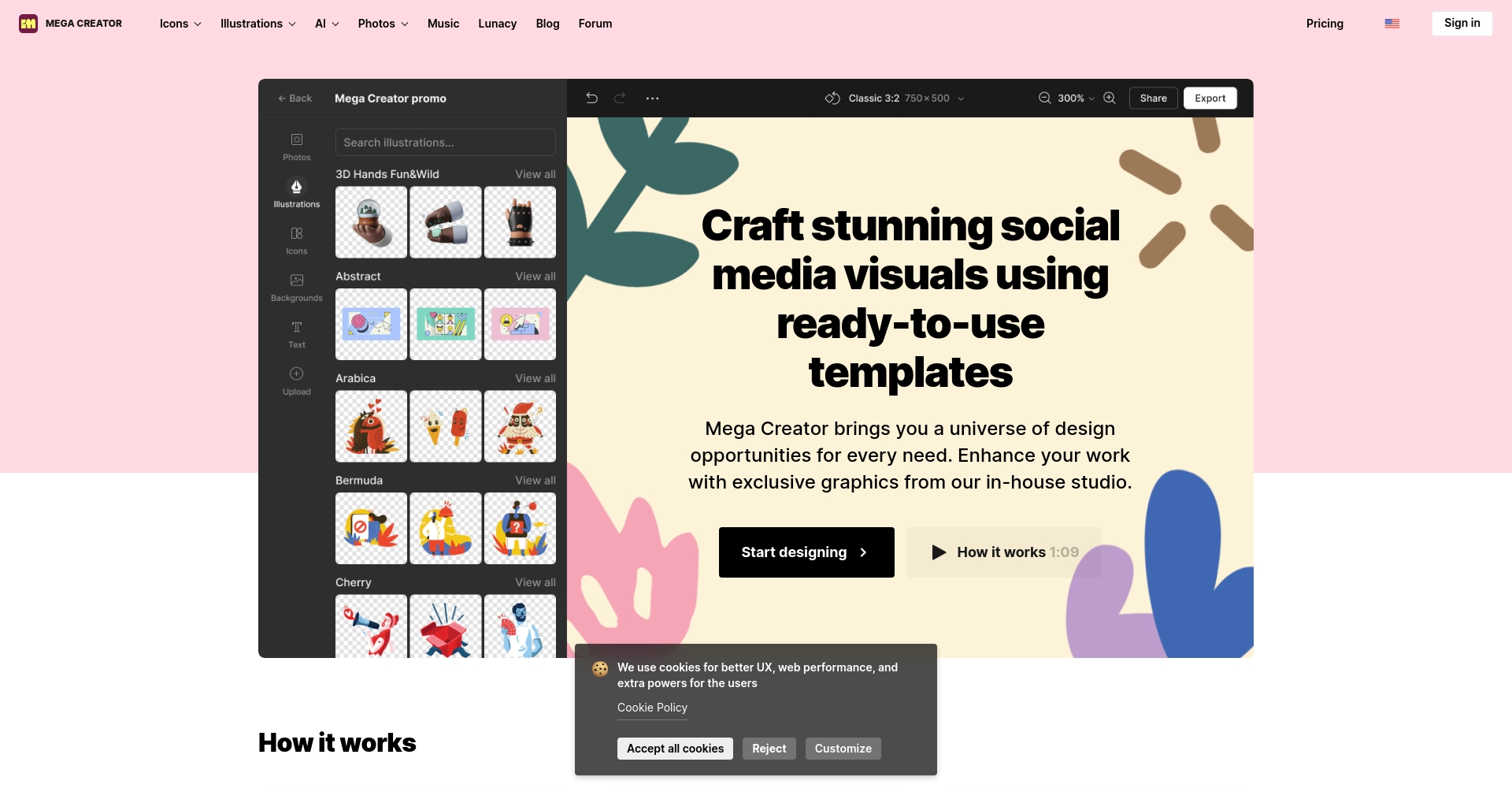
ICONS8 Mega Creator — One-stop AI icon stitching + automatic generation
- A massive icon library allows for free drag-and-drop combination, and AI can also generate new icons.
- Standard SVG and PNG files are available for download; suitable for presentations and websites.
- Supports mixed styles, allowing you to create multiple AI icons in one stop.
Operating procedures:
1. Go to ICONS8 Mega Creator
2. Customize Canvas Size
3. Drag and drop existing icons, add text, or generate new images using AI.
4. You can preview/edit each component.
5. Click to download to obtain .ico/.png/.svg format files.
A friendly reminder:
– Some resources in the free program require attribution to ICONS8.
AI-generated icons mostly require no artistic skills.
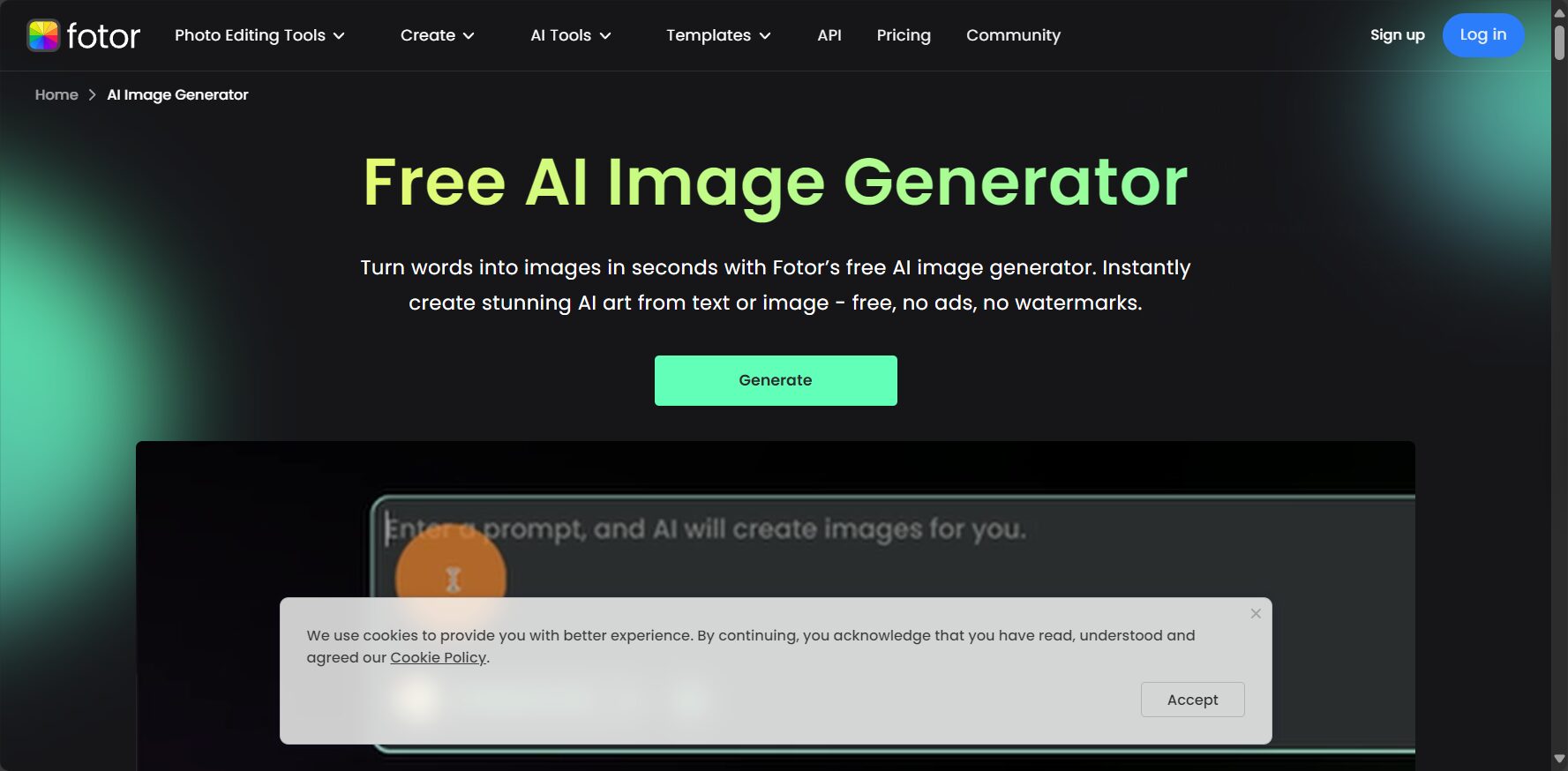
Fotor AI Icon Generator — Quickly create Chinese AI icons; even if you can't draw, you can generate images.
- Chinese user interface, user-friendly for beginners
- Supports a variety of icon themes: technology, business, education, finance, and more.
- Customize colors and animation elements to generate multiple styles in batches.
Operating procedures:
1. Open Fotor AI Icon Generator
2. Enter Chinese or English keywords (e.g., mobile application icon)
3. Choose the icon style and purpose (platform, website, app, etc.)
4. Quickly preview and generate multiple selectable icons
5. Supports high-quality downloads of PNG, JPG, and SVG formats.
| use | Style Introduction | Applicable Platforms |
|---|---|---|
| Mobile App Icons | Flat/3D/Neon | iOS, Android, WeChat Mini Program |
| Webpage function buttons | Linear/Modern | Various CMS/back-end systems |
| Marketing advertising style icon | Illustrated/Color/Monochrome | Facebook/Briefing Cover |
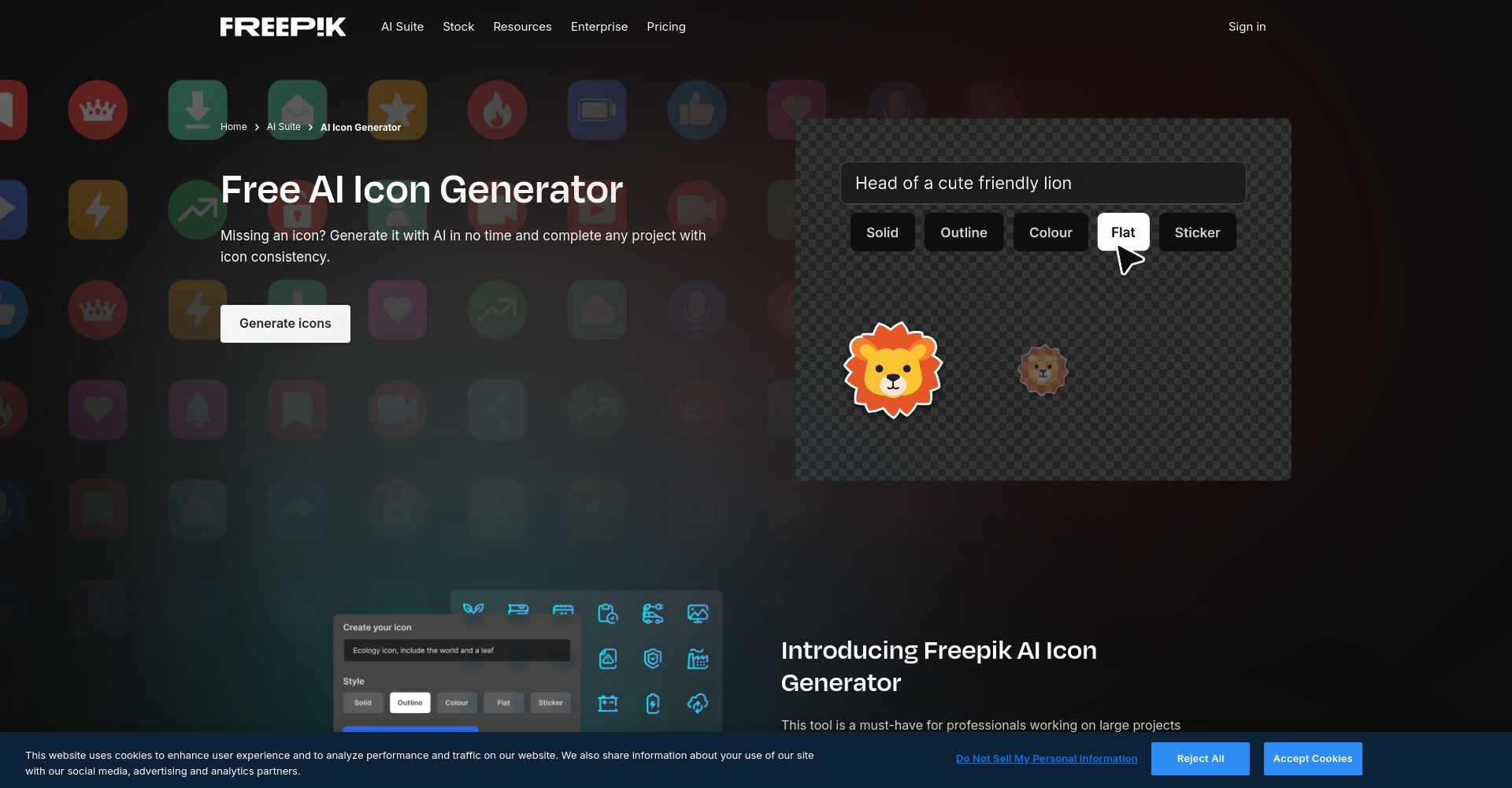
Freepik AI Icon Generator — The top choice for diverse themes and batch image generation
- Professional topic categorization facilitates the needs of numerous individuals and teams.
- Download a wide variety of SVG vectors and design icons in batches in just seconds.
- Commercial use is permitted with official authorization and attribution (attribution conditions are subject to platform instructions).
Operating procedures:
1. Log in Freepik AI Generator
2. Choose a theme category (such as website UI, transportation, food and beverage services, etc.)
3. Enter the icon description and click Generate.
4. Quickly generate multiple versions of icons in a batch; click to download SVG/PNG.
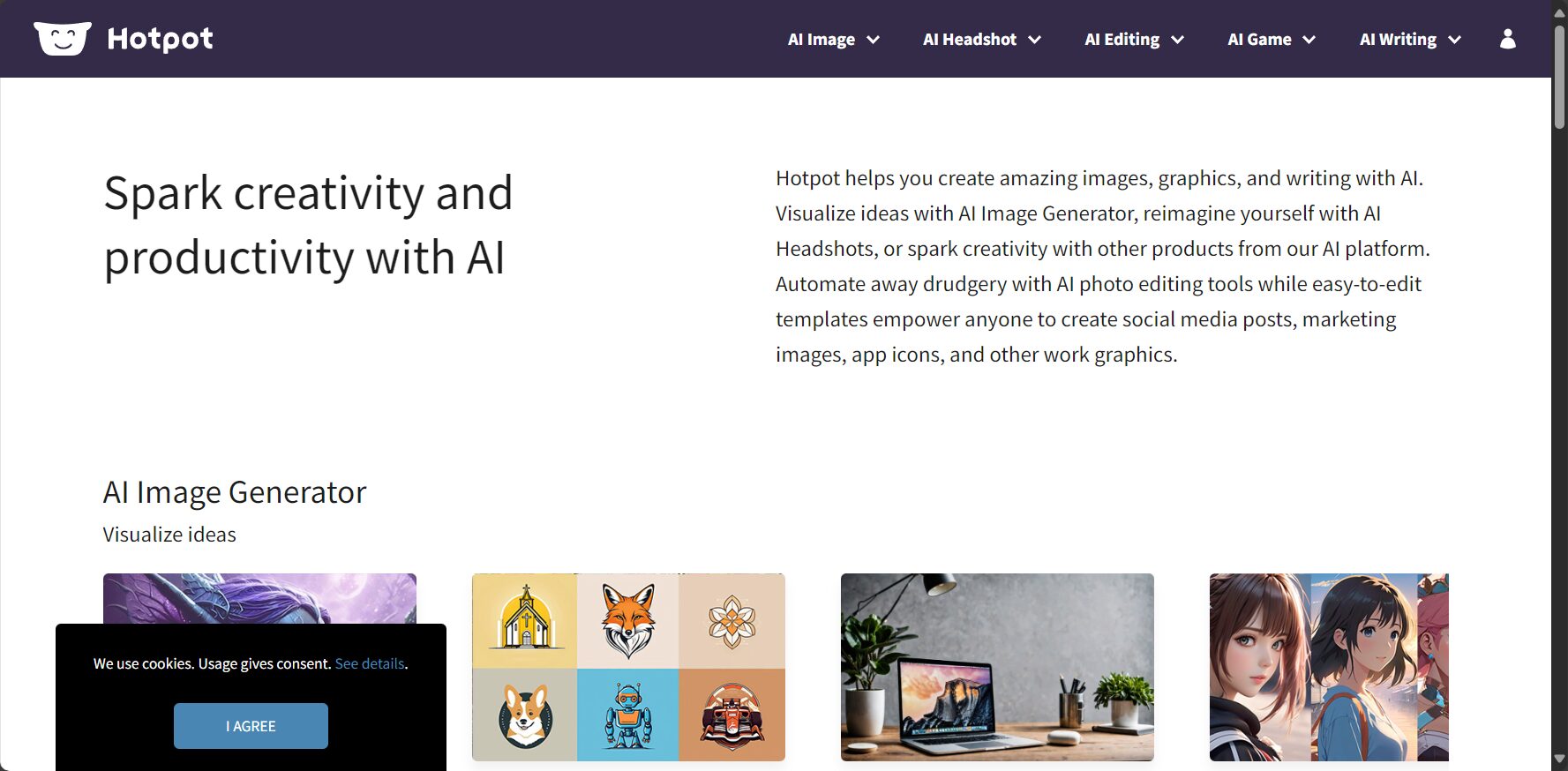
Hotpot AI Icons — Extremely simple, fast AI-generated icons.
- One-click generation, ready to use, suitable for beginners who only need a single icon and urgent orders.
- Supports SVG and PNG; some resources can be used commercially for free without attribution (see licensing terms for details).
Operating procedures:
1. Enter Hotpot AI Icon Page
2. Enter a descriptive term (e.g., email envelope icon).
3. Click "Generate" to quickly generate the image.
4. Preview and select the version you like to download.
AI Icon Generation Frequently Asked Questions and Answers
| problem | Answer (one key point): |
|---|---|
| Can AI-generated icons be commercially viable? | Most platforms, such as Recraft, Fotor, and Freepik, indicate that commercial use is permitted, but you need to carefully review the licensing rules and whether source attribution is required. |
| Why choose AI icons instead of hand-drawn ones? | Saves time, saves money, and is highly flexible.Even non-designers can create custom-style icons for specific projects. |
| Which output formats are available? | Standard SVG and PNG are the preferred choices. Utilizing SVG can significantly reduce resolution without loss of quality. |
| Can you generate various icons in batches? | Freepik, Fotor, and other similar apps support generating multiple icons at once, making it convenient for team purchasing and planning. |
| Is it difficult to generate AI icons? | generallyZero-basedAll of these can be operated; only a keyword description is required. |
Why choose an AI icon generator? The democratization of design.
The reporter observed thatThe rise of AI icons has given design projects more freedom and flexibility.Compared to the past when we could only rely on professional designers and outsourcing teams, now:
- As long as you know how to use keywords, you can generate icons in various styles according to your needs.
- “"Commercial licensing" eliminates concerns for businesses and individuals regarding the risk of copyright infringement.
- The SVG specification ensures that UIs, apps, PPTs, and even printed materials can be displayed in high definition.
This wave of democratization of design has also made "“efficiency”"This has become the biggest driver. UI designers, educational presenters, content marketing departments, and even social media editors at listed companies can create unique brand and personal brand profiles in a very short time and with low barriers to entry."“Identify memory points”。
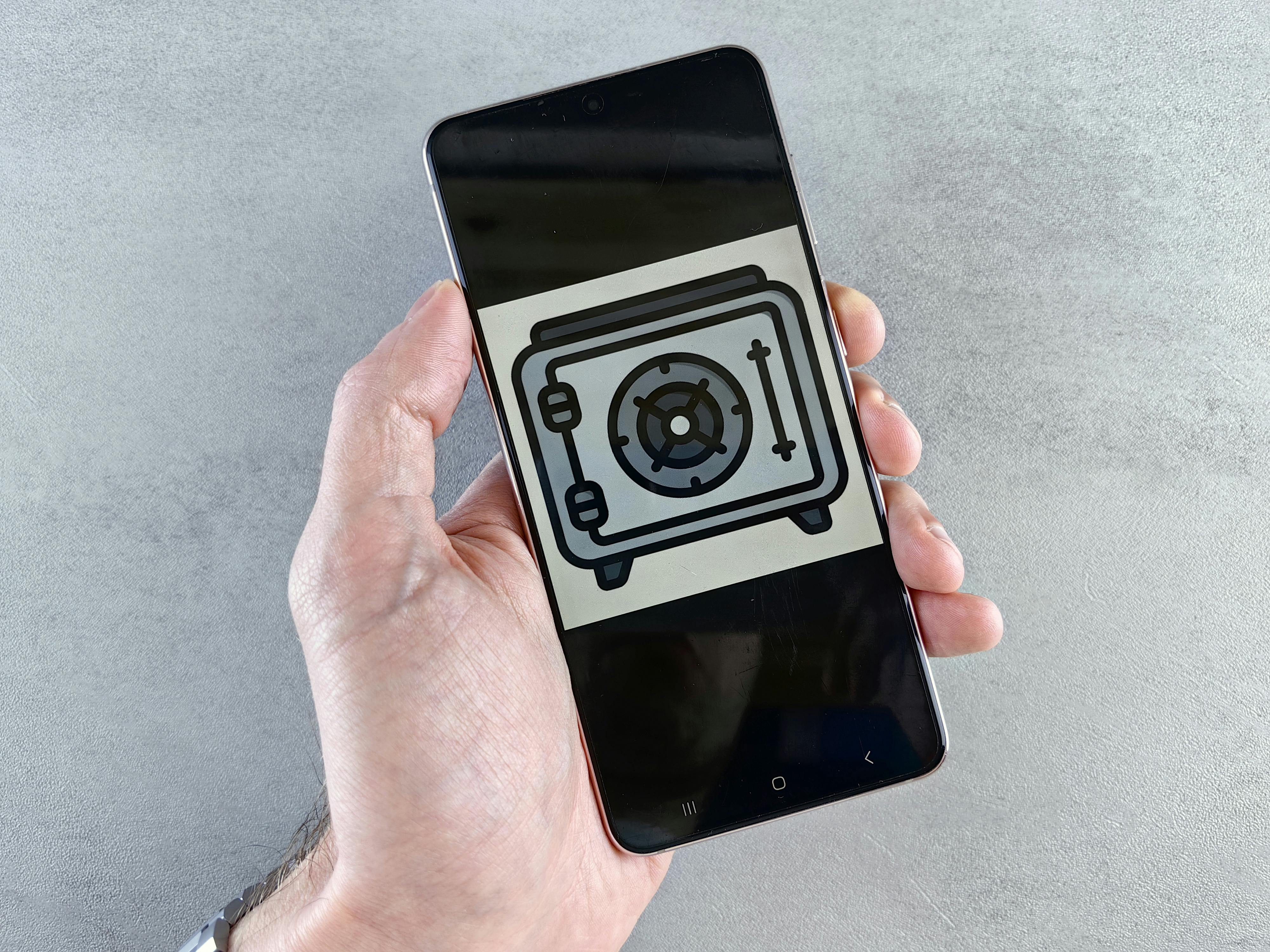
In short, if you're struggling with AI icon design, you can use these 5 popular AI icon generators as a starting point to quickly create impressive icon designs based on project needs, business scenarios, and aesthetic preferences.Whether you're a startup, a personal brand, or an educational content provider, these tools are powerful weapons for driving content visual innovation—pick one now and make your project stand out instantly!
© Copyright notes
The copyright of the article belongs to the author, please do not reprint without permission.
Related posts
![PDF AI Tools Recommendations: 8 Smart PDF Processing Platforms Worth Trying in 2025 [Free Options Included]](https://aicats.wiki/wp-content/uploads/2025/07/my_prefix_1752499225.png)

No comments...
