
AI Image Generation Tools Recommendations: 10 Free AI Image Generation Platforms That Even Beginners Can Easily Use by 2025
In 2025,AI graph generationTools continue to evolve, and more and more free platforms allow beginners to easily enjoy the fun of AI drawing. This article selects five popular Chinese and five popular international AI graphing tools, providing a comprehensive analysis from operation difficulty, generation quality, free quotas to unique features.It also provides the most practical comparison tables and introductory tutorials.We help you find the most suitable AI image generation platform and quickly start your creative journey!
Top 10 Free AI Image Generation Tools of 2025
| Platform Name | Interface language | Free quota | Output quality | Operational difficulty | Features and Highlights | Official website link |
|---|---|---|---|---|---|---|
| MyEdit | Chinese/Multilingual | Daily free points | Extremely high | Super easy | Supports Chinese, offers a variety of styles, and provides reference images. | Visit the official website |
| Microsoft Designer | Chinese | free | 高 | Simple | Microsoft account ready to use, multi-format output | Visit the official website |
| Stable Diffusion Online | English/Chinese | Daily free attempts | 高 | ordinary | Open source model, multi-platform integration | Visit the official website |
| Fotor | Chinese | 5 new users | 高 | Simple | Rich artistic filters, supports photo editing. | Visit the official website |
| Craiyon | English | Free, no registration required | generally | Simple | Can generate 9 images, no account required | Visit the official website |
| DreamStudio | English | 25 free points | 高 | medium | Supports multiple styles and allows for fine-tuning. | Visit the official website |
| Adobe Firefly | Chinese/English | Monthly free points | 高 | Simple | Powerful photo editing capabilities, commercial licensing | Visit the official website |
| Canva | Chinese | 50 free points | Upper-middle | Simple | Built-in design, images and videos | Visit the official website |
| Leonardo.Ai | English | 150 points per day | 高 | medium | Expanding a drawing, transforming a sketch into a drawing | Visit the official website |
| Artguru | Chinese | 8 times a day | Upper-middle | Simple | Negative keywords, video images, etc. are all acceptable. | Visit the official website |
Note: This table is a representative data reference for 2025, and some platforms also support the App version.
Essential Knowledge for Beginners: Reference Metrics for Choosing an AI Graph Generation Tool
Operational threshold、Free quota、Result quality和Chinese interfaceThis is the most important factor for beginners when choosing a platform. Below, we'll guide you through the target audience, unique features, and editorial reviews of each platform on the recommended list.
1. MyEdit (best suited for users who don't understand English or have no English background)
Automated, with a Chinese interface and support for multiple styles, it's perfect for beginners! MyEdit is an online AI image editing platform developed in Taiwan. Its user-friendly, entirely Chinese interface offers daily free points, making it ideal for continuous practice. It supports Chinese keywords, localized image editing, and boasts a wide variety of styles and rich detail.
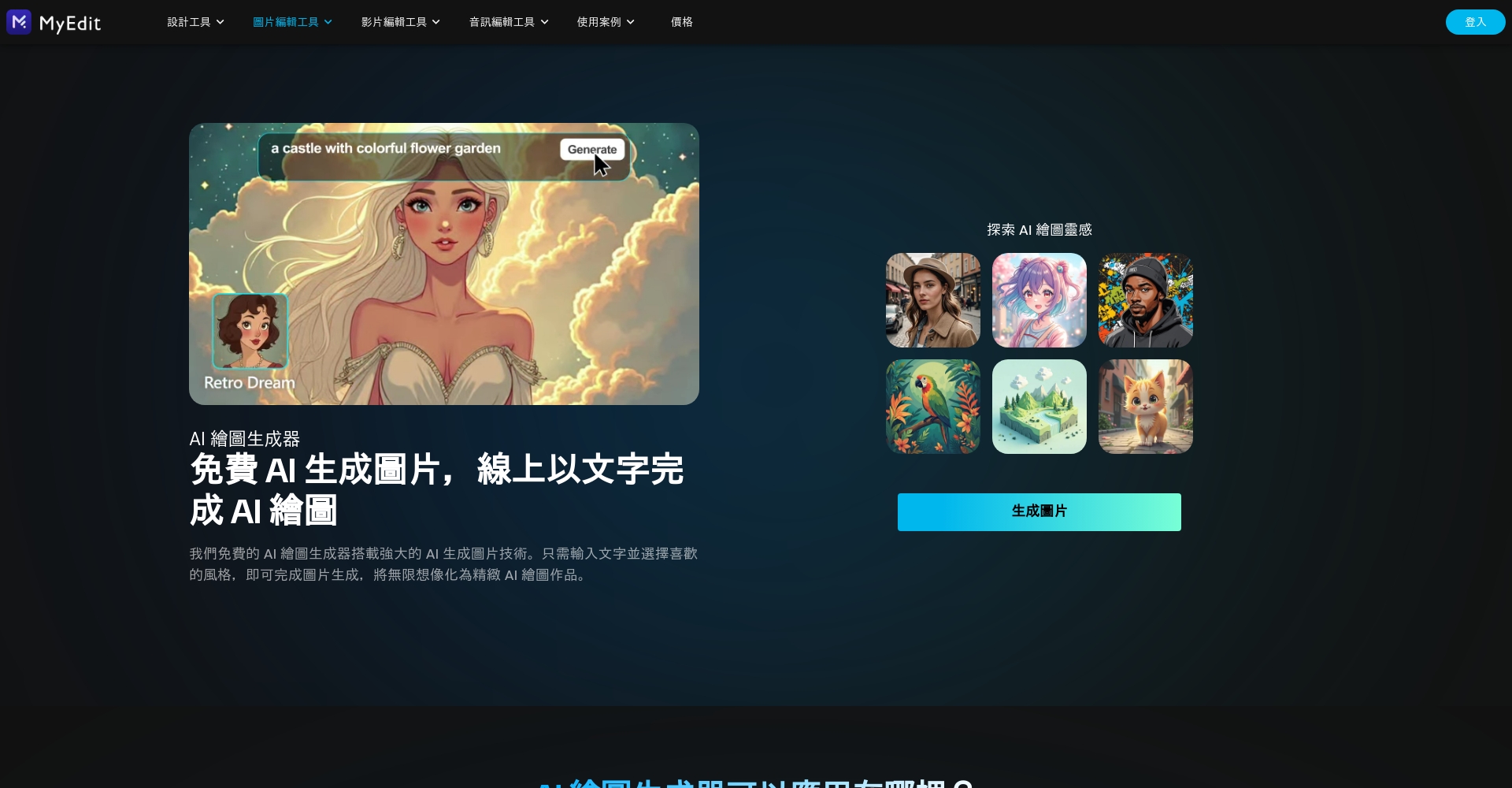

Editor's comments: As long as you know Chinese, there are zero barriers to entry, making it the top choice for students, illustrators, and self-media creators.
2. Microsoft Designer (the preferred choice for Microsoft ecosystem integration and community design presentations)
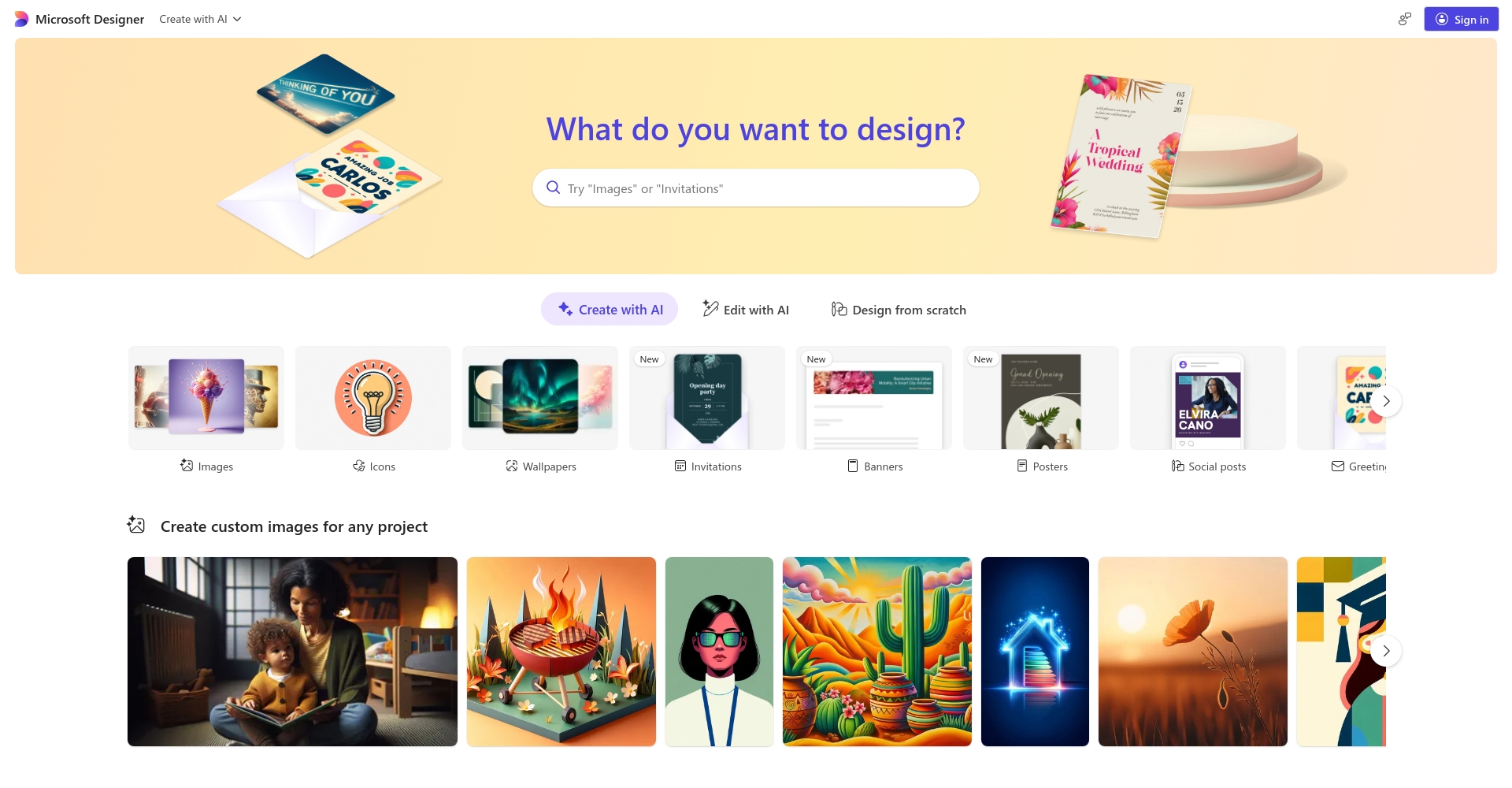
No Photoshop experience required; simply log in with your Microsoft account to use it. It includes a large number of built-in templates, suitable for frequent graphic design and mixed text and image layouts. The downside is that some AI images lack slight detail.
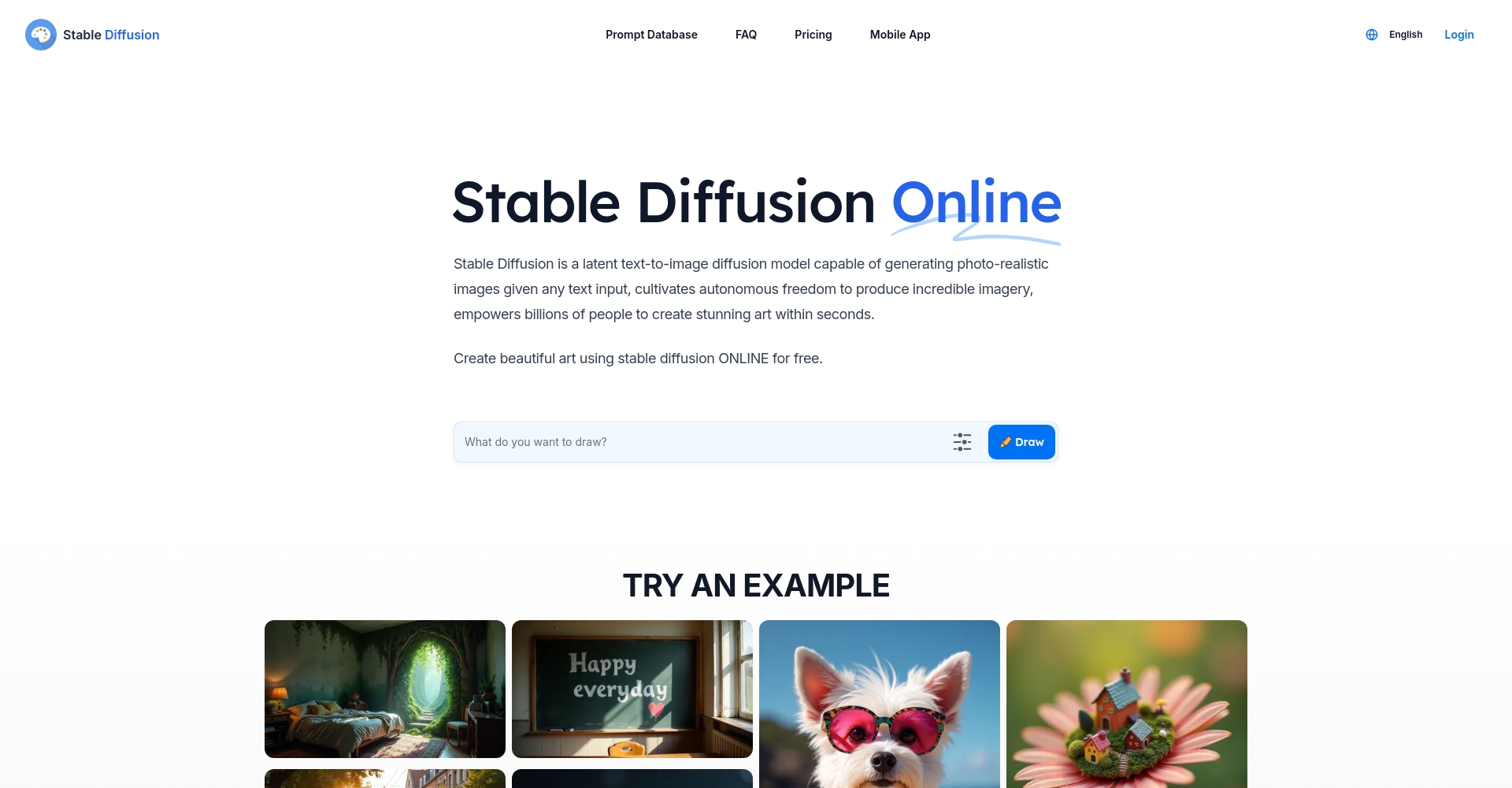
3. Stable Diffusion Online (Open source, multiple models, high professional playability)
No registration required, descriptions in English or Chinese are acceptable, and it integrates multiple AI models. Suitable for users with some English proficiency.
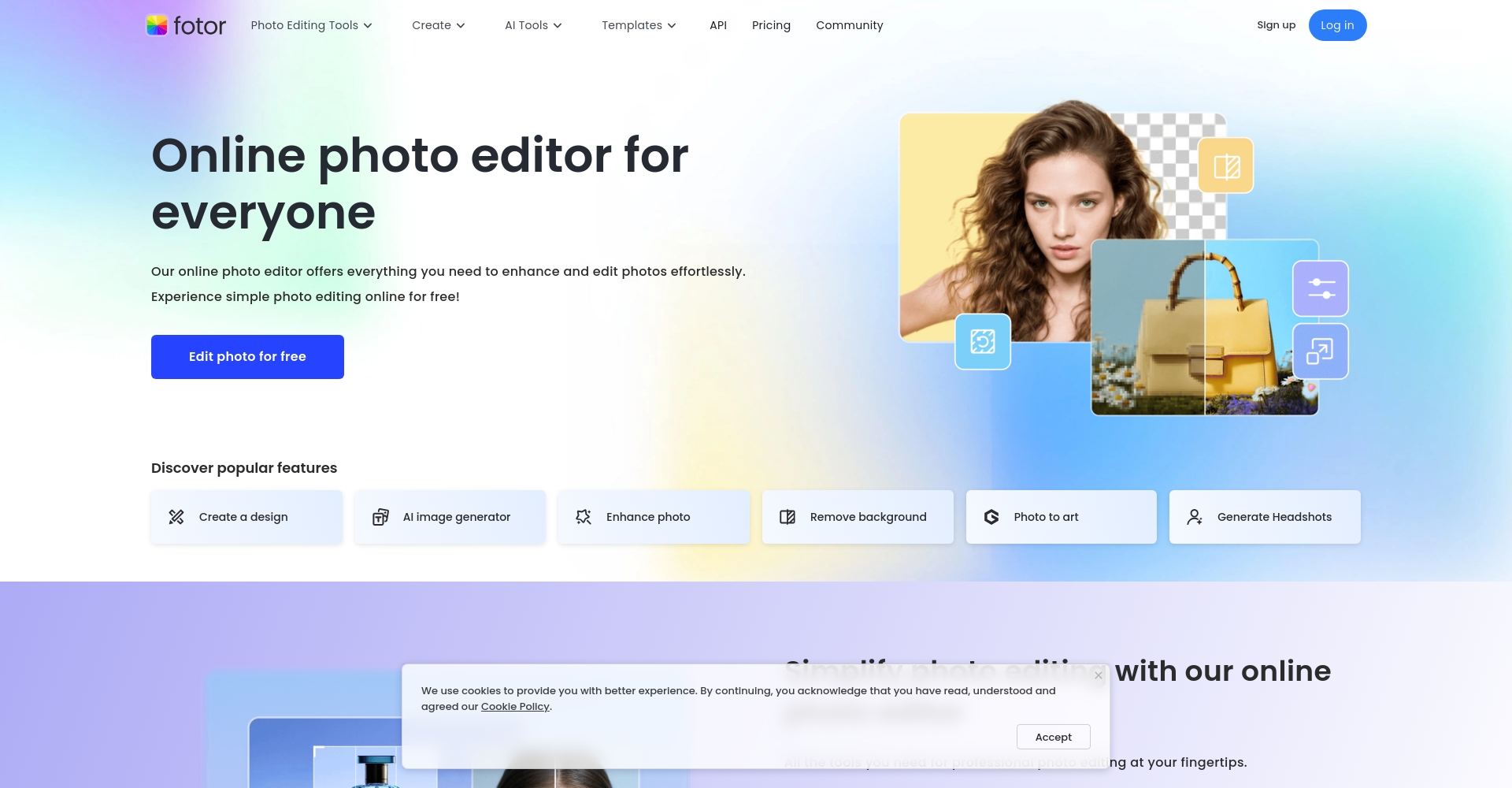
4. Fotor (Chinese image editing and AI image generation, one-stop solution)
This established photo editing app supports AI image generation and one-click enhancement, offering diverse styles and making it suitable for WeChat/social media content creation.
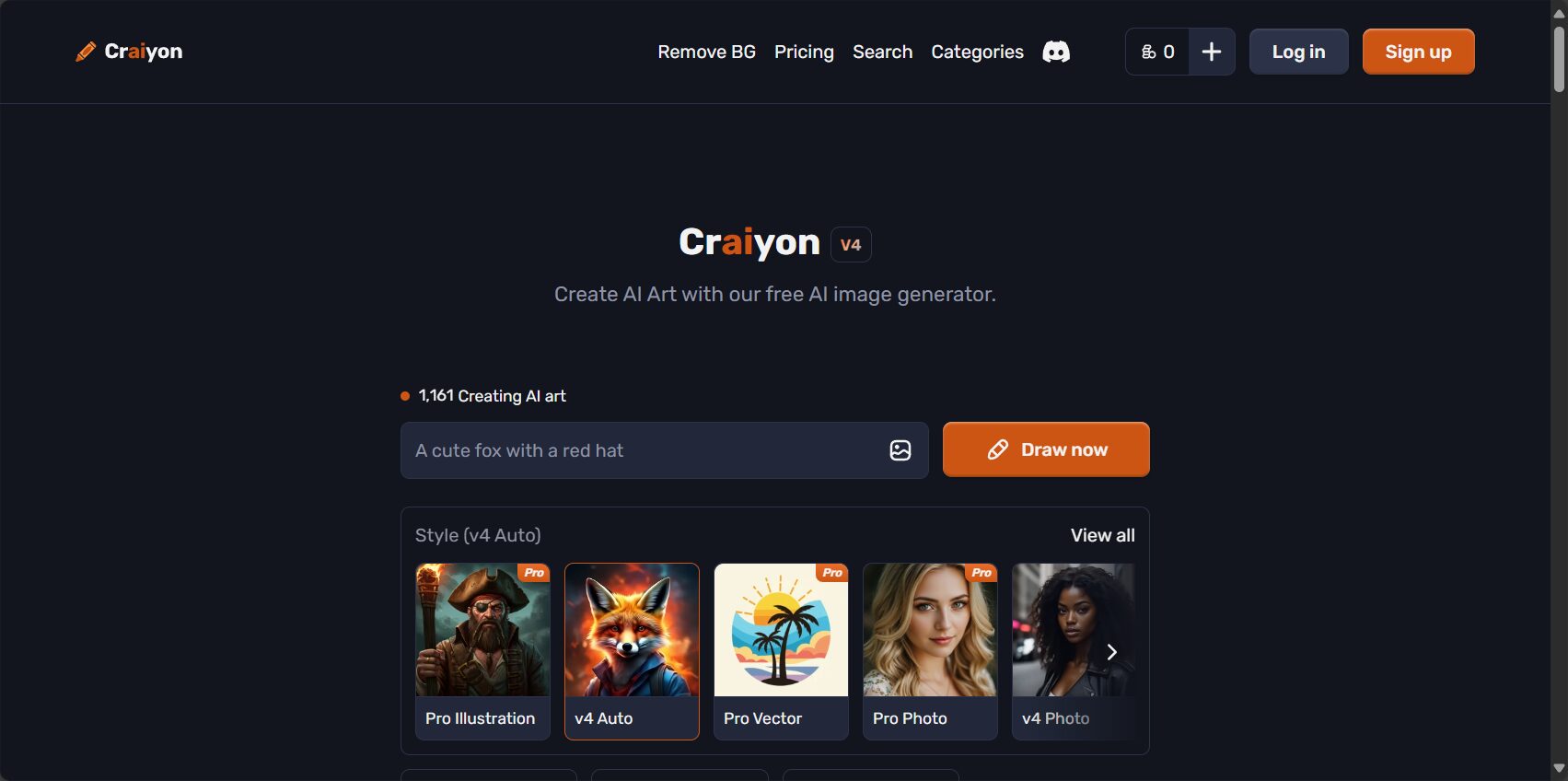
5. Craiyon (No registration required for complete beginners, the fastest and most fun experience)
A purely web-based website featuring nine images simultaneously, providing a helpful tool for comparison and inspiration. The image quality is somewhat experimental, making it suitable for logos or fun ideas.
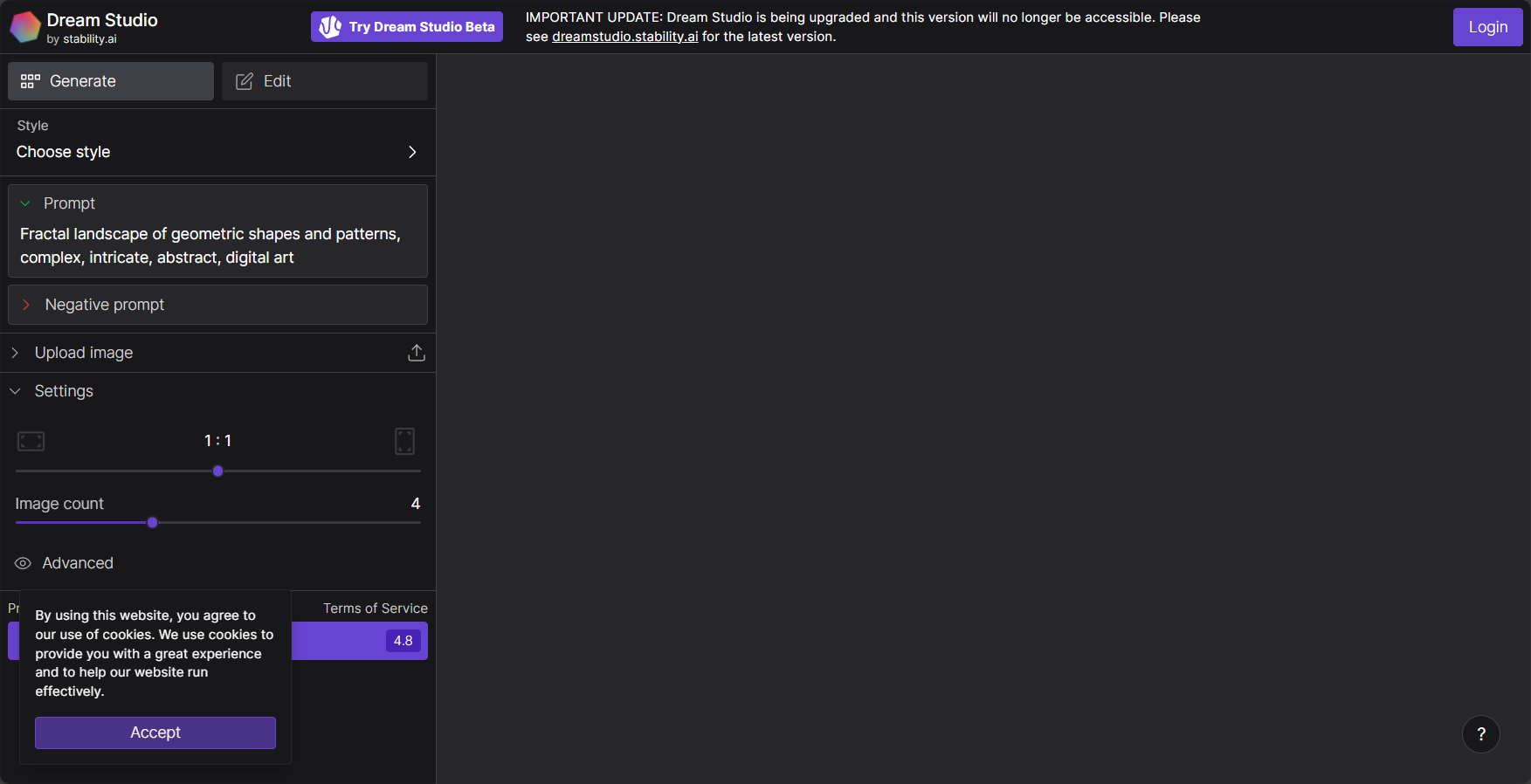
6. DreamStudio (Advanced customization, a must-try for advanced AI players)
Developed by the Stable Diffusion team, it supports fine-tuning of parameters. Beginners can select style templates, while experienced users can fine-tune parameters for advanced features.
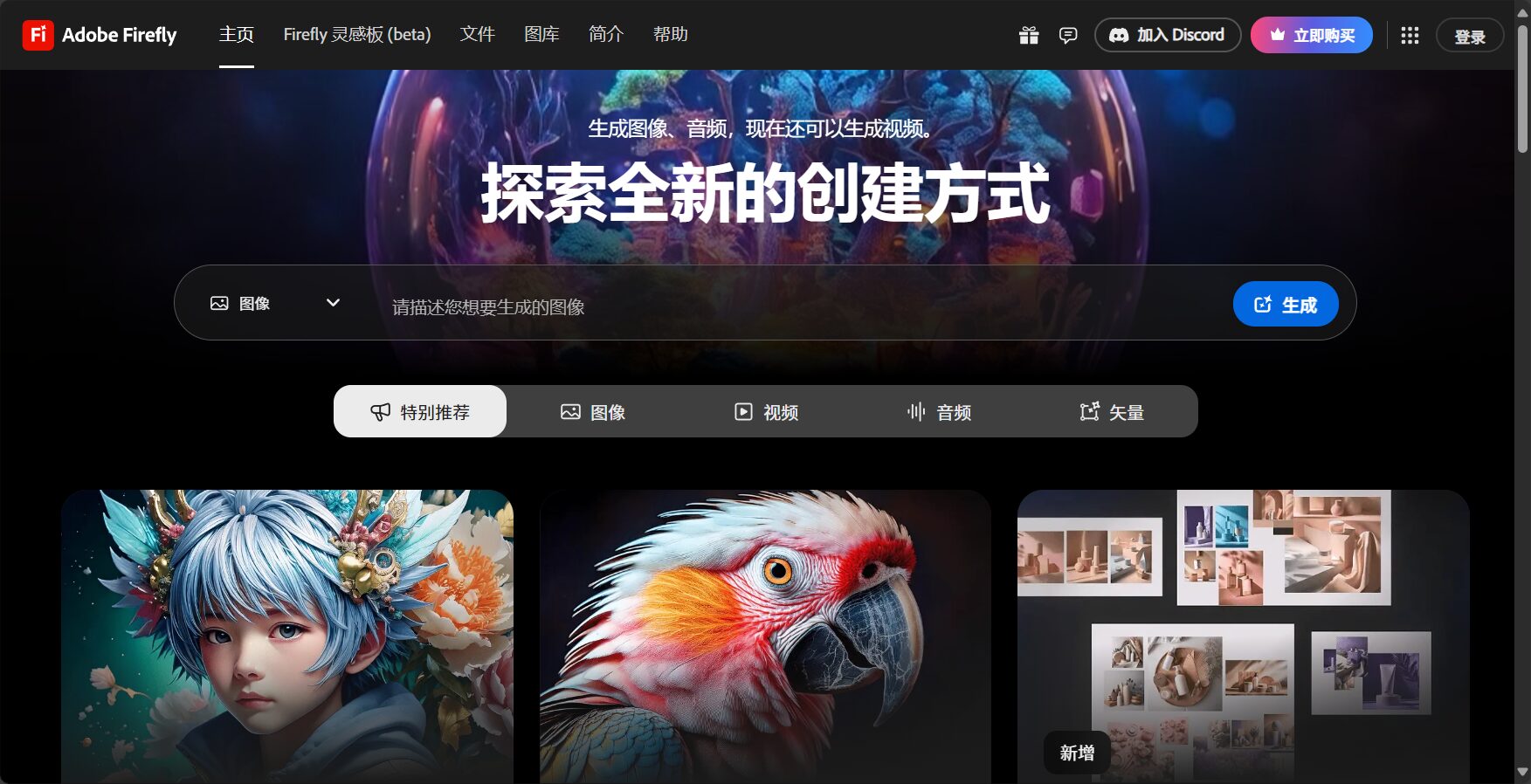
7. Adobe Firefly (an international brand, commercially friendly, and extremely powerful)
Good news for Adobe Cloud users! This feature supports advanced functions such as style transfer, background removal, and AI restoration. Some functions require an Adobe account.
8. Canva (built-in design templates, suitable for direct editing of images for community output)
Popular among beginners, it generates AI images with one click and allows users to drag and drop various design templates, making it suitable for creating posters and presentations.
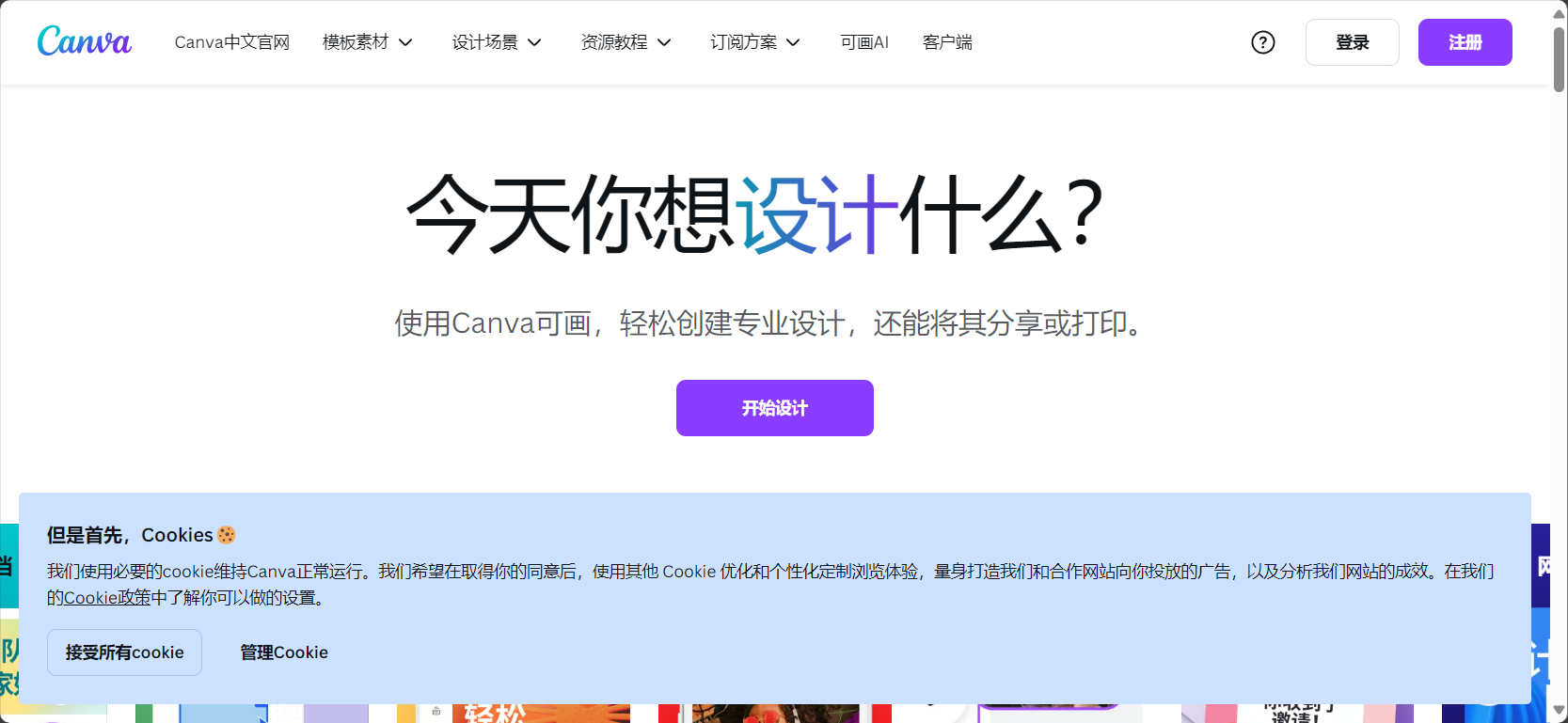
9. Leonardo.Ai (A great tool for high-frequency free quotas and turning sketches into main images)
150 points per day, suitable for extensive practice. It allows for quick generation of refined main images from sketches; the interface is intuitive and supports batch generation.
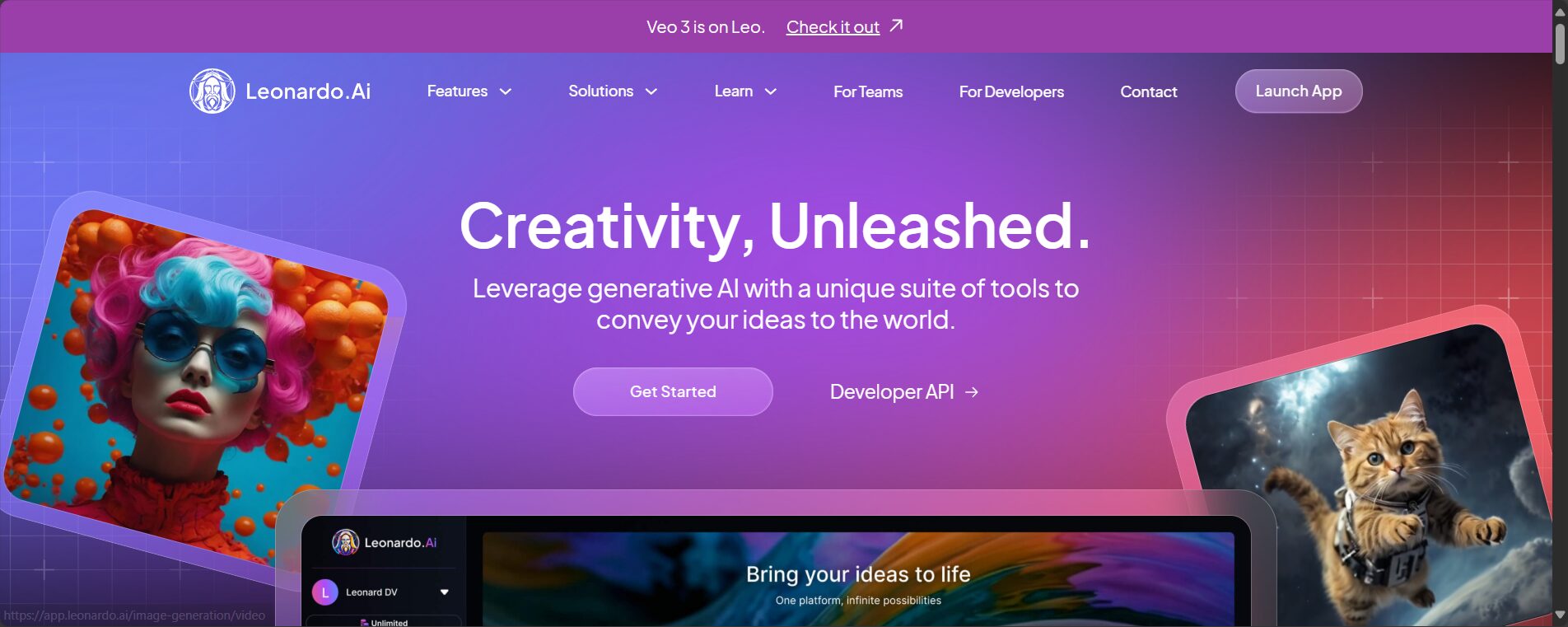
10. Artguru (The simplest Chinese experience, with strong negative keywords to avoid pitfalls)
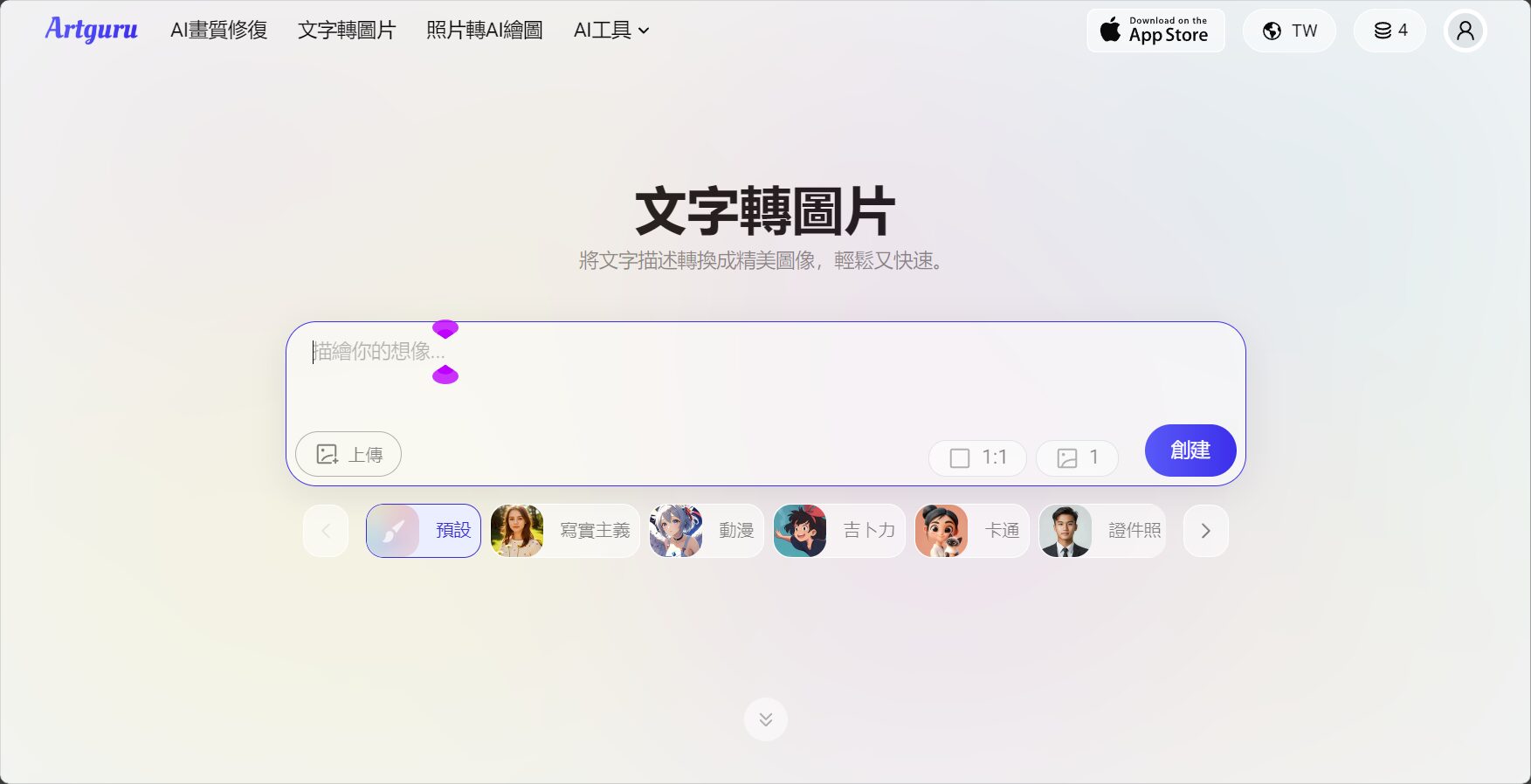
It features full Chinese language support, a daily free quota, and negative keywords to filter unwanted content, making it suitable for practice or inspiration gathering.
Comparative Test Table of AI Graph Generation Tools in 2025
| Platform Name | Supports Chinese commands | Image license | Registration required | Mobile App | Number of art styles | Editing/Image Expansion Support |
|---|---|---|---|---|---|---|
| MyEdit | ✔ | private | ✔ | ✔ | 15+ | ✔(Partial redraw) |
| Microsoft Designer | ✔ | public | ✔ | 无 | 无 | ✖ |
| Stable Diffusion Online | part | public | 无 | 无 | 20+ | ✖ |
| Fotor | ✔ | public | ✔ | ✔ | 10+ | Filters, etc. |
| Craiyon | Italian | public | 无 | 无 | 10 | ✖ |
| DreamStudio | ✖ | public | ✔ | 无 | 15+ | ✖ |
| Adobe Firefly | ✔ | Business-friendly | ✔ | 无 | 100+ | ✔ |
| Canva | ✔ | public | ✔ | ✔ | 20+ | Continuous design |
| Leonardo.Ai | ✖(Supports Traditional Chinese) | Public/Private | ✔ | 无 | 16+ | Expanded sketch |
| Artguru | ✔ | public | ✔ | 有 | 10+ | Basic photo retouching |
Practical Introduction: Four Steps to AI Image Generation (Using MyEdit as an Example)
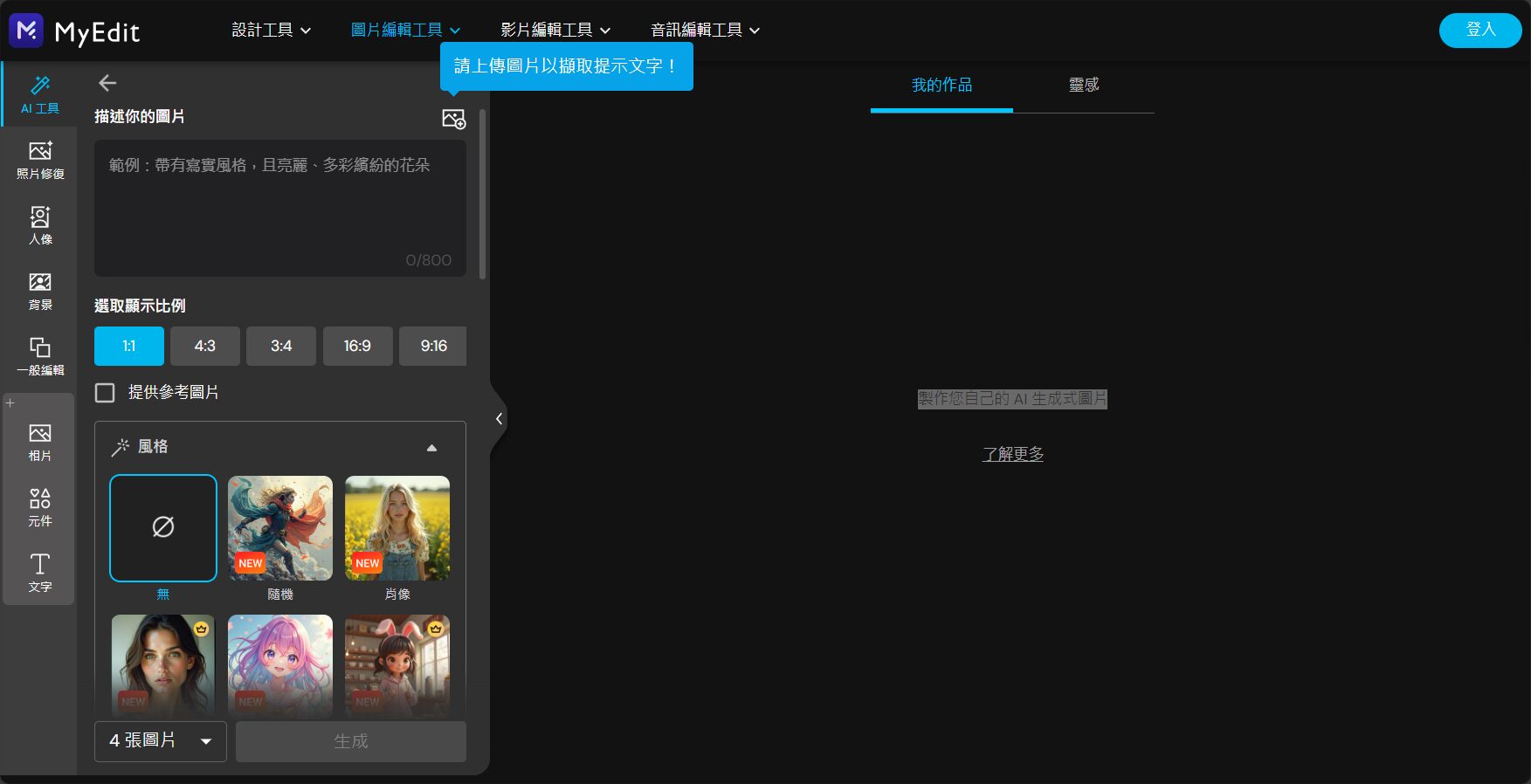
- Enter MyEdit AI Drawing HomepageClick "Generate Image".
- In the description boxEnter Chinese directly(e.g., city street scene at sunset, steampunk owl, etc.), or upload reference images.
- Choose style/composition/image ratioClick "Generate" to begin.
- Multiple personalized AI images can be obtained within seconds, with one-click download or local fine-tuning.
TIPS:Describe the subject, composition, and color scheme as accurately as possible, using more Chinese keywords, or selecting style inspiration to help improve the quality of AI-generated images.
Frequently Asked Questions (Q&A)
Q1: How should a beginner choose an AI image generation tool?
PrioritySupports ChinesePlatforms with high free credit limits and many preset styles, such as MyEdit, Fotor, and Artguru.
Q2: Which platform generates images the fastest and without registration?
Craiyon、Stable Diffusion Online It generates images instantly without an account, but the image quality is average; if you prioritize image quality, MyEdit is recommended.
Q3: I need to create community/briefing presentations. Is there an integrated design function available?
Canva, Microsoft Designer, Adobe Firefly AI template design can be done in one stop.
Q4: Do you need any mobile app recommendations?
MyEdit App, Fotor App Both support AI image generation, enabling seamless mobile creation.
AI graph generation tools will be available by 2025.Evolving towards ease of use, openness, and personalization。Even those with no prior experience can create their own unique AI visual works in minutes using an intuitive platform and Chinese descriptions.Choose your personal AI image platform now, experience the magic of AI images firsthand, and start a new creative life!
© Copyright notes
The copyright of the article belongs to the author, please do not reprint without permission.
Related posts



No comments...
