A Complete Guide to PDF to Chinese Translation: Methods and Tools for Quickly Translating PDF Files in 3 Minutes
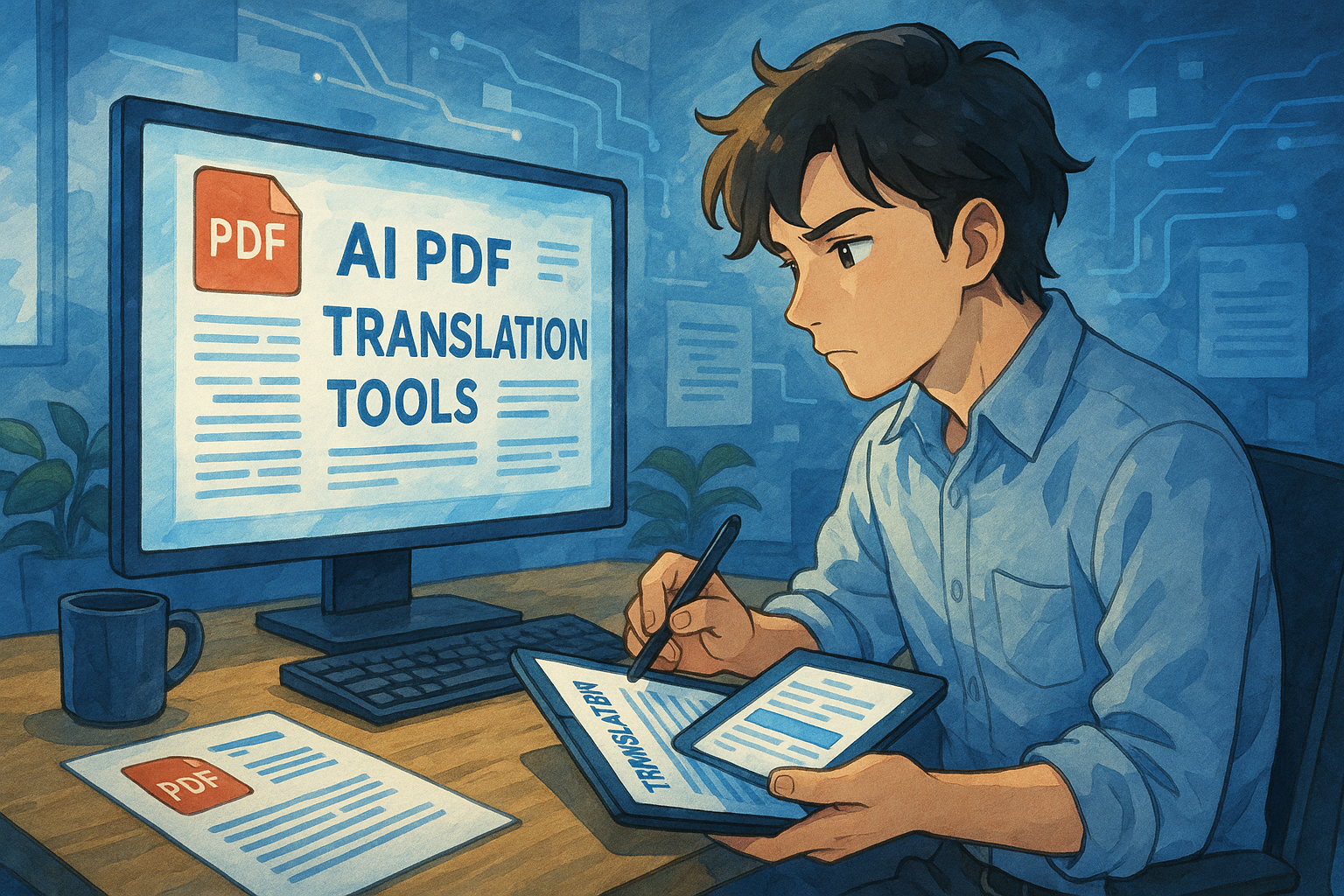
PDF files are a commonly used format in modern office and study settings.In the context of accelerated globalization, the demand for cross-language communication is growing.How to efficiently and accurately translate PDFs into Chinese?VariousAI translation toolThe platform was created to provide an efficient experience, allowing you to translate PDF files in just 3 minutes. This article will...Comprehensive analysis of mainstream PDF translation tools, operation methods, function comparison, and coping tips.It helps users of all kinds efficiently solve PDF translation problems and makes cross-language communication smoother.
Quick Overview: Common PDF Translation Tools and Services
The table below provides an overview of mainstream "PDF to Chinese" translation tools on the market, making it easy to compare their core functions:
| Tool Name | Is it free? | Supported languages | Layout Preservation | OCR support | Features and advantages | Official website |
|---|---|---|---|---|---|---|
| Google Translate | 是 | 100+ | part | 否 | Simple to use, no registration required | Google Translate |
| DeepL | part | 30+ | 是 | 否 | The translation is precise and the tone is delicate. | DeepL |
| DocTranslator | 是 | 100+ | 是 | 是 | Supports large files, no download or installation required. | DocTranslator |
| UPDF | 否 | 20+ | 是 | 是 | Supports scanned PDFs | UPDF |
| Sider.ai | 是 | 50+ | 是 | 否 | Multiple AI model options, layout preserved | Sider.ai |
| FlipHTML5 | part | 30+ | 是 | 否 | Generate interactive e-newsletters and use AI-assisted translation. | FlipHTML5 |
| Microsoft Translator | 是 | 100+ | part | 否 | Enterprise-grade, API support | Microsoft Translator |
| Trados Studio | 否 | 100+ | 是 | 是 | Industry terminology memory management | Trados Studio |
Common application scenarios for PDF to Chinese translation
1. Translation of Commercial Contracts and Professional Reports
Multinational corporations often handle important documents such as PDF contracts and specifications.We recommend using tools such as DeepL and Trados Studio that can preserve typesetting and professional terminology.


2. Translation of academic papers and technical documents
Academic research materials are often distributed in PDF format, with English papers being particularly common.For applications requiring high-quality terminology and a well-structured page layout, DeepL or DocTranslator are recommended.
3. Translation of administrative documents and legal materials
Government documents and regulations require high reliability and are lengthy.Recommended tools include UPDF (with OCR), Trados Studio (supports terminology management), and Microsoft Translator (API automation).
A 3-Minute Guide to Quickly Translate PDFs to Chinese
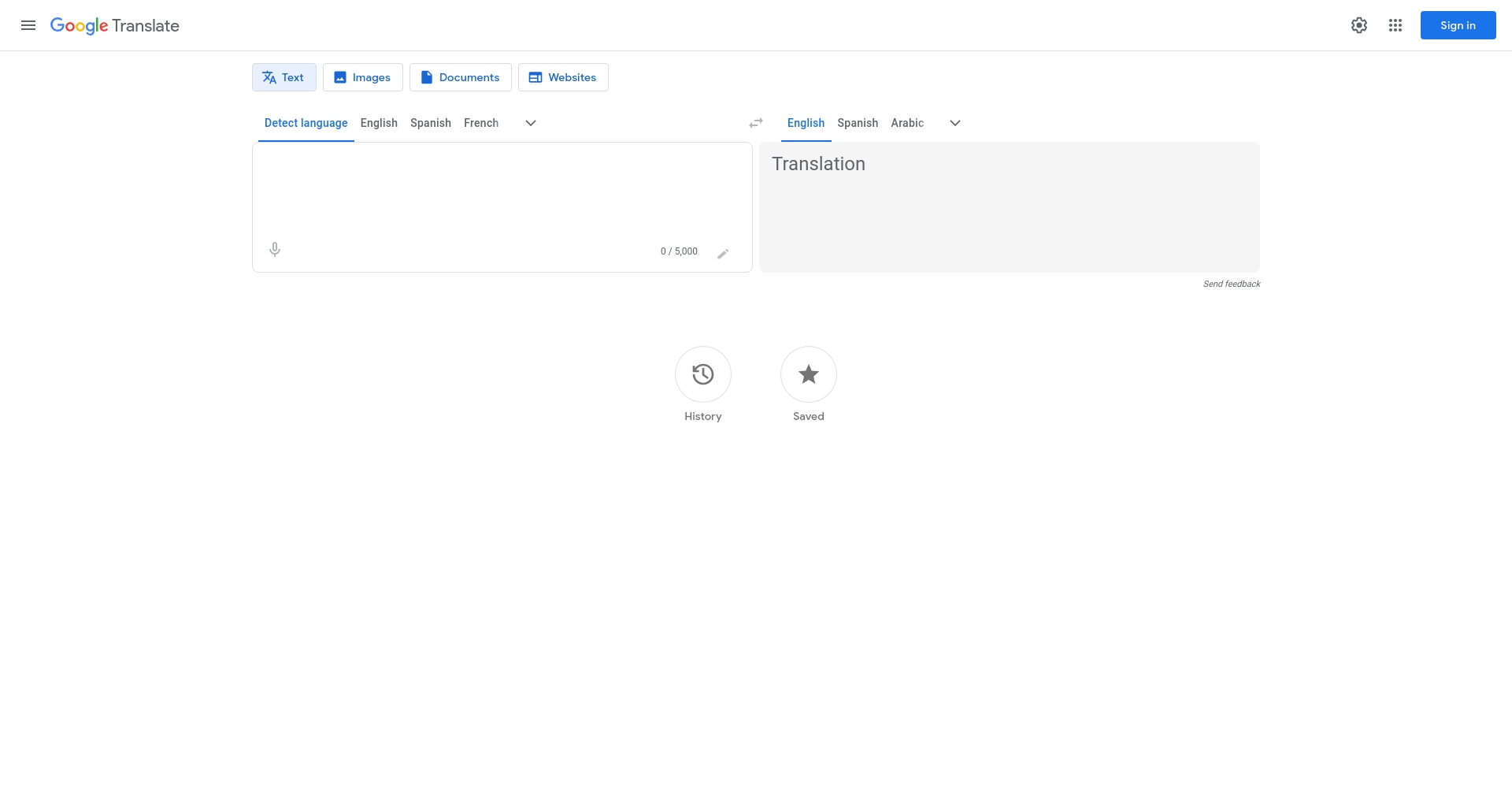
1. Google Translate: The top choice for fast translation of small documents and single pages.
- OpenGoogle Translate PDF Page
- Click "File" to upload a PDF (recommended size: under 10MB).
- Select the source and target languages → Click "Translate" → Generate a text translation.
- Suitable for small, simple PDF formats; cannot reproduce the original layout; completely free.
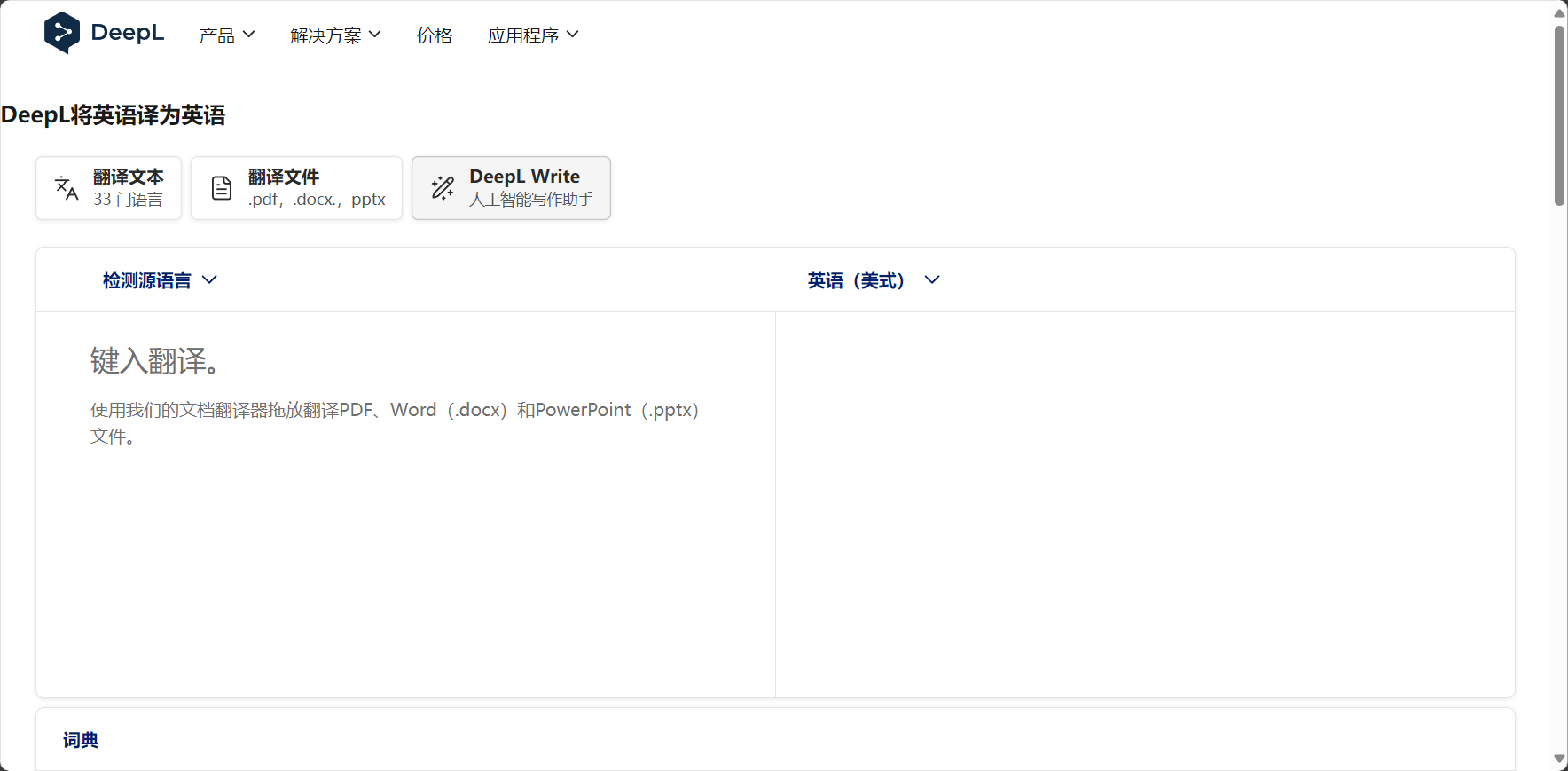
2. DeepL: Preserves formatting and technical terminology well.
- Excellent language sense, supports 30+ mainstream languages, and proficient in translating European languages into Chinese.
- Supports drag-and-drop file editing, preserving most formatting elements.
- EnterDeepL Official WebsiteUpload PDF and automatically generate docx translation.
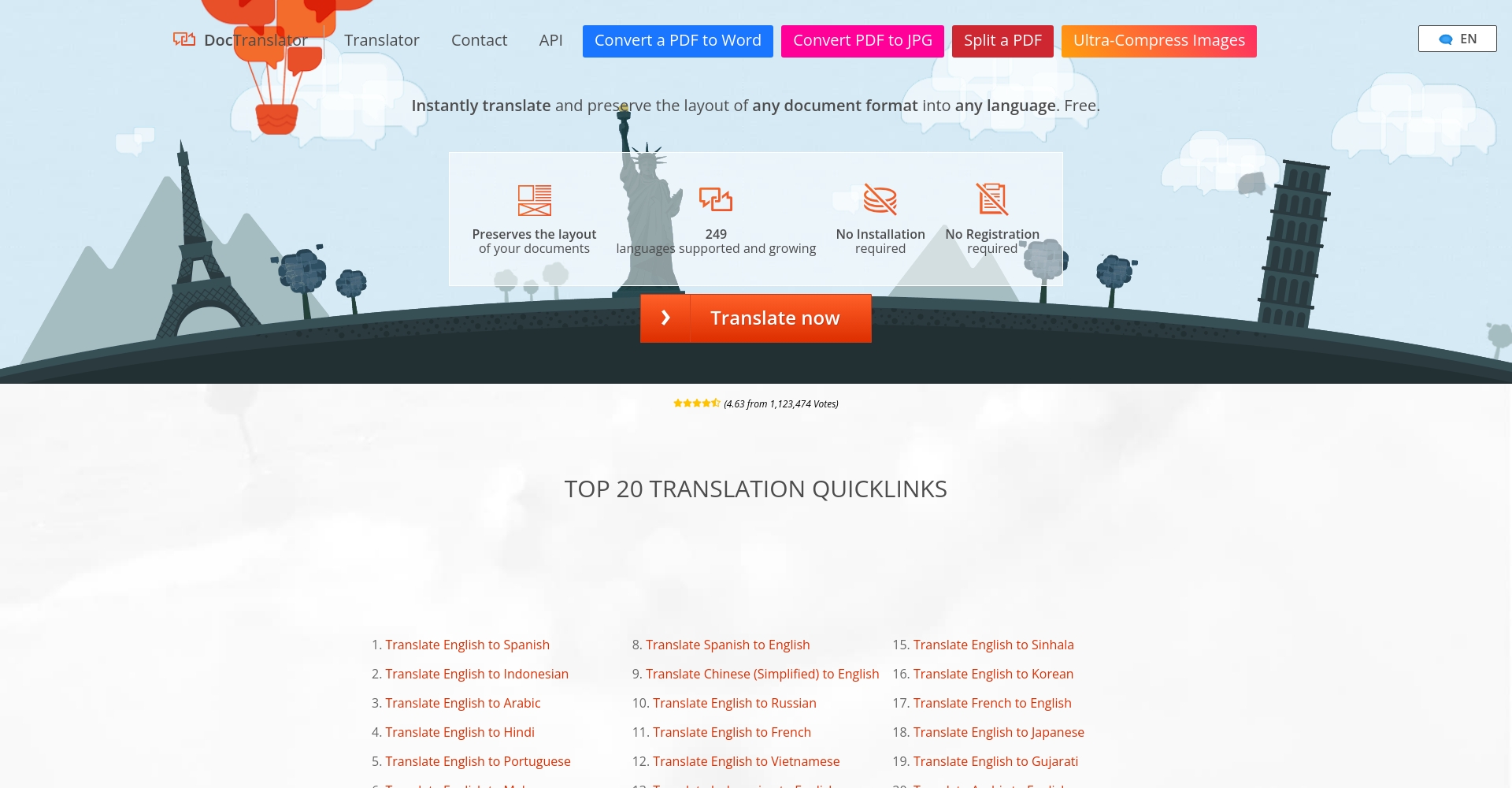
3. DocTranslator: Free to use for large PDF files.
- Supports large PDFs and scanned documents (OCR).
- accessDocTranslator official websiteUpload the file, the system will determine the language and translate it, then download the PDF.
- The free version has daily limits on the number of uses and file sizes; 90% can restore the formatting.
4. UPDF & FlipHTML5: AI-driven, scanning OCR, interactive services
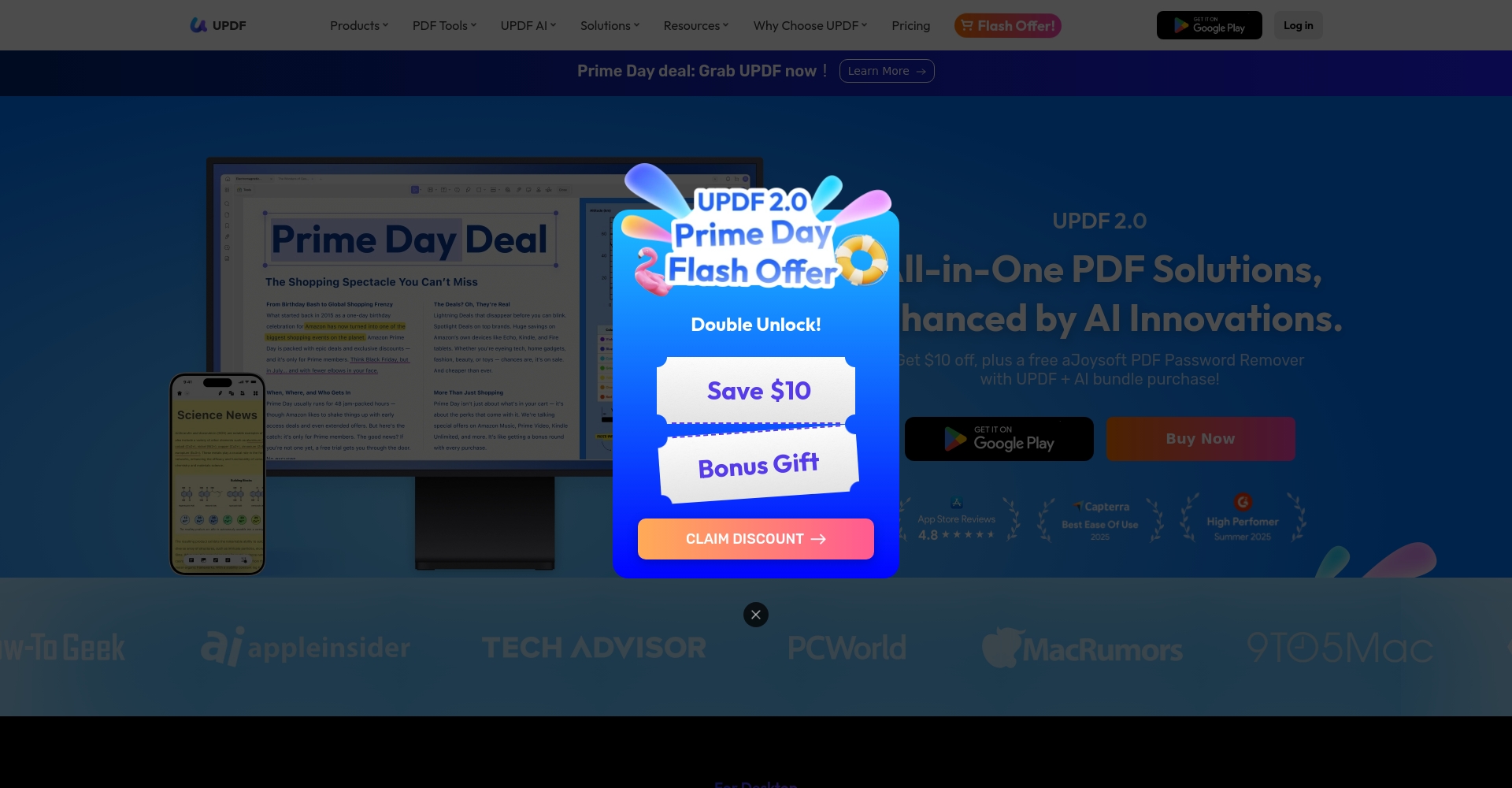
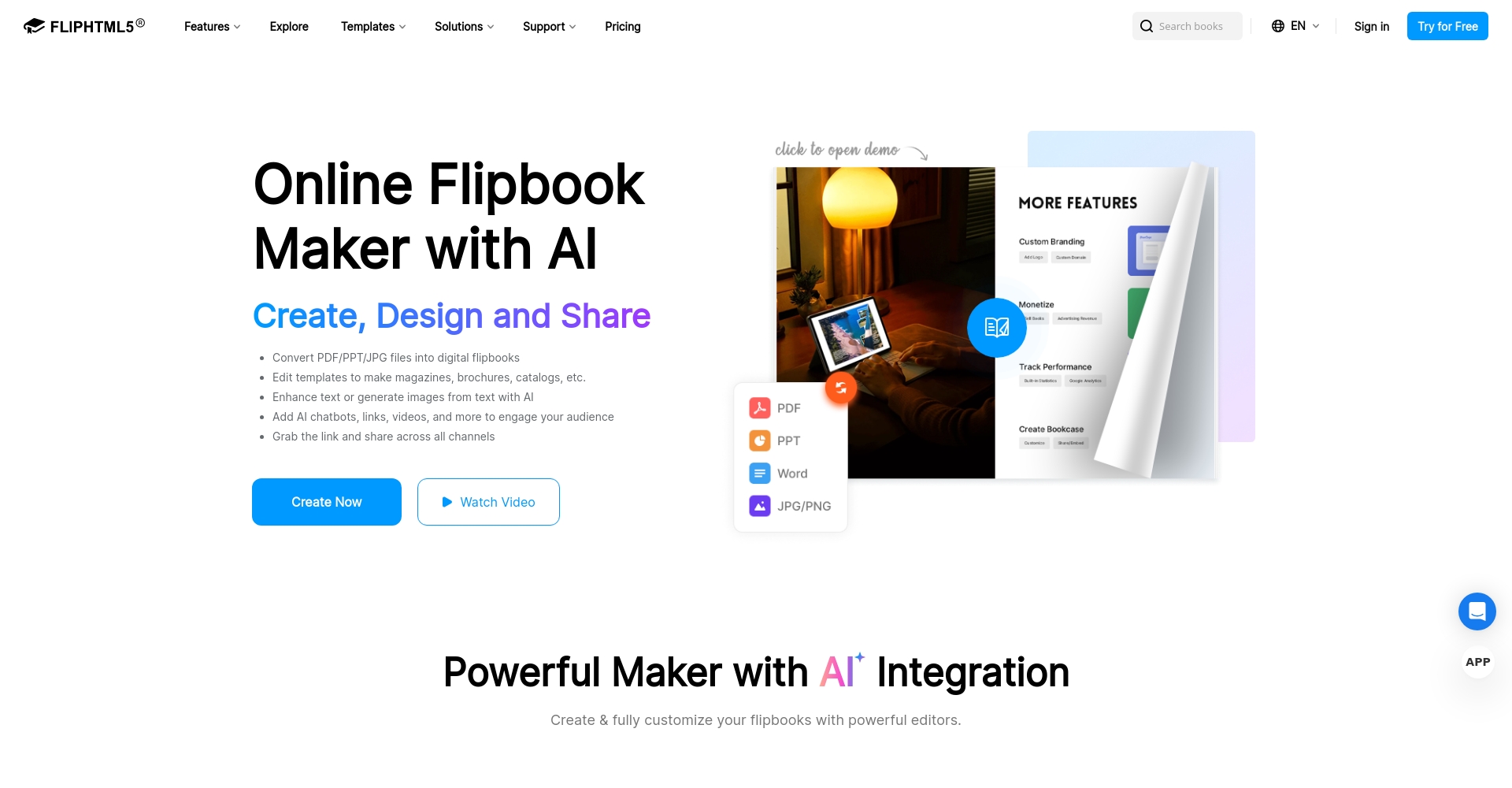
- UPDF, combined with OCR, enables full-text translation of image-based PDFs.Suitable for documents with images or scans (Official link)
- FlipHTML5 supports AI assistance, converting pages into flipbooks with real-time AI translation and summarization, making it suitable for large-scale enterprise distribution.Official link)
5. Sider.ai: Multiple AI models, excellent interactive experience
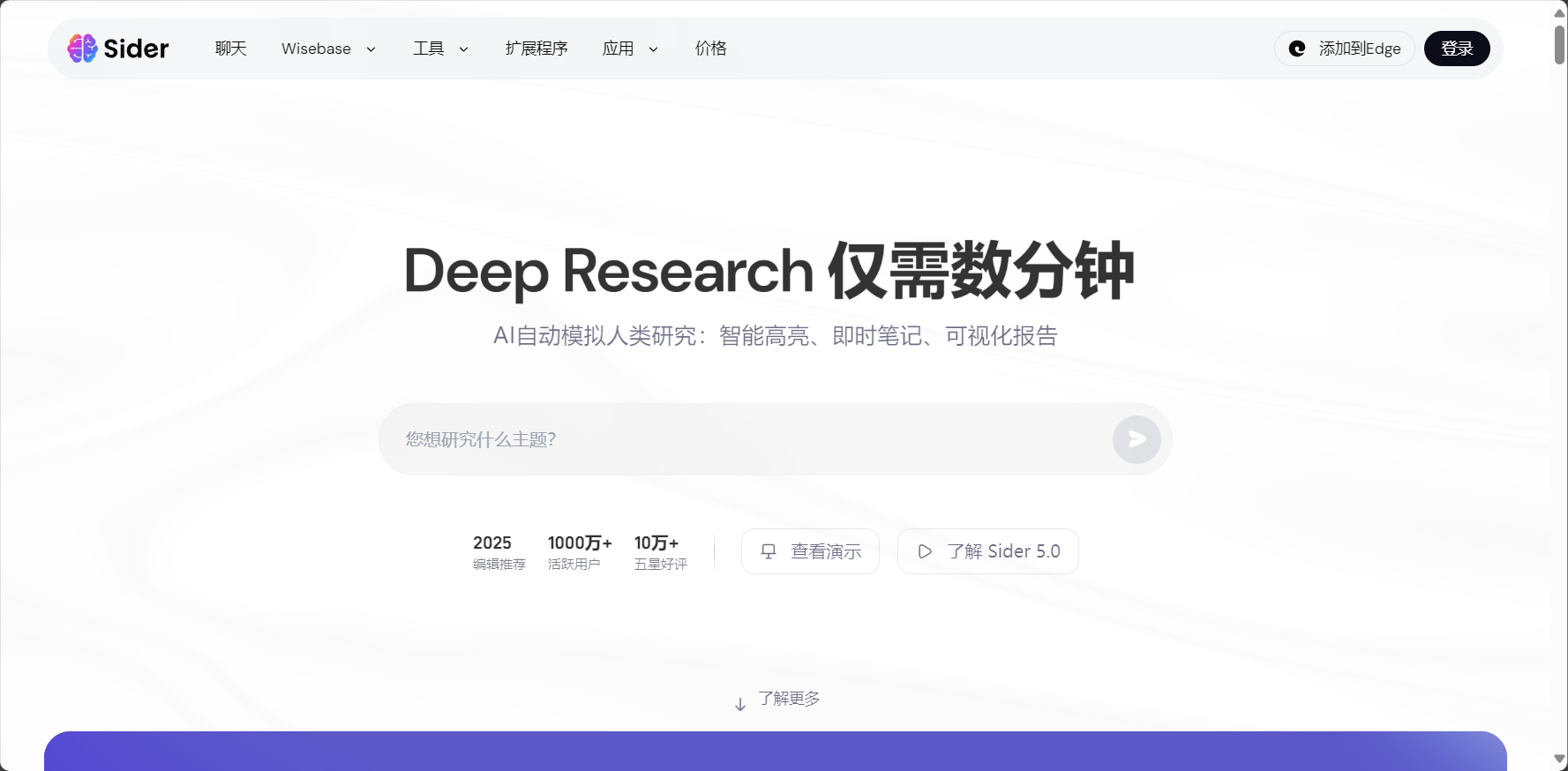
- Optional GPT/Bing model translation, supports 50+ languages
- Multi-page PDFs, formatting preserved, paid batch translation.
- Register to try out the core features. Entry point:Sider.ai
Practical Comparison: Function Comparison Table of AI PDF Translation Tools
Advanced Techniques and Frequently Asked Questions
1. How to preserve the PDF layout?
- The key lies in the ability to "restore format".DeepL, DocTranslator, and UPDF performed exceptionally well.
- If you are extremely concerned about the original format, you can first convert PDF to Word, translate it, and then convert it back to PDF.
2. How to avoid mistranslation of technical terms?
- For corporate/academic documents, it is recommended to use Trados Studio and UPDF to customize the terminology database.
- DeepL supports terminology customization and modification.
3. How to process scanned or image-based PDFs?
- You must use UPDF, DocTranslator, or Trados, which support OCR.
- Google Translate and DeepL do not support image text recognition.
4. How to batch translate multiple PDFs?
- Enterprises can choose Trados automation or FlipHTML5 API for batch processing.
- Individuals/small users can use DocTranslator for batch uploads; please note the file size limits.
5. How to ensure the security of translated documents?
- Choose reputable platforms with clear privacy policies (Google, Microsoft, Trados, etc.).
- Confidential documents should be handled using local software or enterprise-grade cloud solutions.
Emerging AI technologies empower a new future for PDF translation
With the continuous upgrading of AI, PDF to Chinese translation tools are becoming increasingly intelligent.The AI's large-scale model demonstrates visual understanding and contextual analysis capabilities approaching those of a professional human translator.In the future, interactive "Chat with PDF" may even be realized. However, when dealing with complex and professional materials, collaboration between humans and AI remains essential for ensuring quality.
ConclusionDigitalization and intelligent technologies have made translating PDFs into Chinese much easier. Whether you are a student, a business executive, or a professional translator, you can apply these technologies flexibly.AI-powered PDF translation toolThis will make your cross-language communication and learning twice as effective. Choosing the right platform and process will make your efforts more efficient.Translate PDFs in 3 minutes with ease!
© Copyright notes
The copyright of the article belongs to the author, please do not reprint without permission.
Related posts


No comments...
