
Is Meshy really easy to use? Designers, avoid these 3 common mistakes to help you generate 3D models efficiently!
Meshy asAI 3D model generation toolThe tremendous convenience and efficiency revolution it brings to designers and creators has already attracted industry attention. Relying onAIWith features such as text generation, image-to-3D conversion, and intelligent text mapping, Meshy greatly lowers the barrier to modeling.This article systematically reviews the key features of meshy, clarifies its actual performance, points out three common efficiency pitfalls for both beginners and professional users, and provides corresponding solutions to help you easily avoid these pitfalls and fully unleash the high-efficiency potential of meshy. With industry case studies and real-world feedback, this article analyzes how Meshy has become a core productivity tool for many 3D content creators.
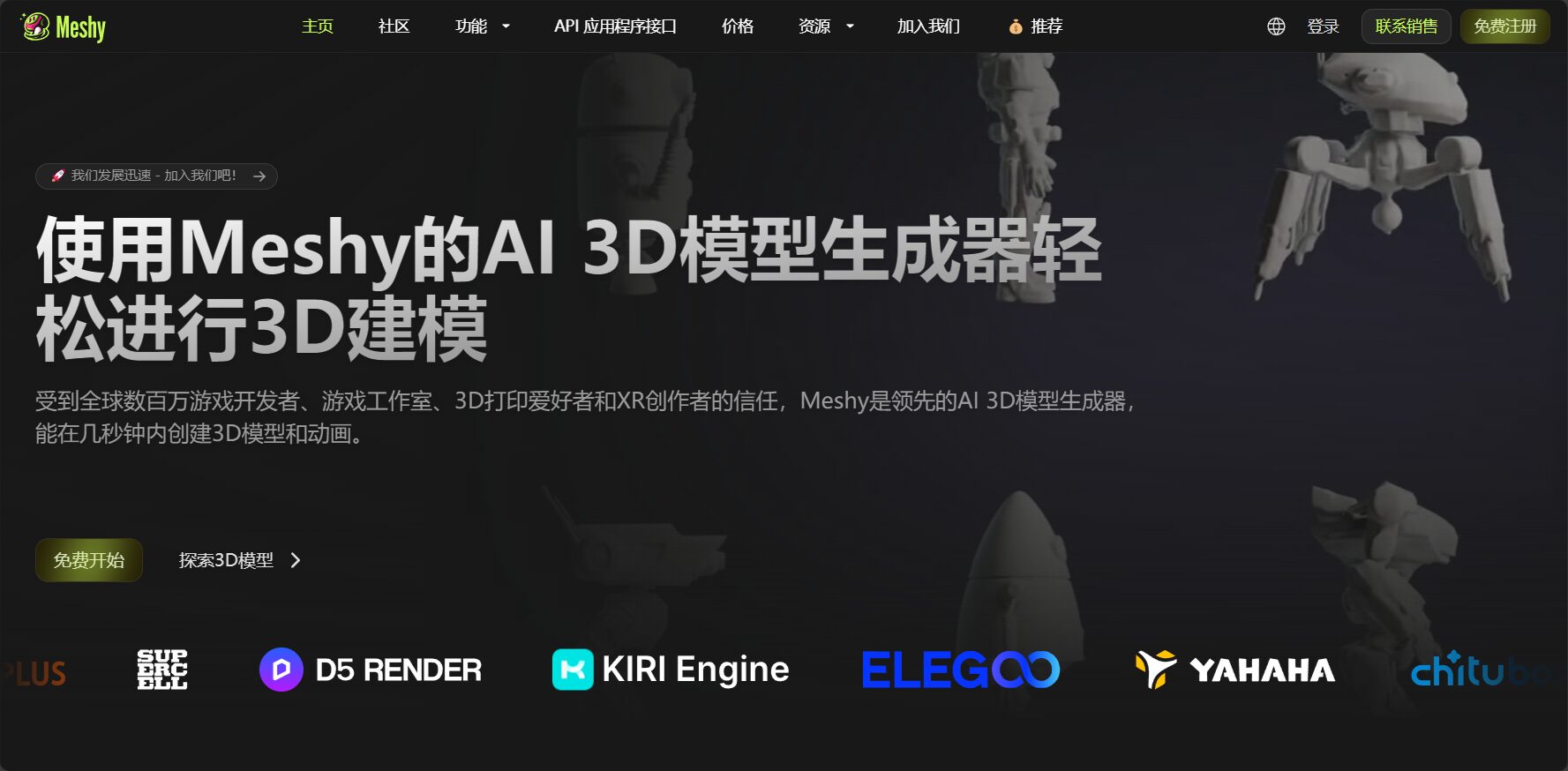
Meshy Product Overview: A Powerful Tool for AI 3D Modeling
User and Market Feedback: A Darling of 3D Creators Worldwide
According to Meshy's official website, as of 2024, the platform had generated over 20 million 3D models, with active users worldwide. Whether game developers, independent designers, or 3D printing enthusiasts, Meshy...Fast, easy to use, and feature-richIts features have made it one of the industry's preferred tools. The following table provides an overview of Meshy's core features:

| characteristic | Function Introduction | Supported Platforms | AI capabilities | Export format | Target audience |
|---|---|---|---|---|---|
| Text to 3D generation | Enter a sentence and instantly create a 3D model. | cloud web | 强 | OBJ, FBX, etc. | Suitable for both beginners and professionals. |
| Image to 3D generation | Photo/concept art can be transformed into a 3D model with a single click. | cloud web | 强 | GLB, STL, etc. | Designers, Artists |
| AI-powered intelligent texturing and retexturing generation | Old models can be intelligently skinned and have intelligent material generation. | cloud web | Extremely strong | PBR, etc. | Game, animation, and CG industries |
| AI character rigging and animation | Click to generate a 3D character with skeleton and animation. | cloud web | support | FBX, etc. | Game development, film and animation |

Official entrance:Meshy Chinese Homepage
In-depth breakdown of key features
- AI Text to 3D ModelA single natural description is all it takes to automatically model, refine, and color the artwork, greatly improving the efficiency of art production.
- Image to 3DIllustrations and photos can be transformed into 3D models with a single click, making it suitable for the rapid implementation of prototypes and concept designs.
- AI-powered intelligent texturing/texturingWith just a simple description or style drawing, you can generate PBR textures for your model with a single click, without having to manually unwrap the UVs.
- Animation and RiggingOne-click automatic skeleton binding and basic animation generation, making it easy to use the model directly in various mainstream engines.
- Multi-platform integration and plug-in ecosystemIt supports Blender, Unity, and other technologies, and has API interfaces for easy enterprise automation and remote collaboration.
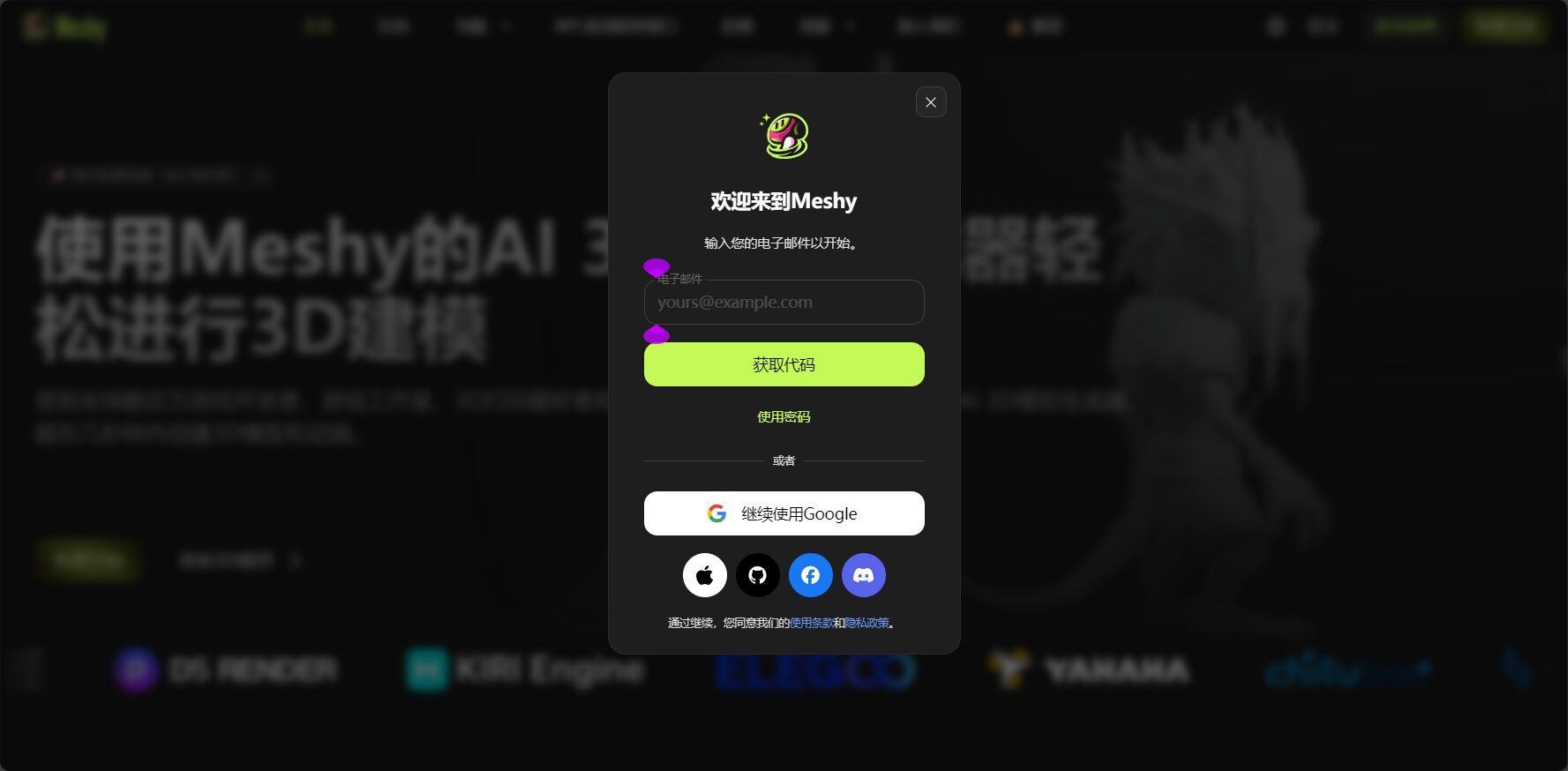
Three common mistakes designers make, and how to use Meshy correctly?
- Myth 1: The more text description, the better?
AI tends to focus on core elements, and complex descriptions can easily lead it astray. The correct approach should be...Keep your prompt concise, highlighting only key information and style.。Image/Text-to-3D rendering Text Example AI performance Recommendation level “"A futuristic, technologically advanced tank with huge tires and rocket launchers..."” Messy details, inaccurate focus ❌ “"Futuristic tank, sci-fi style, dark green"” Focused on appearance and distinctive style ✔ - Myth 2: Uploading any image/model?
The AI's effectiveness is greatly affected by the quality of the source material. Recommendation:Upload clear, high-contrast images with prominent subjects.The model topology should be simple and clear.
Tip: You can refer to this first. Meshy Community Gallery Example diagram. - Myth 3: Ignoring the export format and subsequent integration?
The most suitable file format and texture channel should be selected based on the target platform.This prevents structural or textural errors during model import.Software Platform Recommended format Import Notes Blender .FBX/.OBJ Check Y-axis and texture path Unity .FBX/.GLB Confirm Scale and PBR channels Unreal .FBX/.OBJ The skeletal model needs to be Rig-compatible.
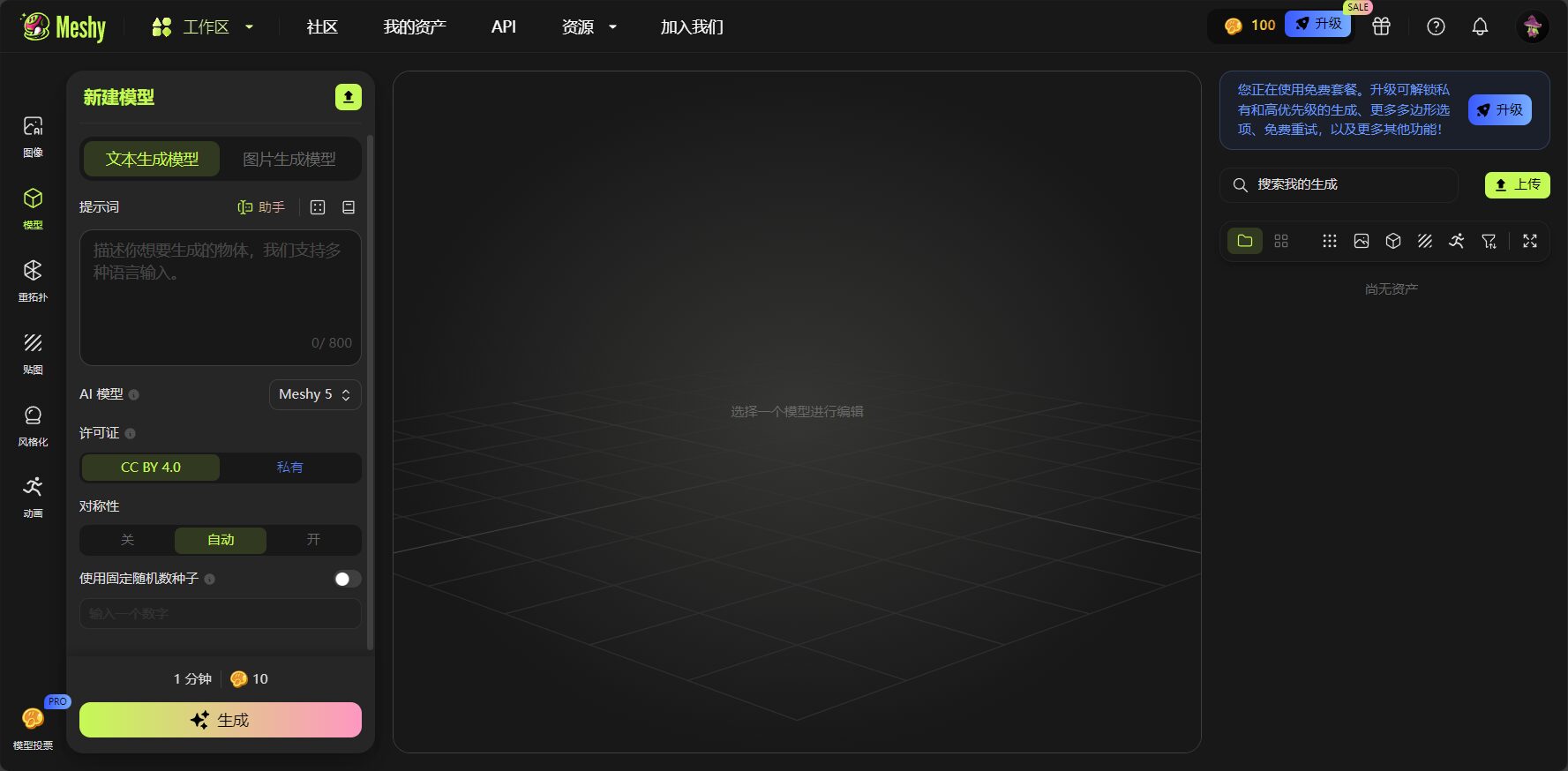
Meshy User Experience and Multi-Scenario Application Cases
Expert Evaluation
“"Meshy is currently the top choice among AI 3D modeling tools. A single prompt or a photo is all it takes to create an editable model, greatly improving modeling efficiency!"”
——MAX CASU, AI Creator
Mainstream application scenarios
| Application scenarios | Advantages and Highlights | Suitable for |
|---|---|---|
| Game asset generation | Quickly generate items and characters in batches, with automatic animation binding. | Game development |
| Product Prototyping and 3D Printing | Concept art converted to 3D with one click, exported as STL for direct printing. | Designer/Enterprise |
| Educational animation | Teaching materials can be produced quickly, enhancing the visual appeal of courses. | Education industry |
| AR/VR applications | Supports PBR textures, standard animations can be directly used in XR development. | XR Content Team |
Meshy supports teams, independent designers, and academic discounts.Click here to learn about pricing and education plans.。
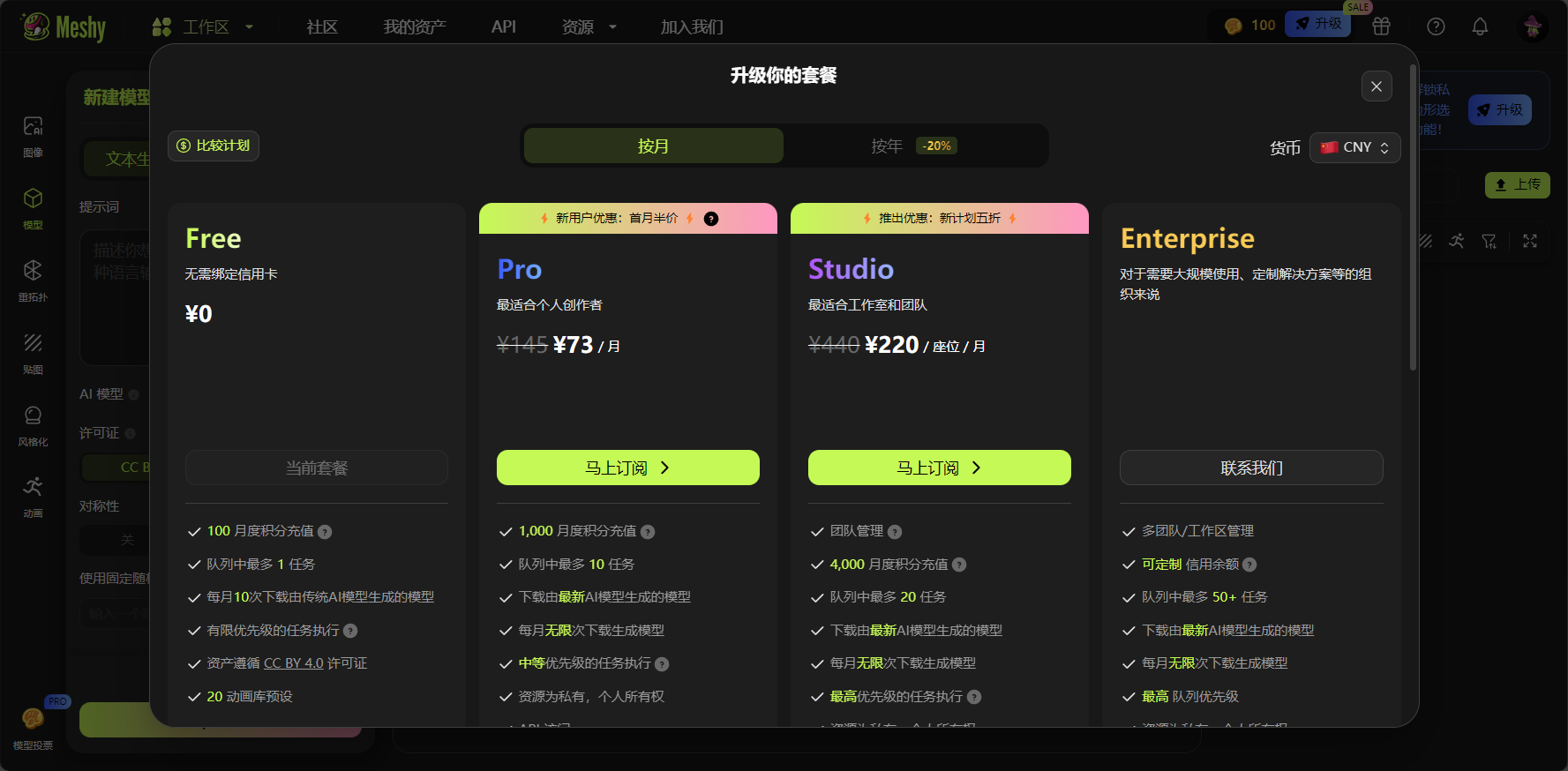
Plugins and APIs empower large teams
Meshy provides APIs and various plugins to facilitate automated batch modeling and process integration for enterprises, supporting large-scale projects and custom development.
Meshy Current Limitations and Precautions
- High-end art projectsManual fine-tuning of details is required (such as topology, sculpting, complex physics simulation, etc.).
- For certain high-end clothing items, hair details, etc., it is recommended to use DCC software such as Blender to refine them later.
However, in terms of overall convenience and efficiency, the meshy is sufficient to meet the creative production needs of the 90%.
Conclusion
In the era of AI 3D content,Meshy, with its high efficiency, low barrier to entry, and multi-platform capabilities, has become the preferred tool for countless designers and businesses.。
By avoiding the common pitfalls mentioned above and fully integrating them into your own processes, you can continue to lead the 3D creation race.Head there nowMeshy official websiteStart your AI 3D creation experience!
© Copyright notes
The copyright of the article belongs to the author, please do not reprint without permission.
Related posts


No comments...
