
2025 AI Presentation Tools Recommendations: 7 Best Choices to Boost Work Efficiency (Including Free Options)
With the continuous evolution of generative AI,AI Briefing ToolAI has become key to improving work and communication efficiency. The 2025 Best AI Presentation Tools Recommendation List features 7 next-generation products (including free and paid options), each with automatic content generation, intelligent layout, multi-format export, and collaboration capabilities, meeting the needs of startups, education, and businesses across various scenarios.This article provides you with the latest market trends and selection advice to help you express yourself effectively and easily impress your audience.
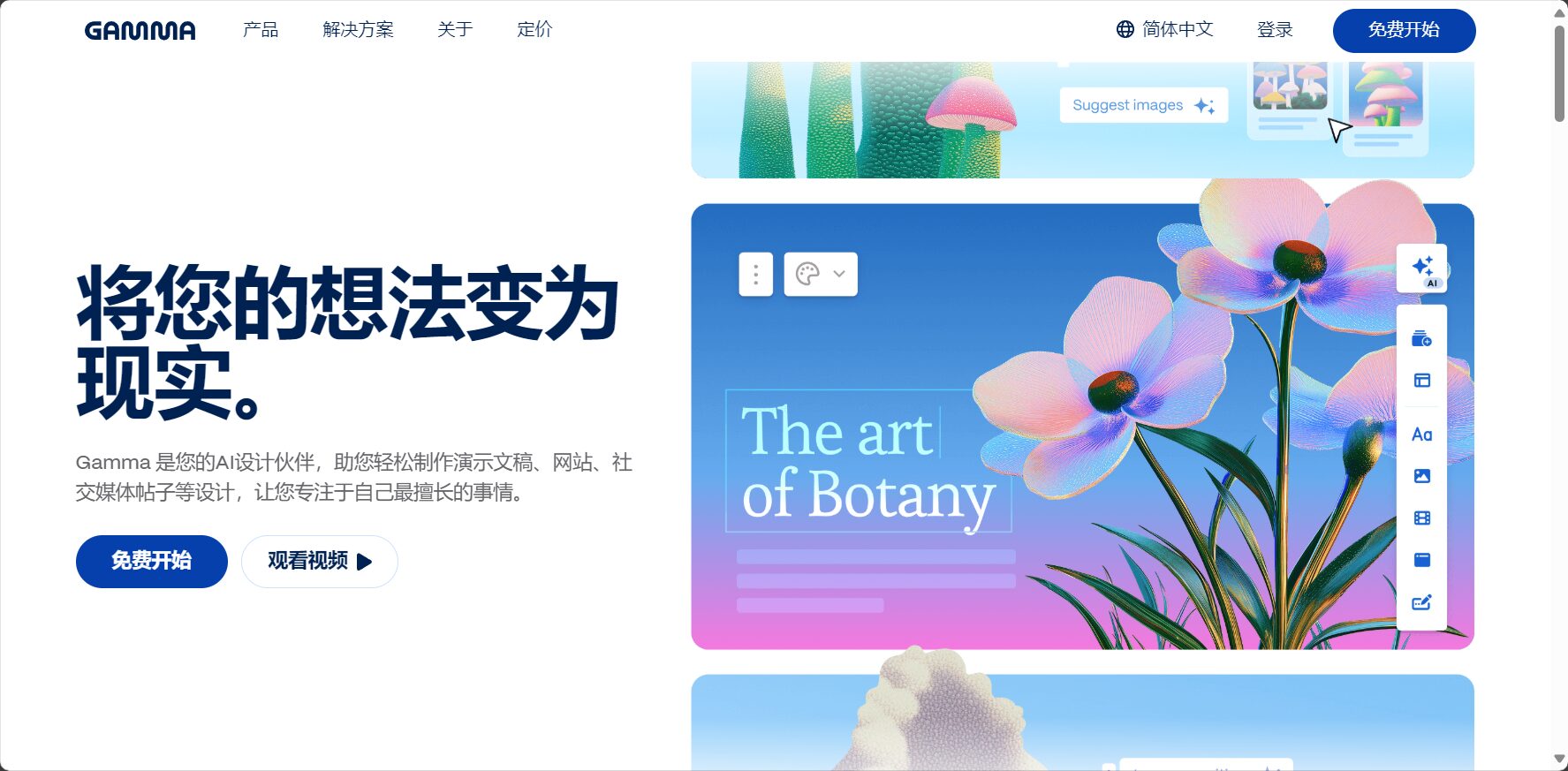
Tool Recommendation Overview
| Tool Name | Key Highlights | Is there a free version? | Multilingual support | Export format | Applicable Scenarios |
|---|---|---|---|---|---|
| Tome AI | Natural language generation, DALL·E visual elements, minimalist operation | ✅ | ✅ | Web, PDF | Startup, Content Brief |
| Gamma.app | Integrated presentation/document/webpage, multiple templates, and re-editable. | ✅ | ✅ | Web, PDF | Education, team projects |
| Beautiful.AI | Intelligent typesetting, hundreds of professional templates, brand guidelines | ❌ | ❌ | PPT, PDF | Enterprises and investment |
| Canva AI | AI-generated outline → Complete design, rich collaboration | ✅ | ✅ | PPT, PDF | Education, content operation |
| SlidesAI.io | Google Slides Smart Plugin: Automatic Summary Structure | ✅ | ✅ | Google Slides | Students, meeting minutes |
| Visme AI | Integrated Data Charts/Animations/AI-Generated Outlines | ✅ | ✅ | PPT, PDF, video | Analysis, Marketing |
| WeSlides AI | Free PPT generator, theme upload and style selection available. | ✅ | ✅ | PPT, PDF | Entrepreneurship, Education, Promotion |
New Efficiency Trends Amidst the Wave of AI-Powered Presentation Tools
According to a reporter's investigation, in 2025, among global knowledge workers and university faculty and students, 86% people had tried to generate or optimize presentation content using AI.AI-powered presentation tools have evolved from mere assistance to a new productivity model combining content curation, intelligent design, and team collaboration. Driven by intelligent algorithms, they enable content generation, automatic layout, visual charts, and batch export.It has become a highly efficient tool for briefing work.
In-depth analysis of 7 brand-new AI briefing tools
Tome AI: Minimalist Input, One-Click Generation of Professional Presentations

Tome AI Simply enter a topic or keywords to automatically generate well-structured, visually appealing presentations. Its unique... DALL·E Image and Video Embedding This makes business presentations, product launches, pitch decks, and other presentations more immersive.
- One-click theme-driven, automatically generating content structure and page design;
- Supports embedding interactive images, videos, charts, and hyperlinks;
- Multi-user collaboration and commenting features, suitable for remote team collaboration;
- Multilingual interface, internationalization support standards;
- Basic functions are permanently free.
Suitable for: Entrepreneurs, content creators, and marketing planning teams.
Gamma.app: An integrated solution for documents, web pages, and presentations.
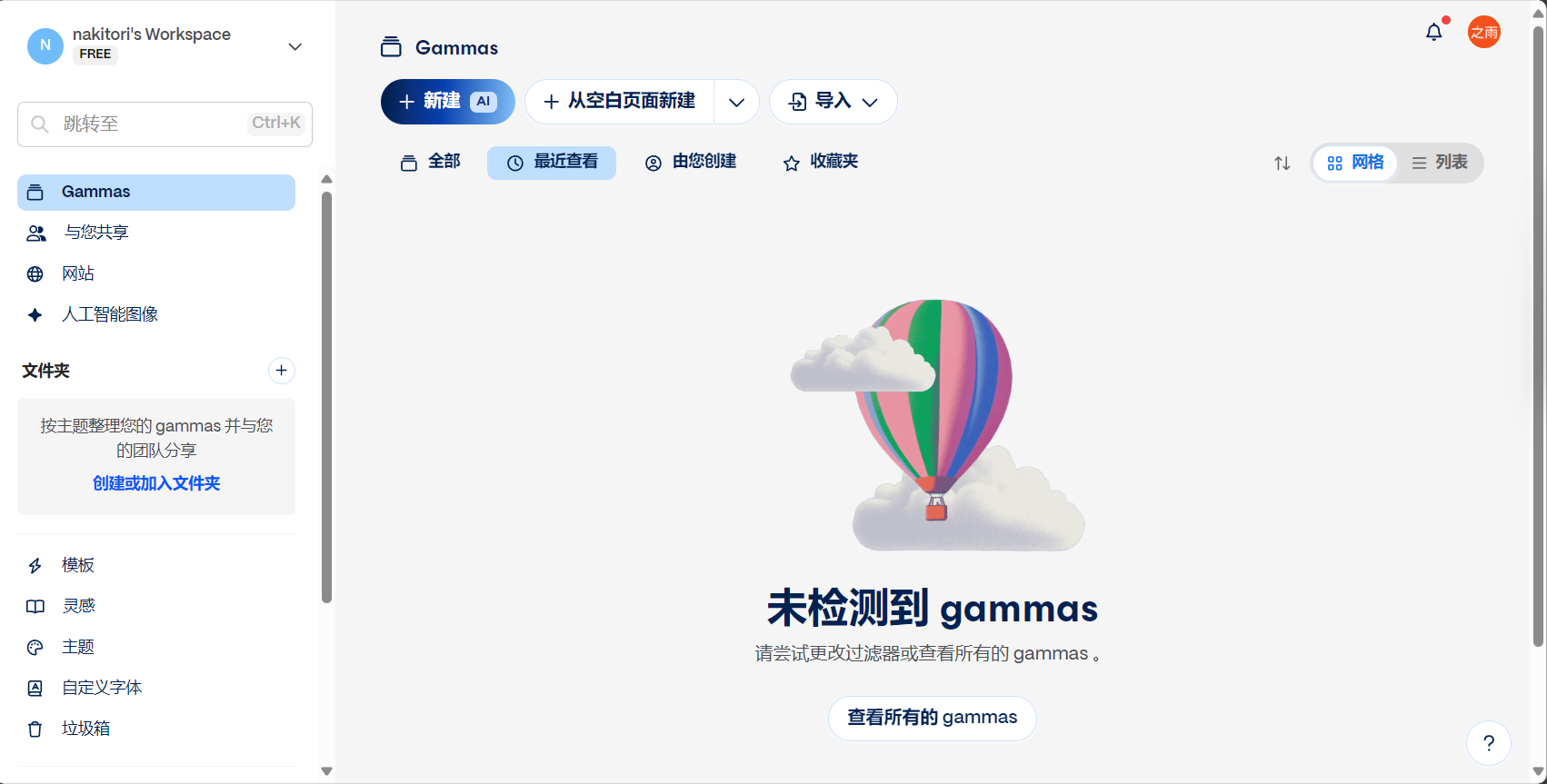
Gamma.app Generate AI-powered briefings, knowledge cards, project documents, and web pages in one place. AI automatically understands your needs and recommends the best layout, ensuring clear logic and a modern visual appeal.
- AI extracts key points, automatically formats, and offers a variety of modern styles;
- One-click output as webpage, PDF, or note format expands application scenarios;
- Multi-person collaboration and review, suitable for education/project management;
- The free version offers a rich set of features, while the paid version includes extended templates and analytics tools.
Suitable for: Educational lecturer, product manager, corporate trainer.
Beautiful.AI: Automatic layout and effortless professional look enhancement.
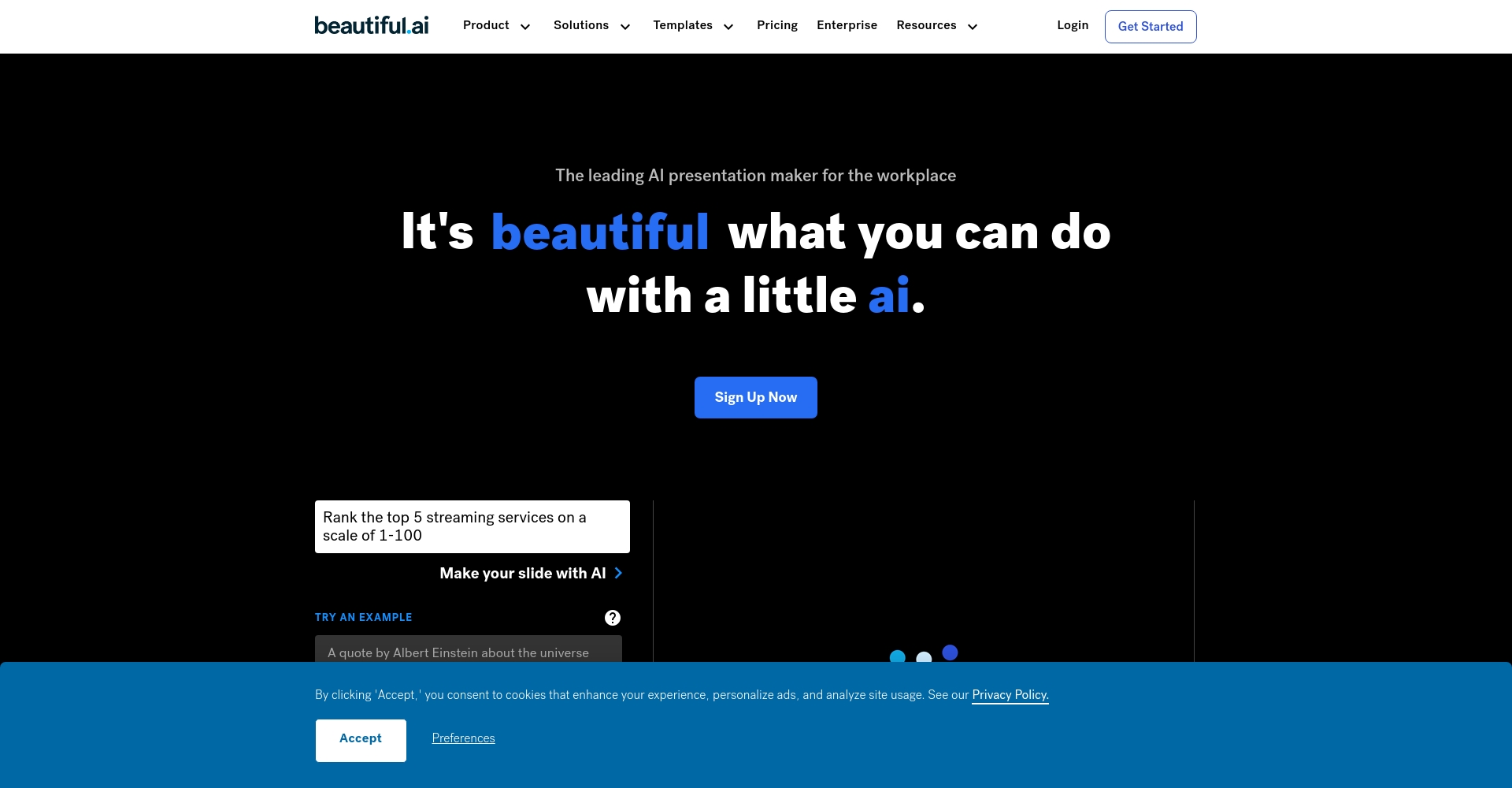
Beautiful.AI Main AI-powered intelligent typesetting and structural reorganization Hundreds of business-specific templates covering various business, finance, healthcare, and education scenarios.
- Content-driven dynamic typography, unifying the brand's visual style;
- Deeply integrated with platforms such as Google Drive and Slack;
- It only offers paid services and is suitable for enterprise users.
Suitable for: Corporate managers, investment and financing consultants, and academic lecturers.
Canva AI Presentations: From Classic Free Tools to New AI Experiences
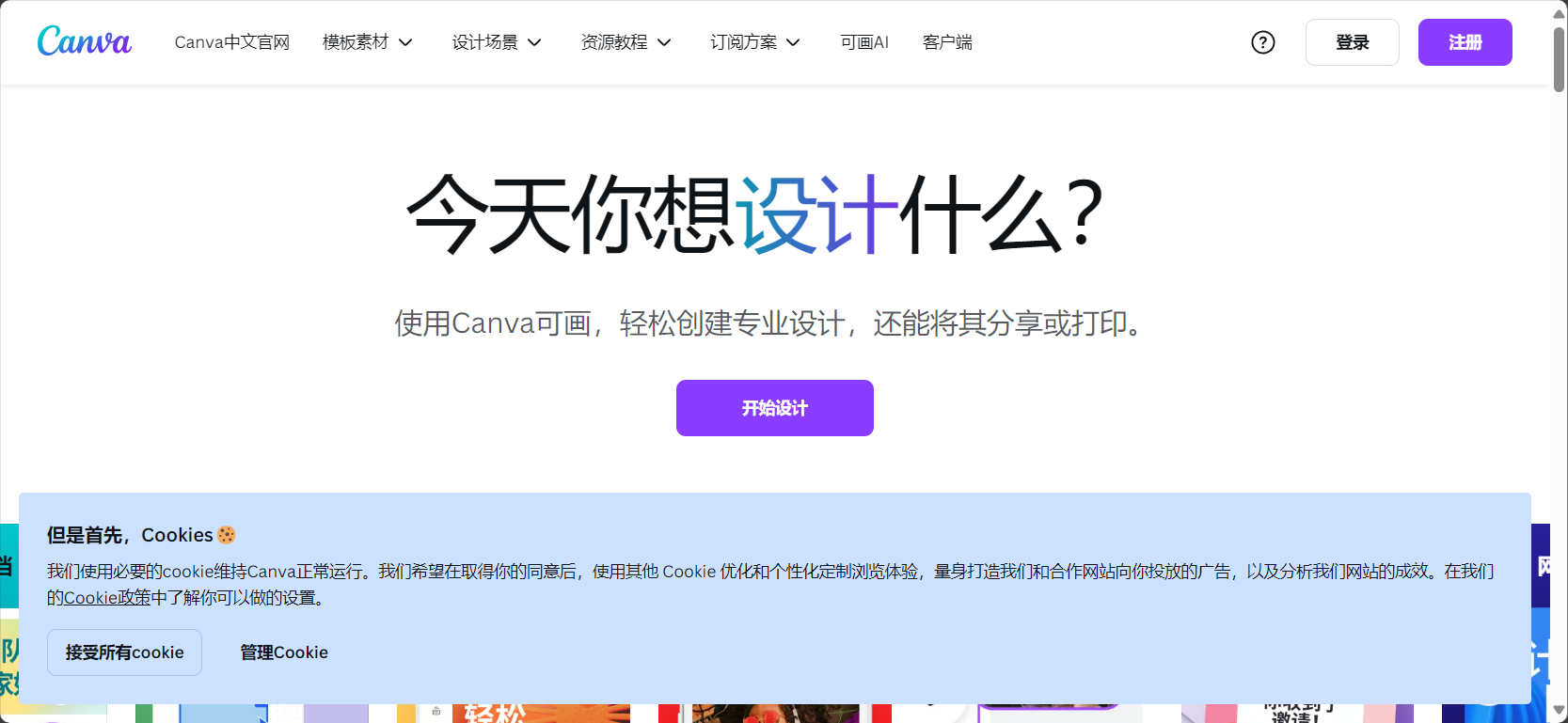
Canva AI BriefingBased on a massive library of templates, animations, and materials, it integrates AI to automatically generate outlines and create complete presentation designs with a single click.
Collaboration, online sharing, and exporting in multiple formats such as PPT/PDF are extremely convenient.
- Rapidly transform from outline to visual finale, with quick style switching;
- It can insert a variety of images, animations, and charts;
- It boasts powerful features such as multi-user collaboration, group review, and real-time broadcasting.
Suitable for: Educators, social media operators, and trainers.
SlidesAI.io: An AI plugin tailored for Google Slides

SlidesAI.ioSimply paste a text, and AI will generate a structured PPT. Whether it's minutes, class reports, or meeting plans, it can be efficiently transformed.
- Automatically generates summaries, with selectable page counts and a flexible workflow;
- Multi-theme and language support enables seamless global collaboration;
- Google Slides integration, suitable for Google Workspace users.
Applicable scenarios: Student courses, meeting minutes, and preliminary proposals.
Visme AI Presentation Maker: A three-in-one solution for data charts, animations, and AI outlines.
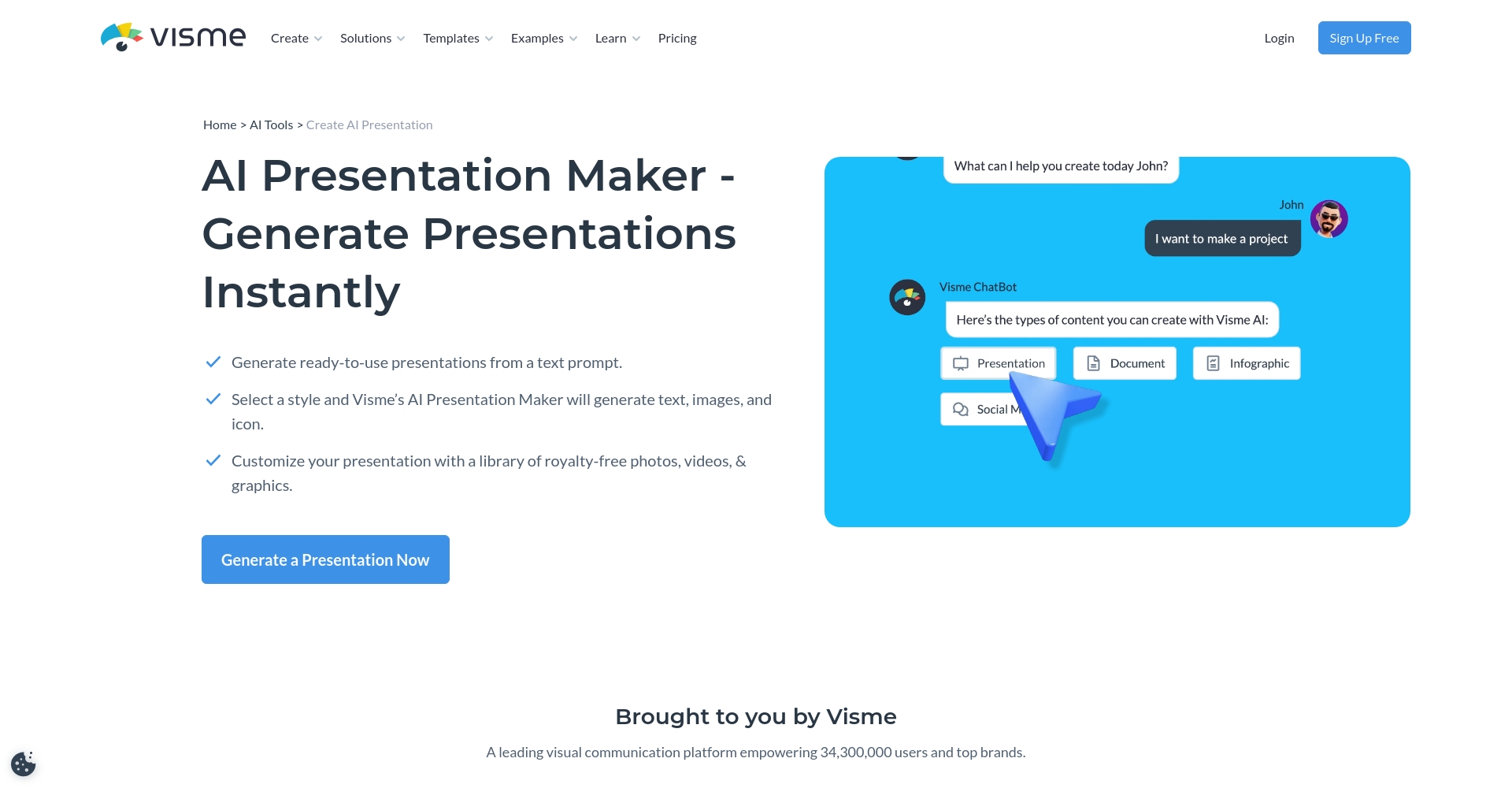
Visme AI It provides integrated automatic matching of content, visuals, and data, with AI automatically recommending data charts, flowcharts, and animation elements.
Supports one-click export of PPT, PDF, and video files.
- Easily insert data visualizations, maps, and statistical charts;
- Supports team customization of colors, fonts, and logos;
- Batch export in multiple formats to facilitate secondary distribution.
Recommended application: Corporate data reports, market research, and teaching materials.
WeSlides AI: A completely free AI PPT tool
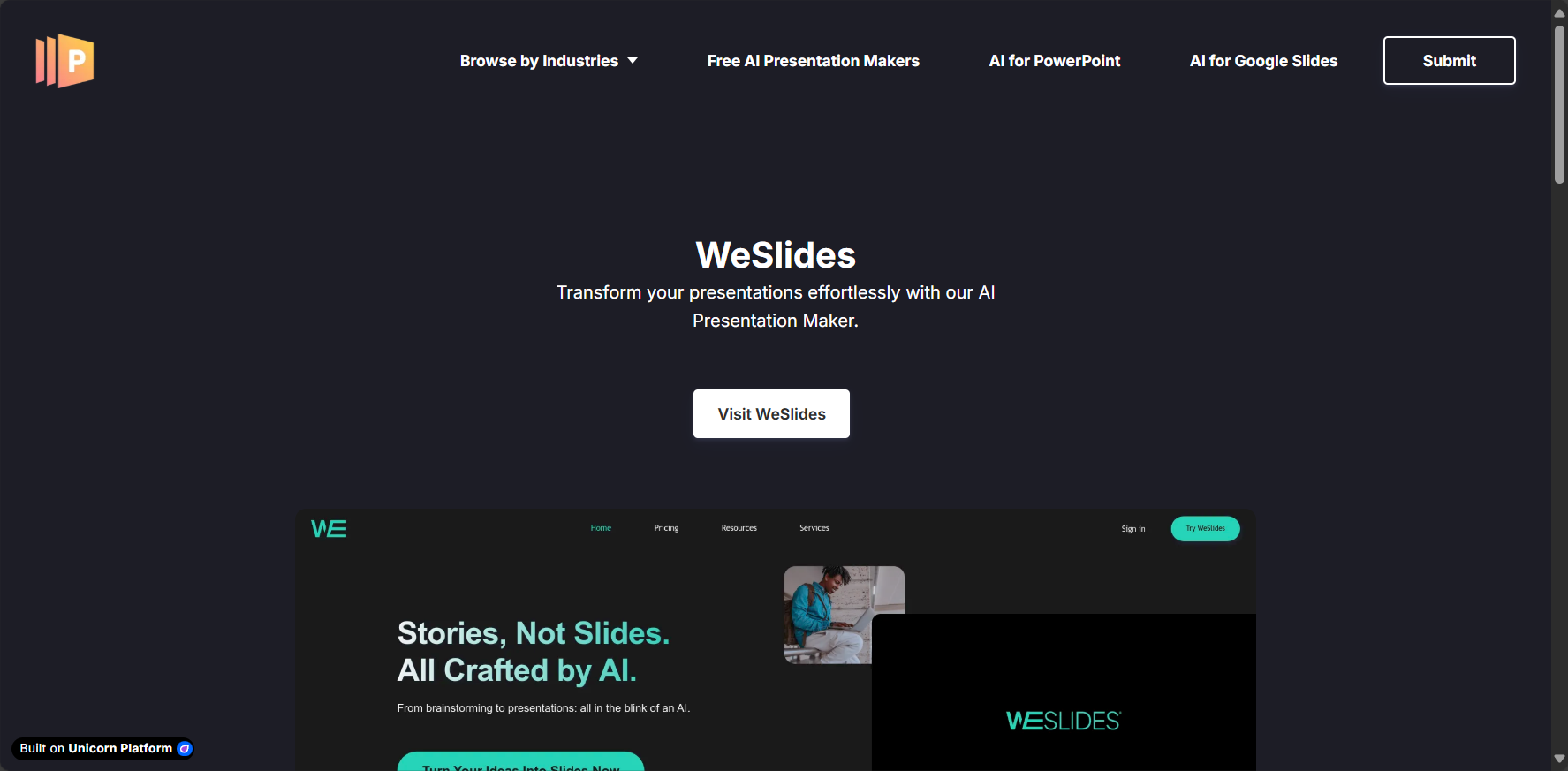
WeSlides AI For users with limited budgets, we offer free PPT generation, supporting the uploading of text or Word documents and the selection of templates.Export PPT/PDF in multiple formats。
- AI-powered automatic structure optimization; 100+ template styles available for free editing.
- Free download, offline demo available without any issues;
- Extremely simple and easy to use.
Target audience: Entrepreneurs, the education industry, and marketing planning.
New Trends in the AI Presentation Tool Market and Selection Recommendations
Industry expert opinions
Wang Xiaolan, Senior AI Application ResearcherIt is stated that "by 2025, AI-powered presentation tools will have significantly lowered the barrier to visual expression, enabling non-design personnel in various fields such as business, education, and academia to efficiently produce high-quality reports. Especially in scenarios such as remote work, online teaching, and innovation and entrepreneurship, they will be an indispensable tool for expression in the digital age."“
Selection Recommendations:
For multi-user collaboration and visual appeal, Gamma and Beautiful.AI are preferred; those with a limited budget can choose WeSlides or Canva.
Selection Suggestion Form

| Preference demand | Preferred tools | illustrate |
|---|---|---|
| Free and easy to use | WeSlides, Canva AI | Suitable for those with limited budgets and beginners |
| Multi-person team collaboration | Gamma.app, Canva AI | Cross-departmental remote collaboration |
| Professional Templates/Visuals | Beautiful.AI, Visme | Business/Investment and Financing Scenarios |
| Education, Curriculum | SlidesAI.io, Canva AI | Teachers, students, online learning |
| Data Display | Visme AI | Visualization and animation output requirements |
Practical tips for using AI presentation tools effectively
- Define your goals: First, outline your goals and target audience; then AI recommendations will be more accurate.
- Make good use of multiple languages: Choosing a tool that supports both Chinese and English is beneficial for international scenarios.
- Collaboration features: A platform with high-frequency collaborative selection, real-time editing, and annotation capabilities.
- Pay attention to the aesthetics of the template: For important occasions, prioritize tools that support brand identity (CI).
- Multiple export formats: When offline presentations or secondary editing are required, AI presentation tools that support PPT and PDF export are preferred.
By 2025, "intelligent briefings" will have become a reality.Every knowledge worker, innovator, entrepreneur, manager, or educator should try AI presentation tools.Impress your audience with professionalism and aesthetics, and significantly improve the efficiency of your expression.
Whether you are in the early stages of a startup, working on the front lines of education, or managing a team,Highly efficient AI presentation tools are your "accelerators"!
Try these tools now to enhance every speech and proposal, making it easy to win and secure your future!
© Copyright notes
The copyright of the article belongs to the author, please do not reprint without permission.
Related posts



No comments...
