
Notion Download Complete Guide: Detailed Installation Steps for Windows, Mac, Android, and iOS (Latest 2025)
NotionAs a global knowledge management and team collaboration platform, it leverages...Multi-platform compatibility and customization capabilitiesNotion has become an important all-in-one tool in the AI era. This article details the latest 2025 version of Notion.Windows, Mac, Android, and iOS Download and Installation ProcessIt addresses common questions and includes resource tables to help you easily start an efficient digital life.
Notion Basics: Why is it worth downloading?
NotionIt's a super tool that integrates note-taking, knowledge base, tasks, project management, and team collaboration, supporting...Chinese interface和Offline editingFurthermore, it is powered by Notion AI, making it suitable for all scenarios of work, study, and life.
- Multi-platform coverageSupports Windows, macOS, Android, and iOS; data syncs automatically.
- Flexible customizationPages, databases, and templates can be fully adjusted as needed.
- AI assistant support: Assists in writing, planning, and data compilation
- High-efficiency collaborationCollaborative editing with colleagues or classmates in real time
[Click here to learn more about official features and pricing →] Notion official website】
A list of official download and installation channels for Notion 2025

| platform | Official download link | Instructions for use | Does it support Chinese interface? |
|---|---|---|---|
| Windows | Official download page | Compatible with Windows 10 and above | support |
| macOS | Official download page | macOS 13 and above | support |
| Android | Google Play | Most Android phones/tablets | support |
| iOS | App Store | Both iPhone and iPad are compatible. | support |
| Web version | Web version entry | Access directly in any browser | support |

Note: Please download and install from official channels to ensure data security!
Notion download and installation on Windows platform
- Visit the official Notion download page:https://www.notion.so/desktop
- Click "Download for Windows" to download NotionSetup.exe.
- Double-click the installation package and follow the wizard to complete the installation.
- Log in/register a Notion account (supports Google/Apple/email)
- First launchGuided to choose between individual/team mode, experience Notion AI, or import old notes.
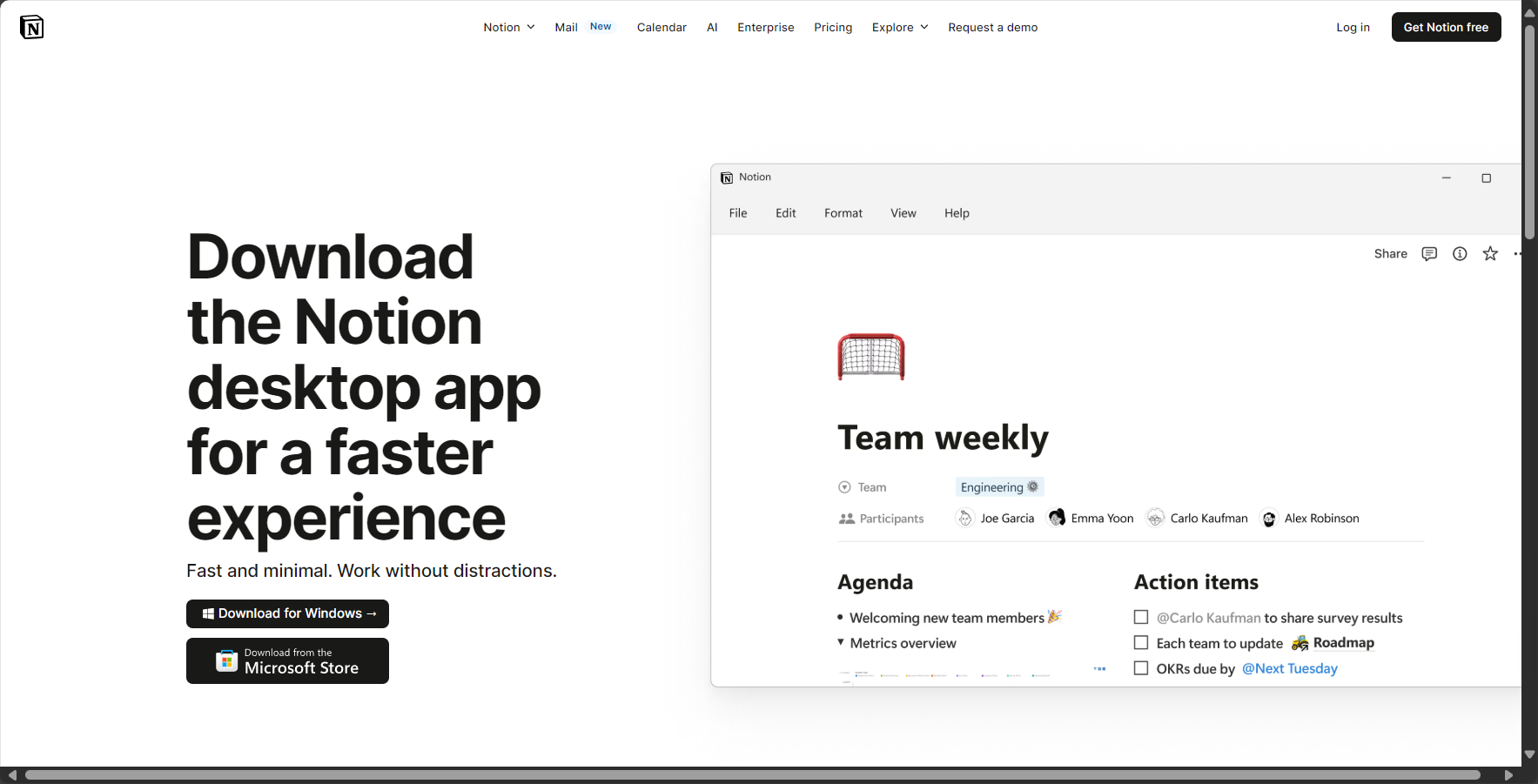
- Supported only on Windows 10 and above
- Supports keyboard shortcuts (
Ctrl+NNew,Ctrl+/Order) - The interface is identical to the web version and fully supports Chinese.
Notion download and installation on macOS
- Go to the Notion desktop version download page:https://www.notion.so/desktop
- Click "Download for Mac" to download Notion.dmg.
- Double-click the installation package and drag it to the "Applications" folder.
- Open the Notion App and log in/register (Face ID/Touch ID autofill supported).
- Automatically detects updates and silently upgrades in the background.
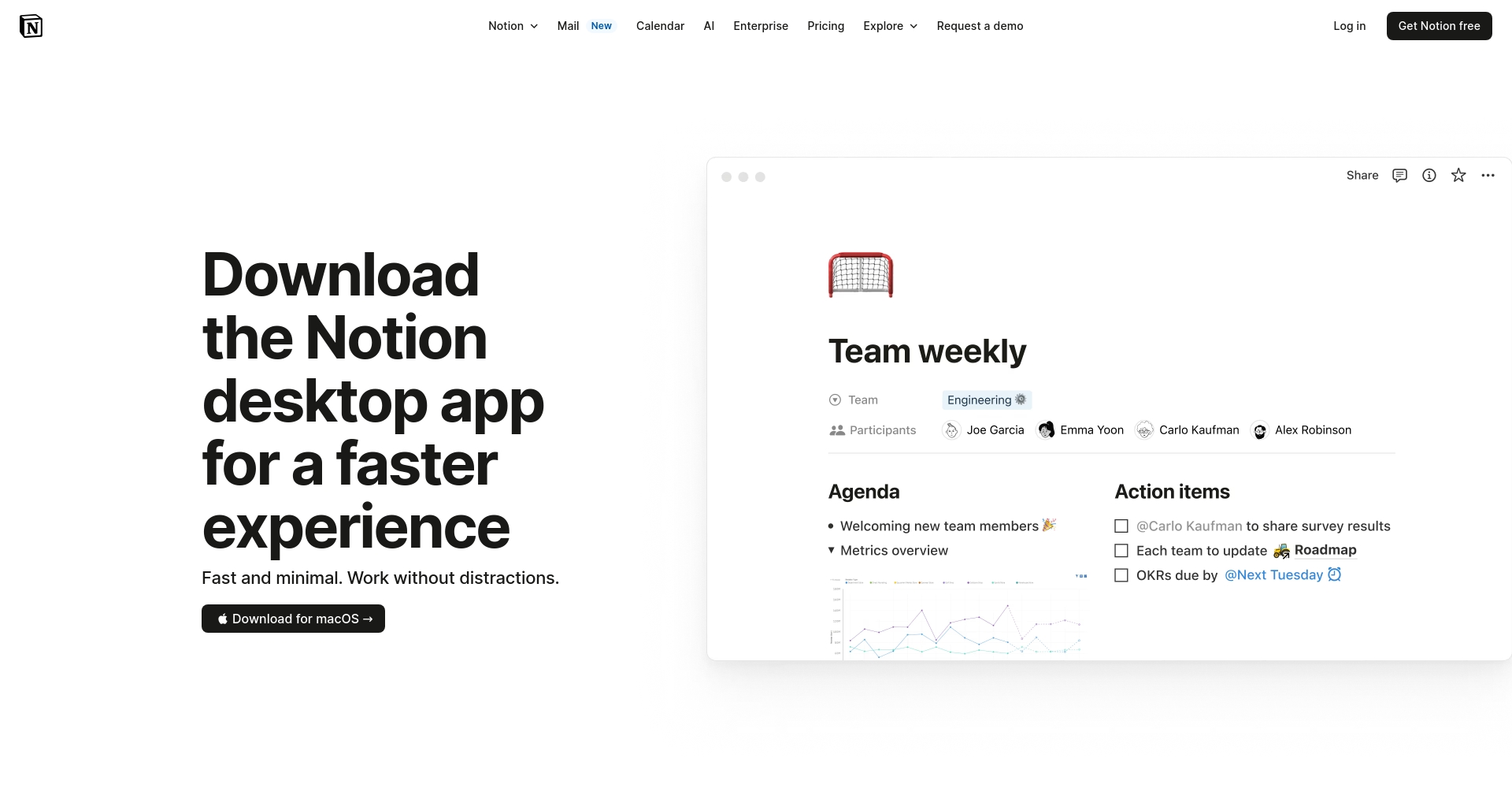
Tip: Apple's entire suite of user data is automatically synced to the cloud and supports global keyboard shortcuts.
| question | Solution |
|---|---|
| It cannot be opened after installation. | Check security settings and grant permissions. |
| “"Unable to verify developer"” | Allow in security and privacy settings |
| System version too low | Upgrade to macOS 13 or Windows 10 and above. |
| slow download | Use only the official source; do not use third-party mirrors. |
Android platform Notion download and installation steps
- Open Google Play and search for "Notion", orClick here to go directly
- Click to install and wait for the download to complete (compatible with most Android phones/tablets).
- First-time login/registration (one-click login via QR code on the web version is also available)
- Automatically sync content across PC/Mac/web platforms
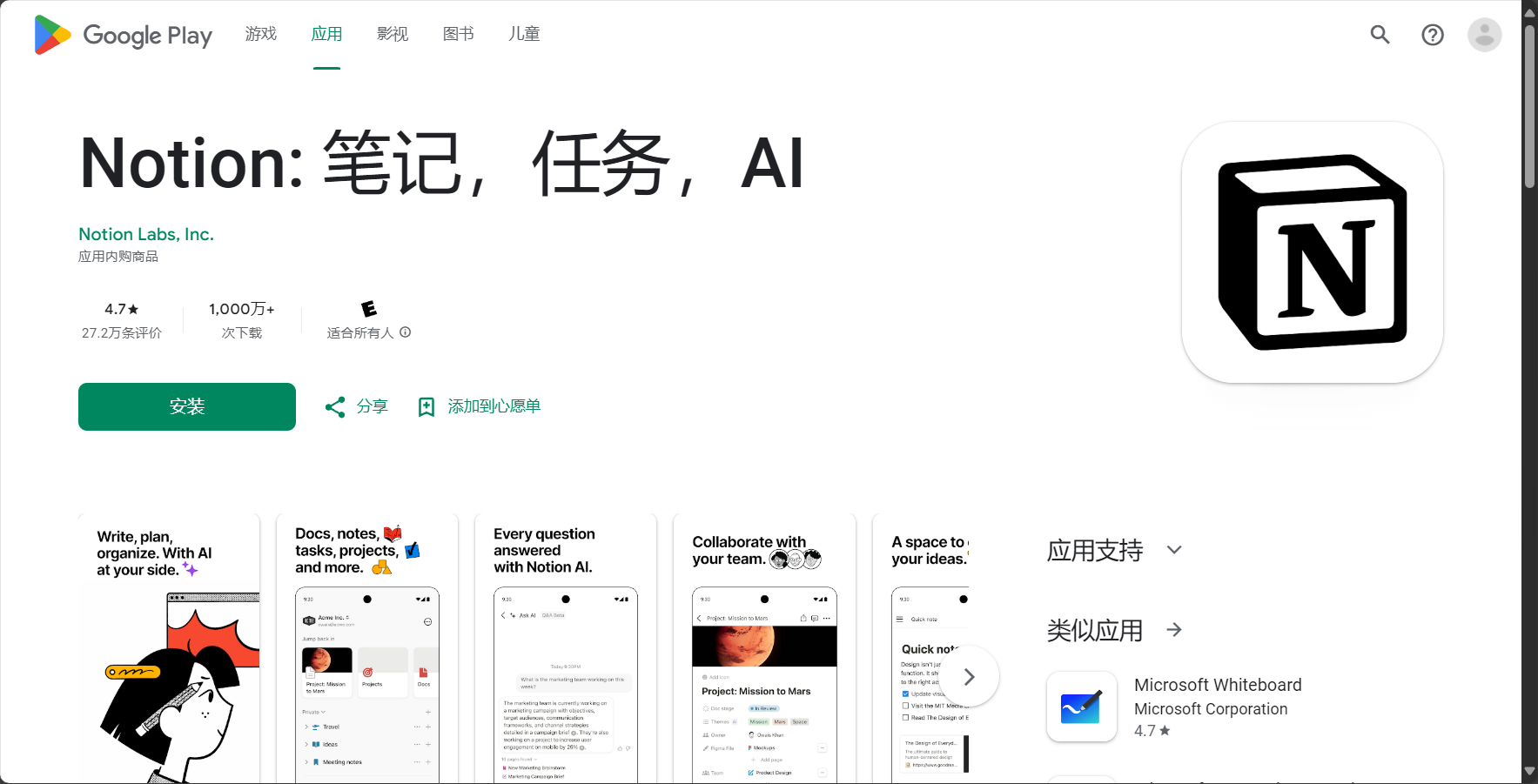
Android Experience Highlights:
- Desktop widget support
- Dark mode protects eyes
- Push notificationsReal-time reminders for collaborative editing
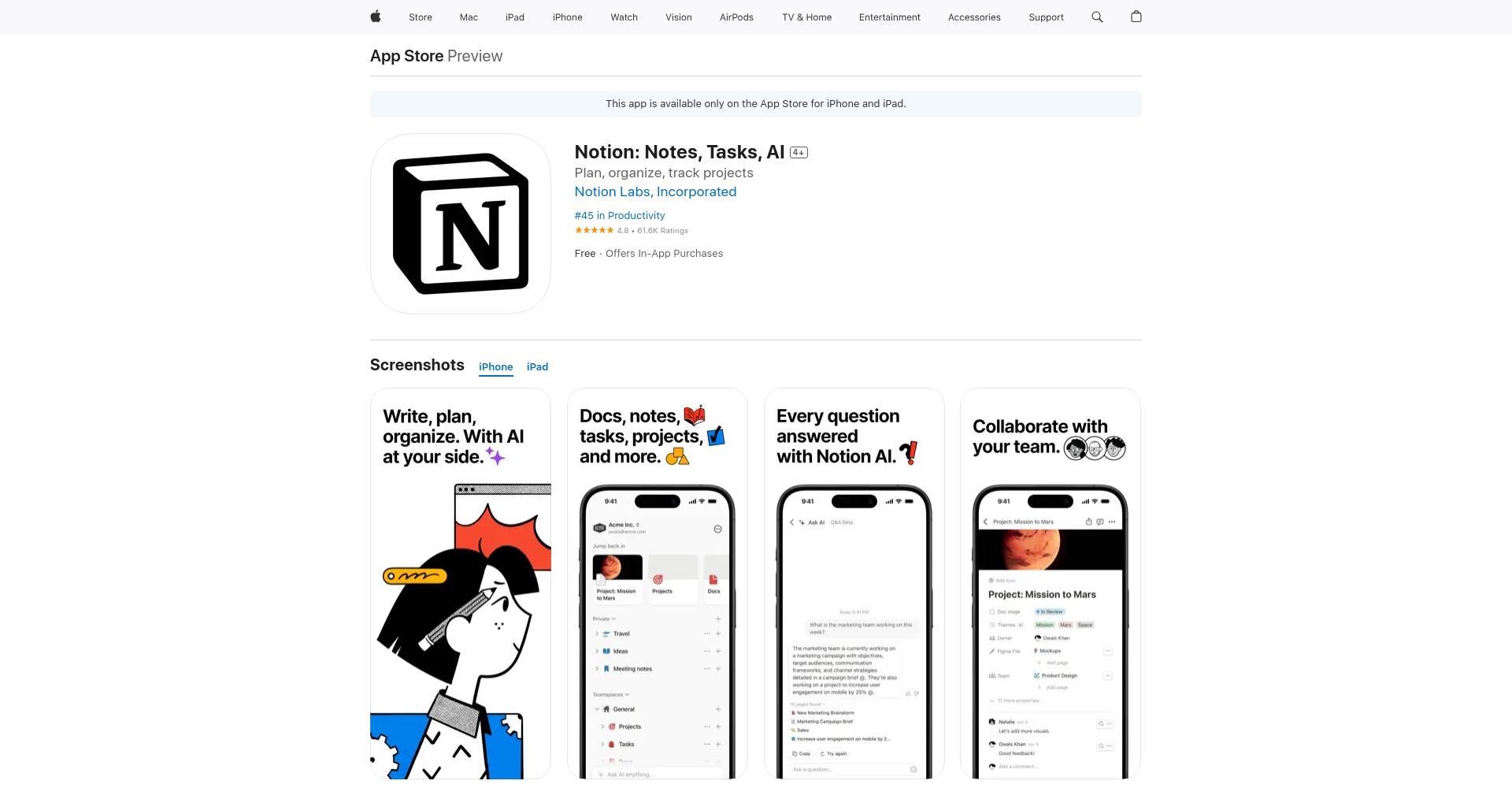
Detailed Guide to Downloading and Installing Notion on iOS
- Open the App Store and search for "Notion", orDownload directly
- Click to download and install (requires iOS 14+, supports iPad landscape mode and Apple Pencil)
- Log in/register an account
- Experience iOS-exclusive drag-and-drop sharing, Siri shortcuts, automatic photo/file upload, and Face ID login.
| Frequently Asked Questions | countermeasures |
|---|---|
| Notion was not found in the store. | Change your Apple ID country or download from the official website. |
| Unable to synchronize | Confirm network permissions and restart the app. |
| The interface is in English. | Settings → Language → Switch to Simplified Chinese |
| Android App Not Found | Download the APK from the official website and enable "Unknown sources" permission. |
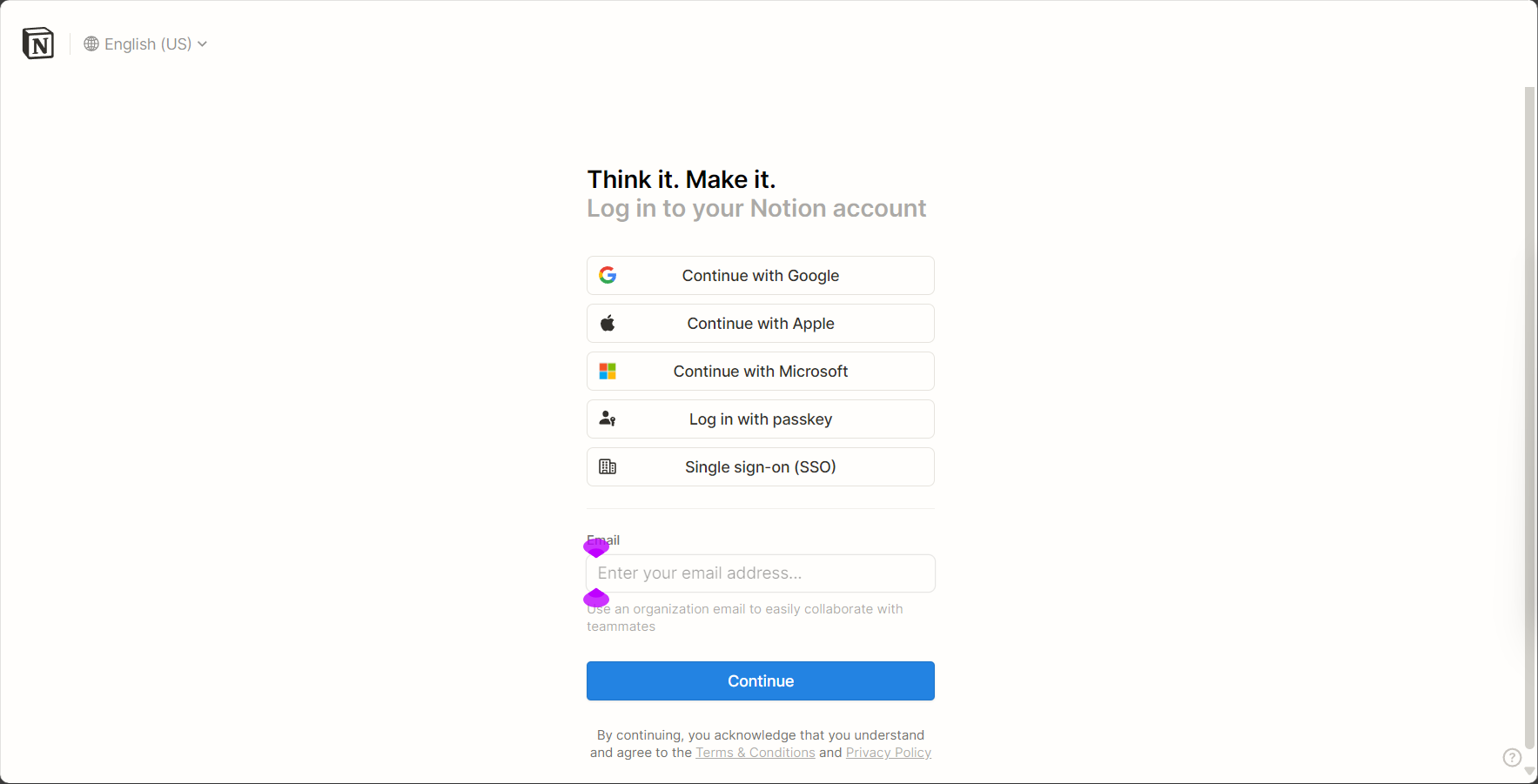
Registration and login process for Notion
The 2025 new version supports one-click quick login and unified synchronization of accounts across multiple devices.。
| Way | illustrate |
|---|---|
| Google Login | One-click OAuth authorization |
| Apple Account | Recommended for iPhone users |
| Email registration | Receive verification code via email |
- Download and install/access the web version
- Choose to register (Google, Apple, or email address are all acceptable)
- Fill in the information and receive the verification code to complete the registration.
- Select purpose, customize homepage
Notion Download Comparison Across Platforms and a Quick Overview of Common Uses
| Version | Download required | Offline use | synchronous | AI Assistant | Recommended by the target audience |
|---|---|---|---|---|---|
| Windows/Mac | 需 | support | support | Full-featured | Office/Student/Team |
| Android/iOS | 需 | support | support | Full-featured | Random Notes/Mobile Office |
| Web version | 免 | Not supported | support | Full-featured | Temporary access/public computer |
- Most common uses: knowledge base management, task & project tracking, study notes, content creation, AI assistant intelligent writing.
Frequently Asked Questions and Resource Navigation
| question | answer |
|---|---|
| forget the password | Forgot your password? Retrieve it on the login page or sign in with Google/Apple. |
| Local data backup | Supports exporting to PDF, Markdown, CSV and other formats. |
| Multi-device synchronization | Automatic syncing with the same account, seamless switching between desktop and mobile. |
| Which languages are supported? | Simplified/Traditional Chinese, English, Japanese, Korean, Spanish and more than ten other languages |
- Download the latest official version of Notion
- Notion AI Introduction and Experience
- Notion Help Center
- Official Template Marketplace
- Notion Chinese Teaching Summary
Summarize:Whether you're working on a desktop or recording on your mobile device, a single download of Notion unlocks a new experience of AI-powered intelligence, efficient living, and digital creation. By 2025...Notion continues to support you in embracing the innovative challenges of the digital age!
© Copyright notes
The copyright of the article belongs to the author, please do not reprint without permission.
Related posts



No comments...
