
A complete guide to using copilot: How can beginners efficiently integrate an AI assistant to improve work efficiency?
GitHub CopilotAs an AI programming assistant, it is leading a new revolution in the digital workplace.This article, presented from a news reporting perspective, covers everything from basic functionality and installation guidance to practical applications, workflow integration, expert opinions, and frequently asked questions.A comprehensive analysis of how Copilot can be effectively used in the daily work of both novice and professional developers.It also provides lists and tables to quickly organize key points, helping you grasp the essence of how AI assistants can truly free up your time and enhance your creativity.

Copilot Assistant Explained: What is GitHub Copilot? Who is it suitable for?
Copilot Product Introduction
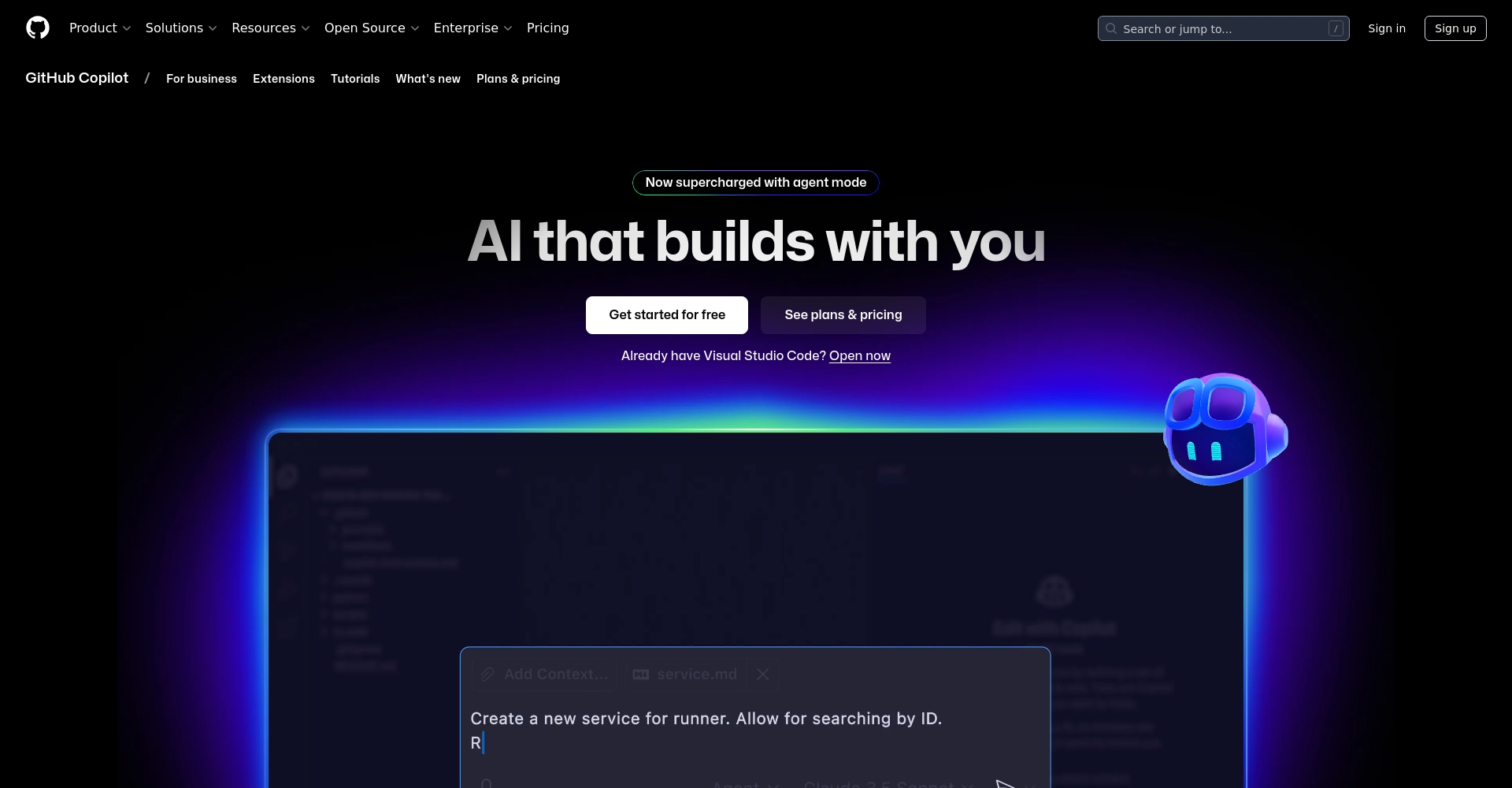
GitHub Copilot is an AI program development aid tool launched by GitHub in collaboration with OpenAI.It can generate code, tests, and optimization suggestions in real time based on user input. It supports multiple editors such as Visual Studio Code, Visual Studio, and Neovim, and is one of the most popular AI tools for software development and self-learning today.
Suitable users
| User type | Applicability | Core advantages |
|---|---|---|
| New developers | ★★★★★ | Learn quickly and improve your programming fundamentals |
| Senior Engineer | ★★★★ | Improve the efficiency of repetitive tasks |
| Students/Self-taught individuals | ★★★★★ | Learning language structure and examples |
| Web/Backend Engineer | ★★★★ | Multilingual code generation function |
| Data Analyst | ★★★ | Supports data languages such as Python |

With a basic editor environment, you can almost always import Copilot and instantly upgrade your development efficiency!
Essential Copilot User Guide: The Complete Installation, Startup, and Environment Setup Process
Installation steps and quick start
- Preparing the development environment:Install Visual Studio Code or another supporting IDE.
- Install the Copilot extension suite:Search for "GitHub Copilot" in the editor and then click to install.
- Authorization and Activation:Log in with your GitHub account to get started. New users typically get a 30-day free trial!

Copilot settings and language support overview
| Set name | Option Description | Recommended settings |
|---|---|---|
| Recommended frequency | Control the automatic full frequency. | It is recommended that beginners enable automatic recommendations. |
| Language preference | Multi-language support (JS, TS, Python, Java, etc.) | Configure according to project requirements |
| Safe filtration | Filtering sensitive content | It is recommended to keep it on. |
Make good use of shortcut keys such as Alt+\ to quickly enable or disable Copilot for easy control over input scenarios.
Copilot Functionality Analysis: Five Major AI Productivity Application Scenarios
- Automatic program generation:Intelligent code completion for JavaScript, Python, and other languages based on comments or function names. (For example, typing "// Calculate the sum of two numbers" will automatically generate a complete function implementation.)
- Real-time learning examples:It compares the output of various programming syntaxes based on the input, helping to quickly understand new languages or syntaxes.
- Unit tests are automatically generated:Automatic unit test generation significantly lowers the barrier to test writing.
- Bug fixes and optimizations:When you find an error, simply paste the bug and the hint to get suggestions for correction and reconstruction.
- Automatically generated comments and concatenation examples:Automatically complete RESTful API connections and detailed documentation based on simple comments.
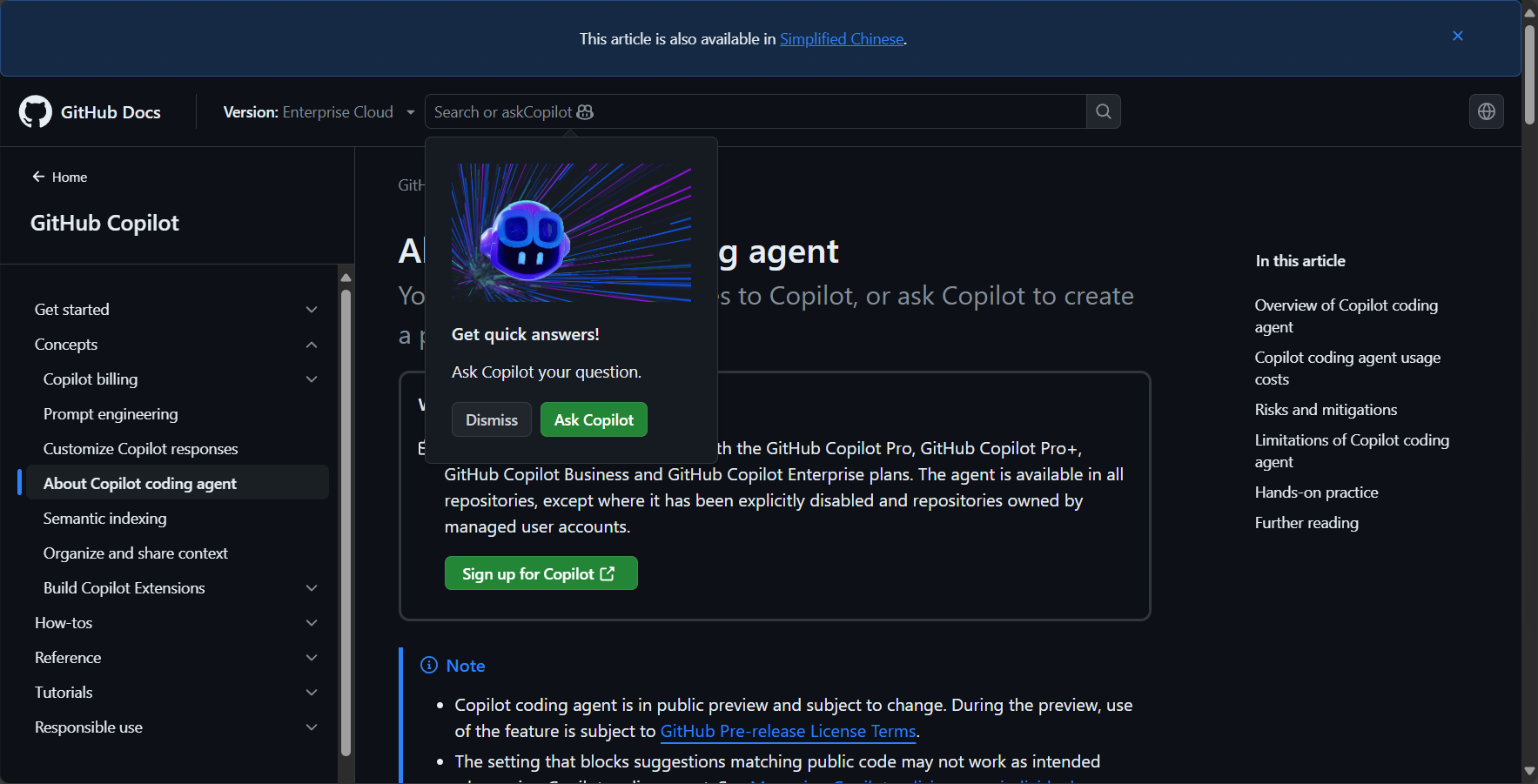
Advanced Copilot Usage Techniques: Secrets to Efficient Integration and Maximizing Productivity
Gradually integrate Copilot into the workflow
- Plan your daily practice time:Practice for 10-30 minutes each time to gradually become familiar with the Copilot approach.
- Typical work scenario applications:
Scene Suitable for Copilot applications New project initialization Automatically generates Boilerplate template Relocate/rebuild legacy system Quickly learn the syntax of old projects; language conversion support. Utility function development One-click generation of sorting, filtering and other small functions Data Analysis Process Automatically generates examples from pandas, matplotlib, etc. - Establish error checking and automatic review mechanisms:It integrates with tools such as Lint and Unit Test to ensure the quality of automatically generated code.
- Make good use of official resources and online communities:refer toOfficial teachingDiscover more applications on various forums (Stack Overflow, Reddit, etc.).
Four advanced Copilot recommendations
- Use descriptive annotations or instructions more oftenThis will enable AI to provide more precise assistance.
- Instant preview and multiple optionsSelect the most suitable program segment.
- Combine with Chat functionality (such as Copilot X)This allows for more advanced intelligent debugging and code review.
- Feedback and preference adjustment in real timeThis ensures that the tools are best suited to the project and individual needs.

Frequently Asked Questions and Answers for Copilot Users
- Will Copilot generate infringing code?
The official instructions and training materials are based on publicly available open-source data, but beginners are still advised to check the licensing regulations to ensure commercial compliance. - Which languages and development environments are supported?
It is supported by mainstream IDEs such as VS Code, Visual Studio, and Neovim. It supports more than ten languages, including JavaScript, Python, Java, and C#. - Does Copilot affect autonomous programming capabilities?
Correctly positioning it as an "auxiliary tool" can actually help with learning and skill improvement.
Future Trends and Expert Opinions on Copilot
AI assistants are reshaping the global software industry, and Copilot is leading a new era of "human-machine co-creation".Microsoft, Amazon, Google, and others have also launched collaborative AI development tools to jointly promote the automation of knowledge work. It is expected that in the future, more repetitive and structured programs will be automatically generated, allowing engineers to focus on innovation and problem-solving.
| Competitors/Derivative Products | feature | Official website link |
|---|---|---|
| Copilot X | Added chat dialogue, pull request summary, etc. | Copilot X Official Website |
| Amazon CodeWhisperer | AI program generation focused on the AWS ecosystem | CodeWhisperer |
| Tabnine | Local AI program generation | Tabnine |
| Cody by Sourcegraph | Enterprise-level AI program generation + search integration | Cody |
Conclusion:Copilot has become a standard tool in the workplace for digital designers, developers, and data analysts.Beginners can gradually improve by simply following the steps to install and practice, making AI a key assistant for daily innovation and problem-solving!Get familiar with Copilot early and prepare for the new era of AI-driven knowledge work!
© Copyright notes
The copyright of the article belongs to the author, please do not reprint without permission.
Related posts

![AI Server Buying Guide: How can businesses choose the most suitable AI server and avoid pitfalls? [Updated 2025]](https://aicats.wiki/wp-content/uploads/2025/08/my_prefix_1754548548.png)


No comments...
