2025 Voice Recording to Text Tool Recommendations: Comprehensive Analysis of 8 Highly Efficient and Practical Software (Free & Paid)
In 2025, the demand for voice-to-text tools will grow rapidly.AI technologyIt helps to significantly improve accuracy and efficiency.This article selects eight of the best software programs of the year across five major scenarios.A detailed analysis of key aspects such as features, price, platform, and language support will help you choose the most suitable voice-to-text tool.Whether for meetings, interviews, video captioning, educational notes, or content creation, it comprehensively covers PC, mobile, web, and multilingual needs, with both free and paid options clearly displayed.
Overview of recommended voice-to-text software in 2025
| Software Name | platform | Free Plan | Payment methods | Supported languages | Features/Suitable Scenarios | Official website |
|---|---|---|---|---|---|---|
| MyEdit | Web page | 3 minutes a day | Points/Subscription | 9 languages | High precision, timestamp, editing | MyEdit |
| PowerDirector | Windows/Mac/Mobile | 3 minutes a day | Points/Subscription | 10 languages | Strong synchronization of video subtitles | PowerDirector |
| Ya-ting's Transcript | Web page | 300 minutes in the first month | Hourly billing | China, Britain, and Taiwan | Live broadcast/Summary/Co-editing | Ya-ting's Transcript |
| cSubtitle | Web page | 3 minutes per gear | Hourly billing | Chinese, English, Cantonese | Document Multi-format | cSubtitle |
| Good Tape | Web page | Monthly 3-sound file | Monthly subscription | 90+ languages | Multilingual, clearly segmented | Good Tape |
| SpeechTexter | Android | Completely free | – | 60+ | Custom commands/thesaurus | SpeechTexter |
| Speechnotes | Android | Partially free | In-app purchases | Multilingual | Cloud synchronization, driving modes | Speechnotes |
| Just Press Record | iOS/Apple Watch | No (paid) | Single purchase | 30+ | Watch sync/Multi-device sync | Just Press Record |
In-depth analysis of eight major voice-to-text tools in 2025
1. MyEdit: A highly accurate online AI voice-to-text converter
MyEditIt has consistently been the top choice in the Chinese-language market.It supports 9 languages including Chinese, English, and Japanese, has high accuracy and detailed segmentation, and supports batch export of files/timestamps/SRT.
- Free trialRegistered members get 3 minutes of free time per day.
- Flexible paymentPoints or monthly subscriptions are available at affordable prices.
- Advanced featuresSupports noise reduction, real-time editing on the web interface, and compatibility with WAV/MP3/M4A formats.
- ShortcomingsThere is currently no automatic speaker segmentation.
Suitable for meeting minutes, student notes, podcasts, and document organization.
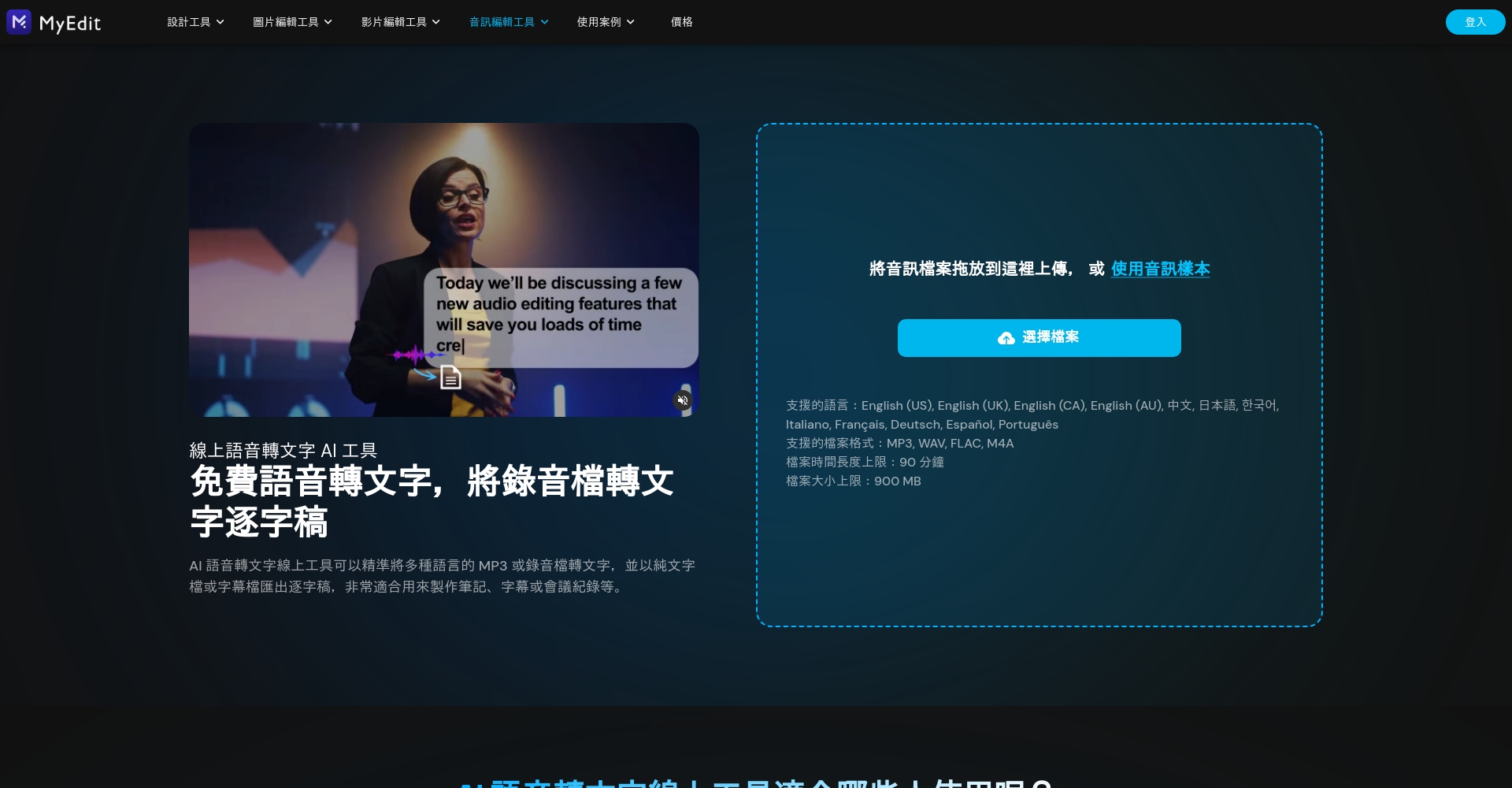

👉 Go to MyEdit to convert audio to text
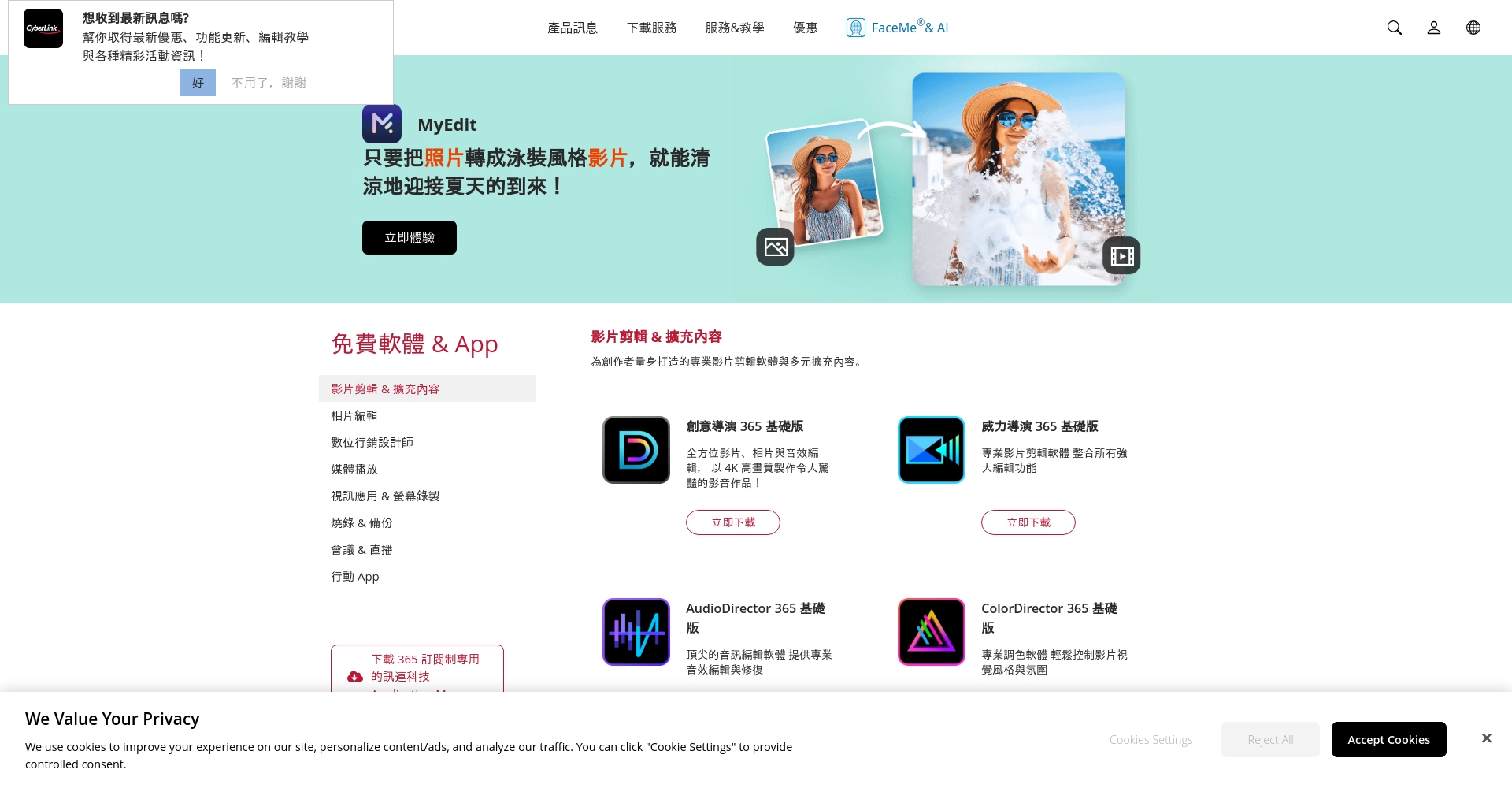
2. PowerDirector: Integrates video and audio recording for text conversion.
The AI subtitle function supports 10 languages and automatically generates sequential subtitles.Suitable for short video and YouTube content creators.
- Supports AI speech recognition/custom subtitles/batch export
- Desktop and mobile phones sync seamlessly.
- Free for 3 minutes per day, download and installation required.
- ShortcomingsVideo format required for import.
3. Ya-Ting Transcript: The top choice for live scripting and team collaboration.
Supports simultaneous transcription of online recordings/live streams in Chinese, English, and Taiwanese.Unique key summaries and multi-party collaboration.
- New users get 300 minutes free for the first month.
- Supports YouTube link audio recording transcription/automatic summarization
- Allows simultaneous editing by multiple users
- ShortcomingsThe accuracy of segmentation/punctuation needs optimization, and the speed is relatively slow.
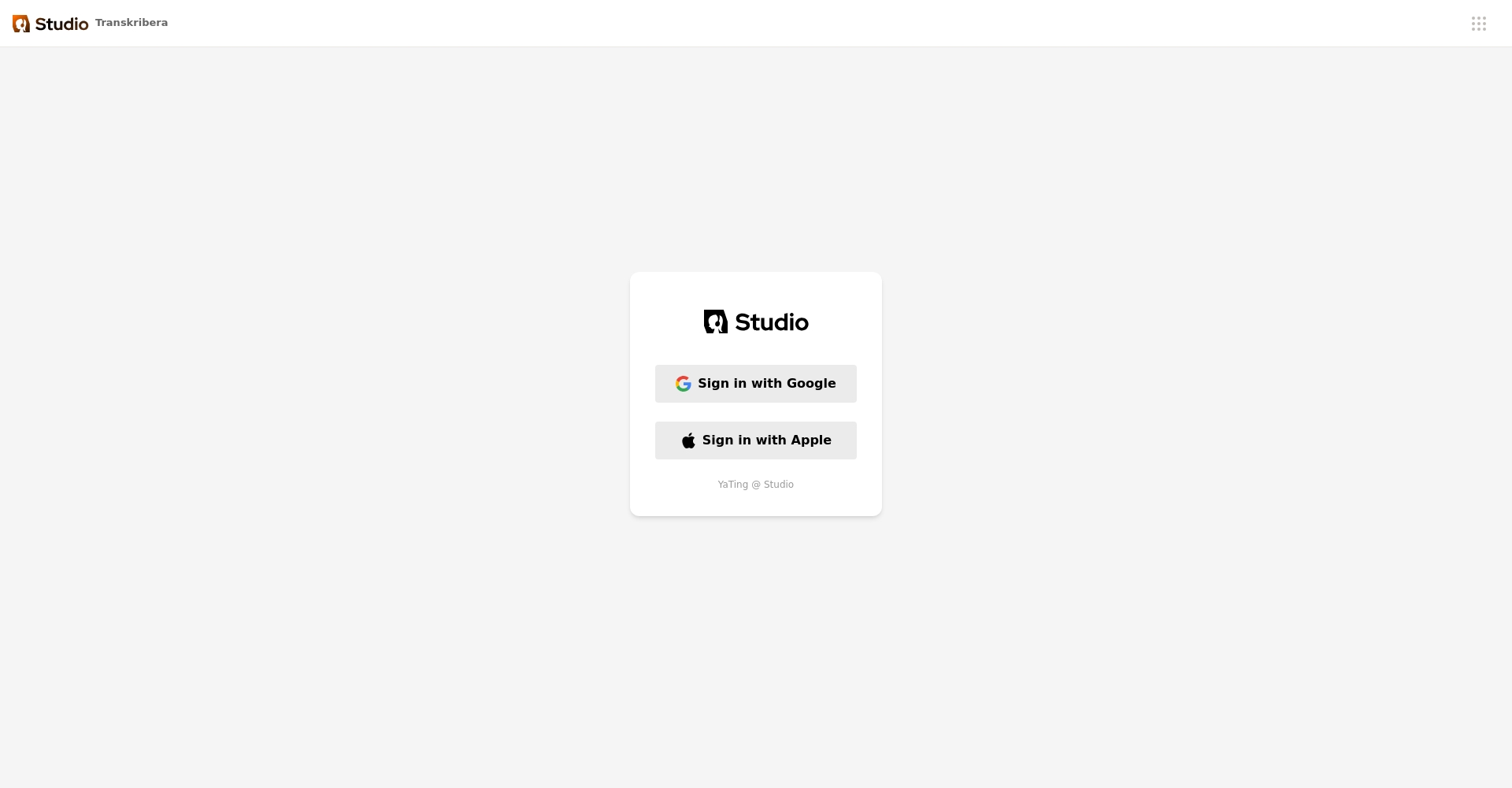
👉 Experience Ya Ting's Transcript
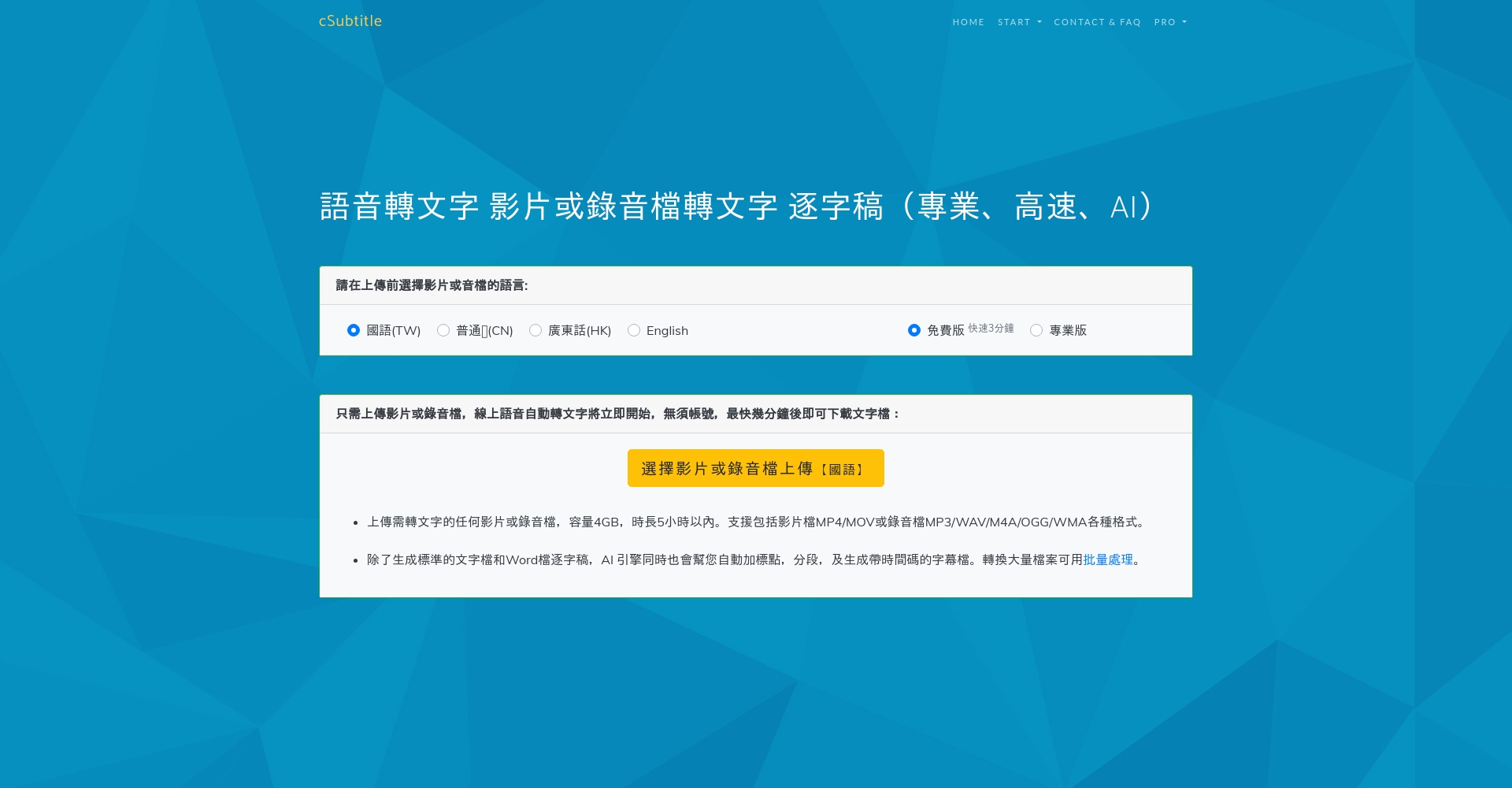
4. cSubtitle: Export in multiple formats and online preview
Supports Chinese and English conversion in Taichung, Hong Kong, and other major cities.Audio/video recordings can be exported in TXT, DOCX, SRT, and VTT formats.
- The first 3 minutes of each audio file are free.
- Built-in easy text formatting editor/instant preview
- ShortcomingsThe initial draft had no paragraphs and did not support speaker segmentation.
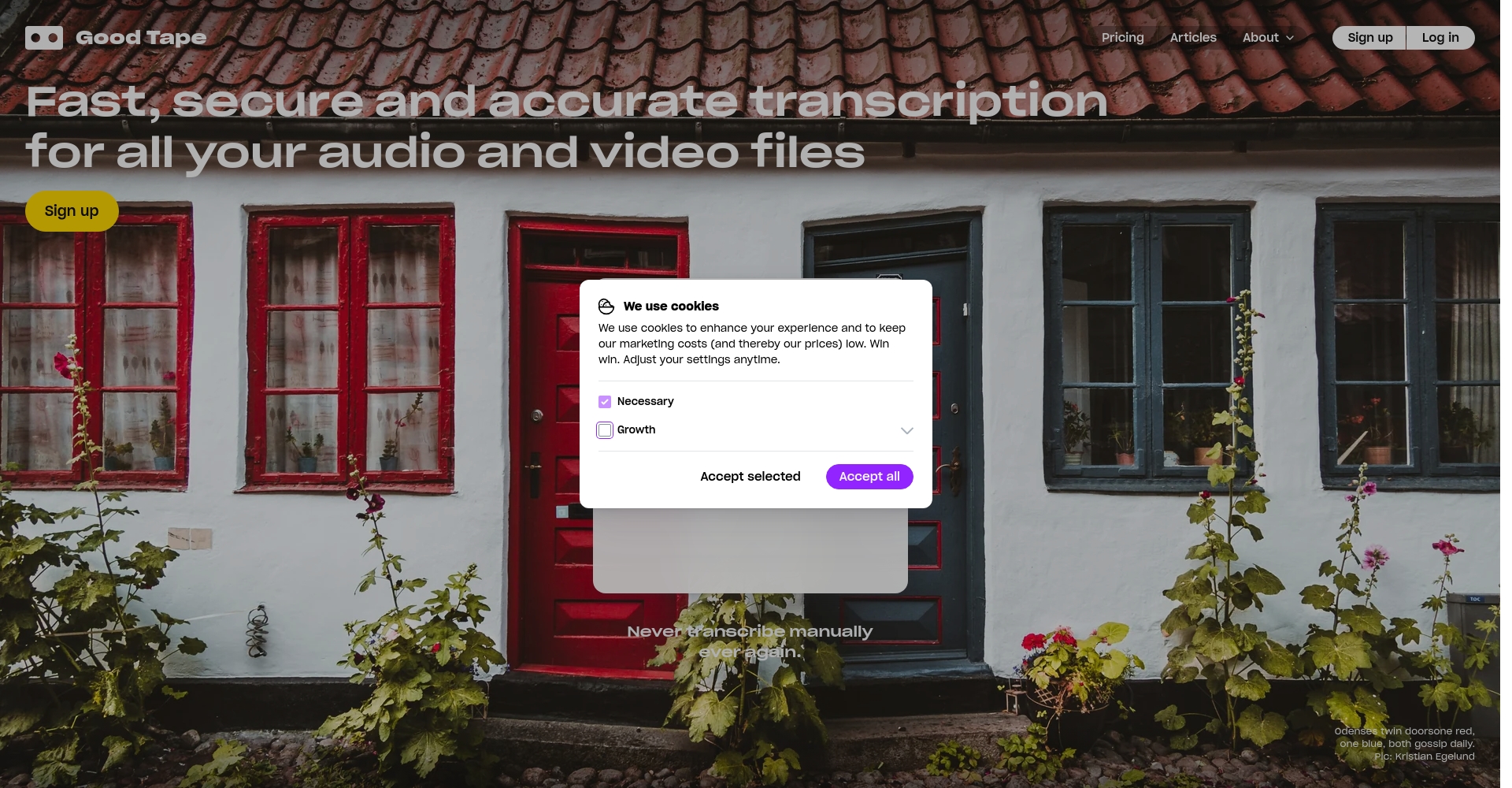
5. Good Tape: Highly versatile with multiple languages and flexible segmentation.
Supports 90+ languages worldwide, with flexible segmentation, suitable for international journalists/multinational conferences.
- Three audio files are free each month; monthly subscription fee is NT$$515.
- Supports timecode, custom segmentation, and extended recording.
- ShortcomingsChinese characters lack automatic punctuation and have limited editing functions.
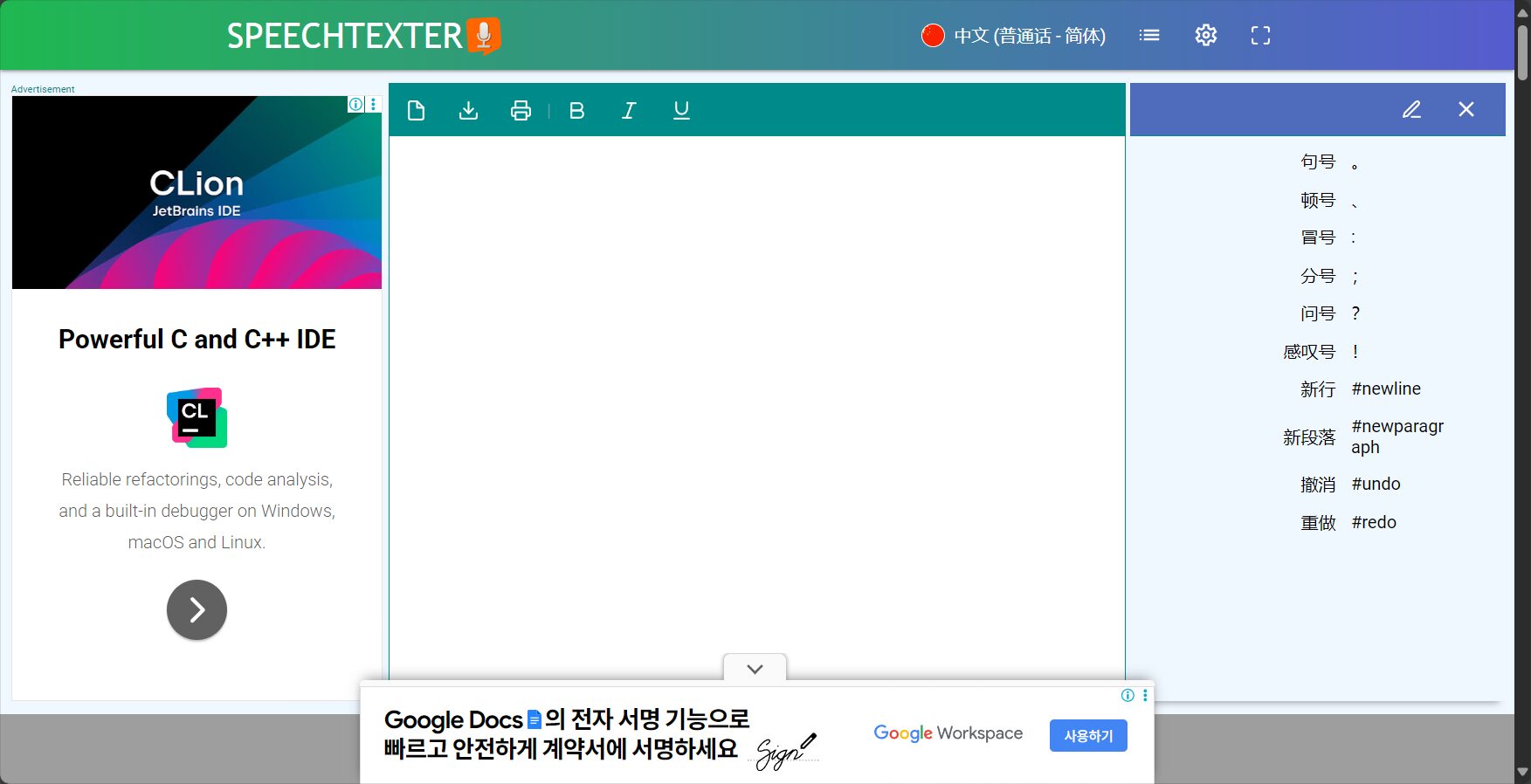
6. SpeechTexter: Free and efficient audio-to-text conversion
It features 60+ languages, customizable commands, is completely free, and is exclusive to Android.
- Internet connection is required to ensure accuracy.
- Users can customize dictionaries/commands
- ShortcomingsNo cloud synchronization/batch processing, limited editing capabilities.
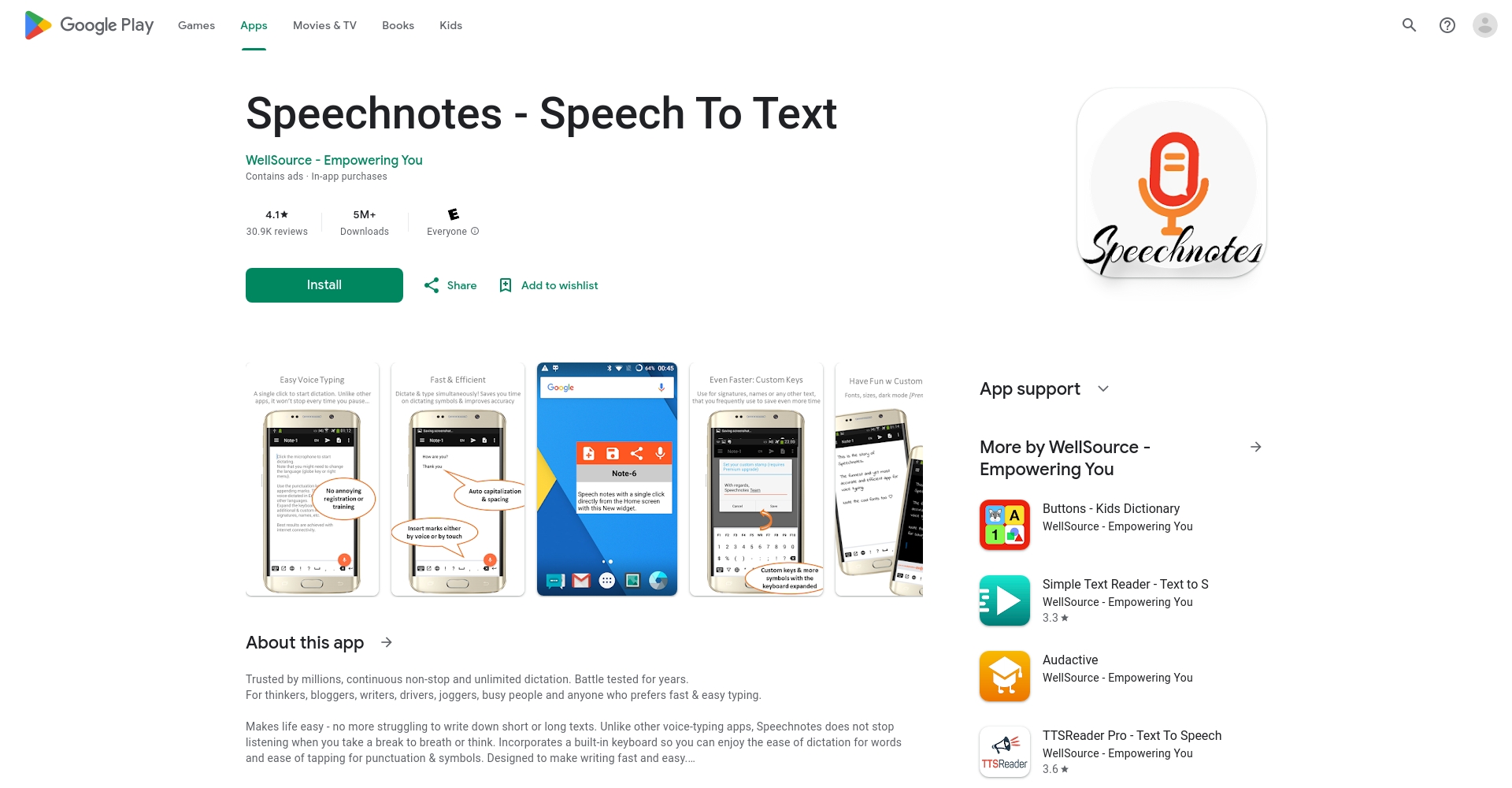
7. Speechnotes (Android): Action Notes + Cloud Backup
Recording and transcription with automatic Google Drive sync makes it ideal for heavy mobile workers.
- Basic features are free; advanced features are unlocked for a fee.
- Supports extended meetings/voice notes/offline transcription
- ShortcomingsThe interface is primarily in English, with some features available through in-app purchases.
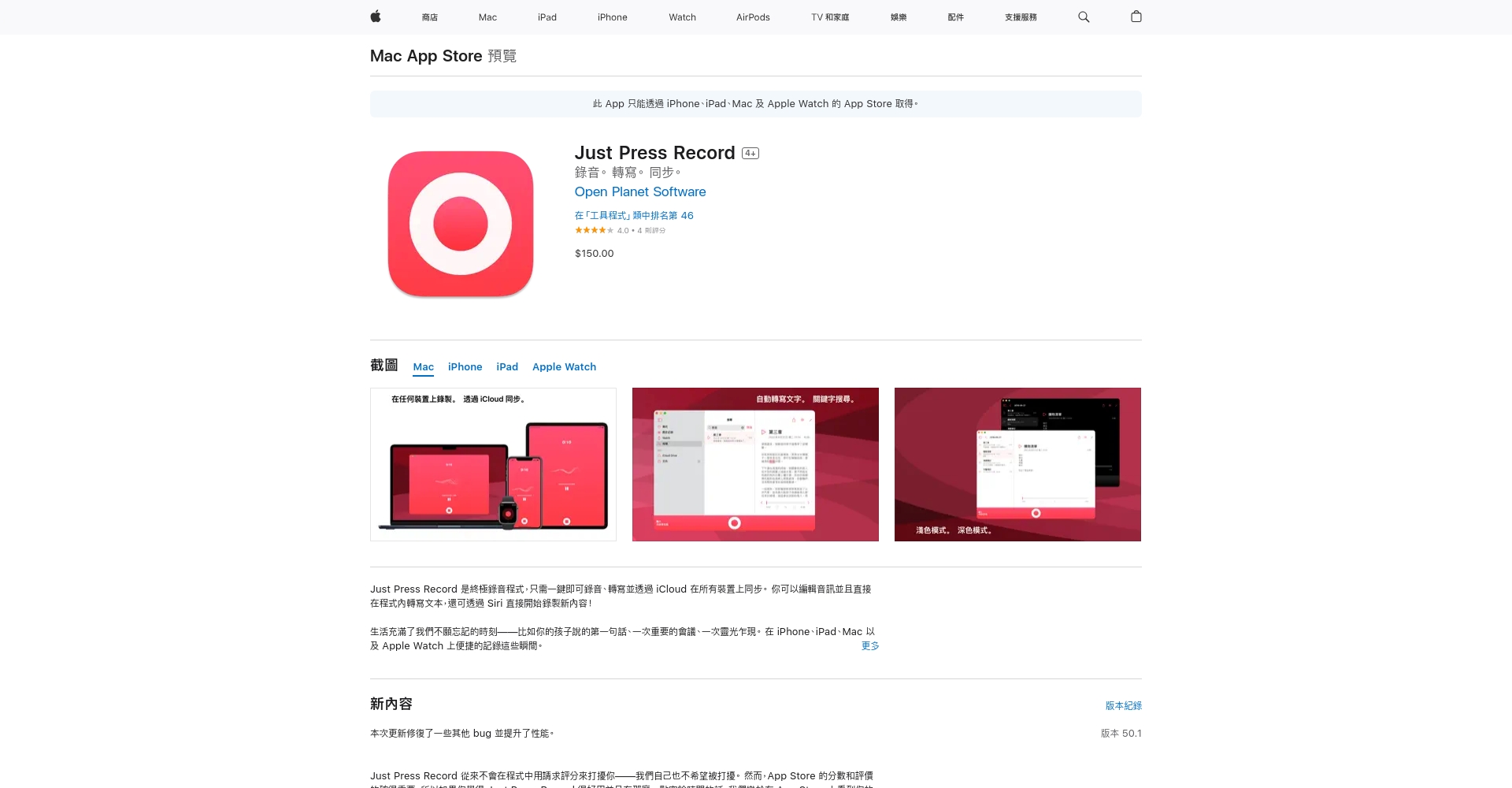
8. Just Press Record (iOS/Apple Watch): The best tool in the Apple ecosystem
One-time payment, supports iOS/watch, 30+ languages, iCloud sync/direct sharing.
- Supports Siri shortcuts and direct recording/transcription from the watch.
- No ads, just press to record.
- ShortcomingsThere is no free version; it is only available to iOS users.
Detailed Comparison of Audio-to-Text Tools (Function Comparison Table)

| Software Name | Output format | Timestamp support | Speaker segmentation | Batch processing | Safety | Multi-platform |
|---|---|---|---|---|---|---|
| MyEdit | TXT/SRT | ✔ | ✖ | ✔ | Membership/Cloud | Web page |
| PowerDirector | TXT/SRT | ✔ | ✖ | ✔ | This machine | Win/Mac/Mobile |
| Ya-ting's Transcript | TXT/SRT/MP3 | ✔ | ✖ | Restricted | Account exclusive | Web page |
| cSubtitle | TXT/DOCX/SRT/VTT | ✔ | ✖ | Restricted | cloud | Web page |
| Good Tape | TXT/SRT | ✔ | part | ✔ | International Standards | Web page |
| SpeechTexter | txt | ✖ | ✖ | ✖ | local | Android |
| Speechnotes | txt | ✖ | ✖ | ✖ | Cloud synchronization | Android |
| Just Press Record | txt | ✔ (Partial) | ✖ | ✖ | iCloud/Local | iOS/WatchOS |
Recommendations for choosing a voice-to-text tool and frequently asked questions.
- Limited budgetPrioritize trying MyEdit, cSubtitle, or the free Android app.
- Multilingual supportGood Tape and Just Press Record have significant advantages in multilingual support.
- Professional audio-visual productionPowerDirector and Yating Transcript are suitable for team collaboration and multi-format needs.
- Quick Action RecordingSpeechnotes and SpeechTexter are the top choices for mobile phone users.
- Prioritize data securityIt is recommended to use software with login/cloud/local data encryption.
AI-powered audio-to-text technology is advancing rapidly.Making good use of these efficient tools will greatly improve your efficiency in meetings, classes, content creation, and daily organization.It is recommended to consider the specific context.Try it out fully before ordering, and make a reasonable use of paid and free resources to make voice-to-text conversion easier and smarter!
© Copyright notes
The copyright of the article belongs to the author, please do not reprint without permission.
Related posts



No comments...
